YouTube Create: Video editor
Google LLC- TeenAge rating
- Video Players & EditorsCategory
- Nov 19, 2026Updated
- FreePrice
Links to the official Google Play listing of com.google.android.apps.youtube.producer. Last checked on Nov 20, 2026.

Screenshots


About this app
Official Video Maker from YouTube. Add music, captions, filters and more.
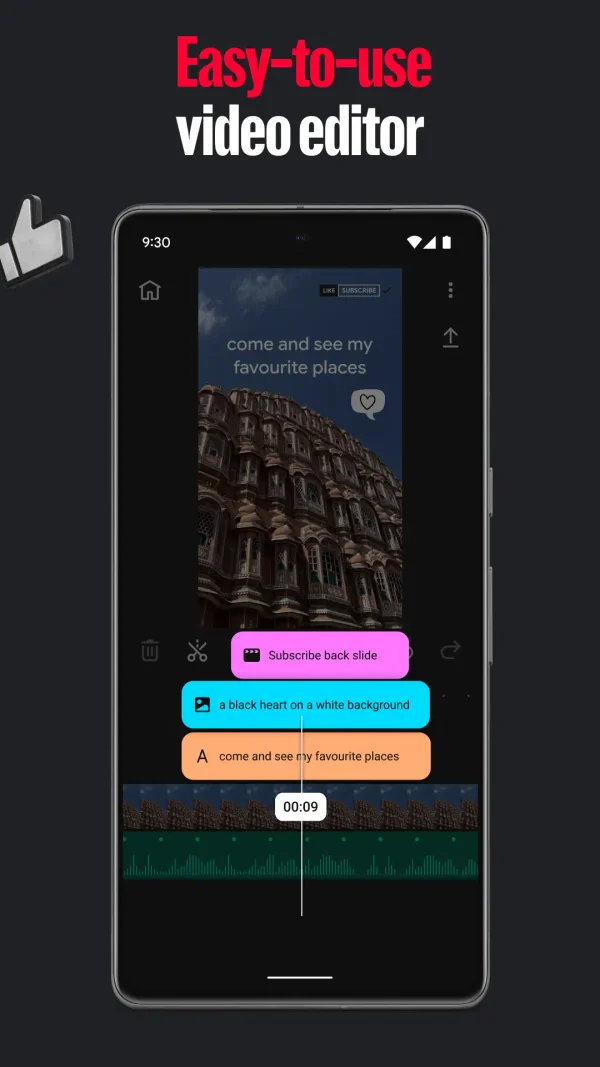
Take your videos to the next level with YouTube Create, the official editing and creation app from YouTube. Add filters and effects, music, voiceover, auto-captions and more to easily make amazing videos that will captivate your audience – all without the need for complicated editing tools.
EDIT WITH ALL THE ESSENTIALS
● Easily combine videos, photos and audio all in one place
● Trim, clip and crop video clips
● Choose from 40+ transitions to seamlessly blend your clips together
● Speed up or slow down your video
SIMPLIFY YOUR PROCESS WITH POWERFUL TOOLS
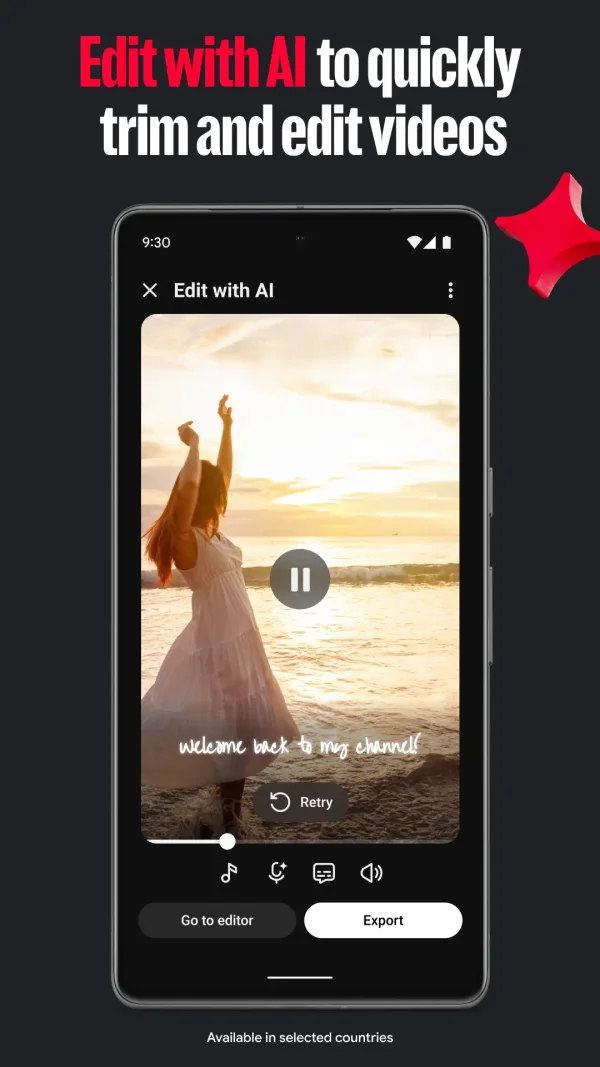
● Turn your footage into a high-quality first draft using the Edit with AI tool*
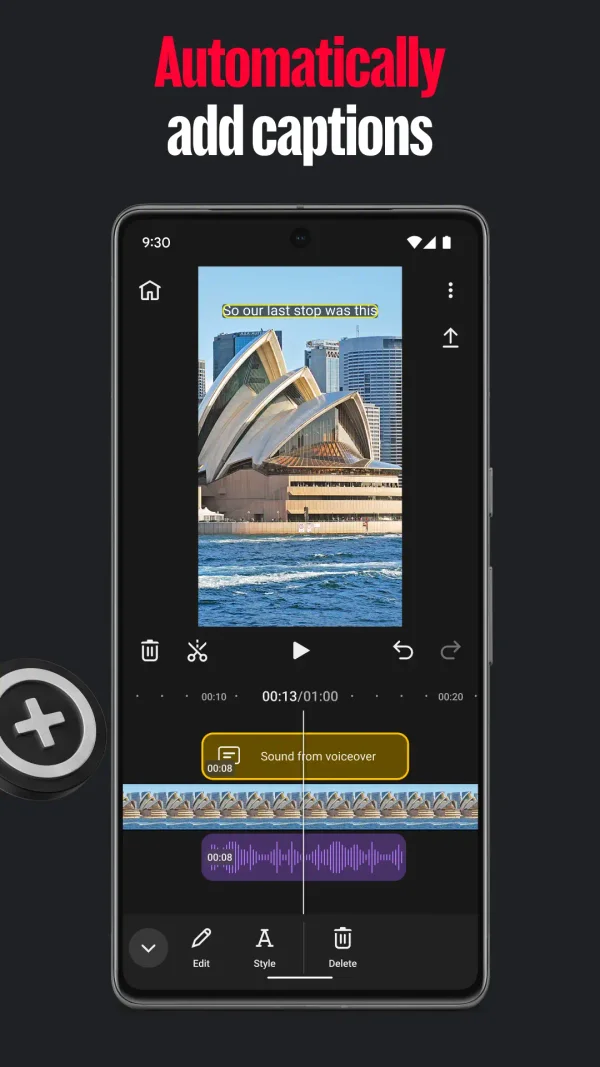
● Automatically add captions or subtitles to your videos with just one tap (available in selected languages)
● Arrange your footage with one of our built-in, customisable templates
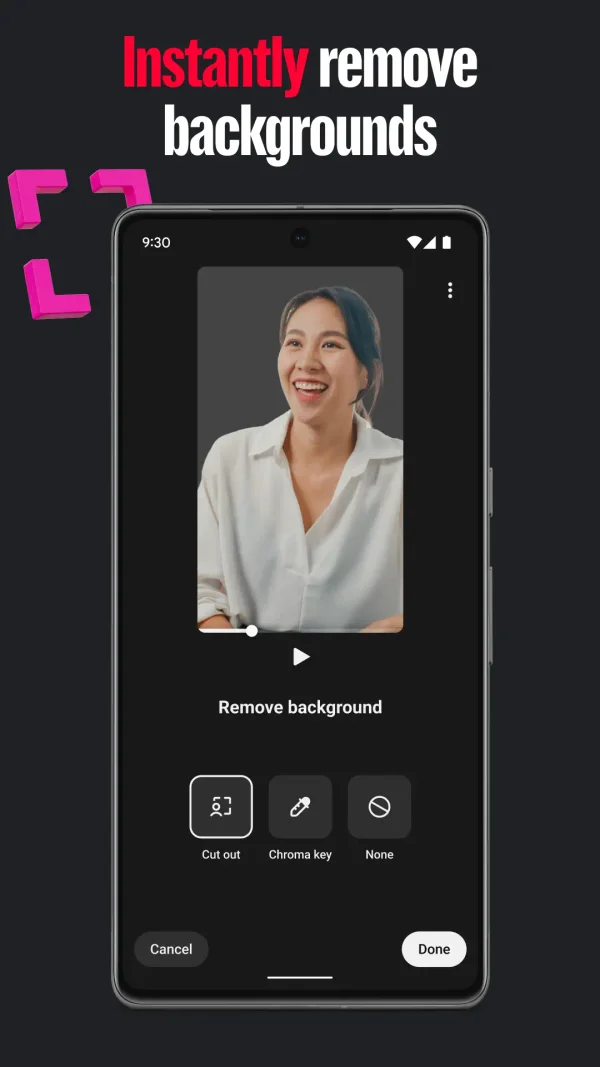
● Remove your video's background with the cut out or chroma key features
ENHANCE VIDEOS WITH MUSIC AND QUALITY AUDIO
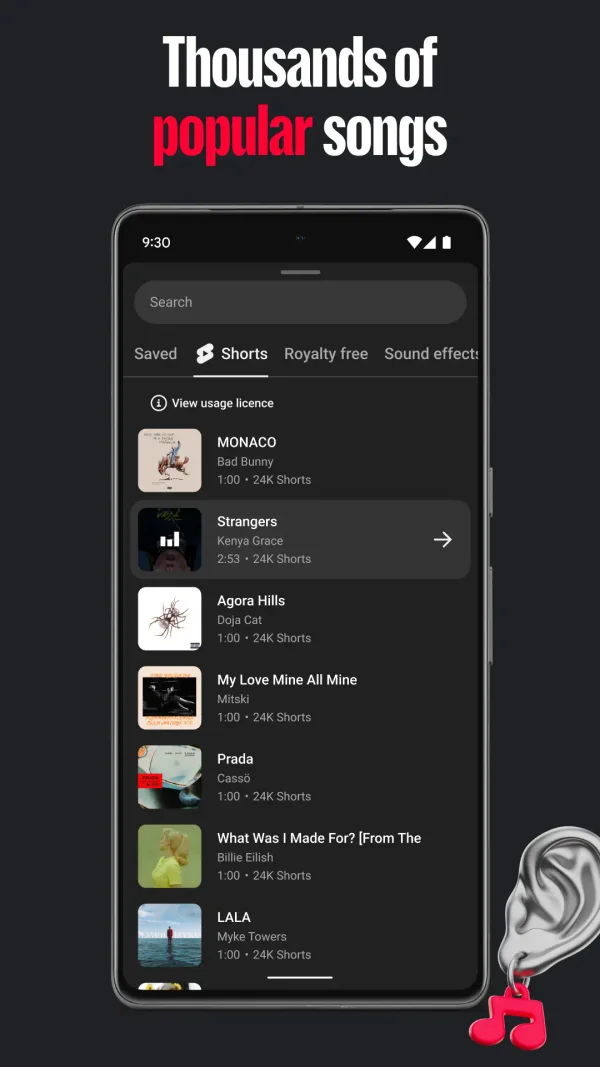
● Bring your video to life with thousands of trending and royalty-free songs available through the YouTube Shorts music library, as well as sound effects
● Find the beat of your soundtrack and easily sync your video clips to the music with beat matching
● Narrate your videos by recording a voiceover directly in the app
● Easily remove distracting background noise with the audio cleanup tool
CREATE BEYOND YOUR CAMERA WITH AI
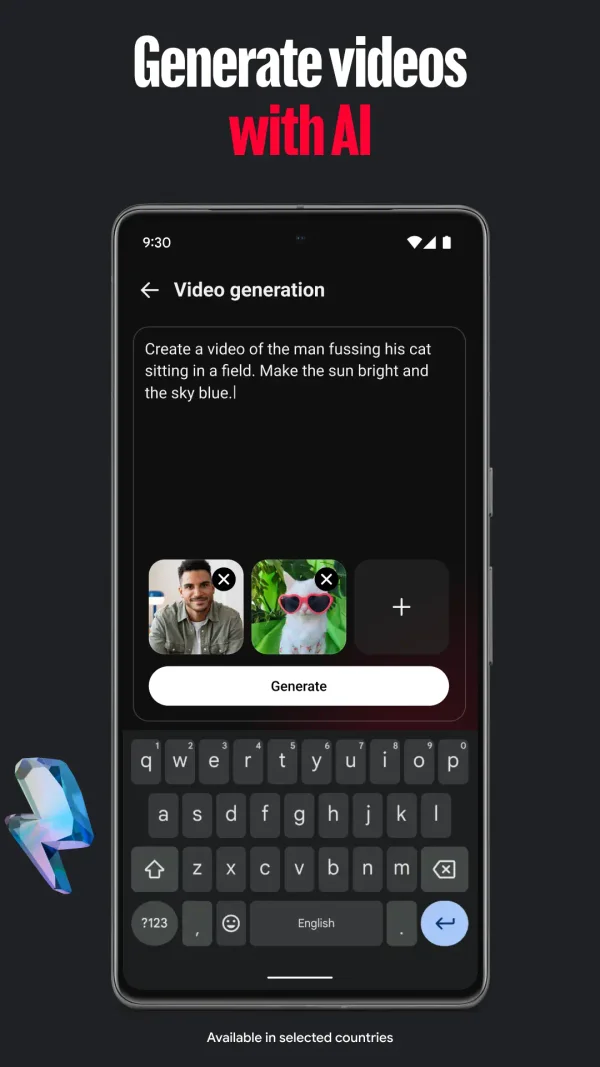
● Generate new videos with prompts and reference images*
● Also generate new images with prompts and reference images*
● Remix AI videos and put your own spin on them*
STAND OUT WITH FILTERS AND EFFECTS
● Enhance the colour by adjusting saturation, brightness, exposure, hue and more
● Set the mood with customisable filters
● Choose from 60+ effects to make your videos pop
GET CREATIVE WITH UNIQUE STICKERS AND FONTS
● Add your creative touch with hundreds of fonts and animated text effects
● Choose from a library of stickers, GIFs and emojis to match your style
MADE TO SHARE ACROSS FORMATS
● Resize your videos to different aspect ratios, including portrait, landscape and square, for sharing across different formats
● Export videos in up to 4K resolution, with frame rates of up to 60 fps supported
● Easily upload your video directly to your YouTube channel and share your creation with your audience
*Feature is available in selected countries
Data safety
What Google LLC declares on Google Play about the data this app collects and shares.
- No data shared with third partiesLearn more about how developers declare sharing
- This app may collect these data typesPersonal info, App activity and 2 others
- Data is encrypted in transit
- You can request that data be deleted
What’s new
Nov 19, 2026
YouTube Create is available on phones running Android 8.0 or later with at least 4 GB of RAM. We will continue to add new features and improve YouTube Create over time.
Developer contact
- Websiteyoutube.com
- Emailyt-create-producttesting@google.com
- Privacy policygoogle.com
- Address1600 Amphitheatre Pkwy Mountain View, CA 94043 United States
Information
- Offered by
- Google LLC
- Category
- Video Players & Editors
- Updated
- Nov 19, 2026
- Released
- Sep 15, 2023
- Age rating
- Teen
- Price
- Free
- Package name
- com.google.android.apps.youtube.producer
Similar apps
-
 Edits: Video Editor
Video Players & Editors
-
 YouTube Studio
Video Players & Editors
-
 KwaiCut-Trình chỉnh sửa video
Video Players & Editors
-
 YouCut - Video Editor & Maker
Video Players & Editors
-
 Screen Recorder - AX Recorder
Video Players & Editors
-
 PowerDirector - Video Editor
Video Players & Editors
-
 Wink: Video Enhancer & Editor
Video Players & Editors
-
 Vmake Labs: create viral video
Video Players & Editors
-
 KineMaster - AI Video Editor
Video Players & Editors
-
 VivaVideo - Video Editor&Maker
Video Players & Editors
-
 AI Video Editor: ShotCut AI
Video Players & Editors
-
 vidIQ for YouTube & Instagram
Video Players & Editors