Screen Recorder - AX Recorder
Video Recorder & Photo CollageContains ads · In-app purchases
- EveryoneAge rating
- Video Players & EditorsCategory
- Nov 24, 2026Updated
- FreePrice
Links to the official Google Play listing of screenrecorder.videoeditor.videorecorder. Last checked on Nov 24, 2026.

Screenshots



About this app
Screen recorder with sound. Capture HD gameplay & screenshots smoothly.
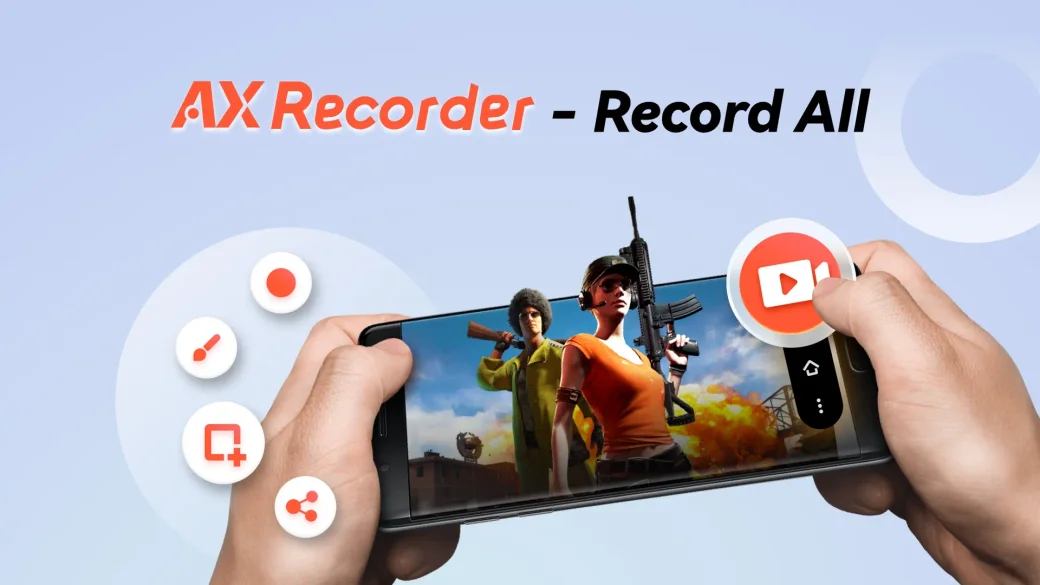
Screen Recorder - AX Recorder is a lightweight and powerful video recorder & game recorder with both internal and external audio recording. No Lag and No Watermark to record videos and games with clear sound.
With this Screen Recorder, you’ll be able to draw, doodle, or note on the screen for better presentation. You can also record screen with facecam to show your face in the video. Perfect for recording gameplay, video tutorials, presentations, and more.
Enjoy seamless screen recordings with no interruptions whatsoever. Multiple built-in tools such as brush, facecam, screen capture, and time stamp, plus video & photo editors with music, filters, stickers and text, take your recordings to a new level!
🔥 What can AX Recorder do?
- Start/Stop screen recording with one tap
- Screen recorder with audio On or Off
- Record video with Facecam: capture your reactions while recording
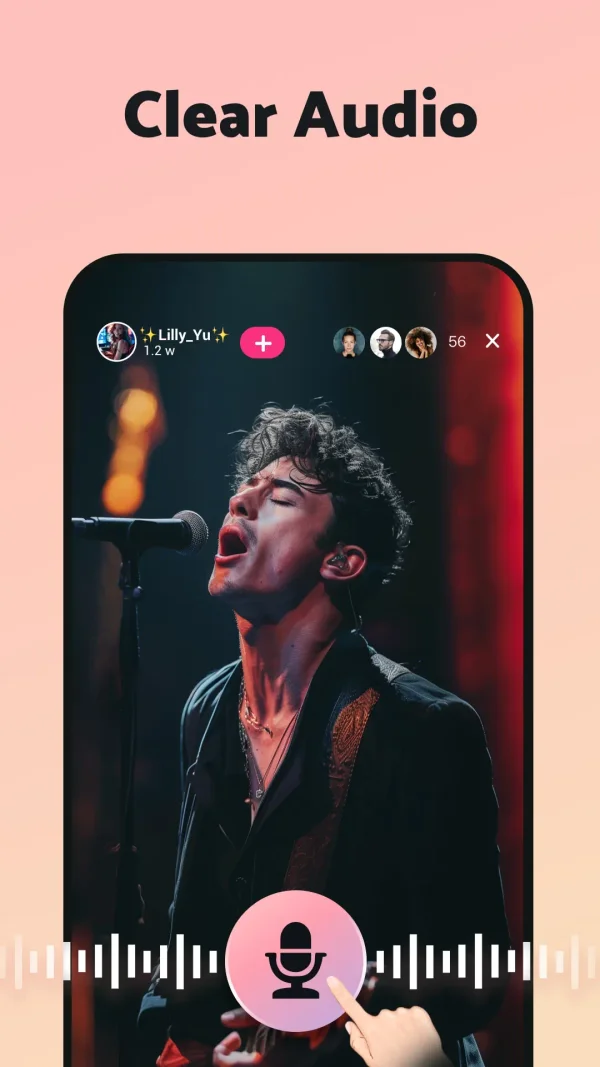
- Internal & External Audio: record clear sound without noise (Android 10 and above)
- Floating Ball: One tap to capture a precise moment or hide it if not needed
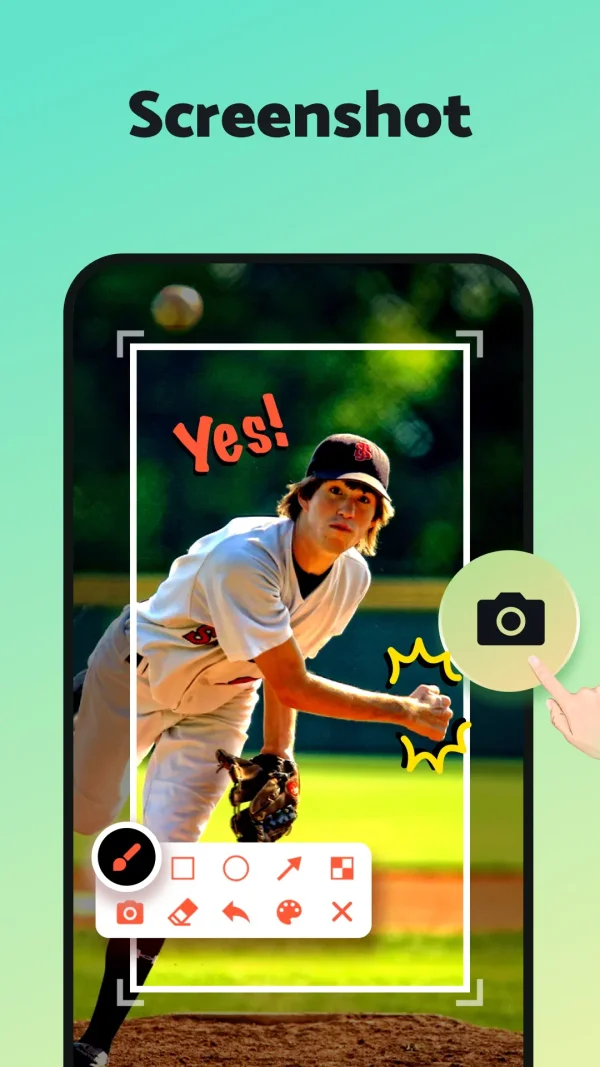
- Brush Tool: doodle on your screen and add rectangles, circles, arrows, etc.
- Screen Capture: capture screenshots of the entire screen with a single tap
- Region Recording: select the area you want to record
- Video Editor: trim or crop videos, add text, stickers & effects to enrich your video
- Time Stamp: link to a specific moment in your recording
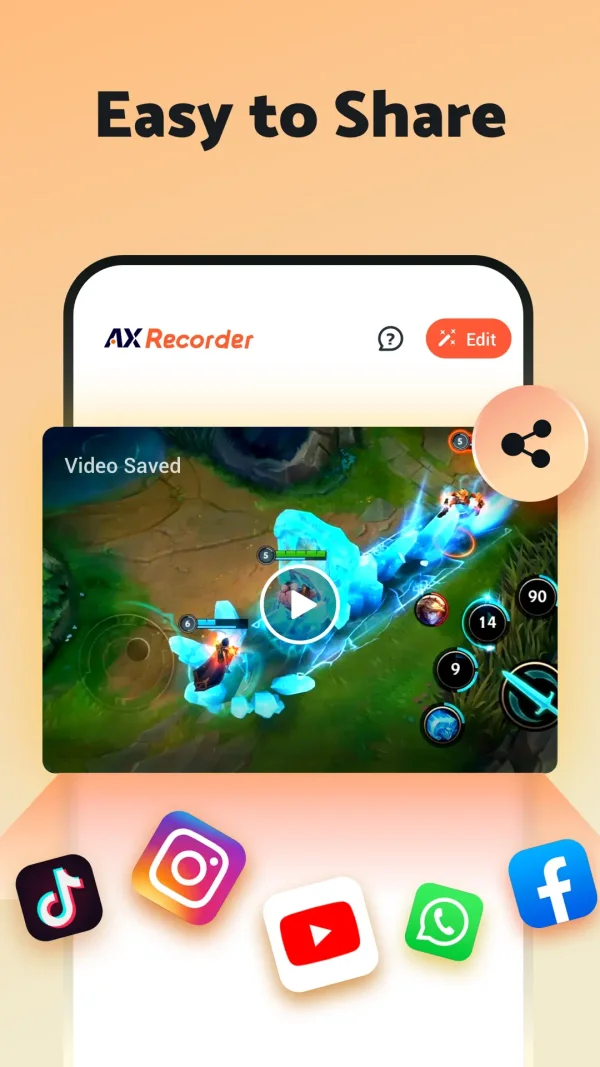
- Quick Upload: directly upload from within the app to YouTube, TikTok, etc.
>>> Screen Recording for any occasion <<<
✅ Make an effective video tutorial
✅ Record a new manoeuvre in your favourite game
✅ Save non-downloadable videos for offline playback
✅ Make a YouTube/TikTok reaction video
✅ Create an online course
✅ Record important live streams and video calls
✅ Market your business to online customers
📹 HD Video Recorder
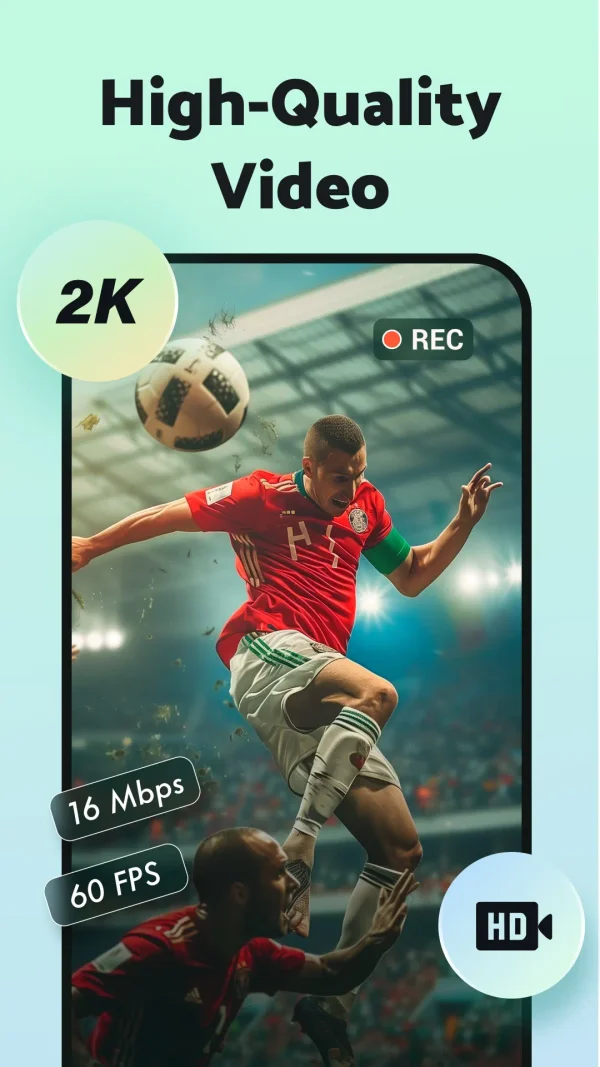
AX Recorder helps you record smooth and clear videos without quality loss (1080p, 16Mbps, 120FPS). You can adjust the resolution, quality, and frame rate of your video.
🤳 Record Video with Facecam
The Screen Recorder also lets you record using your front camera to express your emotions. This can be helpful if you want to create reaction videos because it allows your viewers to see your face while you’re talking and your screen simultaneously.
💡 Selected Area Screen Recorder
This screen recorder gives you tremendous flexibility. With AX Recorder, you can quickly record or screenshot a full screen of the phone, depending on your needs, and share screenshots directly with your friends.
⚡ Screen Recorder with a Powerful Editor
This screen recording app includes a full-featured video and photo editor. You can merge, compress, trim, or crop your video after you finish recording. Add trendy music, filters, and stickers to spice up your videos. AX Recorder also allows you to crop, add text, or paint over photos.
📼 Easy-to-use Video Recorder
With AX Recorder's clear interface and handy tools, you can easily doodle, write on the screen, and show touches in the recording to guide viewers through your recording and highlight important information.
💯 All-in-one Screen Recorder
When you're done recording and editing, you can start uploading to YouTube, TikTok, and other social platforms right from the app, so you can do everything from creation to upload – all from within AX Recorder!
Floating Ball or Notification Bar permission is required to guarantee the normal use of Screen Recorder & Video Recorder tools. (We recommend enabling both.)
Remember to check whether there is a Privacy Protect on the content you’re recording and please abide by its policy and regulation.
Thank you for downloading AX Recorder – Screen Recorder & Video Recorder. If you have any suggestions or feedback, please contact us at recorderax.feedback@gmail.com
Data safety
What Video Recorder & Photo Collage declares on Google Play about the data this app collects and shares.
- No data shared with third partiesLearn more about how developers declare sharing
- No data collectedLearn more about how developers declare collection
- Data is encrypted in transit
What’s new
Version 2.5.3.0 · Nov 24, 2026
✅ Improve
- Fixed bugs and improved performance.
Update now for a smoother recording experience!
Email us: recorderax.feedback@gmail.com
Developer contact
- Websitesigmandroid.com
- Emailrecorderax.feedback@gmail.com
- Privacy policysigmandroid.com
- AddressRm 1101 11/F SAN TOI BLDG 139 CONNAUGHT RD C 上環 香港島 Hong Kong
Information
- Offered by
- Video Recorder & Photo Collage
- Category
- Video Players & Editors
- Version
- 2.5.3.0
- Updated
- Nov 24, 2026
- Released
- Jan 20, 2022
- Requires
- Android 8.0 or later
- Age rating
- Everyone
- Price
- Free
- In-app purchases
- $14.99 per item
- Package name
- screenrecorder.videoeditor.videorecorder
Similar apps
-
 Screen Recorder - XRec Lite
Video Players & Editors
-
 Screen Recorder - XRecorder
Video Players & Editors
-
 ADV Screen Recorder
Tools
-
 Screen Recorder Video Recorder
Tools
-
 Screen Recorder - AZ Recorder
Video Players & Editors
-
 Mobizen Screen Recorder
Productivity
-
 Screen Recorder
Video Players & Editors
-
 Motion Ninja Video Editor
Video Players & Editors
-
 Screen Recorder Video Recorder
Video Players & Editors
-
 Screen Recorder
Video Players & Editors
-
 Screen Recorder GU Recorder
Video Players & Editors
-
 Screen Recorder - G1REC
Video Players & Editors