HMKWatch Digital 033
HMKWatch- USK ab 0 JahrenAltersfreigabe
- PersonalisierungKategorie
- 11.10.2026Aktualisiert
- 1,29 €Preis
Verlinkt auf den offiziellen Google Play-Eintrag von com.watchfacestudio.hmk_digi_033. Zuletzt geprüft am 22.11.2026.
Screenshots
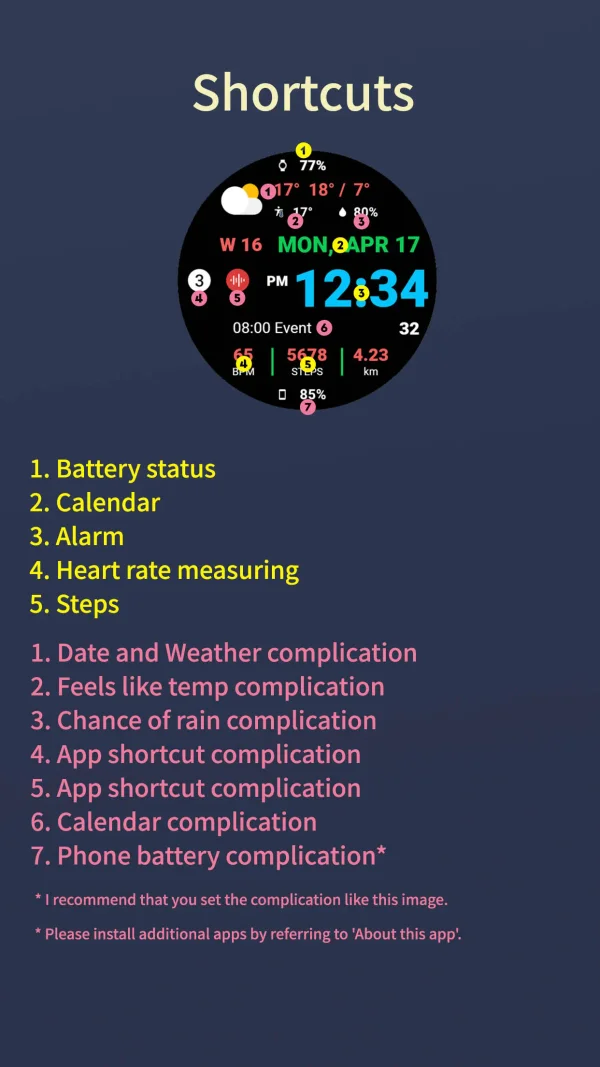
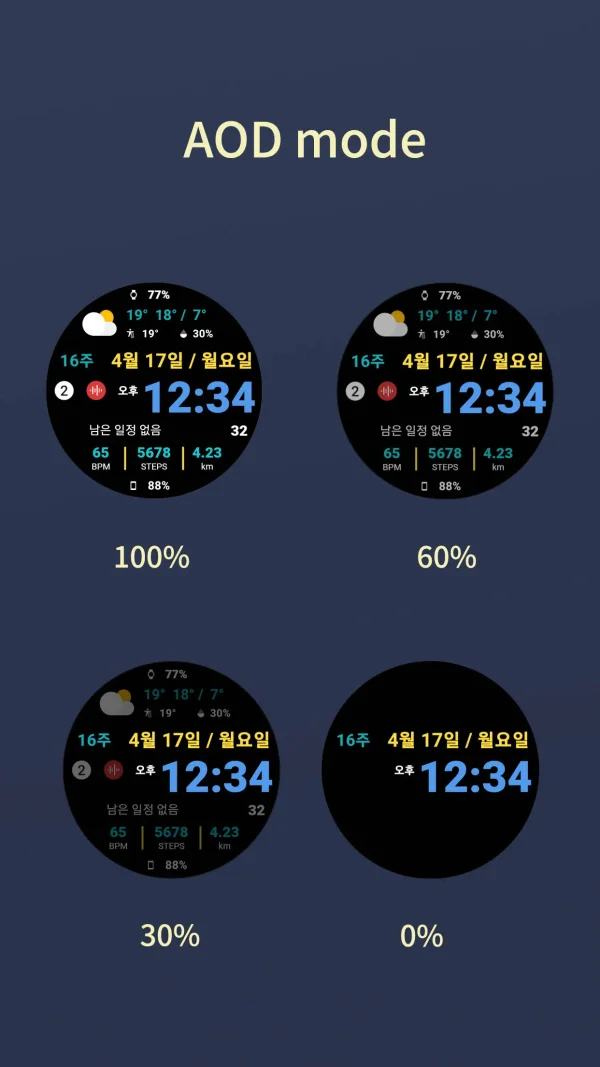
Über diese App
Automatische Übersetzung von Google. Originalsprache: Englisch (Vereinigte Staaten).
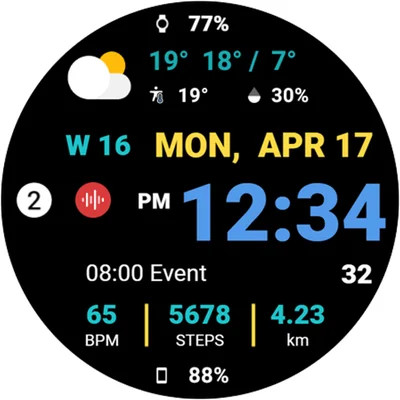
Bequemes und klares digitales Zifferblatt
*Dieses digitale Zifferblatt unterstützt Wear OS-Geräte.
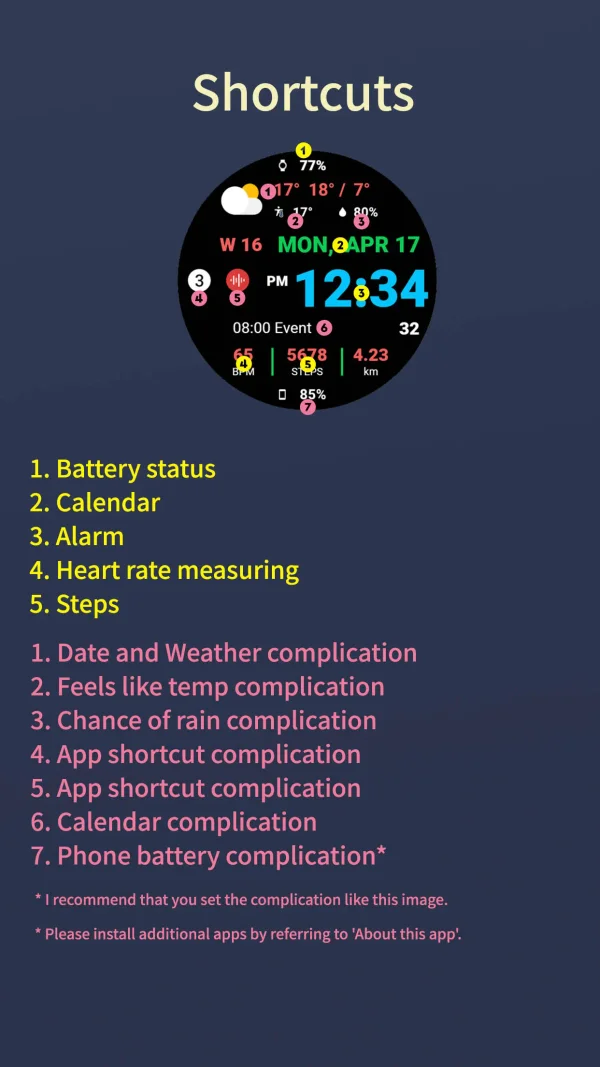
* Bitte installieren Sie zusätzliche Apps, indem Sie sich auf „Über diese App“ beziehen.
=============================================== =====
[Wie installiert man]
Stellen Sie sicher, dass Ihre Uhr zuerst ausgewählt ist, bevor Sie auf die Zahlungstaste klicken.
Drücken Sie auf das kleine schwarze Dreieck neben der Schaltfläche „Zahlung“, um die Uhr auszuwählen.
Wenn Sie die oben beschriebene Methode nicht befolgen, können Sie den Chrome- oder Samsung-Browser auf Ihrem PC oder Smartphone verwenden.
Nachdem Sie den Store mit einem Webbrowser aufgerufen haben, klicken Sie auf „Auf einem anderen Gerät installieren“, um es auf der Uhr zu installieren.
Nach der Veröffentlichung von Watch 5 wurde eine neue Benutzeroberfläche auf Watch 4 angewendet.
Das neu installierte Watchface kann auf folgende Weise gefunden werden.
1. Halten Sie den Bildschirm gedrückt, um die „Liste häufig verwendeter Zifferblätter“ aufzurufen.
2. Drehen Sie es ganz nach rechts und drücken Sie „Zifferblatt hinzufügen“.
3. Geben Sie dann die „Installed Watchface List“ ein.
4. Suchen Sie das von Ihnen gekaufte Zifferblatt und wählen Sie es aus.
=============================================== =====
[Zusätzliche Installations-App]
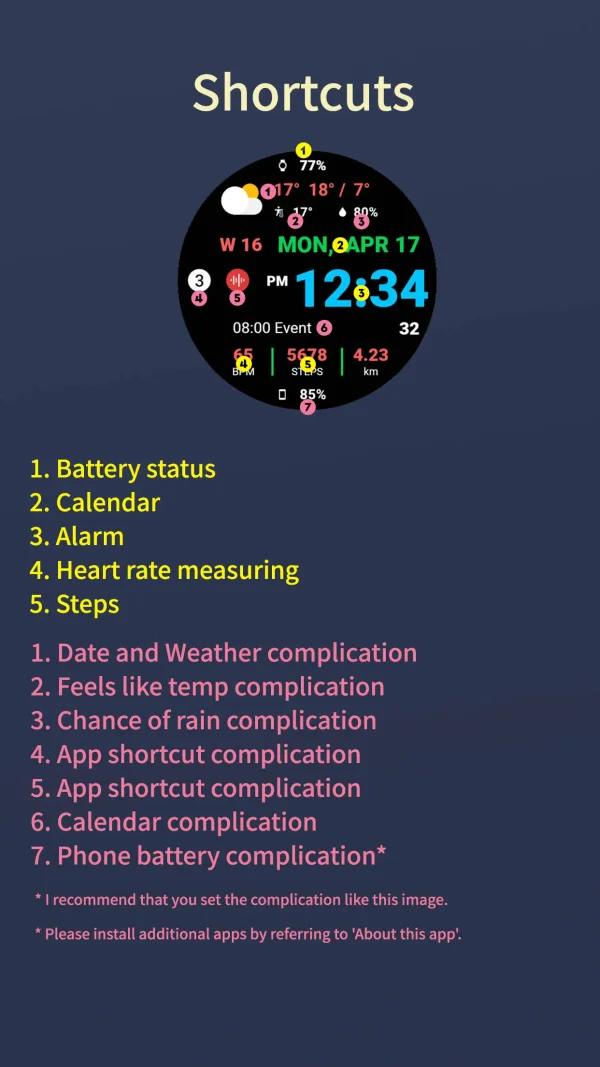
1. Smartphone-Akku-App (kostenlose App)
Bitte installieren Sie die zusätzliche App des untenstehenden Links auf der Uhr und dem Smartphone und richten Sie die Komplikation ein.
Wenn der Link nicht geöffnet wird, suchen Sie bitte nach der App „Phone Battery Complication“ und installieren Sie sie.
https://play.google.com/store/apps/details?id=com.weartools.phonebattcomp
2. Complications Suite – Wear OS (kostenlose App)
https://play.google.com/store/apps/details?id=com.weartools.weekdayutccomp
3. Herzfrequenz-Komplikation (kostenpflichtige App)
https://play.google.com/store/apps/details?id=com.weartools.heartratecomp
4. Komplikationen im Gesundheitswesen (kostenpflichtige App)
https://play.google.com/store/apps/details?id=com.weartools.hscomplications
Alle Credits gehen an den ursprünglichen App-Ersteller:
amoledwatchfaces – https://play.google.com/store/apps/dev?id=5591589606735981545
=============================================== =====
Erhalten Sie neue Neuigkeiten von meinem Instagram.
www.instagram.com/hmkwatch
https://hmkwatch.tistory.com/
+821072772205
Bitte senden Sie mir eine E-Mail, wenn Sie Fehler oder Vorschläge haben.
hmkwatch@gmail.com
Originaltext anzeigen
*This digital watch face supports wear OS devices.
* Please install additional apps by referring to 'About this app'.
=======================================================
[How to install]
Make sure your watch is selected first before you press the payment button.
Press the small black triangle next to the Payment button to select the watch.
If you don't follow the above method, you can use Chrome or Samsung browser on your PC or smartphone.
After entering the store with a web browser, click Install on another device to install it on the watch.
After the release of Watch 5, a new UI was applied to Watch 4.
The newly installed watchface can be found in the following ways.
1. Press and hold the watch screen to enter the 'Frequently Used Watch Face List'.
2. Turn it to the rightmost and press 'Add watchface'.
3. Then, enter the 'Installed Watchface List'.
4. Find and select the watch face you purchased.
=======================================================
[Additional installation app]
1. Smart phone battery app (Free app)
Please install the additional app of the link below on the watch and smartphone, and set up the complication.
If the link does not open, please search for the 'Phone Battery Complication' app and install it.
https://play.google.com/store/apps/details?id=com.weartools.phonebattcomp
2. Complications Suite - Wear OS (Free app)
https://play.google.com/store/apps/details?id=com.weartools.weekdayutccomp
3. Heart Rate Complication (Paid app)
https://play.google.com/store/apps/details?id=com.weartools.heartratecomp
4. Health Services Complications (Paid app)
https://play.google.com/store/apps/details?id=com.weartools.hscomplications
All credits goes to original app creator:
amoledwatchfaces - https://play.google.com/store/apps/dev?id=5591589606735981545
=======================================================
Get new news from my Instagram.
www.instagram.com/hmkwatch
https://hmkwatch.tistory.com/
+821072772205
Please send me an email if you have any errors or suggestions.
hmkwatch@gmail.com
Datensicherheit
Was HMKWatch bei Google Play zu den Daten angibt, die diese App erfasst und weitergibt.
- Keine Daten werden mit Drittunternehmen oder -organisationen geteiltWeitere Informationen dazu, wie Entwickler Angaben zur Weitergabe von Daten machen
- Keine Daten erhobenWeitere Informationen dazu, wie Entwickler Angaben zur Datenerhebung machen
Kontakt zum Entwickler
- E-Mailhmkwatch@gmail.com
- Datenschutzerklärungblog.naver.com
- Adresse중앙로6길 17 104동 804호 구로구, 서울특별시 08223 South Korea
Informationen
- Angeboten von
- HMKWatch
- Kategorie
- Personalisierung
- Aktualisiert
- 11.10.2026
- Veröffentlicht
- 17.04.2023
- Altersfreigabe
- USK ab 0 Jahren
- Preis
- 1,29 €
- Paketname
- com.watchfacestudio.hmk_digi_033
Ähnliche Apps
-
 PRADO 95 Weather Watch Face
Personalisierung
-
 PRADO 70 Digital Watch Face
Personalisierung
-
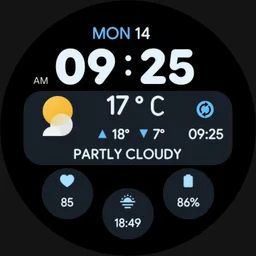 SG-178
Personalisierung
-
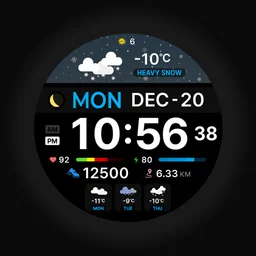 SamWatch Weather Simple 3
Personalisierung
-
 Digital Watchface D16
Personalisierung
-
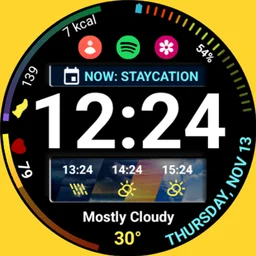 Clima Pulse
Personalisierung
-
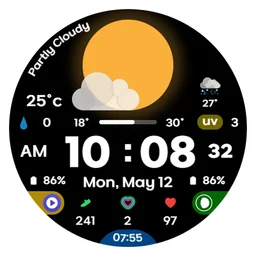 AWD Big Weather 3
Personalisierung
-
 Night 59 - watch face
Personalisierung
-
 PRADO 69 Digital Watch Face
Personalisierung
-
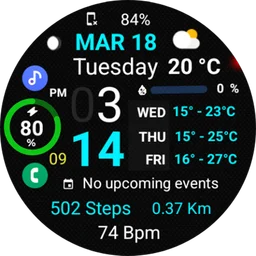 Informative Weather Day NTV578
Personalisierung
-
 Night ver 30 - watch face
Personalisierung
-
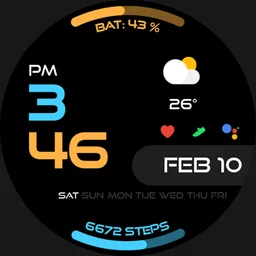 Night 54 - watch face
Personalisierung