HMKWatch Digital 033
HMKWatch- PEGI 3Clasificación por edad
- PersonalizaciónCategoría
- 11/10/2026Actualizado
- 1,29 €Precio
Enlaza a la ficha oficial de com.watchfacestudio.hmk_digi_033 en Google Play. Última comprobación el 22/11/2026.
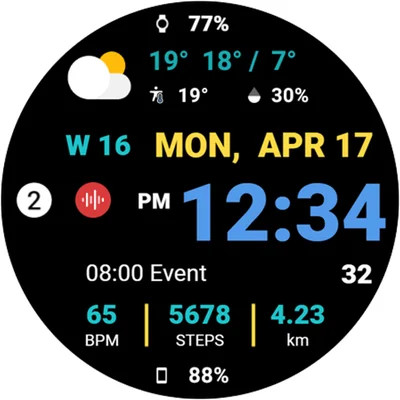
Capturas de pantalla
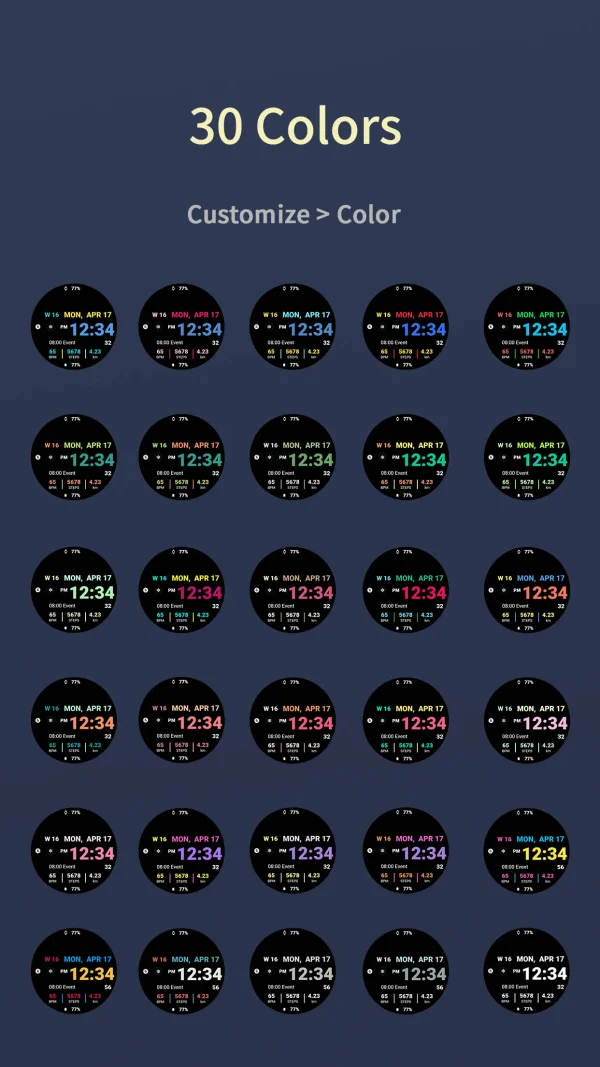
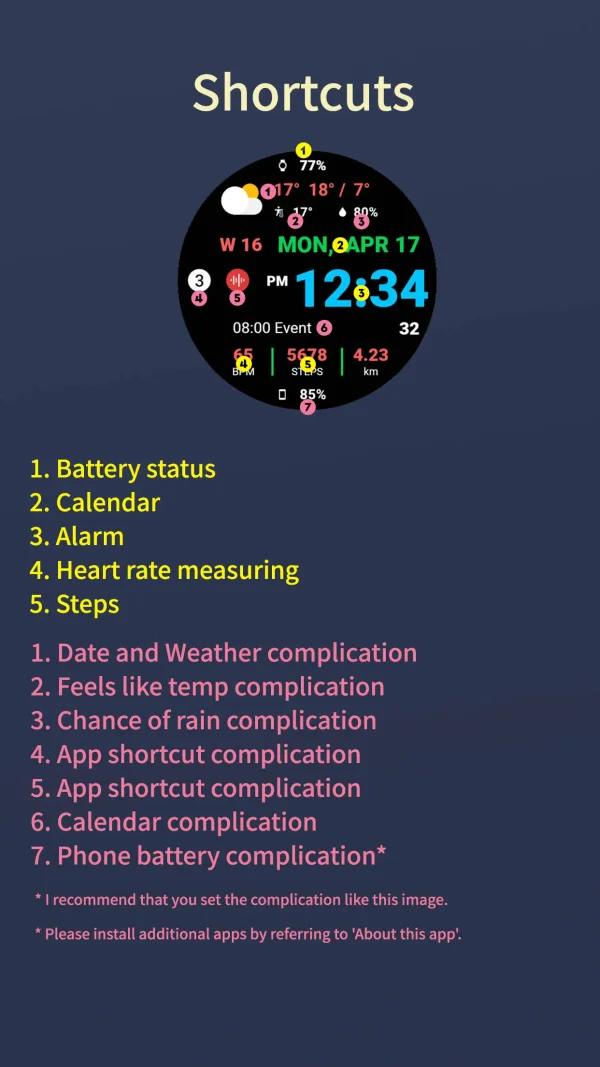
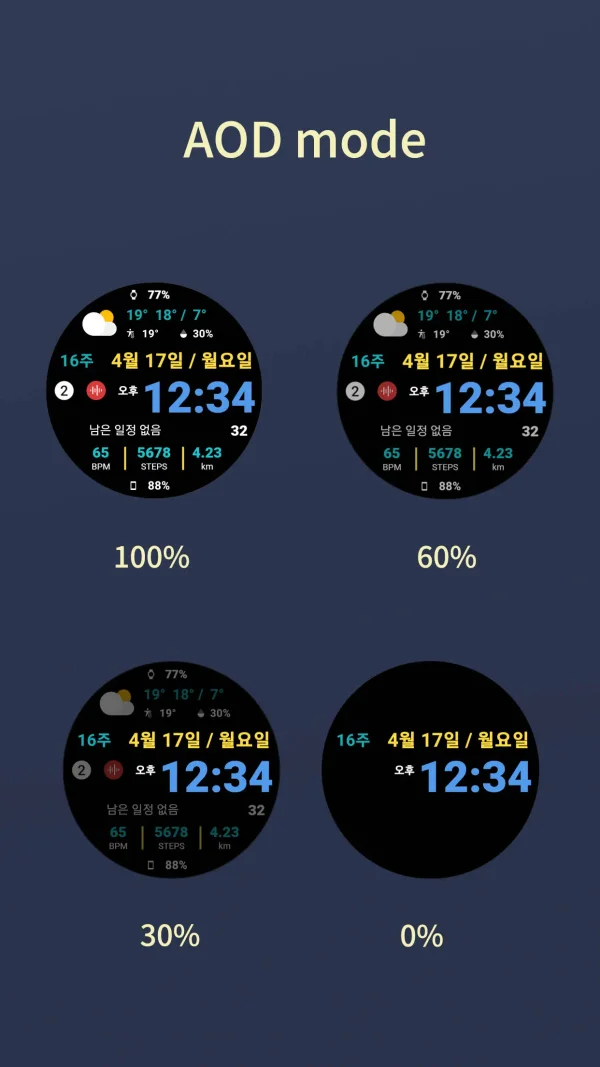
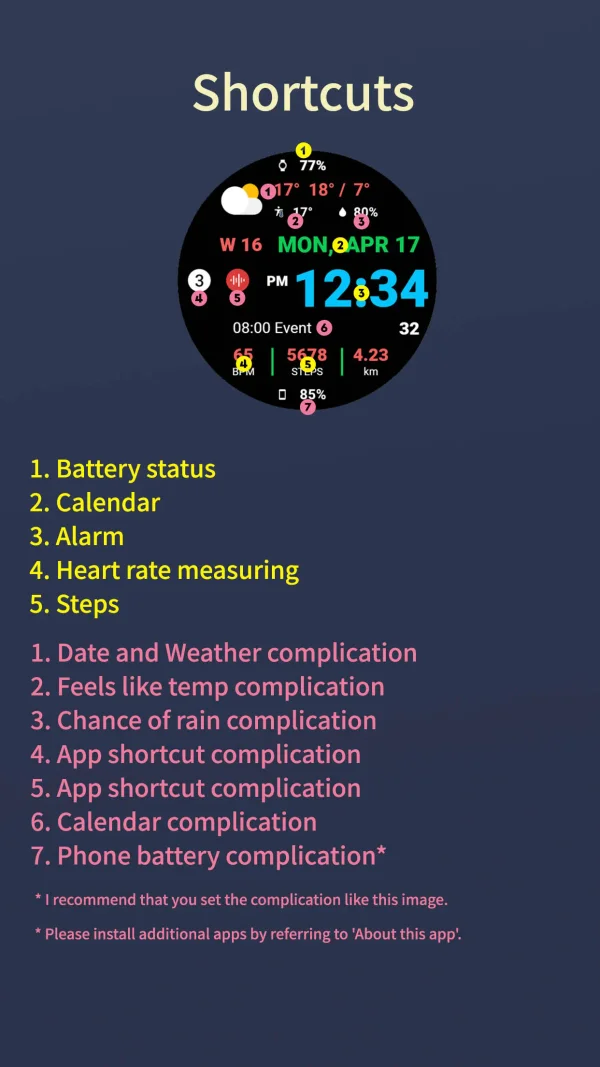
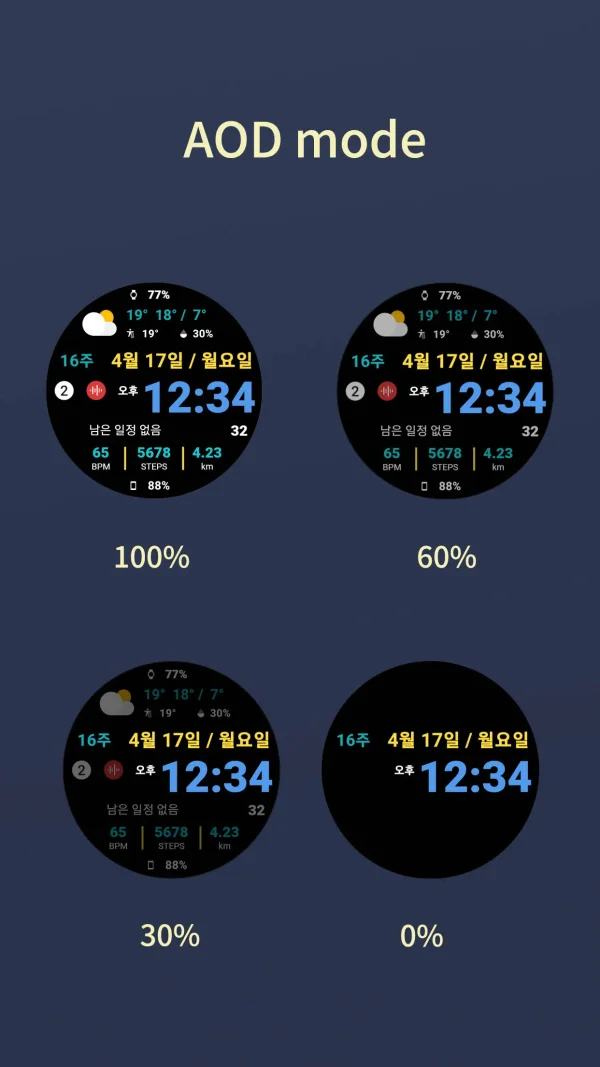
Acerca de esta aplicación
Traducción automática de Google. Idioma original: Inglés (Estados Unidos).
Esfera de reloj digital cómoda y clara
*Esta esfera de reloj digital es compatible con dispositivos OS.
* Instale aplicaciones adicionales consultando 'Acerca de esta aplicación'.
================================================== =====
[Cómo instalar]
Asegúrese de seleccionar su reloj antes de presionar el botón de pago.
Presione el pequeño triángulo negro junto al botón Pago para seleccionar el reloj.
Si no sigue el método anterior, puede usar el navegador Chrome o Samsung en su PC o teléfono inteligente.
Después de ingresar a la tienda con un navegador web, haga clic en Instalar en otro dispositivo para instalarlo en el reloj.
Después del lanzamiento de Watch 5, se aplicó una nueva interfaz de usuario a Watch 4.
La esfera del reloj recién instalada se puede encontrar de las siguientes maneras.
1. Mantenga presionada la pantalla del reloj para ingresar a la 'Lista de carátulas de reloj de uso frecuente'.
2. Gírelo hacia la derecha y presione 'Agregar esfera'.
3. Luego, ingrese a la 'Lista de esferas de reloj instaladas'.
4. Busque y seleccione la esfera del reloj que compró.
================================================== =====
[Aplicación de instalación adicional]
1. Aplicación de batería de teléfono inteligente (aplicación gratuita)
Instale la aplicación adicional del enlace a continuación en el reloj y el teléfono inteligente, y configure la complicación.
Si el enlace no se abre, busque la aplicación 'Complicación de la batería del teléfono' e instálela.
https://play.google.com/store/apps/details?id=com.weartools.phonebattcomp
2. Complications Suite - Wear OS (aplicación gratuita)
https://play.google.com/store/apps/details?id=com.weartools.weekdayutccomp
3. Complicación del ritmo cardíaco (aplicación de pago)
https://play.google.com/store/apps/details?id=com.weartools.heartratecomp
4. Complicaciones de los servicios de salud (aplicación paga)
https://play.google.com/store/apps/details?id=com.weartools.hscomplicaciones
Todos los créditos van al creador de la aplicación original:
amoledwatchfaces - https://play.google.com/store/apps/dev?id=5591589606735981545
================================================== =====
Recibe nuevas noticias de mi Instagram.
www.instagram.com/hmkwatch
https://hmkwatch.tistory.com/
+821072772205
Por favor envíeme un correo electrónico si tiene algún error o sugerencia.
hmkwatch@gmail.com
Mostrar el texto original
*This digital watch face supports wear OS devices.
* Please install additional apps by referring to 'About this app'.
=======================================================
[How to install]
Make sure your watch is selected first before you press the payment button.
Press the small black triangle next to the Payment button to select the watch.
If you don't follow the above method, you can use Chrome or Samsung browser on your PC or smartphone.
After entering the store with a web browser, click Install on another device to install it on the watch.
After the release of Watch 5, a new UI was applied to Watch 4.
The newly installed watchface can be found in the following ways.
1. Press and hold the watch screen to enter the 'Frequently Used Watch Face List'.
2. Turn it to the rightmost and press 'Add watchface'.
3. Then, enter the 'Installed Watchface List'.
4. Find and select the watch face you purchased.
=======================================================
[Additional installation app]
1. Smart phone battery app (Free app)
Please install the additional app of the link below on the watch and smartphone, and set up the complication.
If the link does not open, please search for the 'Phone Battery Complication' app and install it.
https://play.google.com/store/apps/details?id=com.weartools.phonebattcomp
2. Complications Suite - Wear OS (Free app)
https://play.google.com/store/apps/details?id=com.weartools.weekdayutccomp
3. Heart Rate Complication (Paid app)
https://play.google.com/store/apps/details?id=com.weartools.heartratecomp
4. Health Services Complications (Paid app)
https://play.google.com/store/apps/details?id=com.weartools.hscomplications
All credits goes to original app creator:
amoledwatchfaces - https://play.google.com/store/apps/dev?id=5591589606735981545
=======================================================
Get new news from my Instagram.
www.instagram.com/hmkwatch
https://hmkwatch.tistory.com/
+821072772205
Please send me an email if you have any errors or suggestions.
hmkwatch@gmail.com
Seguridad de los datos
Lo que HMKWatch declara en Google Play sobre los datos que esta aplicación recopila y comparte.
- No se comparten datos con tercerosMás información sobre cómo los desarrolladores declaran lo que comparten
- No se recogen datosMás información sobre cómo los desarrolladores declaran lo que recogen
Contacto del desarrollador
- Correo electrónicohmkwatch@gmail.com
- Política de privacidadblog.naver.com
- Dirección중앙로6길 17 104동 804호 구로구, 서울특별시 08223 South Korea
Información
- Ofrecida por
- HMKWatch
- Categoría
- Personalización
- Actualizado
- 11/10/2026
- Publicado
- 17/4/2023
- Clasificación por edad
- PEGI 3
- Precio
- 1,29 €
- Nombre del paquete
- com.watchfacestudio.hmk_digi_033
Aplicaciones similares
-
 PRADO 95 Weather Watch Face
Personalización
-
 PRADO 70 Digital Watch Face
Personalización
-
 SG-178
Personalización
-
 SamWatch Weather Simple 3
Personalización
-
 Digital Watchface D16
Personalización
-
 Clima Pulse
Personalización
-
 AWD Big Weather 3
Personalización
-
 Night 59 - watch face
Personalización
-
 PRADO 69 Digital Watch Face
Personalización
-
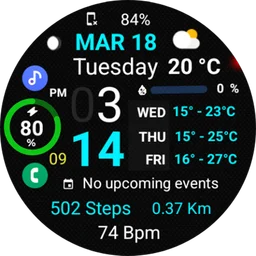 Informative Weather Day NTV578
Personalización
-
 Night ver 30 - watch face
Personalización
-
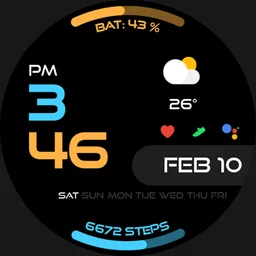 Night 54 - watch face
Personalización