HMKWatch Digital 033
HMKWatch- 3 歳以上対象年齢
- カスタマイズカテゴリ
- 2026/10/11更新日
- ¥150価格
com.watchfacestudio.hmk_digi_033のGoogle Play公式ページにリンクしています。最終確認:2026/11/22。
スクリーンショット
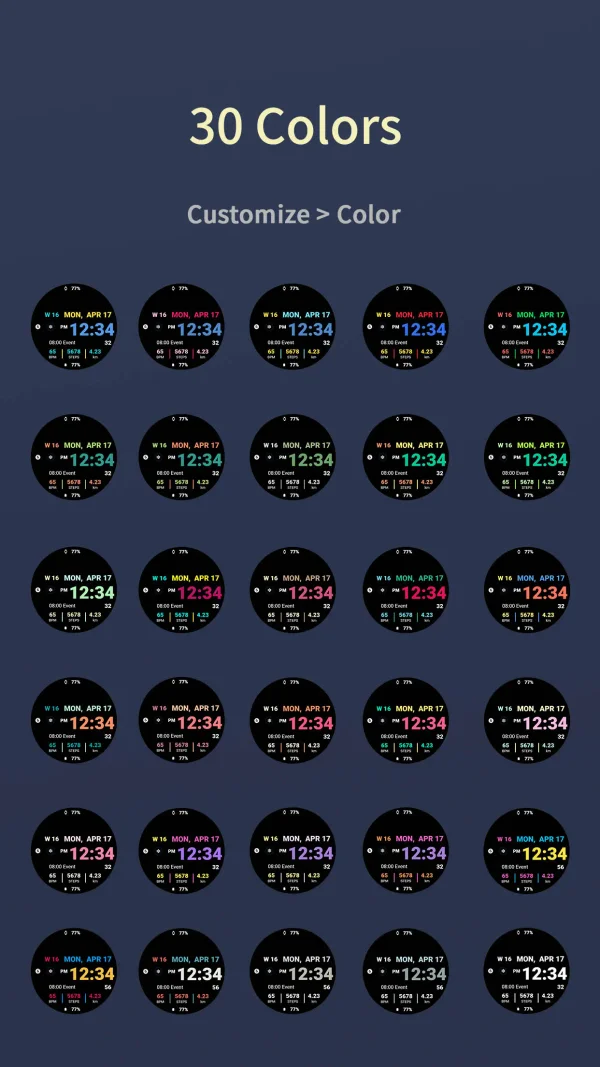
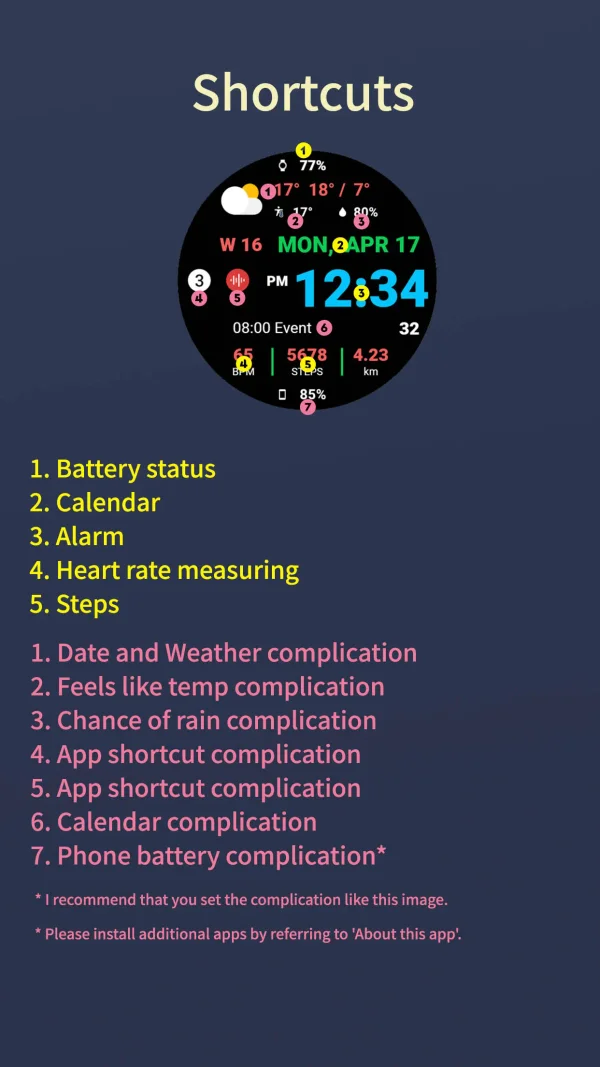
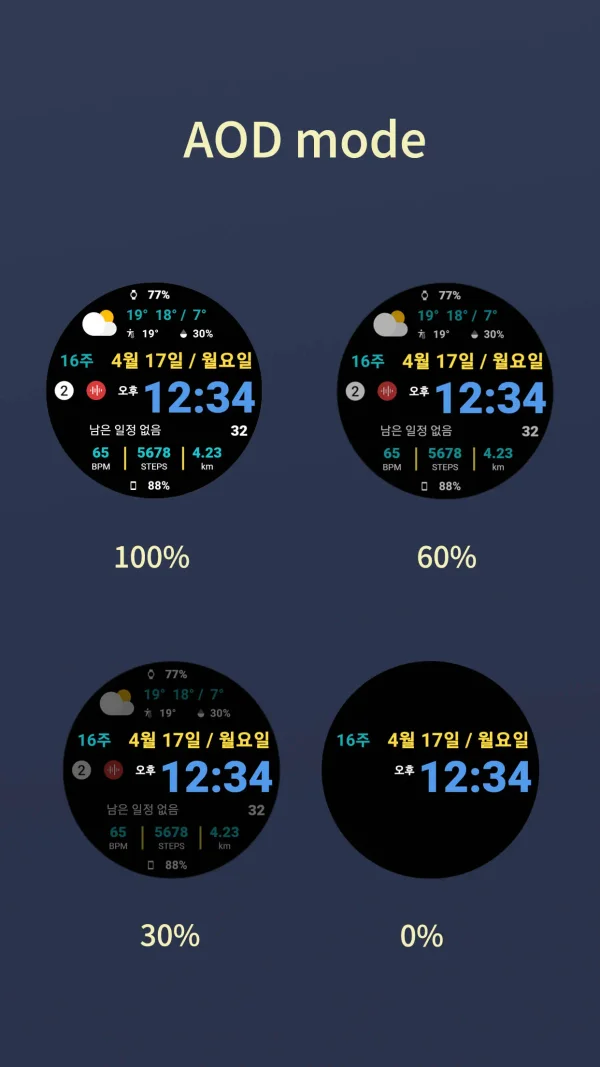
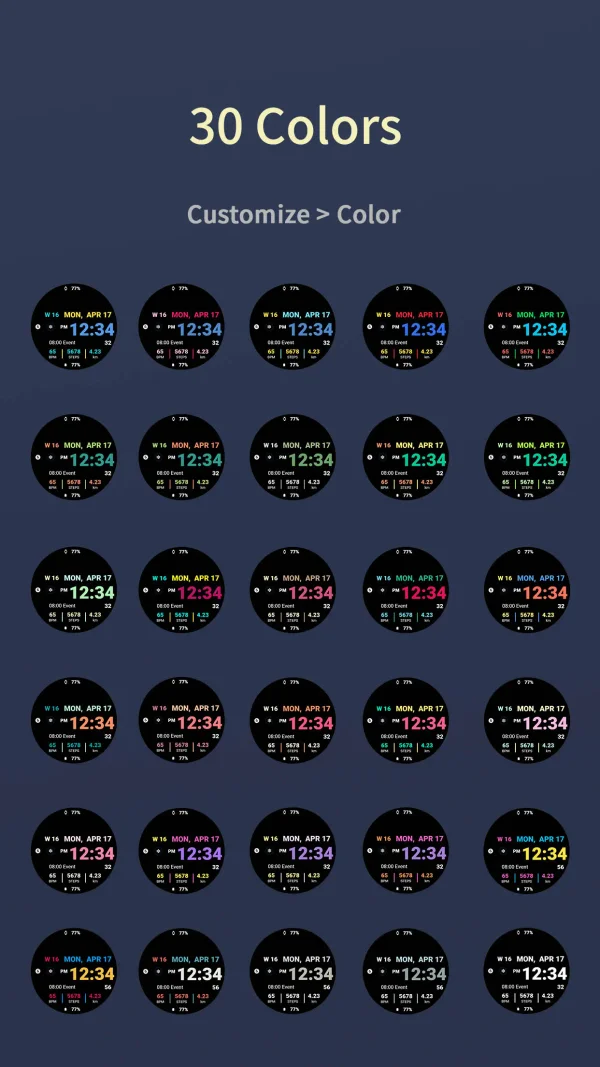
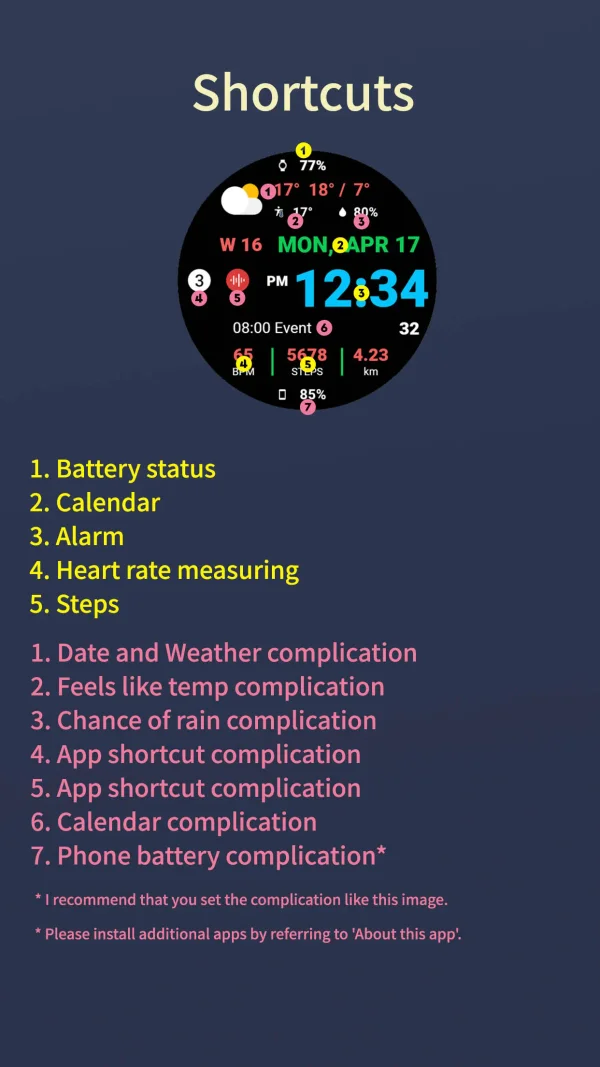
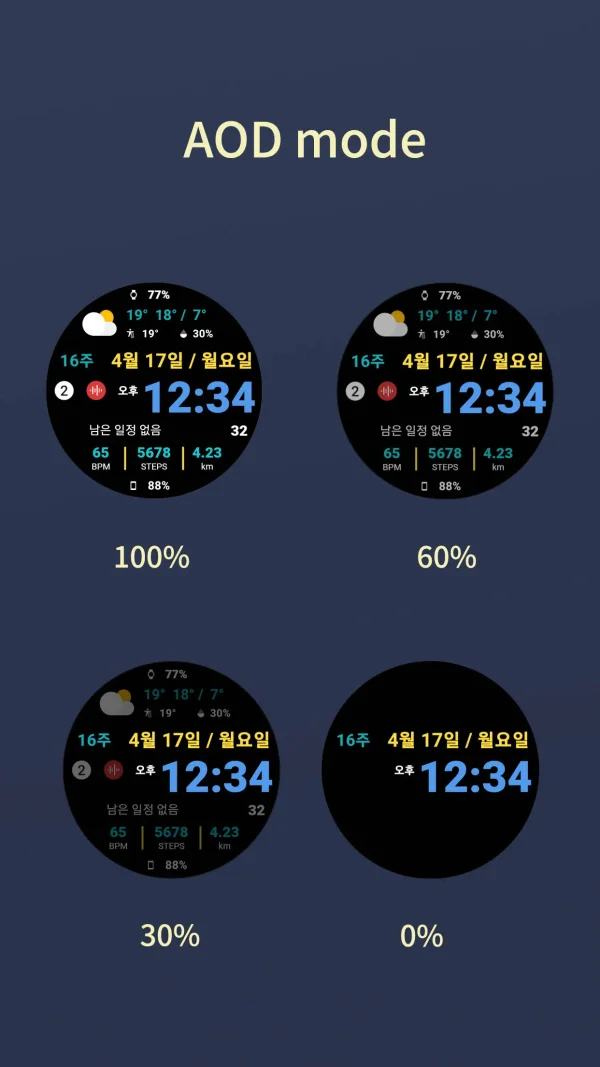
このアプリについて
Googleによる英語 (アメリカ合衆国)からの自動翻訳です。
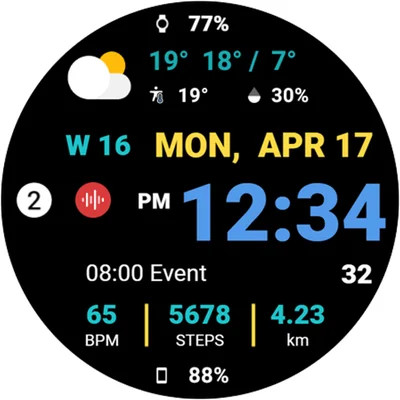
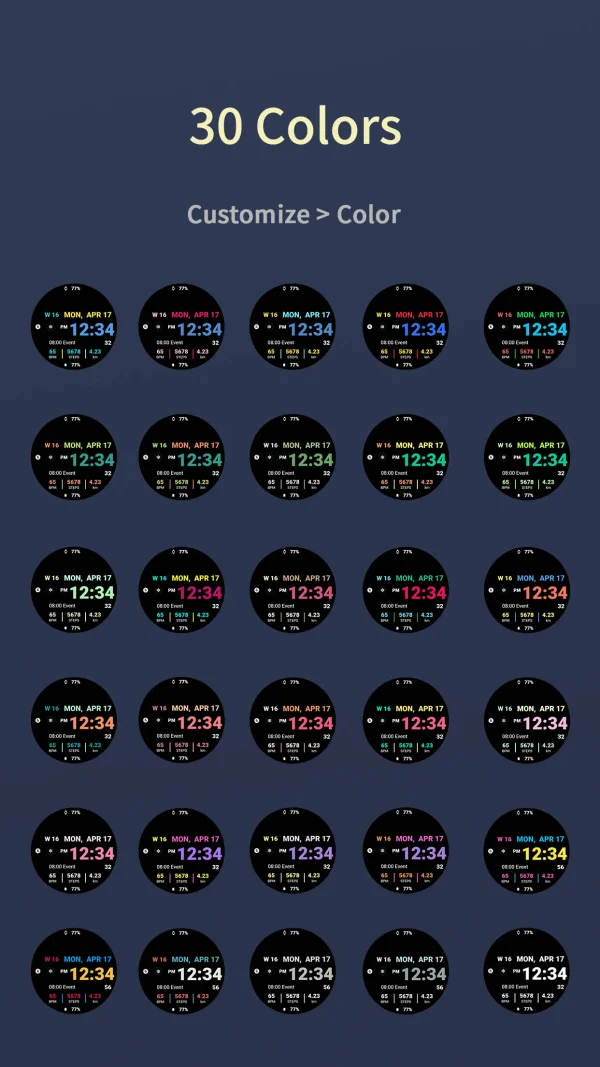
便利で見やすいデジタルウォッチフェイス
※このデジタルウォッチフェイスはWear OSデバイスに対応しています。
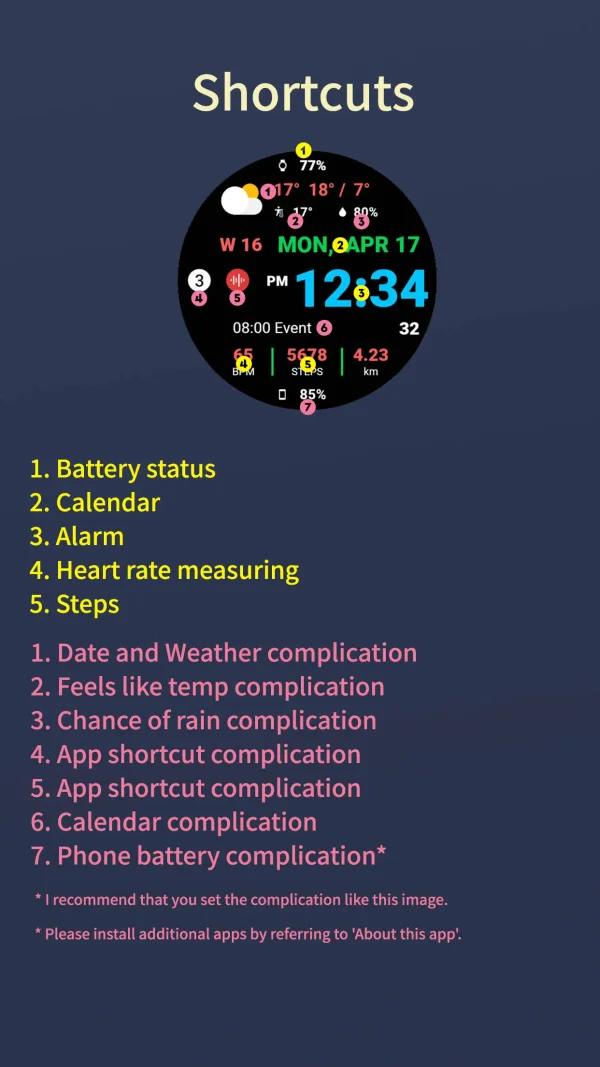
※追加のアプリは「このアプリについて」を参照してインストールしてください。
================================================= =====
[インストールする方法]
支払いボタンを押す前に、時計が選択されていることを確認してください。
[支払い] ボタンの横にある小さな黒い三角形を押して、時計を選択します。
上記の方法に従わない場合は、PC またはスマートフォンの Chrome または Samsung ブラウザを使用できます。
Web ブラウザでストアに入った後、「別のデバイスにインストール」をクリックしてウォッチにインストールします。
Watch 5 のリリース後、Watch 4 には新しい UI が適用されました。
新しくインストールされたウォッチフェイスは次の方法で見つけることができます。
1. ウォッチ画面を長押しして、「よく使用するウォッチフェイスリスト」に入ります。
2.一番右に回して「ウォッチフェイスを追加」を押します。
3. 次に、「インストールされているウォッチフェイスのリスト」を入力します。
4. 購入した文字盤を見つけて選択します。
================================================= =====
【追加インストールアプリ】
1.スマートフォンバッテリーアプリ(無料アプリ)
下記リンクの追加アプリを時計とスマートフォンにインストールし、コンプリケーションの設定を行ってください。
リンクが開かない場合は、「Phone Battery Complication」アプリを検索してインストールしてください。
https://play.google.com/store/apps/details?id=com.weartools.phonebattcomp
2. Complications Suite - Wear OS (無料アプリ)
https://play.google.com/store/apps/details?id=com.weartools.weekdayutccomp
3. 心拍数コンプリケーション(有料アプリ)
https://play.google.com/store/apps/details?id=com.weartools.heartratecomp
4. 医療サービスの合併症(有料アプリ)
https://play.google.com/store/apps/details?id=com.weartools.hscomplications
すべてのクレジットは元のアプリ作成者に与えられます。
amoledwatchfaces - https://play.google.com/store/apps/dev?id=5591589606735981545
================================================= =====
私のインスタグラムから新しいニュースを入手してください。
www.instagram.com/hmkwatch
https://hmkwatch.tistory.com/
+821072772205
間違いやご提案がございましたら、メールでご連絡ください。
hmkwatch@gmail.com
原文を表示
*This digital watch face supports wear OS devices.
* Please install additional apps by referring to 'About this app'.
=======================================================
[How to install]
Make sure your watch is selected first before you press the payment button.
Press the small black triangle next to the Payment button to select the watch.
If you don't follow the above method, you can use Chrome or Samsung browser on your PC or smartphone.
After entering the store with a web browser, click Install on another device to install it on the watch.
After the release of Watch 5, a new UI was applied to Watch 4.
The newly installed watchface can be found in the following ways.
1. Press and hold the watch screen to enter the 'Frequently Used Watch Face List'.
2. Turn it to the rightmost and press 'Add watchface'.
3. Then, enter the 'Installed Watchface List'.
4. Find and select the watch face you purchased.
=======================================================
[Additional installation app]
1. Smart phone battery app (Free app)
Please install the additional app of the link below on the watch and smartphone, and set up the complication.
If the link does not open, please search for the 'Phone Battery Complication' app and install it.
https://play.google.com/store/apps/details?id=com.weartools.phonebattcomp
2. Complications Suite - Wear OS (Free app)
https://play.google.com/store/apps/details?id=com.weartools.weekdayutccomp
3. Heart Rate Complication (Paid app)
https://play.google.com/store/apps/details?id=com.weartools.heartratecomp
4. Health Services Complications (Paid app)
https://play.google.com/store/apps/details?id=com.weartools.hscomplications
All credits goes to original app creator:
amoledwatchfaces - https://play.google.com/store/apps/dev?id=5591589606735981545
=======================================================
Get new news from my Instagram.
www.instagram.com/hmkwatch
https://hmkwatch.tistory.com/
+821072772205
Please send me an email if you have any errors or suggestions.
hmkwatch@gmail.com
データ セーフティ
このアプリが収集・共有するデータについて、HMKWatchがGoogle Playで申告している内容です。
- 第三者と共有されるデータはありません詳しくは、デベロッパーが共有を申告する方法についての説明をご覧ください
- データは収集されません詳しくは、デベロッパーが収集を申告する方法についての説明をご覧ください
開発元の連絡先
- メールhmkwatch@gmail.com
- プライバシーポリシーblog.naver.com
- 住所중앙로6길 17 104동 804호 구로구, 서울특별시 08223 South Korea
情報
- 提供元
- HMKWatch
- カテゴリ
- カスタマイズ
- 更新日
- 2026/10/11
- リリース
- 2023/4/17
- 対象年齢
- 3 歳以上
- 価格
- ¥150
- パッケージ名
- com.watchfacestudio.hmk_digi_033
類似のアプリ
-
 PRADO 95 Weather Watch Face
カスタマイズ
-
 PRADO 70 Digital Watch Face
カスタマイズ
-
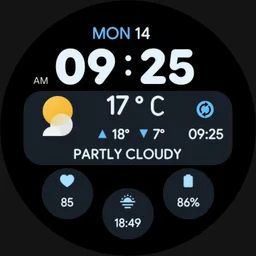 SG-178
カスタマイズ
-
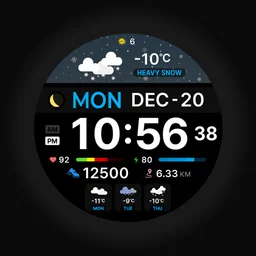 SamWatch Weather Simple 3
カスタマイズ
-
 Digital Watchface D16
カスタマイズ
-
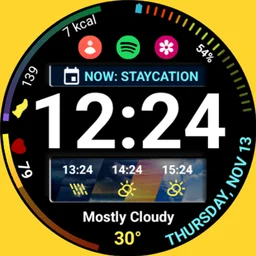 Clima Pulse
カスタマイズ
-
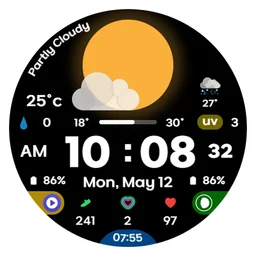 AWD Big Weather 3
カスタマイズ
-
 Night 59 - watch face
カスタマイズ
-
 PRADO 69 Digital Watch Face
カスタマイズ
-
 Informative Weather Day NTV578
カスタマイズ
-
 Night ver 30 - watch face
カスタマイズ
-
 Night 54 - watch face
カスタマイズ