Scary Ghost Watchfaces PRO
Systorso Inc.Enthält Werbung
- USK ab 0 JahrenAltersfreigabe
- PersonalisierungKategorie
- 30.10.2025Aktualisiert
- 4,09 €Preis
Verlinkt auf den offiziellen Google Play-Eintrag von scaryghosthorrorwatchfaces.scarywatchdials.ghostinmywatch.pro. Zuletzt geprüft am 15.11.2026.
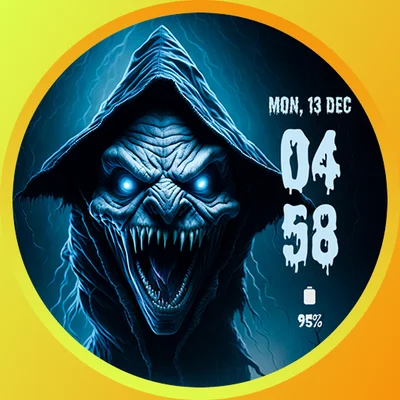
Screenshots


Über diese App
Automatische Übersetzung von Google. Originalsprache: Englisch (Vereinigte Staaten).
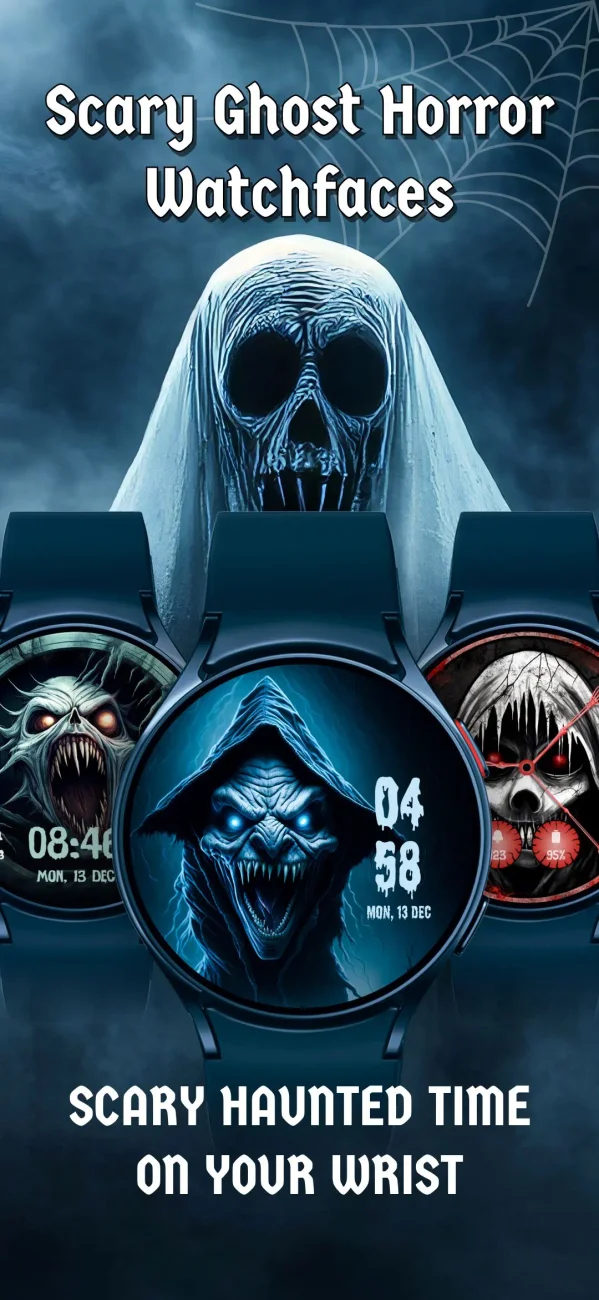
Gruselige und lustige Geister-Zifferblätter zur Personalisierung Ihrer Wear OS Smartwatch.
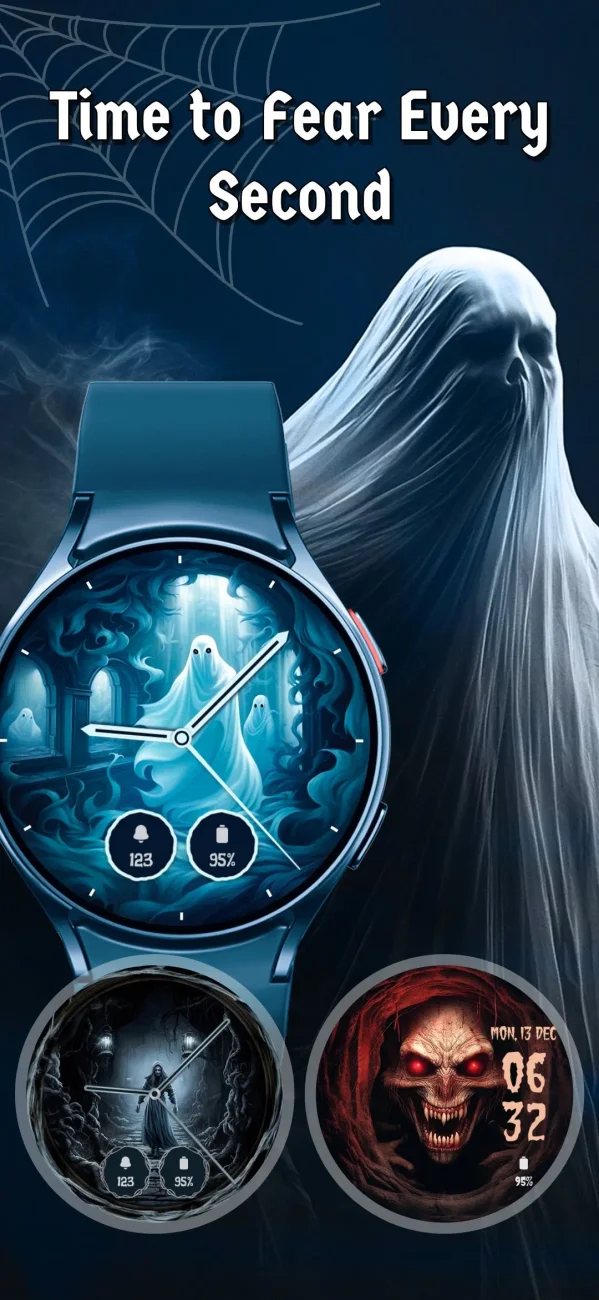
Verleihe deiner Smartwatch mit Scary Ghost Watchfaces PRO einen gruseligen Look! Entdecke einzigartige Designs im Geister-Stil – witzig, unheimlich und voller Persönlichkeit.
Ob süßer Geist oder furchterregender Schrecken: Mit dieser App erstellst du ganz einfach ein Zifferblatt, das zu deiner Stimmung und Persönlichkeit passt. Personalisiere, style und verwandle deine Smartwatch mit nur wenigen Klicks. Perfekt für Geisterfans und alle, die eine stylisch-gruselige Smartwatch wollen!
Diese App mit Horror-Geister-Zifferblättern bietet sowohl elegante analoge als auch digitale Zifferblätter. Genieße gruselige Geister-Zifferblätter mit smarten, modernen Funktionen für deine Smartwatch.
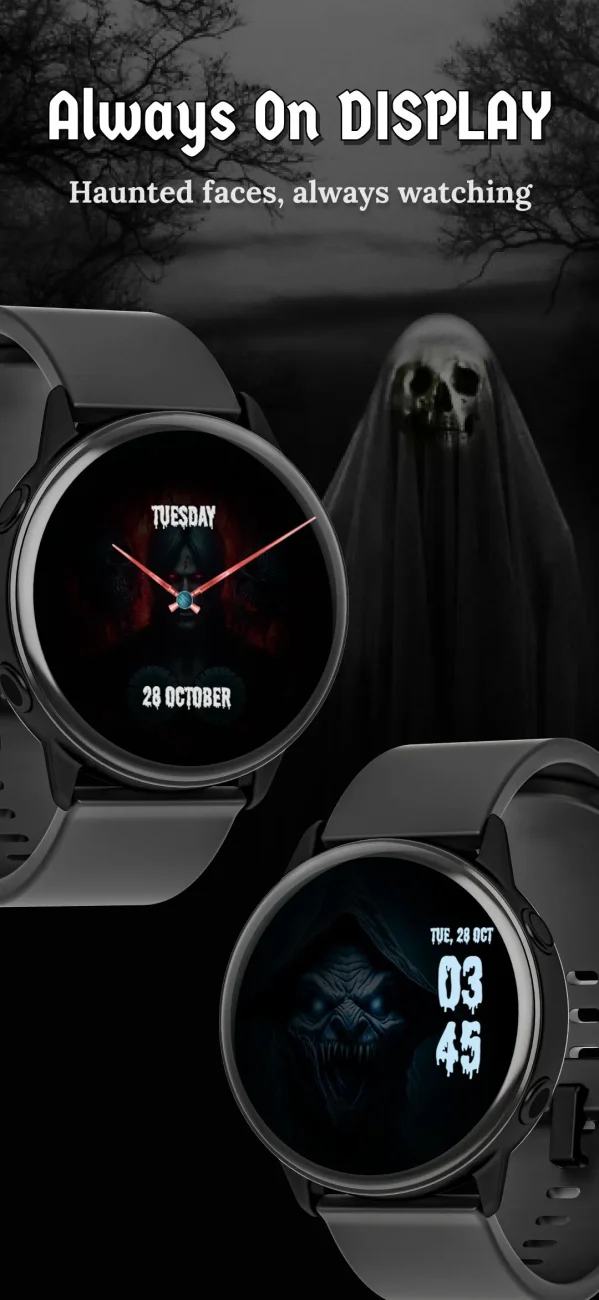
Jedes Zifferblatt wurde sorgfältig gestaltet, um deinem Wear OS einen zeitlosen Look mit modernen Funktionen zu verleihen. Diese schaurig-schöne Geister-Zifferblatt-App unterstützt Always-On Display (AOD). So hast du die Uhrzeit immer im Blick, ohne den Bildschirm zu aktivieren.
Highlights der Scary Ghost Watchfaces PRO App:
• Analoge und digitale Zifferblätter im Geister-Design
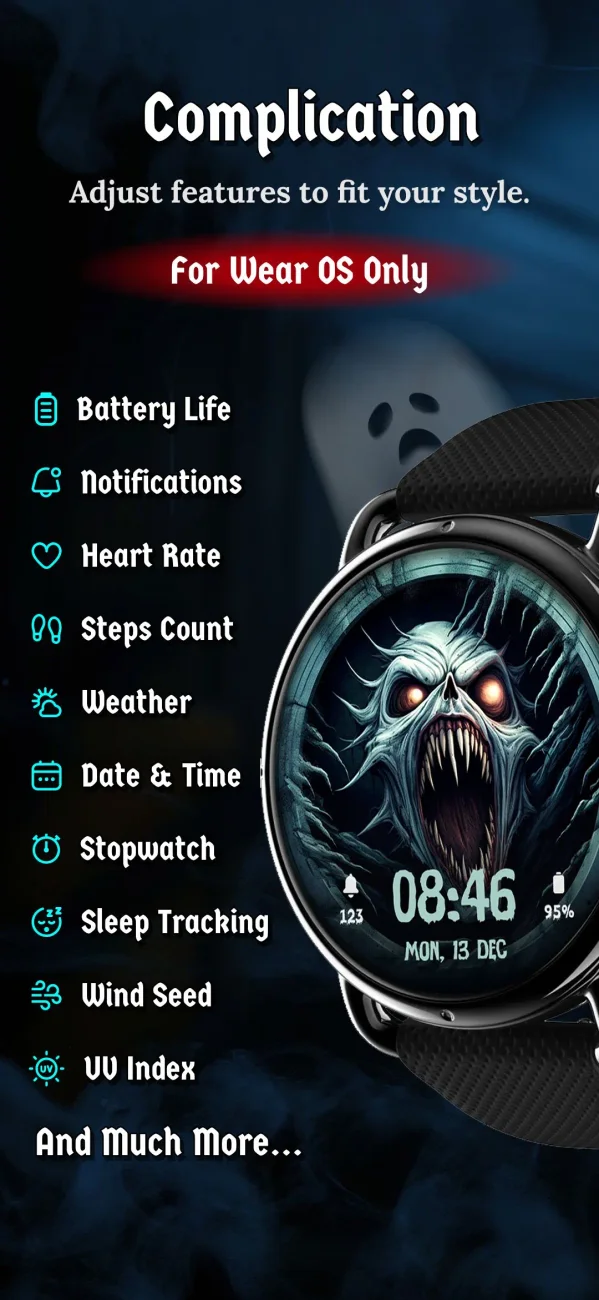
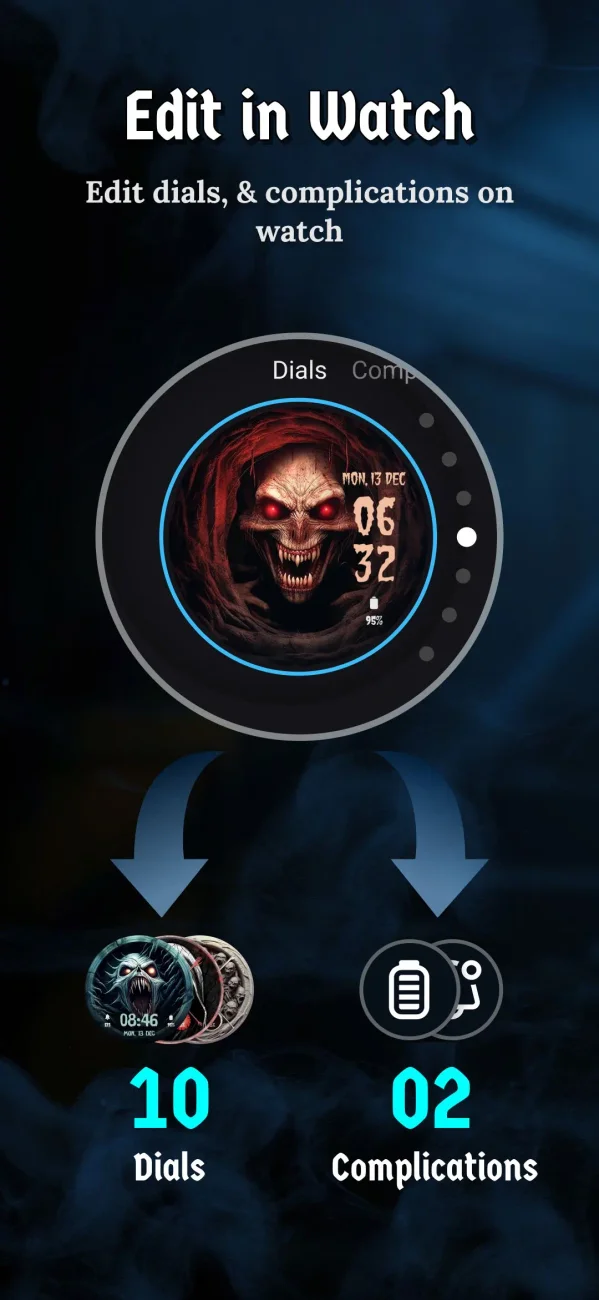
• Anpassbare Komplikationen
• Always-on-Display-Unterstützung (AOD)
• Unterstützt Wear OS 4, Wear OS 5, Wear OS 6 und alle neueren Wear OS-Smartwatches.
Unterstützte Geräte: Die Scary Ghost Watchfaces PRO App ist kompatibel mit Geräten (API-Level 33 und höher), die das Google Watchface-Format unterstützen.
- Samsung Galaxy Watch 8 Classic
- Samsung Galaxy Watch 8
- Samsung Galaxy Watch 4/4 Classic
- Samsung Galaxy Watch 5/5 Pro
- Samsung Galaxy Watch 6/6 Classic
- Samsung Galaxy Watch 7/7 Ultra
- Google Pixel Watch 3
- Google Pixel Watch 4
- Fossil Gen 6 Wellness Edition
- Mobvoi TicWatch Pro 5 und neuere Modelle
Komplikationen:
Sie können die folgenden Komplikationen auf dem Display Ihrer Wear OS Smartwatch auswählen und anwenden:
- Datum
- Wochentag
- Tag und Datum
- Nächstes Ereignis
- Uhrzeit
- Schrittzahl
- Sonnenauf- und -untergang
- Batterieanzeige
- Weltzeituhr
- und mehr
Schritte zum Anpassen des Zifferblatts und Einstellen von Komplikationen:
Schritt 1 -> Berühren und halten Sie das Display.
Schritt 2 -> Tippen Sie auf die Option „Anpassen“, um das Zifferblatt (Zifferblatt oder Komplikation) zu personalisieren.
Schritt 3 -> Wählen Sie in den Komplikationsfeldern die gewünschten Daten aus, die auf dem Display angezeigt werden sollen.
So laden Sie „Scary Ghost Watchfaces PRO“ auf Ihre Wear OS-Smartwatch herunter:
1. Installation über die Begleit-App (Mobile App)
• Öffnen Sie die Begleit-App auf Ihrem Smartphone und tippen Sie auf Ihrer Smartwatch auf „Installieren“.
• Falls keine Aufforderung auf Ihrer Smartwatch erscheint, deaktivieren und aktivieren Sie Bluetooth/WLAN kurz.
2. Download über den Wear OS Play Store
• Öffnen Sie den Play Store auf Ihrer Wear OS-Smartwatch.
• Suchen Sie in der Suchleiste nach „Scary Ghost Watchfaces PRO“ und starten Sie den Download.
So legen Sie „Scary Ghost Watchfaces PRO“-Zifferblätter fest:
1. Berühren und halten Sie das Display.
2. Wischen Sie nach links oder rechts, um das gewünschte Zifferblatt auszuwählen, oder tippen Sie auf „Zifferblatt hinzufügen“, um es aus dem Bereich „Heruntergeladen“ auszuwählen.
3. Scrollen Sie, suchen Sie das Zifferblatt „Scary Ghost Watchfaces PRO“ und tippen Sie darauf, um es anzuwenden.
Wähle dein Lieblings-Geister-Zifferblatt und verleihe deiner Smartwatch einen schaurig-schönen Touch. Personalisiere dein Handgelenk und genieße jedes Mal einen einzigartigen Look, wenn du die Uhrzeit ablesst.
Jetzt herunterladen und Scary Ghost Watchfaces PRO deine Smartwatch stilvoll heimsuchen lassen!
Originaltext anzeigen
Give your smartwatch a spooky makeover with Scary Ghost Watchfaces PRO! Enjoy unique ghost-themed designs that are fun, eerie, and full of personality.
Whether you want a cute ghost or a scary spirit, this app makes it simple to create a watch face that matches your mood and personality. Personalize, style, and transform your smartwatch with just a few taps. Perfect for ghost lovers and anyone who wants a stylishly spooky smartwatch!
This horror ghost watch faces app offers both elegant analog and digital dials. Enjoy spooky ghost-themed watch faces with smart, modern features for your smartwatch.
Each watch face is carefully designed to give your Wear OS a timeless look with modern features. This terrifying ghost watchface app supports Always-On Display (AOD). Now you can check the time at a glance without waking the screen.
Highlighted Features of the Scary Ghost Watchfaces PRO App:
• Ghost Themed Analog & Digital Dials
• Customizable Complications
• AOD Support
• Supports Wear OS 4, Wear OS 5, Wear OS 6, and all above Wear OS Watches.
Supported Devices:
The Scary Ghost Watchfaces PRO app is compatible with devices (API Level 33 & above) that support Google's Watch Face Format.
- Samsung Galaxy Watch8 Classic
- Samsung Galaxy Watch 8
- Samsung Galaxy Watch 4/4 Classic
- Samsung Galaxy Watch 5/5 Pro
- Samsung Galaxy Watch 6/6 Classic
- Samsung Galaxy Watch 7/7 Ultra
- Google Pixel Watch 3
- Google Pixel Watch 4
- Fossil Gen 6 Wellness Edition
- Mobvoi TicWatch Pro 5 and newer models
Complications:
You can select and apply the following complications to your Wear OS smartwatch screen:
- Date
- Day of the week
- Day and date
- Next event
- Time
- Step count
- Sunrise and sunset
- Watch battery
- World clock
- and More
Steps to Customize Watch Face & Set Complications:
Step 1 -> Touch and hold the display.
Step 2 -> Tap on the "Customize" option to personalize the watchface (dial, or complication).
Step 3 -> In the complication fields, select the preferred data to view on the display.
How to Download "Scary Ghost Watchfaces PRO" on a Wear OS watch:
1. Install via Companion App (Mobile App)
• Open the companion app on your phone and tap "Install" on your watch.
• If you don’t see a prompt on your watch, try toggling Bluetooth/Wi-Fi off and on again to resolve the issue.
2. Download From the Wear OS Play Store
• Open the Play Store on your Wear OS smartwatch
• In the search section, search for "Scary Ghost Watchfaces PRO" and start the download.
How to Set "Scary Ghost Watchfaces PRO" Watch faces:
1. Touch and hold the display.
2. Swipe left or right to select the watch face, or tap "Add watchface" to select it from the Downloaded section.
3. Scroll and find the "Scary Ghost Watchfaces PRO" watchface and tap on that watch face to apply it.
Choose your favorite haunting ghost watchface and give your smartwatch a spooky, stylish touch. Personalize your wrist and enjoy a fun, unique look every time you check the time.
Download now and let Scary Ghost Watchfaces PRO haunt your smartwatch in style!
Datensicherheit
Was Systorso Inc. bei Google Play zu den Daten angibt, die diese App erfasst und weitergibt.
- Diese App kann die folgenden Datentypen an Dritte weitergebenInstallierte Apps
- Keine Daten erhobenWeitere Informationen dazu, wie Entwickler Angaben zur Datenerhebung machen
- Daten werden bei der Übertragung verschlüsselt
- Daten können nicht gelöscht werden
Kontakt zum Entwickler
- Websitesystorsoinc.blogspot.com
- E-Mailsarashvp18@gmail.com
- Datenschutzerklärungsites.google.com
- AdresseD-404, Ram Laxman Appartment Behind Kharvar Nagar, Khatodra, Surat City Surat, Gujarat 395002 India
Informationen
- Angeboten von
- Systorso Inc.
- Kategorie
- Personalisierung
- Aktualisiert
- 30.10.2025
- Veröffentlicht
- 30.10.2025
- Altersfreigabe
- USK ab 0 Jahren
- Preis
- 4,09 €
- Paketname
- scaryghosthorrorwatchfaces.scarywatchdials.ghostinmywatch.pro