Scary Ghost Watchfaces PRO
Systorso Inc.Contiene anuncios
- PEGI 3Clasificación por edad
- PersonalizaciónCategoría
- 30/10/2025Actualizado
- 4,19 €Precio
Enlaza a la ficha oficial de scaryghosthorrorwatchfaces.scarywatchdials.ghostinmywatch.pro en Google Play. Última comprobación el 15/11/2026.
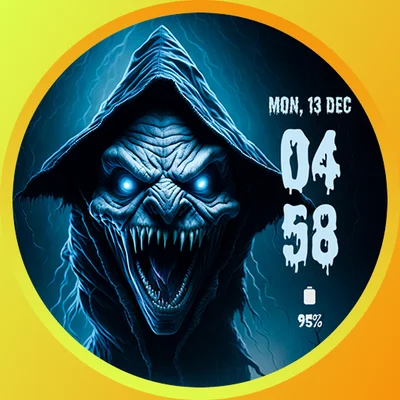
Capturas de pantalla
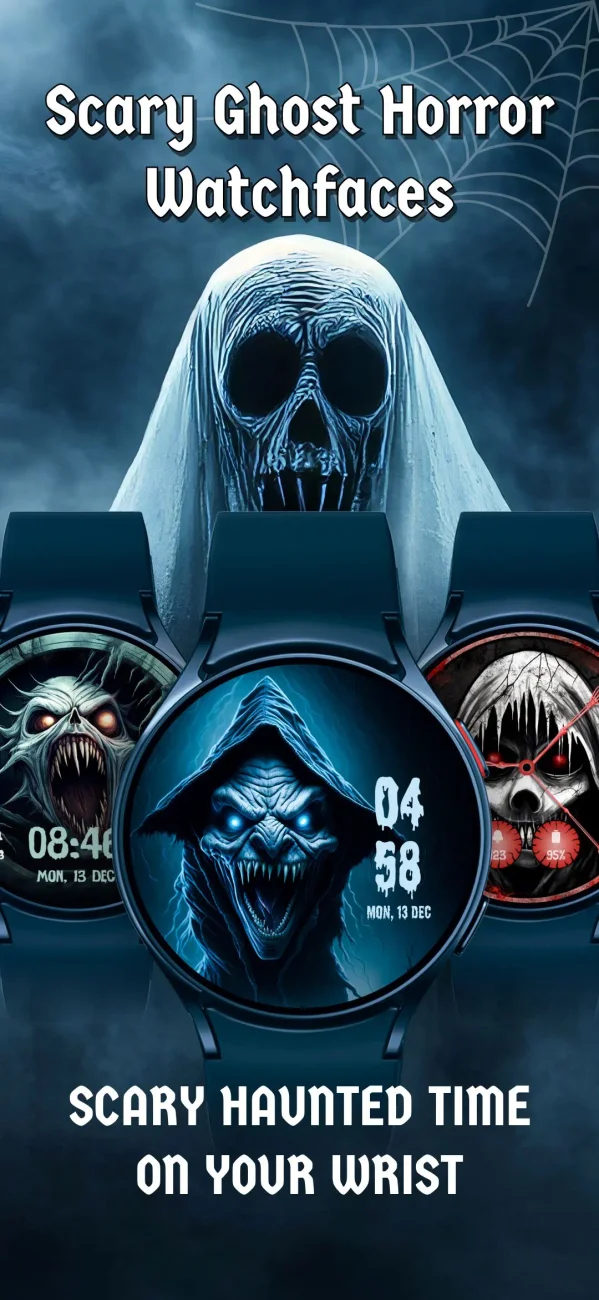


Acerca de esta aplicación
Traducción automática de Google. Idioma original: Inglés (Estados Unidos).
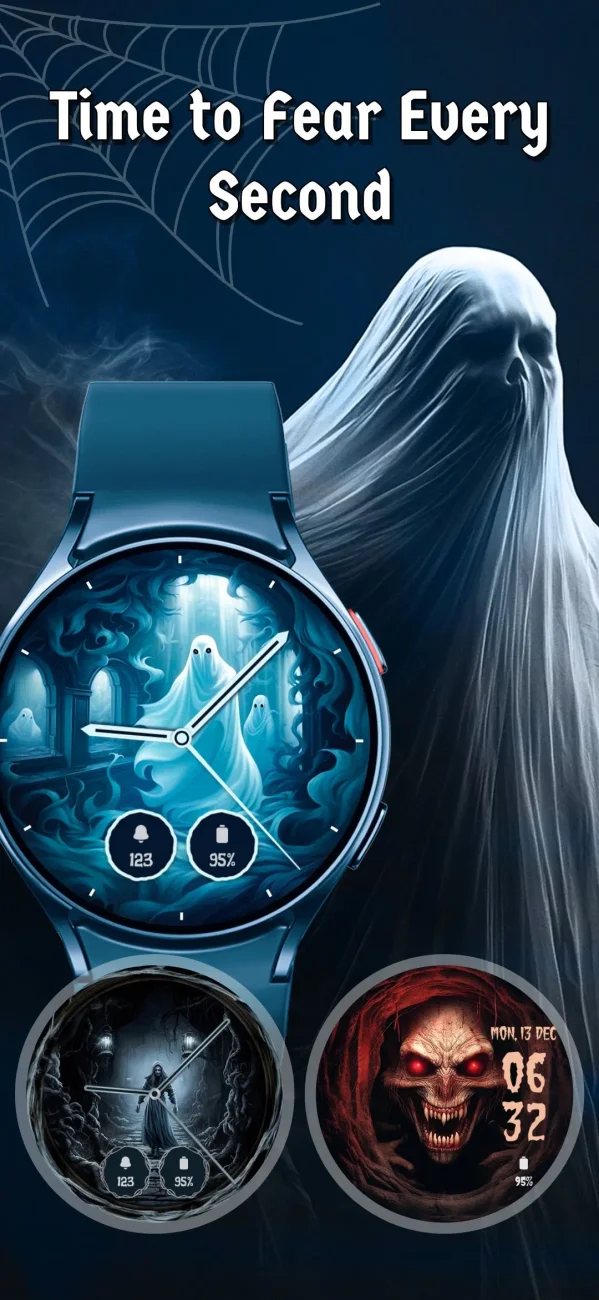
Esferas de reloj con fantasmas divertidas y espeluznantes para personalizar tu smartwatch Wear OS.
¡Dale un toque espeluznante a tu smartwatch con Scary Ghost Watchfaces PRO! Disfruta de diseños únicos con temática de fantasmas: divertidos, misteriosos y llenos de personalidad.
Ya sea que prefieras un fantasma adorable o un espíritu aterrador, esta app te permite crear fácilmente una esfera que refleje tu estado de ánimo y personalidad. Personaliza, estiliza y transforma tu smartwatch con solo unos toques. ¡Perfecto para los amantes de los fantasmas y para cualquiera que desee un smartwatch elegante y terrorífico!
Esta app de esferas de reloj de fantasmas ofrece elegantes esferas analógicas y digitales. Disfruta de esferas con temática de fantasmas y funciones modernas e inteligentes para tu smartwatch.
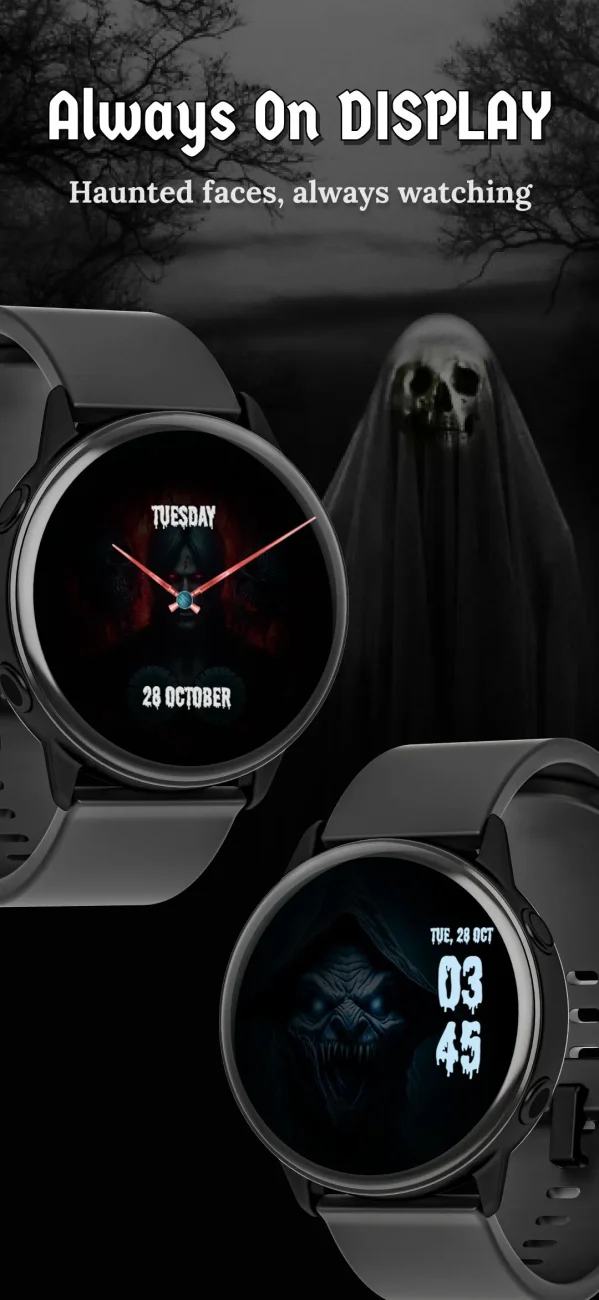
Cada esfera está cuidadosamente diseñada para darle a tu Wear OS un aspecto atemporal con funciones modernas. Esta aterradora app de esferas de reloj de fantasmas es compatible con la pantalla siempre activa (AOD). Ahora puedes consultar la hora de un vistazo sin activar la pantalla.
Características destacadas de la aplicación Scary Ghost Watchfaces PRO:
• Esferas analógicas y digitales con temática de fantasmas
• Complicaciones personalizables
• Compatibilidad con pantalla siempre activa (AOD)
• Compatible con Wear OS 4, Wear OS 5, Wear OS 6 y versiones posteriores de relojes Wear OS.
Dispositivos compatibles: La aplicación Scary Ghost Watchfaces PRO es compatible con dispositivos (nivel de API 33 o superior) que admiten el formato de esfera de reloj de Google.
- Samsung Galaxy Watch8 Classic
- Samsung Galaxy Watch 8
- Samsung Galaxy Watch 4/4 Classic
- Samsung Galaxy Watch 5/5 Pro
- Samsung Galaxy Watch 6/6 Classic
- Samsung Galaxy Watch 7/7 Ultra
- Google Pixel Watch 3
- Google Pixel Watch 4
- Fossil Gen 6 Wellness Edition
- Mobvoi TicWatch Pro 5 y modelos posteriores
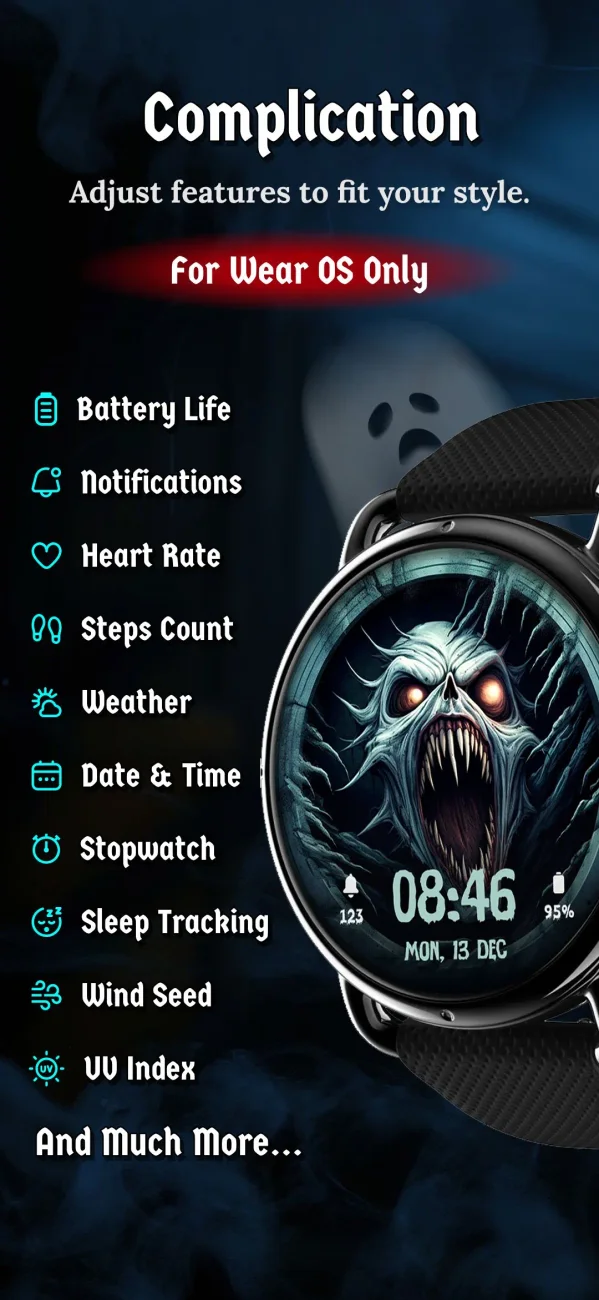
Complicaciones:
Puede seleccionar y aplicar las siguientes complicaciones a la pantalla de su smartwatch Wear OS:
- Fecha
- Día de la semana
- Día y fecha
- Próximo evento
- Hora
- Conteo de pasos
- Amanecer y atardecer
- Batería del reloj
- Reloj mundial
- Y más
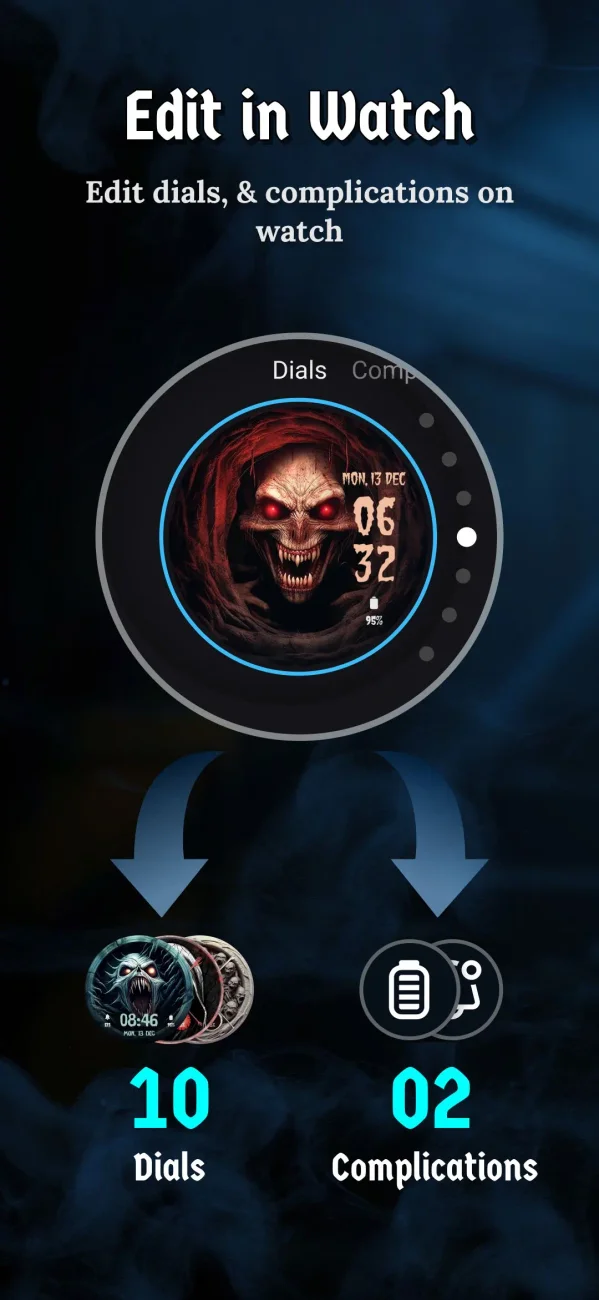
Pasos para personalizar la esfera del reloj y configurar complicaciones:
Paso 1 -> Mantenga pulsada la pantalla.
Paso 2 -> Pulse la opción "Personalizar" para personalizar la esfera (esfera o complicación).
Paso 3 -> En los campos de complicación, seleccione los datos que desea ver en la pantalla.
Cómo descargar "Scary Ghost Watchfaces PRO" en un reloj Wear OS:
1. Instalar mediante la aplicación móvil
• Abre la aplicación móvil en tu teléfono y pulsa "Instalar" en tu reloj.
• Si no ves la notificación en tu reloj, intenta desactivar y volver a activar el Bluetooth/Wi-Fi para solucionar el problema.
2. Descargar desde la Play Store de Wear OS
• Abre la Play Store en tu reloj inteligente Wear OS.
• En la barra de búsqueda, busca "Scary Ghost Watchfaces PRO" e inicia la descarga.
Cómo configurar las esferas de reloj "Scary Ghost Watchfaces PRO":
1. Mantén pulsada la pantalla.
2. Desliza el dedo hacia la izquierda o la derecha para seleccionar la esfera de reloj, o pulsa "Añadir esfera de reloj" para seleccionarla de la sección Descargadas.
3. Busca la esfera de reloj "Scary Ghost Watchfaces PRO" y púlsala para aplicarla.
Elige tu esfera de reloj de fantasmas favorita y dale a tu smartwatch un toque espeluznante y con estilo. Personaliza tu muñeca y disfruta de un aspecto divertido y único cada vez que mires la hora.
¡Descárgala ahora y deja que Scary Ghost Watchfaces PRO le dé un toque terrorífico a tu smartwatch!
Mostrar el texto original
Give your smartwatch a spooky makeover with Scary Ghost Watchfaces PRO! Enjoy unique ghost-themed designs that are fun, eerie, and full of personality.
Whether you want a cute ghost or a scary spirit, this app makes it simple to create a watch face that matches your mood and personality. Personalize, style, and transform your smartwatch with just a few taps. Perfect for ghost lovers and anyone who wants a stylishly spooky smartwatch!
This horror ghost watch faces app offers both elegant analog and digital dials. Enjoy spooky ghost-themed watch faces with smart, modern features for your smartwatch.
Each watch face is carefully designed to give your Wear OS a timeless look with modern features. This terrifying ghost watchface app supports Always-On Display (AOD). Now you can check the time at a glance without waking the screen.
Highlighted Features of the Scary Ghost Watchfaces PRO App:
• Ghost Themed Analog & Digital Dials
• Customizable Complications
• AOD Support
• Supports Wear OS 4, Wear OS 5, Wear OS 6, and all above Wear OS Watches.
Supported Devices:
The Scary Ghost Watchfaces PRO app is compatible with devices (API Level 33 & above) that support Google's Watch Face Format.
- Samsung Galaxy Watch8 Classic
- Samsung Galaxy Watch 8
- Samsung Galaxy Watch 4/4 Classic
- Samsung Galaxy Watch 5/5 Pro
- Samsung Galaxy Watch 6/6 Classic
- Samsung Galaxy Watch 7/7 Ultra
- Google Pixel Watch 3
- Google Pixel Watch 4
- Fossil Gen 6 Wellness Edition
- Mobvoi TicWatch Pro 5 and newer models
Complications:
You can select and apply the following complications to your Wear OS smartwatch screen:
- Date
- Day of the week
- Day and date
- Next event
- Time
- Step count
- Sunrise and sunset
- Watch battery
- World clock
- and More
Steps to Customize Watch Face & Set Complications:
Step 1 -> Touch and hold the display.
Step 2 -> Tap on the "Customize" option to personalize the watchface (dial, or complication).
Step 3 -> In the complication fields, select the preferred data to view on the display.
How to Download "Scary Ghost Watchfaces PRO" on a Wear OS watch:
1. Install via Companion App (Mobile App)
• Open the companion app on your phone and tap "Install" on your watch.
• If you don’t see a prompt on your watch, try toggling Bluetooth/Wi-Fi off and on again to resolve the issue.
2. Download From the Wear OS Play Store
• Open the Play Store on your Wear OS smartwatch
• In the search section, search for "Scary Ghost Watchfaces PRO" and start the download.
How to Set "Scary Ghost Watchfaces PRO" Watch faces:
1. Touch and hold the display.
2. Swipe left or right to select the watch face, or tap "Add watchface" to select it from the Downloaded section.
3. Scroll and find the "Scary Ghost Watchfaces PRO" watchface and tap on that watch face to apply it.
Choose your favorite haunting ghost watchface and give your smartwatch a spooky, stylish touch. Personalize your wrist and enjoy a fun, unique look every time you check the time.
Download now and let Scary Ghost Watchfaces PRO haunt your smartwatch in style!
Seguridad de los datos
Lo que Systorso Inc. declara en Google Play sobre los datos que esta aplicación recopila y comparte.
- Puede que esta aplicación comparta estos tipos de datos con tercerosInformación personal
- No se recogen datosMás información sobre cómo los desarrolladores declaran lo que recogen
- Los datos están cifrados durante el tránsito
- Los datos no se pueden eliminar
Contacto del desarrollador
- Sitio websystorsoinc.blogspot.com
- Correo electrónicosarashvp18@gmail.com
- Política de privacidadsites.google.com
- DirecciónD-404, Ram Laxman Appartment Behind Kharvar Nagar, Khatodra, Surat City Surat, Gujarat 395002 India
Información
- Ofrecida por
- Systorso Inc.
- Categoría
- Personalización
- Actualizado
- 30/10/2025
- Publicado
- 30/10/2025
- Clasificación por edad
- PEGI 3
- Precio
- 4,19 €
- Nombre del paquete
- scaryghosthorrorwatchfaces.scarywatchdials.ghostinmywatch.pro