Scary Ghost Watchfaces PRO
Systorso Inc.Contient des annonces
- PEGI 3Classification d’âge
- PersonnalisationCatégorie
- 30/10/2025Mis à jour
- 4,19 €Prix
Renvoie vers la fiche Google Play officielle de scaryghosthorrorwatchfaces.scarywatchdials.ghostinmywatch.pro. Dernière vérification le 15/11/2026.
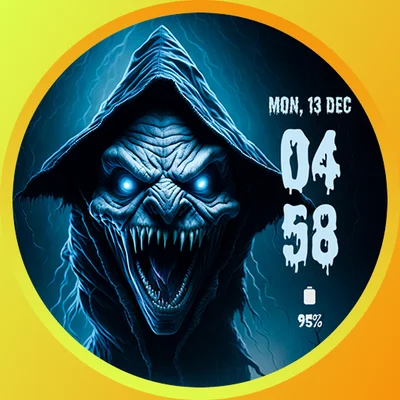
Captures d’écran
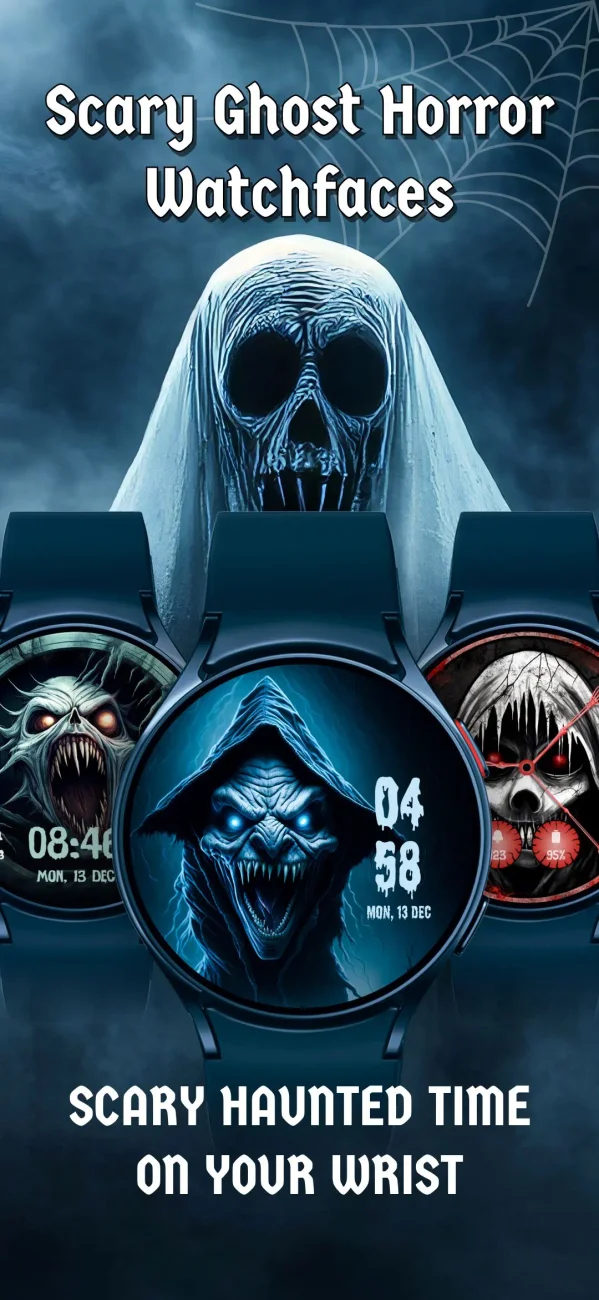


À propos de cette application
Traduction automatique par Google. Langue d’origine : Anglais (États-Unis).
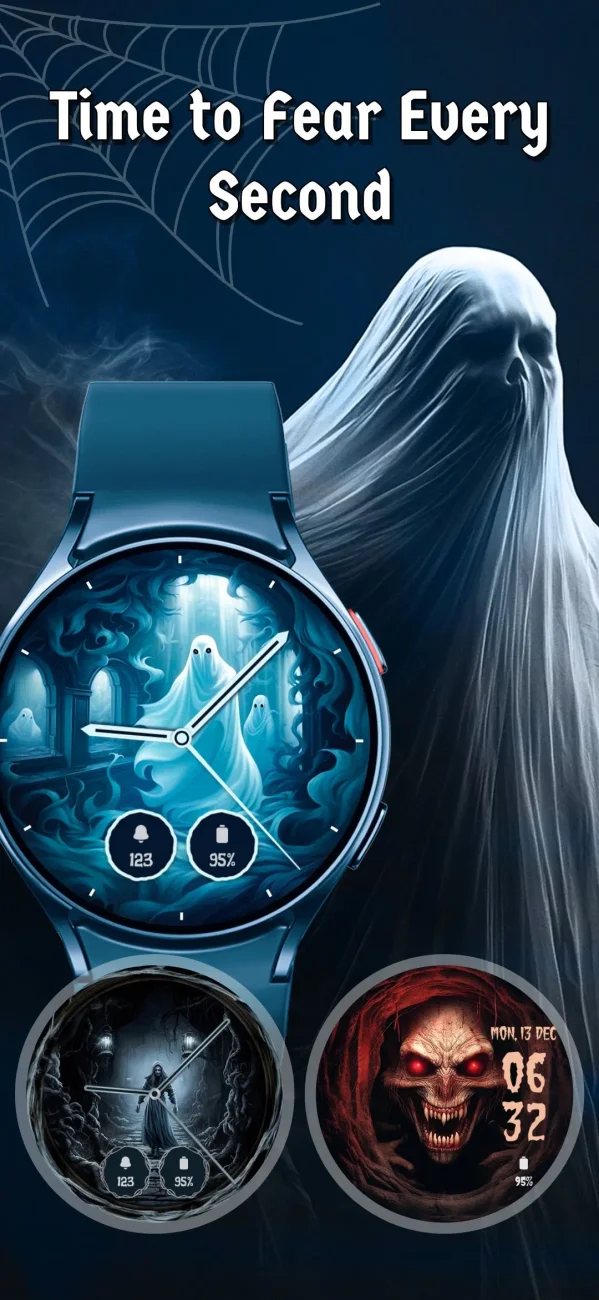
Des cadrans de montre fantômes amusants et effrayants pour personnaliser votre montre connectée Wear OS.
Offrez à votre montre connectée un look terrifiant avec Scary Ghost Watchfaces PRO ! Découvrez des designs uniques sur le thème des fantômes, à la fois amusants, mystérieux et pleins de personnalité.
Que vous préfériez un fantôme mignon ou un esprit effrayant, cette application vous permet de créer facilement un cadran qui reflète votre humeur et votre personnalité. Personnalisez, stylisez et transformez votre montre connectée en quelques clics. Idéal pour les passionnés de fantômes et tous ceux qui recherchent une montre connectée élégante et mystérieuse !
Cette application de cadrans d'horreur sur le thème des fantômes propose des affichages analogiques et numériques élégants. Profitez de cadrans sur le thème des fantômes avec des fonctionnalités modernes et intelligentes pour votre montre connectée.
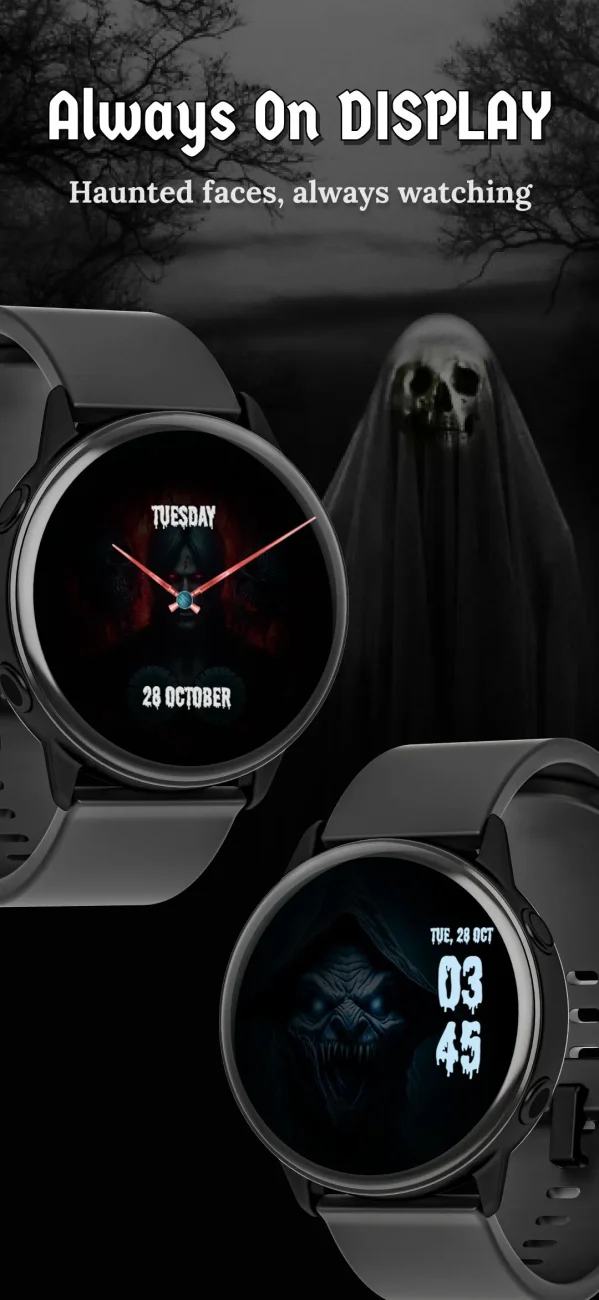
Chaque cadran est soigneusement conçu pour donner à votre Wear OS un style intemporel et des fonctionnalités modernes. Cette application de cadrans de montre terrifiants sur le thème des fantômes est compatible avec l'affichage permanent (AOD). Vous pouvez désormais consulter l'heure d'un coup d'œil sans allumer l'écran.
Fonctionnalités principales de l'application Scary Ghost Watchfaces PRO :
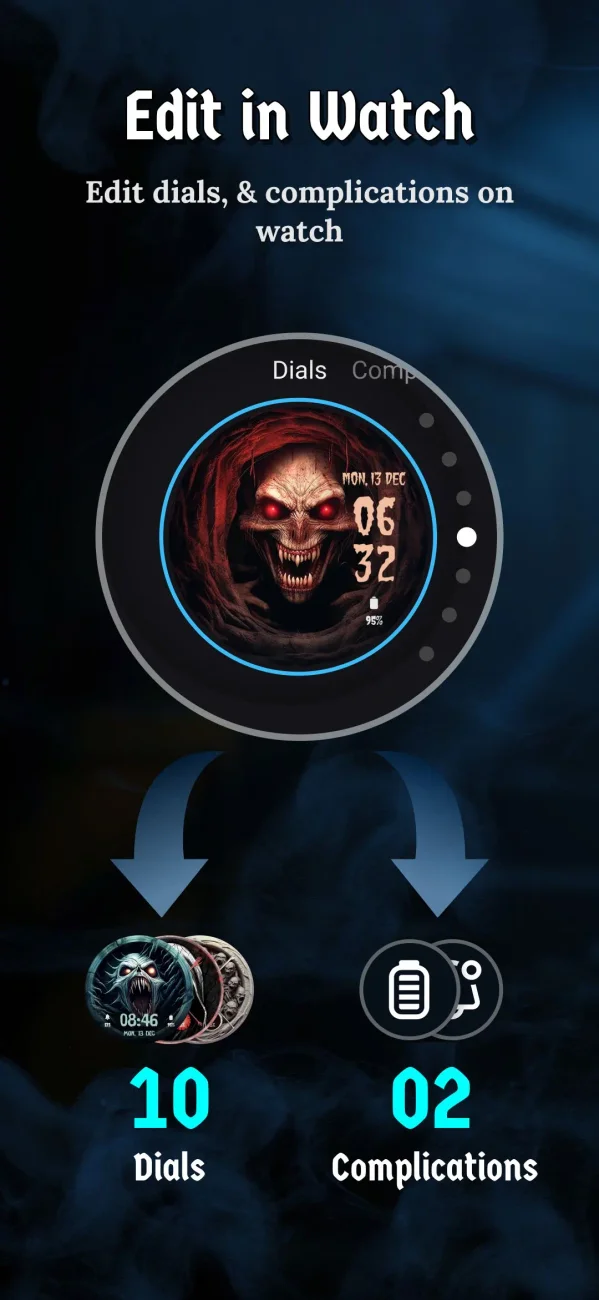
• Cadrans analogiques et numériques sur le thème des fantômes
• Complications personnalisables
• Compatible avec l'affichage permanent (AOD)
• Compatible avec Wear OS 4, Wear OS 5, Wear OS 6 et toutes les montres Wear OS supérieures.
Appareils compatibles :
L'application Scary Ghost Watchfaces PRO est compatible avec les appareils (niveau d'API 33 et supérieur) prenant en charge le format de cadran de montre Google.
- Samsung Galaxy Watch 8 Classic
- Samsung Galaxy Watch 8
- Samsung Galaxy Watch 4/4 Classic
- Samsung Galaxy Watch 5/5 Pro
- Samsung Galaxy Watch 6/6 Classic
- Samsung Galaxy Watch 7/7 Ultra
- Google Pixel Watch 3
- Google Pixel Watch 4
- Fossil Gen 6 Wellness Edition
- Mobvoi TicWatch Pro 5 et modèles plus récents
Complications :
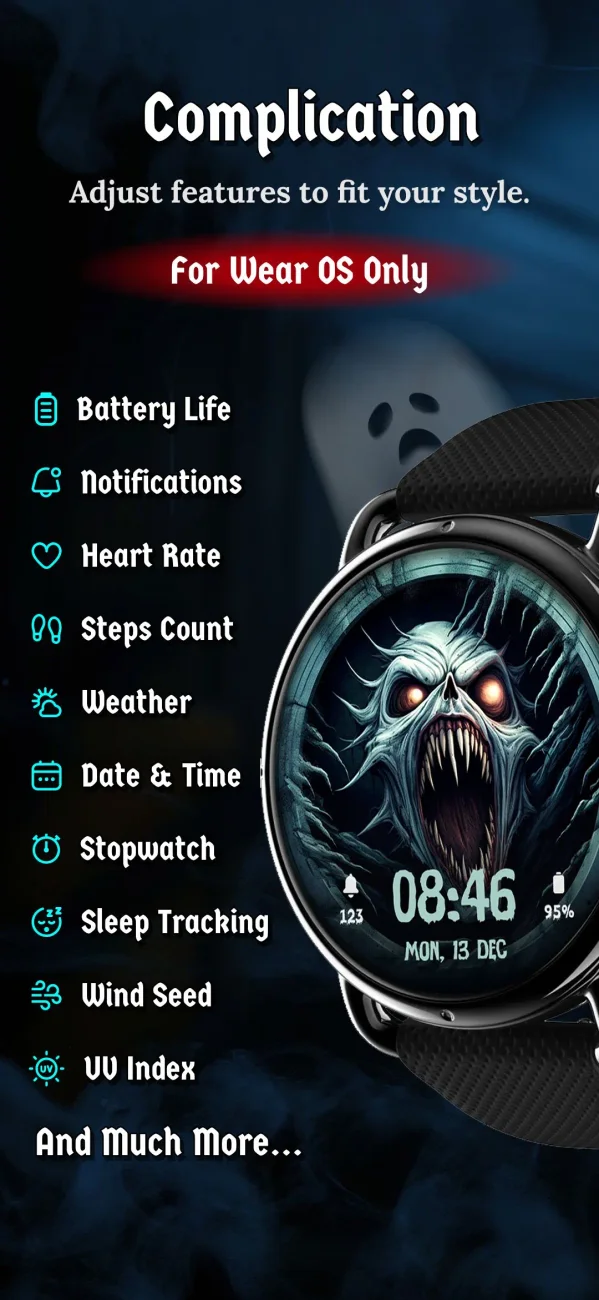
Vous pouvez sélectionner et appliquer les complications suivantes à l’écran de votre montre connectée Wear OS :
- Date
- Jour de la semaine
- Jour et date
- Prochain événement
- Heure
- Nombre de pas
- Lever et coucher du soleil
- Batterie de la montre
- Horloge mondiale
- et plus
Étapes pour personnaliser le cadran et définir les complications :
Étape 1 -> Maintenez le doigt appuyé sur l’écran.
Étape 2 -> Appuyez sur l’option « Personnaliser » pour personnaliser le cadran (cadran ou complication).
Étape 3 -> Dans les champs de complication, sélectionnez les données à afficher.
Comment télécharger « Scary Ghost Watchfaces PRO » sur une montre Wear OS :
1. Installation via l’application mobile :
• Ouvrez l’application mobile sur votre téléphone et appuyez sur « Installer » sur votre montre.
• Si aucune notification ne s’affiche sur votre montre, essayez de désactiver puis de réactiver le Bluetooth/Wi-Fi pour résoudre le problème.
2. Téléchargement depuis le Play Store Wear OS :
• Ouvrez le Play Store sur votre montre connectée Wear OS.
• Dans la barre de recherche, recherchez « Scary Ghost Watchfaces PRO » et lancez le téléchargement.
Comment définir les cadrans « Scary Ghost Watchfaces PRO » :
1. Appuyez longuement sur l’écran.
2. Faites glisser votre doigt vers la gauche ou la droite pour sélectionner le cadran, ou appuyez sur « Ajouter un cadran » pour le sélectionner dans la section « Téléchargés ».
3. Faites défiler jusqu’à trouver le cadran « Scary Ghost Watchfaces PRO » et appuyez dessus pour l’appliquer.
Choisissez votre cadran fantôme préféré et donnez à votre montre connectée une touche à la fois mystérieuse et élégante. Personnalisez votre poignet et profitez d'un look unique et amusant à chaque fois que vous consultez l'heure.
Téléchargez dès maintenant Scary Ghost Watchfaces PRO et laissez votre montre connectée hanter votre poignet avec style !
Afficher le texte d’origine
Give your smartwatch a spooky makeover with Scary Ghost Watchfaces PRO! Enjoy unique ghost-themed designs that are fun, eerie, and full of personality.
Whether you want a cute ghost or a scary spirit, this app makes it simple to create a watch face that matches your mood and personality. Personalize, style, and transform your smartwatch with just a few taps. Perfect for ghost lovers and anyone who wants a stylishly spooky smartwatch!
This horror ghost watch faces app offers both elegant analog and digital dials. Enjoy spooky ghost-themed watch faces with smart, modern features for your smartwatch.
Each watch face is carefully designed to give your Wear OS a timeless look with modern features. This terrifying ghost watchface app supports Always-On Display (AOD). Now you can check the time at a glance without waking the screen.
Highlighted Features of the Scary Ghost Watchfaces PRO App:
• Ghost Themed Analog & Digital Dials
• Customizable Complications
• AOD Support
• Supports Wear OS 4, Wear OS 5, Wear OS 6, and all above Wear OS Watches.
Supported Devices:
The Scary Ghost Watchfaces PRO app is compatible with devices (API Level 33 & above) that support Google's Watch Face Format.
- Samsung Galaxy Watch8 Classic
- Samsung Galaxy Watch 8
- Samsung Galaxy Watch 4/4 Classic
- Samsung Galaxy Watch 5/5 Pro
- Samsung Galaxy Watch 6/6 Classic
- Samsung Galaxy Watch 7/7 Ultra
- Google Pixel Watch 3
- Google Pixel Watch 4
- Fossil Gen 6 Wellness Edition
- Mobvoi TicWatch Pro 5 and newer models
Complications:
You can select and apply the following complications to your Wear OS smartwatch screen:
- Date
- Day of the week
- Day and date
- Next event
- Time
- Step count
- Sunrise and sunset
- Watch battery
- World clock
- and More
Steps to Customize Watch Face & Set Complications:
Step 1 -> Touch and hold the display.
Step 2 -> Tap on the "Customize" option to personalize the watchface (dial, or complication).
Step 3 -> In the complication fields, select the preferred data to view on the display.
How to Download "Scary Ghost Watchfaces PRO" on a Wear OS watch:
1. Install via Companion App (Mobile App)
• Open the companion app on your phone and tap "Install" on your watch.
• If you don’t see a prompt on your watch, try toggling Bluetooth/Wi-Fi off and on again to resolve the issue.
2. Download From the Wear OS Play Store
• Open the Play Store on your Wear OS smartwatch
• In the search section, search for "Scary Ghost Watchfaces PRO" and start the download.
How to Set "Scary Ghost Watchfaces PRO" Watch faces:
1. Touch and hold the display.
2. Swipe left or right to select the watch face, or tap "Add watchface" to select it from the Downloaded section.
3. Scroll and find the "Scary Ghost Watchfaces PRO" watchface and tap on that watch face to apply it.
Choose your favorite haunting ghost watchface and give your smartwatch a spooky, stylish touch. Personalize your wrist and enjoy a fun, unique look every time you check the time.
Download now and let Scary Ghost Watchfaces PRO haunt your smartwatch in style!
Sécurité des données
Ce que Systorso Inc. déclare sur Google Play au sujet des données que cette application collecte et partage.
- Cette appli peut partager ces types de données avec des tiersEnregistrements audio ou vidéo
- Aucune donnée collectéeEn savoir plus sur la manière dont les développeurs déclarent la collecte
- Les données sont chiffrées lors de leur transfert
- Impossible de supprimer les données
Coordonnées du développeur
- Site websystorsoinc.blogspot.com
- E-mailsarashvp18@gmail.com
- Politique de confidentialitésites.google.com
- AdresseD-404, Ram Laxman Appartment Behind Kharvar Nagar, Khatodra, Surat City Surat, Gujarat 395002 India
Informations
- Proposée par
- Systorso Inc.
- Catégorie
- Personnalisation
- Mis à jour
- 30/10/2025
- Publié
- 30/10/2025
- Classification d’âge
- PEGI 3
- Prix
- 4,19 €
- Nom du package
- scaryghosthorrorwatchfaces.scarywatchdials.ghostinmywatch.pro