Secret Keeper
Paymaster Technologies Elektronik- USK ab 0 JahrenAltersfreigabe
- ToolsKategorie
- 24.11.2026Aktualisiert
- KostenlosPreis
Verlinkt auf den offiziellen Google Play-Eintrag von net.secretkeeper.app. Zuletzt geprüft am 25.11.2026.

Screenshots

Über diese App
Automatische Übersetzung von Google. Originalsprache: Englisch (Vereinigte Staaten).
Offline-Verschlüsselung für Nachrichten und Dateien. Die Schlüssel verlassen niemals Ihr Gerät.
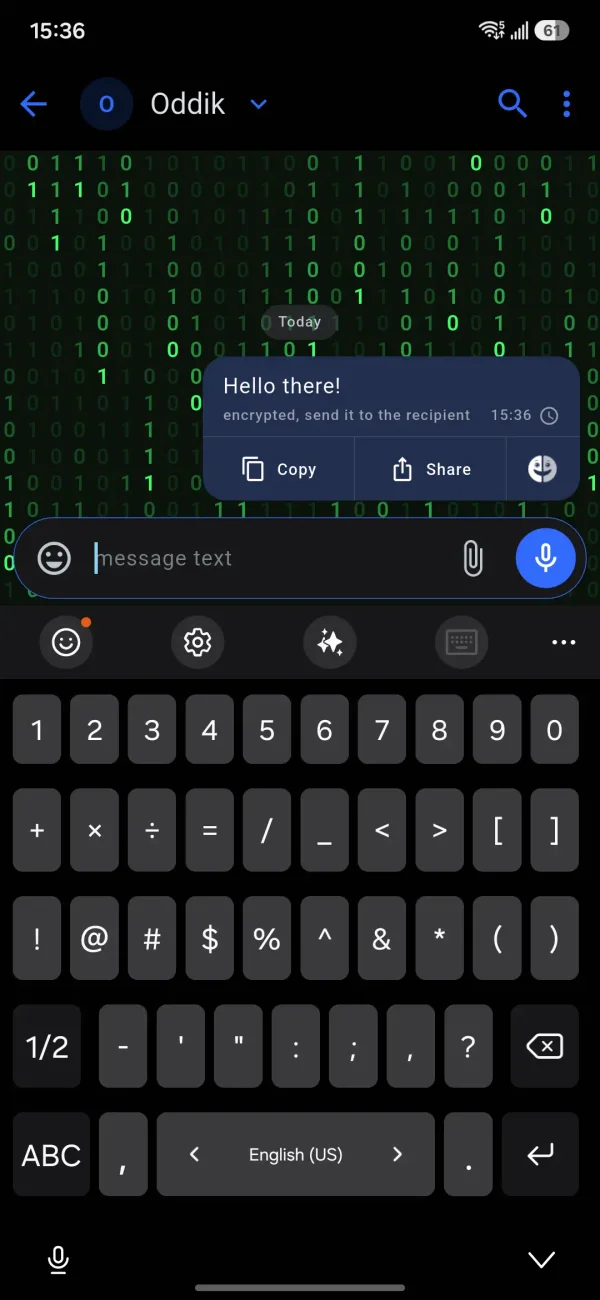
Secret Keeper ist ein eigenständiges Ende-zu-Ende-Verschlüsselungstool. Es macht jeden Kommunikationskanal sicher: Verschlüsseln Sie eine Nachricht oder eine Datei und senden Sie das Ergebnis per Messenger oder E-Mail oder zeigen Sie es als QR-Code an – nur der beabsichtigte Empfänger kann es entschlüsseln.
KEINE SERVER, KEINE KONTEN
• Die App funktioniert vollständig offline: keine Registrierung, keine Telefonnummer, keine E-Mail-Adresse.
• Die Schlüssel werden auf Ihrem Gerät generiert und verlassen es niemals.
• Wir erfassen keinerlei Daten – es gibt schlicht keinen Ort, an den wir sie senden könnten.
KRYPTOGRAFIE
• Moderne Standardalgorithmen: X25519 + AES-GCM.
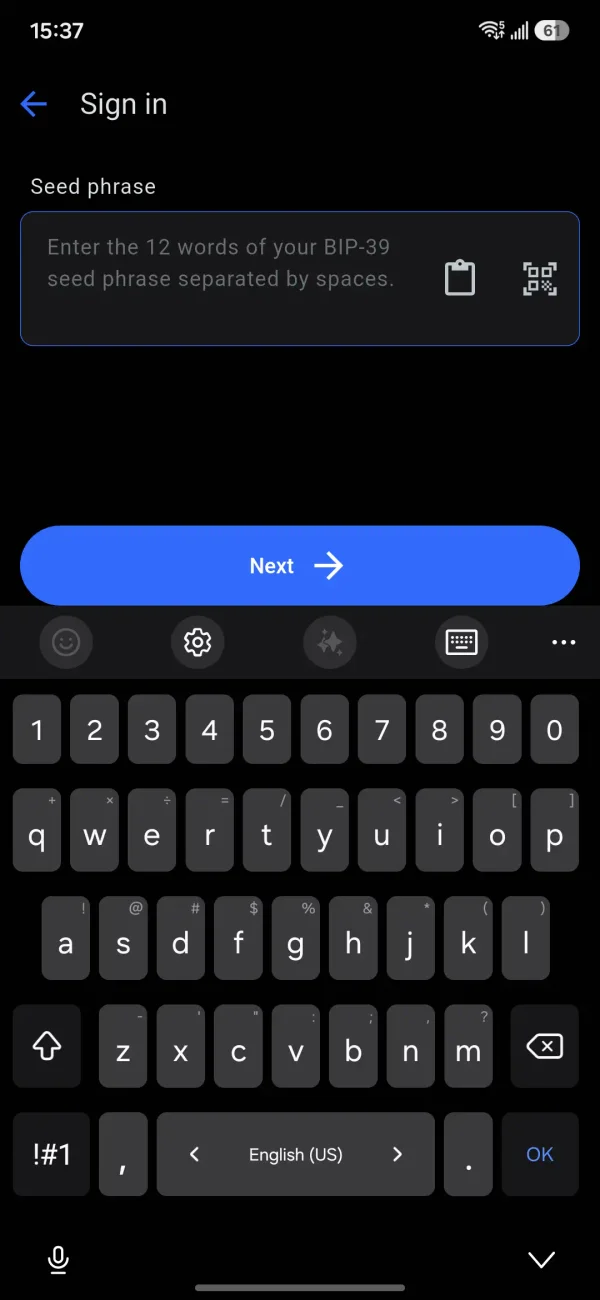
• Ihre Identität ist eine 12-Wort-Seed-Phrase: Sie stellt Ihr Profil auf einem neuen Gerät wieder her.
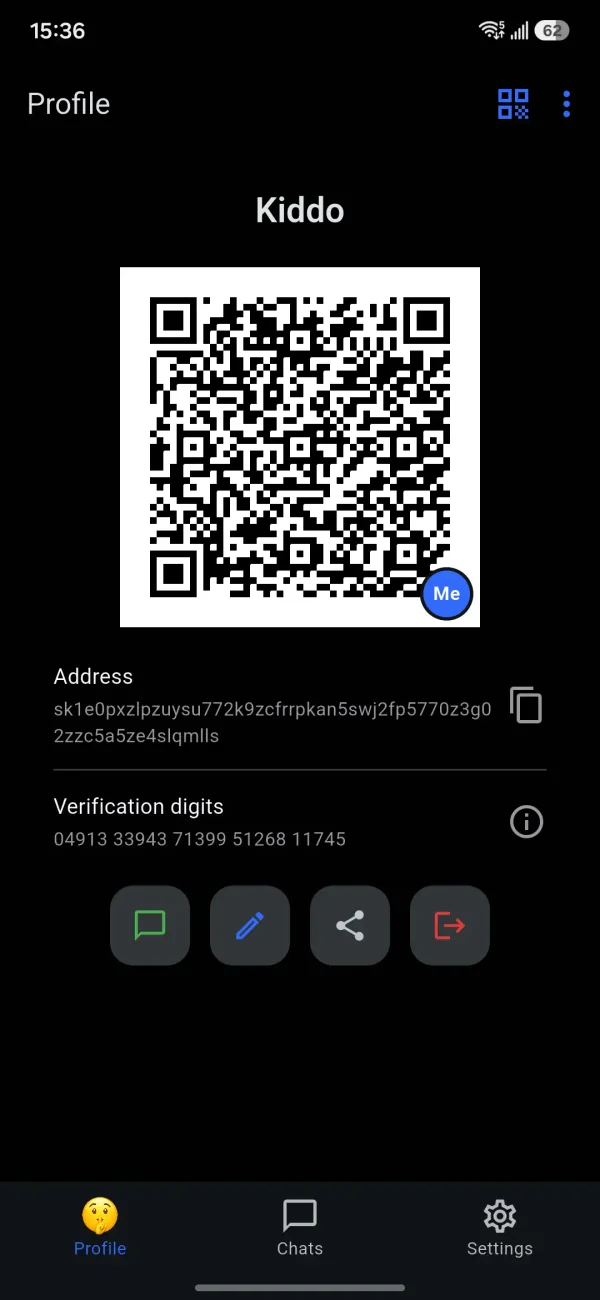
• Ihre Adresse ist eine kurze Zeichenkette/ein QR-Code, der sicher weitergegeben werden kann.
• Das Envelope-Format ist offen und dokumentiert (secretkeeper.net).
ZUGRIFFSSCHUTZ
• PIN-Code und Biometrie (Face ID / Touch ID / Fingerabdruck).
• Notfall-PIN: Ein separater Code, der ein leeres Profil öffnet.
• Automatische Löschung nach mehreren fehlgeschlagenen PIN-Eingaben.
• Sperrt sich, wenn die App in den Hintergrund wechselt; Screenshot-Schutz (kann deaktiviert werden).
NACHRICHTEN UND DATEIEN
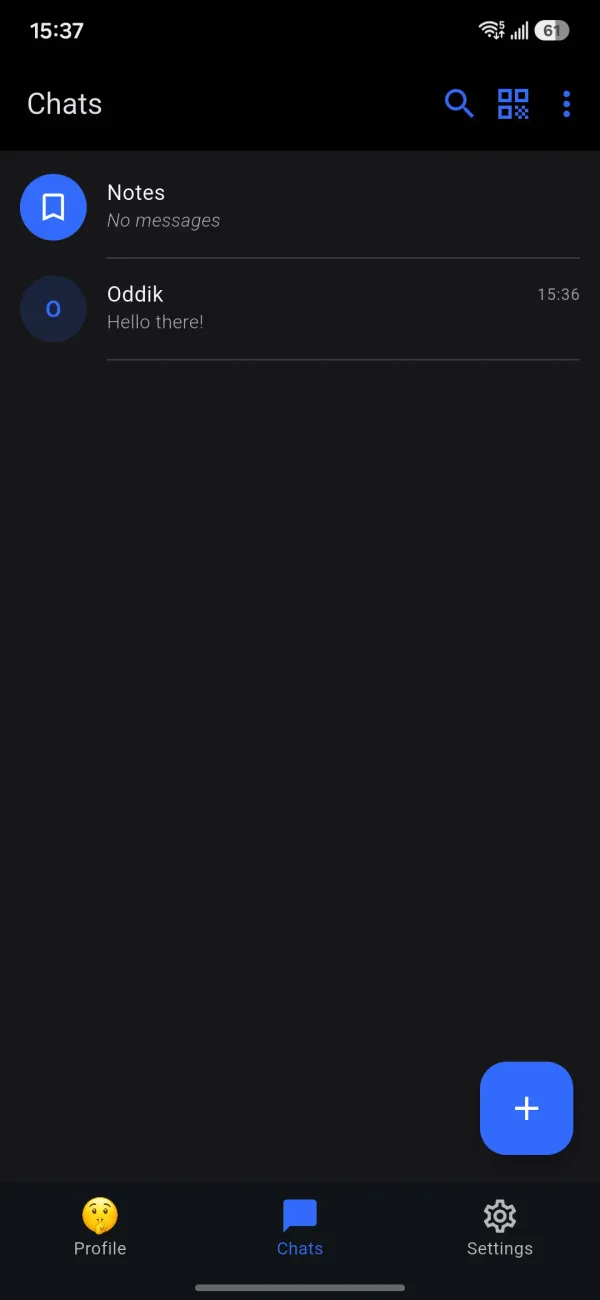
• Offline-Chats: Nachrichtenverlauf pro Kontakt, verschlüsselt gespeichert.
• Verschlüsseln Sie Dateien beliebigen Typs (.skf) – Fotos, Videos, Dokumente.
• Backup ist eine einzelne verschlüsselte Datei (.skb): Der Inhalt kann nur mit Ihrer Seed-Phrase geöffnet werden.
INTEGRATIONEN
• Tetatet Chat: Verknüpfen Sie die Apps, und geheime Nachrichten werden automatisch online zugestellt.
• Die Browsererweiterung Secret Keeper verschlüsselt direkt auf Webseiten.
• Passwortlose Anmeldung bei Diensten per QR-Code (SK Login).
FÜR WEN IST ES GEEIGNET?
Für alle, die Wert auf Datenschutz legen: Persönliche Korrespondenz, Passwörter und Codes, Dokumente, medizinische und finanzielle Daten. Secret Keeper benötigt kein Vertrauen in einen Vermittler – stattdessen setzt das Unternehmen auf verifizierbare Kryptografie statt auf Versprechen.
Offene Protokollspezifikation: https://secretkeeper.net/protocol
Datenschutzrichtlinie: https://secretkeeper.net/privacy
Originaltext anzeigen
Secret Keeper is a standalone end-to-end encryption tool. It turns any
communication channel into a secure one: encrypt a message or a file, send
the result over a regular messenger or e-mail, or show it as a QR code —
only the intended recipient can decrypt it.
NO SERVERS, NO ACCOUNTS
• The app is fully offline: no sign-up, no phone number, no e-mail.
• Keys are generated on your device and never leave it.
• We collect no data at all — there is simply nowhere to send it.
CRYPTOGRAPHY
• Modern standard algorithms: X25519 + AES-GCM.
• Your identity is a 12-word seed phrase: it restores your profile on a
new device.
• Your address is a short string / QR code that is safe to share openly.
• The envelope format is open and documented (secretkeeper.net).
ACCESS PROTECTION
• PIN code and biometrics (Face ID / Touch ID / fingerprint).
• Duress PIN: a separate code that opens an empty profile.
• Automatic wipe after several failed PIN attempts.
• Locks when the app goes to background; screenshot protection (can be
turned off).
MESSAGING AND FILES
• Offline chats: per-contact message history, stored encrypted.
• Encrypt files of any type (.skf) — photos, videos, documents.
• Backup is a single encrypted file (.skb): its contents can only be
opened with your seed phrase.
INTEGRATIONS
• Tetatet Chat: link the apps and secret messages get delivered online
automatically.
• The Secret Keeper browser extension encrypts right on websites.
• Passwordless sign-in to services via QR (SK Login).
WHO IT IS FOR
Anyone who values privacy: personal correspondence, passwords and codes,
documents, medical and financial data. Secret Keeper requires no trust in
a middleman — verifiable cryptography instead of promises.
Open protocol specification: https://secretkeeper.net/protocol
Privacy policy: https://secretkeeper.net/privacy
Datensicherheit
Was Paymaster Technologies Elektronik bei Google Play zu den Daten angibt, die diese App erfasst und weitergibt.
- Keine Daten werden mit Drittunternehmen oder -organisationen geteiltWeitere Informationen dazu, wie Entwickler Angaben zur Weitergabe von Daten machen
- Keine Daten erhobenWeitere Informationen dazu, wie Entwickler Angaben zur Datenerhebung machen
Neue Funktionen
Version 1.1.19 · 24.11.2026
• Passkeys created through the system prompt reach the Vault right away, even while the app is in the background
• "Sign-in confirmed" sheet after you sign in on another device by its QR code
• Seed phrase is copied as a numbered list; a phrase with word numbers is accepted at sign-in
• A copied seed phrase is cleared from the clipboard after a minute
• The system navigation bar follows the app theme
• Fixes for tablets and link lists
Kontakt zum Entwickler
- Websitesecretkeeper.net
- E-Mailsupport@secretkeeper.net
- Datenschutzerklärungsecretkeeper.net
- AdresseMerkez mah Kagithane cad no 11 Dap Vadisi A block apt 61 34406 Istanbul (Europe)/İstanbul Türkiye
Informationen
- Angeboten von
- Paymaster Technologies Elektronik
- Kategorie
- Tools
- Version
- 1.1.19
- Aktualisiert
- 24.11.2026
- Veröffentlicht
- 10.08.2026
- Erfordert
- Android 7.0 oder höher
- Altersfreigabe
- USK ab 0 Jahren
- Preis
- Kostenlos
- Paketname
- net.secretkeeper.app