Secret Keeper
Paymaster Technologies Elektronik- Rating 3+Batasan usia
- Alat Kategori
- 24/11/2026Diperbarui
- GratisHarga
Tertaut ke halaman resmi net.secretkeeper.app di Google Play. Terakhir diperiksa pada 25/11/2026.

Tangkapan layar

Tentang aplikasi ini
Terjemahan otomatis oleh Google. Bahasa asli: Inggris (Amerika Serikat).
Enkripsi offline untuk pesan dan file. Kunci tidak pernah meninggalkan perangkat Anda.
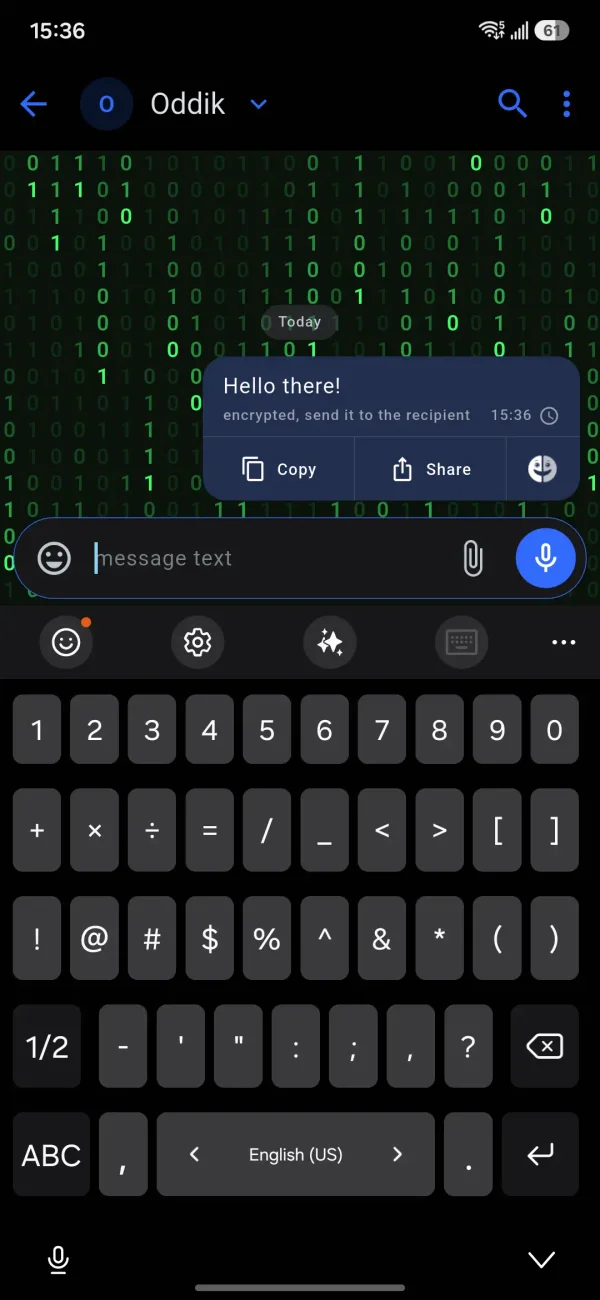
Secret Keeper adalah alat enkripsi ujung-ke-ujung mandiri. Alat ini mengubah saluran komunikasi apa pun menjadi saluran yang aman: enkripsi pesan atau file, kirim hasilnya melalui aplikasi pesan atau email biasa, atau tampilkan sebagai kode QR — hanya penerima yang dituju yang dapat mendekripsinya.
TANPA SERVER, TANPA AKUN
• Aplikasi ini sepenuhnya offline: tanpa pendaftaran, tanpa nomor telepon, tanpa email.
• Kunci dihasilkan di perangkat Anda dan tidak pernah meninggalkannya.
• Kami tidak mengumpulkan data apa pun — tidak ada tempat untuk mengirimkannya.
KRIPTOGRAFI
• Algoritma standar modern: X25519 + AES-GCM.
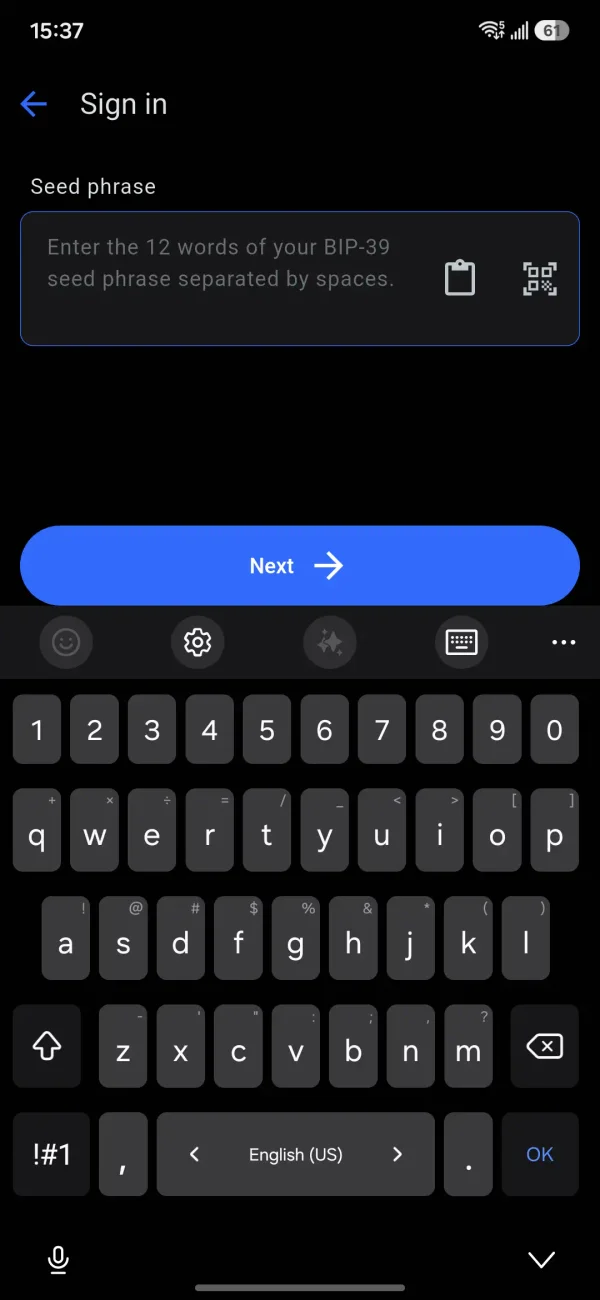
• Identitas Anda adalah frasa kunci 12 kata: frasa ini memulihkan profil Anda di perangkat baru.
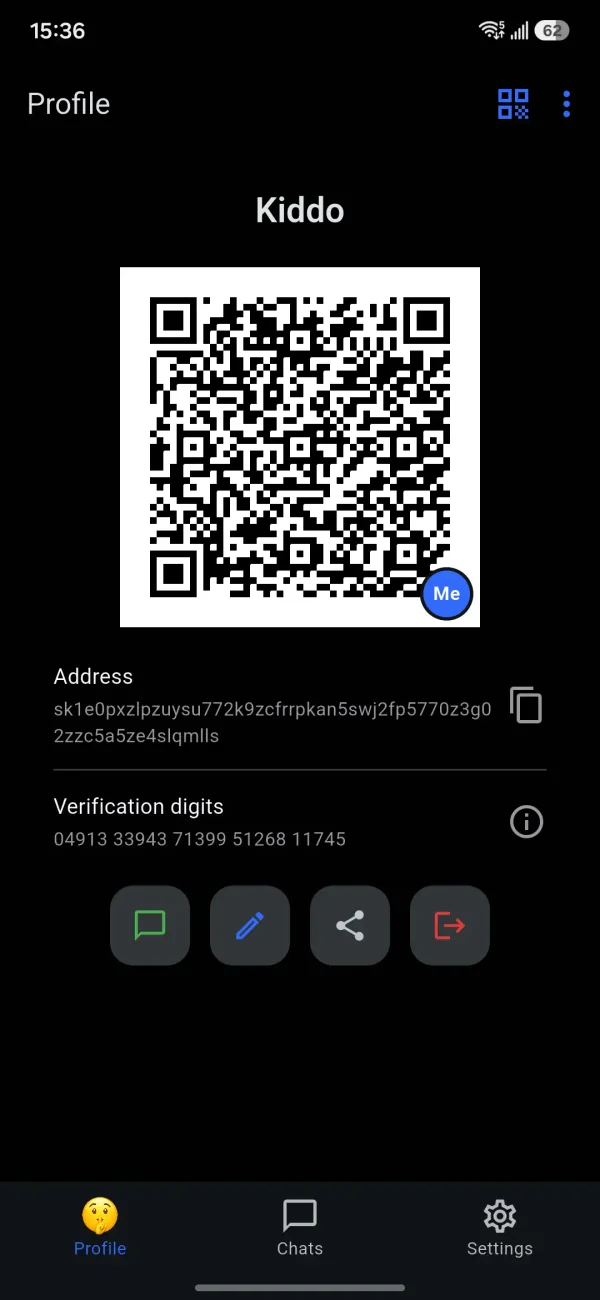
• Alamat Anda adalah string pendek / kode QR yang aman untuk dibagikan secara terbuka.
• Format amplop terbuka dan terdokumentasi (secretkeeper.net).
PERLINDUNGAN AKSES
• Kode PIN dan biometrik (Face ID / Touch ID / sidik jari).
• PIN Paksaan: kode terpisah yang membuka profil kosong.
• Penghapusan otomatis setelah beberapa kali percobaan PIN yang gagal.
• Terkunci saat aplikasi berjalan di latar belakang; perlindungan tangkapan layar (dapat dimatikan).
PESAN DAN FILE
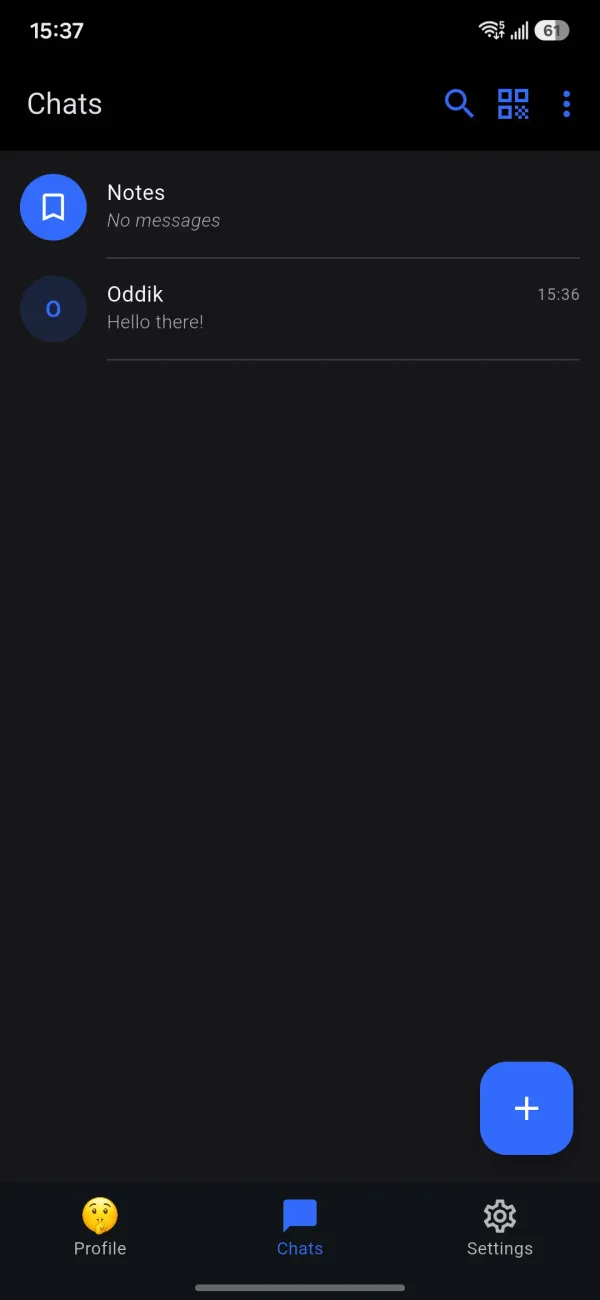
• Obrolan offline: riwayat pesan per kontak, disimpan dalam bentuk terenkripsi.
• Enkripsi file jenis apa pun (.skf) — foto, video, dokumen.
• Cadangan berupa satu file terenkripsi (.skb): isinya hanya dapat dibuka dengan frasa kunci Anda.
INTEGRASI
• Obrolan Tetatet: tautkan aplikasi dan pesan rahasia akan terkirim secara online secara otomatis.
• Ekstensi browser Secret Keeper mengenkripsi langsung di situs web.
• Masuk ke layanan tanpa kata sandi melalui QR (SK Login).
UNTUK SIAPA
Siapa pun yang menghargai privasi: korespondensi pribadi, kata sandi dan kode,
dokumen, data medis dan keuangan. Secret Keeper tidak memerlukan kepercayaan pada
perantara — kriptografi yang dapat diverifikasi, bukan janji.
Spesifikasi protokol terbuka: https://secretkeeper.net/protocol
Kebijakan privasi: https://secretkeeper.net/privacy
Tampilkan teks asli
Secret Keeper is a standalone end-to-end encryption tool. It turns any
communication channel into a secure one: encrypt a message or a file, send
the result over a regular messenger or e-mail, or show it as a QR code —
only the intended recipient can decrypt it.
NO SERVERS, NO ACCOUNTS
• The app is fully offline: no sign-up, no phone number, no e-mail.
• Keys are generated on your device and never leave it.
• We collect no data at all — there is simply nowhere to send it.
CRYPTOGRAPHY
• Modern standard algorithms: X25519 + AES-GCM.
• Your identity is a 12-word seed phrase: it restores your profile on a
new device.
• Your address is a short string / QR code that is safe to share openly.
• The envelope format is open and documented (secretkeeper.net).
ACCESS PROTECTION
• PIN code and biometrics (Face ID / Touch ID / fingerprint).
• Duress PIN: a separate code that opens an empty profile.
• Automatic wipe after several failed PIN attempts.
• Locks when the app goes to background; screenshot protection (can be
turned off).
MESSAGING AND FILES
• Offline chats: per-contact message history, stored encrypted.
• Encrypt files of any type (.skf) — photos, videos, documents.
• Backup is a single encrypted file (.skb): its contents can only be
opened with your seed phrase.
INTEGRATIONS
• Tetatet Chat: link the apps and secret messages get delivered online
automatically.
• The Secret Keeper browser extension encrypts right on websites.
• Passwordless sign-in to services via QR (SK Login).
WHO IT IS FOR
Anyone who values privacy: personal correspondence, passwords and codes,
documents, medical and financial data. Secret Keeper requires no trust in
a middleman — verifiable cryptography instead of promises.
Open protocol specification: https://secretkeeper.net/protocol
Privacy policy: https://secretkeeper.net/privacy
Keamanan data
Yang dinyatakan Paymaster Technologies Elektronik di Google Play tentang data yang dikumpulkan dan dibagikan aplikasi ini.
- Tidak ada data yang dibagikan kepada pihak ketigaPelajari lebih lanjut cara developer menyatakan pembagian data
- Tidak ada data yang dikumpulkanPelajari lebih lanjut cara developer menyatakan pengumpulan data
Yang baru
Versi 1.1.19 · 24/11/2026
• Passkeys created through the system prompt reach the Vault right away, even while the app is in the background
• "Sign-in confirmed" sheet after you sign in on another device by its QR code
• Seed phrase is copied as a numbered list; a phrase with word numbers is accepted at sign-in
• A copied seed phrase is cleared from the clipboard after a minute
• The system navigation bar follows the app theme
• Fixes for tablets and link lists
Kontak pengembang
- Situs websecretkeeper.net
- Emailsupport@secretkeeper.net
- Kebijakan Privasisecretkeeper.net
- AlamatMerkez mah Kagithane cad no 11 Dap Vadisi A block apt 61 34406 Istanbul (Europe)/İstanbul Türkiye
Informasi
- Ditawarkan oleh
- Paymaster Technologies Elektronik
- Kategori
- Alat
- Versi
- 1.1.19
- Diperbarui
- 24/11/2026
- Dirilis
- 10/8/2026
- Memerlukan
- Android 7.0 atau yang lebih baru
- Batasan usia
- Rating 3+
- Harga
- Gratis
- Nama paket
- net.secretkeeper.app