Secret Keeper
Paymaster Technologies Elektronik- 3 歳以上対象年齢
- ツールカテゴリ
- 2026/11/24更新日
- 無料価格
net.secretkeeper.appのGoogle Play公式ページにリンクしています。最終確認:2026/11/25。

スクリーンショット

このアプリについて
Googleによる英語 (アメリカ合衆国)からの自動翻訳です。
メッセージとファイルのオフライン暗号化。暗号化キーはデバイスから外部に送信されることはありません。
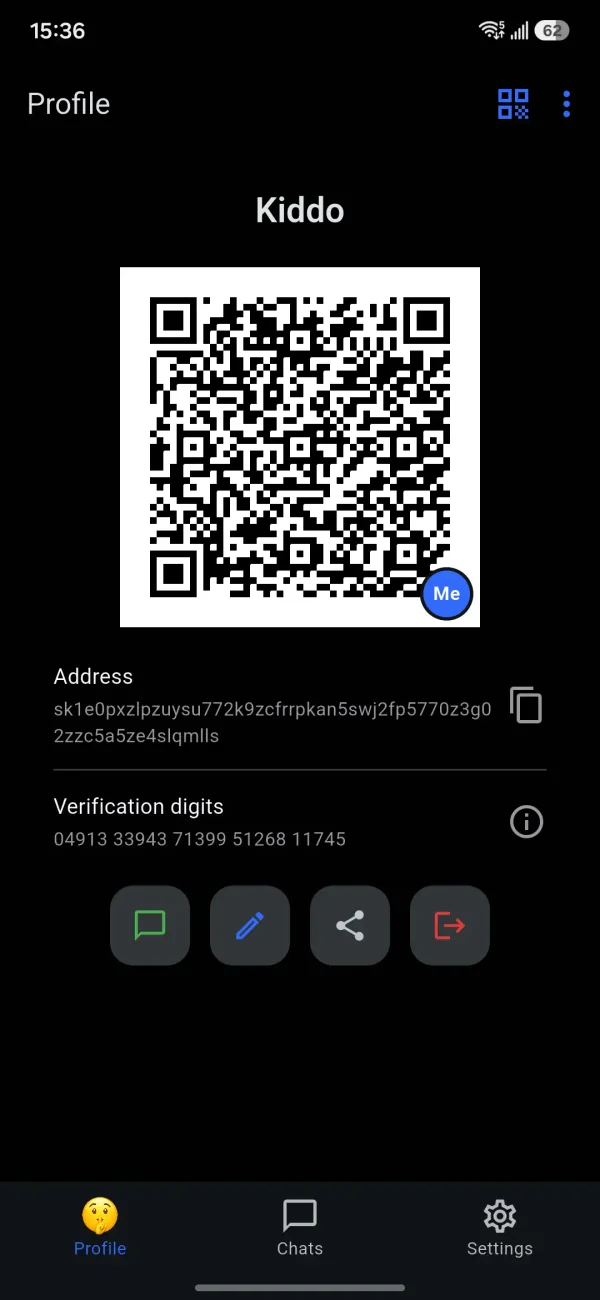
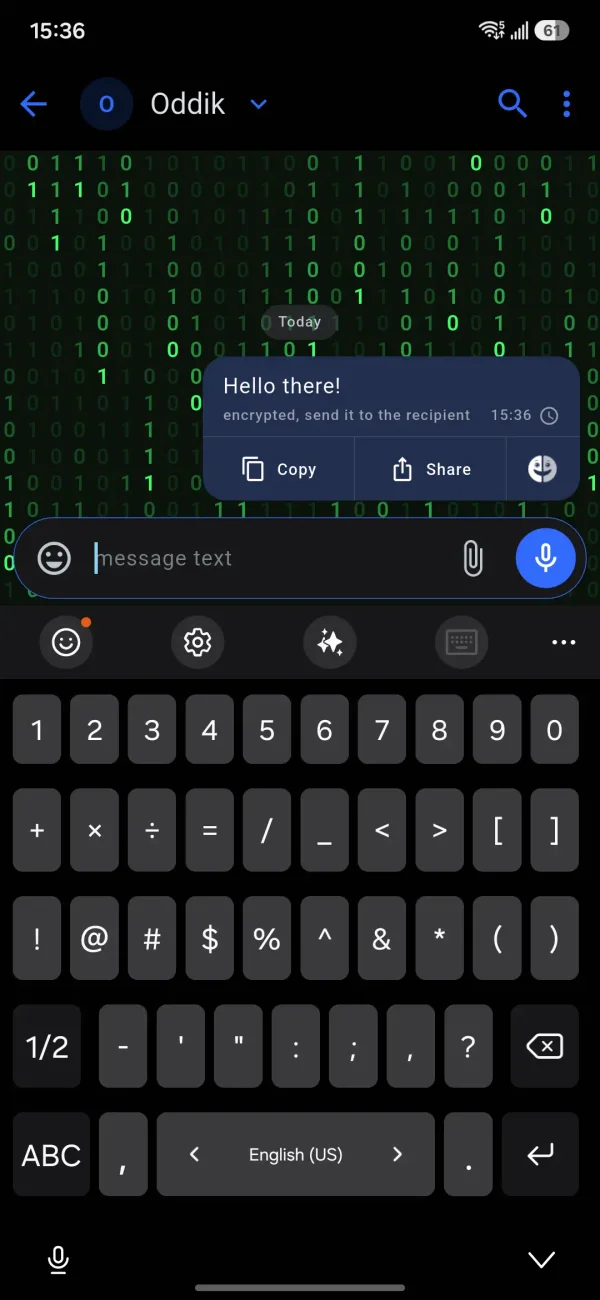
Secret Keeperは、スタンドアロン型のエンドツーエンド暗号化ツールです。あらゆる通信チャネルを安全なものに変えます。メッセージやファイルを暗号化し、通常のメッセンジャーやメールで送信したり、QRコードとして表示したりできます。復号できるのは、意図した受信者のみです。
サーバー不要、アカウント不要
• アプリは完全にオフラインで動作します。サインアップ、電話番号、メールアドレスは不要です。
• キーはデバイス上で生成され、外部に送信されることはありません。
• データ収集は一切行いません。データを送信する場所がそもそも存在しないからです。
暗号化
• 最新の標準アルゴリズム:X25519 + AES-GCM。
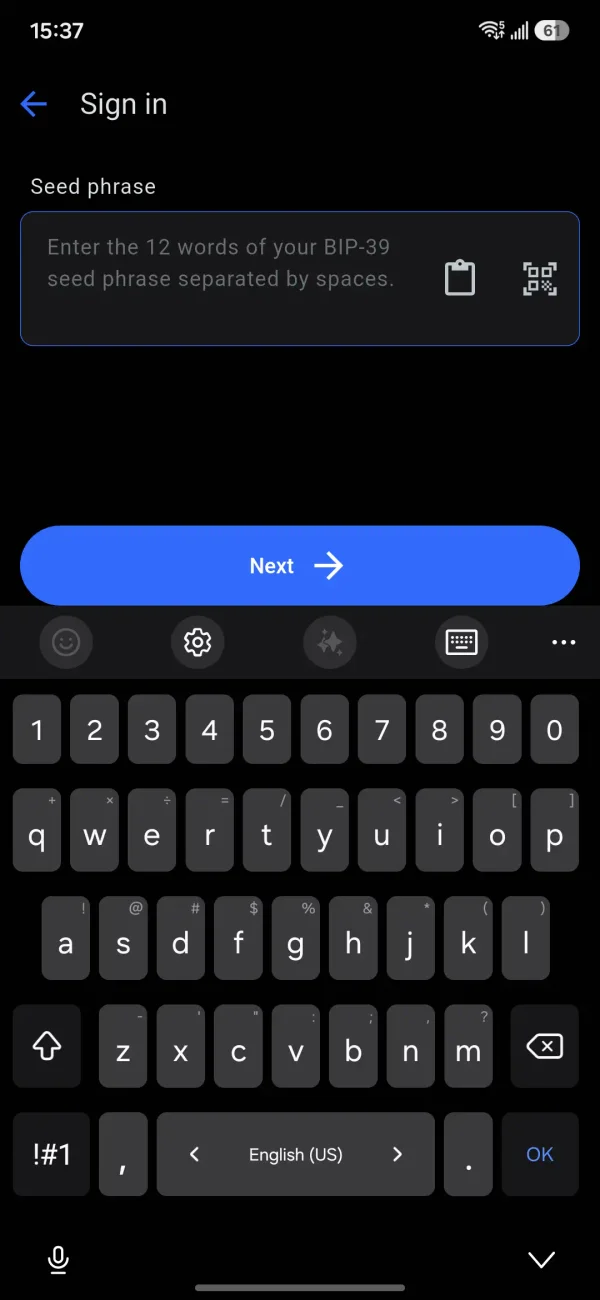
• 認証情報は12単語のシードフレーズです。新しいデバイスでもプロファイルを復元できます。
• アドレスは短い文字列またはQRコードで、安全に公開できます。
• エンベロープ形式は公開されており、ドキュメントも提供されています(secretkeeper.net)。
アクセス保護
• PINコードと生体認証(Face ID / Touch ID / 指紋認証)
• 緊急PIN:空のプロファイルを開くための専用コード
• PINコードの入力失敗が複数回続くと自動的にデータが消去されます。
• アプリがバックグラウンドに移行するとロックされます。スクリーンショット保護機能(オフにすることも可能です)。
メッセージとファイル
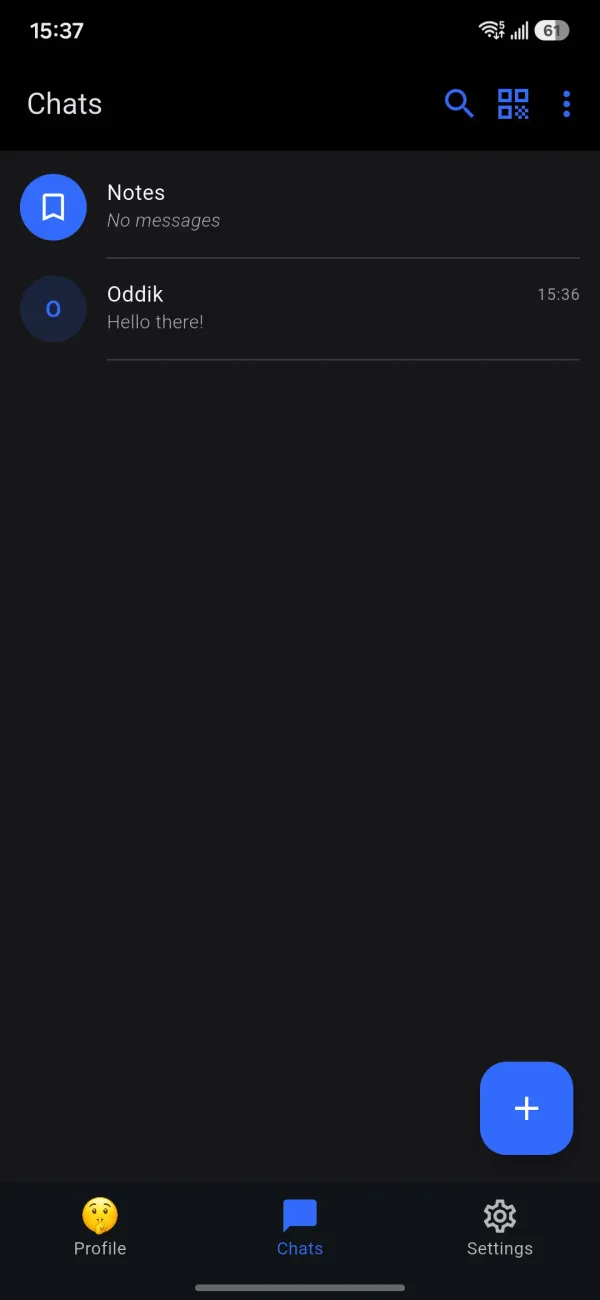
• オフラインチャット:連絡先ごとのメッセージ履歴が暗号化されて保存されます。
• あらゆる種類のファイル(.skfファイル)を暗号化します(写真、動画、ドキュメントなど)。
• バックアップは暗号化された単一のファイル(.skbファイル)です。その内容は、シードフレーズを使用した場合のみ開くことができます。
連携機能
• Tetatet Chat:アプリを連携させ、秘密のメッセージをオンラインで自動的に配信します。
• Secret Keeperブラウザ拡張機能:ウェブサイト上で直接暗号化します。
• QRコードによるパスワード不要のサービスログイン(SK Login)。
対象ユーザー
プライバシーを重視するすべての方:個人的なやり取り、パスワードやコード、ドキュメント、医療データ、財務データなど。 Secret Keeperは仲介者への信頼を必要としません。約束ではなく、検証可能な暗号技術を使用します。
オープンプロトコル仕様:https://secretkeeper.net/protocol
プライバシーポリシー:https://secretkeeper.net/privacy
原文を表示
Secret Keeper is a standalone end-to-end encryption tool. It turns any
communication channel into a secure one: encrypt a message or a file, send
the result over a regular messenger or e-mail, or show it as a QR code —
only the intended recipient can decrypt it.
NO SERVERS, NO ACCOUNTS
• The app is fully offline: no sign-up, no phone number, no e-mail.
• Keys are generated on your device and never leave it.
• We collect no data at all — there is simply nowhere to send it.
CRYPTOGRAPHY
• Modern standard algorithms: X25519 + AES-GCM.
• Your identity is a 12-word seed phrase: it restores your profile on a
new device.
• Your address is a short string / QR code that is safe to share openly.
• The envelope format is open and documented (secretkeeper.net).
ACCESS PROTECTION
• PIN code and biometrics (Face ID / Touch ID / fingerprint).
• Duress PIN: a separate code that opens an empty profile.
• Automatic wipe after several failed PIN attempts.
• Locks when the app goes to background; screenshot protection (can be
turned off).
MESSAGING AND FILES
• Offline chats: per-contact message history, stored encrypted.
• Encrypt files of any type (.skf) — photos, videos, documents.
• Backup is a single encrypted file (.skb): its contents can only be
opened with your seed phrase.
INTEGRATIONS
• Tetatet Chat: link the apps and secret messages get delivered online
automatically.
• The Secret Keeper browser extension encrypts right on websites.
• Passwordless sign-in to services via QR (SK Login).
WHO IT IS FOR
Anyone who values privacy: personal correspondence, passwords and codes,
documents, medical and financial data. Secret Keeper requires no trust in
a middleman — verifiable cryptography instead of promises.
Open protocol specification: https://secretkeeper.net/protocol
Privacy policy: https://secretkeeper.net/privacy
データ セーフティ
このアプリが収集・共有するデータについて、Paymaster Technologies ElektronikがGoogle Playで申告している内容です。
- 第三者と共有されるデータはありません詳しくは、デベロッパーが共有を申告する方法についての説明をご覧ください
- データは収集されません詳しくは、デベロッパーが収集を申告する方法についての説明をご覧ください
新機能
バージョン 1.1.19 · 2026/11/24
• Passkeys created through the system prompt reach the Vault right away, even while the app is in the background
• "Sign-in confirmed" sheet after you sign in on another device by its QR code
• Seed phrase is copied as a numbered list; a phrase with word numbers is accepted at sign-in
• A copied seed phrase is cleared from the clipboard after a minute
• The system navigation bar follows the app theme
• Fixes for tablets and link lists
開発元の連絡先
- ウェブサイトsecretkeeper.net
- メールsupport@secretkeeper.net
- プライバシーポリシーsecretkeeper.net
- 住所Merkez mah Kagithane cad no 11 Dap Vadisi A block apt 61 34406 Istanbul (Europe)/İstanbul Türkiye
情報
- 提供元
- Paymaster Technologies Elektronik
- カテゴリ
- ツール
- バージョン
- 1.1.19
- 更新日
- 2026/11/24
- リリース
- 2026/8/10
- 必要条件
- Android 7.0以降
- 対象年齢
- 3 歳以上
- 価格
- 無料
- パッケージ名
- net.secretkeeper.app