Video Editor, Maker -VideoCook
InShot Video EditorEnthält Werbung · In-App-Käufe
- USK ab 0 JahrenAltersfreigabe
- Videoplayer & EditorsKategorie
- 10.11.2026Aktualisiert
- KostenlosPreis
Verlinkt auf den offiziellen Google Play-Eintrag von glitchvideoeditor.videoeffects.glitchvideoeffect. Zuletzt geprüft am 27.11.2026.
Screenshots
Über diese App
Der Entwickler hat diesen Text nicht in Ihrer Sprache bereitgestellt.
AI video editor with music: movie & reel maker, glitch effects & AI face mosaic.
VideoCook is a powerful, easy-to-use video editor and video maker that offers a wide range of features, including music, filters, glitch effects, transitions, captions, and more. Whether you’re a beginner or a creator, VideoCook lets you transform everyday moments into viral content for TikTok, YouTube, Instagram, WhatsApp, and Facebook — all with no watermark, no ads, and completely free.
From trimming clips to removing backgrounds, VideoCook gives you all the tools you need to record, edit, and share your creative vision seamlessly.
🪄 ONE-TAP AI TOOLS
* AI Body Effects: Instantly enhance images and videos with AI presets
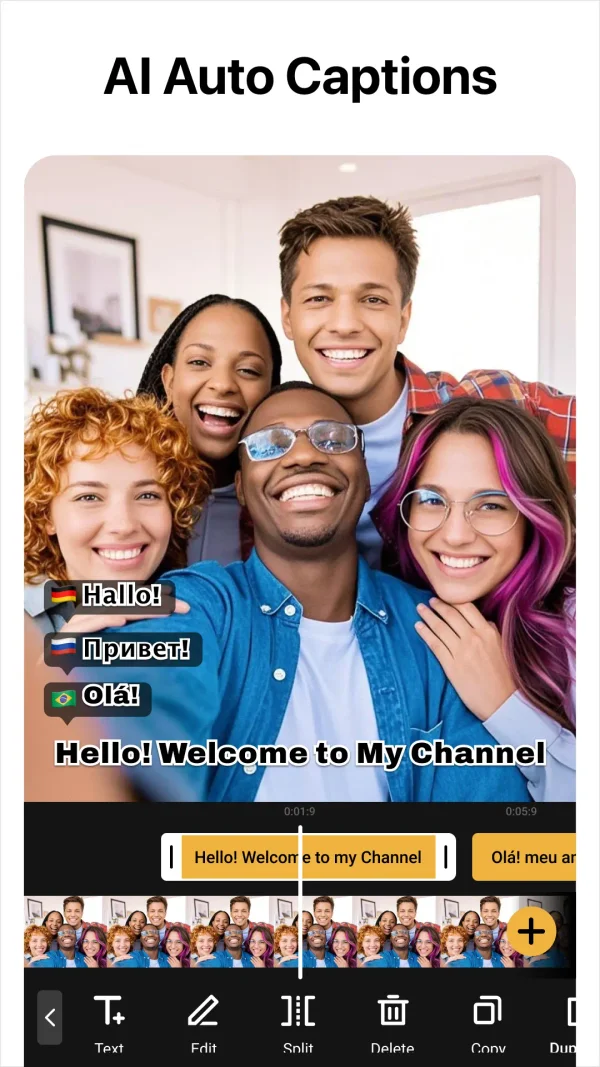
* Auto Captions: Let AI generate captions automatically
* Background Removal: Remove backgrounds in one tap
* Smart Tracking: Sync text and stickers with moving objects
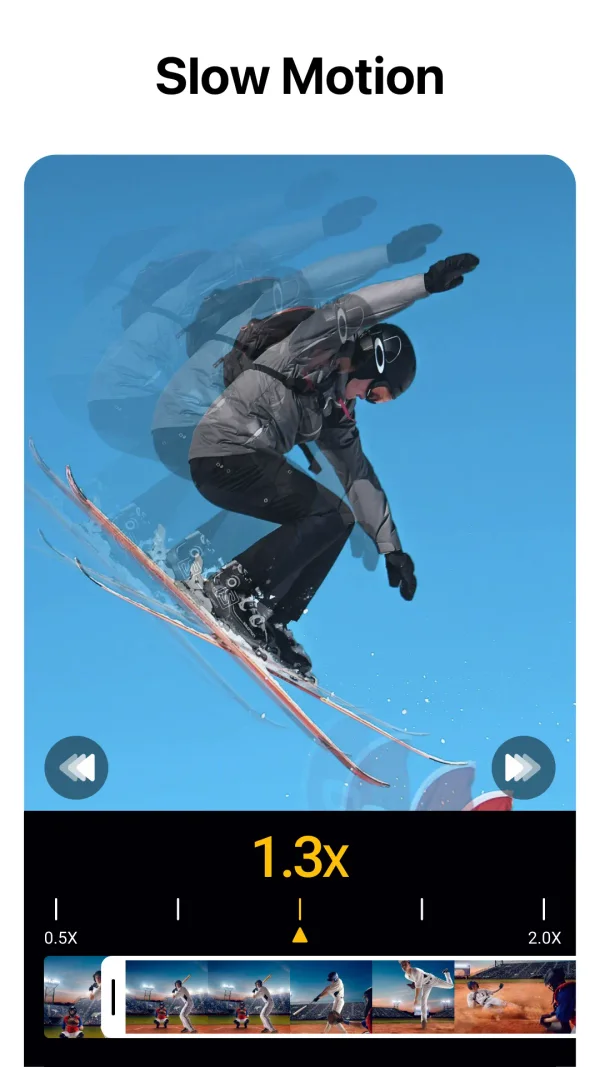
* Smooth Slow-Mo: AI-powered slow-motion for smooth effects
🎥 BASIC VIDEO EDITING
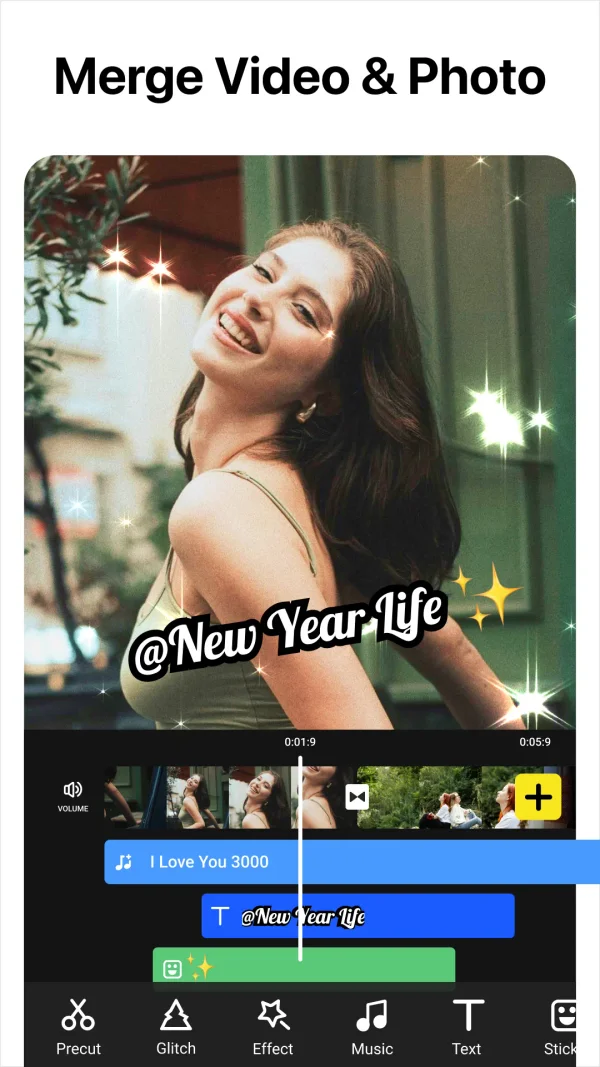
* Trim, cut, and merge videos with high precision
* Adjust speed (0.2x to 100x) for smooth slow motion or time-lapse
* Crop or resize to fit any aspect ratio (1:1, 9:16, 16:9, etc.)
* Reverse, rotate, and flip clips
* Create slideshows or stop motion videos
* Record videos with iconic glitch, VHS, and face effects via Glitch Cam.
🧠 ADVANCED VIDEO EDITOR
* Add keyframe animations to text, stickers, and video layers
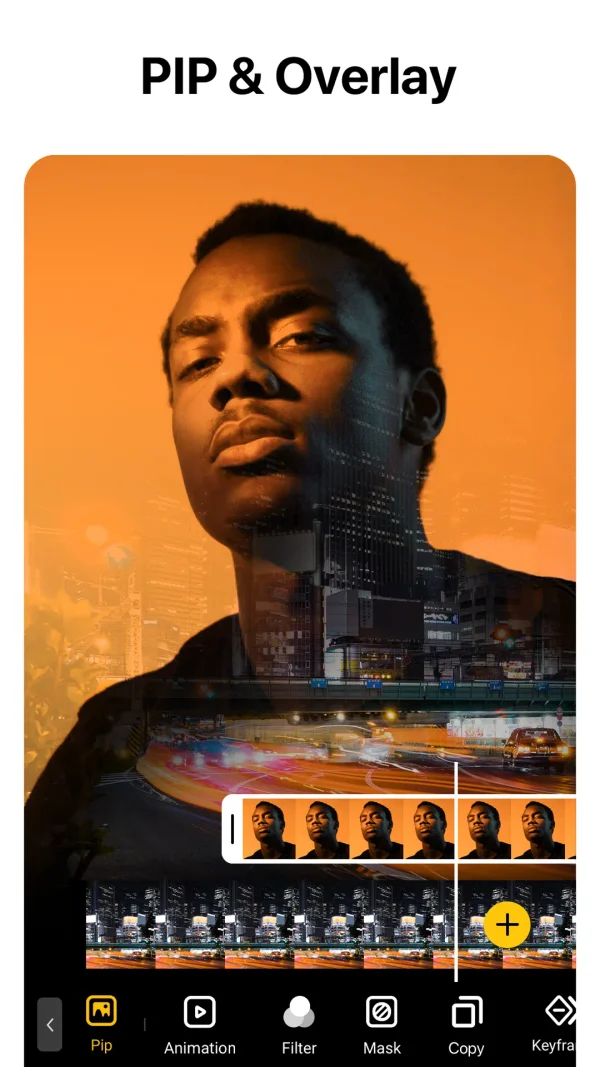
* Picture-in-Picture (PIP) support for multi-layer edits and video collages
* Chroma key to remove backgrounds and create green screen effects
* Mask and blend modes for creative overlays
* Color picker to match your visual style perfectly
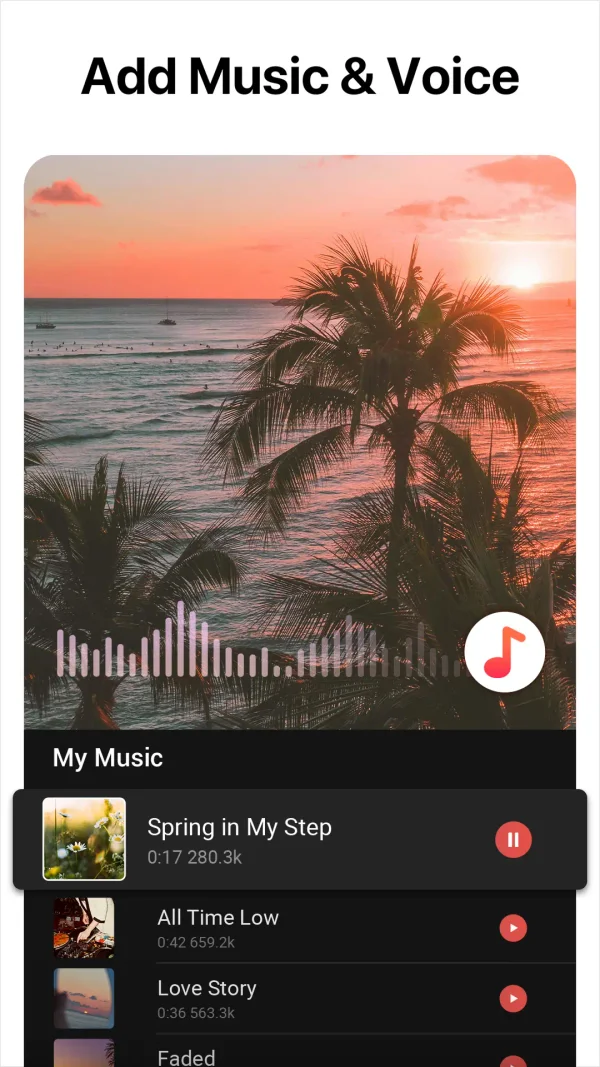
🎶 MUSIC, SOUND & VOICE
* Add built-in or custom music to your videos
* Extract audio from video clips
* Add voiceovers with fade-in/out and volume control
* Use sound effects for vlogs, memes, and more
✨ FILTERS, EFFECTS & GLITCH
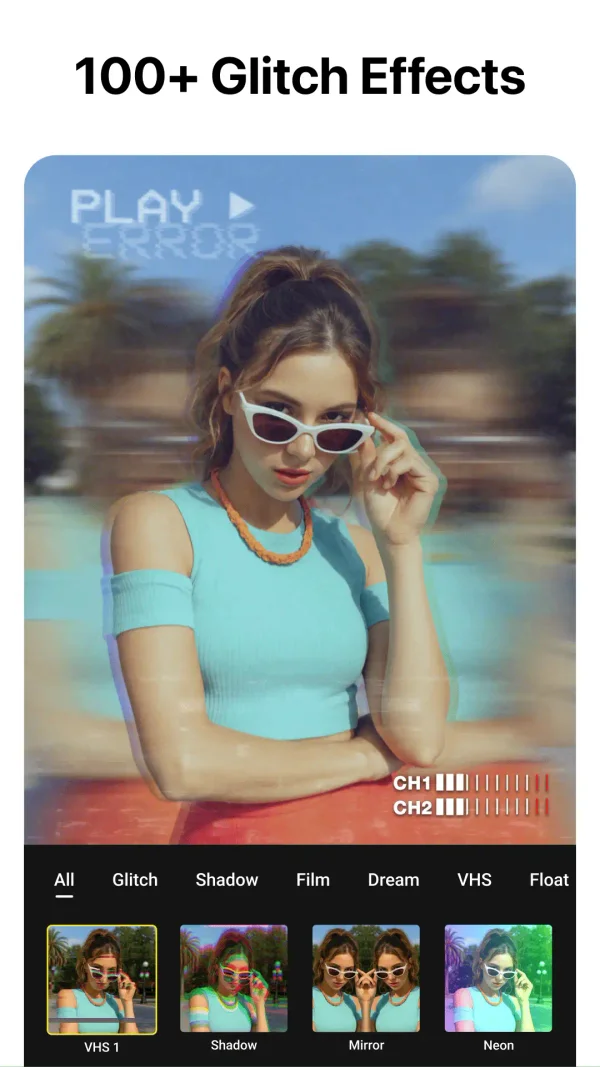
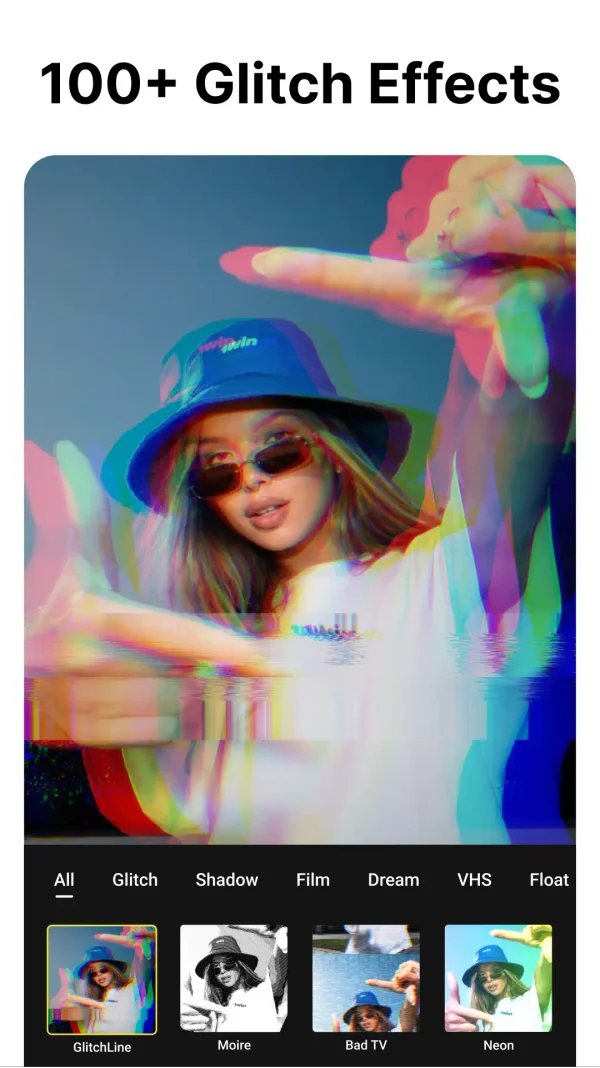
* 100+ filters and trending glitch effects: VHS, RGB, X-ray, Retro, etc.
* Smooth video transitions: blur, zoom, fade, slide, etc.
* Customize video brightness, contrast, saturation, and more
📝 TEXT, STICKERS & MEMES
* Add text with 1000+ fonts and animated styles
* Subtitle your vlogs with auto-caption support
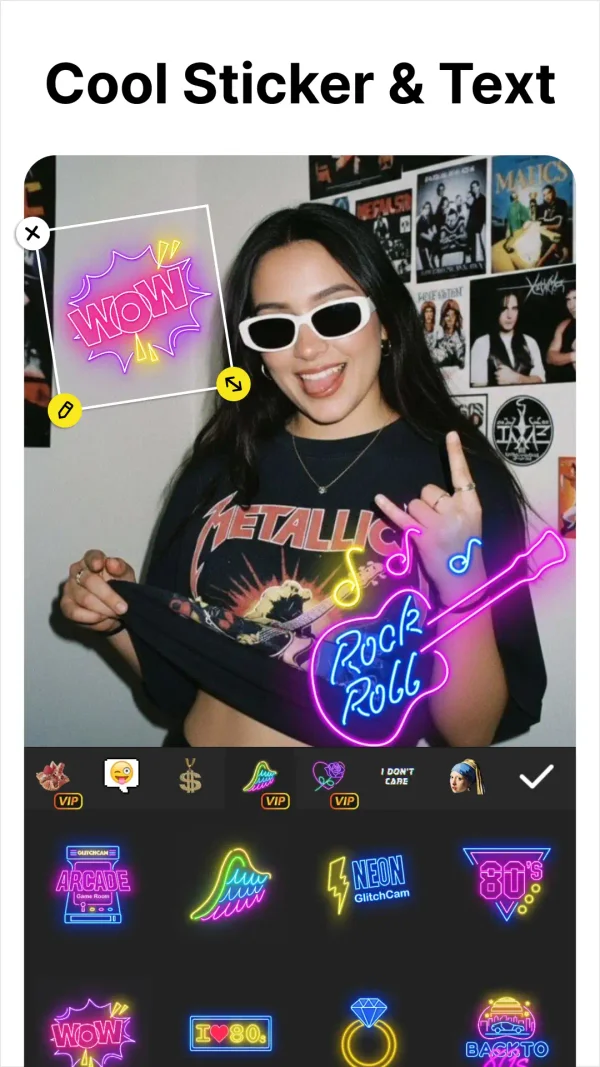
* Decorate with animated stickers, emojis, and trending GIFs
* Create memes and overlays with your own images
🔁 SOCIAL MEDIA EXPORT & SHARING
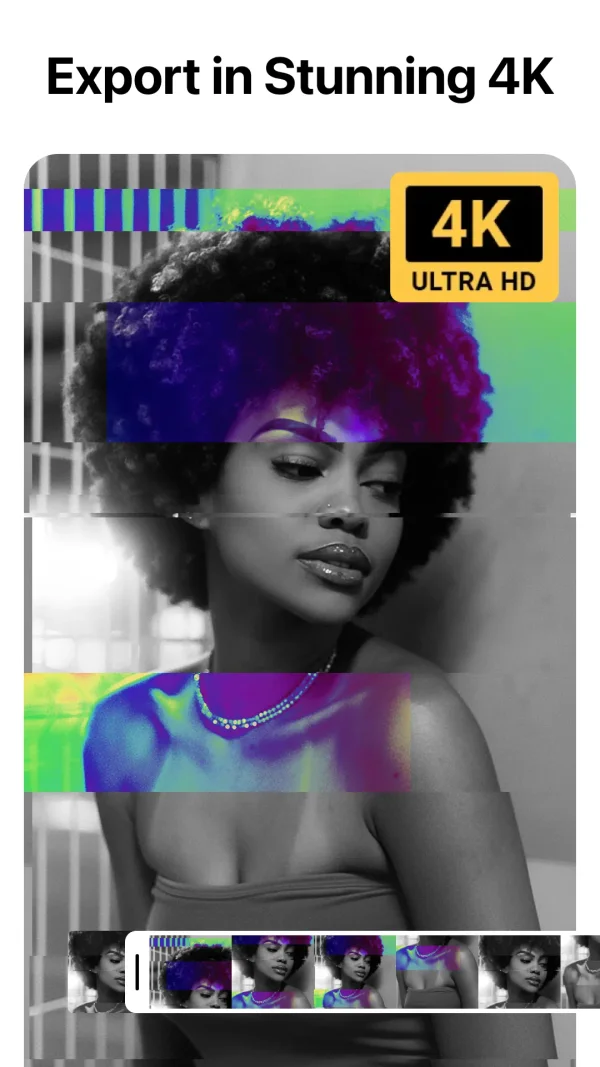
* Export videos in HD, up to 4K 60fps
* No watermark, no ads – just your content
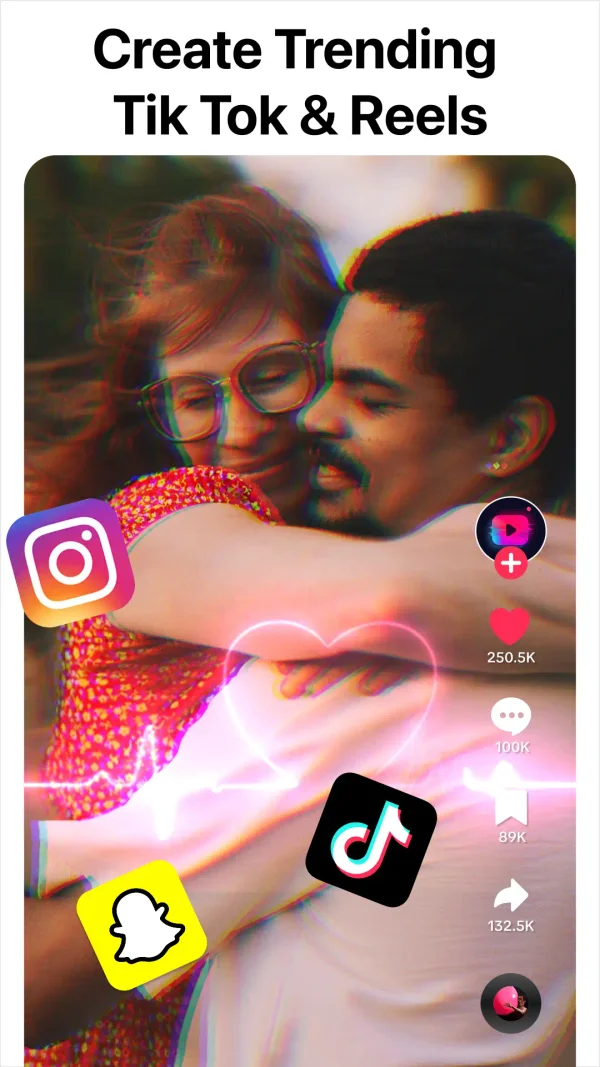
* Share directly to TikTok, YouTube Shorts, Instagram Reels, WhatsApp & more
📸 MORE THAN A VIDEO EDITOR
Create eye-catching TikTok covers & social posts with powerful AI photo tools.
* AI Photo Enhancer: Turn blurry photos into HD & refine facial details
* AI Background Remover: Cut out subjects & export clean PNGs
🎉 WHY CHOOSE VIDEOCOOK?
Whether you're a casual user or aspiring content creator, VideoCook gives you all the tools you need to edit like a pro — glitch effects, music sync, auto captions, slow motion, collages, and more — without paying a dime.
Create viral clips in minutes. Download VideoCook now – free and watermark-free.
💌 Questions? Contact us
videocook@inshot.com
Datensicherheit
Was InShot Video Editor bei Google Play zu den Daten angibt, die diese App erfasst und weitergibt.
- Keine Daten werden mit Drittunternehmen oder -organisationen geteiltWeitere Informationen dazu, wie Entwickler Angaben zur Weitergabe von Daten machen
- Diese App kann die folgenden Datentypen erhebenPersonenbezogene Daten, Dateien und Dokumente und App-Informationen und -Leistung
- Daten werden bei der Übertragung verschlüsselt
- Daten können nicht gelöscht werden
Neue Funktionen
Version 3.030.20 · 10.11.2026
🎙 [Auto Captions]: More languages supported
🎵 [Music]: Fresh tracks added in Top Songs
🖼 [Materials]: New built-in materials for editing
- Bug fixes and a smoother experience
💡 Your feedback helps us make VideoCook better
📩 videocook@inshot.com
Kontakt zum Entwickler
- Websiteinshot.app
- E-Mailvideocook@inshot.com
- Datenschutzerklärunginshotapp.com
- Adresse8 TEMASEK BOULEVARD #20-01/04 SUNTEC TOWER THREE Singapore 038988
Informationen
- Angeboten von
- InShot Video Editor
- Kategorie
- Videoplayer & Editors
- Version
- 3.030.20
- Aktualisiert
- 10.11.2026
- Veröffentlicht
- 22.02.2019
- Erfordert
- Android 8.0 oder höher
- Altersfreigabe
- USK ab 0 Jahren
- Preis
- Kostenlos
- In-App-Käufe
- 0,49 €–149,99 € bei Abrechnung über Google Play
- Paketname
- glitchvideoeditor.videoeffects.glitchvideoeffect
Ähnliche Apps
-
 FilmoraHD - KI-Videomacher
Videoplayer & Editors
-
 Motion Ninja Video Editor
Videoplayer & Editors
-
 Photo Video Maker: Slideshows
Videoplayer & Editors
-
 Video Maker mit Musik, Foto
Videoplayer & Editors
-
 Smart Video Crop - Video Cut
Videoplayer & Editors
-
 AI Video Generator - Clips AI
Kunst & Design
-
 Foto-Videomacher mit Musik
Videoplayer & Editors
-
 Video Maker mit Musik & Foto
Fotografie
-
 Glitch Foto Editor - VHS, Glit
Fotografie
-
 PowerDirector-Videobearbeitung
Videoplayer & Editors
-
 Video bearbeiten, VHS: ShotCut
Videoplayer & Editors
-
 VideoShow Video Editor, Foto
Videoplayer & Editors