Video Editor, Maker -VideoCook
InShot Video EditorContient des annonces · Achats intégrés
- PEGI 3Classification d’âge
- Lecteurs et éditeurs vidéoCatégorie
- 10/11/2026Mis à jour
- GratuitPrix
Renvoie vers la fiche Google Play officielle de glitchvideoeditor.videoeffects.glitchvideoeffect. Dernière vérification le 27/11/2026.
Captures d’écran
À propos de cette application
Le développeur n’a pas fourni ce texte dans votre langue.
AI video editor with music: movie & reel maker, glitch effects & AI face mosaic.
VideoCook is a powerful, easy-to-use video editor and video maker that offers a wide range of features, including music, filters, glitch effects, transitions, captions, and more. Whether you’re a beginner or a creator, VideoCook lets you transform everyday moments into viral content for TikTok, YouTube, Instagram, WhatsApp, and Facebook — all with no watermark, no ads, and completely free.
From trimming clips to removing backgrounds, VideoCook gives you all the tools you need to record, edit, and share your creative vision seamlessly.
🪄 ONE-TAP AI TOOLS
* AI Body Effects: Instantly enhance images and videos with AI presets
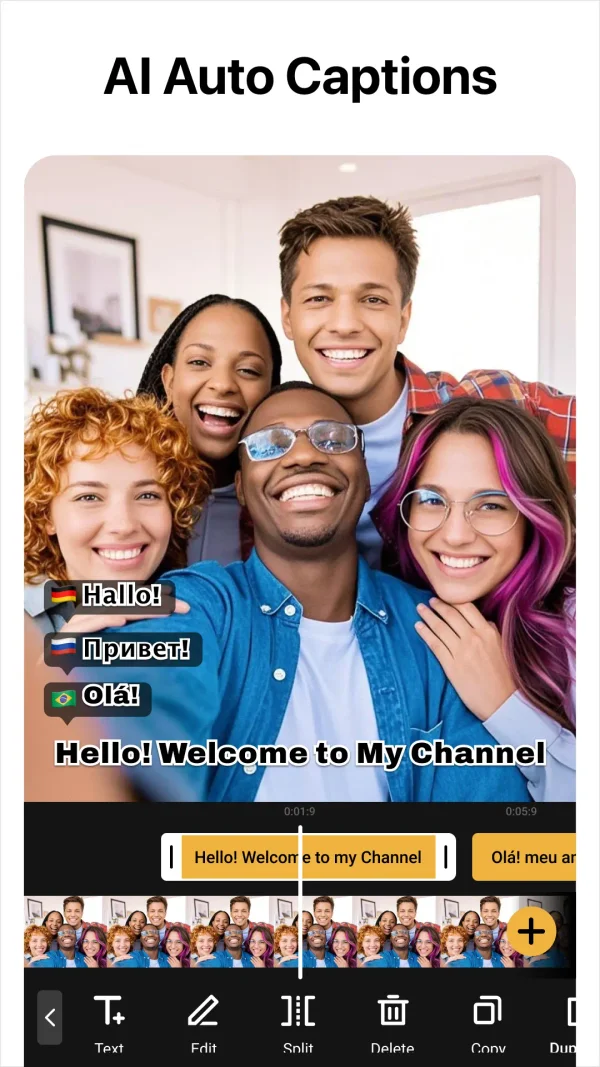
* Auto Captions: Let AI generate captions automatically
* Background Removal: Remove backgrounds in one tap
* Smart Tracking: Sync text and stickers with moving objects
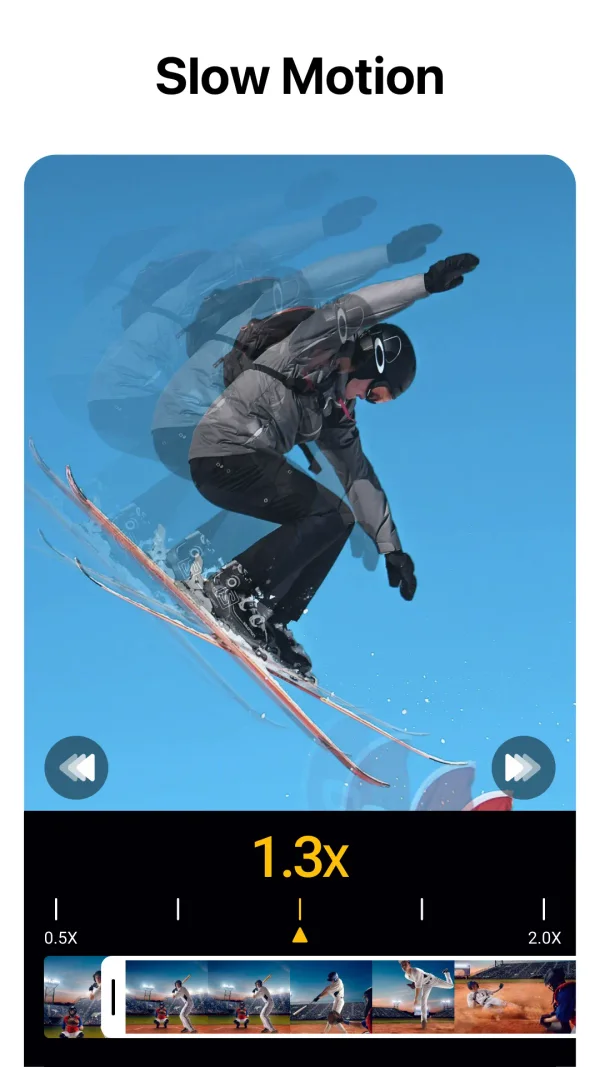
* Smooth Slow-Mo: AI-powered slow-motion for smooth effects
🎥 BASIC VIDEO EDITING
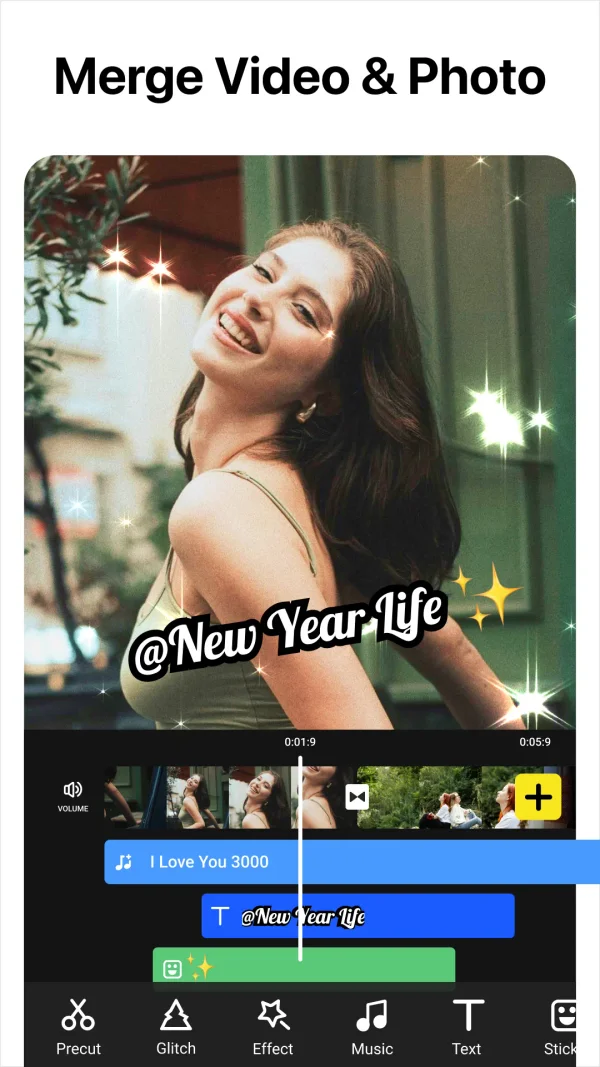
* Trim, cut, and merge videos with high precision
* Adjust speed (0.2x to 100x) for smooth slow motion or time-lapse
* Crop or resize to fit any aspect ratio (1:1, 9:16, 16:9, etc.)
* Reverse, rotate, and flip clips
* Create slideshows or stop motion videos
* Record videos with iconic glitch, VHS, and face effects via Glitch Cam.
🧠 ADVANCED VIDEO EDITOR
* Add keyframe animations to text, stickers, and video layers
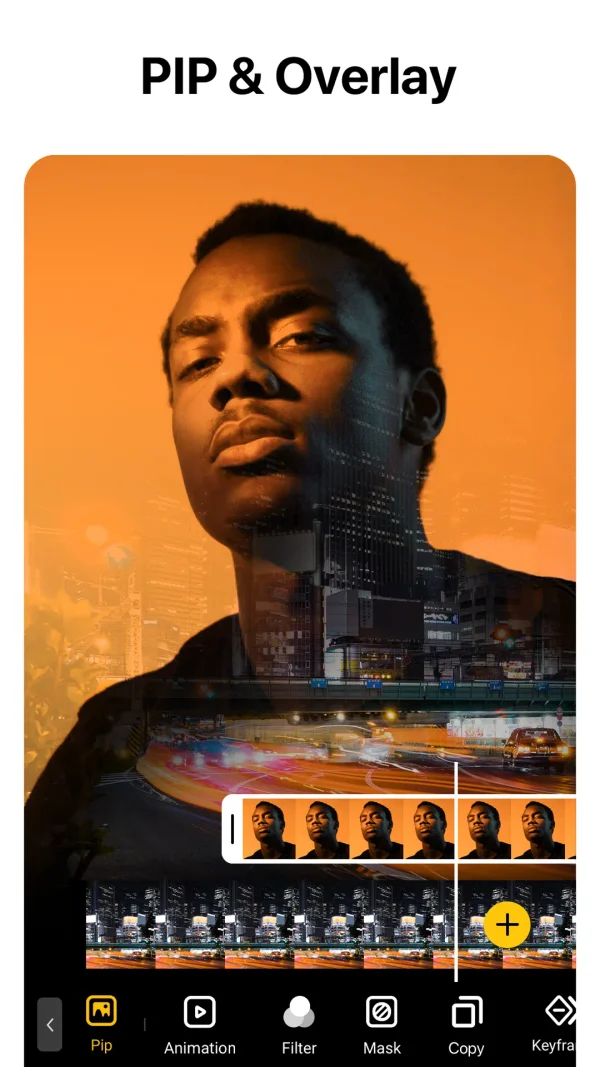
* Picture-in-Picture (PIP) support for multi-layer edits and video collages
* Chroma key to remove backgrounds and create green screen effects
* Mask and blend modes for creative overlays
* Color picker to match your visual style perfectly
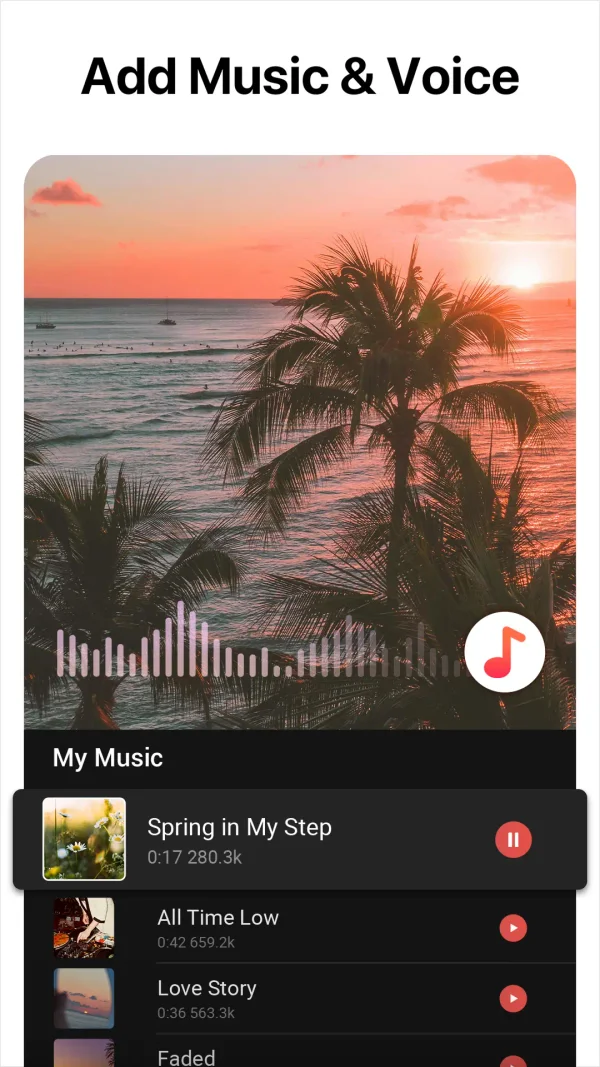
🎶 MUSIC, SOUND & VOICE
* Add built-in or custom music to your videos
* Extract audio from video clips
* Add voiceovers with fade-in/out and volume control
* Use sound effects for vlogs, memes, and more
✨ FILTERS, EFFECTS & GLITCH
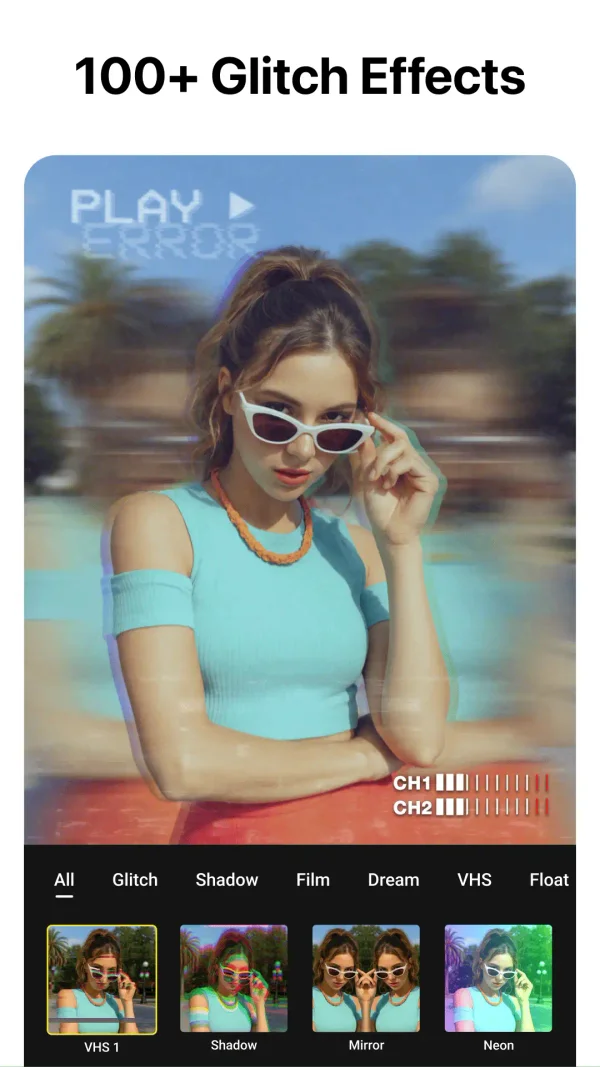
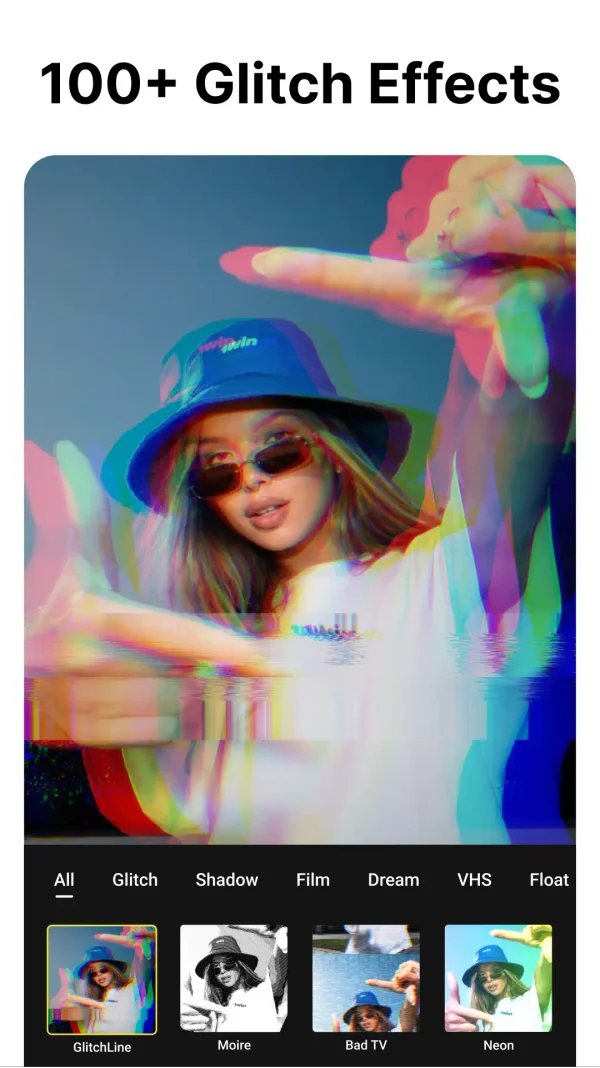
* 100+ filters and trending glitch effects: VHS, RGB, X-ray, Retro, etc.
* Smooth video transitions: blur, zoom, fade, slide, etc.
* Customize video brightness, contrast, saturation, and more
📝 TEXT, STICKERS & MEMES
* Add text with 1000+ fonts and animated styles
* Subtitle your vlogs with auto-caption support
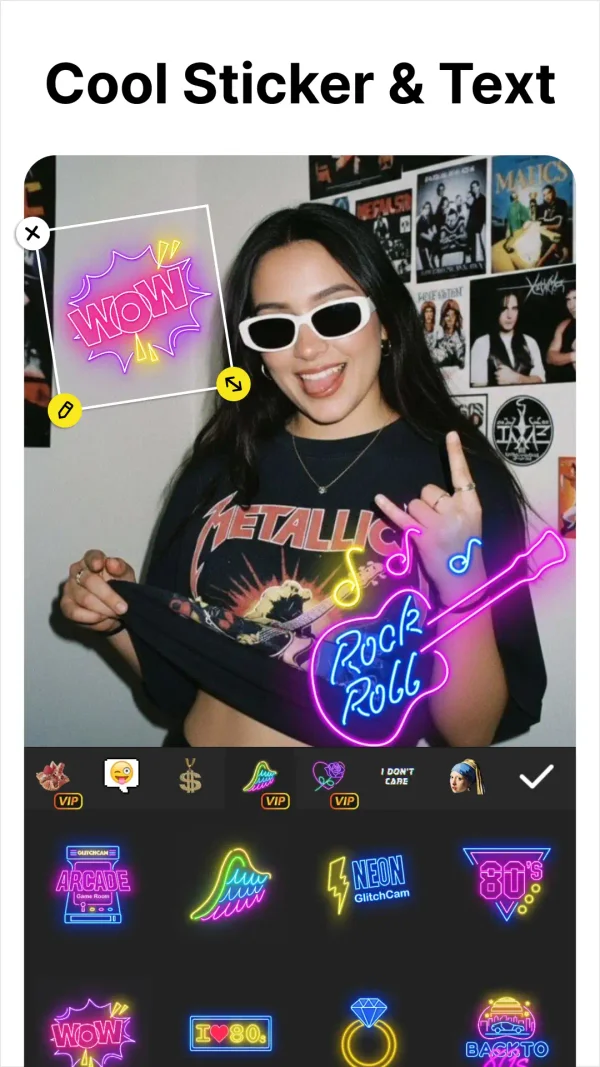
* Decorate with animated stickers, emojis, and trending GIFs
* Create memes and overlays with your own images
🔁 SOCIAL MEDIA EXPORT & SHARING
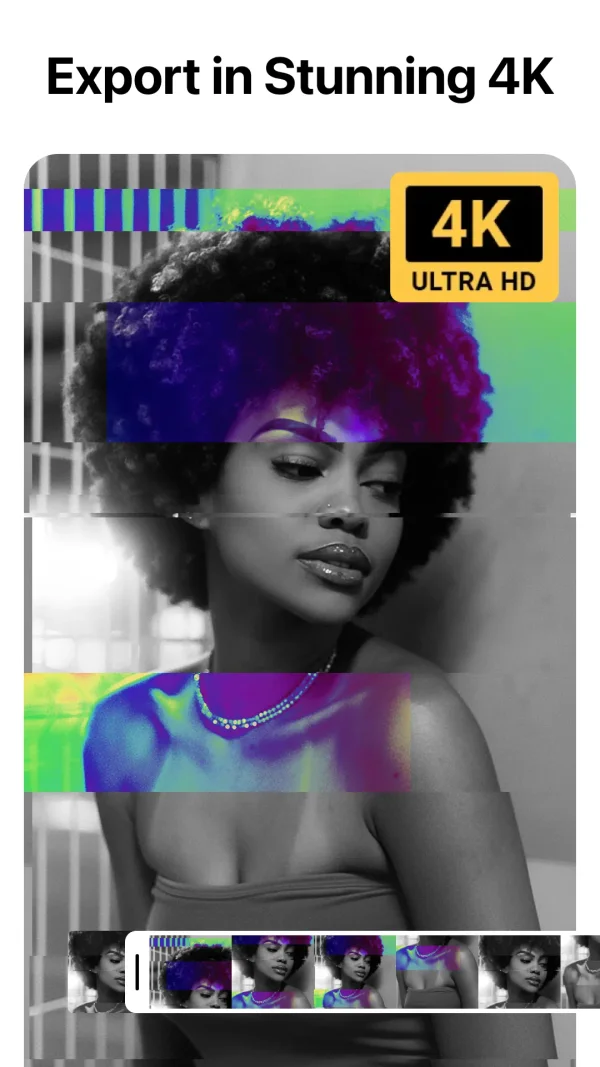
* Export videos in HD, up to 4K 60fps
* No watermark, no ads – just your content
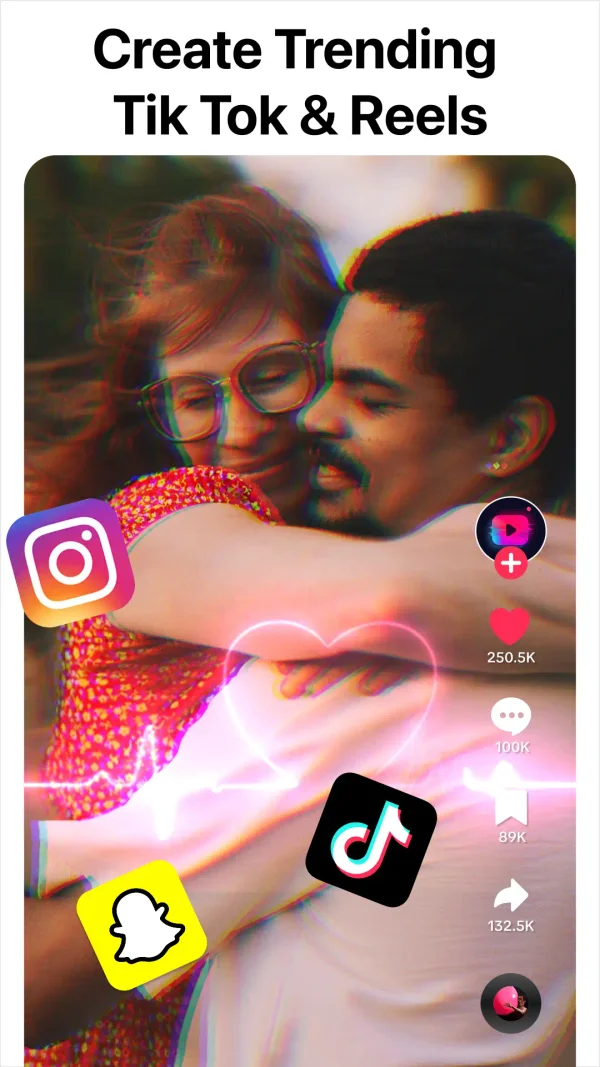
* Share directly to TikTok, YouTube Shorts, Instagram Reels, WhatsApp & more
📸 MORE THAN A VIDEO EDITOR
Create eye-catching TikTok covers & social posts with powerful AI photo tools.
* AI Photo Enhancer: Turn blurry photos into HD & refine facial details
* AI Background Remover: Cut out subjects & export clean PNGs
🎉 WHY CHOOSE VIDEOCOOK?
Whether you're a casual user or aspiring content creator, VideoCook gives you all the tools you need to edit like a pro — glitch effects, music sync, auto captions, slow motion, collages, and more — without paying a dime.
Create viral clips in minutes. Download VideoCook now – free and watermark-free.
💌 Questions? Contact us
videocook@inshot.com
Sécurité des données
Ce que InShot Video Editor déclare sur Google Play au sujet des données que cette application collecte et partage.
- Aucune donnée partagée avec des tiersEn savoir plus sur la manière dont les développeurs déclarent le partage
- Cette appli peut recueillir ces types de donnéesInformations personnelles, Fichiers et documents et Infos et performance des applis
- Les données sont chiffrées lors de leur transfert
- Impossible de supprimer les données
Nouveautés
Version 3.030.20 · 10/11/2026
🎙 [Auto Captions]: More languages supported
🎵 [Music]: Fresh tracks added in Top Songs
🖼 [Materials]: New built-in materials for editing
- Bug fixes and a smoother experience
💡 Your feedback helps us make VideoCook better
📩 videocook@inshot.com
Coordonnées du développeur
- Site webinshot.app
- E-mailvideocook@inshot.com
- Politique de confidentialitéinshotapp.com
- Adresse8 TEMASEK BOULEVARD #20-01/04 SUNTEC TOWER THREE Singapore 038988
Informations
- Proposée par
- InShot Video Editor
- Catégorie
- Lecteurs et éditeurs vidéo
- Version
- 3.030.20
- Mis à jour
- 10/11/2026
- Publié
- 22/02/2019
- Nécessite
- Android 8.0 ou version ultérieure
- Classification d’âge
- PEGI 3
- Prix
- Gratuit
- Achats intégrés
- 0,49 € - 179,99 € si facturé via Play
- Nom du package
- glitchvideoeditor.videoeffects.glitchvideoeffect
Applications similaires
-
 FilmoraHD - AI Video Creator
Lecteurs et éditeurs vidéo
-
 Motion Ninja Video Editor
Lecteurs et éditeurs vidéo
-
 Photo Video Maker: Slideshows
Lecteurs et éditeurs vidéo
-
 Créateur vidéo avec musique
Lecteurs et éditeurs vidéo
-
 Smart Video Crop - Video Cut
Lecteurs et éditeurs vidéo
-
 AI Video Generator - Clips AI
Art et design
-
 Créateur vidéo avec musique
Lecteurs et éditeurs vidéo
-
 Créateur de vidéo avec musique
Photographie
-
 Éditeur Photo Glitch -Montage
Photographie
-
 PowerDirector - Montage Vidéo
Lecteurs et éditeurs vidéo
-
 Editer vidéo d'effet ShotCut
Lecteurs et éditeurs vidéo
-
 VideoShow créateur de vidéo
Lecteurs et éditeurs vidéo