Video Editor, Maker -VideoCook
InShot Video Editor広告を含む · アプリ内課金
- 3 歳以上対象年齢
- 動画プレーヤー&エディタカテゴリ
- 2026/11/10更新日
- 無料価格
glitchvideoeditor.videoeffects.glitchvideoeffectのGoogle Play公式ページにリンクしています。最終確認:2026/11/27。
スクリーンショット
このアプリについて
開発元はこのテキストをお使いの言語で提供していません。
AI video editor with music: movie & reel maker, glitch effects & AI face mosaic.
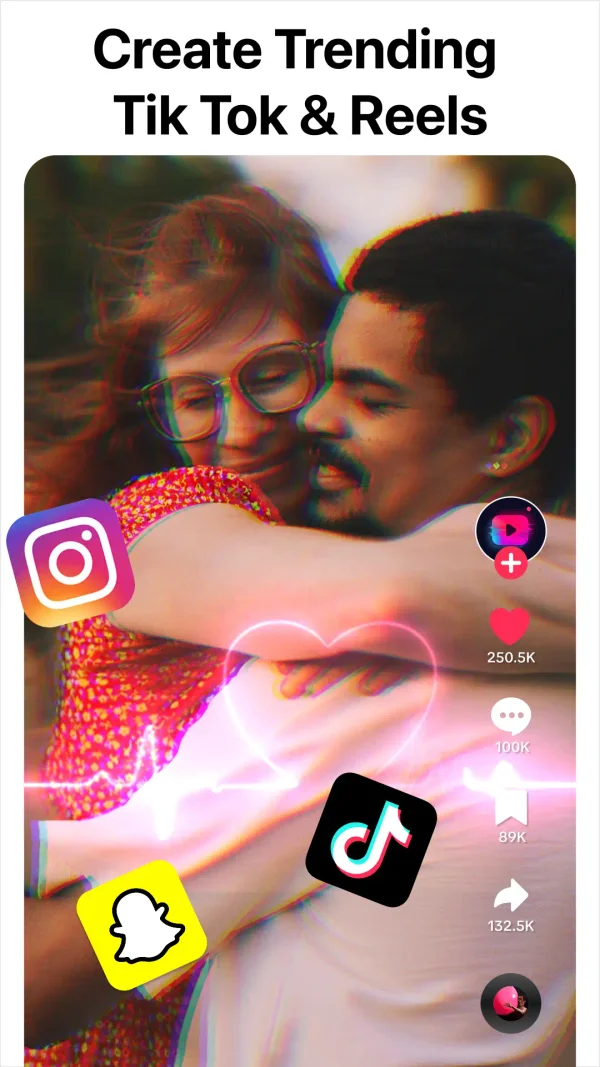
VideoCook is a powerful, easy-to-use video editor and video maker that offers a wide range of features, including music, filters, glitch effects, transitions, captions, and more. Whether you’re a beginner or a creator, VideoCook lets you transform everyday moments into viral content for TikTok, YouTube, Instagram, WhatsApp, and Facebook — all with no watermark, no ads, and completely free.
From trimming clips to removing backgrounds, VideoCook gives you all the tools you need to record, edit, and share your creative vision seamlessly.
🪄 ONE-TAP AI TOOLS
* AI Body Effects: Instantly enhance images and videos with AI presets
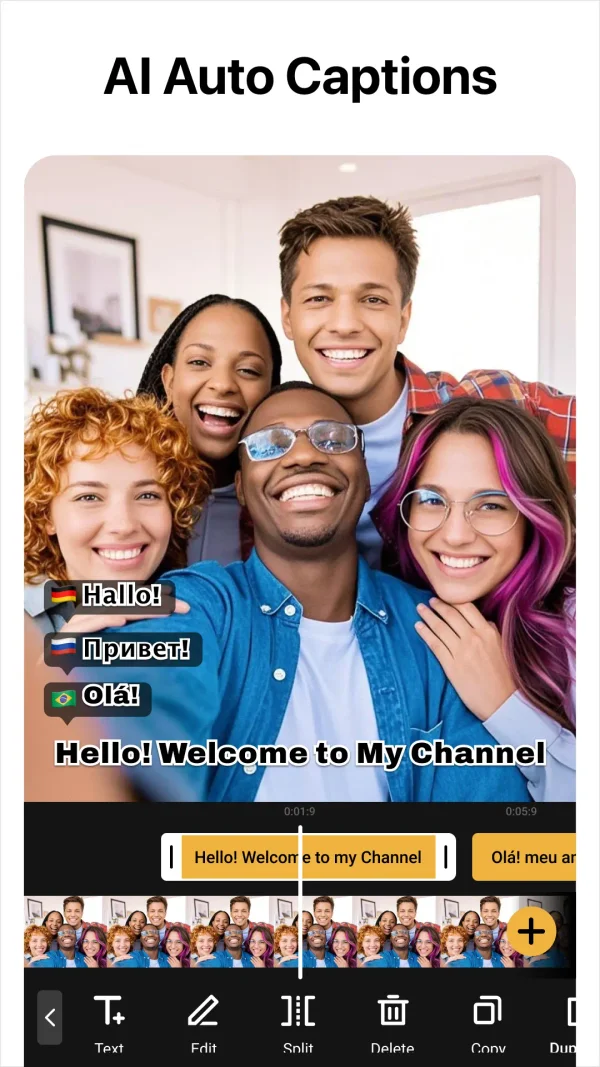
* Auto Captions: Let AI generate captions automatically
* Background Removal: Remove backgrounds in one tap
* Smart Tracking: Sync text and stickers with moving objects
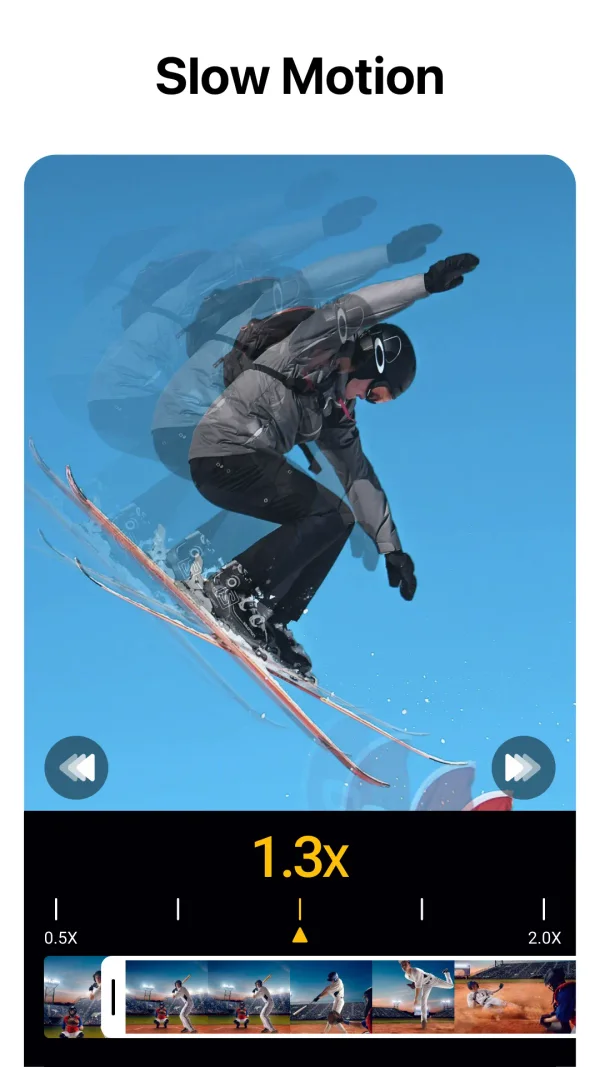
* Smooth Slow-Mo: AI-powered slow-motion for smooth effects
🎥 BASIC VIDEO EDITING
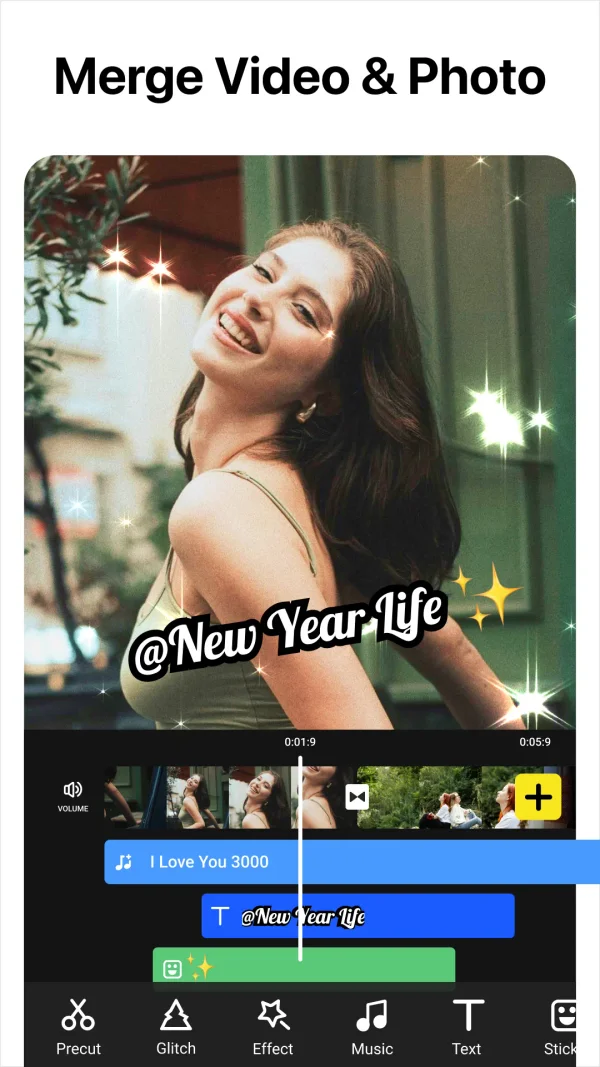
* Trim, cut, and merge videos with high precision
* Adjust speed (0.2x to 100x) for smooth slow motion or time-lapse
* Crop or resize to fit any aspect ratio (1:1, 9:16, 16:9, etc.)
* Reverse, rotate, and flip clips
* Create slideshows or stop motion videos
* Record videos with iconic glitch, VHS, and face effects via Glitch Cam.
🧠 ADVANCED VIDEO EDITOR
* Add keyframe animations to text, stickers, and video layers
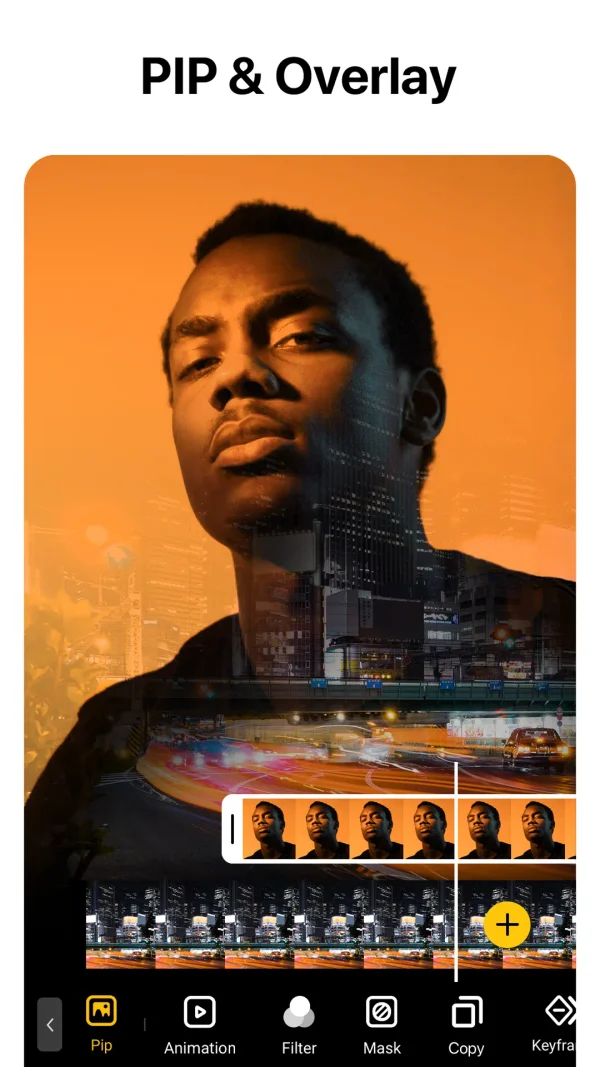
* Picture-in-Picture (PIP) support for multi-layer edits and video collages
* Chroma key to remove backgrounds and create green screen effects
* Mask and blend modes for creative overlays
* Color picker to match your visual style perfectly
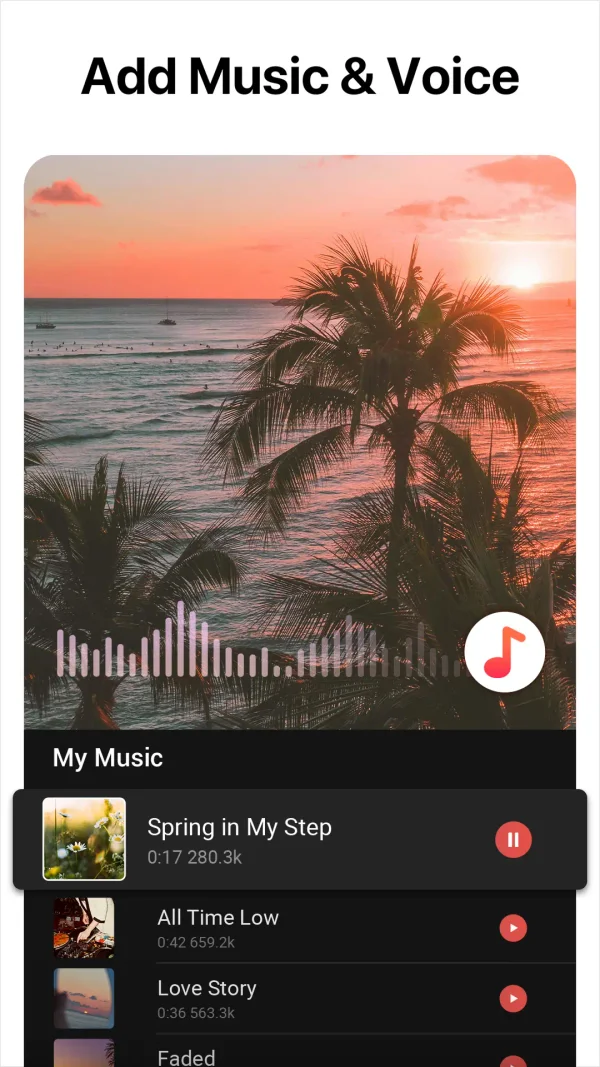
🎶 MUSIC, SOUND & VOICE
* Add built-in or custom music to your videos
* Extract audio from video clips
* Add voiceovers with fade-in/out and volume control
* Use sound effects for vlogs, memes, and more
✨ FILTERS, EFFECTS & GLITCH
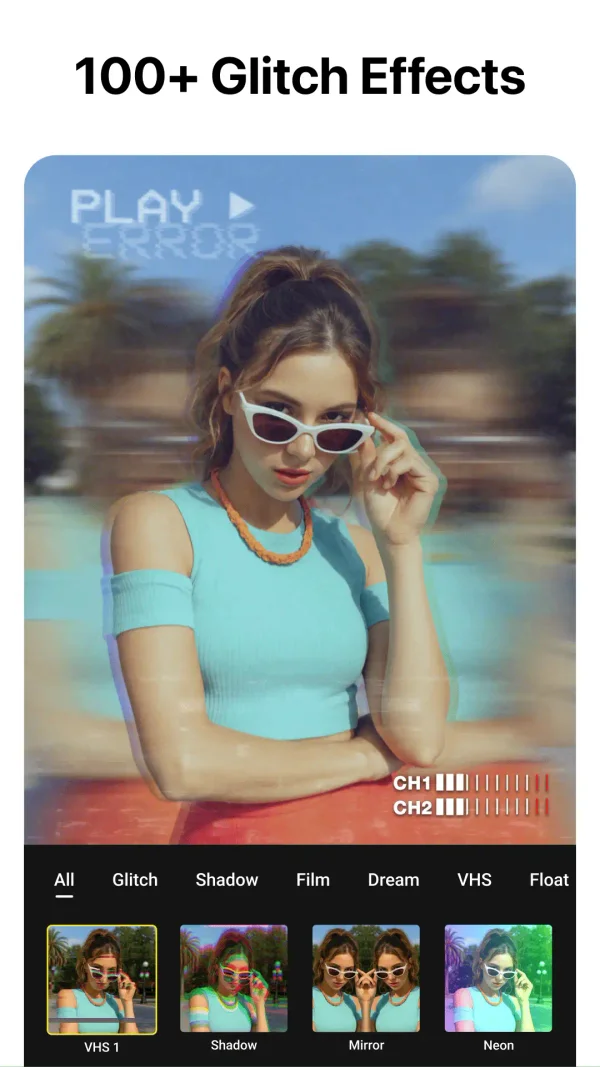
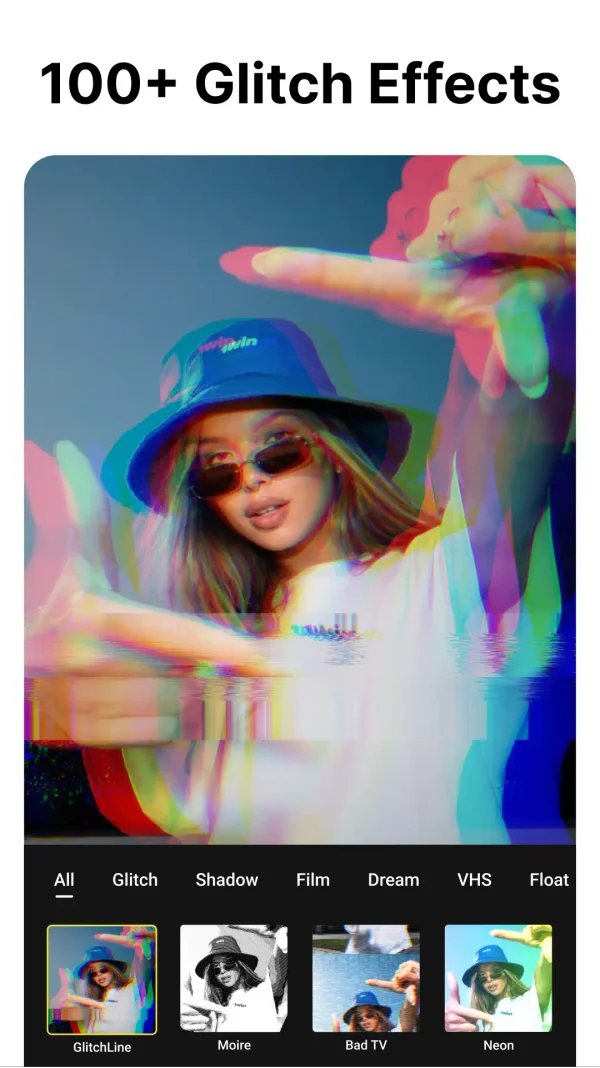
* 100+ filters and trending glitch effects: VHS, RGB, X-ray, Retro, etc.
* Smooth video transitions: blur, zoom, fade, slide, etc.
* Customize video brightness, contrast, saturation, and more
📝 TEXT, STICKERS & MEMES
* Add text with 1000+ fonts and animated styles
* Subtitle your vlogs with auto-caption support
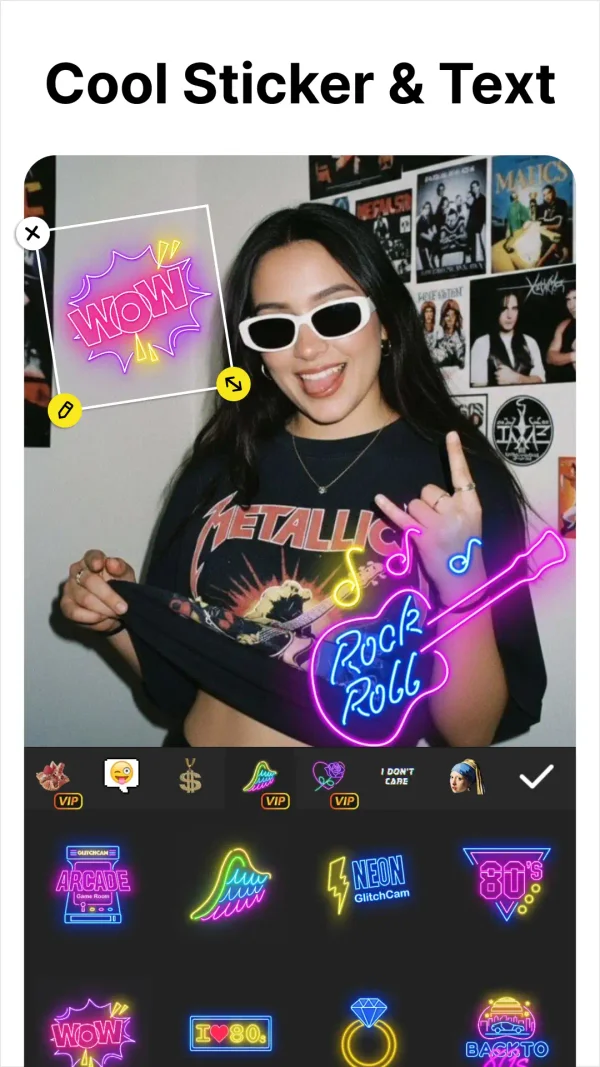
* Decorate with animated stickers, emojis, and trending GIFs
* Create memes and overlays with your own images
🔁 SOCIAL MEDIA EXPORT & SHARING
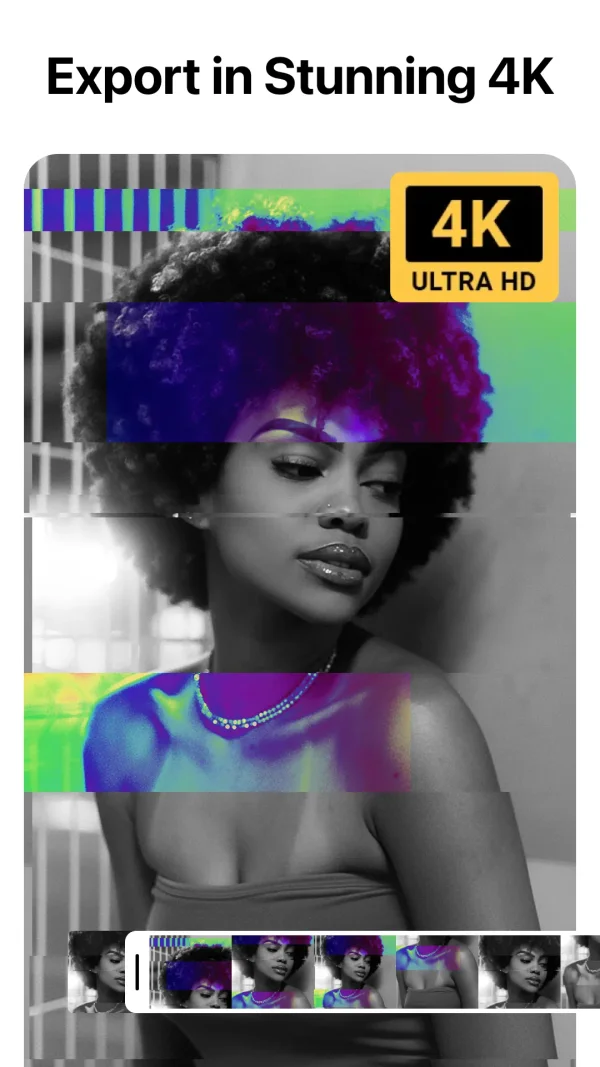
* Export videos in HD, up to 4K 60fps
* No watermark, no ads – just your content
* Share directly to TikTok, YouTube Shorts, Instagram Reels, WhatsApp & more
📸 MORE THAN A VIDEO EDITOR
Create eye-catching TikTok covers & social posts with powerful AI photo tools.
* AI Photo Enhancer: Turn blurry photos into HD & refine facial details
* AI Background Remover: Cut out subjects & export clean PNGs
🎉 WHY CHOOSE VIDEOCOOK?
Whether you're a casual user or aspiring content creator, VideoCook gives you all the tools you need to edit like a pro — glitch effects, music sync, auto captions, slow motion, collages, and more — without paying a dime.
Create viral clips in minutes. Download VideoCook now – free and watermark-free.
💌 Questions? Contact us
videocook@inshot.com
データ セーフティ
このアプリが収集・共有するデータについて、InShot Video EditorがGoogle Playで申告している内容です。
- 第三者と共有されるデータはありません詳しくは、デベロッパーが共有を申告する方法についての説明をご覧ください
- このアプリは以下の種類のデータを収集することがあります個人情報、ファイル、ドキュメント、アプリの情報、パフォーマンス
- データは送信中に暗号化されます
- データを削除できません
新機能
バージョン 3.030.20 · 2026/11/10
🎙 [Auto Captions]: More languages supported
🎵 [Music]: Fresh tracks added in Top Songs
🖼 [Materials]: New built-in materials for editing
- Bug fixes and a smoother experience
💡 Your feedback helps us make VideoCook better
📩 videocook@inshot.com
開発元の連絡先
- ウェブサイトinshot.app
- メールvideocook@inshot.com
- プライバシーポリシーinshotapp.com
- 住所8 TEMASEK BOULEVARD #20-01/04 SUNTEC TOWER THREE Singapore 038988
情報
- 提供元
- InShot Video Editor
- カテゴリ
- 動画プレーヤー&エディタ
- バージョン
- 3.030.20
- 更新日
- 2026/11/10
- リリース
- 2019/2/22
- 必要条件
- Android 8.0以降
- 対象年齢
- 3 歳以上
- 価格
- 無料
- アプリ内課金
- ¥80~¥24,800/アイテム
- パッケージ名
- glitchvideoeditor.videoeffects.glitchvideoeffect
類似のアプリ
-
 Filmora HD-動画編集アプリ:動画作成、動画加工
動画プレーヤー&エディタ
-
 Motion Ninja Video Editor
動画プレーヤー&エディタ
-
 Photo Video Maker: Slideshows
動画プレーヤー&エディタ
-
 Filmigo - 動画編集アプリ&動画作成&動画加工
動画プレーヤー&エディタ
-
 Smart Video Crop - Video Cut
動画プレーヤー&エディタ
-
 AI Video Generator - Clips AI
アート&デザイン
-
 音楽付きのフォトビデオメーカー
動画プレーヤー&エディタ
-
 写真動画メーカー&音楽スライドショー - InSlide
写真
-
 画像編集、動画編集 - ティックトック編集アプリ
写真
-
 PowerDirector – 動画編集&動画作成&動画加工
動画プレーヤー&エディタ
-
 AI Video Editor: ShotCut AI
動画プレーヤー&エディタ
-
 VideoShow動画エディタ、動画メーカー、写真エディタ
動画プレーヤー&エディタ