
Authenticator App: 2FA Codes
OTP, MFA & Verification
Entwickelt für iPhone, iPad, iPod touch
Kostenlos · In-App-Käufe
- Altersfreigabe4+
- KategorieProduktivität
- EntwicklerRadhika Pillai
- SprachenEnglisch
- Größe58,7 MB
Verlinkt auf die offizielle App Store-Seite
Download.org hostet keine Datei von Authenticator App: 2FA Codes. Die Schaltfläche öffnet die App-Seite bei App Store, wo Radhika Pillai die App veröffentlicht. Eintrag zuletzt geprüft am 14.11.2026.
Screenshots

Info
Der Entwickler hat diesen Text nicht in Ihrer Sprache bereitgestellt.
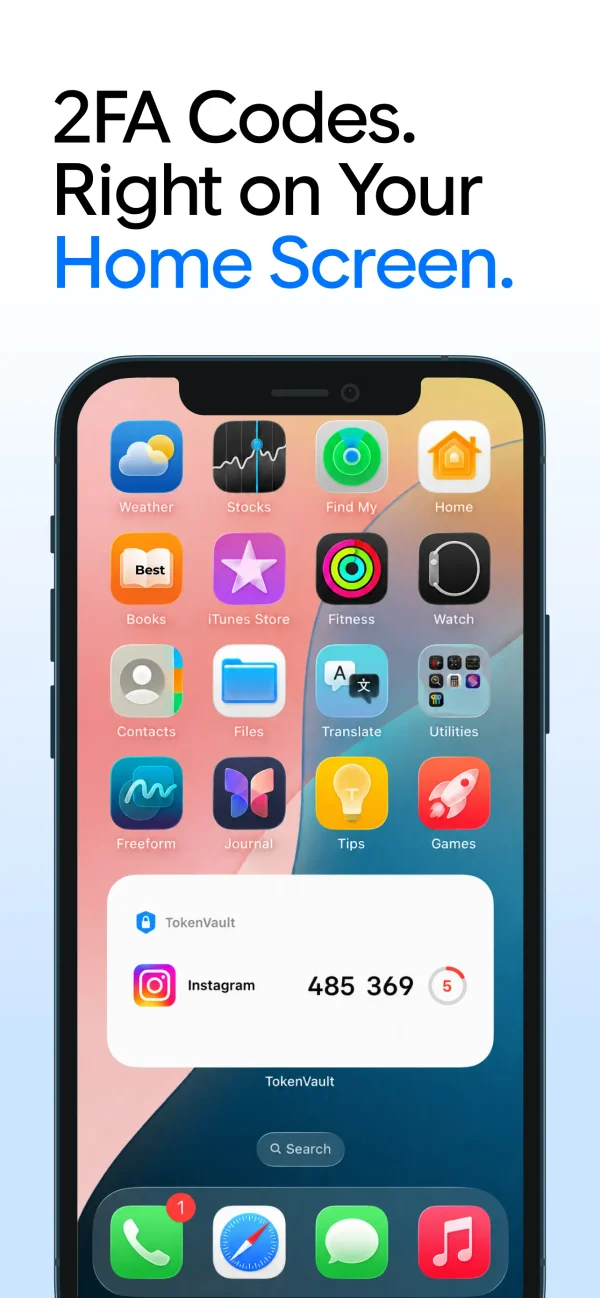
Most authenticator apps show you codes. TokenVault shows you your whole security picture — what is protected, what is not, and exactly what to fix next.
A private, offline-first security companion for iPhone. No account. No tracking. Your codes never leave your device unless you choose to back them up — encrypted, with a passphrase only you hold.
WHAT MAKES IT DIFFERENT
• Security Score — a live 0–100 score for your account security, with a clear breakdown and one-tap fixes. Watch it climb as your protection improves.
• 2FA Coverage Gaps — see popular services you use that support authenticator codes but are not protected yet, with step-by-step guides to enable them.
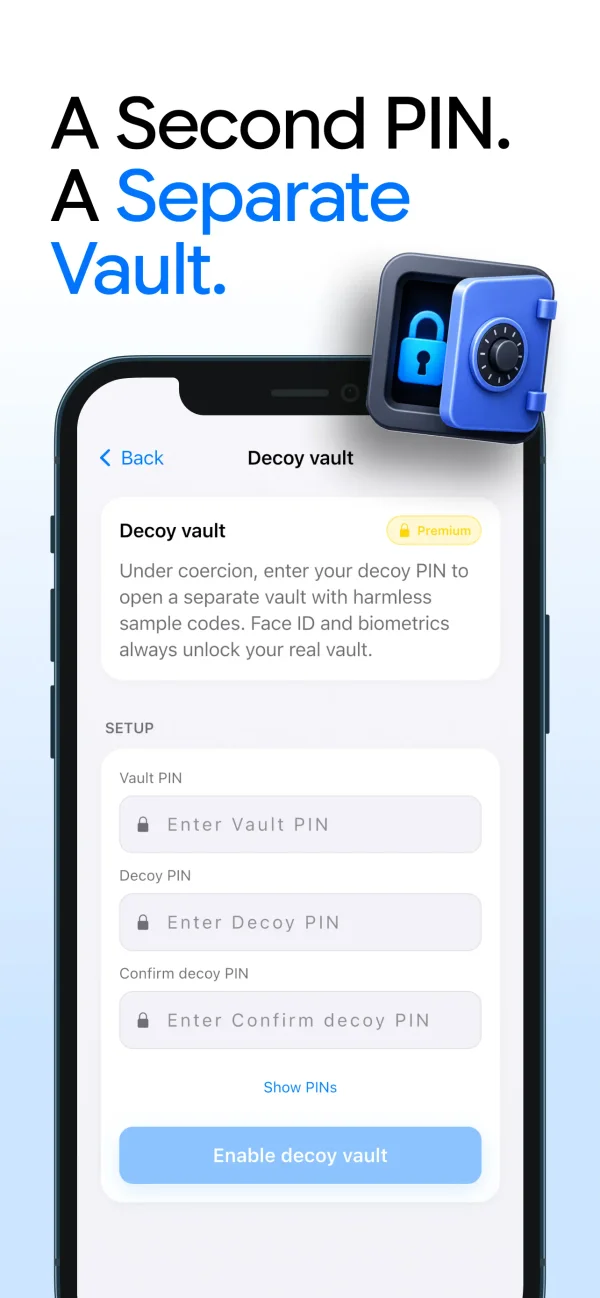
• Decoy Vault — a separate duress PIN opens a believable second vault, keeping your real one out of sight if you are ever forced to unlock. Face ID always opens your real vault.
• AutoFill with Verified Domains — on iOS 18, your codes appear right above the keyboard in Safari and in apps. If the site does not match the account a code belongs to, you see a clear warning before it fills. A calm, practical layer against phishing.
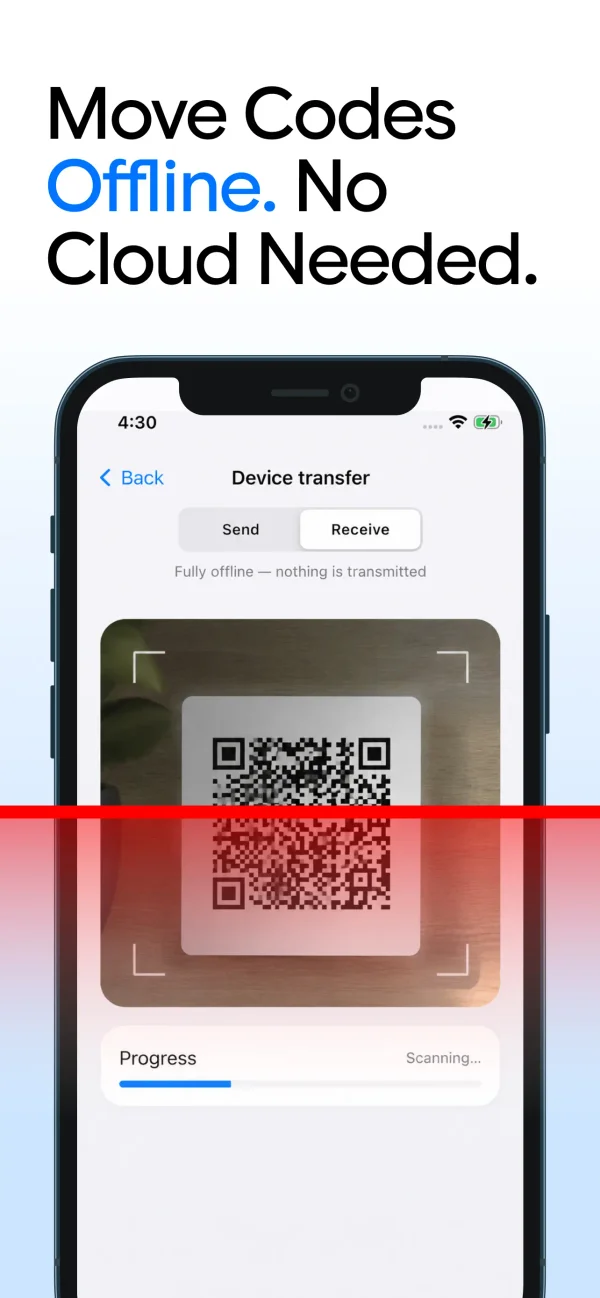
• Offline Device-to-Device Transfer — moving to a new iPhone? Hand off your entire vault with an animated QR transfer. No account, no cloud, no network — nothing is transmitted.
• Privacy Shield — codes stay hidden until you tap, the app blurs itself in the app switcher, and if a screenshot or screen recording is detected, codes are masked instantly.
• Smart Organization — automatic icon matching, duplicate detection with safe merge, and a cleanup assistant for stale or broken entries. A vault with a hundred codes stays effortless.
EVERYTHING YOU EXPECT, DONE PROPERLY
• Standard TOTP codes (SHA-1, SHA-256, SHA-512, 6 or 8 digits) compatible with thousands of services
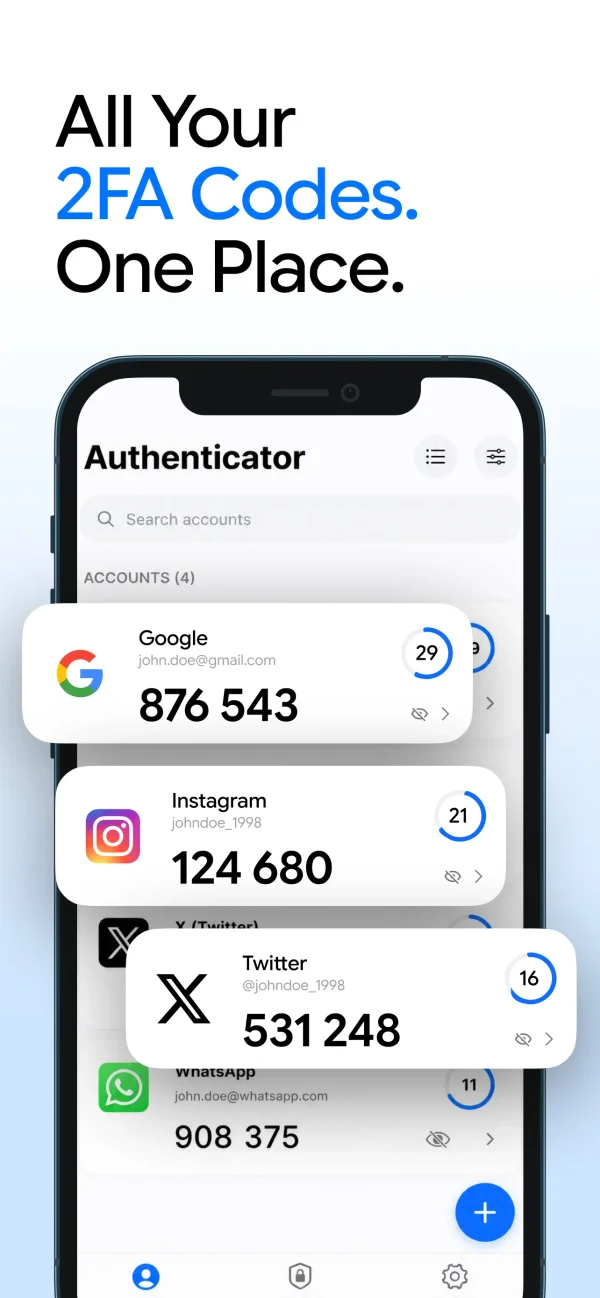
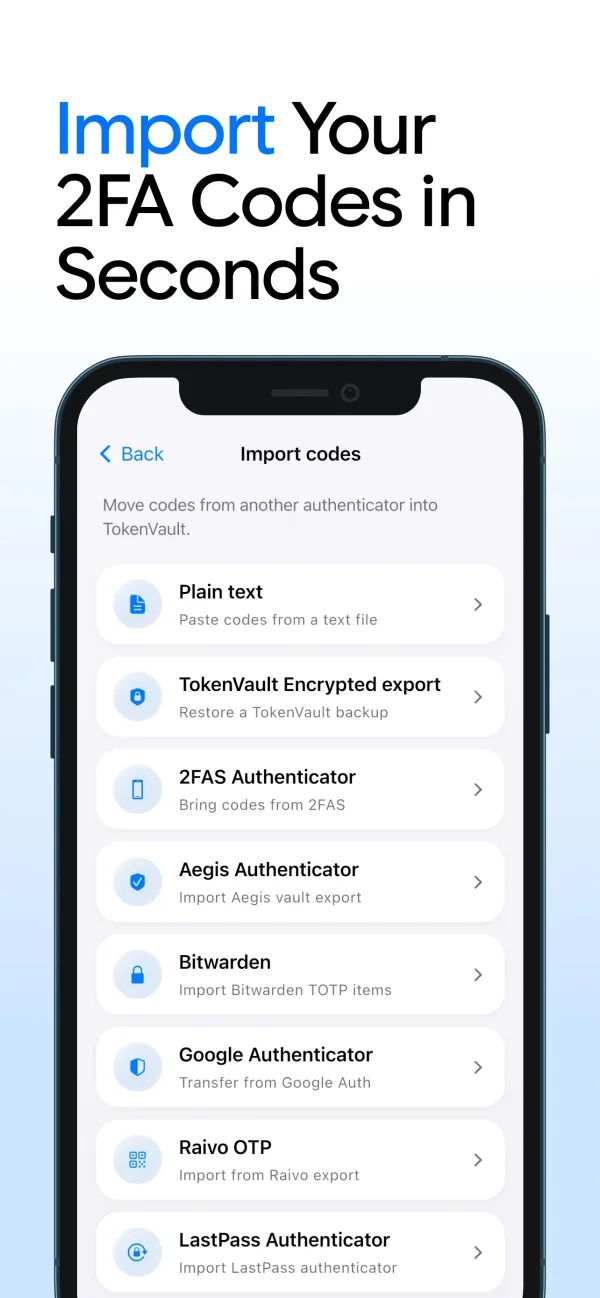
• Add accounts by QR scan or manual entry; import from Google Authenticator and other apps
• Face ID and PIN lock, with per-account Face ID for your most sensitive codes
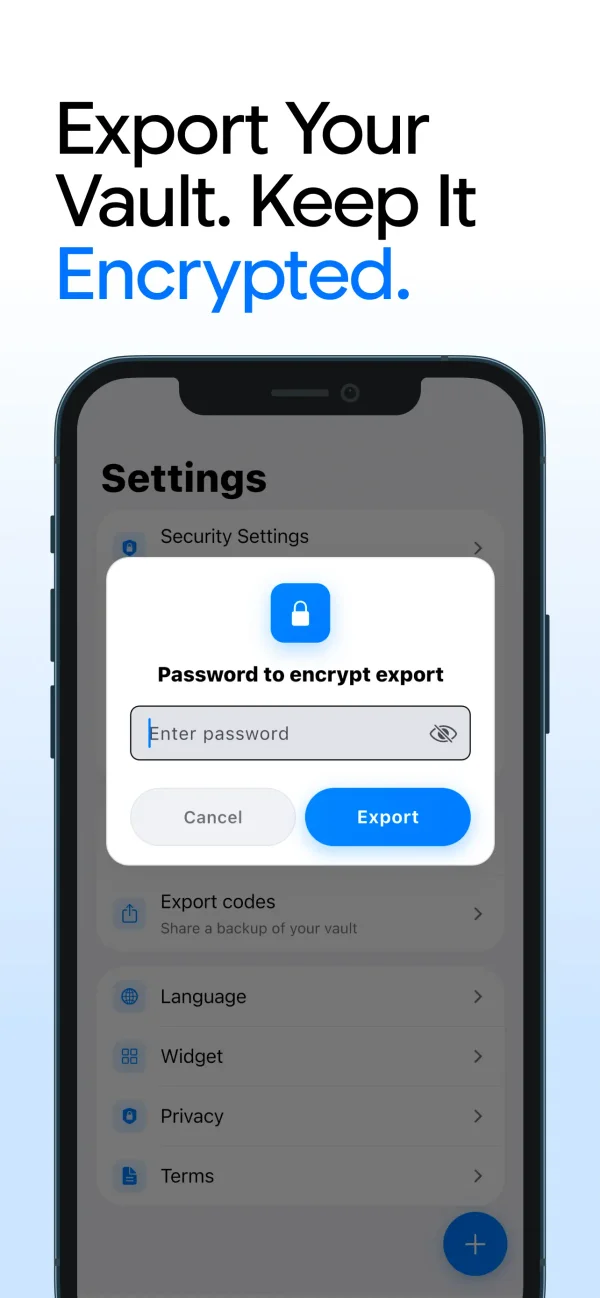
• Encrypted iCloud backups protected by a passphrase only you know
• Pinned favorites, folders, instant search, and one-tap copy with an auto-clearing clipboard
• Smooth, quiet animations throughout — fast, fluid, and respectful of Reduce Motion
PRIVATE BY DESIGN
• Works fully offline — code generation never touches a network
• No account, no email, no analytics profiles
• Secrets live in an encrypted vault, with keys protected by the iOS Keychain
• Backups and transfers are end-to-end encrypted with your passphrase
Two-factor codes are among the strongest protections your accounts can have. this app makes them effortless — and shows you where you still need them.
For an uninterrupted experience,
consider subscribing to access all app features without ads through an
auto-renewing subscription available on a weekly, monthly, or yearly
basis. Manage your subscription settings and turn off auto-renewal
within your iTunes Account Settings after purchase, ensuring flexibility
and control over your subscription.
Current subscription may
not be canceled during the active subscription period; however, you can
manage your subscription and/or turn off auto-renewal by visiting your
iTunes Account Settings after purchase.
Read our full Terms of Service and our Privacy Policy at:
Link to Privacy Policy: https://radhikapillai.netlify.app/privacy-policy.html
Link to Terms of use: https://radhikapillai.netlify.app/terms-conditions.html
Neue Funktionen
Version 4.0 · 04.09.2026
bug fix.
App-Datenschutz
Was Radhika Pillai im App Store zum Umgang dieser App mit Daten angibt.
-
Daten, die zum Tracking Ihrer Person verwendet werden
Können verwendet werden, um Sie über Apps und Websites anderer Unternehmen hinweg zu verfolgen.
- Nutzungsdaten
-
Mit Ihnen verknüpfte Daten
Können erfasst und mit Ihrer Identität verknüpft werden.
- Nutzungsdaten
-
Nicht mit Ihnen verknüpfte Daten
Können erfasst werden, sind aber nicht mit Ihrer Identität verknüpft.
- Diagnose
Die Datenschutzpraktiken können variieren, zum Beispiel je nach den von Ihnen verwendeten Funktionen oder Ihrem Alter.
Informationen
- Anbieter
- Radhika Pillai
- Kategorie
- Produktivität
- Version
- 4.0
- Aktualisiert
- 04.09.2026
- Veröffentlicht
- 05.09.2026
- Größe
- 58,7 MB
- Erfordert
- iOS 15.6 oder neuer
- Altersfreigabe
- 4+
- Preis
- Kostenlos
- In-App-Käufe
- Ja
- Sprachen
- Englisch
- Copyright
- © TokenVault @2026
Das könnte Ihnen auch gefallen
-
 Dyslexia Reader AIProduktivität
-
 Zotty: AI Notes & NotepadProduktivität
-
 Nia: KI AssistentSprachassistent für den Tag
-
 Merk ich mir!Mit mir musste dir nix merken!
-
 Clapiscan: PDF-Scanner & OCRPDFs scannen & unterschreiben
-
 2FA Authentifizierungs - MFAZwei Faktor Verifizierung App
-
 Chat-LinkProduktivität
-
 OnePreview: DateibetrachterMarkdown, Code, JSON & ZIP
-
 Visaway: USCIS TrackerSicher, Privat, Meldungen
-
 GO NET FIBRAProduktivität