Authenticator App: 2FA Codes
OTP, MFA & Verification
Projetado para iPhone, iPad, iPod touch
Grátis · Compras no app
- Classificação etária4+
- CategoriaProdutividade
- DesenvolvedorRadhika Pillai
- IdiomasInglês
- Tamanho58,7 MB
Leva à página oficial na App Store
O Download.org não hospeda nenhum arquivo de Authenticator App: 2FA Codes. O botão abre a página do app na App Store, onde Radhika Pillai o publica. Página verificada pela última vez em 14/11/2026.
Capturas de tela
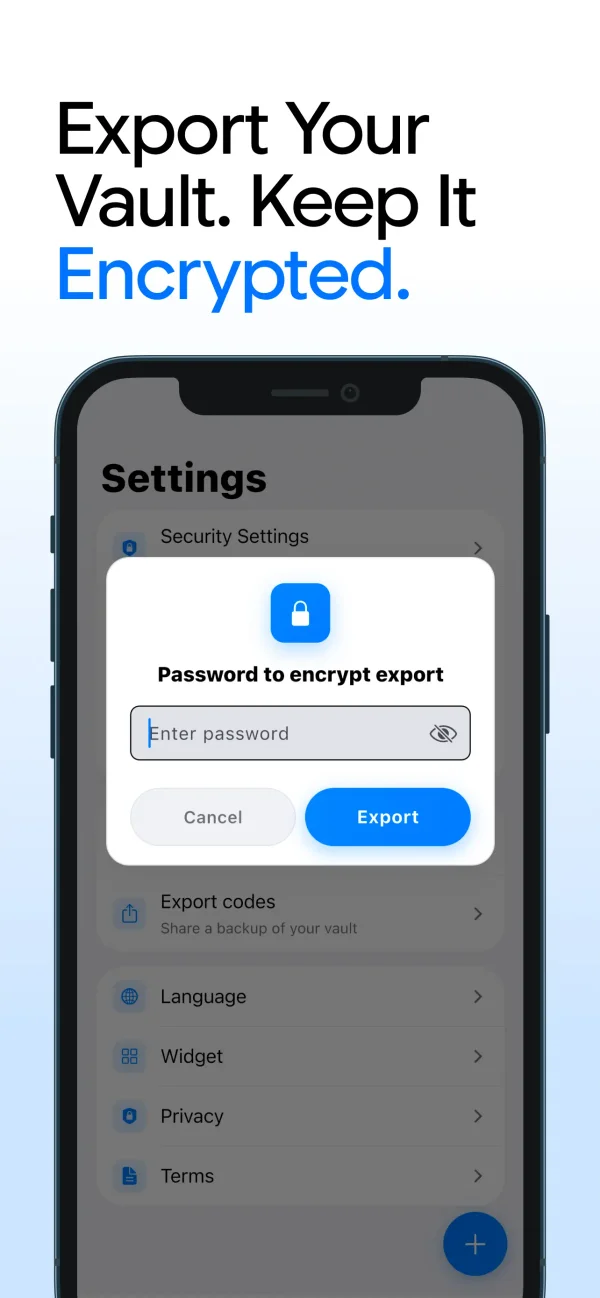
Sobre
O desenvolvedor não forneceu este texto no seu idioma.
Most authenticator apps show you codes. TokenVault shows you your whole security picture — what is protected, what is not, and exactly what to fix next.
A private, offline-first security companion for iPhone. No account. No tracking. Your codes never leave your device unless you choose to back them up — encrypted, with a passphrase only you hold.
WHAT MAKES IT DIFFERENT
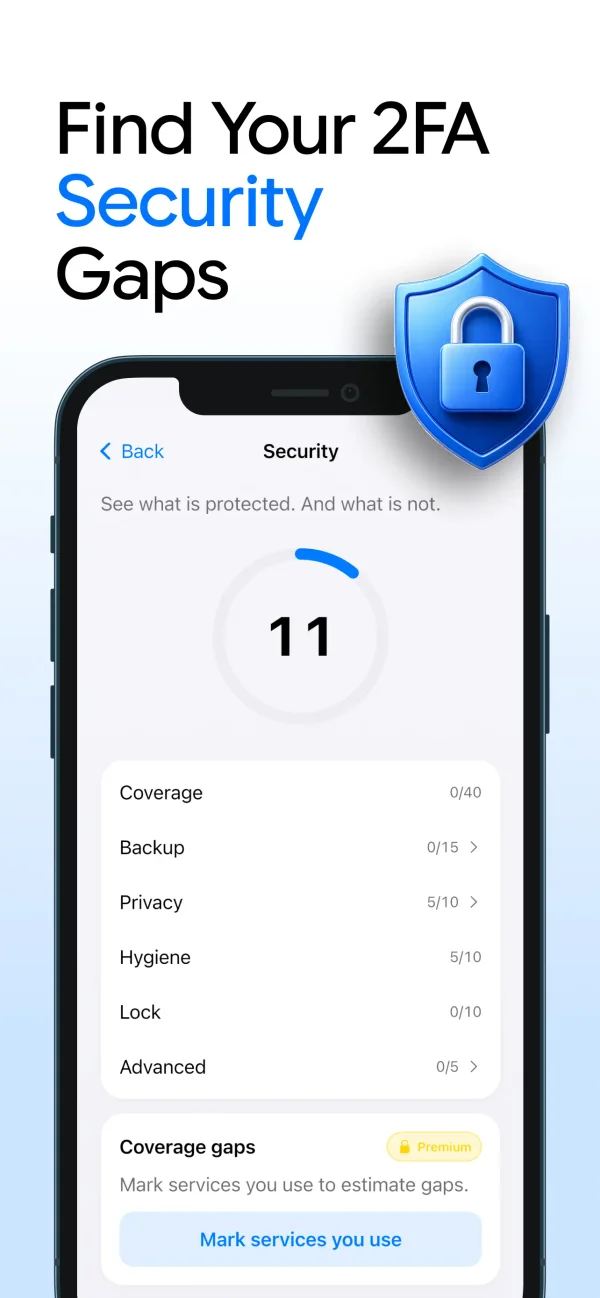
• Security Score — a live 0–100 score for your account security, with a clear breakdown and one-tap fixes. Watch it climb as your protection improves.
• 2FA Coverage Gaps — see popular services you use that support authenticator codes but are not protected yet, with step-by-step guides to enable them.
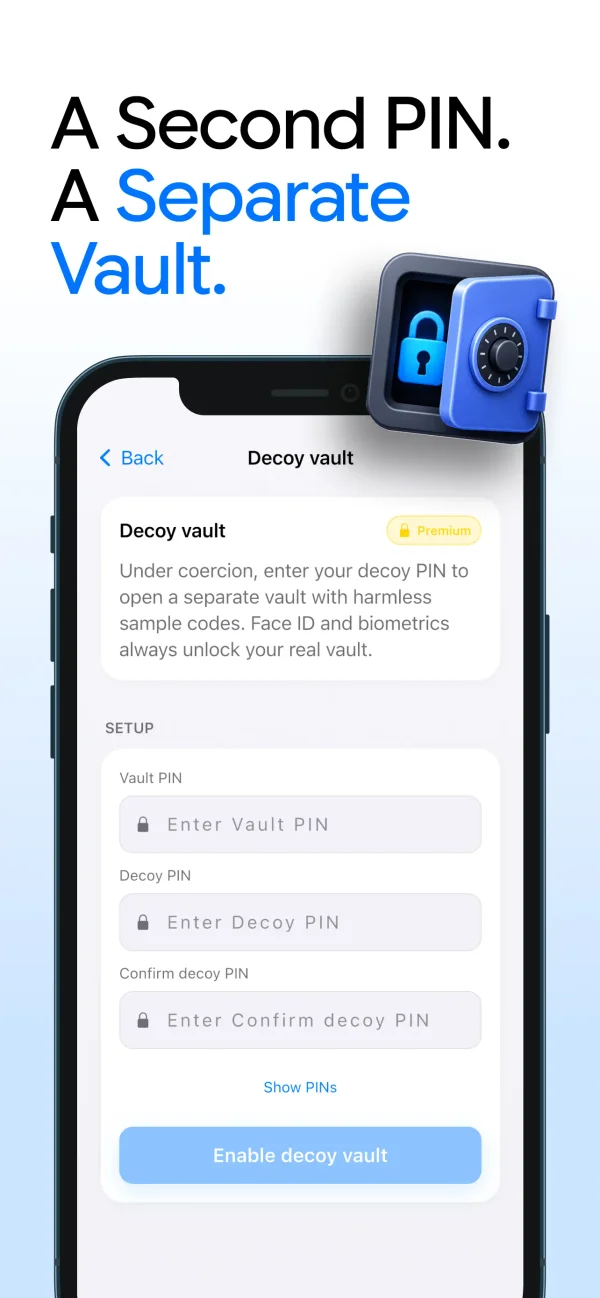
• Decoy Vault — a separate duress PIN opens a believable second vault, keeping your real one out of sight if you are ever forced to unlock. Face ID always opens your real vault.
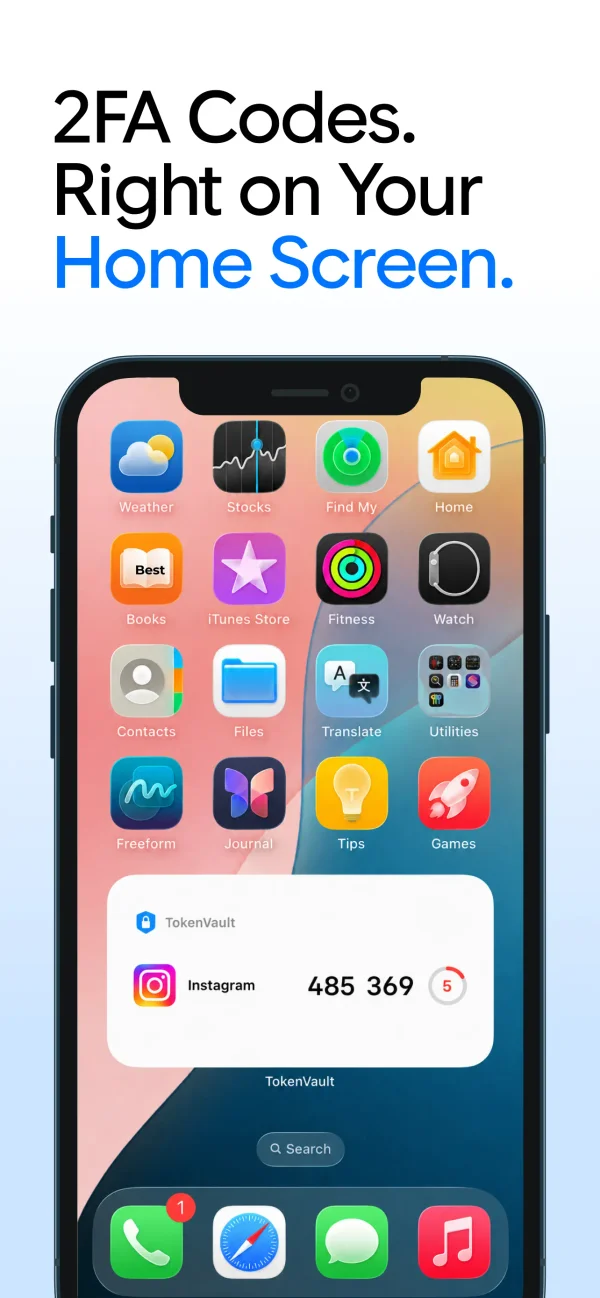
• AutoFill with Verified Domains — on iOS 18, your codes appear right above the keyboard in Safari and in apps. If the site does not match the account a code belongs to, you see a clear warning before it fills. A calm, practical layer against phishing.
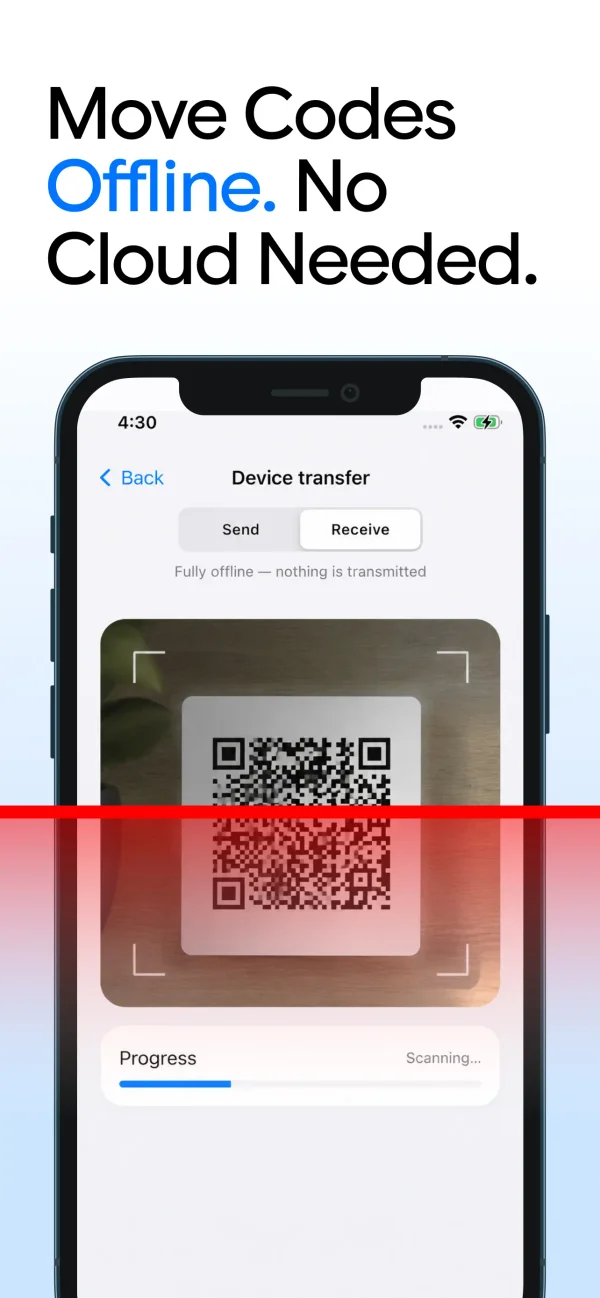
• Offline Device-to-Device Transfer — moving to a new iPhone? Hand off your entire vault with an animated QR transfer. No account, no cloud, no network — nothing is transmitted.
• Privacy Shield — codes stay hidden until you tap, the app blurs itself in the app switcher, and if a screenshot or screen recording is detected, codes are masked instantly.
• Smart Organization — automatic icon matching, duplicate detection with safe merge, and a cleanup assistant for stale or broken entries. A vault with a hundred codes stays effortless.
EVERYTHING YOU EXPECT, DONE PROPERLY
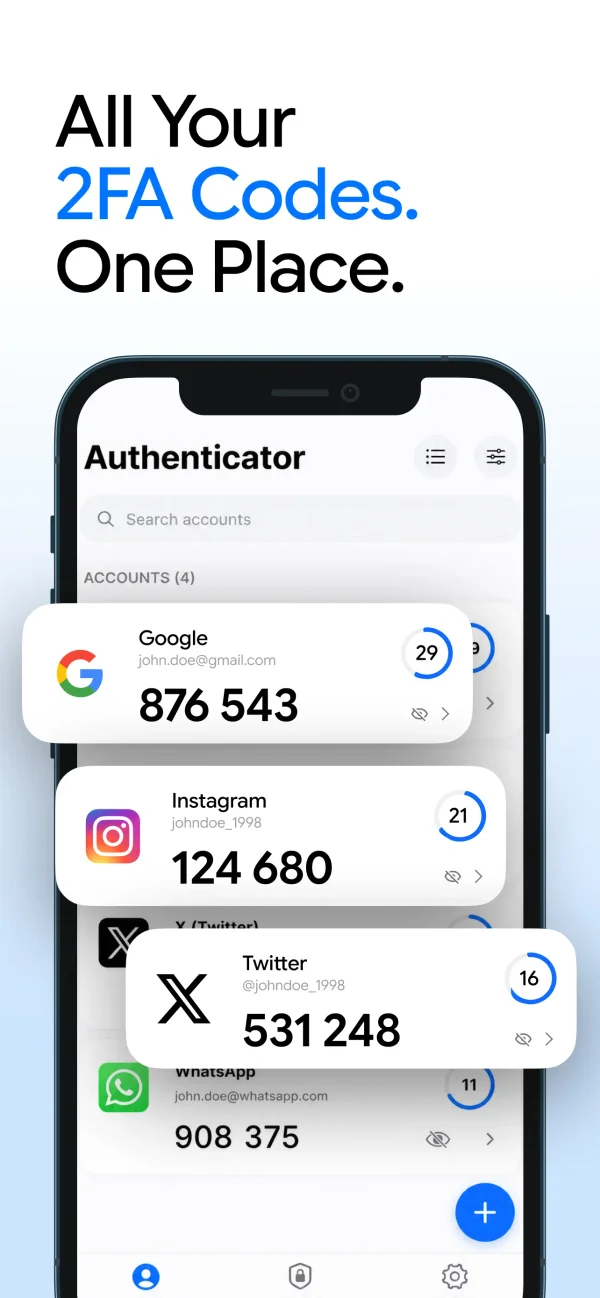
• Standard TOTP codes (SHA-1, SHA-256, SHA-512, 6 or 8 digits) compatible with thousands of services
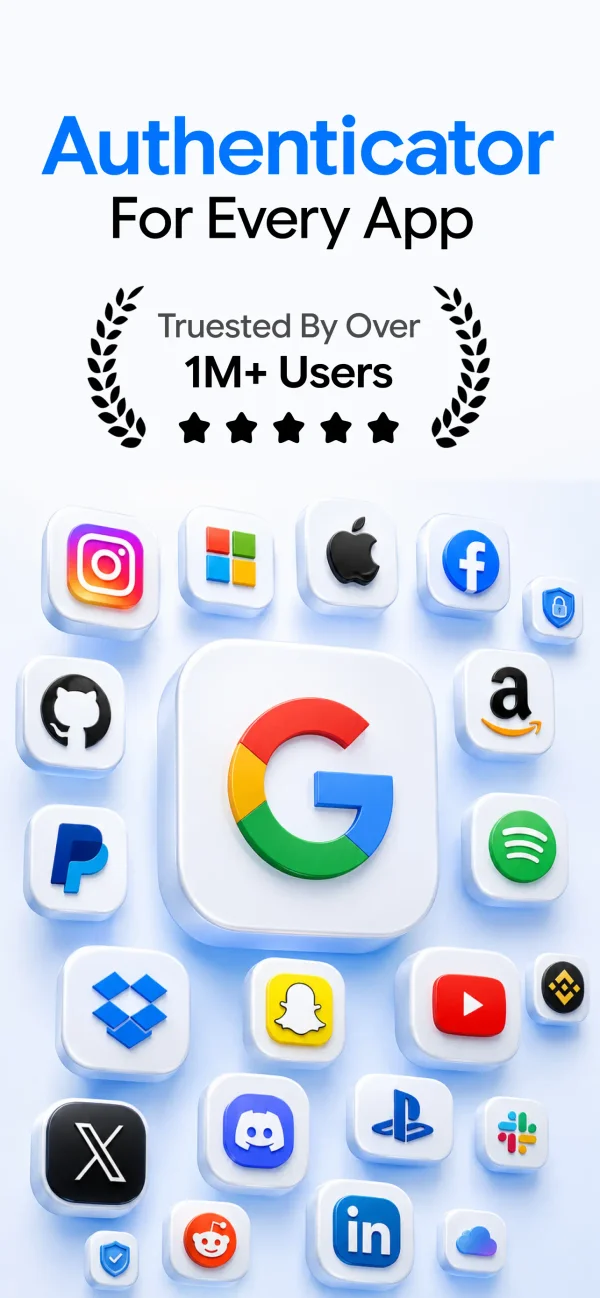
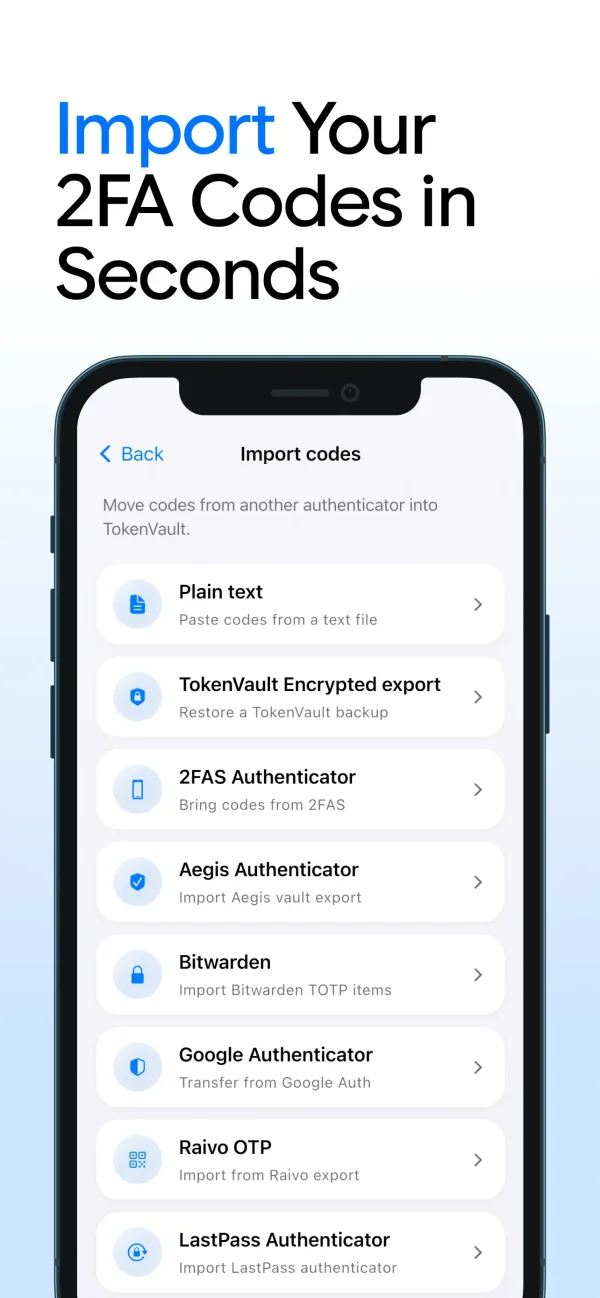
• Add accounts by QR scan or manual entry; import from Google Authenticator and other apps
• Face ID and PIN lock, with per-account Face ID for your most sensitive codes
• Encrypted iCloud backups protected by a passphrase only you know
• Pinned favorites, folders, instant search, and one-tap copy with an auto-clearing clipboard
• Smooth, quiet animations throughout — fast, fluid, and respectful of Reduce Motion
PRIVATE BY DESIGN
• Works fully offline — code generation never touches a network
• No account, no email, no analytics profiles
• Secrets live in an encrypted vault, with keys protected by the iOS Keychain
• Backups and transfers are end-to-end encrypted with your passphrase
Two-factor codes are among the strongest protections your accounts can have. this app makes them effortless — and shows you where you still need them.
For an uninterrupted experience,
consider subscribing to access all app features without ads through an
auto-renewing subscription available on a weekly, monthly, or yearly
basis. Manage your subscription settings and turn off auto-renewal
within your iTunes Account Settings after purchase, ensuring flexibility
and control over your subscription.
Current subscription may
not be canceled during the active subscription period; however, you can
manage your subscription and/or turn off auto-renewal by visiting your
iTunes Account Settings after purchase.
Read our full Terms of Service and our Privacy Policy at:
Link to Privacy Policy: https://radhikapillai.netlify.app/privacy-policy.html
Link to Terms of use: https://radhikapillai.netlify.app/terms-conditions.html
Novidades
Versão 4.0 · 04/09/2026
bug fix.
Privacidade do app
O que Radhika Pillai declara na App Store sobre como este app lida com os dados.
-
Dados usados para rastrear você
Podem ser usados para rastrear você em apps e sites de outras empresas.
- Dados de uso
-
Dados vinculados a você
Podem ser coletados e vinculados à sua identidade.
- Dados de uso
-
Dados não vinculados a você
Podem ser coletados, mas não são vinculados à sua identidade.
- Diagnóstico
As práticas de privacidade podem variar, por exemplo, com base nos recursos que você usa ou na sua idade.
Informações
- Vendedor
- Radhika Pillai
- Categoria
- Produtividade
- Versão
- 4.0
- Atualizado
- 04/09/2026
- Lançamento
- 05/09/2026
- Tamanho
- 58,7 MB
- Requer
- iOS 15.6 ou posterior
- Classificação etária
- 4+
- Preço
- Grátis
- Compras no app
- Sim
- Idiomas
- Inglês
- Copyright
- © TokenVault @2026
Você também pode gostar
-
 Dyslexia Reader AIProdutividade
-
 Zotty: AI Notes & NotepadProdutividade
-
 Nia: Assistente de IAAssistente de voz para o dia
-
 I'll remember!Produtividade
-
 Clapiscan: PDF Scanner & OCRProdutividade
-
 Authenticator - 2FA, MFA AppAutenticação de Dois Fatores
-
 Chat-LinkProdutividade
-
 OnePreview: File ViewerProdutividade
-
 Visaway: Rastreador USCISSeguro, Privado, Alertas USCIS
-
 GO NET FIBRAProdutividade