
Authenticator App: 2FA Codes
OTP, MFA & Verification
Được thiết kế cho iPhone, iPad, iPod touch
Miễn phí · Mua hàng trong ứng dụng
- Độ tuổi4+
- Danh mụcHiệu Suất
- Nhà phát triểnRadhika Pillai
- Ngôn ngữTiếng Anh
- Kích thước58,7 MB
Liên kết đến trang App Store chính thức
Download.org không lưu trữ tệp nào của Authenticator App: 2FA Codes. Nút này mở trang ứng dụng trên App Store, nơi Radhika Pillai phát hành ứng dụng. Trang được kiểm tra lần cuối: 14/11/2026.
Ảnh chụp màn hình
Giới thiệu
Nhà phát triển chưa cung cấp nội dung này bằng ngôn ngữ của bạn.
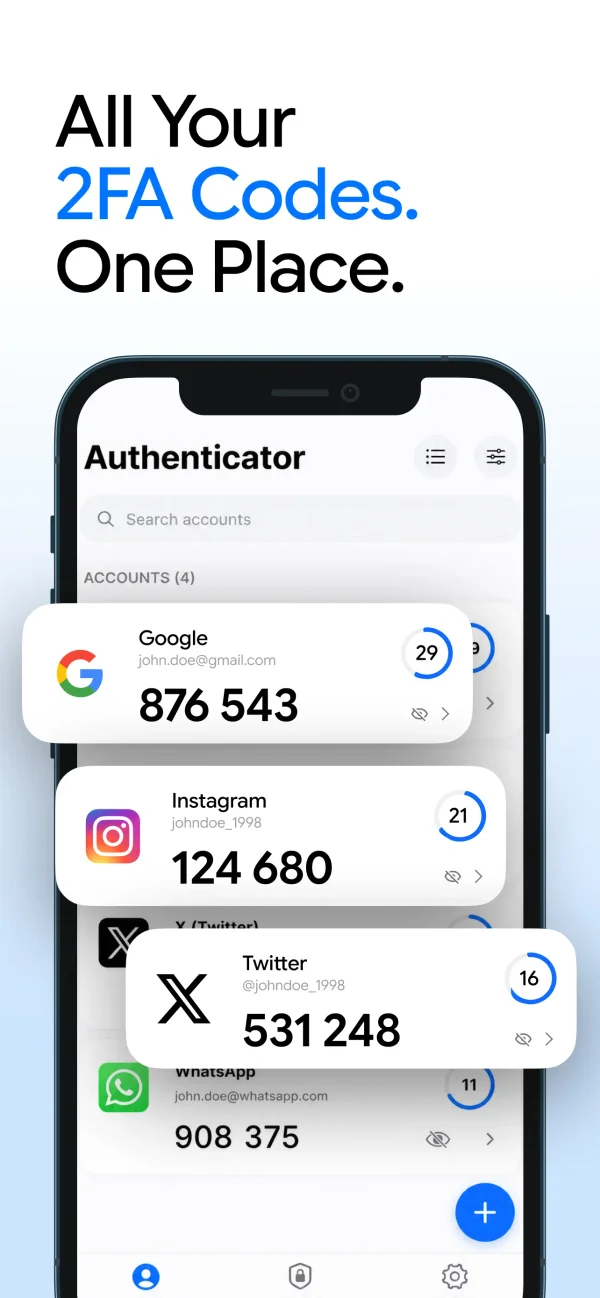
Most authenticator apps show you codes. TokenVault shows you your whole security picture — what is protected, what is not, and exactly what to fix next.
A private, offline-first security companion for iPhone. No account. No tracking. Your codes never leave your device unless you choose to back them up — encrypted, with a passphrase only you hold.
WHAT MAKES IT DIFFERENT
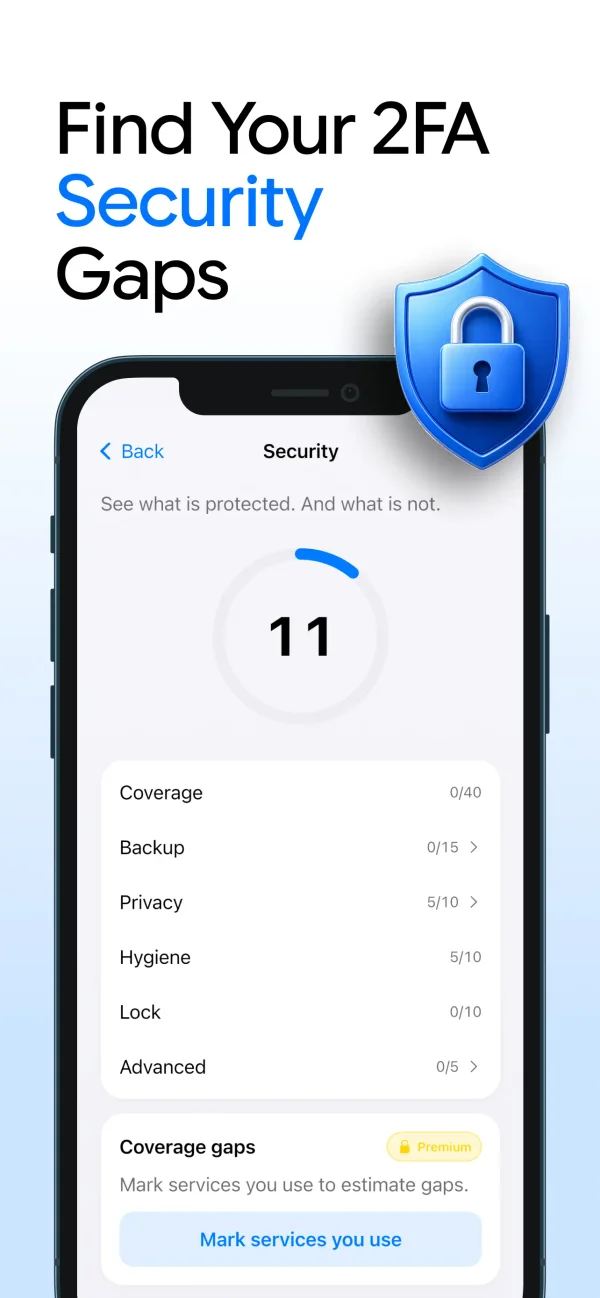
• Security Score — a live 0–100 score for your account security, with a clear breakdown and one-tap fixes. Watch it climb as your protection improves.
• 2FA Coverage Gaps — see popular services you use that support authenticator codes but are not protected yet, with step-by-step guides to enable them.
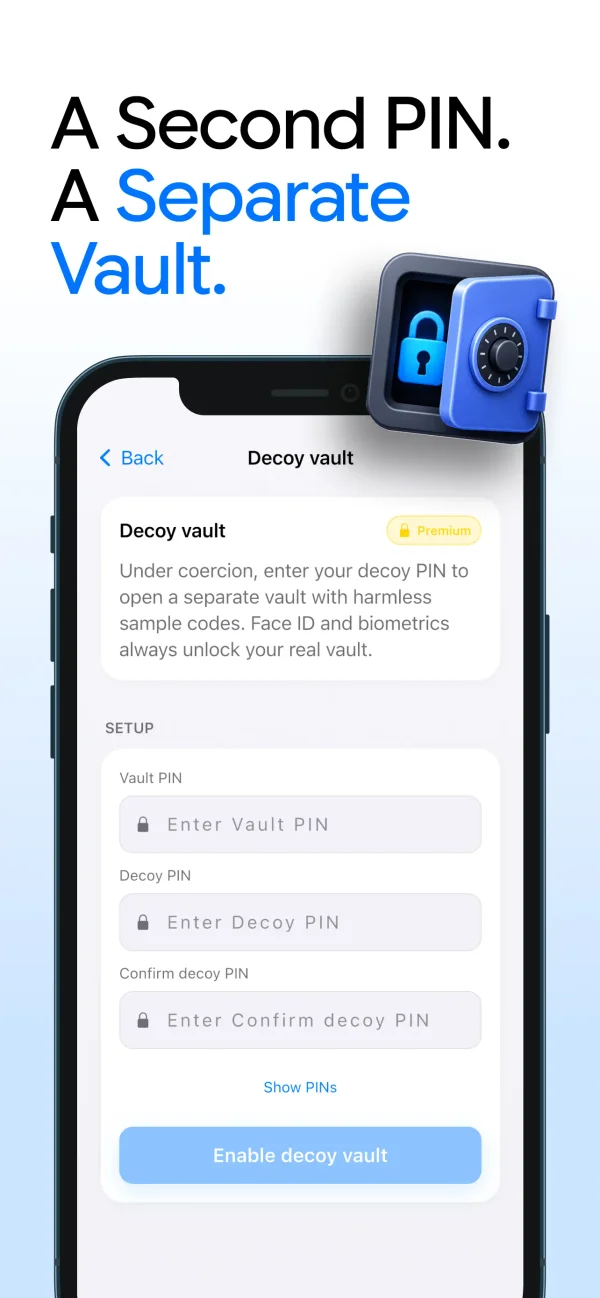
• Decoy Vault — a separate duress PIN opens a believable second vault, keeping your real one out of sight if you are ever forced to unlock. Face ID always opens your real vault.
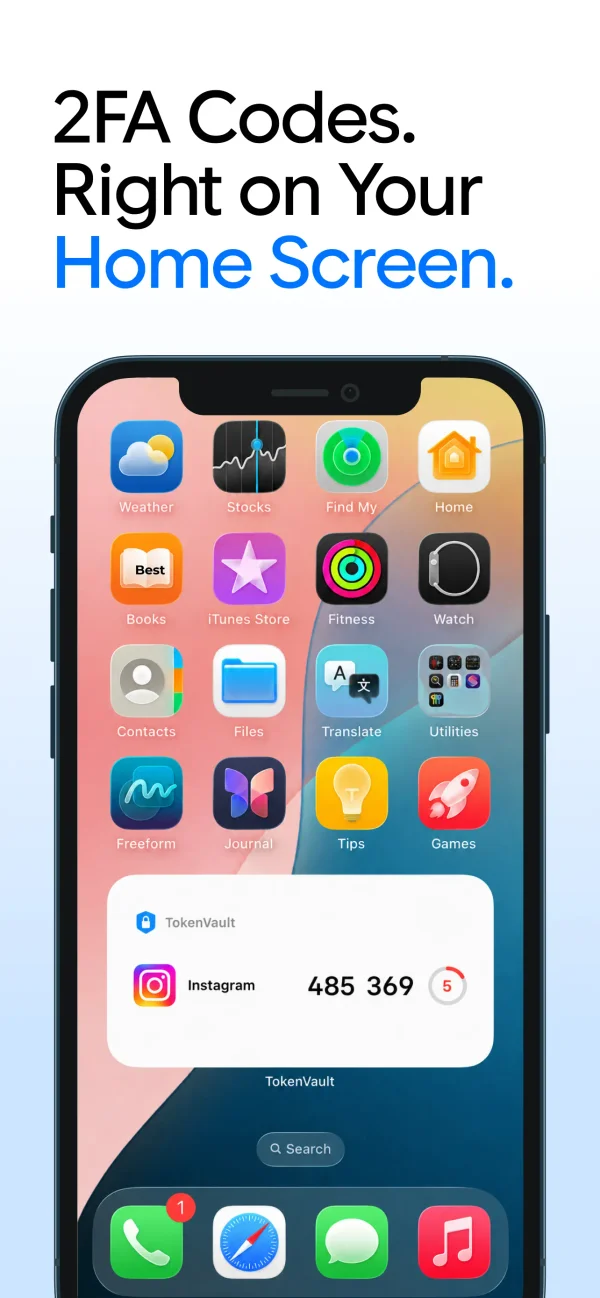
• AutoFill with Verified Domains — on iOS 18, your codes appear right above the keyboard in Safari and in apps. If the site does not match the account a code belongs to, you see a clear warning before it fills. A calm, practical layer against phishing.
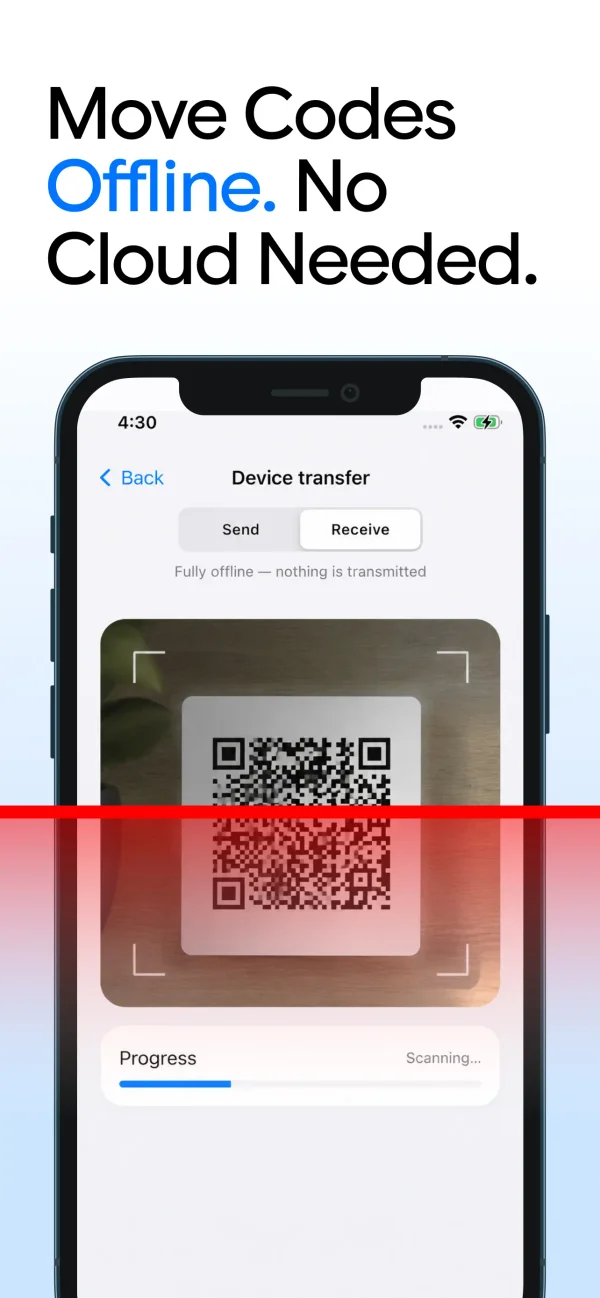
• Offline Device-to-Device Transfer — moving to a new iPhone? Hand off your entire vault with an animated QR transfer. No account, no cloud, no network — nothing is transmitted.
• Privacy Shield — codes stay hidden until you tap, the app blurs itself in the app switcher, and if a screenshot or screen recording is detected, codes are masked instantly.
• Smart Organization — automatic icon matching, duplicate detection with safe merge, and a cleanup assistant for stale or broken entries. A vault with a hundred codes stays effortless.
EVERYTHING YOU EXPECT, DONE PROPERLY
• Standard TOTP codes (SHA-1, SHA-256, SHA-512, 6 or 8 digits) compatible with thousands of services
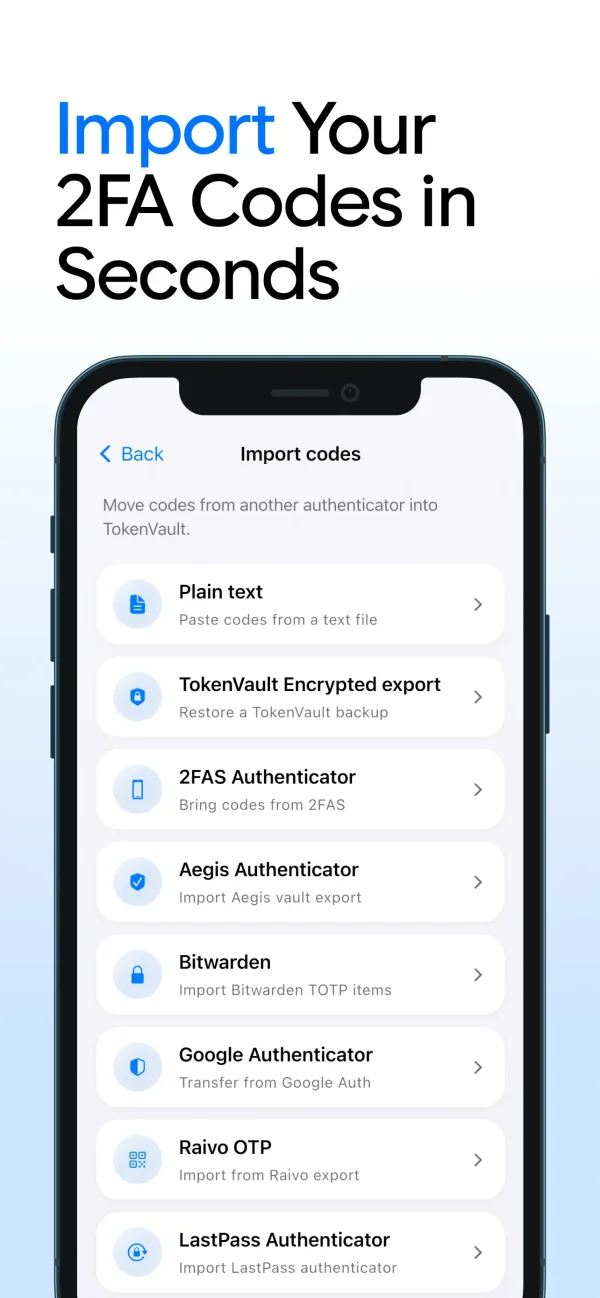
• Add accounts by QR scan or manual entry; import from Google Authenticator and other apps
• Face ID and PIN lock, with per-account Face ID for your most sensitive codes
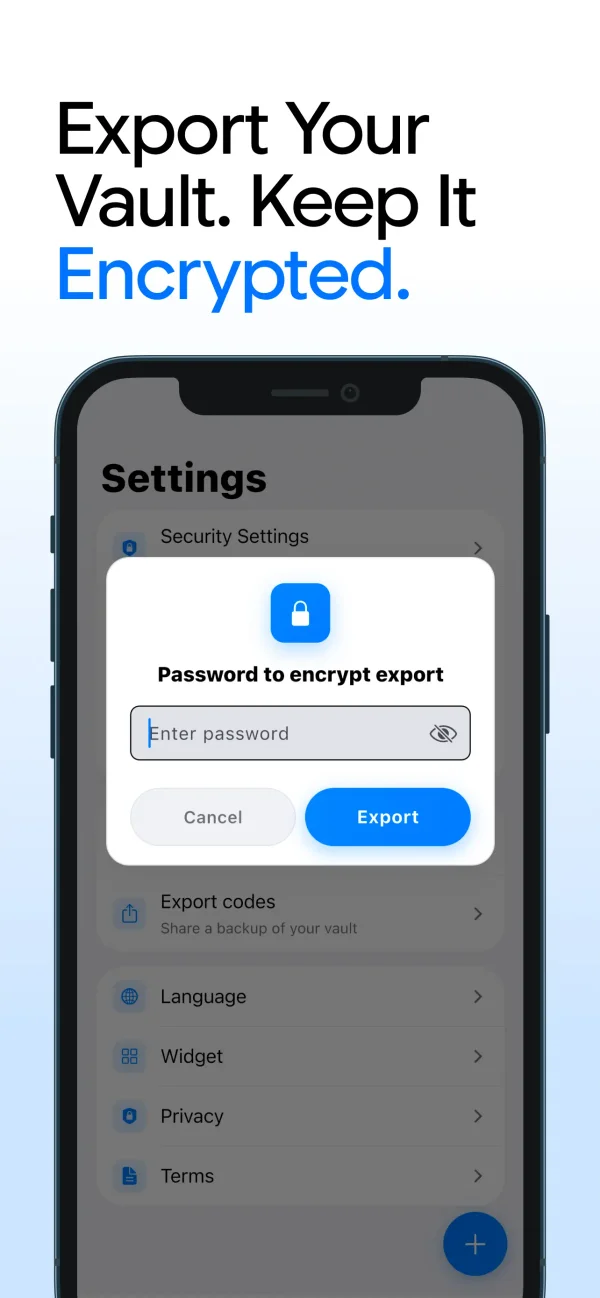
• Encrypted iCloud backups protected by a passphrase only you know
• Pinned favorites, folders, instant search, and one-tap copy with an auto-clearing clipboard
• Smooth, quiet animations throughout — fast, fluid, and respectful of Reduce Motion
PRIVATE BY DESIGN
• Works fully offline — code generation never touches a network
• No account, no email, no analytics profiles
• Secrets live in an encrypted vault, with keys protected by the iOS Keychain
• Backups and transfers are end-to-end encrypted with your passphrase
Two-factor codes are among the strongest protections your accounts can have. this app makes them effortless — and shows you where you still need them.
For an uninterrupted experience,
consider subscribing to access all app features without ads through an
auto-renewing subscription available on a weekly, monthly, or yearly
basis. Manage your subscription settings and turn off auto-renewal
within your iTunes Account Settings after purchase, ensuring flexibility
and control over your subscription.
Current subscription may
not be canceled during the active subscription period; however, you can
manage your subscription and/or turn off auto-renewal by visiting your
iTunes Account Settings after purchase.
Read our full Terms of Service and our Privacy Policy at:
Link to Privacy Policy: https://radhikapillai.netlify.app/privacy-policy.html
Link to Terms of use: https://radhikapillai.netlify.app/terms-conditions.html
Có gì mới
Phiên bản 4.0 · 04/09/2026
bug fix.
Quyền riêng tư của ứng dụng
Những gì Radhika Pillai khai báo trên App Store về cách ứng dụng này xử lý dữ liệu.
-
Dữ liệu được sử dụng để theo dõi bạn
Có thể được sử dụng để theo dõi bạn trên các ứng dụng và trang web do công ty khác sở hữu.
- Dữ liệu sử dụng
-
Dữ liệu liên kết với bạn
Có thể được thu thập và liên kết với danh tính của bạn.
- Dữ liệu sử dụng
-
Dữ liệu không liên kết với bạn
Có thể được thu thập nhưng không liên kết với danh tính của bạn.
- Chẩn đoán
Phương thức đảm bảo quyền riêng tư có thể khác nhau, chẳng hạn như tuỳ theo các tính năng bạn sử dụng hoặc độ tuổi của bạn.
Thông tin
- Người bán
- Radhika Pillai
- Danh mục
- Hiệu Suất
- Phiên bản
- 4.0
- Cập nhật
- 04/09/2026
- Phát hành
- 05/09/2026
- Kích thước
- 58,7 MB
- Yêu cầu
- iOS 15.6 trở lên
- Độ tuổi
- 4+
- Giá
- Miễn phí
- Mua hàng trong ứng dụng
- Có
- Ngôn ngữ
- Tiếng Anh
- Bản quyền
- © TokenVault @2026
Có thể bạn cũng thích
-
 Dyslexia Reader AIHiệu Suất
-
 Zotty: AI Notes & NotepadHiệu Suất
-
 Nia: AI AssistantHiệu Suất
-
 I'll remember!Hiệu Suất
-
 Clapiscan: PDF Scanner & OCRHiệu Suất
-
 2FA Authenticator: MFA, AUTHCode Generator - Secure App
-
 Chat-LinkHiệu Suất
-
 OnePreview: File ViewerHiệu Suất
-
 Visaway: USCIS Case TrackerHiệu Suất
-
 GO NET FIBRAHiệu Suất