
Authenticator App - Privacy
2FA Authentication MFA & OTP
Entwickelt für iPhone, iPad, iPod touch
Kostenlos
- Altersfreigabe4+
- KategorieDienstprogramme
- EntwicklerMTPHoldings LLC
- SprachenEnglisch
- Größe24,3 MB
Verlinkt auf die offizielle App Store-Seite
Download.org hostet keine Datei von Authenticator App - Privacy. Die Schaltfläche öffnet die App-Seite bei App Store, wo MTPHoldings LLC die App veröffentlicht. Eintrag zuletzt geprüft am 18.11.2026.
Screenshots

Info
Der Entwickler hat diesen Text nicht in Ihrer Sprache bereitgestellt.
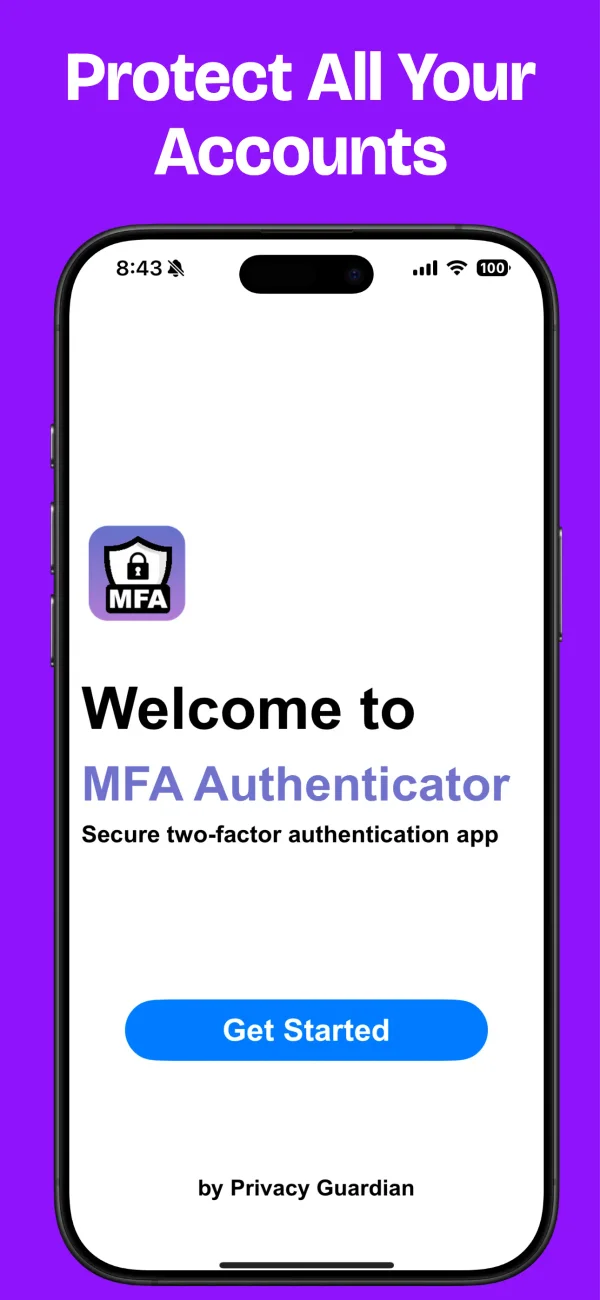
Secure Your Digital World with Our MFA & 2FA Solution
Safeguard your online accounts with cutting-edge Multi-Factor Authentication (MFA) and Two-Factor Authentication (2FA). Our app offers an extra layer of security by requiring more than just a password to verify your identity, ensuring your sensitive data and personal information stay protected from unauthorized access.
Key Features:
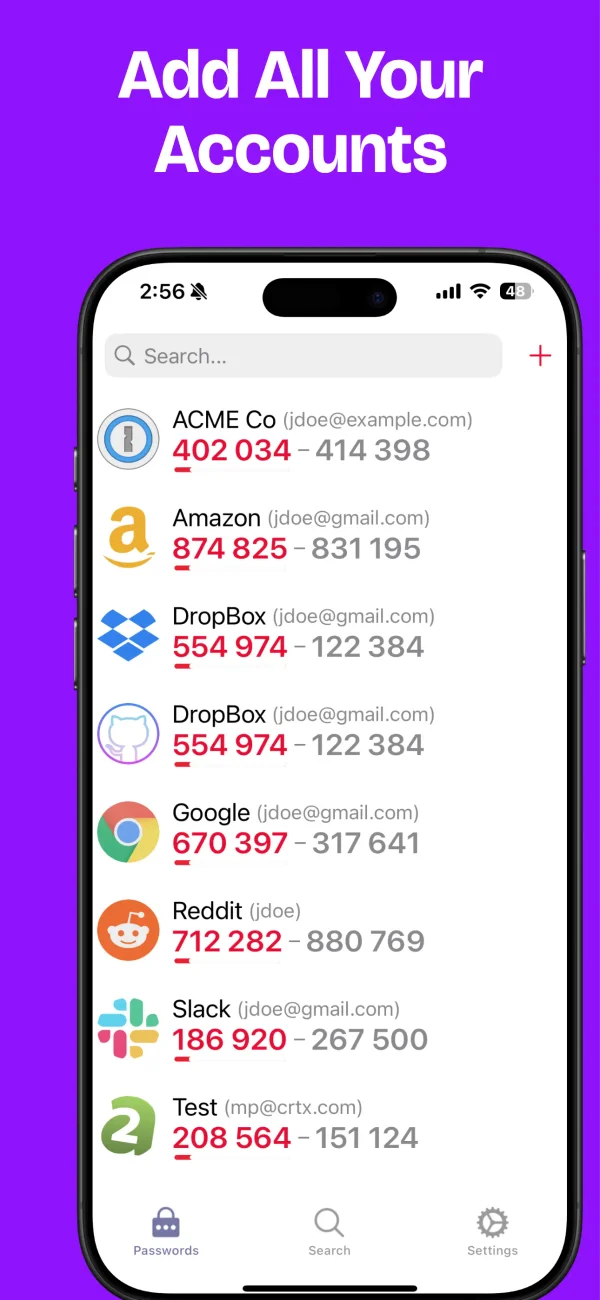
• Seamless MFA & 2FA Integration: Quickly add multi-factor authentication to your online accounts like Google, Facebook, Dropbox, and more.
• QR Code Scanning: Set up 2FA for compatible services effortlessly by scanning a QR code.
• Time-Based & HMAC One-Time Passwords (TOTP & HOTP): Generate dynamic, time-sensitive passcodes that add an additional layer of protection.
• Biometric Security: Use Face ID or Touch ID for quick and secure access to your 2FA codes and settings.
• Backup/synchronise one-time passwords to iCloud (end-to-end encrypted).
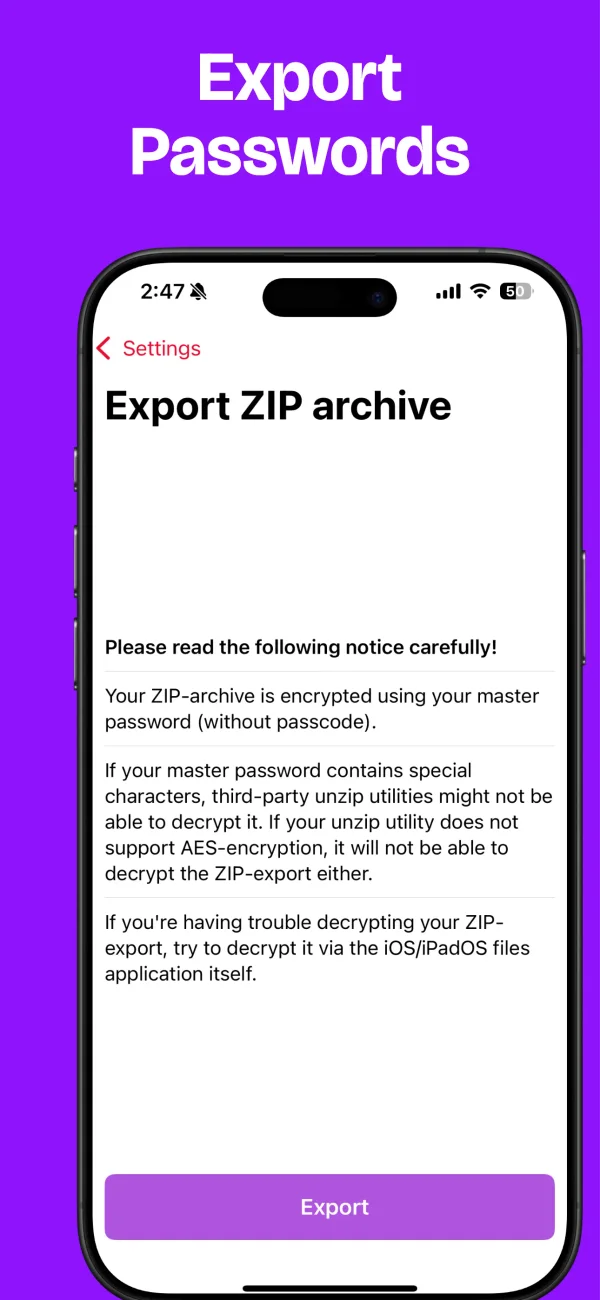
• Export your one-time passwords to encrypted ZIP archives.
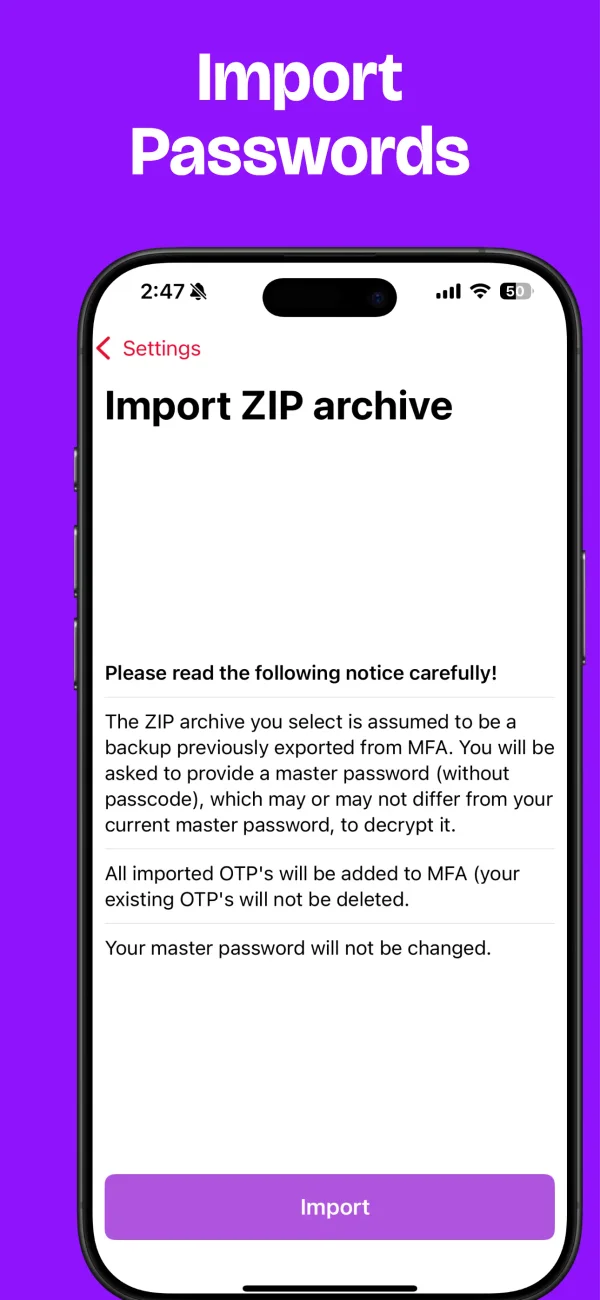
• Import one-time passwords from previous exports.
• Send your passwords to your Mac in one tap, cross iCloud account (end-to-end encrypted).
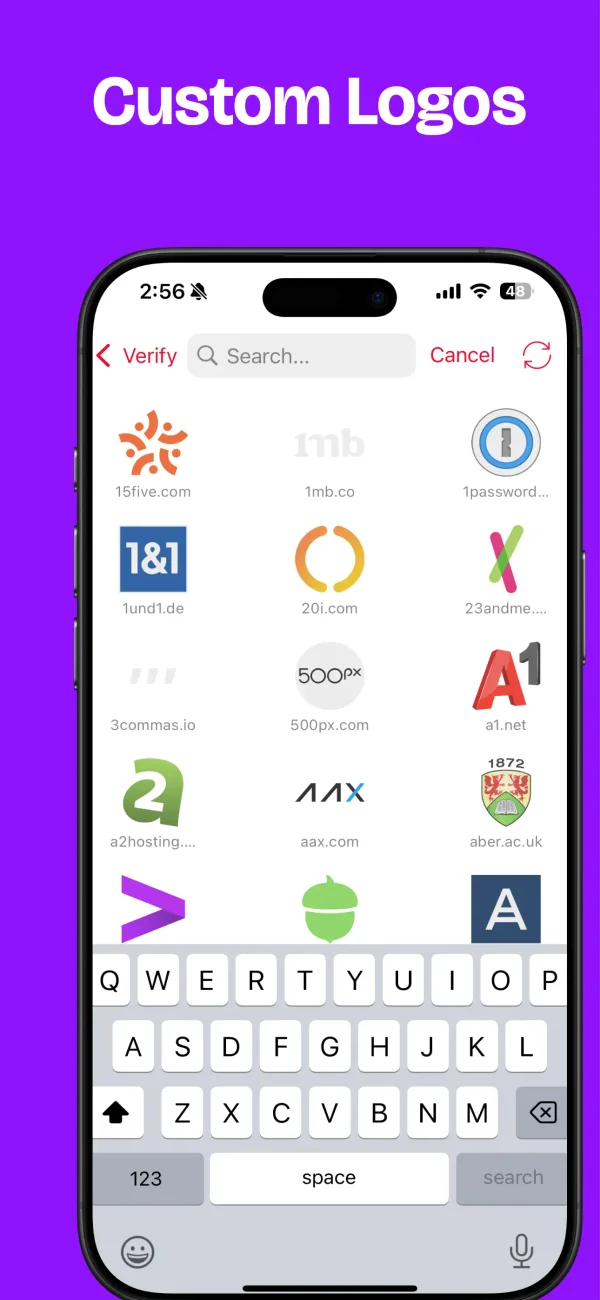
• Add (custom) icons to your one-time passwords and apply effects.
• Fast user experience with most often used functionality easily accessible.
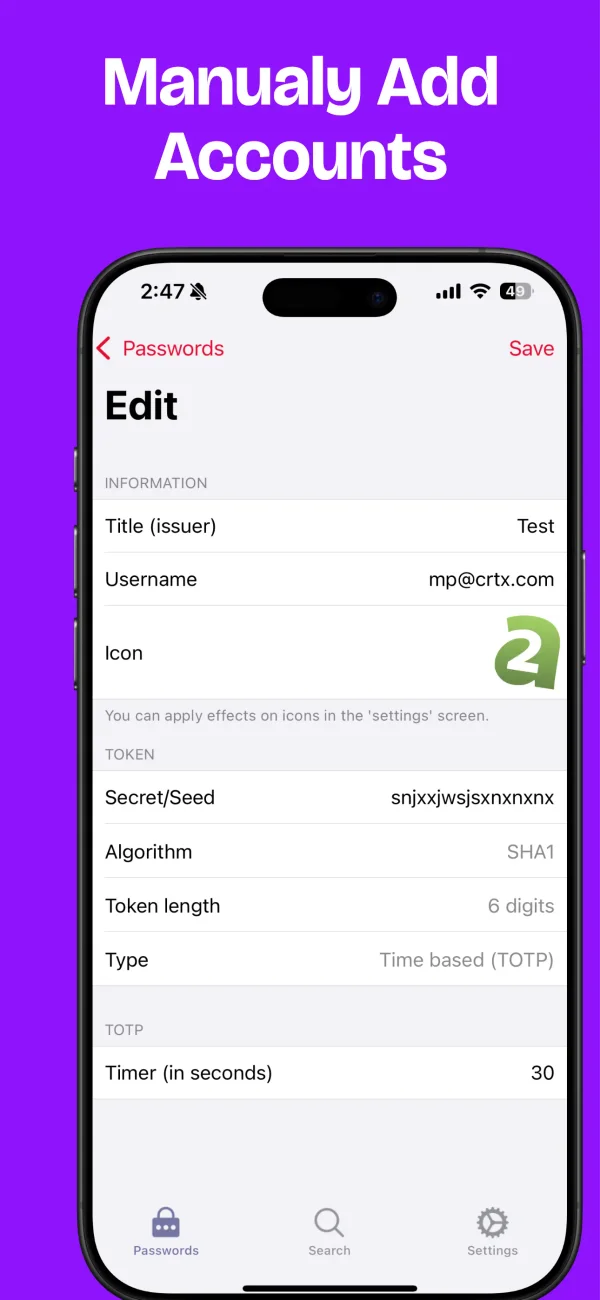
• Scan a QR code or add a one-time password manually.
• Show both the current and previous one-time password.
Why Choose Us?
Enhanced Protection: Reduce the risk of unauthorized access to your accounts with additional security checks.
User-Friendly Interface: Set up and manage your MFA and 2FA settings with ease—perfect for both beginners and tech-savvy users.
Cross-Platform Compatibility: Use our app with all your favorite services, across devices and platforms.
Stay safe online by adding an extra layer of defense with our powerful MFA & 2FA solution. Download now and take control of your digital security!
Protect Your Accounts in Just a Few Taps – Get Started Today!
Neue Funktionen
Version 2.2 · 22.08.2025
bug fix
App-Datenschutz
Was MTPHoldings LLC im App Store zum Umgang dieser App mit Daten angibt.
-
Daten, die zum Tracking Ihrer Person verwendet werden
Können verwendet werden, um Sie über Apps und Websites anderer Unternehmen hinweg zu verfolgen.
- Kennungen
-
Nicht mit Ihnen verknüpfte Daten
Können erfasst werden, sind aber nicht mit Ihrer Identität verknüpft.
- Kennungen
- Nutzungsdaten
- Diagnose
Die Datenschutzpraktiken können variieren, zum Beispiel je nach den von Ihnen verwendeten Funktionen oder Ihrem Alter.
Informationen
- Anbieter
- MTPHoldings LLC
- Kategorie
- Dienstprogramme
- Version
- 2.2
- Aktualisiert
- 22.08.2025
- Veröffentlicht
- 17.10.2024
- Größe
- 24,3 MB
- Erfordert
- iOS 14.1 oder neuer
- Altersfreigabe
- 4+
- Preis
- Kostenlos
- Sprachen
- Englisch
- Copyright
- © MTPH Software 2025
Das könnte Ihnen auch gefallen
-
 SigningCloudDienstprogramme
-
 Followers Tracker - Analyzer +Dienstprogramme
-
 SleepWell with White NoiseDienstprogramme
-
 2 factor authenticationDienstprogramme
-
 Lost Cities AssistantDienstprogramme
-
 Authenticator App - Auth CodeSichere 2FA & OTP Token
-
 RF FunDienstprogramme
-
 Rizz Mentor AI:Flirt AssistantDienstprogramme
-
 Authenticator App - 2FA, OTPDienstprogramme
-
 Find My Lost Bluetooth DeviceDienstprogramme