
Authenticator App - Privacy
2FA Authentication MFA & OTP
iPhone, iPad, iPod touch向けに設計
無料
- 対象年齢4+
- カテゴリユーティリティ
- 開発元MTPHoldings LLC
- 言語英語
- サイズ24.3 MB
App Storeの公式ページにリンクしています
Download.orgはAuthenticator App - Privacyのファイルを一切ホストしていません。ボタンを押すと、MTPHoldings LLCが公開しているApp Storeのアプリページが開きます。ページの最終確認:2026/11/18。
スクリーンショット

概要
開発元はこのテキストをお使いの言語で提供していません。
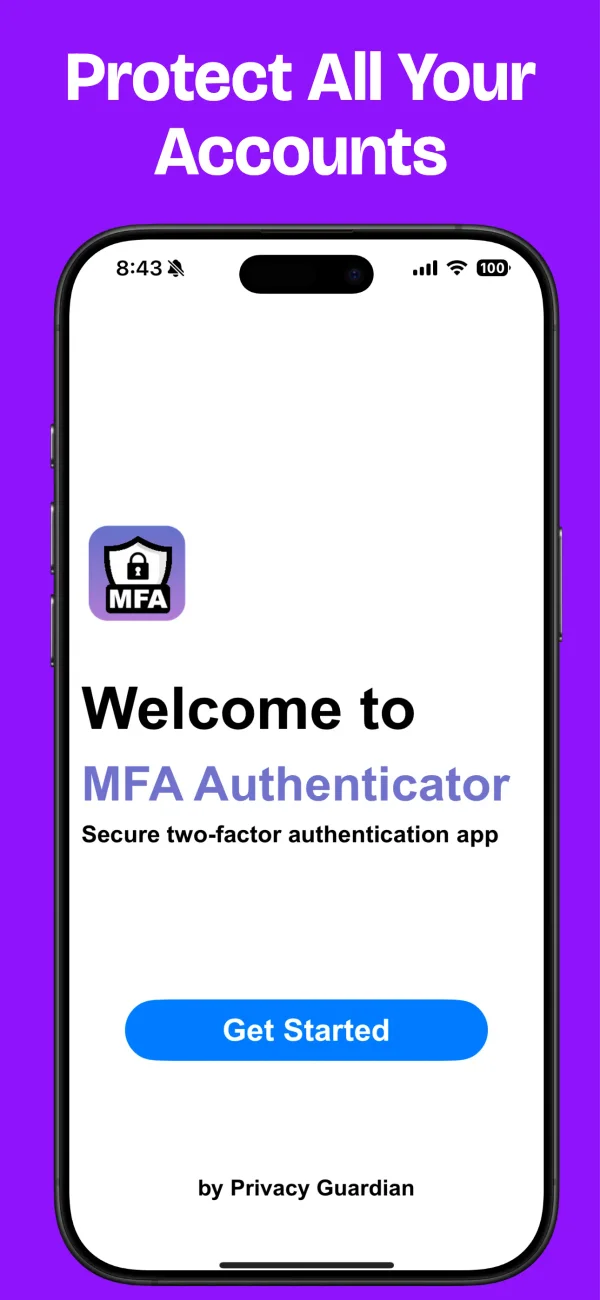
Secure Your Digital World with Our MFA & 2FA Solution
Safeguard your online accounts with cutting-edge Multi-Factor Authentication (MFA) and Two-Factor Authentication (2FA). Our app offers an extra layer of security by requiring more than just a password to verify your identity, ensuring your sensitive data and personal information stay protected from unauthorized access.
Key Features:
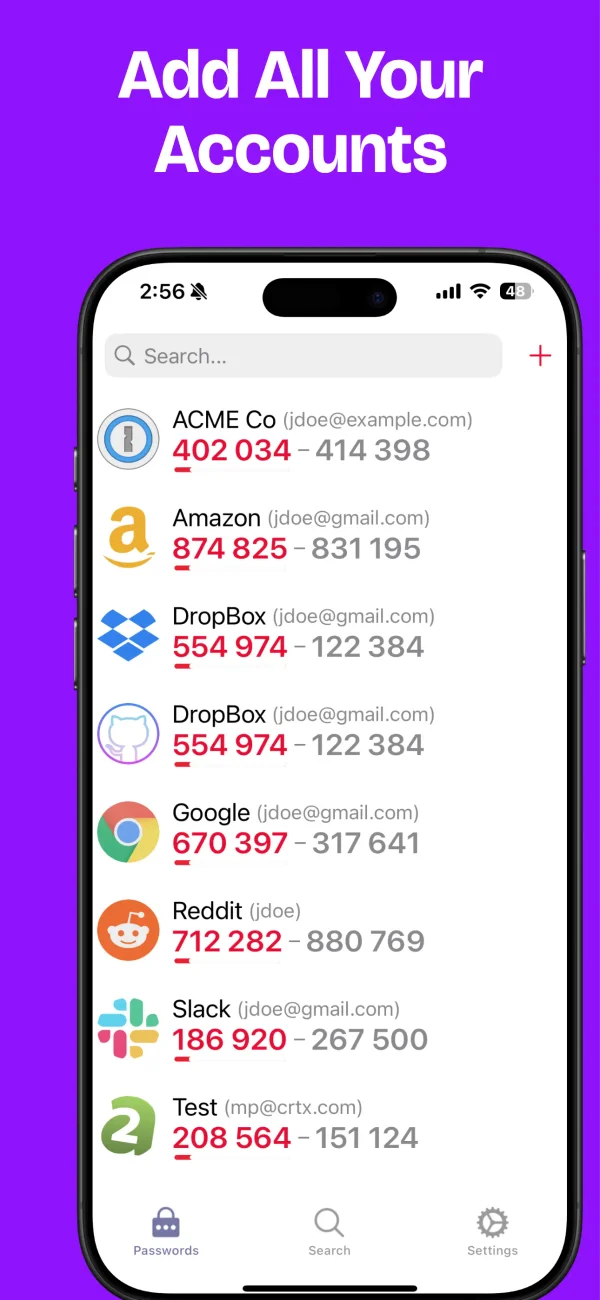
• Seamless MFA & 2FA Integration: Quickly add multi-factor authentication to your online accounts like Google, Facebook, Dropbox, and more.
• QR Code Scanning: Set up 2FA for compatible services effortlessly by scanning a QR code.
• Time-Based & HMAC One-Time Passwords (TOTP & HOTP): Generate dynamic, time-sensitive passcodes that add an additional layer of protection.
• Biometric Security: Use Face ID or Touch ID for quick and secure access to your 2FA codes and settings.
• Backup/synchronise one-time passwords to iCloud (end-to-end encrypted).
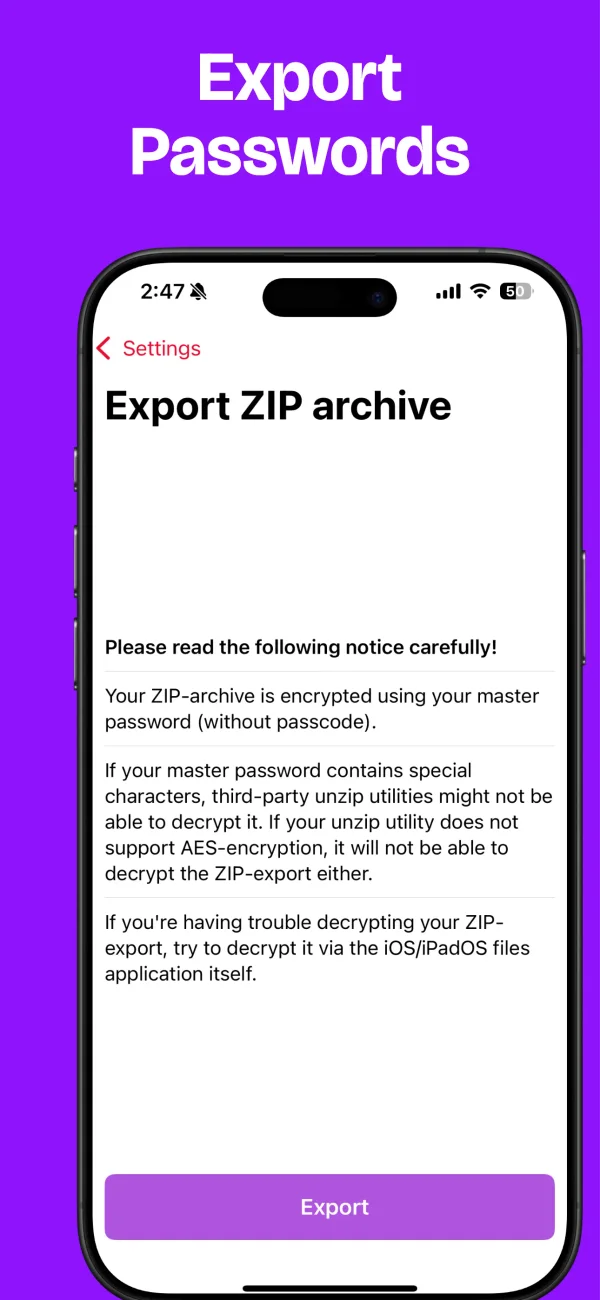
• Export your one-time passwords to encrypted ZIP archives.
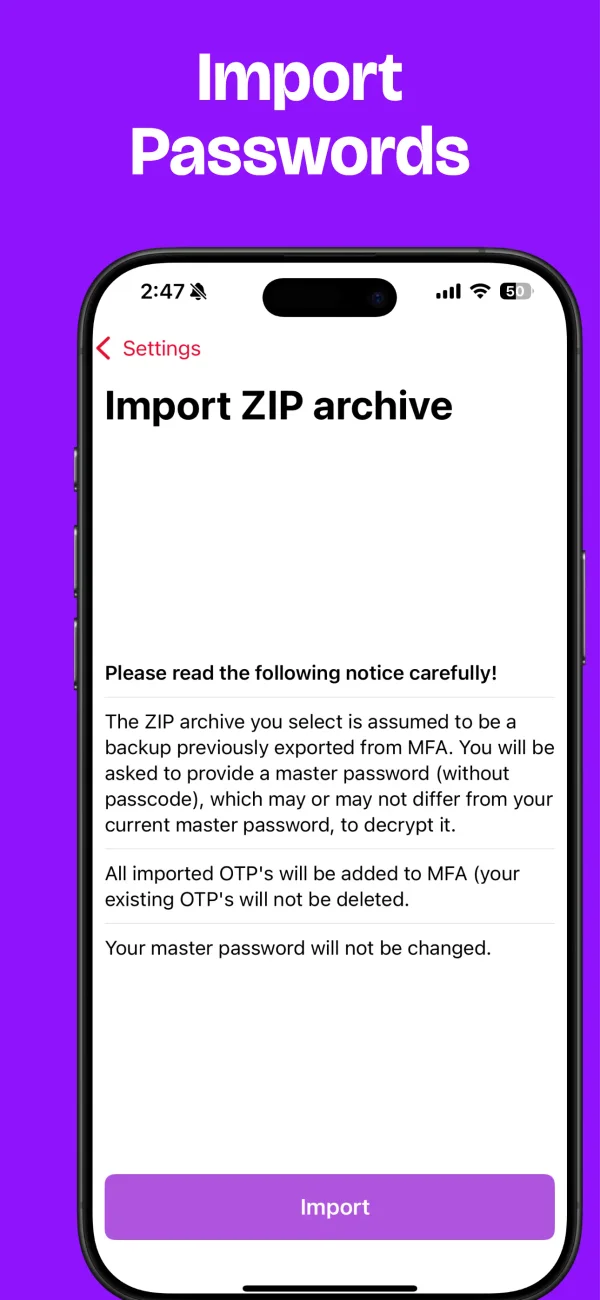
• Import one-time passwords from previous exports.
• Send your passwords to your Mac in one tap, cross iCloud account (end-to-end encrypted).
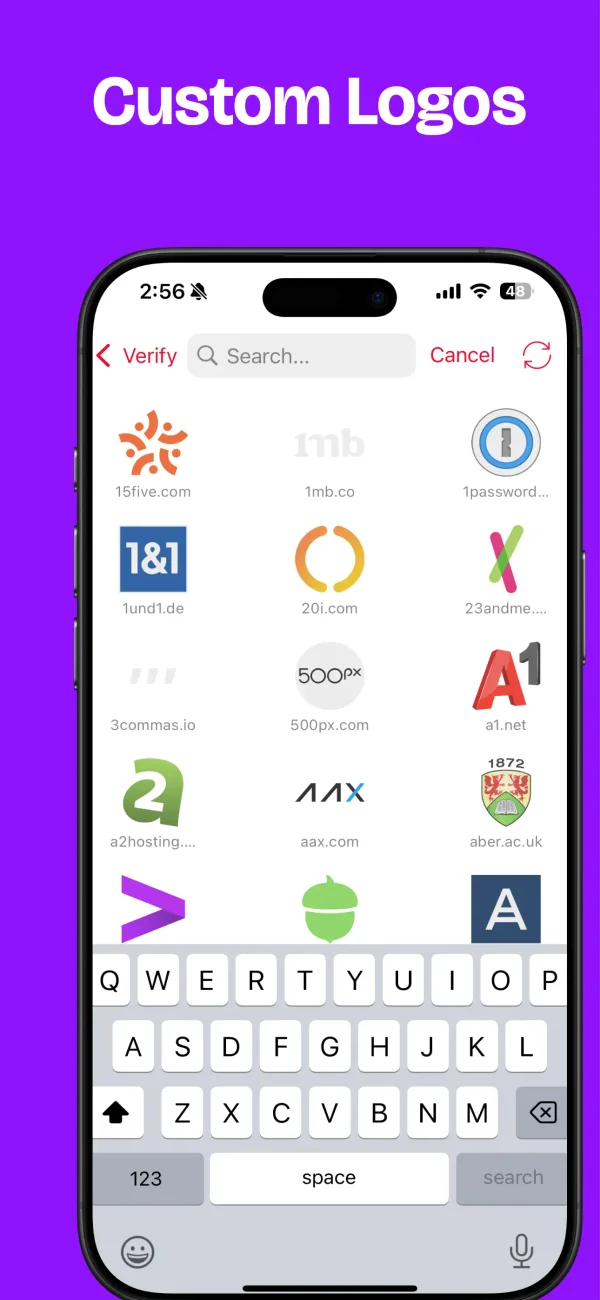
• Add (custom) icons to your one-time passwords and apply effects.
• Fast user experience with most often used functionality easily accessible.
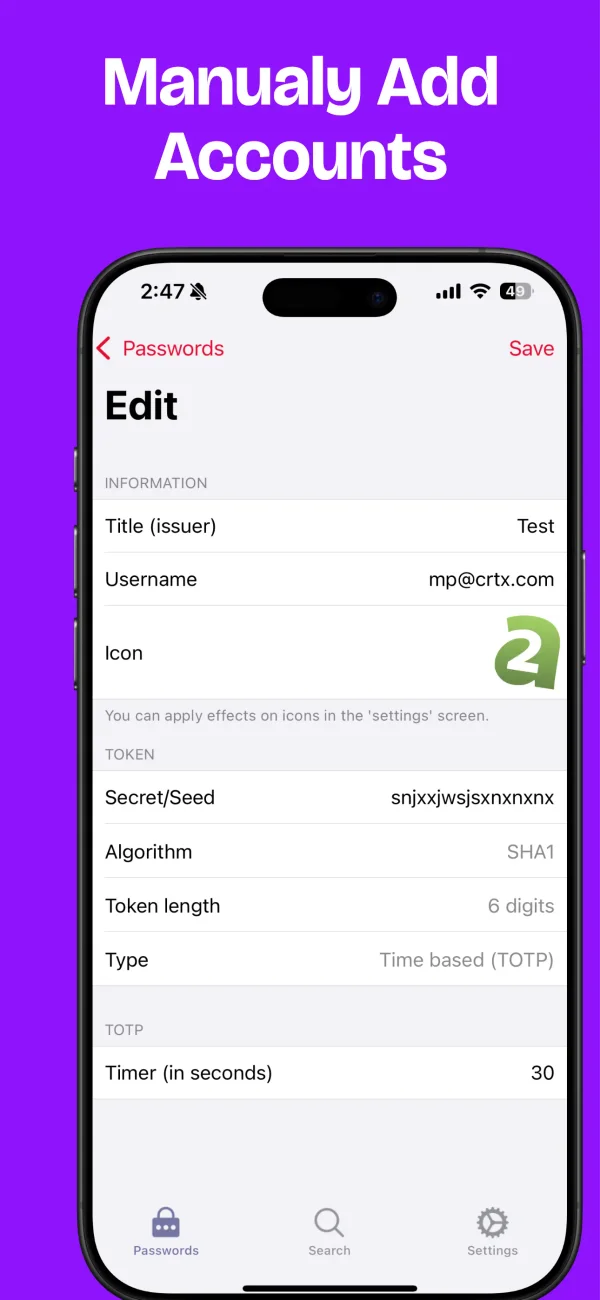
• Scan a QR code or add a one-time password manually.
• Show both the current and previous one-time password.
Why Choose Us?
Enhanced Protection: Reduce the risk of unauthorized access to your accounts with additional security checks.
User-Friendly Interface: Set up and manage your MFA and 2FA settings with ease—perfect for both beginners and tech-savvy users.
Cross-Platform Compatibility: Use our app with all your favorite services, across devices and platforms.
Stay safe online by adding an extra layer of defense with our powerful MFA & 2FA solution. Download now and take control of your digital security!
Protect Your Accounts in Just a Few Taps – Get Started Today!
新機能
バージョン 2.2 · 2025/8/22
bug fix
アプリのプライバシー
このアプリのデータの取り扱いについて、MTPHoldings LLCがApp Storeで申告している内容です。
-
ユーザーのトラッキングに使用されるデータ
他社のアプリやウェブサイトを横断してユーザーをトラッキングする目的で使用される場合があります。
- ID
-
ユーザーに関連付けられないデータ
収集される場合がありますが、ユーザーの識別情報には関連付けられません。
- ID
- 使用状況データ
- 診断
プライバシーの取り扱いは、ご利用の機能やお客様の年齢などに応じて異なる場合があります。
情報
- 販売元
- MTPHoldings LLC
- カテゴリ
- ユーティリティ
- バージョン
- 2.2
- 更新日
- 2025/8/22
- リリース
- 2024/10/17
- サイズ
- 24.3 MB
- 必要条件
- iOS 14.1以降
- 対象年齢
- 4+
- 価格
- 無料
- 言語
- 英語
- 著作権
- © MTPH Software 2025
こちらもおすすめ
-
 SigningCloudユーティリティ
-
 Followers Tracker - Analyzer +ユーティリティ
-
 SleepWell with White Noiseユーティリティ
-
 2 factor authenticationユーティリティ
-
 Lost Cities Assistantユーティリティ
-
 Authenticator App - Auth Code安全な2段階認証とOTPトークン
-
 RF Funユーティリティ
-
 Rizz Mentor AI:Flirt Assistantユーティリティ
-
 Authenticator App - 2FA, OTPユーティリティ
-
 Find My Lost Bluetooth Deviceユーティリティ