
Authenticator OTP Codes : 2FA
Secure MFA, Backup & Passwords
Entwickelt für iPhone, iPad, Mac, iPod touch
Kostenlos · In-App-Käufe
- Altersfreigabe4+
- KategorieDienstprogramme
- EntwicklerELINE TECHNOLOGIES PVT. LTD
- SprachenEnglisch
- Größe51,5 MB
Verlinkt auf die offizielle App Store-Seite
Download.org hostet keine Datei von Authenticator OTP Codes : 2FA. Die Schaltfläche öffnet die App-Seite bei App Store, wo ELINE TECHNOLOGIES PVT. LTD die App veröffentlicht. Eintrag zuletzt geprüft am 15.11.2026.
Screenshots
Info
Der Entwickler hat diesen Text nicht in Ihrer Sprache bereitgestellt.
Secure your online accounts with a fast, private 2FA authenticator. Generate two-factor authentication codes (TOTP and HOTP) for email, social media, banking, crypto exchanges, gaming, work and cloud accounts, all from one clean, easy-to-use app.
Two-step verification adds a strong layer of protection on top of your password. Even if a password leaks, nobody can sign in without the one-time code from your phone.
- ADD ACCOUNTS IN SECONDS
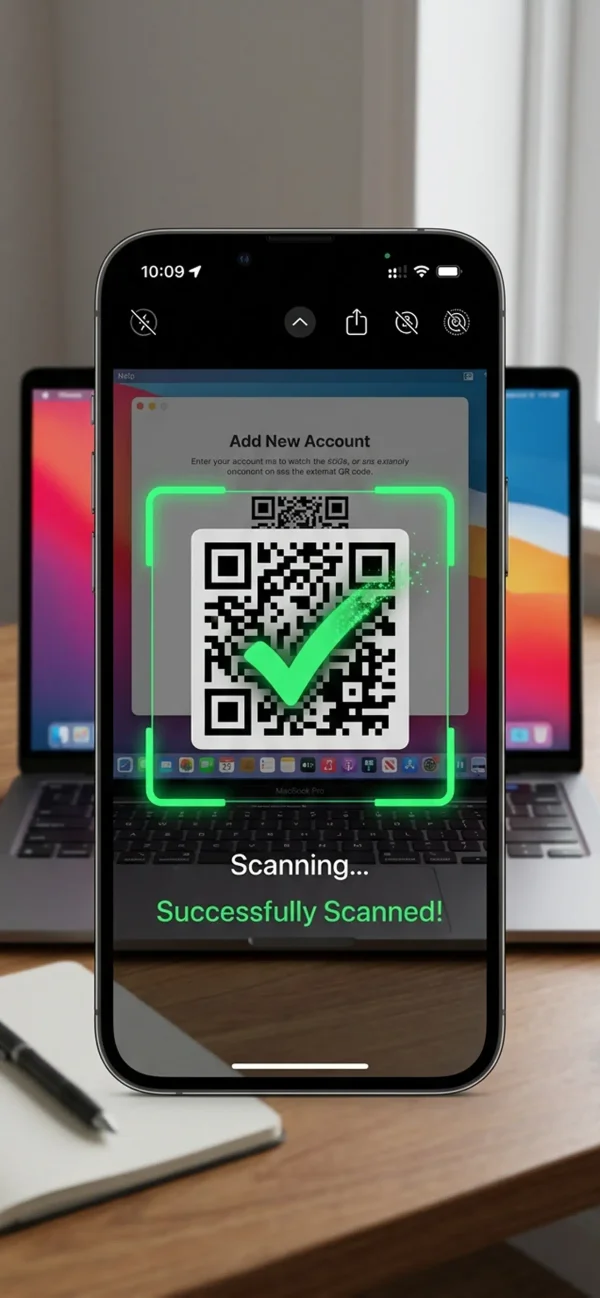
• Scan the 2FA QR code shown by any website
• Import a QR code from a screenshot or photo
• Enter a setup key manually when no QR code is available
• Import several accounts at once from an authenticator export QR code
- ONE-TAP CODES
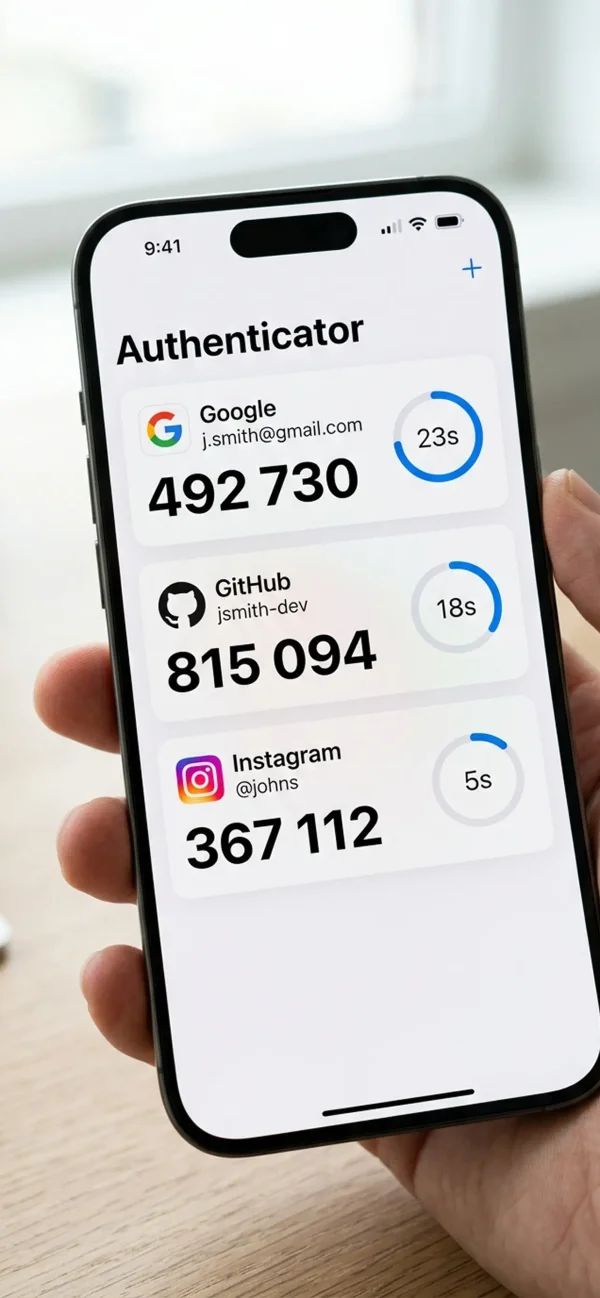
• Live 6- and 8-digit one-time passwords that refresh automatically
• Countdown ring with green, amber and red colors so you never type an expiring code
• Tap a code to copy it; the clipboard clears automatically
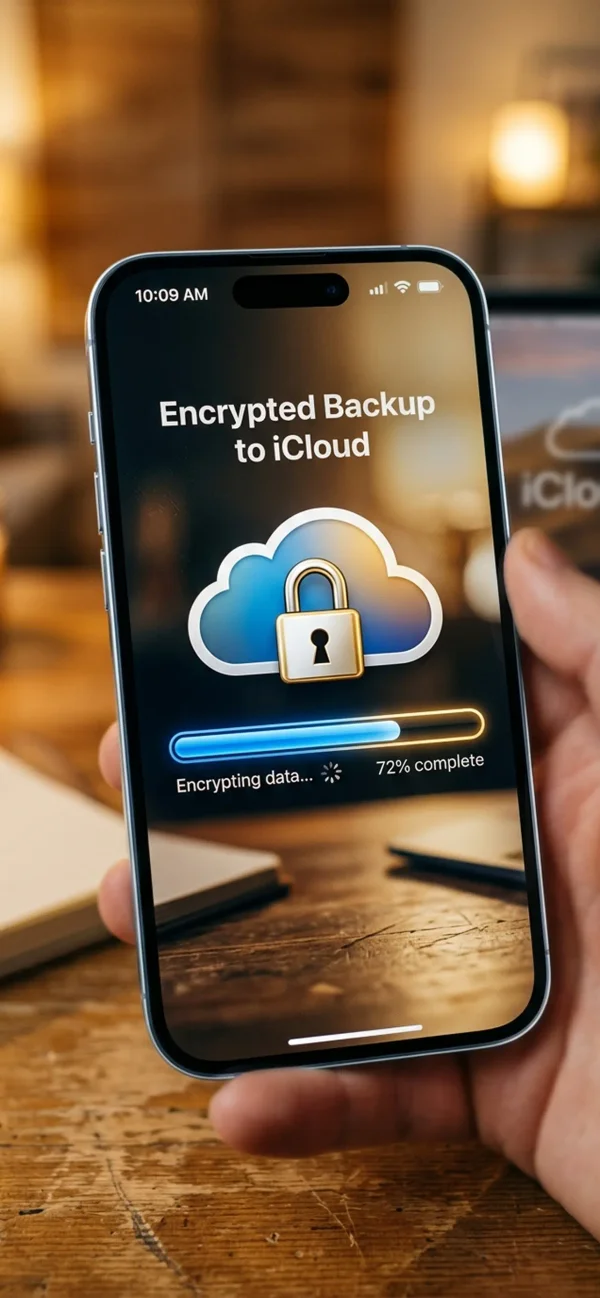
- ENCRYPTED BACKUP & RESTORE
Never lose your codes when you change or reset your phone.
• End-to-end encrypted cloud backup
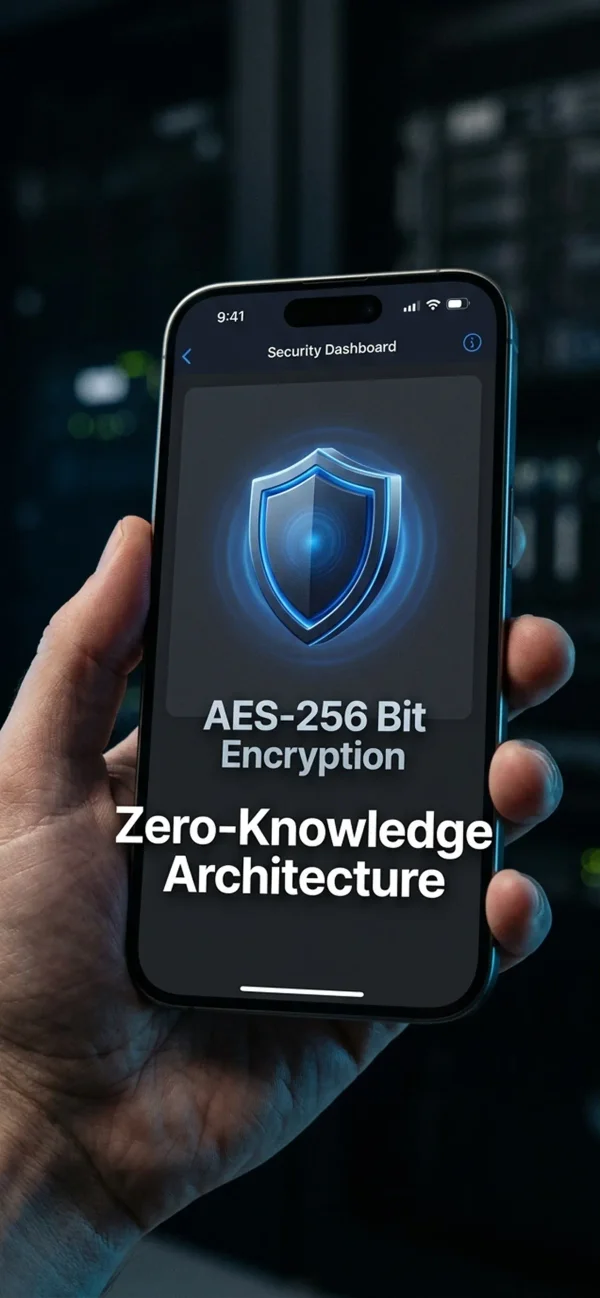
• Protected by your master password using Argon2id and AES-256-GCM
• Only you can decrypt your data, not even we can read it
• Automatic backup after every change
• Restore all your accounts on a new device in minutes
• Export your codes whenever you want, you are never locked in
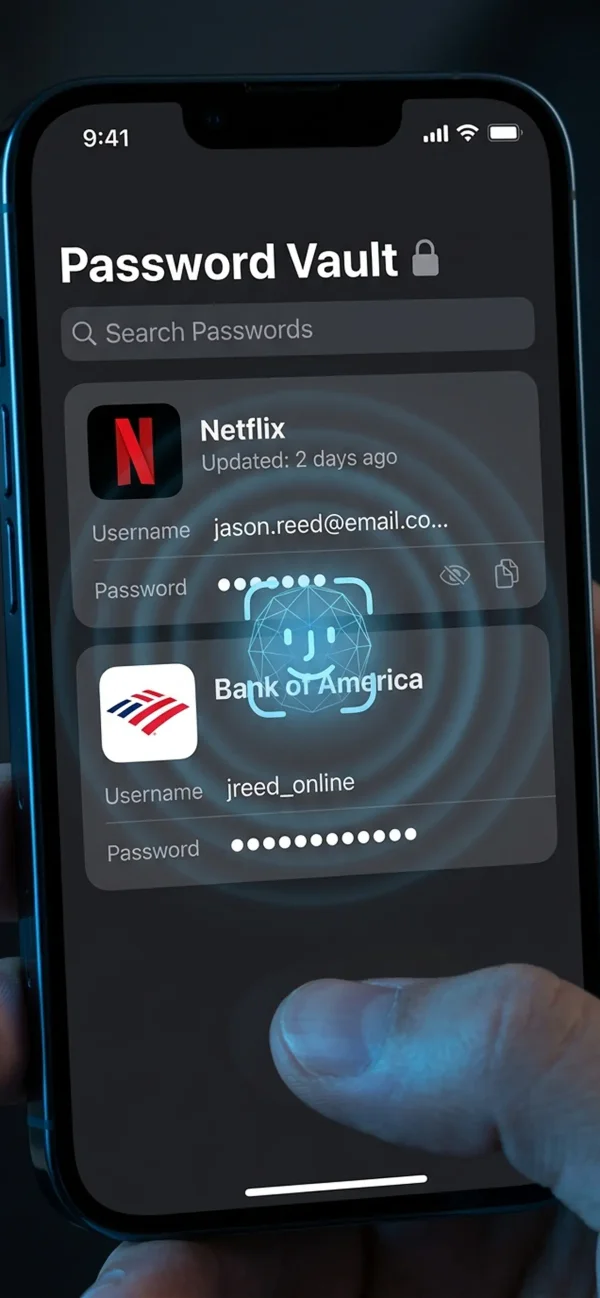
- PASSWORD VAULT & GENERATOR
• Store logins in an encrypted password vault
• Create strong random passwords with custom length, letters, numbers and symbols
• Generate easy-to-remember passphrases
• See password strength instantly
- SECURITY TOOLKIT
• QR code scanner with scan history
• QR code generator for Wi-Fi, contacts, links and more
• Step-by-step guides to turn on two-factor authentication for your accounts
• Screenshot protection to hide your codes
- WORKS WITH THE SERVICES YOU USE
Compatible with any website or app that supports authenticator apps for 2FA or MFA, using the standard TOTP (RFC 6238) and HOTP (RFC 4226) protocols. If a site shows a QR code or a setup key for an "authenticator app", it works here.
HOW TO GET STARTED
1. Open the security settings of the account you want to protect
2. Turn on two-factor authentication and choose "authenticator app"
3. Scan the QR code with this app
4. Enter the 6-digit code to finish setup
FREQUENTLY ASKED QUESTIONS
• What is a 2FA code? A short one-time password that changes every 30 seconds and proves it's really you when you sign in.
• What if I lose my phone? Turn on encrypted backup, then restore every account on your new device with your master password.
• Does it need internet? No. Codes are generated offline; internet is only used for backup and sync.
• Is it free? Yes. Core authenticator features are free, and Pro adds unlimited backup, vault and an ad-free experience.
2FA AUTH PRO (Optional)
The core 2FA authenticator and a starter password vault are free to use. 2FA AUTH Pro adds unlimited password storage, automatic encrypted cloud backup, and the ability to restore your codes and passwords onto a new device. Pro is offered as auto-renewing subscriptions or a one-time purchase:
• Monthly — every month Renew.
• Annual — every year Renew.
• Lifetime — one-time purchase, no recurring charge.
Payment is charged to your Apple ID at confirmation of purchase. Subscriptions renew automatically unless auto-renew is turned off at least 24 hours before the end of the current period, and your account will be charged for renewal within 24 hours before that period ends. Manage or cancel anytime in Settings on your device under Apple ID > Subscriptions. Prices are shown in USD and may vary by region.
YOUR PRIVACY
2FA AUTH does not sell your personal data. Please read our Privacy Policy and Terms of Use before subscribing:
Privacy Policy: https://sites.google.com/view/2fa-auth-app/home
Terms of Use: https://sites.google.com/view/2fa-auth-app/terms-and-condition
Neue Funktionen
Version 1.0.2 · 13.11.2026
Enhance App Flow , User easy to use app Core Authenticator features
App-Datenschutz
Was ELINE TECHNOLOGIES PVT. LTD im App Store zum Umgang dieser App mit Daten angibt.
-
Daten, die zum Tracking Ihrer Person verwendet werden
Können verwendet werden, um Sie über Apps und Websites anderer Unternehmen hinweg zu verfolgen.
- Kennungen
-
Mit Ihnen verknüpfte Daten
Können erfasst und mit Ihrer Identität verknüpft werden.
- Kontaktinformationen
- Kennungen
-
Nicht mit Ihnen verknüpfte Daten
Können erfasst werden, sind aber nicht mit Ihrer Identität verknüpft.
- Nutzungsdaten
- Diagnose
Die Datenschutzpraktiken können variieren, zum Beispiel je nach den von Ihnen verwendeten Funktionen oder Ihrem Alter.
Informationen
- Anbieter
- ELINE TECHNOLOGIES (PRIVATE) LIMITED
- Kategorie
- Dienstprogramme
- Version
- 1.0.2
- Aktualisiert
- 13.11.2026
- Veröffentlicht
- 23.09.2026
- Größe
- 51,5 MB
- Erfordert
- iOS 15.0 oder neuer
- Altersfreigabe
- 4+
- Preis
- Kostenlos
- In-App-Käufe
- Ja
- Sprachen
- Englisch
- Copyright
- © ELINE TECHNOLOGIES (PRIVATE) LIMITED
Das könnte Ihnen auch gefallen
-
 Tokens: 2FA AuthenticatorVerschlüsselt, ohne Tricks
-
 Level - 2FA AuthenticatorDienstprogramme
-
 Forever CareDienstprogramme
-
 2FA Authentifizierung AutherisOTP- & TOTP-Codes, offline
-
 Breached App: Data Leak ScanDienstprogramme
-
 2FAS Authenticator AppDienstprogramme
-
 VistaflowDienstprogramme
-
 2K VPN - Secure ProxyDienstprogramme
-
 NetticaDienstprogramme