
Authenticator OTP Codes : 2FA
Secure MFA, Backup & Passwords
iPhone, iPad, Mac, iPod touch向けに設計
無料 · アプリ内課金
- 対象年齢4+
- カテゴリユーティリティ
- 開発元ELINE TECHNOLOGIES PVT. LTD
- 言語英語
- サイズ51.5 MB
App Storeの公式ページにリンクしています
Download.orgはAuthenticator OTP Codes : 2FAのファイルを一切ホストしていません。ボタンを押すと、ELINE TECHNOLOGIES PVT. LTDが公開しているApp Storeのアプリページが開きます。ページの最終確認:2026/11/15。
スクリーンショット
概要
開発元はこのテキストをお使いの言語で提供していません。
Secure your online accounts with a fast, private 2FA authenticator. Generate two-factor authentication codes (TOTP and HOTP) for email, social media, banking, crypto exchanges, gaming, work and cloud accounts, all from one clean, easy-to-use app.
Two-step verification adds a strong layer of protection on top of your password. Even if a password leaks, nobody can sign in without the one-time code from your phone.
- ADD ACCOUNTS IN SECONDS
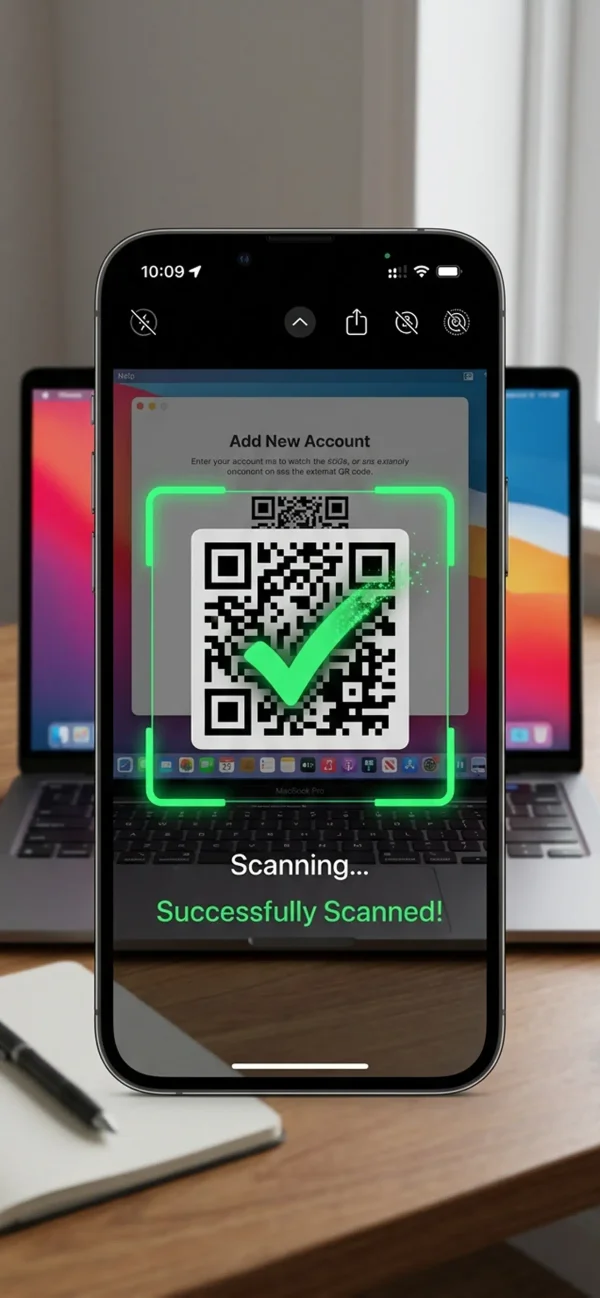
• Scan the 2FA QR code shown by any website
• Import a QR code from a screenshot or photo
• Enter a setup key manually when no QR code is available
• Import several accounts at once from an authenticator export QR code
- ONE-TAP CODES
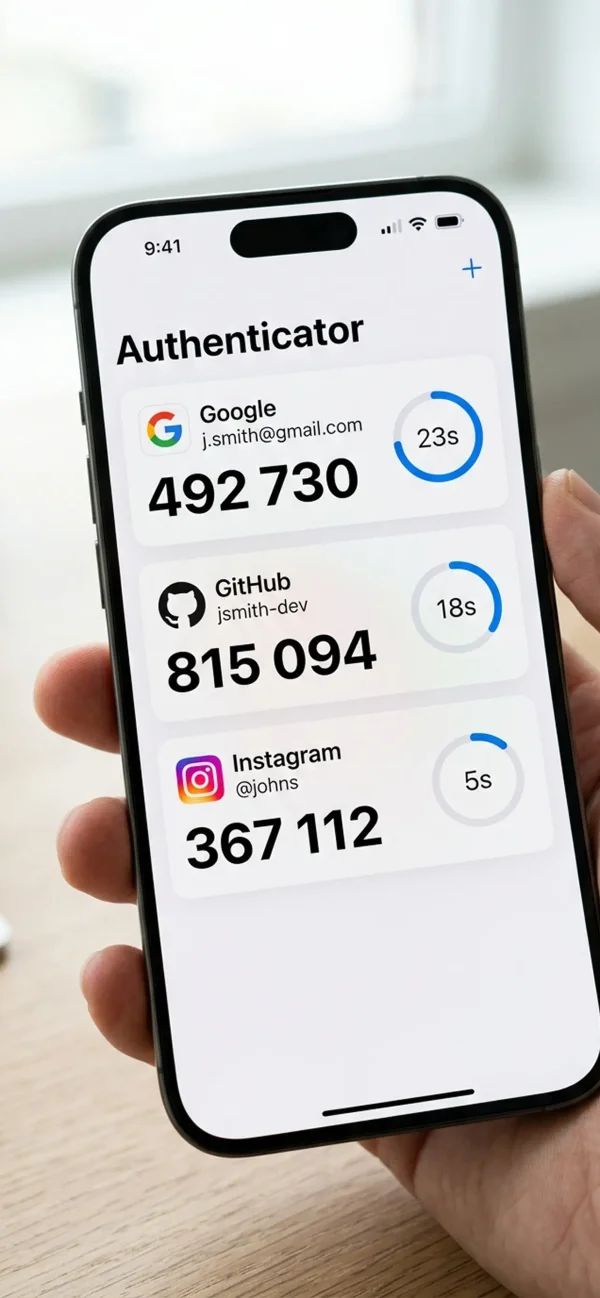
• Live 6- and 8-digit one-time passwords that refresh automatically
• Countdown ring with green, amber and red colors so you never type an expiring code
• Tap a code to copy it; the clipboard clears automatically
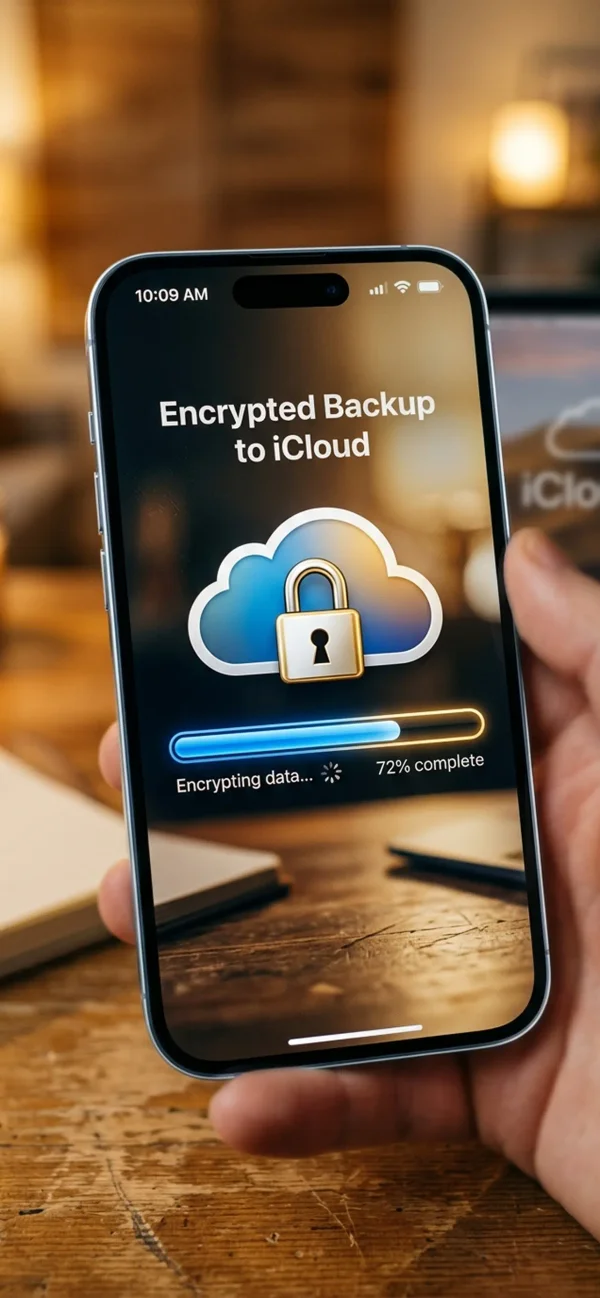
- ENCRYPTED BACKUP & RESTORE
Never lose your codes when you change or reset your phone.
• End-to-end encrypted cloud backup
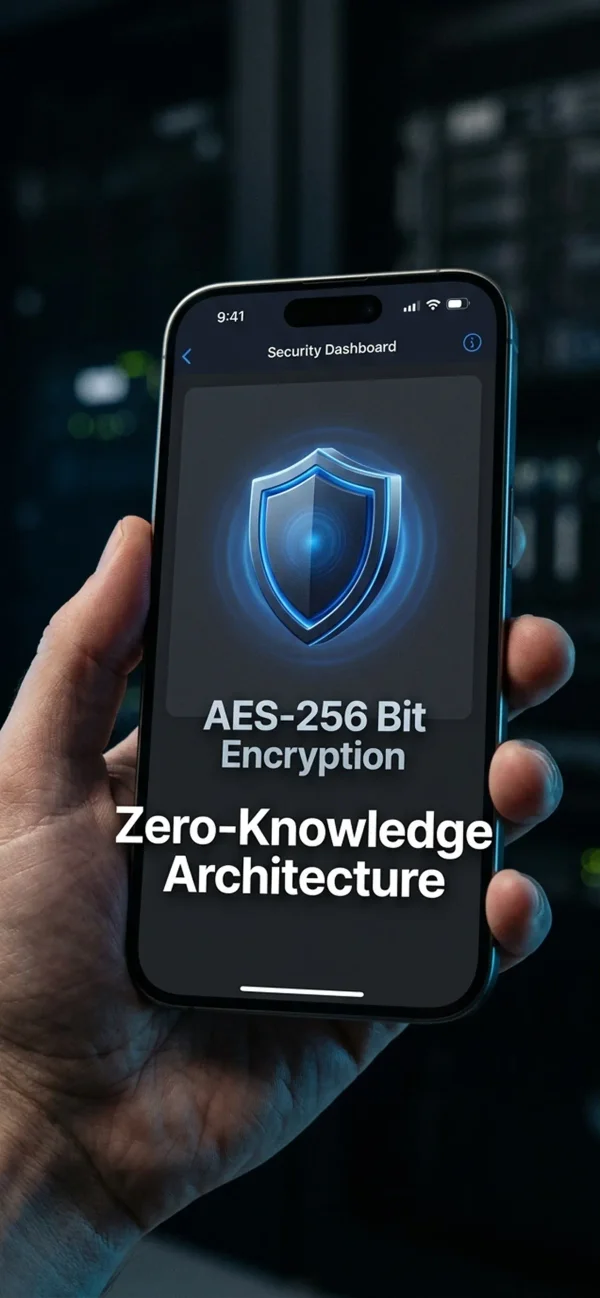
• Protected by your master password using Argon2id and AES-256-GCM
• Only you can decrypt your data, not even we can read it
• Automatic backup after every change
• Restore all your accounts on a new device in minutes
• Export your codes whenever you want, you are never locked in
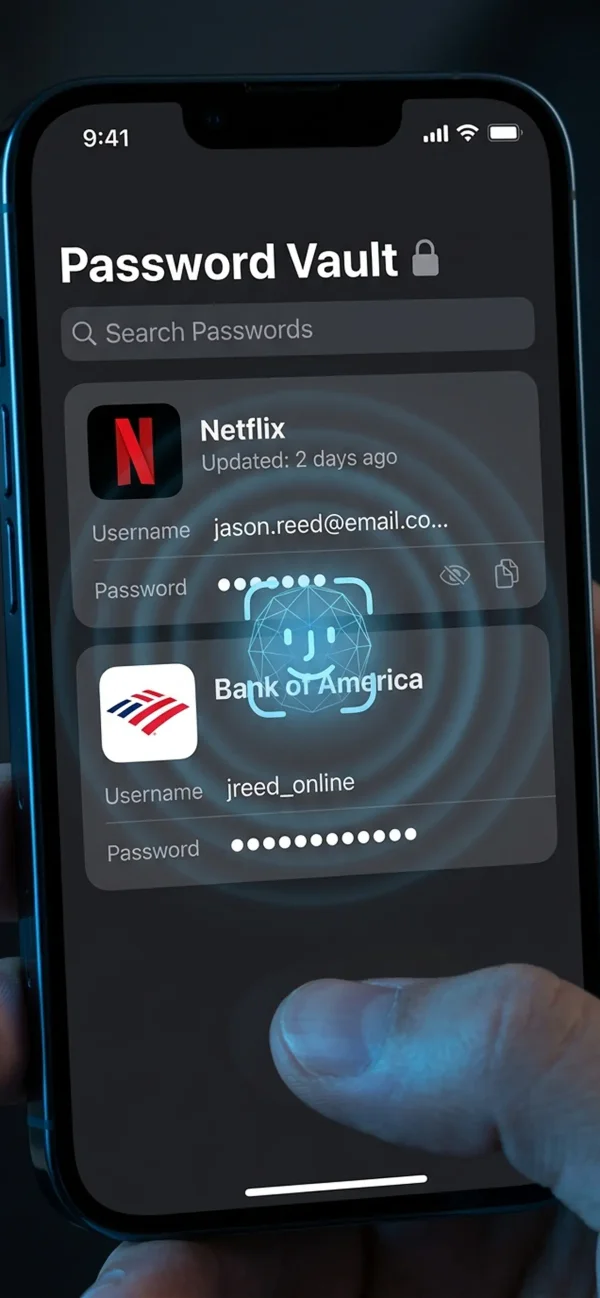
- PASSWORD VAULT & GENERATOR
• Store logins in an encrypted password vault
• Create strong random passwords with custom length, letters, numbers and symbols
• Generate easy-to-remember passphrases
• See password strength instantly
- SECURITY TOOLKIT
• QR code scanner with scan history
• QR code generator for Wi-Fi, contacts, links and more
• Step-by-step guides to turn on two-factor authentication for your accounts
• Screenshot protection to hide your codes
- WORKS WITH THE SERVICES YOU USE
Compatible with any website or app that supports authenticator apps for 2FA or MFA, using the standard TOTP (RFC 6238) and HOTP (RFC 4226) protocols. If a site shows a QR code or a setup key for an "authenticator app", it works here.
HOW TO GET STARTED
1. Open the security settings of the account you want to protect
2. Turn on two-factor authentication and choose "authenticator app"
3. Scan the QR code with this app
4. Enter the 6-digit code to finish setup
FREQUENTLY ASKED QUESTIONS
• What is a 2FA code? A short one-time password that changes every 30 seconds and proves it's really you when you sign in.
• What if I lose my phone? Turn on encrypted backup, then restore every account on your new device with your master password.
• Does it need internet? No. Codes are generated offline; internet is only used for backup and sync.
• Is it free? Yes. Core authenticator features are free, and Pro adds unlimited backup, vault and an ad-free experience.
2FA AUTH PRO (Optional)
The core 2FA authenticator and a starter password vault are free to use. 2FA AUTH Pro adds unlimited password storage, automatic encrypted cloud backup, and the ability to restore your codes and passwords onto a new device. Pro is offered as auto-renewing subscriptions or a one-time purchase:
• Monthly — every month Renew.
• Annual — every year Renew.
• Lifetime — one-time purchase, no recurring charge.
Payment is charged to your Apple ID at confirmation of purchase. Subscriptions renew automatically unless auto-renew is turned off at least 24 hours before the end of the current period, and your account will be charged for renewal within 24 hours before that period ends. Manage or cancel anytime in Settings on your device under Apple ID > Subscriptions. Prices are shown in USD and may vary by region.
YOUR PRIVACY
2FA AUTH does not sell your personal data. Please read our Privacy Policy and Terms of Use before subscribing:
Privacy Policy: https://sites.google.com/view/2fa-auth-app/home
Terms of Use: https://sites.google.com/view/2fa-auth-app/terms-and-condition
新機能
バージョン 1.0.2 · 2026/11/13
Enhance App Flow , User easy to use app Core Authenticator features
アプリのプライバシー
このアプリのデータの取り扱いについて、ELINE TECHNOLOGIES PVT. LTDがApp Storeで申告している内容です。
-
ユーザーのトラッキングに使用されるデータ
他社のアプリやウェブサイトを横断してユーザーをトラッキングする目的で使用される場合があります。
- ID
-
ユーザーに関連付けられたデータ
収集され、ユーザーの識別情報に関連付けられる場合があります。
- 連絡先情報
- ID
-
ユーザーに関連付けられないデータ
収集される場合がありますが、ユーザーの識別情報には関連付けられません。
- 使用状況データ
- 診断
プライバシーの取り扱いは、ご利用の機能やお客様の年齢などに応じて異なる場合があります。
情報
- 販売元
- ELINE TECHNOLOGIES (PRIVATE) LIMITED
- カテゴリ
- ユーティリティ
- バージョン
- 1.0.2
- 更新日
- 2026/11/13
- リリース
- 2026/9/23
- サイズ
- 51.5 MB
- 必要条件
- iOS 15.0以降
- 対象年齢
- 4+
- 価格
- 無料
- アプリ内課金
- あり
- 言語
- 英語
- 著作権
- © ELINE TECHNOLOGIES (PRIVATE) LIMITED