
Authenticator OTP Codes : 2FA
Secure MFA, Backup & Passwords
Conçue pour iPhone, iPad, Mac, iPod touch
Gratuit · Achats intégrés
- Classification d’âge4+
- CatégorieUtilitaires
- DéveloppeurELINE TECHNOLOGIES PVT. LTD
- LanguesAnglais
- Taille51,5 Mo
Renvoie vers la page App Store officielle
Download.org n’héberge aucun fichier de Authenticator OTP Codes : 2FA. Le bouton ouvre la page de l’application sur App Store, où ELINE TECHNOLOGIES PVT. LTD la publie. Fiche vérifiée pour la dernière fois le 15/11/2026.
Captures d’écran
À propos
Le développeur n’a pas fourni ce texte dans votre langue.
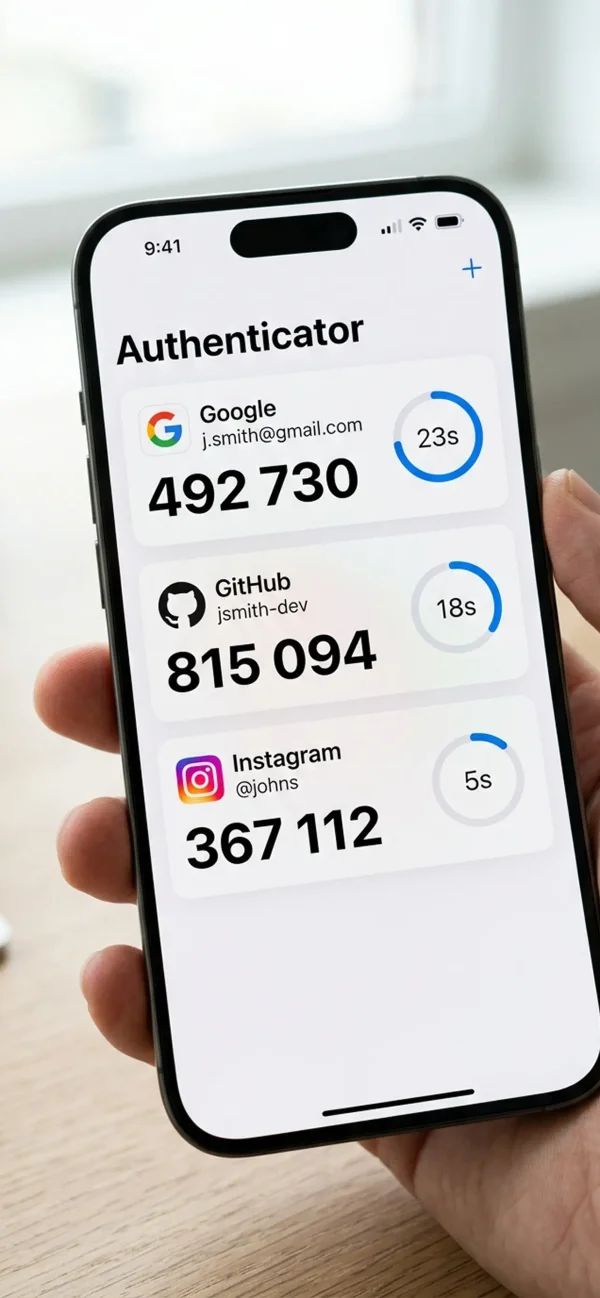
Secure your online accounts with a fast, private 2FA authenticator. Generate two-factor authentication codes (TOTP and HOTP) for email, social media, banking, crypto exchanges, gaming, work and cloud accounts, all from one clean, easy-to-use app.
Two-step verification adds a strong layer of protection on top of your password. Even if a password leaks, nobody can sign in without the one-time code from your phone.
- ADD ACCOUNTS IN SECONDS
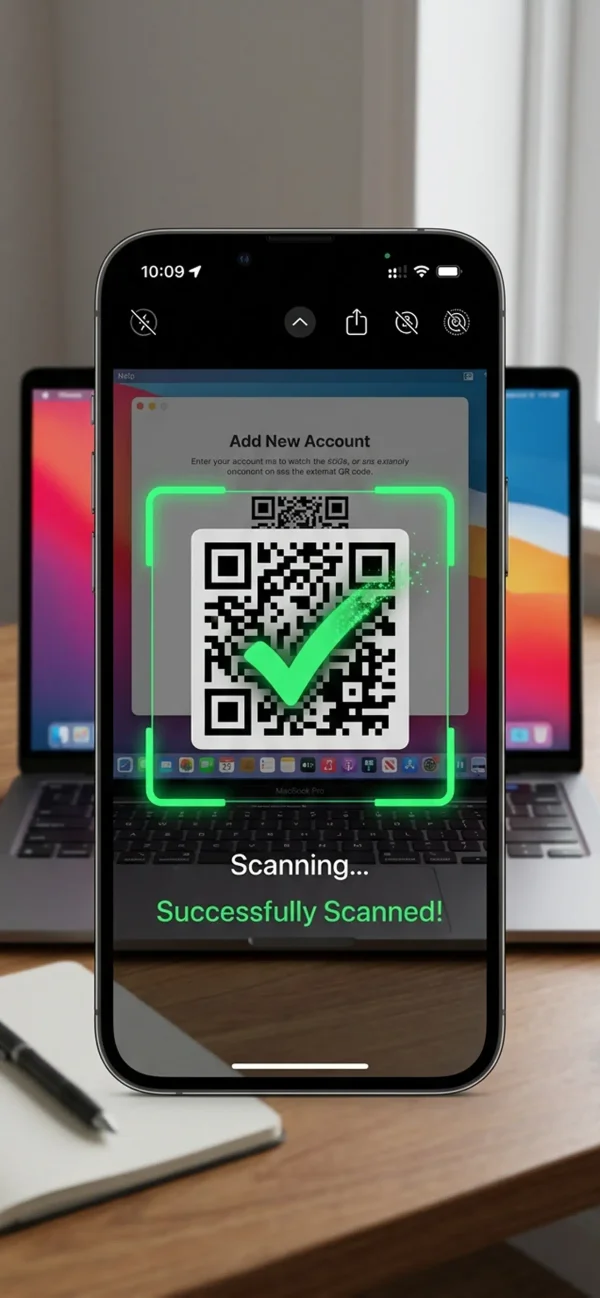
• Scan the 2FA QR code shown by any website
• Import a QR code from a screenshot or photo
• Enter a setup key manually when no QR code is available
• Import several accounts at once from an authenticator export QR code
- ONE-TAP CODES
• Live 6- and 8-digit one-time passwords that refresh automatically
• Countdown ring with green, amber and red colors so you never type an expiring code
• Tap a code to copy it; the clipboard clears automatically
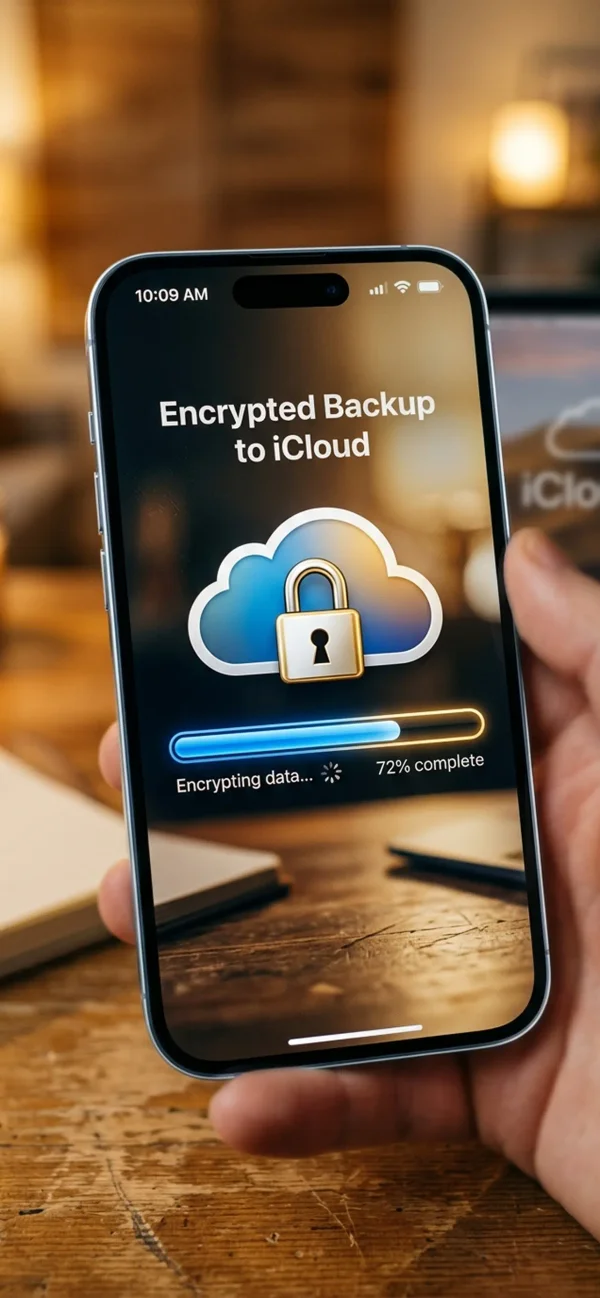
- ENCRYPTED BACKUP & RESTORE
Never lose your codes when you change or reset your phone.
• End-to-end encrypted cloud backup
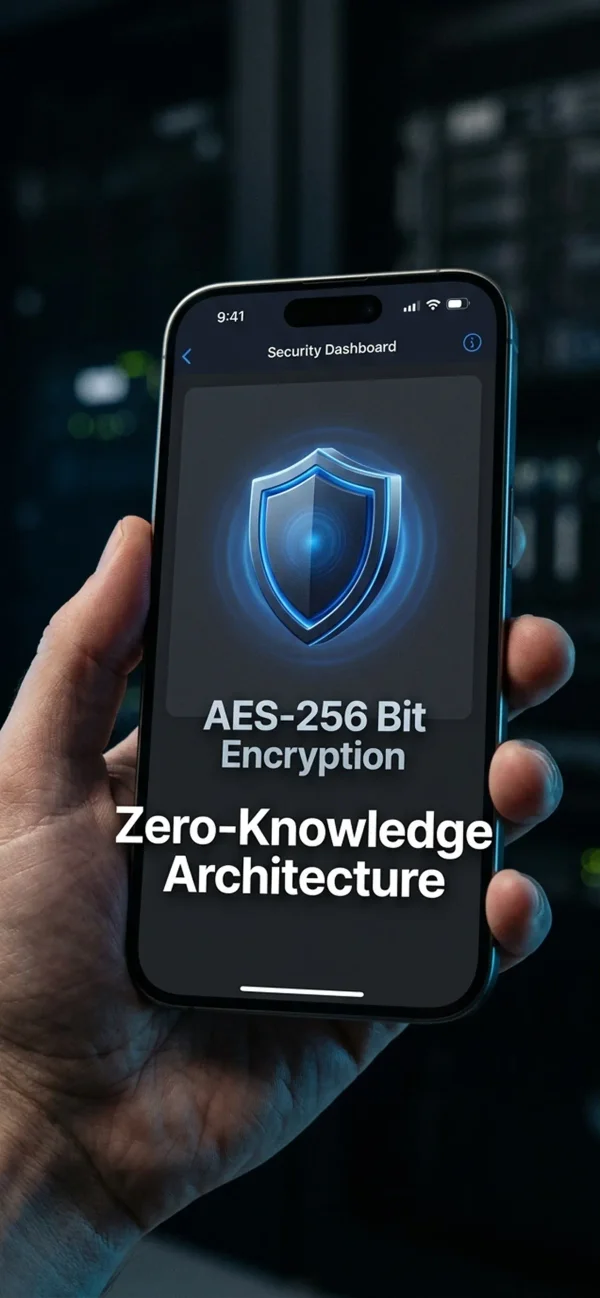
• Protected by your master password using Argon2id and AES-256-GCM
• Only you can decrypt your data, not even we can read it
• Automatic backup after every change
• Restore all your accounts on a new device in minutes
• Export your codes whenever you want, you are never locked in
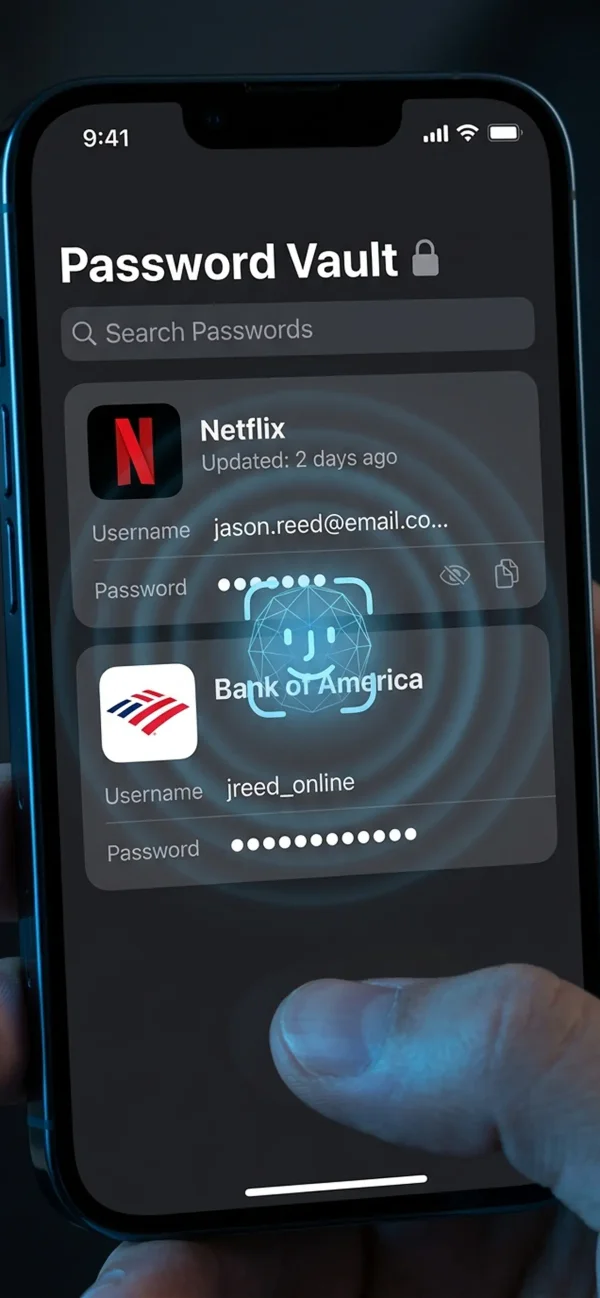
- PASSWORD VAULT & GENERATOR
• Store logins in an encrypted password vault
• Create strong random passwords with custom length, letters, numbers and symbols
• Generate easy-to-remember passphrases
• See password strength instantly
- SECURITY TOOLKIT
• QR code scanner with scan history
• QR code generator for Wi-Fi, contacts, links and more
• Step-by-step guides to turn on two-factor authentication for your accounts
• Screenshot protection to hide your codes
- WORKS WITH THE SERVICES YOU USE
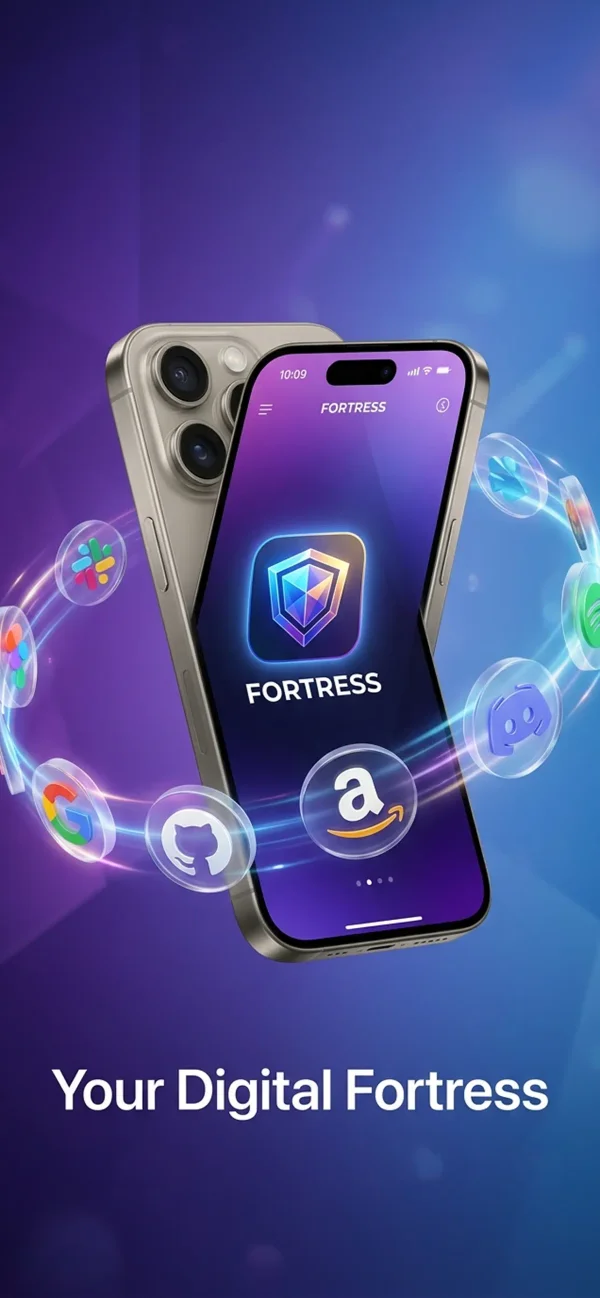
Compatible with any website or app that supports authenticator apps for 2FA or MFA, using the standard TOTP (RFC 6238) and HOTP (RFC 4226) protocols. If a site shows a QR code or a setup key for an "authenticator app", it works here.
HOW TO GET STARTED
1. Open the security settings of the account you want to protect
2. Turn on two-factor authentication and choose "authenticator app"
3. Scan the QR code with this app
4. Enter the 6-digit code to finish setup
FREQUENTLY ASKED QUESTIONS
• What is a 2FA code? A short one-time password that changes every 30 seconds and proves it's really you when you sign in.
• What if I lose my phone? Turn on encrypted backup, then restore every account on your new device with your master password.
• Does it need internet? No. Codes are generated offline; internet is only used for backup and sync.
• Is it free? Yes. Core authenticator features are free, and Pro adds unlimited backup, vault and an ad-free experience.
2FA AUTH PRO (Optional)
The core 2FA authenticator and a starter password vault are free to use. 2FA AUTH Pro adds unlimited password storage, automatic encrypted cloud backup, and the ability to restore your codes and passwords onto a new device. Pro is offered as auto-renewing subscriptions or a one-time purchase:
• Monthly — every month Renew.
• Annual — every year Renew.
• Lifetime — one-time purchase, no recurring charge.
Payment is charged to your Apple ID at confirmation of purchase. Subscriptions renew automatically unless auto-renew is turned off at least 24 hours before the end of the current period, and your account will be charged for renewal within 24 hours before that period ends. Manage or cancel anytime in Settings on your device under Apple ID > Subscriptions. Prices are shown in USD and may vary by region.
YOUR PRIVACY
2FA AUTH does not sell your personal data. Please read our Privacy Policy and Terms of Use before subscribing:
Privacy Policy: https://sites.google.com/view/2fa-auth-app/home
Terms of Use: https://sites.google.com/view/2fa-auth-app/terms-and-condition
Nouveautés
Version 1.0.2 · 13/11/2026
Enhance App Flow , User easy to use app Core Authenticator features
Confidentialité de l’application
Ce que ELINE TECHNOLOGIES PVT. LTD déclare sur l’App Store au sujet du traitement des données par cette application.
-
Données utilisées pour vous suivre
Peuvent être utilisées pour vous suivre sur des applications et des sites web appartenant à d’autres sociétés.
- Identifiants
-
Données établissant un lien avec vous
Peuvent être collectées et liées à votre identité.
- Coordonnées
- Identifiants
-
Données n’établissant aucun lien avec vous
Peuvent être collectées, mais ne sont pas liées à votre identité.
- Données d’utilisation
- Diagnostic
Les pratiques en matière de confidentialité peuvent varier, notamment en fonction des fonctionnalités que vous utilisez ou de votre âge.
Informations
- Vendeur
- ELINE TECHNOLOGIES (PRIVATE) LIMITED
- Catégorie
- Utilitaires
- Version
- 1.0.2
- Mis à jour
- 13/11/2026
- Publié
- 23/09/2026
- Taille
- 51,5 Mo
- Nécessite
- iOS 15.0 ou version ultérieure
- Classification d’âge
- 4+
- Prix
- Gratuit
- Achats intégrés
- Oui
- Langues
- Anglais
- Copyright
- © ELINE TECHNOLOGIES (PRIVATE) LIMITED
Vous aimerez peut-être aussi
-
 Tokens: 2FA Authenticator2FA chiffré, sans pièges
-
 Level - 2FA AuthenticatorUtilitaires
-
 Forever CareUtilitaires
-
 2FA Authentification AutherisCodes OTP & TOTP, hors ligne
-
 Breached App: Data Leak ScanUtilitaires
-
 2FAS Authenticator AppUtilitaires
-
 VistaflowUtilitaires
-
 2K VPN - Secure ProxyUtilitaires
-
 NetticaUtilitaires