Autopen: Transcripts & Notes
Meeting transcripts & AI notes
Entwickelt für iPhone, iPad
Kostenlos · In-App-Käufe
- Altersfreigabe4+
- KategorieProduktivität
- EntwicklerQUIET EYE ADVISORS LLC
- SprachenEnglisch
- Größe43,3 MB
Verlinkt auf die offizielle App Store-Seite
Download.org hostet keine Datei von Autopen: Transcripts & Notes. Die Schaltfläche öffnet die App-Seite bei App Store, wo QUIET EYE ADVISORS LLC die App veröffentlicht. Eintrag zuletzt geprüft am 24.11.2026.
Screenshots
Info
Der Entwickler hat diesen Text nicht in Ihrer Sprache bereitgestellt.
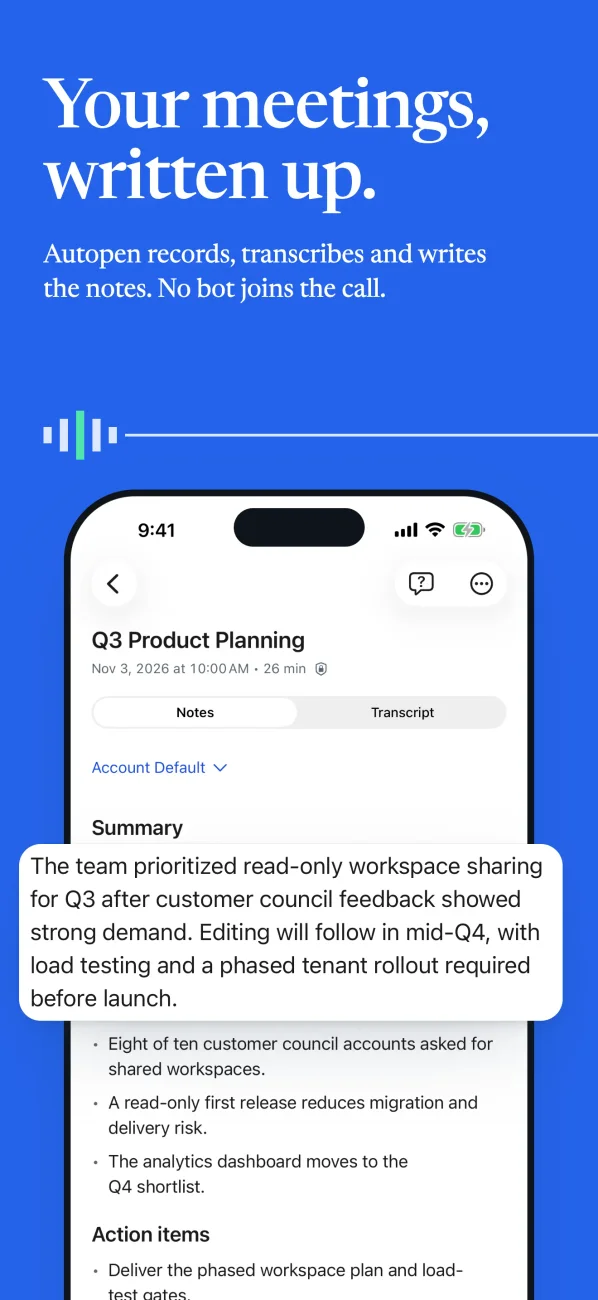
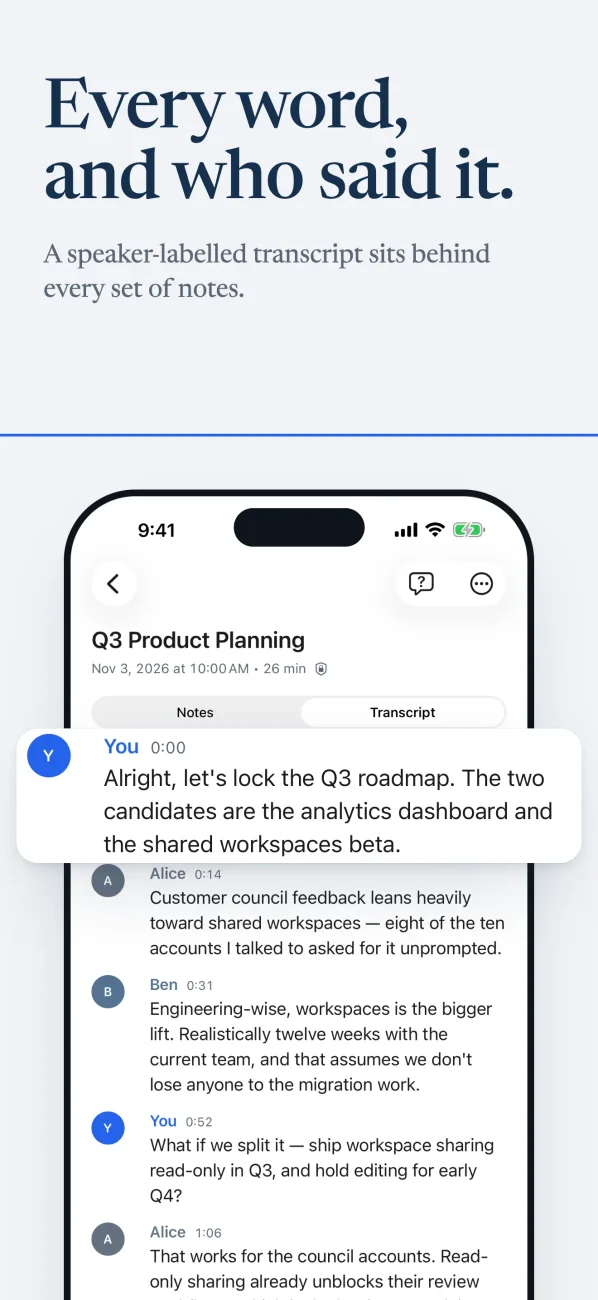
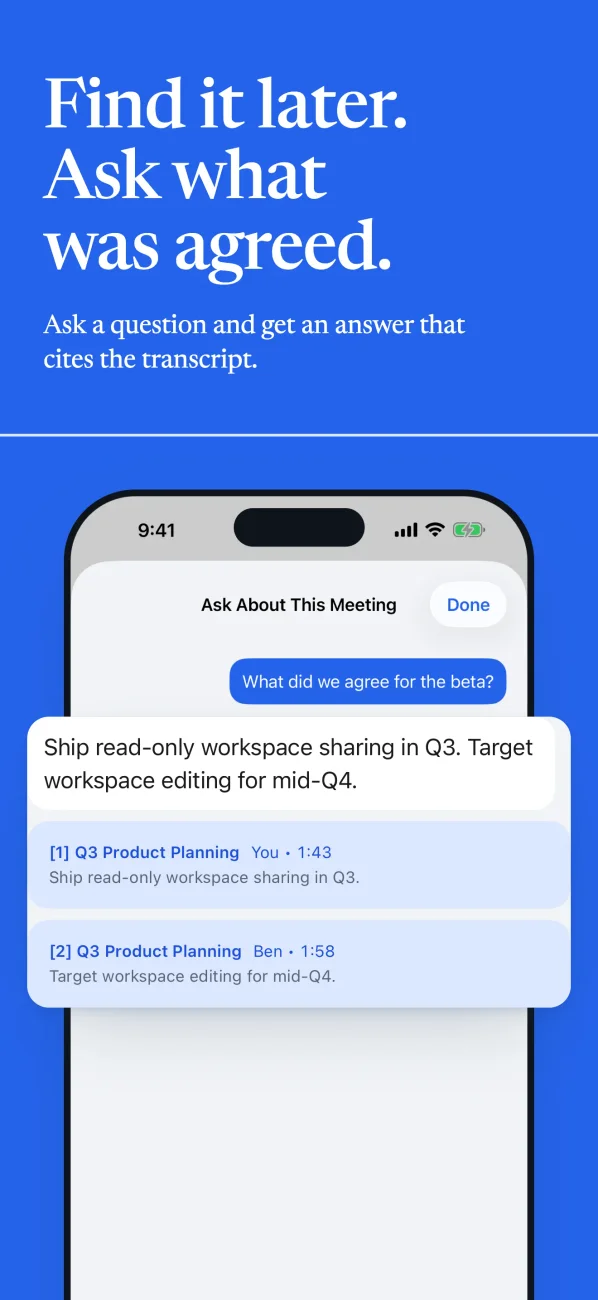
Autopen turns meetings you are permitted to record into a working record: a
speaker-attributed transcript, clear notes, decisions, and action items you can
review and edit.
RECORD WITH CONFIDENCE
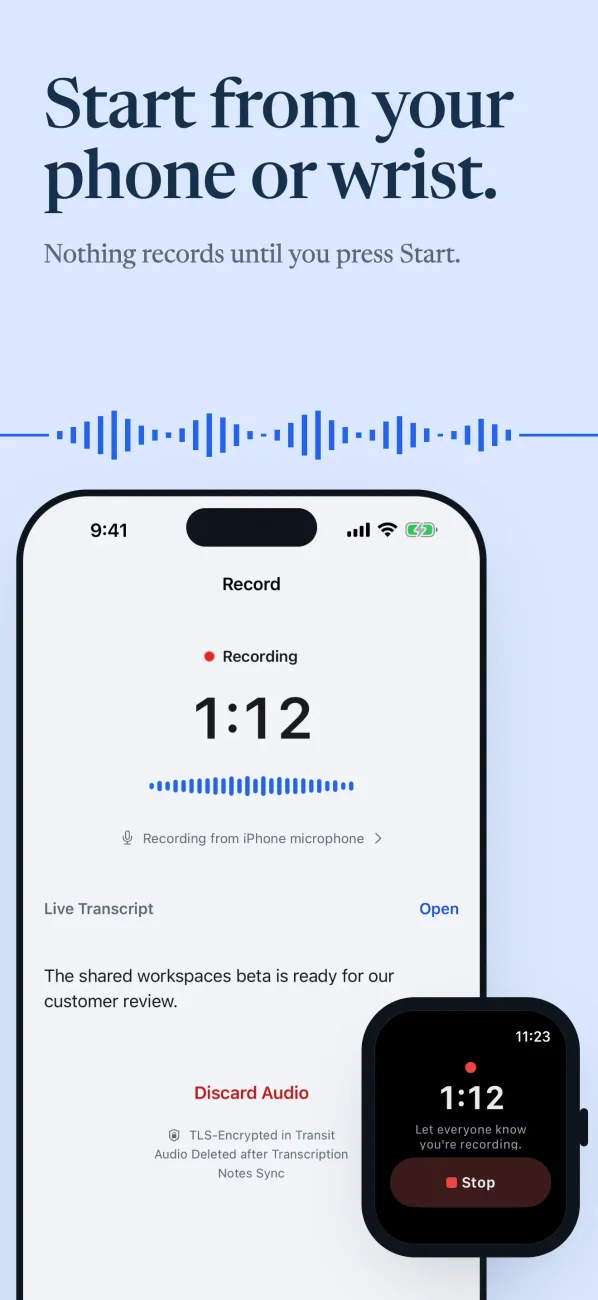
Start a recording explicitly and follow the visible recording indicator and live
transcript. Autopen never starts recording merely because another app is open. You are responsible for notifying participants and obtaining any consent
required where you are.
KEEP THE SOURCE AND THE TAKEAWAYS TOGETHER
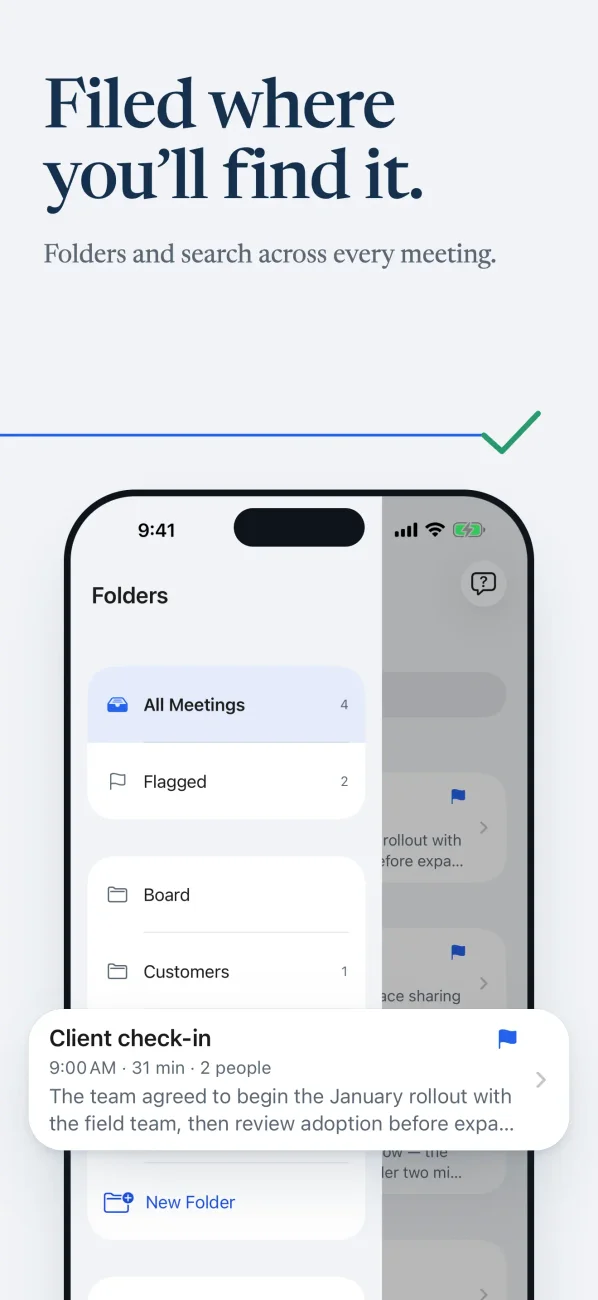
Move between editable notes and the underlying transcript, correct wording, rename
speakers, flag important meetings, and organize work with folders and search.
NOTES THAT FIT THE MEETING
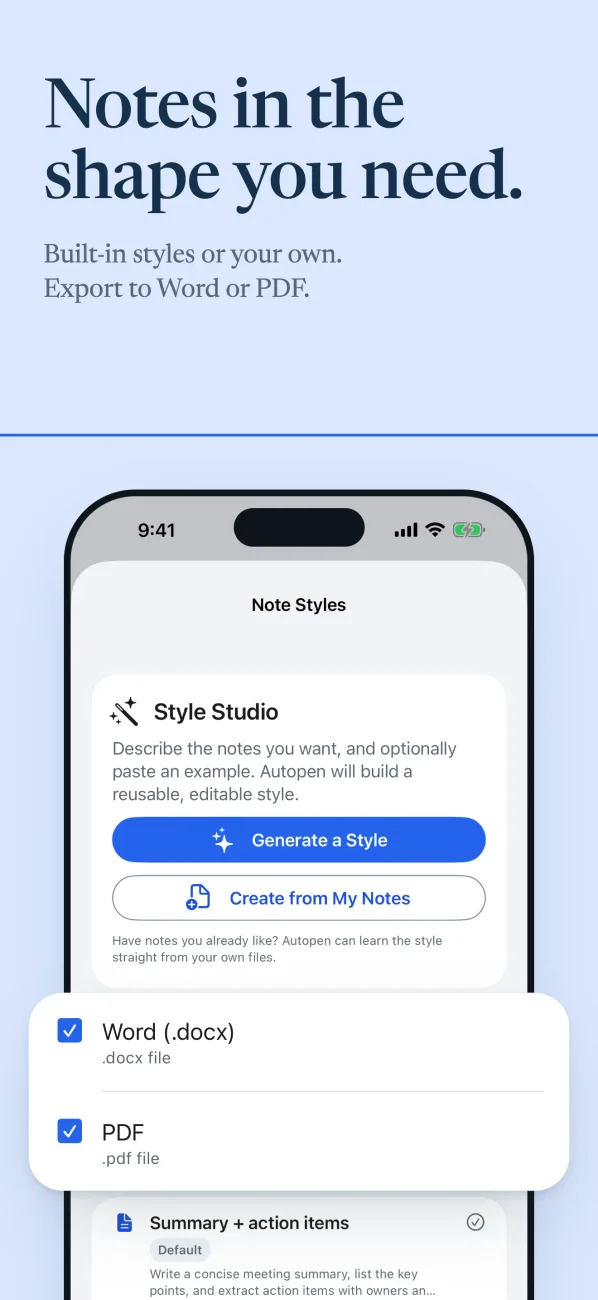
Choose a professional note style for leadership updates, interviews, discovery
calls, and other workflows. Create reusable custom styles and choose an account
default.
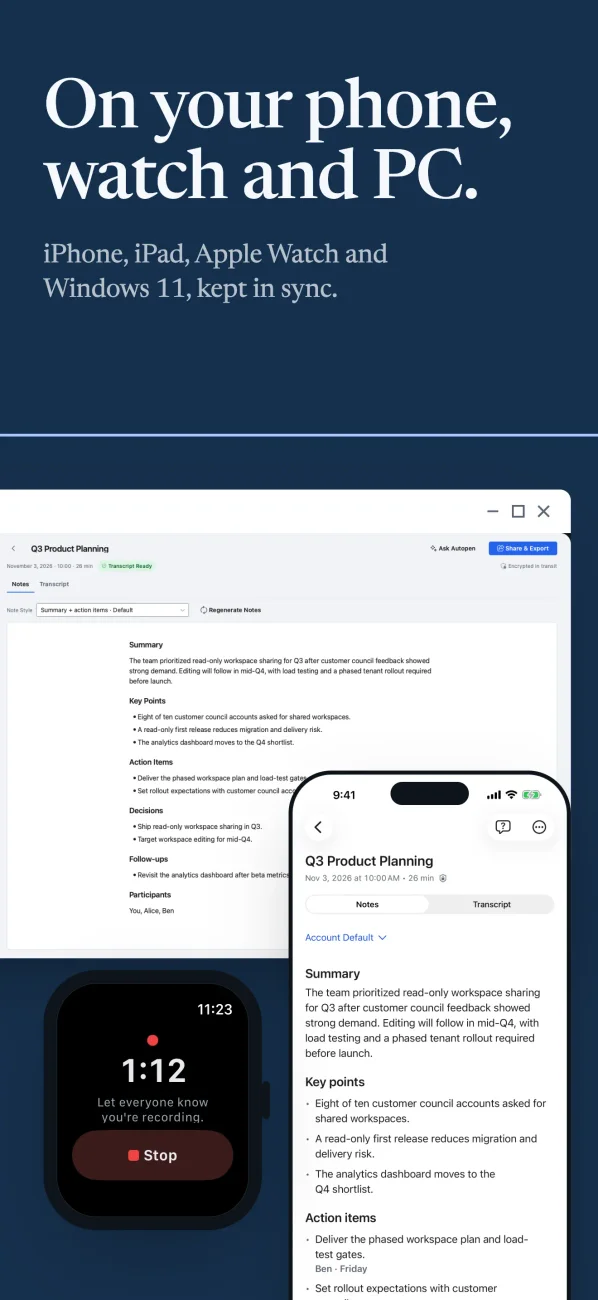
KEEP YOUR WORK IN SYNC
Your Autopen account keeps supported meetings, transcripts, notes, folders,
vocabulary, preferences, and note styles synchronized across your signed-in iPhones and iPads.
CLOUD PROCESSING, EXPLAINED PLAINLY
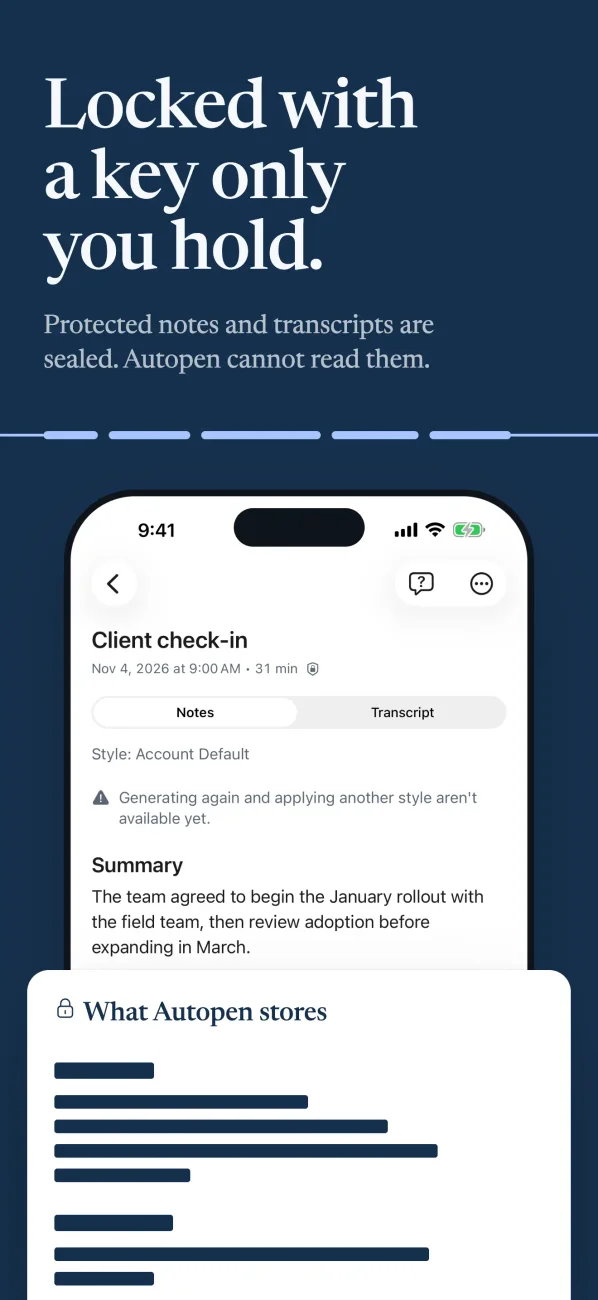
Audio is encrypted in transit and processed by cloud services for transcription.
Autopen requests deletion of the provider transcript artifact after the final
result is retrieved. Transcript and note content remains in your Autopen account
until you delete it or an applicable retention policy removes it. Read the current
details at getautopen.com/privacy.
SIGN IN YOUR WAY
Use Sign in with Apple, Continue with Google, an Autopen email and password, or an
organization sign-in when your employer has configured one.
PRIVACY CONTROLS
Delete meetings, empty Trash, erase all meetings, or permanently delete a personal
account from Settings. Organization-managed accounts follow the organization's
administered lifecycle and retention policy.
PLANS
Autopen includes 2 hours of transcription a month for free. Starter adds 5 hours a month and Pro about 60 hours a month (fair use). Subscriptions renew automatically each month unless cancelled at least 24 hours before the end of the period. Payment is charged to your Apple Account. Manage or cancel anytime in the Settings app: tap your name, then Subscriptions.
Terms of Use: https://getautopen.com/terms
Privacy Policy: https://getautopen.com/privacy
Neue Funktionen
Version 2.1.11 · 23.11.2026
New: search inside a meeting and copy its transcript. If a recording hears no words for 15 minutes, Autopen tells you and keeps recording. Audio left over from a recording with no speech now shows as a Saved Audio card you can discard, and discarding it for an empty meeting moves that meeting to Trash. Stopping a recording is more responsive, and a meeting that is still finishing no longer blocks your next recording. Fixed: the Finishing Your Transcription card could stay on the list after the notes were done; the recording timer now fits the Dynamic Island on narrower iPhones; and the meeting screen has clearer spacing and names the style your notes were written in.
App-Datenschutz
Was QUIET EYE ADVISORS LLC im App Store zum Umgang dieser App mit Daten angibt.
-
Mit Ihnen verknüpfte Daten
Können erfasst und mit Ihrer Identität verknüpft werden.
- Käufe
- Kontaktinformationen
- Benutzerinhalte
- Kennungen
- Nutzungsdaten
- Diagnose
-
Nicht mit Ihnen verknüpfte Daten
Können erfasst werden, sind aber nicht mit Ihrer Identität verknüpft.
- Diagnose
Die Datenschutzpraktiken können variieren, zum Beispiel je nach den von Ihnen verwendeten Funktionen oder Ihrem Alter.
Informationen
- Anbieter
- QUIET EYE ADVISORS LLC
- Kategorie
- Produktivität
- Version
- 2.1.11
- Aktualisiert
- 23.11.2026
- Veröffentlicht
- 12.08.2026
- Größe
- 43,3 MB
- Erfordert
- iOS 26.0 oder neuer
- Altersfreigabe
- 4+
- Preis
- Kostenlos
- In-App-Käufe
- Ja
- Sprachen
- Englisch
- Copyright
- © 2026 Quiet Eye Group
Das könnte Ihnen auch gefallen
-
 ErieSubmitProduktivität
-
 HandyNote: canvas, transcribeProduktivität
-
 PXS External Screen DesktopProduktivität
-
 Netzilo Secure BrowserProduktivität
-
 ScribblePad: Notes & PDFHandschrift-Notizen & PDF
-
 AudioPenRede zum Text, AI AudioPen
-
 MySA : My Smart AI AssistantProduktivität
-
 Desktop Note - Notes & PhotosAlways-on-desktop sticky note
-
 Map Canvas: Draw on MapsProduktivität
-
 Notizen: PDF, memo schreib appNotizbuch, Schreibprogramm