Autopen: Transcripts & Notes
Meeting transcripts & AI notes
Conçue pour iPhone, iPad
Gratuit · Achats intégrés
- Classification d’âge4+
- CatégorieProductivité
- DéveloppeurQUIET EYE ADVISORS LLC
- LanguesAnglais
- Taille43,3 Mo
Renvoie vers la page App Store officielle
Download.org n’héberge aucun fichier de Autopen: Transcripts & Notes. Le bouton ouvre la page de l’application sur App Store, où QUIET EYE ADVISORS LLC la publie. Fiche vérifiée pour la dernière fois le 24/11/2026.
Captures d’écran
À propos
Le développeur n’a pas fourni ce texte dans votre langue.
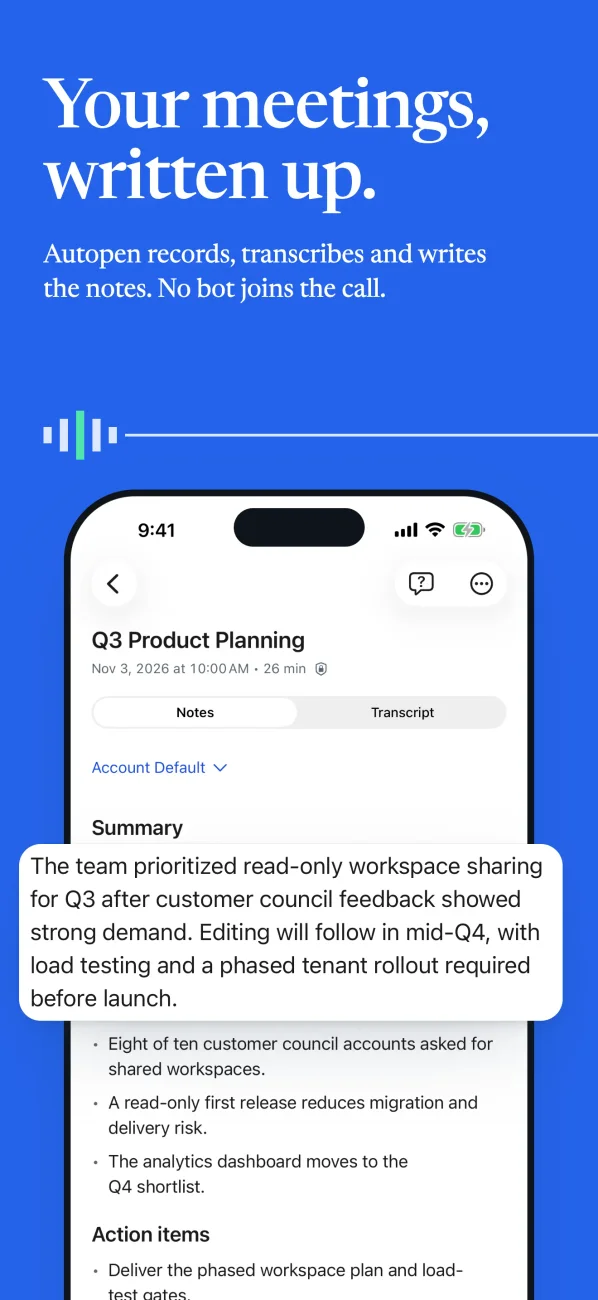
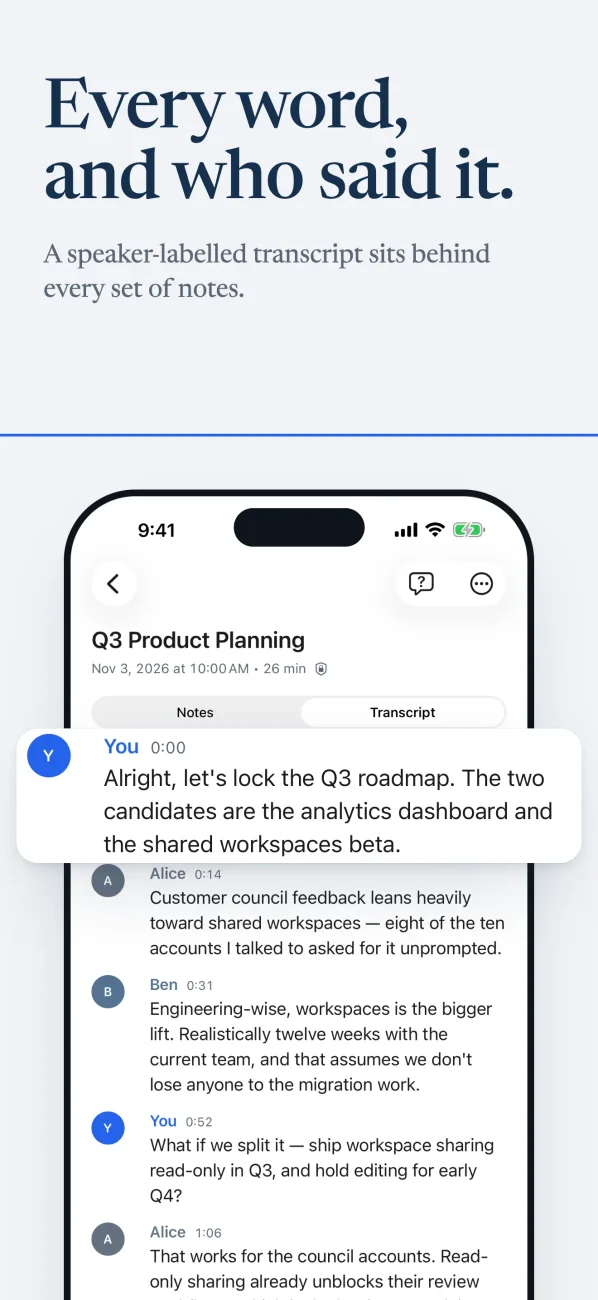
Autopen turns meetings you are permitted to record into a working record: a
speaker-attributed transcript, clear notes, decisions, and action items you can
review and edit.
RECORD WITH CONFIDENCE
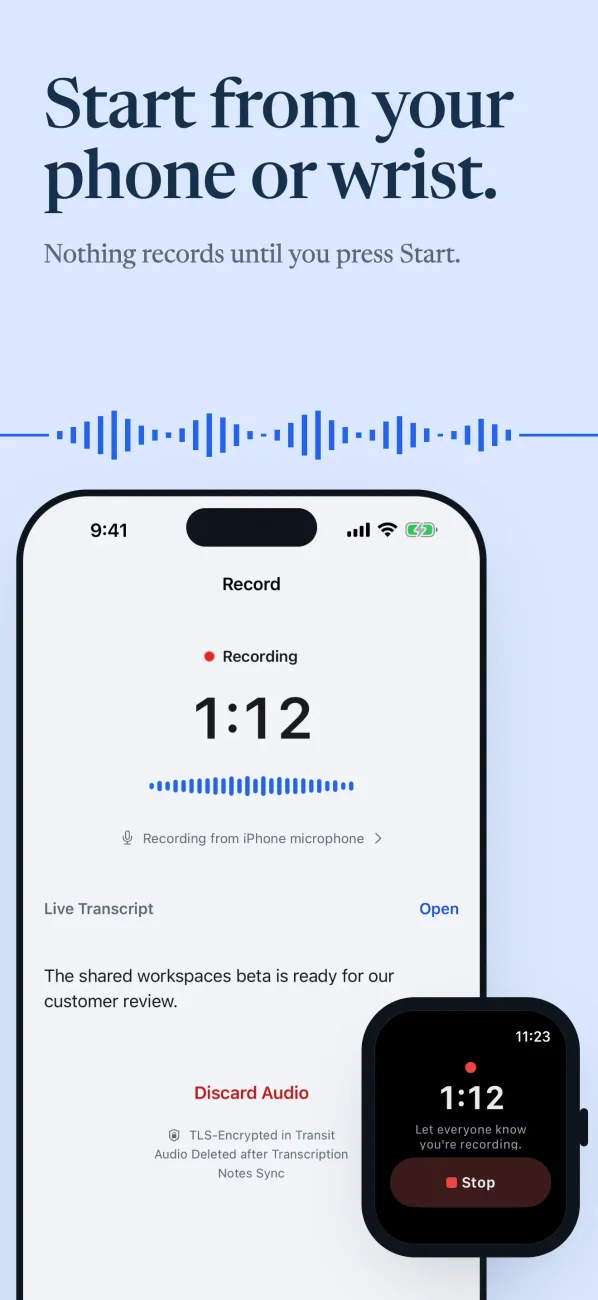
Start a recording explicitly and follow the visible recording indicator and live
transcript. Autopen never starts recording merely because another app is open. You are responsible for notifying participants and obtaining any consent
required where you are.
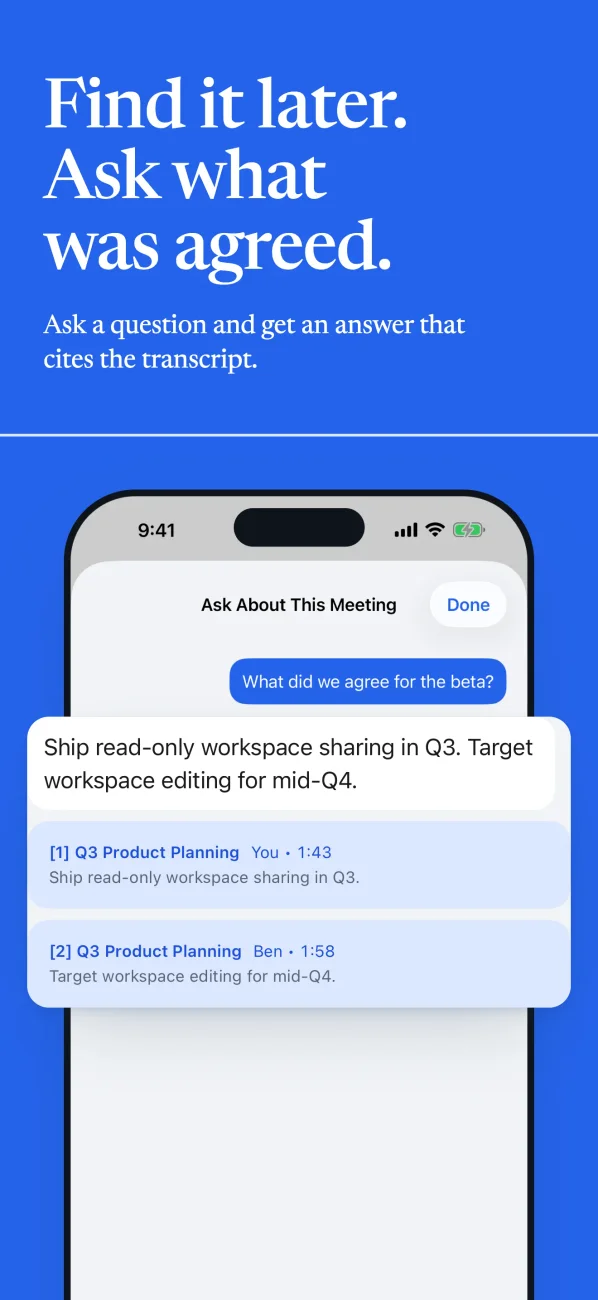
KEEP THE SOURCE AND THE TAKEAWAYS TOGETHER
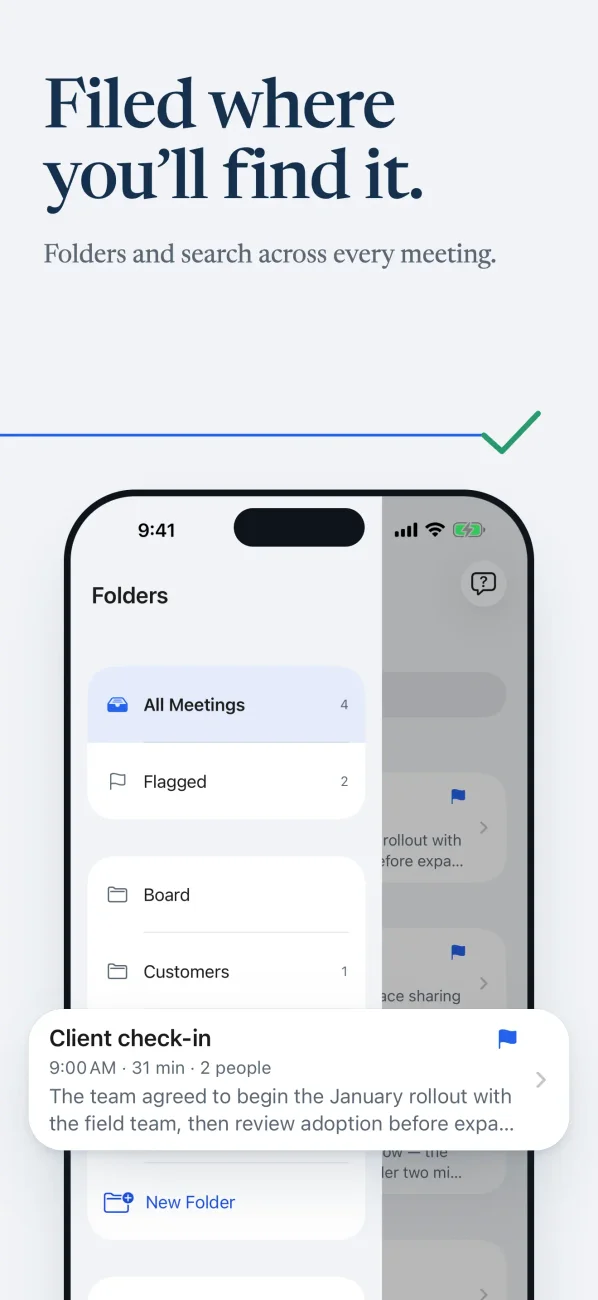
Move between editable notes and the underlying transcript, correct wording, rename
speakers, flag important meetings, and organize work with folders and search.
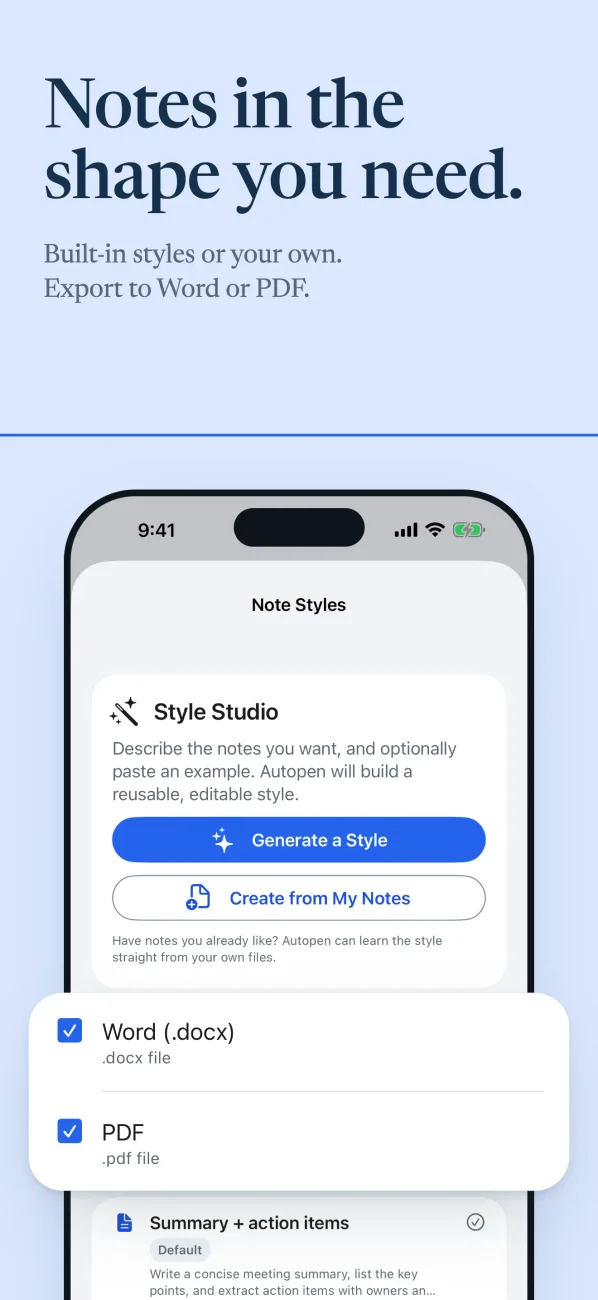
NOTES THAT FIT THE MEETING
Choose a professional note style for leadership updates, interviews, discovery
calls, and other workflows. Create reusable custom styles and choose an account
default.
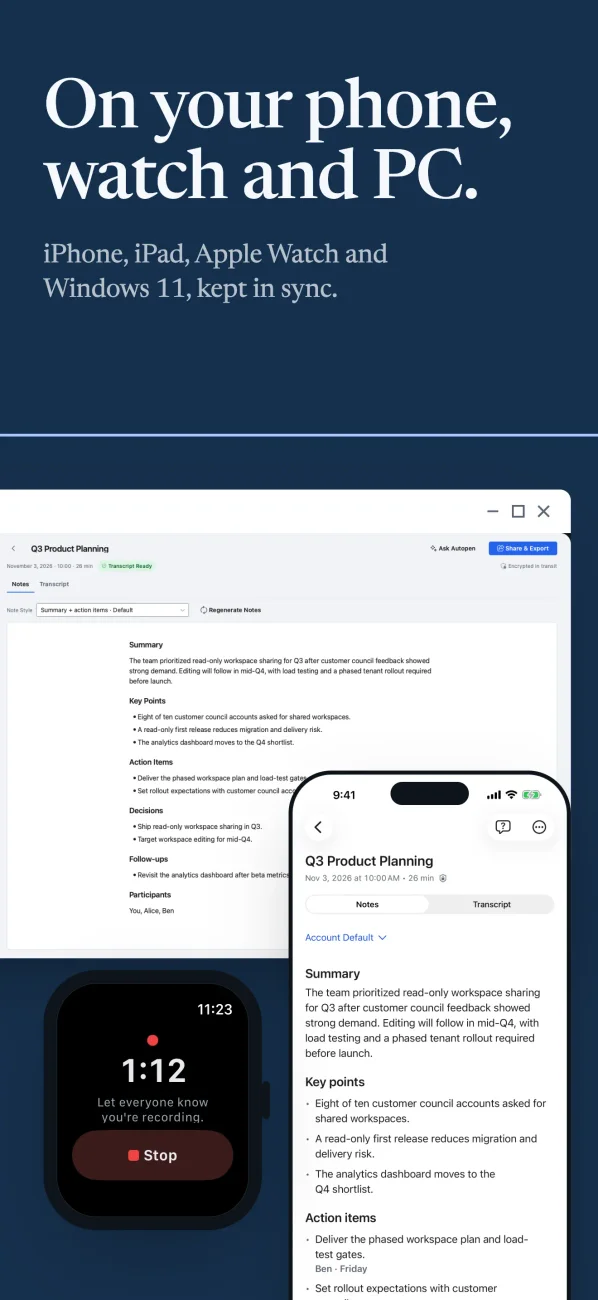
KEEP YOUR WORK IN SYNC
Your Autopen account keeps supported meetings, transcripts, notes, folders,
vocabulary, preferences, and note styles synchronized across your signed-in iPhones and iPads.
CLOUD PROCESSING, EXPLAINED PLAINLY
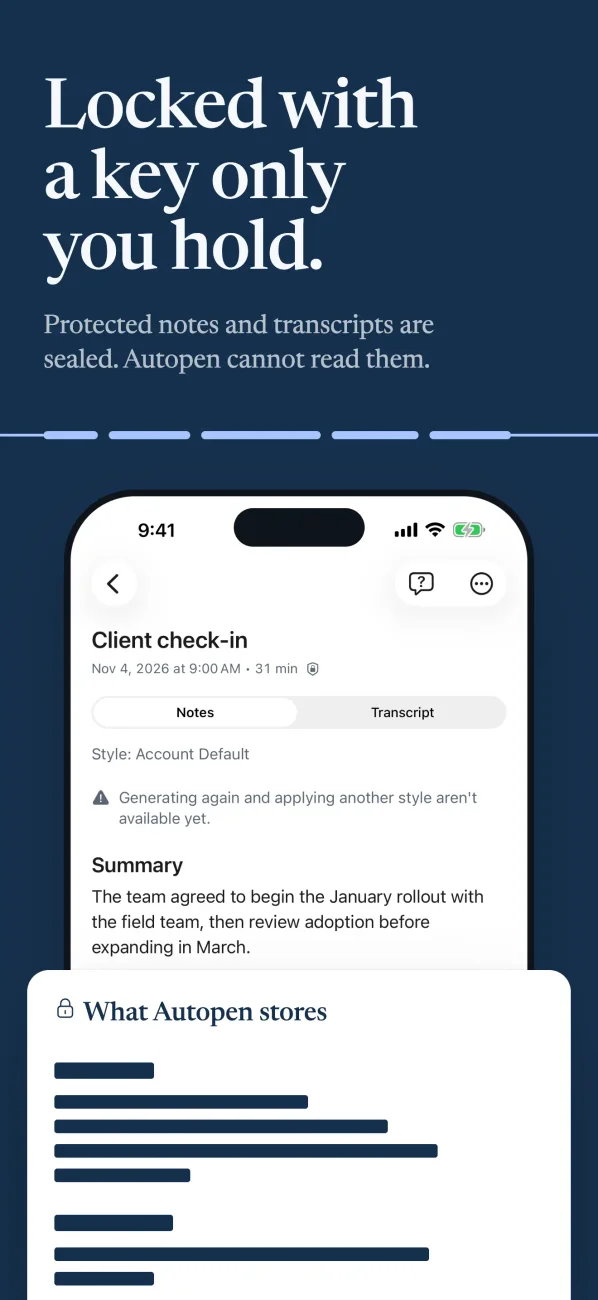
Audio is encrypted in transit and processed by cloud services for transcription.
Autopen requests deletion of the provider transcript artifact after the final
result is retrieved. Transcript and note content remains in your Autopen account
until you delete it or an applicable retention policy removes it. Read the current
details at getautopen.com/privacy.
SIGN IN YOUR WAY
Use Sign in with Apple, Continue with Google, an Autopen email and password, or an
organization sign-in when your employer has configured one.
PRIVACY CONTROLS
Delete meetings, empty Trash, erase all meetings, or permanently delete a personal
account from Settings. Organization-managed accounts follow the organization's
administered lifecycle and retention policy.
PLANS
Autopen includes 2 hours of transcription a month for free. Starter adds 5 hours a month and Pro about 60 hours a month (fair use). Subscriptions renew automatically each month unless cancelled at least 24 hours before the end of the period. Payment is charged to your Apple Account. Manage or cancel anytime in the Settings app: tap your name, then Subscriptions.
Terms of Use: https://getautopen.com/terms
Privacy Policy: https://getautopen.com/privacy
Nouveautés
Version 2.1.11 · 23/11/2026
New: search inside a meeting and copy its transcript. If a recording hears no words for 15 minutes, Autopen tells you and keeps recording. Audio left over from a recording with no speech now shows as a Saved Audio card you can discard, and discarding it for an empty meeting moves that meeting to Trash. Stopping a recording is more responsive, and a meeting that is still finishing no longer blocks your next recording. Fixed: the Finishing Your Transcription card could stay on the list after the notes were done; the recording timer now fits the Dynamic Island on narrower iPhones; and the meeting screen has clearer spacing and names the style your notes were written in.
Confidentialité de l’application
Ce que QUIET EYE ADVISORS LLC déclare sur l’App Store au sujet du traitement des données par cette application.
-
Données établissant un lien avec vous
Peuvent être collectées et liées à votre identité.
- Achats
- Coordonnées
- Contenu utilisateur
- Identifiants
- Données d’utilisation
- Diagnostic
-
Données n’établissant aucun lien avec vous
Peuvent être collectées, mais ne sont pas liées à votre identité.
- Diagnostic
Les pratiques en matière de confidentialité peuvent varier, notamment en fonction des fonctionnalités que vous utilisez ou de votre âge.
Informations
- Vendeur
- QUIET EYE ADVISORS LLC
- Catégorie
- Productivité
- Version
- 2.1.11
- Mis à jour
- 23/11/2026
- Publié
- 12/08/2026
- Taille
- 43,3 Mo
- Nécessite
- iOS 26.0 ou version ultérieure
- Classification d’âge
- 4+
- Prix
- Gratuit
- Achats intégrés
- Oui
- Langues
- Anglais
- Copyright
- © 2026 Quiet Eye Group
Vous aimerez peut-être aussi
-
 ErieSubmitProductivité
-
 HandyNote: canvas, transcribeProductivité
-
 PXS External Screen DesktopProductivité
-
 Netzilo Secure BrowserProductivité
-
 ScribblePad: Notes & PDFNotes manuscrites et PDF
-
 AudioPenDiscours au texte, AI AudioPen
-
 MySA : My Smart AI AssistantProductivité
-
 Desktop Note - Notes & PhotosAlways-on-desktop sticky note
-
 Map Canvas: Draw on MapsProductivité
-
 Notes: Prise de note & carnetTableau blanc, lecteur PDF