Autopen: Transcripts & Notes
Meeting transcripts & AI notes
Được thiết kế cho iPhone, iPad
Miễn phí · Mua hàng trong ứng dụng
- Độ tuổi4+
- Danh mụcHiệu Suất
- Nhà phát triểnQUIET EYE ADVISORS LLC
- Ngôn ngữTiếng Anh
- Kích thước43,3 MB
Liên kết đến trang App Store chính thức
Download.org không lưu trữ tệp nào của Autopen: Transcripts & Notes. Nút này mở trang ứng dụng trên App Store, nơi QUIET EYE ADVISORS LLC phát hành ứng dụng. Trang được kiểm tra lần cuối: 24/11/2026.
Ảnh chụp màn hình
Giới thiệu
Nhà phát triển chưa cung cấp nội dung này bằng ngôn ngữ của bạn.
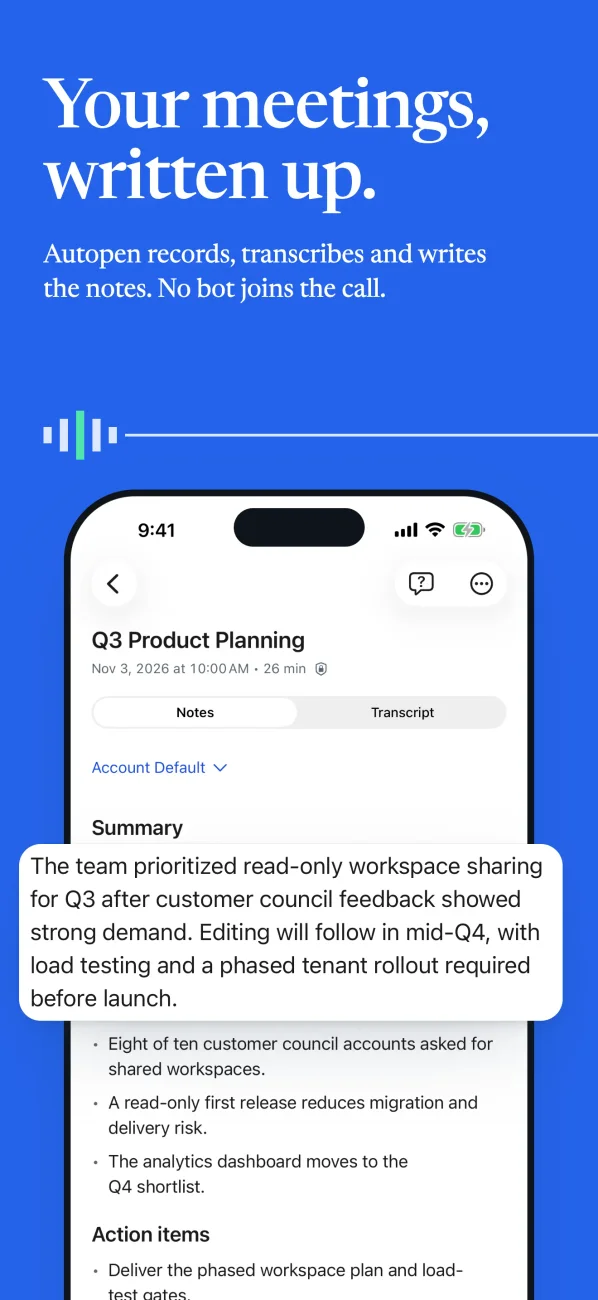
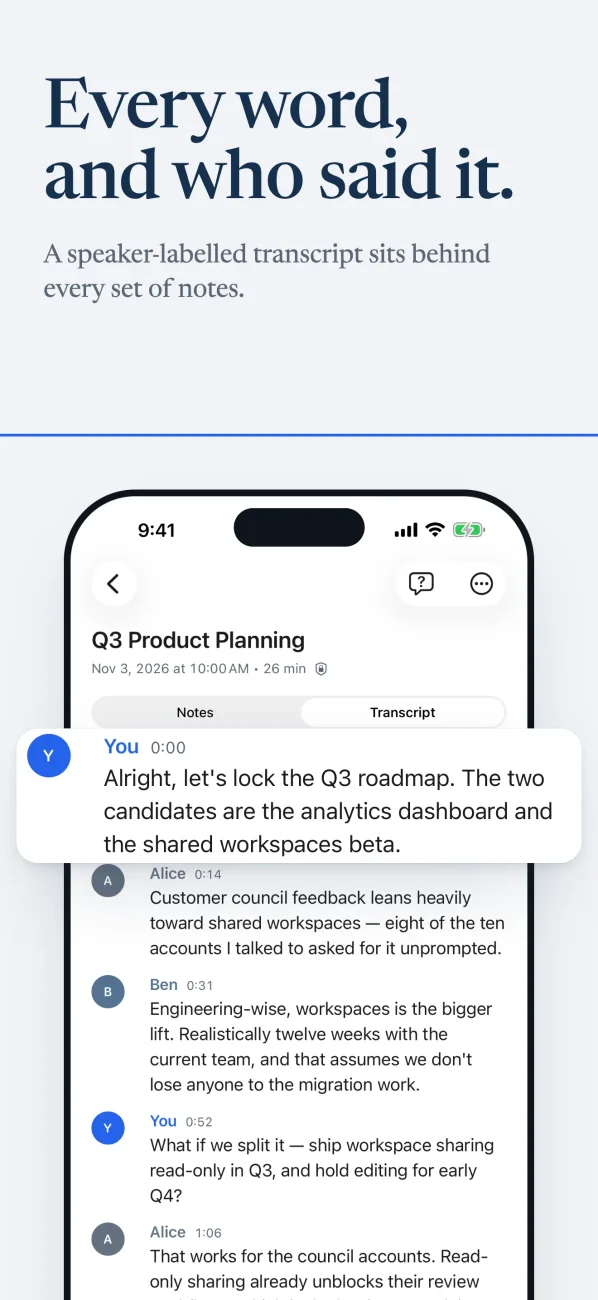
Autopen turns meetings you are permitted to record into a working record: a
speaker-attributed transcript, clear notes, decisions, and action items you can
review and edit.
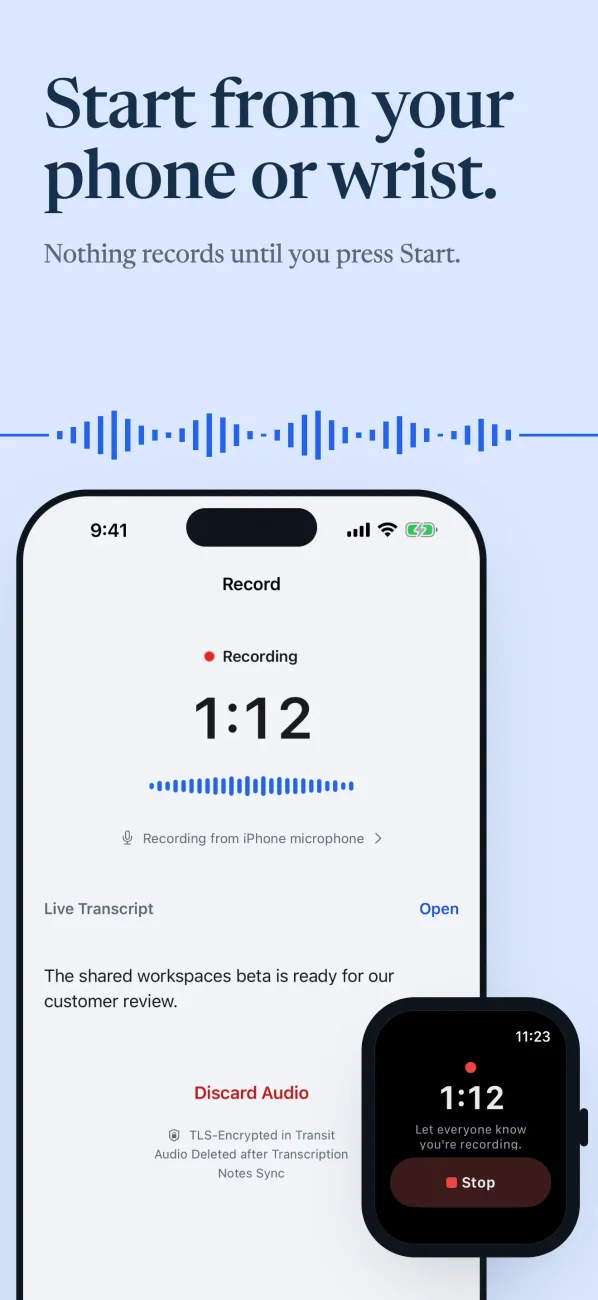
RECORD WITH CONFIDENCE
Start a recording explicitly and follow the visible recording indicator and live
transcript. Autopen never starts recording merely because another app is open. You are responsible for notifying participants and obtaining any consent
required where you are.
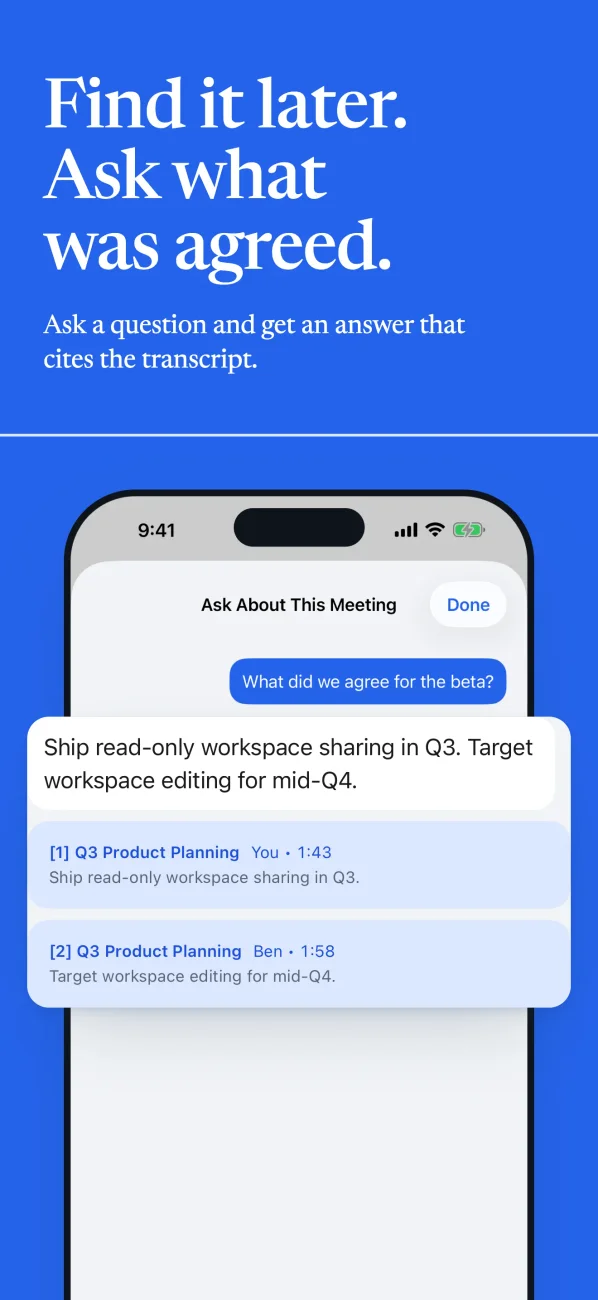
KEEP THE SOURCE AND THE TAKEAWAYS TOGETHER
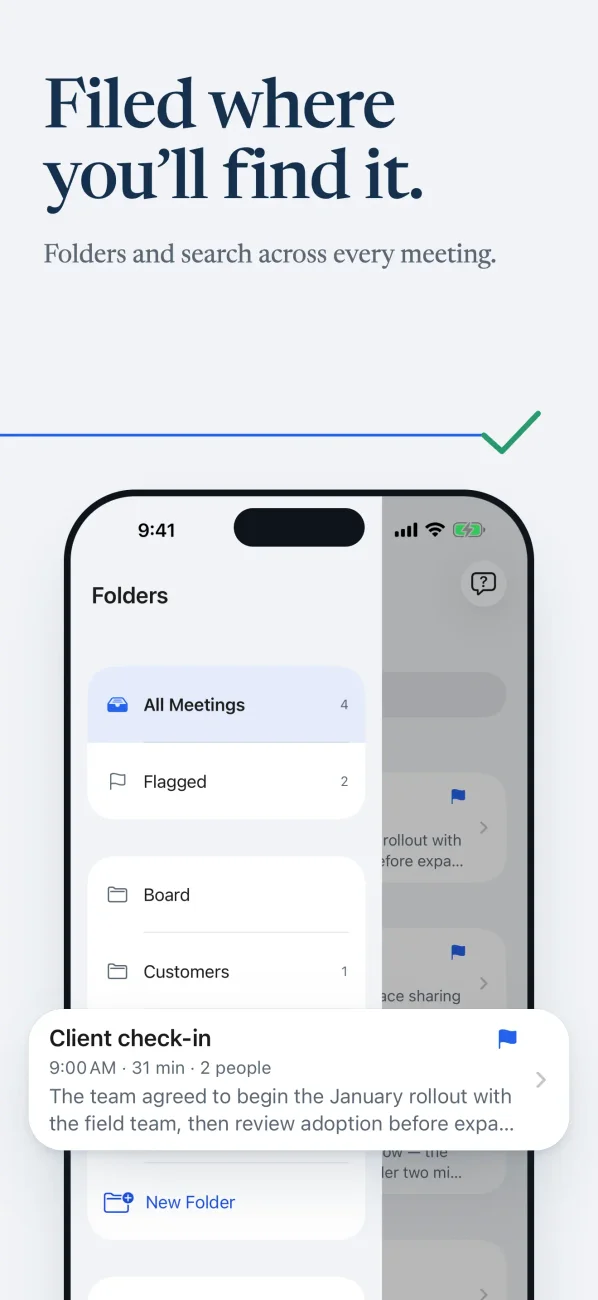
Move between editable notes and the underlying transcript, correct wording, rename
speakers, flag important meetings, and organize work with folders and search.
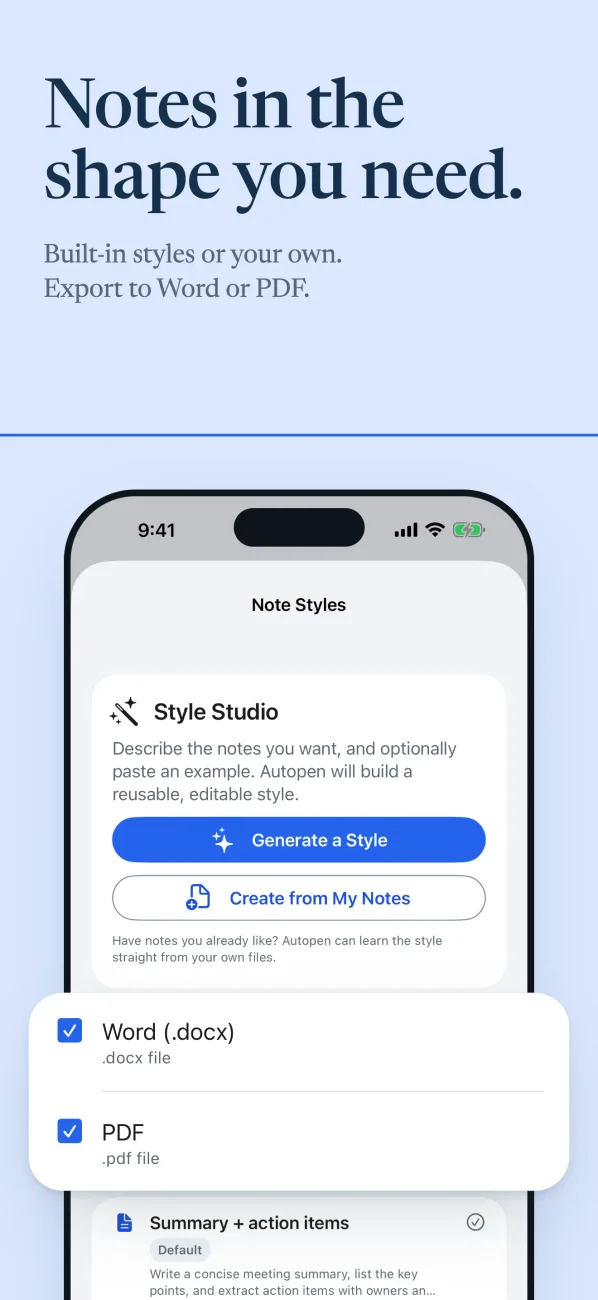
NOTES THAT FIT THE MEETING
Choose a professional note style for leadership updates, interviews, discovery
calls, and other workflows. Create reusable custom styles and choose an account
default.
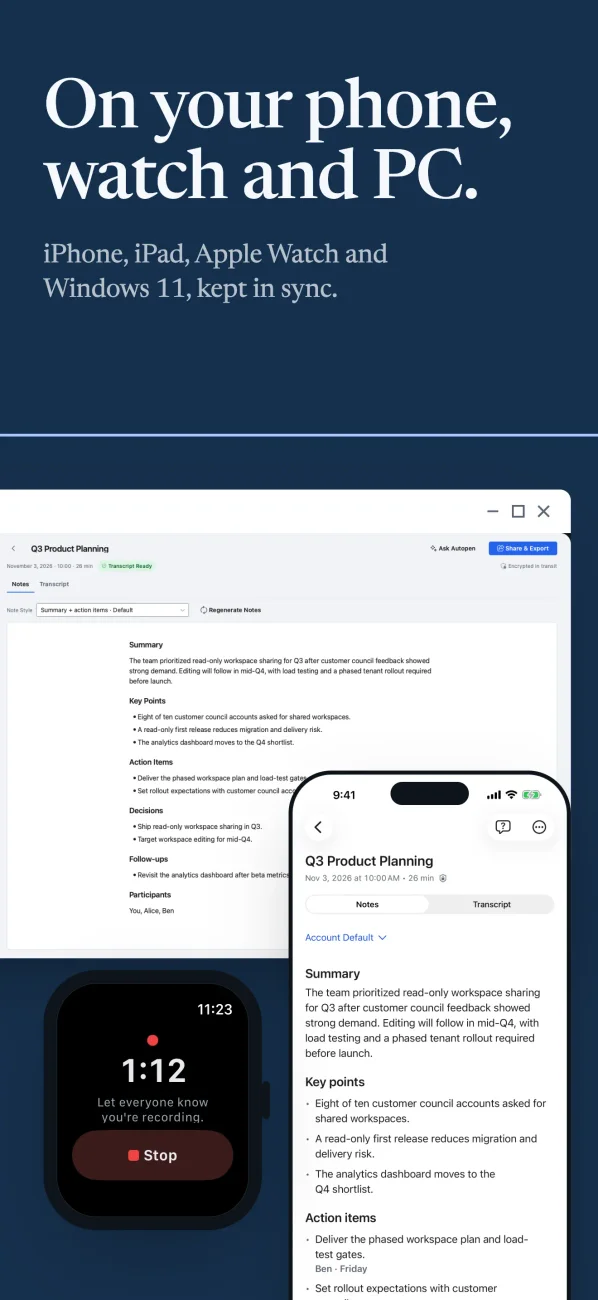
KEEP YOUR WORK IN SYNC
Your Autopen account keeps supported meetings, transcripts, notes, folders,
vocabulary, preferences, and note styles synchronized across your signed-in iPhones and iPads.
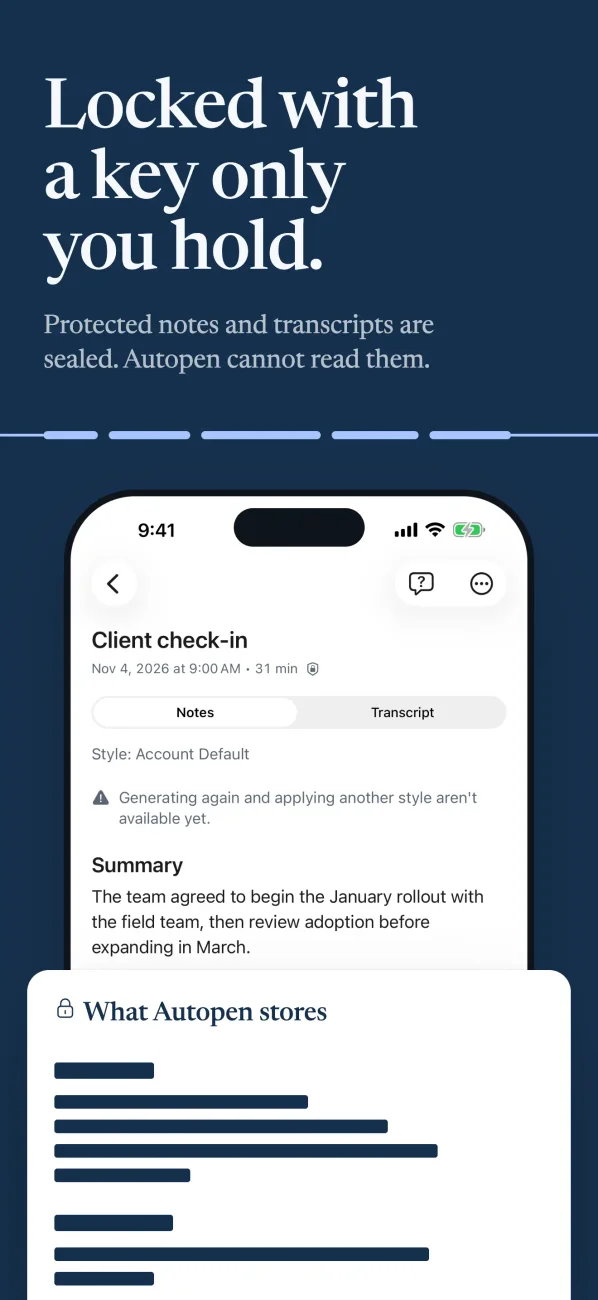
CLOUD PROCESSING, EXPLAINED PLAINLY
Audio is encrypted in transit and processed by cloud services for transcription.
Autopen requests deletion of the provider transcript artifact after the final
result is retrieved. Transcript and note content remains in your Autopen account
until you delete it or an applicable retention policy removes it. Read the current
details at getautopen.com/privacy.
SIGN IN YOUR WAY
Use Sign in with Apple, Continue with Google, an Autopen email and password, or an
organization sign-in when your employer has configured one.
PRIVACY CONTROLS
Delete meetings, empty Trash, erase all meetings, or permanently delete a personal
account from Settings. Organization-managed accounts follow the organization's
administered lifecycle and retention policy.
PLANS
Autopen includes 2 hours of transcription a month for free. Starter adds 5 hours a month and Pro about 60 hours a month (fair use). Subscriptions renew automatically each month unless cancelled at least 24 hours before the end of the period. Payment is charged to your Apple Account. Manage or cancel anytime in the Settings app: tap your name, then Subscriptions.
Terms of Use: https://getautopen.com/terms
Privacy Policy: https://getautopen.com/privacy
Có gì mới
Phiên bản 2.1.11 · 23/11/2026
New: search inside a meeting and copy its transcript. If a recording hears no words for 15 minutes, Autopen tells you and keeps recording. Audio left over from a recording with no speech now shows as a Saved Audio card you can discard, and discarding it for an empty meeting moves that meeting to Trash. Stopping a recording is more responsive, and a meeting that is still finishing no longer blocks your next recording. Fixed: the Finishing Your Transcription card could stay on the list after the notes were done; the recording timer now fits the Dynamic Island on narrower iPhones; and the meeting screen has clearer spacing and names the style your notes were written in.
Quyền riêng tư của ứng dụng
Những gì QUIET EYE ADVISORS LLC khai báo trên App Store về cách ứng dụng này xử lý dữ liệu.
-
Dữ liệu liên kết với bạn
Có thể được thu thập và liên kết với danh tính của bạn.
- Mục mua
- Thông tin liên hệ
- Nội dung của người dùng
- Mã định danh
- Dữ liệu sử dụng
- Chẩn đoán
-
Dữ liệu không liên kết với bạn
Có thể được thu thập nhưng không liên kết với danh tính của bạn.
- Chẩn đoán
Phương thức đảm bảo quyền riêng tư có thể khác nhau, chẳng hạn như tuỳ theo các tính năng bạn sử dụng hoặc độ tuổi của bạn.
Thông tin
- Người bán
- QUIET EYE ADVISORS LLC
- Danh mục
- Hiệu Suất
- Phiên bản
- 2.1.11
- Cập nhật
- 23/11/2026
- Phát hành
- 12/08/2026
- Kích thước
- 43,3 MB
- Yêu cầu
- iOS 26.0 trở lên
- Độ tuổi
- 4+
- Giá
- Miễn phí
- Mua hàng trong ứng dụng
- Có
- Ngôn ngữ
- Tiếng Anh
- Bản quyền
- © 2026 Quiet Eye Group
Có thể bạn cũng thích
-
 ErieSubmitHiệu Suất
-
 HandyNote: canvas, transcribeHiệu Suất
-
 PXS External Screen DesktopHiệu Suất
-
 Netzilo Secure BrowserHiệu Suất
-
 ScribblePad: Notes & PDFHiệu Suất
-
 AudioMindHiệu Suất
-
 MySA : My Smart AI AssistantHiệu Suất
-
 Desktop Note - Notes & PhotosHiệu Suất
-
 Map Canvas: Draw on MapsHiệu Suất
-
 Notes Ghi chú, nhật ký, sổ tayPlanner, soạn thảo văn bản