- Altersfreigabe4+
- KategorieProduktivität
- EntwicklerMANABU YONEOKA
- SprachenEnglisch+ 11 weitere
- Größe1,8 MB
Calendaroll ist bei App Store derzeit möglicherweise nicht verfügbar
Bei unserer letzten Prüfung war der Store-Eintrag nicht erreichbar. Der Link führt weiterhin zur offiziellen App Store-Seite.
Screenshots

Info
Der Entwickler hat diesen Text nicht in Ihrer Sprache bereitgestellt.
A calendar where your schedule never breaks at the end of the month.
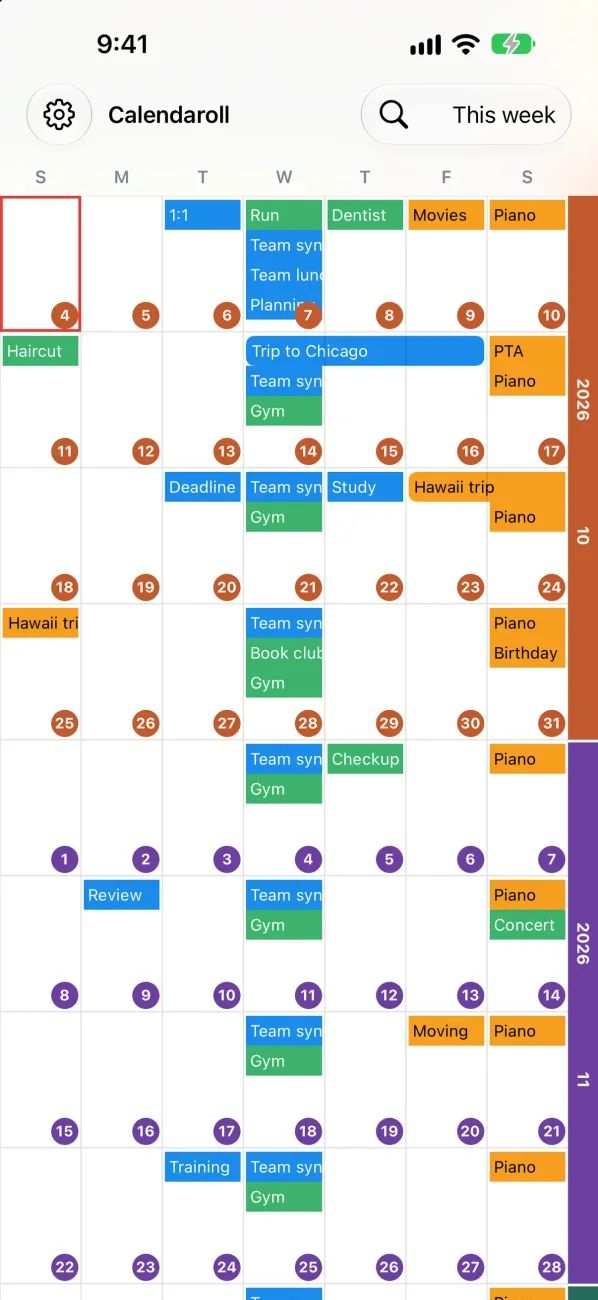
Calendaroll lays out the events from the calendars on your iPhone in weekly rows, so you can see next week, next month and beyond just by scrolling down.
■ Weeks in one continuous flow
No more flipping between month pages. Weekly rows continue endlessly, so next month's plans are right there even at the end of the month. Color-coded dates and month labels on the right edge tell you where you are at a glance.
■ Multi-day events as bands
Trips, business travel and other multi-day events appear as bands across the days, so you can instantly tell a busy stretch from a quiet one.
■ Tap a day for the details
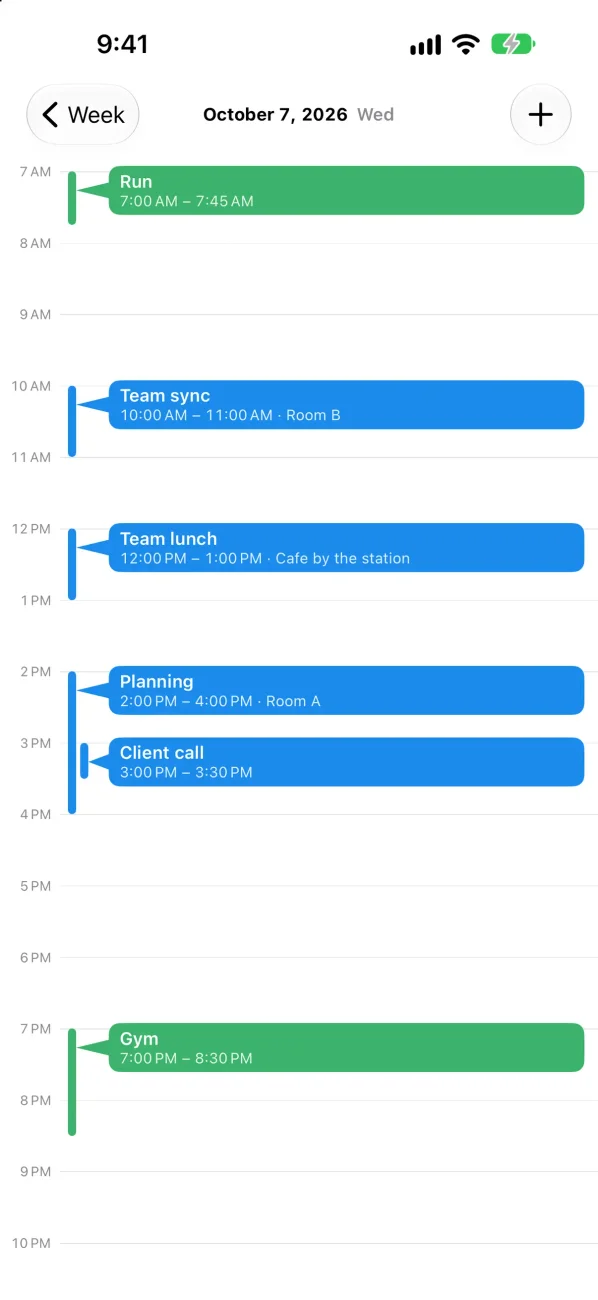
Tap a date to switch to a day view with that day's events laid out by time. Pinch to go back to the week view.
■ Add and edit events
Create, edit and delete events using the standard iPhone screens. You can also duplicate an existing event to create a new one quickly.
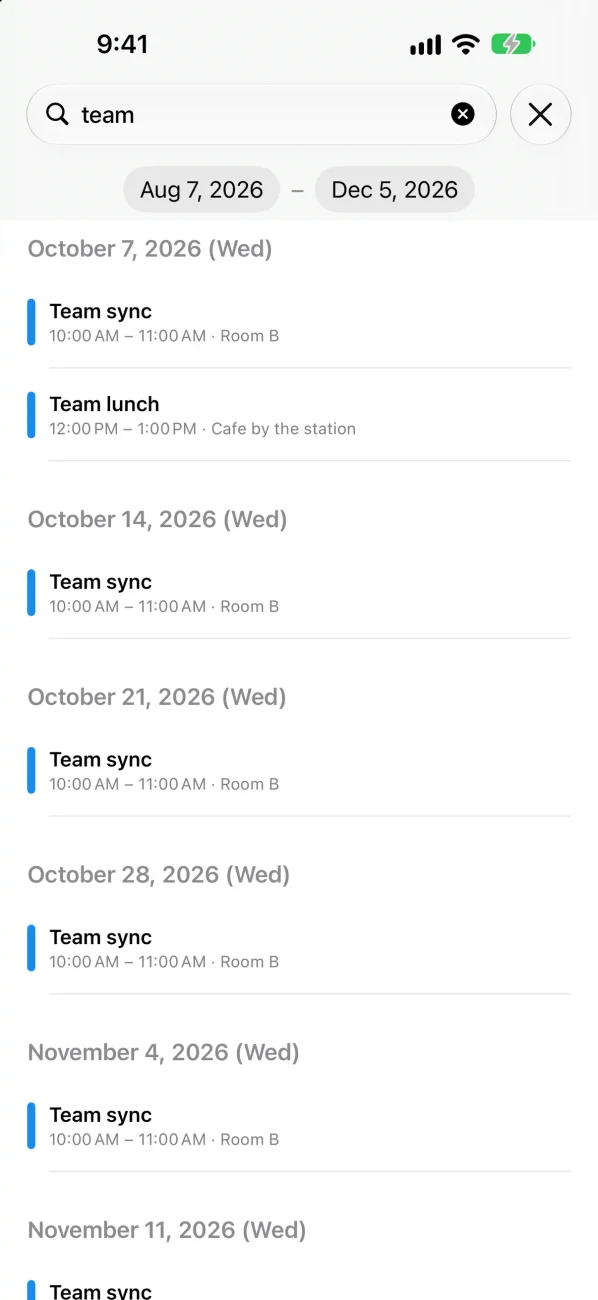
■ Search your events
Search event titles, locations and notes over any date range you choose.
■ Home-screen widgets
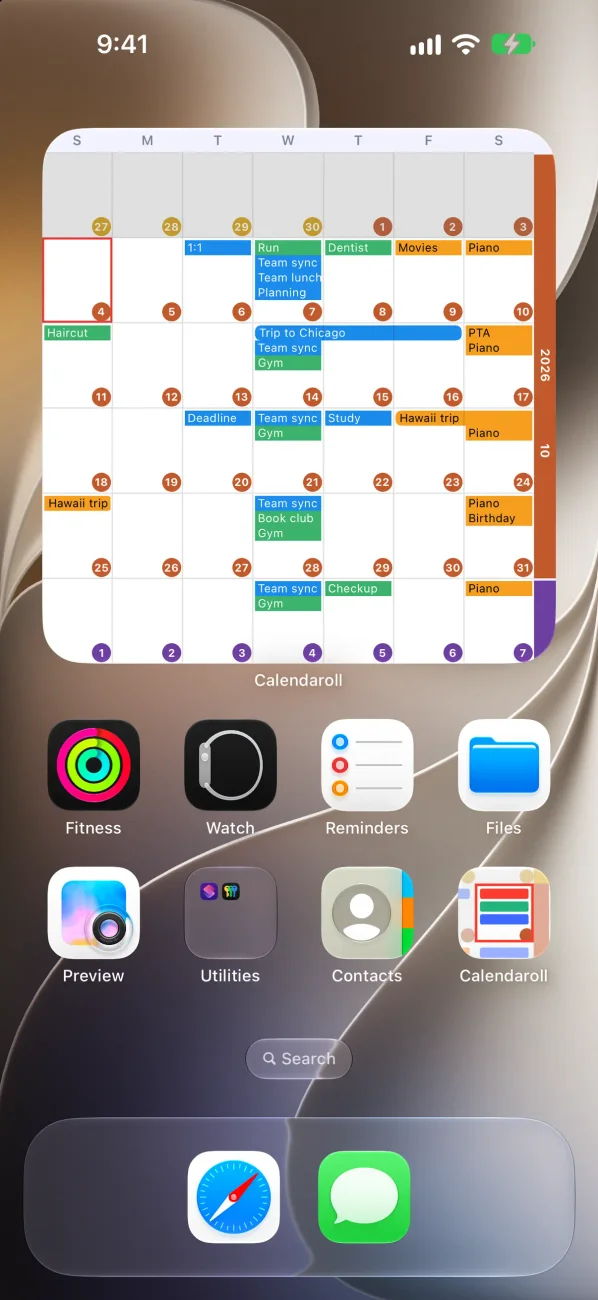
Medium and large widgets show the weeks around today on your home screen. Tap a date to open that day in the app.
■ Works with the calendars you already use
Shows events from the calendars already on your iPhone, such as iCloud or Google. Choose which calendars to show in Settings.
■ Make it your own
Set the first day of the week (Sunday or Monday), the number of events shown per day, text size, the time range of the day view, and a light or dark theme.
■ Your events stay on your device
Calendaroll never connects to the internet and contains no ads or analytics. No account is needed. Everything happens on your iPhone.
Note: Widgets are refreshed on iOS's schedule, so changes to your events may take a while to appear there. Opening the app brings everything up to date.
Neue Funktionen
Version 0.2.3 · 03.11.2026
• When a day has more events than fit in its cell, the bottom line now shows a dot for each extra event in its calendar color. You can see at a glance that more events are hidden, in both the week view and the widget.
App-Datenschutz
Was MANABU YONEOKA im App Store zum Umgang dieser App mit Daten angibt.
-
Keine Daten erfasst
Der Entwickler erfasst keine Daten von dieser App.
Die Datenschutzpraktiken können variieren, zum Beispiel je nach den von Ihnen verwendeten Funktionen oder Ihrem Alter.
Informationen
- Anbieter
- MANABU YONEOKA
- Kategorie
- Produktivität
- Version
- 0.2.3
- Aktualisiert
- 03.11.2026
- Veröffentlicht
- 02.11.2026
- Größe
- 1,8 MB
- Erfordert
- iOS 17.6 oder neuer
- Altersfreigabe
- 4+
- Sprachen
- Englisch, Französisch, Deutsch, Hindi, Indonesisch, Japanisch, Koreanisch, Portugiesisch, Russisch, Vereinf. Chinesisch, Spanisch, Tradit. Chinesisch
- Copyright
- © 2026 Manabu YONEOKA