- Age rating4+
- CategoryProductivity
- DeveloperMANABU YONEOKA
- LanguagesEnglish+ 11 more
- Size1.8 MB
Links to the official App Store page
Download.org hosts no file of Calendaroll. The button opens its official App Store page, published by MANABU YONEOKA. Listing last checked on Nov 8, 2026.
Screenshots

About
A calendar where your schedule never breaks at the end of the month.
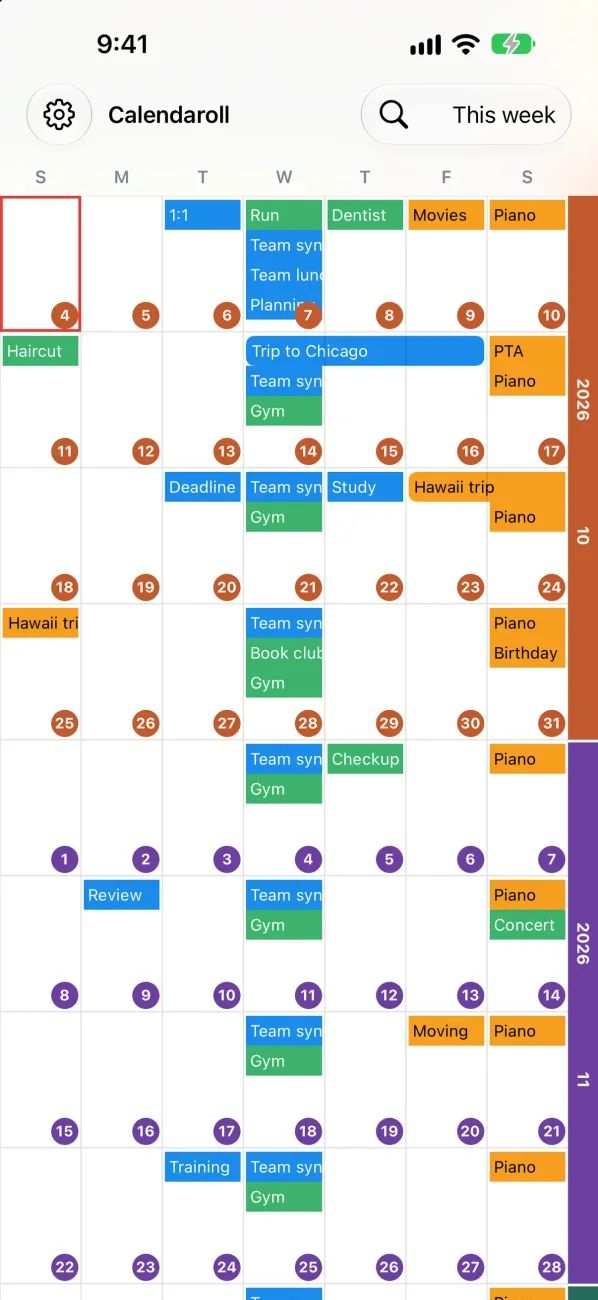
Calendaroll lays out the events from the calendars on your iPhone in weekly rows, so you can see next week, next month and beyond just by scrolling down.
■ Weeks in one continuous flow
No more flipping between month pages. Weekly rows continue endlessly, so next month's plans are right there even at the end of the month. Color-coded dates and month labels on the right edge tell you where you are at a glance.
■ Multi-day events as bands
Trips, business travel and other multi-day events appear as bands across the days, so you can instantly tell a busy stretch from a quiet one.
■ Tap a day for the details
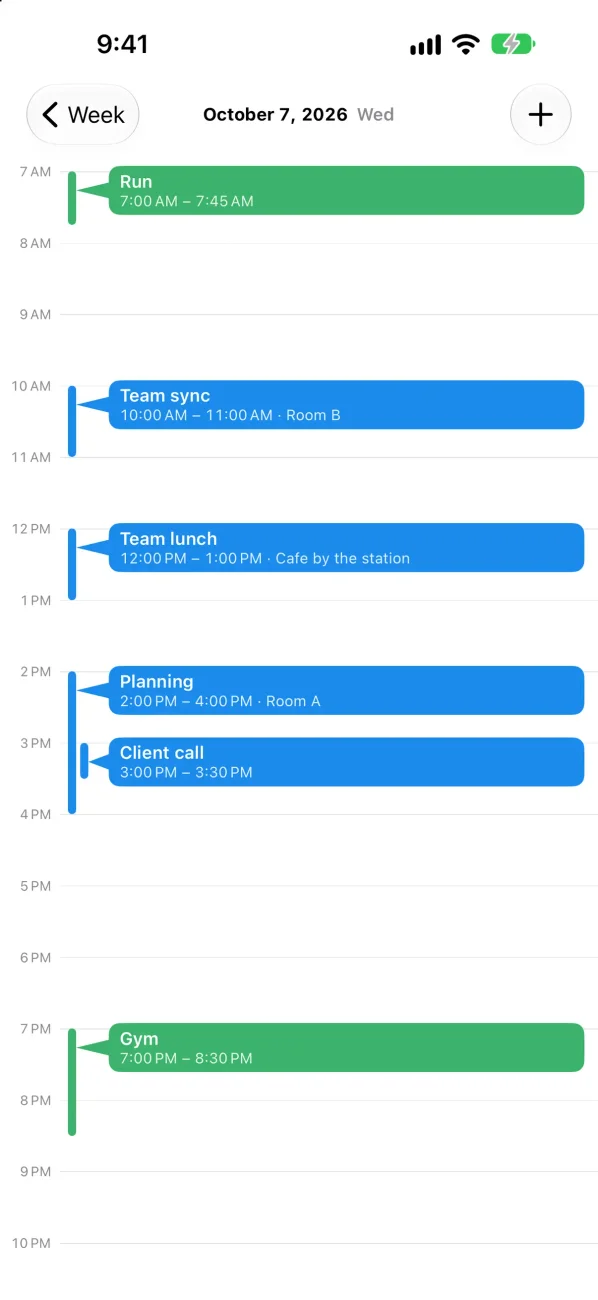
Tap a date to switch to a day view with that day's events laid out by time. Pinch to go back to the week view.
■ Add and edit events
Create, edit and delete events using the standard iPhone screens. You can also duplicate an existing event to create a new one quickly.
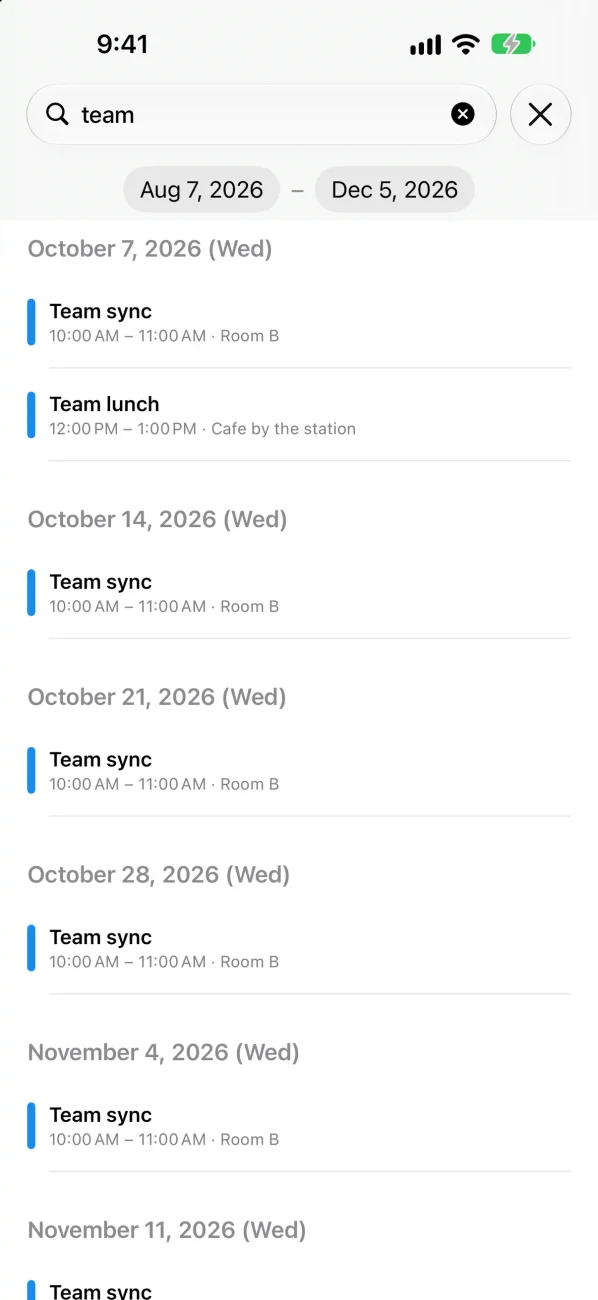
■ Search your events
Search event titles, locations and notes over any date range you choose.
■ Home-screen widgets
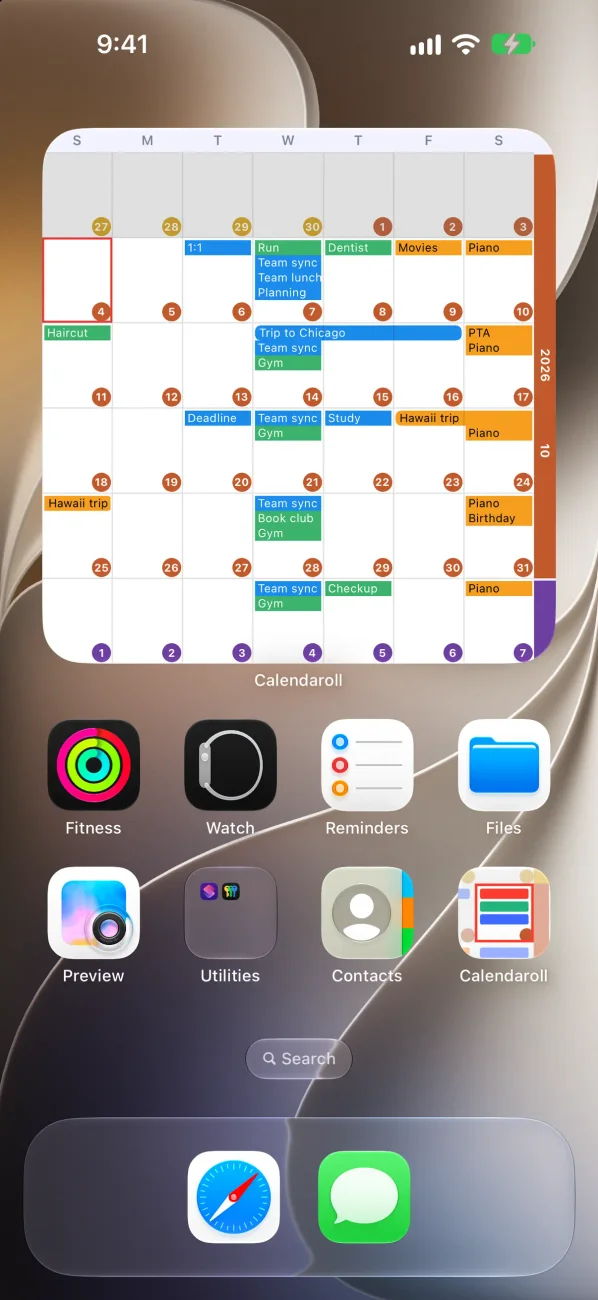
Medium and large widgets show the weeks around today on your home screen. Tap a date to open that day in the app.
■ Works with the calendars you already use
Shows events from the calendars already on your iPhone, such as iCloud or Google. Choose which calendars to show in Settings.
■ Make it your own
Set the first day of the week (Sunday or Monday), the number of events shown per day, text size, the time range of the day view, and a light or dark theme.
■ Your events stay on your device
Calendaroll never connects to the internet and contains no ads or analytics. No account is needed. Everything happens on your iPhone.
Note: Widgets are refreshed on iOS's schedule, so changes to your events may take a while to appear there. Opening the app brings everything up to date.
What’s new
Version 0.2.3 · Nov 3, 2026
• When a day has more events than fit in its cell, the bottom line now shows a dot for each extra event in its calendar color. You can see at a glance that more events are hidden, in both the week view and the widget.
App privacy
What MANABU YONEOKA declares on the App Store about how this app handles data.
-
Data not collected
The developer does not collect any data from this app.
Privacy practices may vary, for example with the features you use or your age.
Information
- Seller
- MANABU YONEOKA
- Category
- Productivity
- Version
- 0.2.3
- Updated
- Nov 3, 2026
- Released
- Nov 2, 2026
- Size
- 1.8 MB
- Requires
- iOS 17.6 or later
- Age rating
- 4+
- Price
- Free
- Languages
- English, French, German, Hindi, Indonesian, Japanese, Korean, Portuguese, Russian, Simplified Chinese, Spanish, Traditional Chinese
- Copyright
- © 2026 Manabu YONEOKA