- Altersfreigabe4+
- KategorieBildung
- EntwicklerVentura Educational Systems
- SprachenEnglisch
- Größe18,6 MB
Verlinkt auf die offizielle App Store-Seite
Download.org hostet keine Datei von ClassTimer. Die Schaltfläche öffnet die App-Seite bei App Store, wo Ventura Educational Systems die App veröffentlicht. Eintrag zuletzt geprüft am 15.11.2026.
Screenshots

Info
Der Entwickler hat diesen Text nicht in Ihrer Sprache bereitgestellt.
Our ClassTimer is designed to help teachers transform their classrooms into amazingly productive environments by assisting students with time management. ClassTimer helps students visualize time and understand it as fundamental concept that needs to be managed in order to be more productive. Good time management leads to success in school and work.
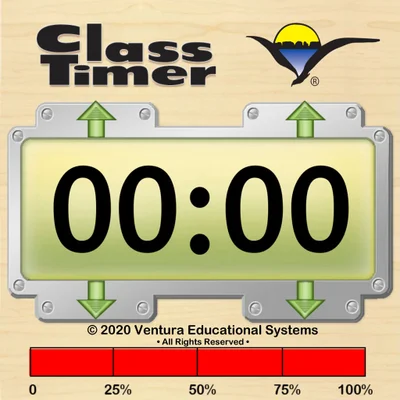
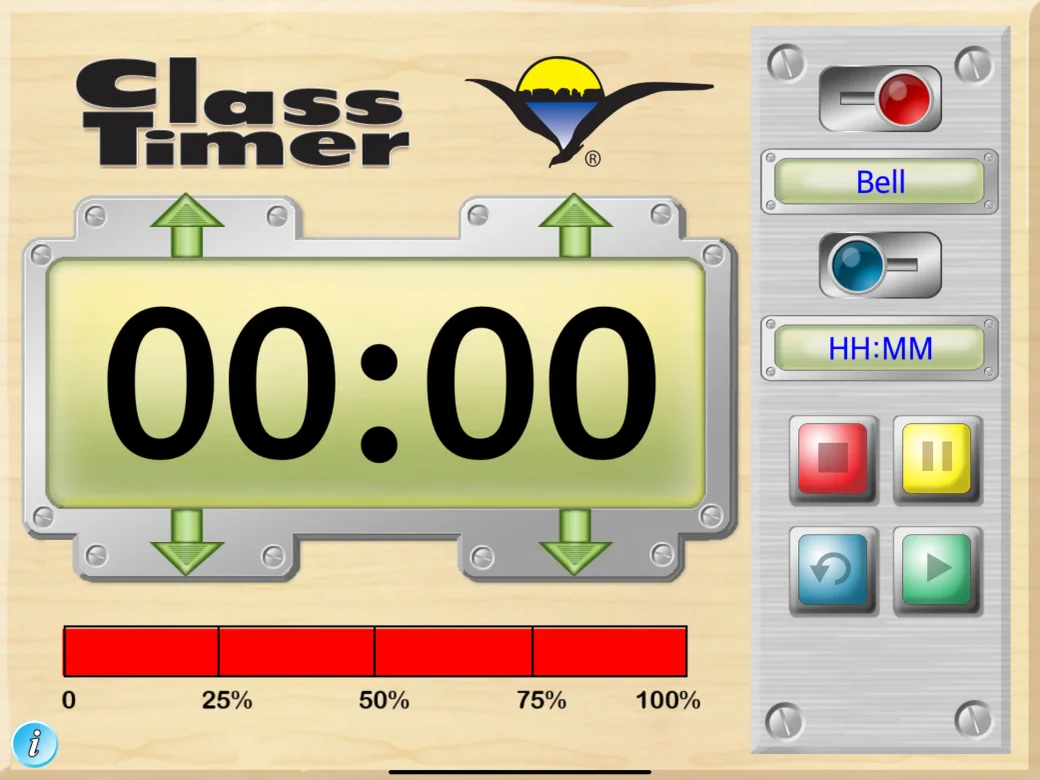
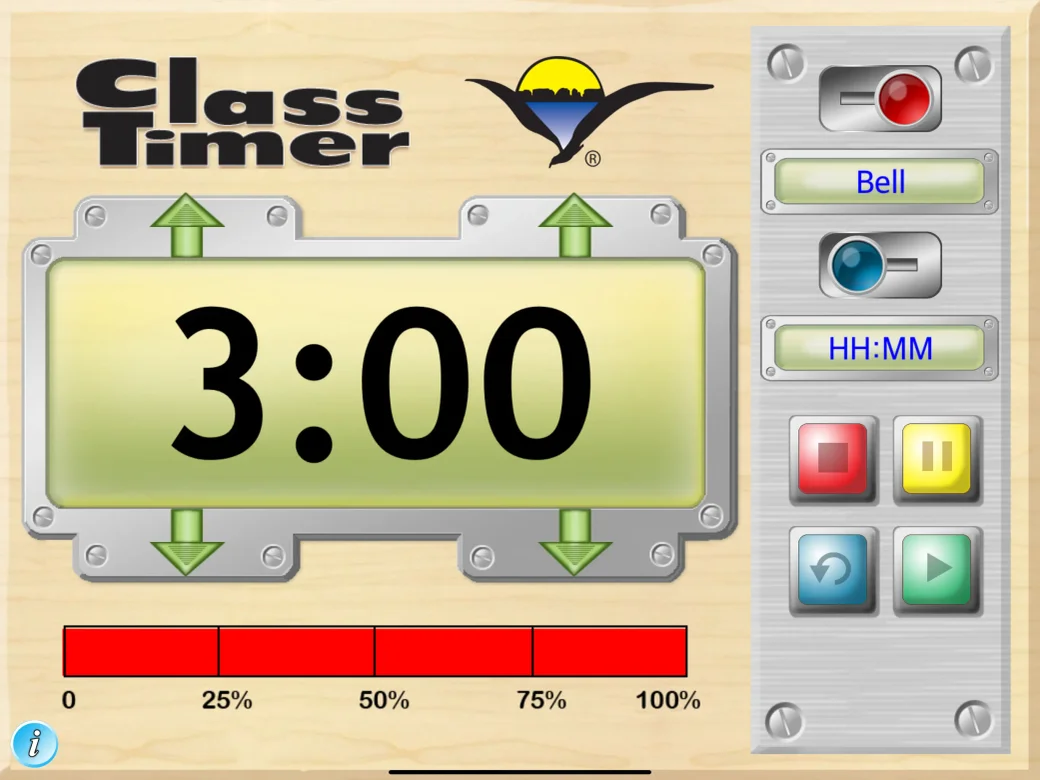
In addition to the digital time display, ClassTimer includes a bar graph style display so that young children can visualize the time remaining for a particular task. Using ClassTimer children can better understand when the next phase of the school day will begin or when the time allotted for a task will end.
Students at all levels can benefit from better time management skills. Whether they are taking a standardized test, working in a small group on a project or involved in a form of creative expression, they will be better able to succeed if they properly manage the available time.
The ClassTimer makes it easy to visualize the passage of time. Several options increase its usefulness. Selectable buzzer sounds signal that the allotted time period has come to an end. Sound can be turned on or off. Usually classroom teachers will use the minutes and seconds display (MM:SS), but in some cases may want to switch to the hours and minutes display (HH:MM).
ClassTimer Features
ClassTimer has several useful features. In addtion to the very large display, a bar graph style indicator shows the remaining time as a percentage. Timer functions include a user selected audible sound effect to signal the end of a turn.
Control Functions:
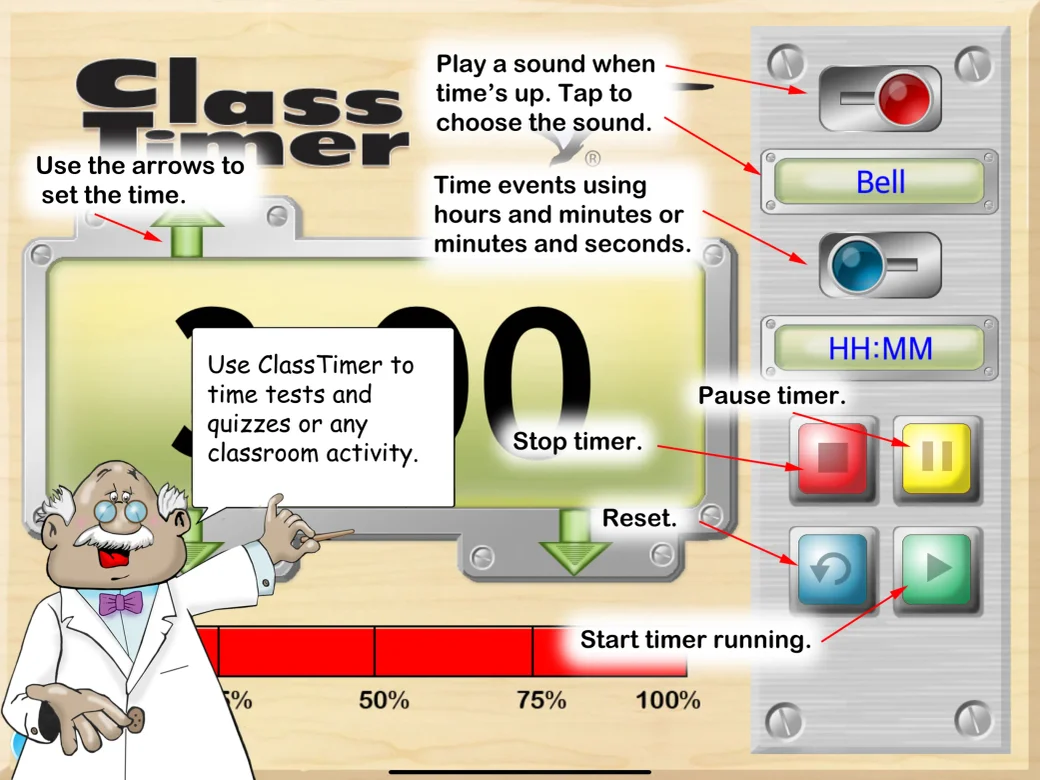
• Activate or deactive the sound played when time is up.
• Choose different audible signals by tapping the display.
• Select between the hours and minutes display or the minutes and seconds display.
• Tap the green arrow to start the countdown clock.
• Tap stop to stop the timer.
• Tap pause to pause the countdown.
• Tap restart to reset the clock.
• Slide the alarm sound control to either on or off.
Works in stand-alone mode on an iPad or can be connected to a digital projector using an optional cable suppplied by Apple or wirelessly to Apple TV.
Neue Funktionen
Version 4.0 · 10.03.2024
This version provides an update to recommended settings.
App-Datenschutz
Was Ventura Educational Systems im App Store zum Umgang dieser App mit Daten angibt.
-
Keine Daten erfasst
Der Entwickler erfasst keine Daten von dieser App.
Die Datenschutzpraktiken können variieren, zum Beispiel je nach den von Ihnen verwendeten Funktionen oder Ihrem Alter.
Informationen
- Anbieter
- Ventura Educational Systems
- Kategorie
- Bildung
- Version
- 4.0
- Aktualisiert
- 10.03.2024
- Veröffentlicht
- 10.01.2012
- Größe
- 18,6 MB
- Erfordert
- iOS 12.0 oder neuer
- Altersfreigabe
- 4+
- Preis
- 1,99 €
- Sprachen
- Englisch
- Copyright
- ©2024 Ventura Educational Systems