- Độ tuổi4+
- Danh mụcGiáo Dục
- Nhà phát triểnVentura Educational Systems
- Ngôn ngữTiếng Anh
- Kích thước18,6 MB
Liên kết đến trang App Store chính thức
Download.org không lưu trữ tệp nào của ClassTimer. Nút này mở trang ứng dụng trên App Store, nơi Ventura Educational Systems phát hành ứng dụng. Trang được kiểm tra lần cuối: 15/11/2026.
Ảnh chụp màn hình

Giới thiệu
Nhà phát triển chưa cung cấp nội dung này bằng ngôn ngữ của bạn.
Our ClassTimer is designed to help teachers transform their classrooms into amazingly productive environments by assisting students with time management. ClassTimer helps students visualize time and understand it as fundamental concept that needs to be managed in order to be more productive. Good time management leads to success in school and work.
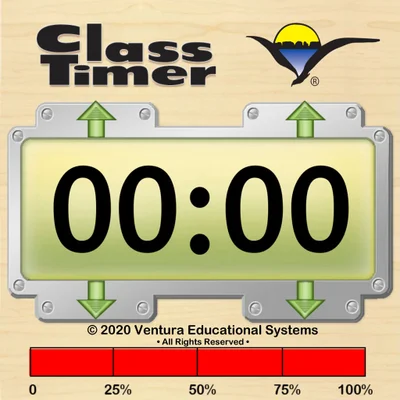
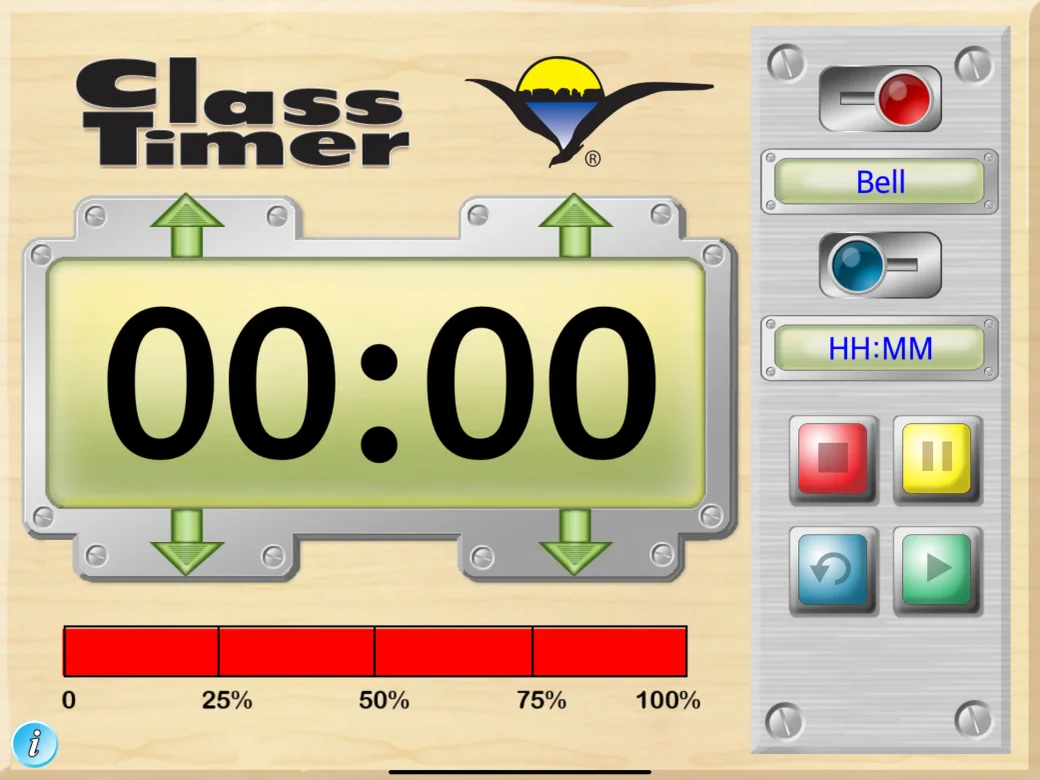
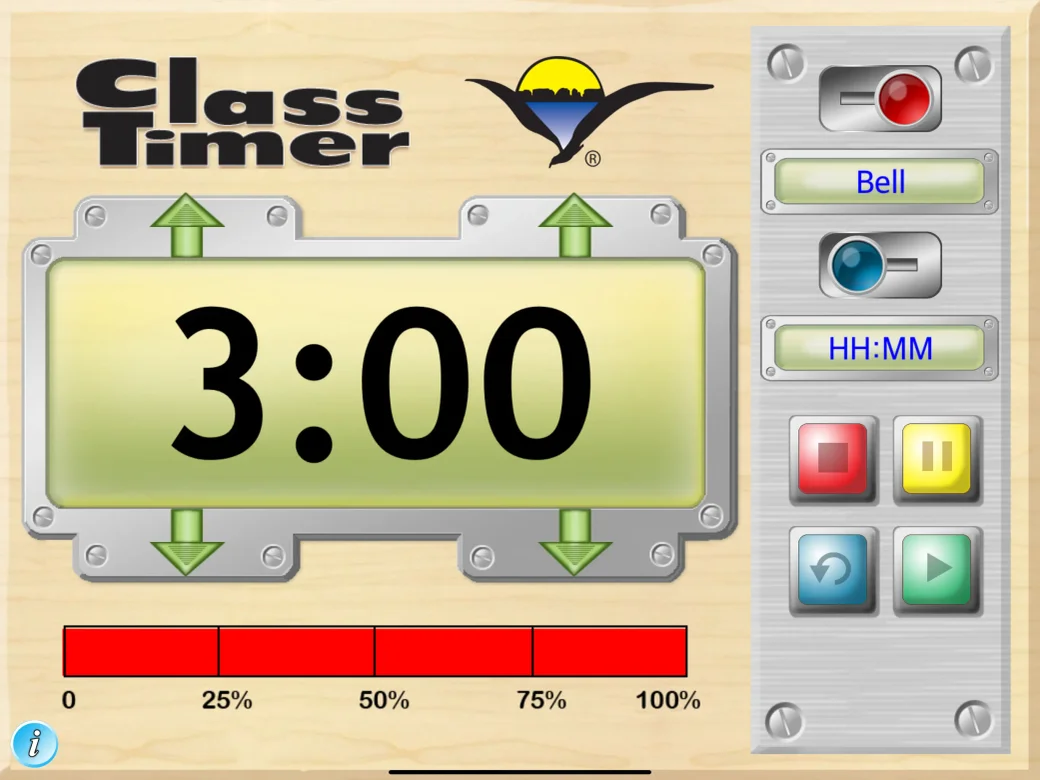
In addition to the digital time display, ClassTimer includes a bar graph style display so that young children can visualize the time remaining for a particular task. Using ClassTimer children can better understand when the next phase of the school day will begin or when the time allotted for a task will end.
Students at all levels can benefit from better time management skills. Whether they are taking a standardized test, working in a small group on a project or involved in a form of creative expression, they will be better able to succeed if they properly manage the available time.
The ClassTimer makes it easy to visualize the passage of time. Several options increase its usefulness. Selectable buzzer sounds signal that the allotted time period has come to an end. Sound can be turned on or off. Usually classroom teachers will use the minutes and seconds display (MM:SS), but in some cases may want to switch to the hours and minutes display (HH:MM).
ClassTimer Features
ClassTimer has several useful features. In addtion to the very large display, a bar graph style indicator shows the remaining time as a percentage. Timer functions include a user selected audible sound effect to signal the end of a turn.
Control Functions:
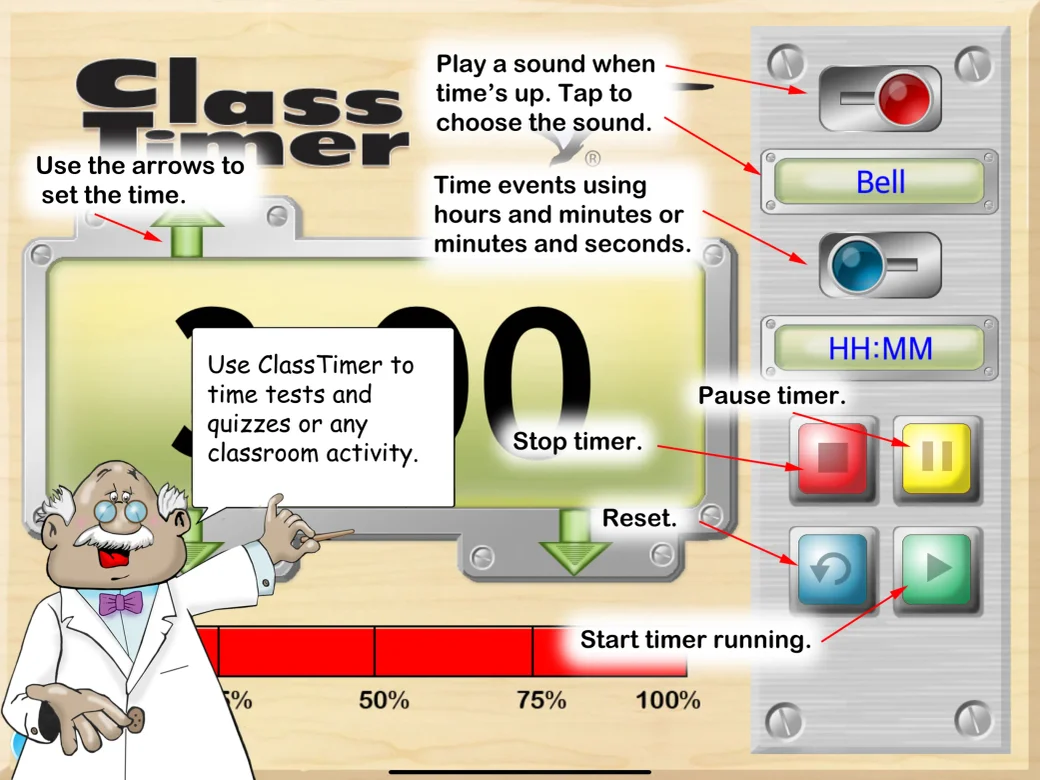
• Activate or deactive the sound played when time is up.
• Choose different audible signals by tapping the display.
• Select between the hours and minutes display or the minutes and seconds display.
• Tap the green arrow to start the countdown clock.
• Tap stop to stop the timer.
• Tap pause to pause the countdown.
• Tap restart to reset the clock.
• Slide the alarm sound control to either on or off.
Works in stand-alone mode on an iPad or can be connected to a digital projector using an optional cable suppplied by Apple or wirelessly to Apple TV.
Có gì mới
Phiên bản 4.0 · 10/03/2024
This version provides an update to recommended settings.
Quyền riêng tư của ứng dụng
Những gì Ventura Educational Systems khai báo trên App Store về cách ứng dụng này xử lý dữ liệu.
-
Dữ liệu không được thu thập
Nhà phát triển không thu thập bất kỳ dữ liệu nào từ ứng dụng này.
Phương thức đảm bảo quyền riêng tư có thể khác nhau, chẳng hạn như tuỳ theo các tính năng bạn sử dụng hoặc độ tuổi của bạn.
Thông tin
- Người bán
- Ventura Educational Systems
- Danh mục
- Giáo Dục
- Phiên bản
- 4.0
- Cập nhật
- 10/03/2024
- Phát hành
- 10/01/2012
- Kích thước
- 18,6 MB
- Yêu cầu
- iOS 12.0 trở lên
- Độ tuổi
- 4+
- Giá
- 59.000đ
- Ngôn ngữ
- Tiếng Anh
- Bản quyền
- ©2024 Ventura Educational Systems