- 対象年齢4+
- カテゴリ教育
- 開発元Ventura Educational Systems
- 言語英語
- サイズ18.6 MB
App Storeの公式ページにリンクしています
Download.orgはClassTimerのファイルを一切ホストしていません。ボタンを押すと、Ventura Educational Systemsが公開しているApp Storeのアプリページが開きます。ページの最終確認:2026/11/15。
スクリーンショット

概要
開発元はこのテキストをお使いの言語で提供していません。
Our ClassTimer is designed to help teachers transform their classrooms into amazingly productive environments by assisting students with time management. ClassTimer helps students visualize time and understand it as fundamental concept that needs to be managed in order to be more productive. Good time management leads to success in school and work.
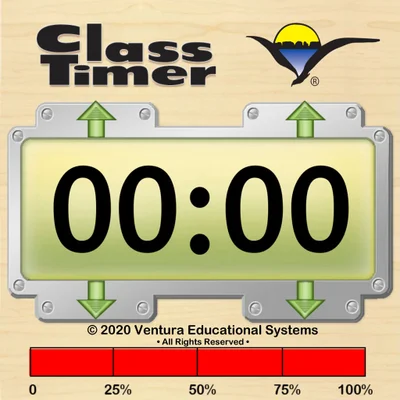
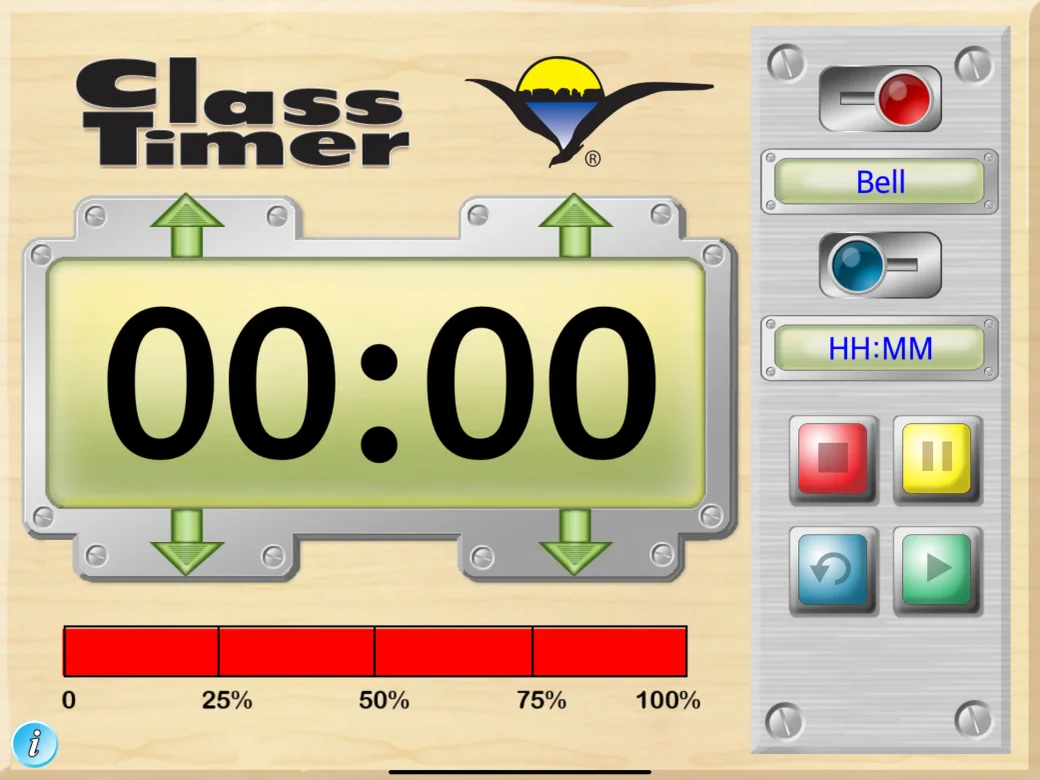
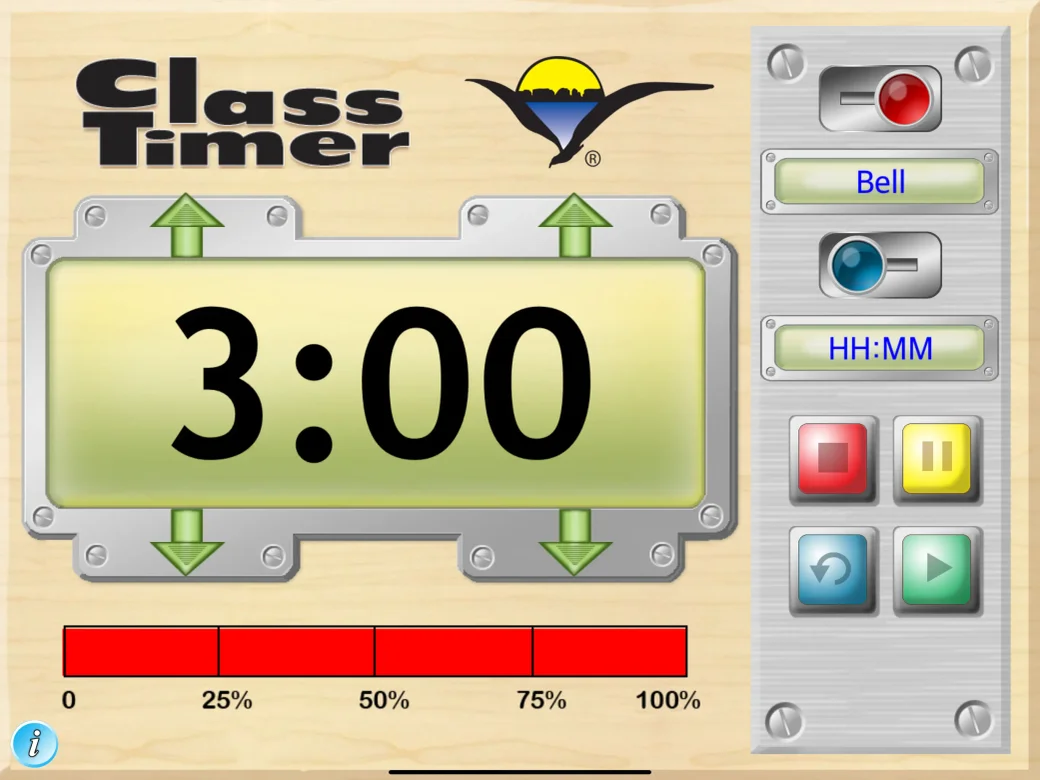
In addition to the digital time display, ClassTimer includes a bar graph style display so that young children can visualize the time remaining for a particular task. Using ClassTimer children can better understand when the next phase of the school day will begin or when the time allotted for a task will end.
Students at all levels can benefit from better time management skills. Whether they are taking a standardized test, working in a small group on a project or involved in a form of creative expression, they will be better able to succeed if they properly manage the available time.
The ClassTimer makes it easy to visualize the passage of time. Several options increase its usefulness. Selectable buzzer sounds signal that the allotted time period has come to an end. Sound can be turned on or off. Usually classroom teachers will use the minutes and seconds display (MM:SS), but in some cases may want to switch to the hours and minutes display (HH:MM).
ClassTimer Features
ClassTimer has several useful features. In addtion to the very large display, a bar graph style indicator shows the remaining time as a percentage. Timer functions include a user selected audible sound effect to signal the end of a turn.
Control Functions:
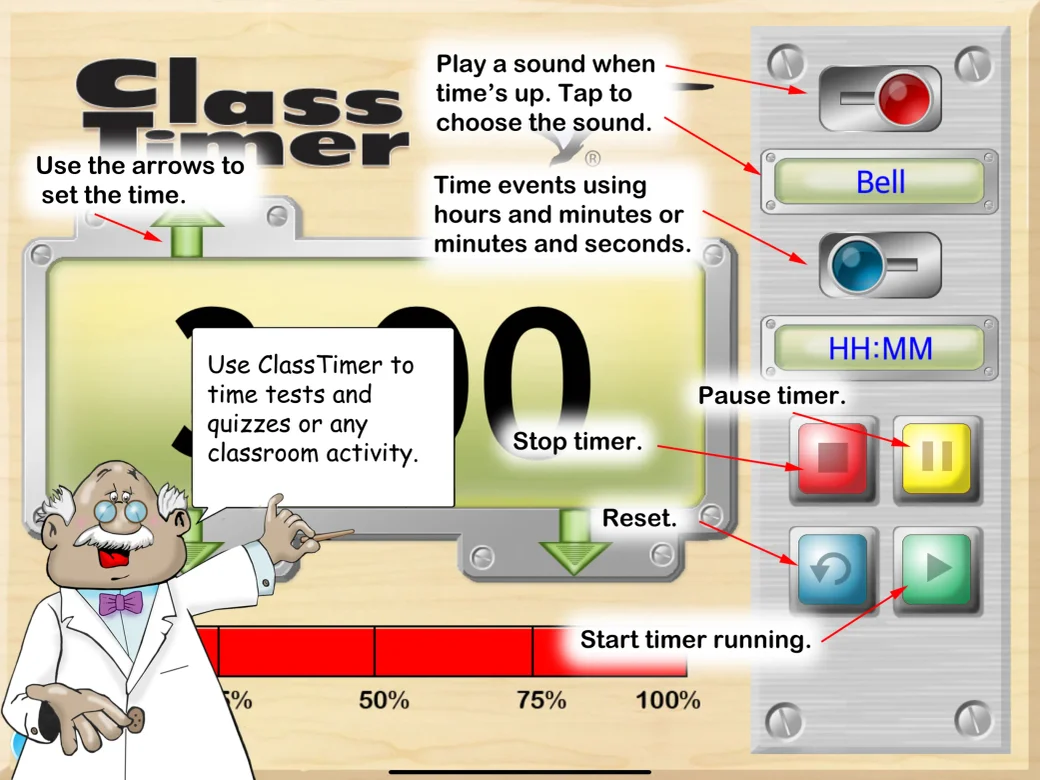
• Activate or deactive the sound played when time is up.
• Choose different audible signals by tapping the display.
• Select between the hours and minutes display or the minutes and seconds display.
• Tap the green arrow to start the countdown clock.
• Tap stop to stop the timer.
• Tap pause to pause the countdown.
• Tap restart to reset the clock.
• Slide the alarm sound control to either on or off.
Works in stand-alone mode on an iPad or can be connected to a digital projector using an optional cable suppplied by Apple or wirelessly to Apple TV.
新機能
バージョン 4.0 · 2024/3/10
This version provides an update to recommended settings.
アプリのプライバシー
このアプリのデータの取り扱いについて、Ventura Educational SystemsがApp Storeで申告している内容です。
-
データの収集なし
開発元はこのアプリからデータを収集しません。
プライバシーの取り扱いは、ご利用の機能やお客様の年齢などに応じて異なる場合があります。
情報
- 販売元
- Ventura Educational Systems
- カテゴリ
- 教育
- バージョン
- 4.0
- 更新日
- 2024/3/10
- リリース
- 2012/1/10
- サイズ
- 18.6 MB
- 必要条件
- iOS 12.0以降
- 対象年齢
- 4+
- 価格
- ¥300
- 言語
- 英語
- 著作権
- ©2024 Ventura Educational Systems