
- Altersfreigabe4+
- KategorieDienstprogramme
- EntwicklerClicks Technology Ltd
- SprachenEnglisch+ 1 weitere
- Größe99,9 MB
Verlinkt auf die offizielle App Store-Seite
Download.org hostet keine Datei von Clicks Keyboard. Die Schaltfläche öffnet die App-Seite bei App Store, wo Clicks Technology Ltd die App veröffentlicht. Eintrag zuletzt geprüft am 14.11.2026.
Screenshots

Info
Der Entwickler hat diesen Text nicht in Ihrer Sprache bereitgestellt.
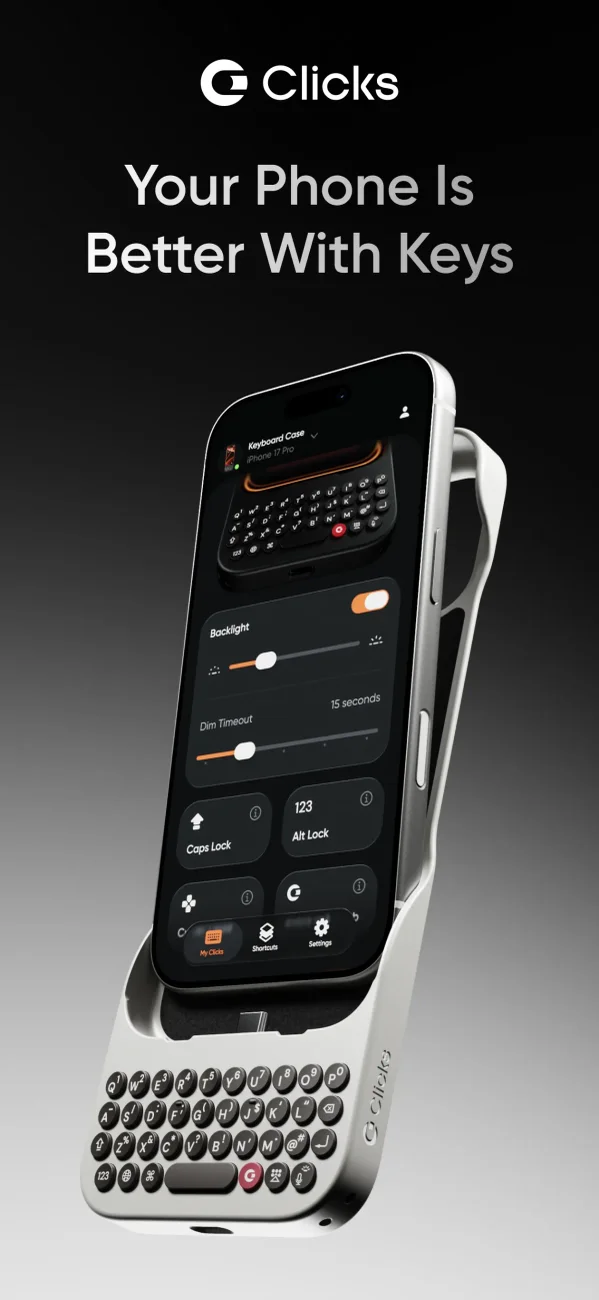
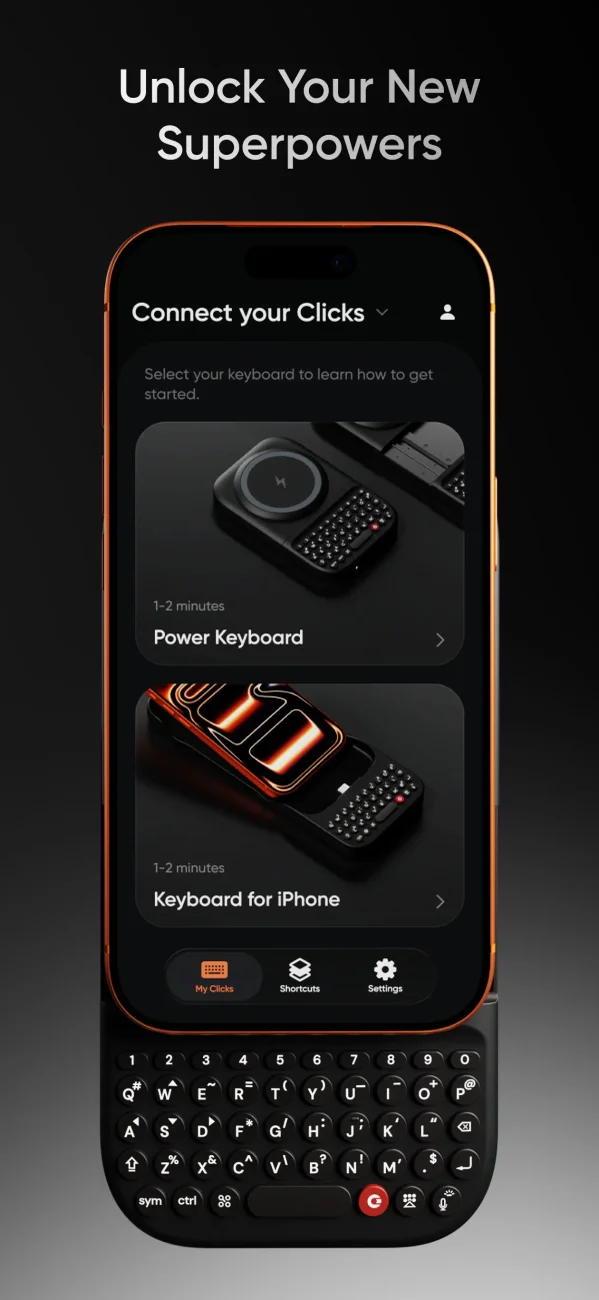
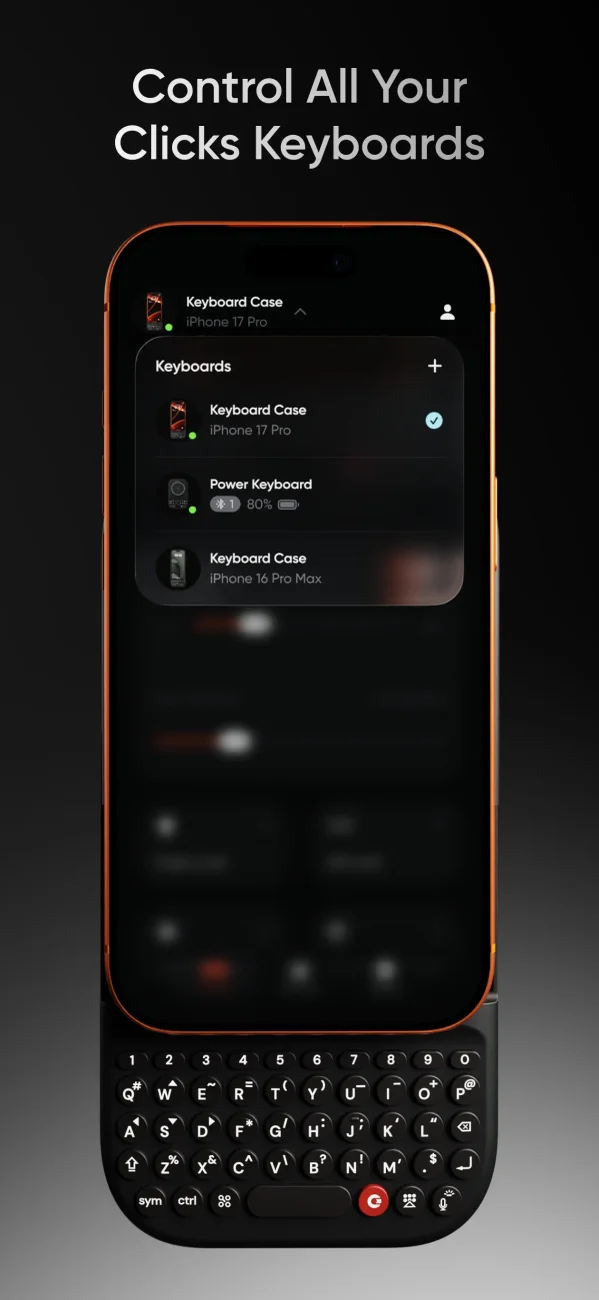
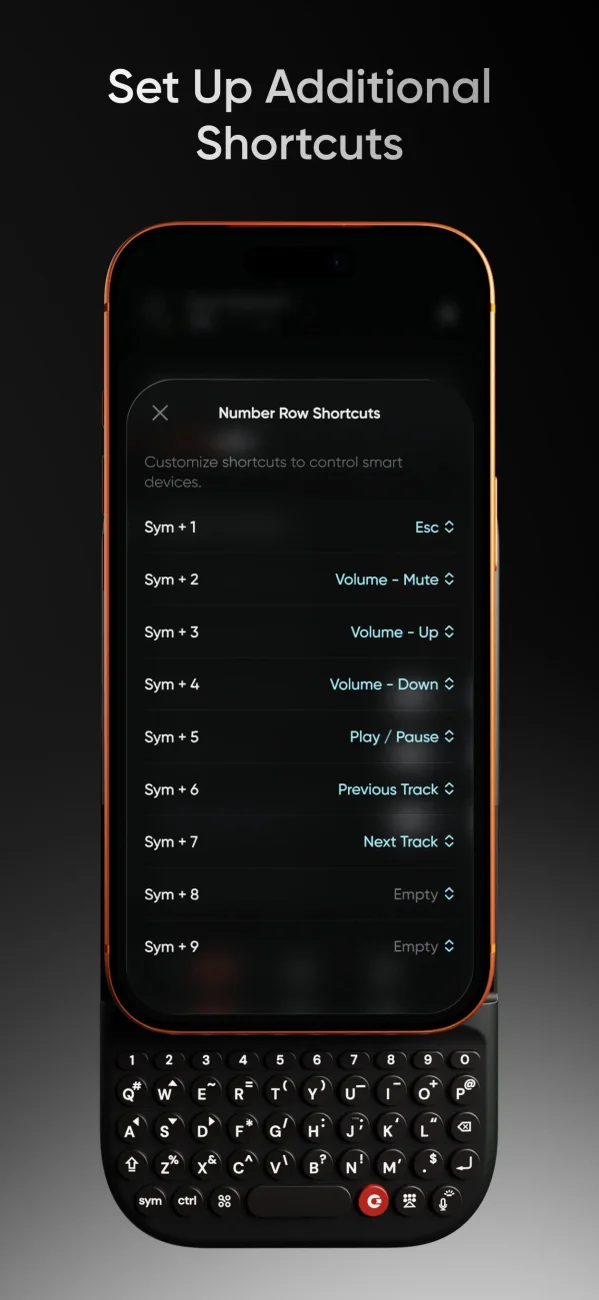
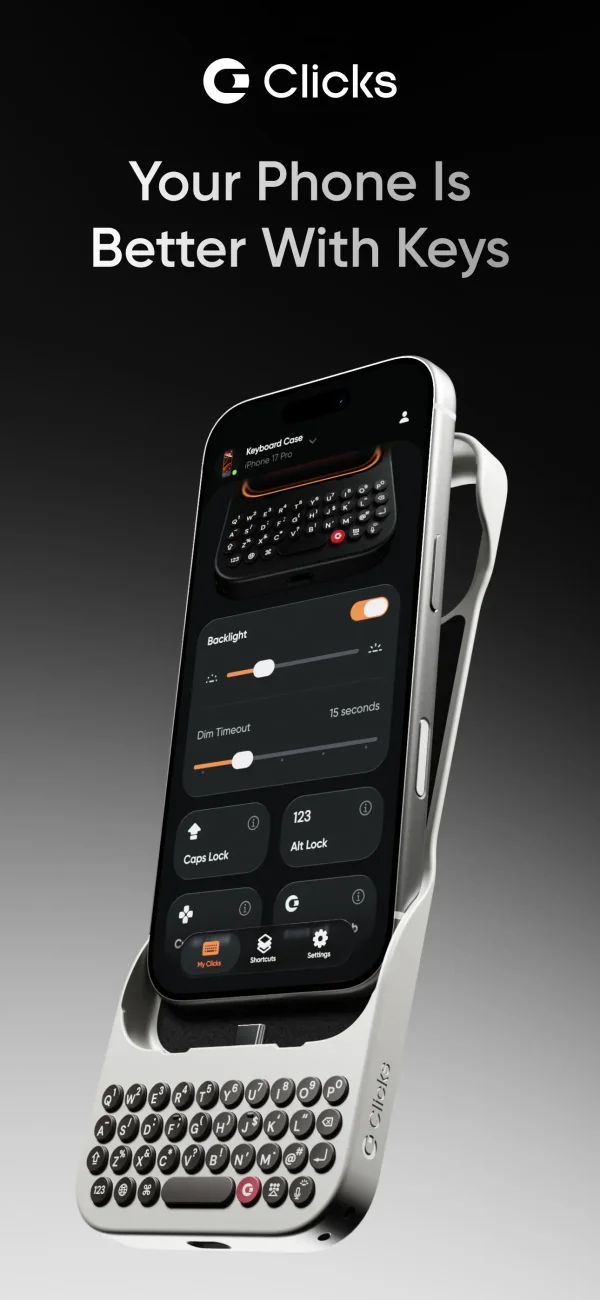
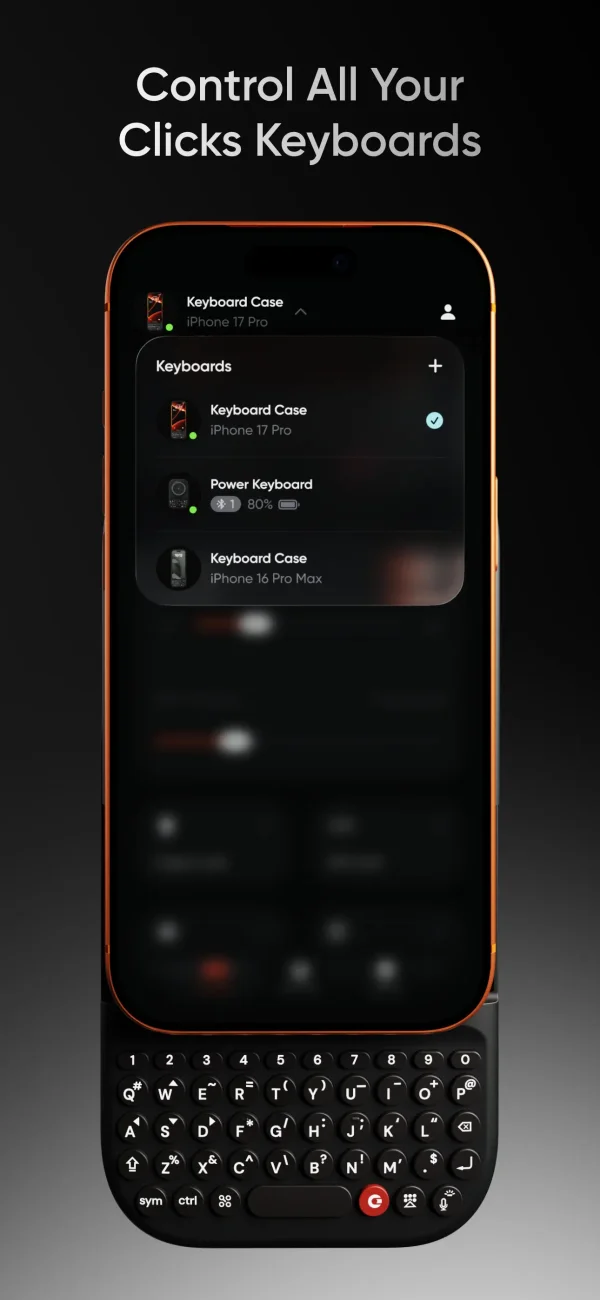
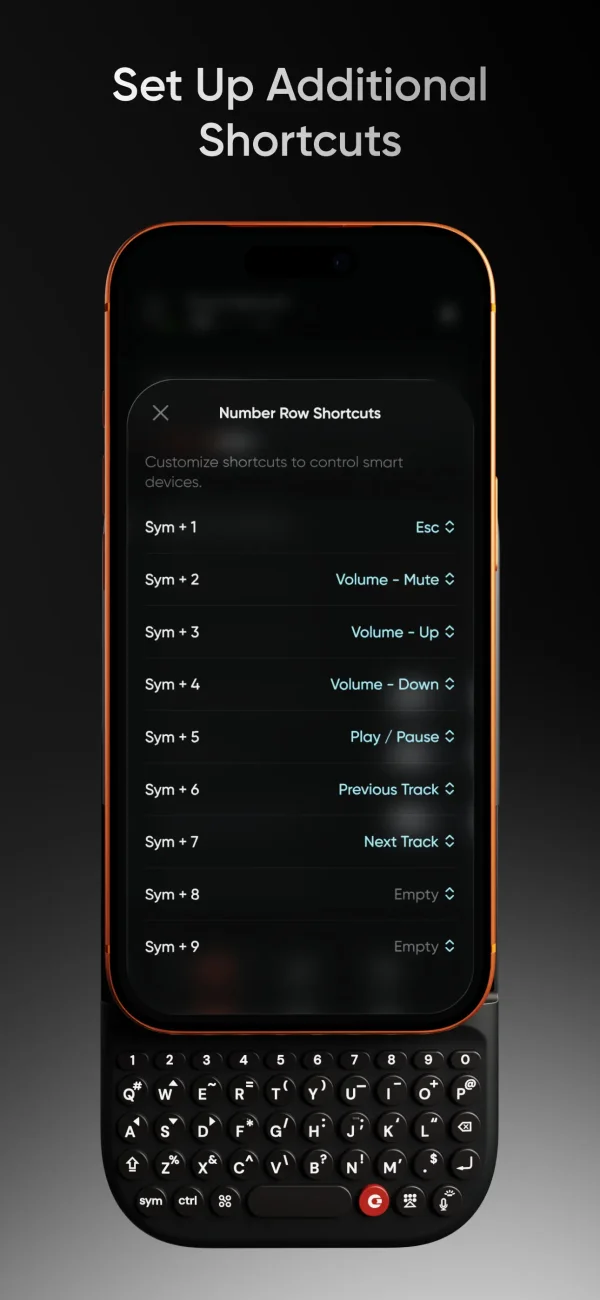
The Clicks app unlocks new features for your keyboard.
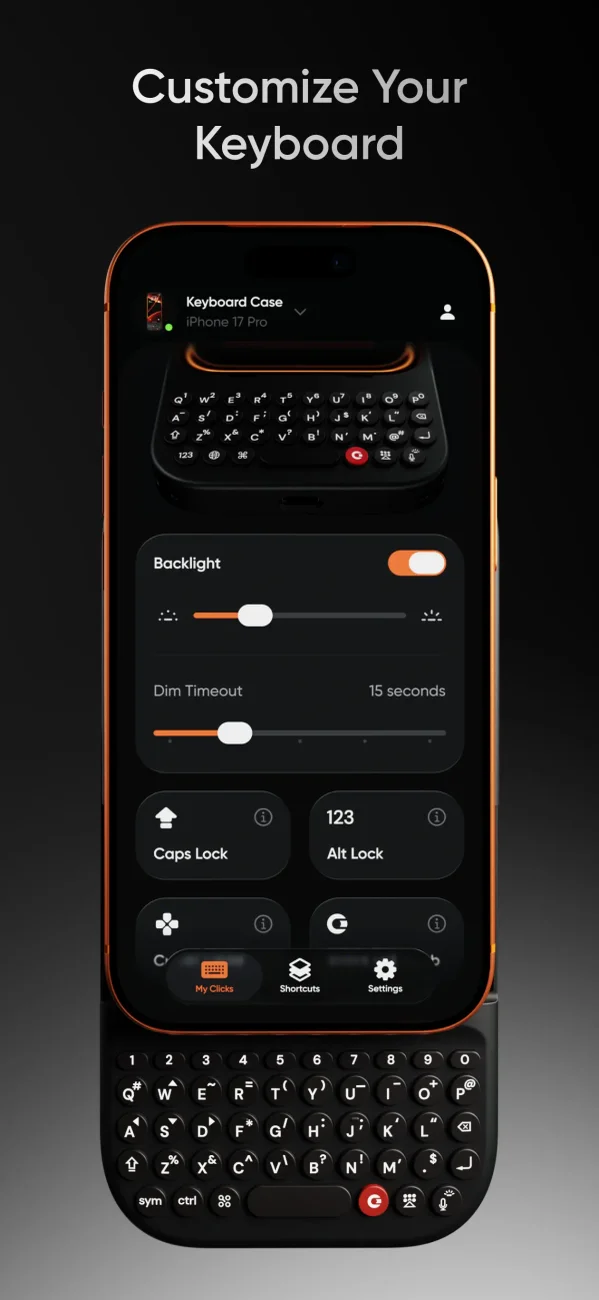
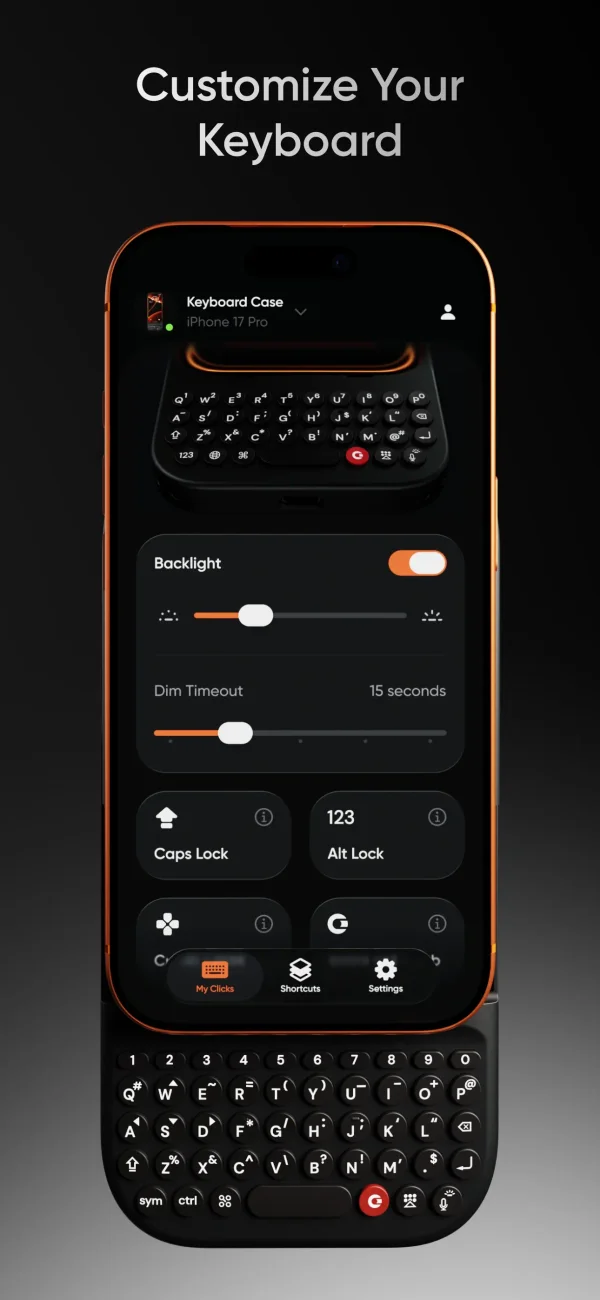
Toggle your keyboard backlight between 'automatic' and off. Use this feature to check the status of your backlight and reset it to automatic mode if it's been accidentally disabled through the keyboard shortcut.
Caps lock - Control the behaviour of the shift key. When turned on, pressing the shift key once makes the next charater a capital letter. Double clicking the shift key enables shift lock. When disabled, you must press and hold shift to get a captial letter.
Alt lock - Control the behaviour of the '123' key. When turned on, pressing the '123' key once makes the next typed character a number of symbol. Double clicking the shift key enables number lock - (great for typing phone numbers of long number strings!). When disabled, you must press and hold '123' to get numbers and symbols.
Soft return - Choose between using the return to add a carriage return (soft return) or send a message (hard return).
Clicks key customization - Decide whether you want the Clicks key to function as Tab or Control
Cursor mode - Enable cursor mode to use WASD and IJKL as directional cursor keys
Currency symbol - Customize your currency symbol
Create or log in to your Clicks Keyboard account to get updated about the latest features coming to your Clicks Keyboard
Update your keyboard firmware over the air to optimize the typing experience.
Learn and explore your Clicks keyboard with access to tips and how-to's.
* Certain features and functionality are dependant on your Clicks model.
Neue Funktionen
Version 3.0.2 · 15.09.2026
- Fix UI refresh / config data synchronization issue
- Fix firmware version display issue
App-Datenschutz
Was Clicks Technology Ltd im App Store zum Umgang dieser App mit Daten angibt.
-
Keine Daten erfasst
Der Entwickler erfasst keine Daten von dieser App.
Die Datenschutzpraktiken können variieren, zum Beispiel je nach den von Ihnen verwendeten Funktionen oder Ihrem Alter.
Informationen
- Anbieter
- Clicks Technology Ltd
- Kategorie
- Dienstprogramme
- Version
- 3.0.2
- Aktualisiert
- 15.09.2026
- Veröffentlicht
- 29.04.2024
- Größe
- 99,9 MB
- Erfordert
- iOS 17.6 oder neuer
- Altersfreigabe
- 4+
- Preis
- Kostenlos
- Sprachen
- Englisch, Japanisch
- Copyright
- © 2024 Clicks Technology Ltd.
Das könnte Ihnen auch gefallen
-
 Pebble CoreDienstprogramme
-
 SpaceWalker by VITUREDienstprogramme
-
 Screens 5: VNC Remote-DesktopSchneller und sicherer Zugriff
-
 Quiche BrowserMinimalist Webbrowser
-
 Wipr 2Dienstprogramme
-
 Kagi for SafariDienstprogramme
-
 Supernote PartnerDienstprogramme
-
 XTEINKDienstprogramme
-
 Neckband Remote by VITUREDienstprogramme
-
 Sill – Mac StreamingDienstprogramme