
- Classification d’âge4+
- CatégorieUtilitaires
- DéveloppeurClicks Technology Ltd
- LanguesAnglais+ 1 de plus
- Taille99,9 Mo
Renvoie vers la page App Store officielle
Download.org n’héberge aucun fichier de Clicks Keyboard. Le bouton ouvre la page de l’application sur App Store, où Clicks Technology Ltd la publie. Fiche vérifiée pour la dernière fois le 14/11/2026.
Captures d’écran

À propos
Le développeur n’a pas fourni ce texte dans votre langue.
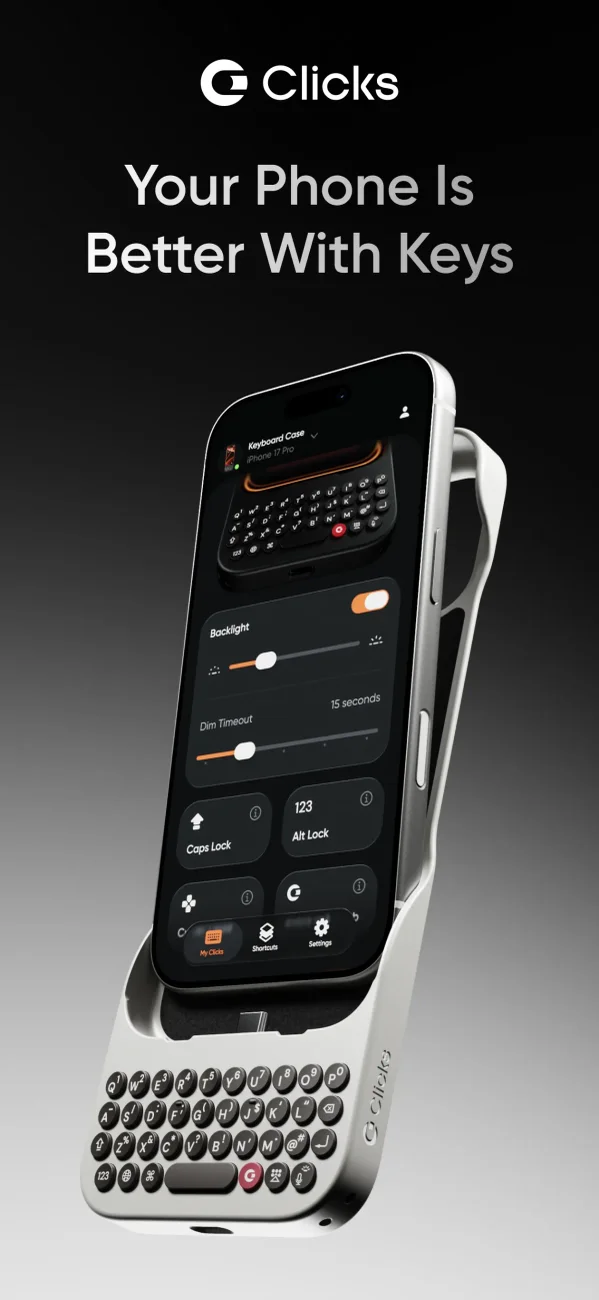
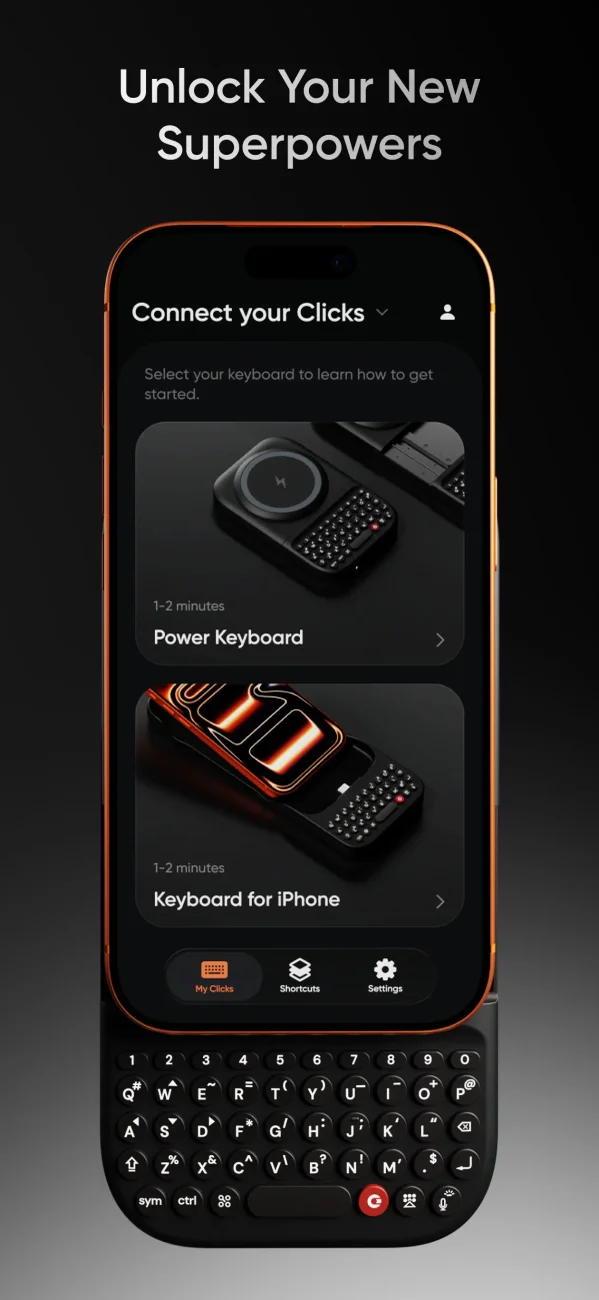
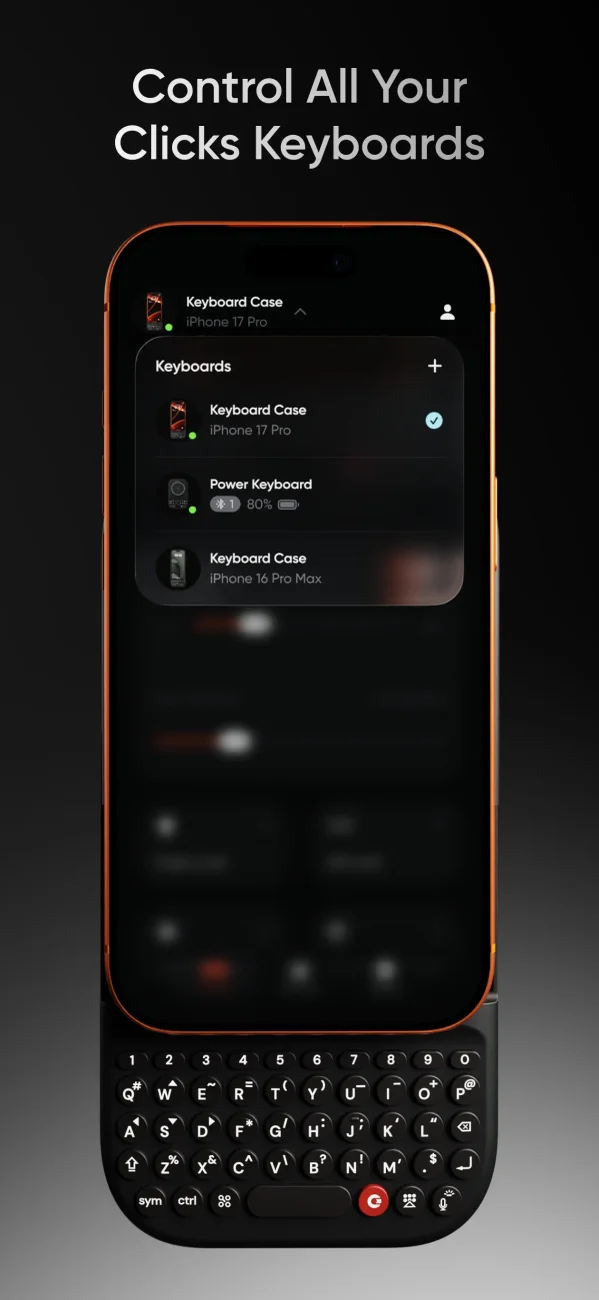
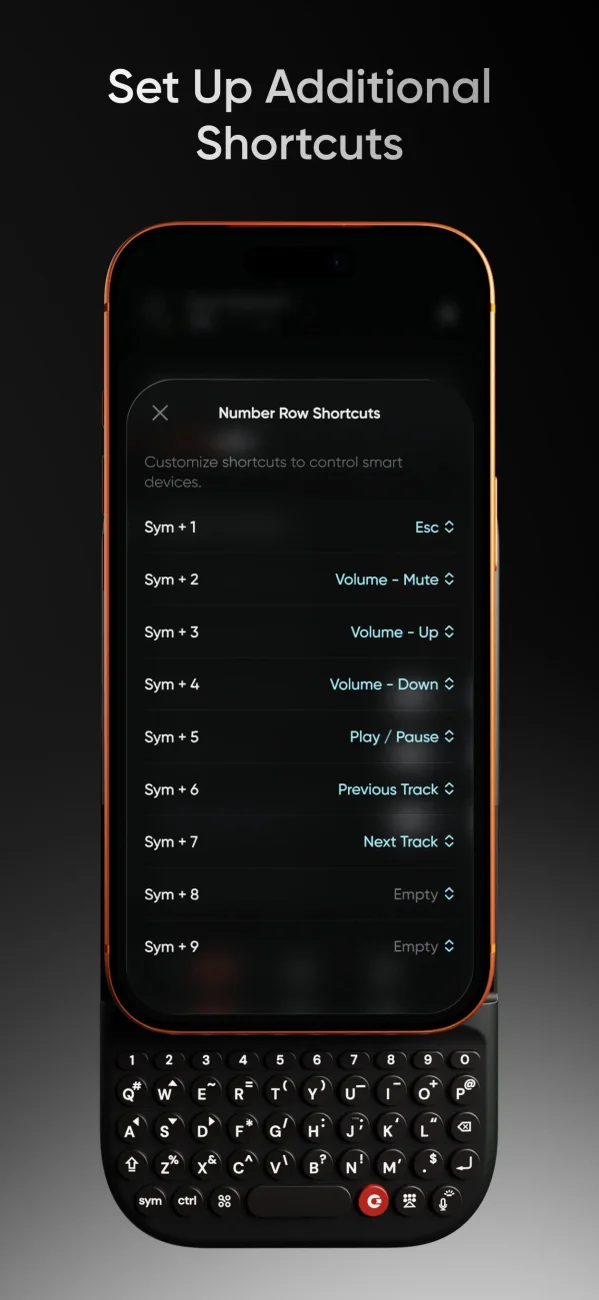
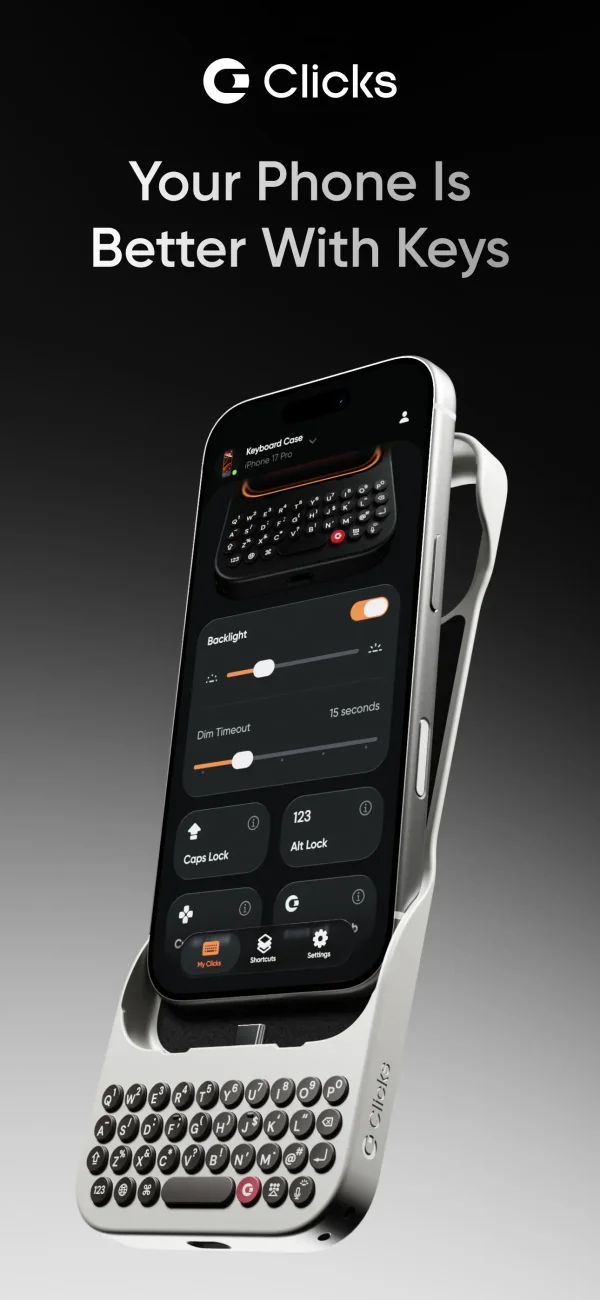
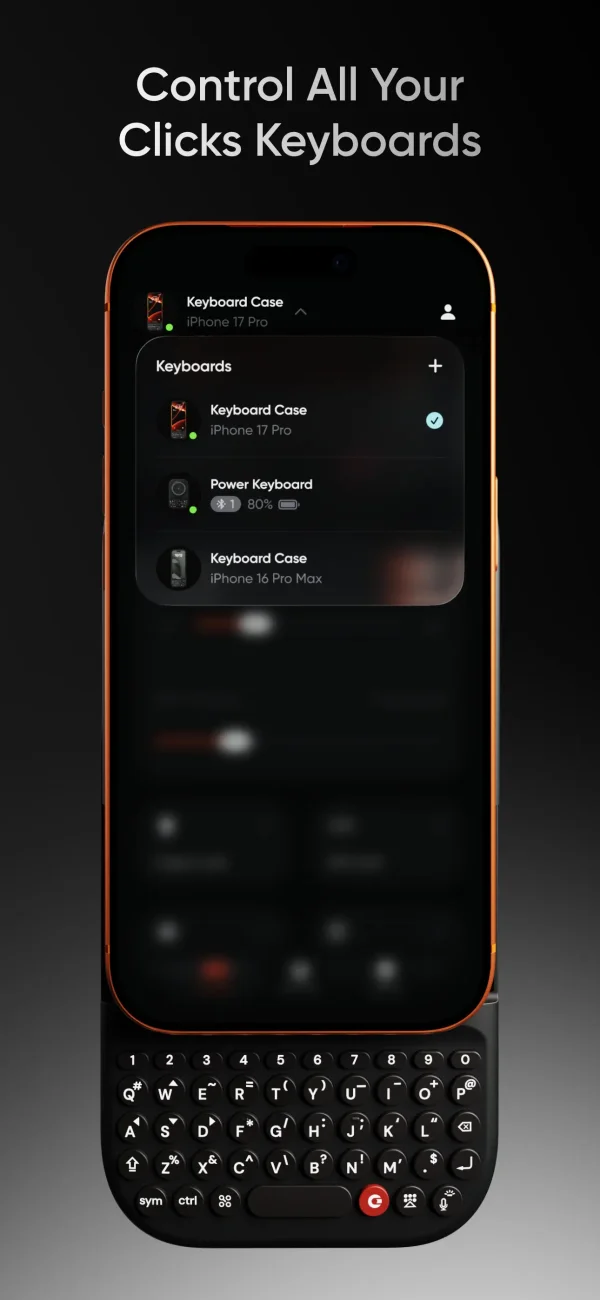
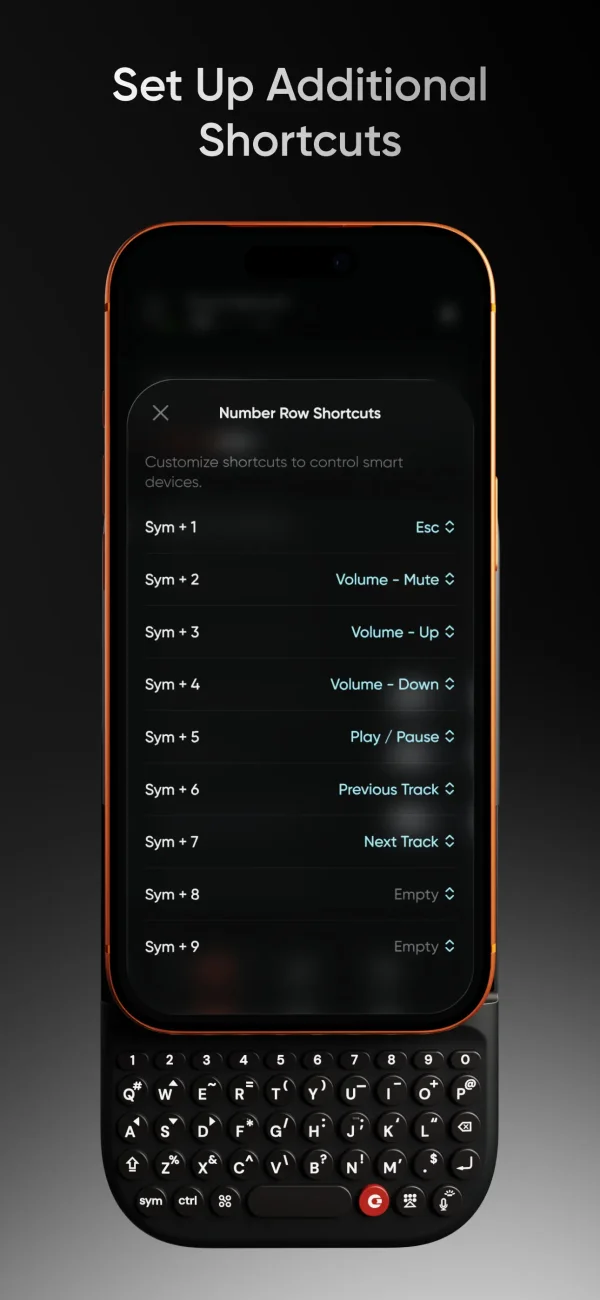
The Clicks app unlocks new features for your keyboard.
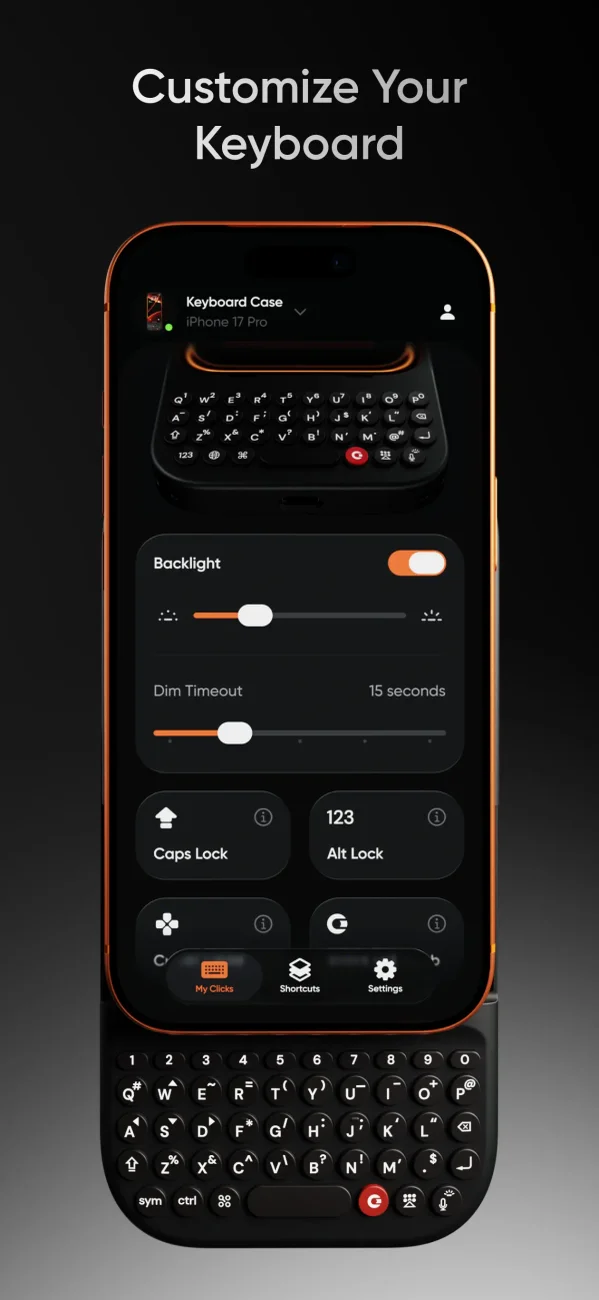
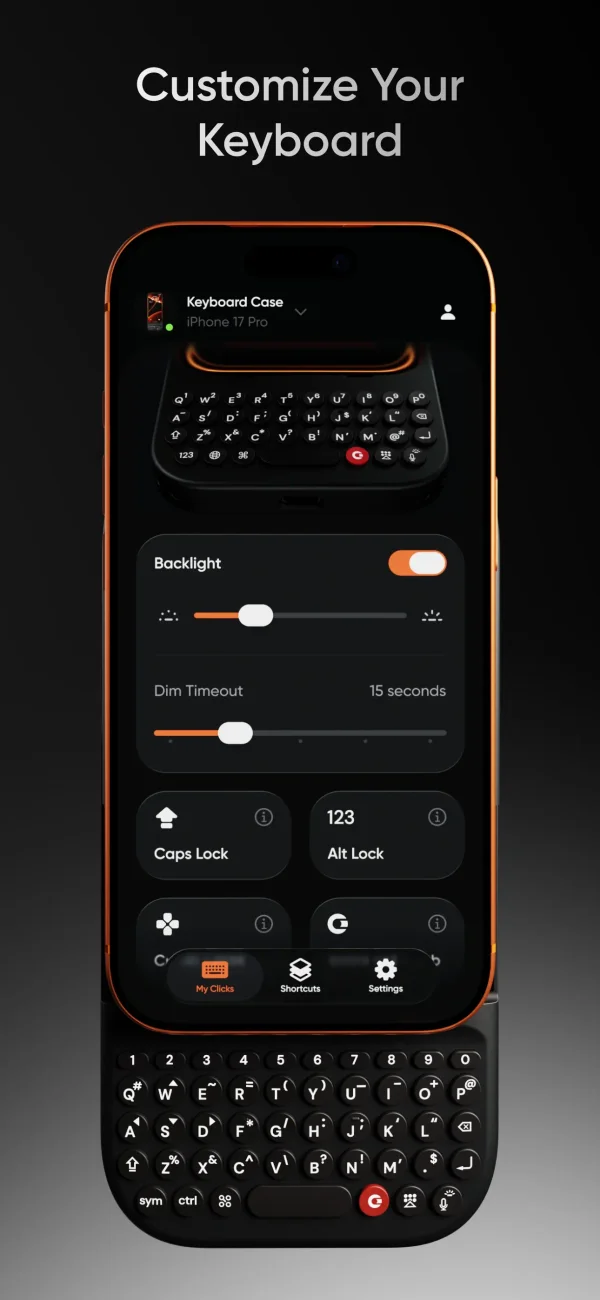
Toggle your keyboard backlight between 'automatic' and off. Use this feature to check the status of your backlight and reset it to automatic mode if it's been accidentally disabled through the keyboard shortcut.
Caps lock - Control the behaviour of the shift key. When turned on, pressing the shift key once makes the next charater a capital letter. Double clicking the shift key enables shift lock. When disabled, you must press and hold shift to get a captial letter.
Alt lock - Control the behaviour of the '123' key. When turned on, pressing the '123' key once makes the next typed character a number of symbol. Double clicking the shift key enables number lock - (great for typing phone numbers of long number strings!). When disabled, you must press and hold '123' to get numbers and symbols.
Soft return - Choose between using the return to add a carriage return (soft return) or send a message (hard return).
Clicks key customization - Decide whether you want the Clicks key to function as Tab or Control
Cursor mode - Enable cursor mode to use WASD and IJKL as directional cursor keys
Currency symbol - Customize your currency symbol
Create or log in to your Clicks Keyboard account to get updated about the latest features coming to your Clicks Keyboard
Update your keyboard firmware over the air to optimize the typing experience.
Learn and explore your Clicks keyboard with access to tips and how-to's.
* Certain features and functionality are dependant on your Clicks model.
Nouveautés
Version 3.0.2 · 15/09/2026
- Fix UI refresh / config data synchronization issue
- Fix firmware version display issue
Confidentialité de l’application
Ce que Clicks Technology Ltd déclare sur l’App Store au sujet du traitement des données par cette application.
-
Données non collectées
Le développeur ne collecte aucune donnée à partir de cette application.
Les pratiques en matière de confidentialité peuvent varier, notamment en fonction des fonctionnalités que vous utilisez ou de votre âge.
Informations
- Vendeur
- Clicks Technology Ltd
- Catégorie
- Utilitaires
- Version
- 3.0.2
- Mis à jour
- 15/09/2026
- Publié
- 29/04/2024
- Taille
- 99,9 Mo
- Nécessite
- iOS 17.6 ou version ultérieure
- Classification d’âge
- 4+
- Prix
- Gratuit
- Langues
- Anglais, Japonais
- Copyright
- © 2024 Clicks Technology Ltd.
Vous aimerez peut-être aussi
-
 Pebble CoreUtilitaires
-
 SpaceWalker by VITUREUtilitaires
-
 Screens 5: VNC à distanceAccès rapide et sécurisé
-
 Quiche : Navigateur InternetWeb Browser Privé + Ad Block
-
 Wipr 2Utilitaires
-
 Kagi for SafariUtilitaires
-
 Supernote PartnerUtilitaires
-
 XTEINKUtilitaires
-
 Neckband Remote by VITUREUtilitaires
-
 Sill – Mac StreamingUtilitaires