- Độ tuổi4+
- Danh mụcTiện Ích
- Nhà phát triểnClicks Technology Ltd
- Ngôn ngữTiếng Anh+ 1 ngôn ngữ khác
- Kích thước99,9 MB
Liên kết đến trang App Store chính thức
Download.org không lưu trữ tệp nào của Clicks Keyboard. Nút này mở trang ứng dụng trên App Store, nơi Clicks Technology Ltd phát hành ứng dụng. Trang được kiểm tra lần cuối: 14/11/2026.
Ảnh chụp màn hình
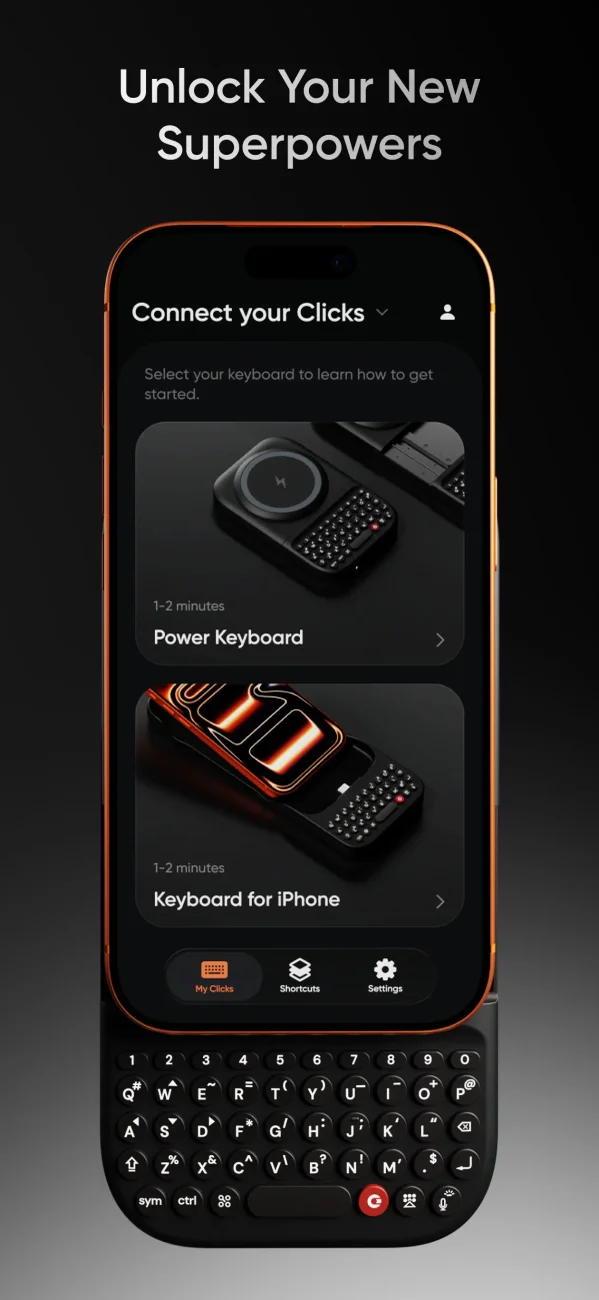
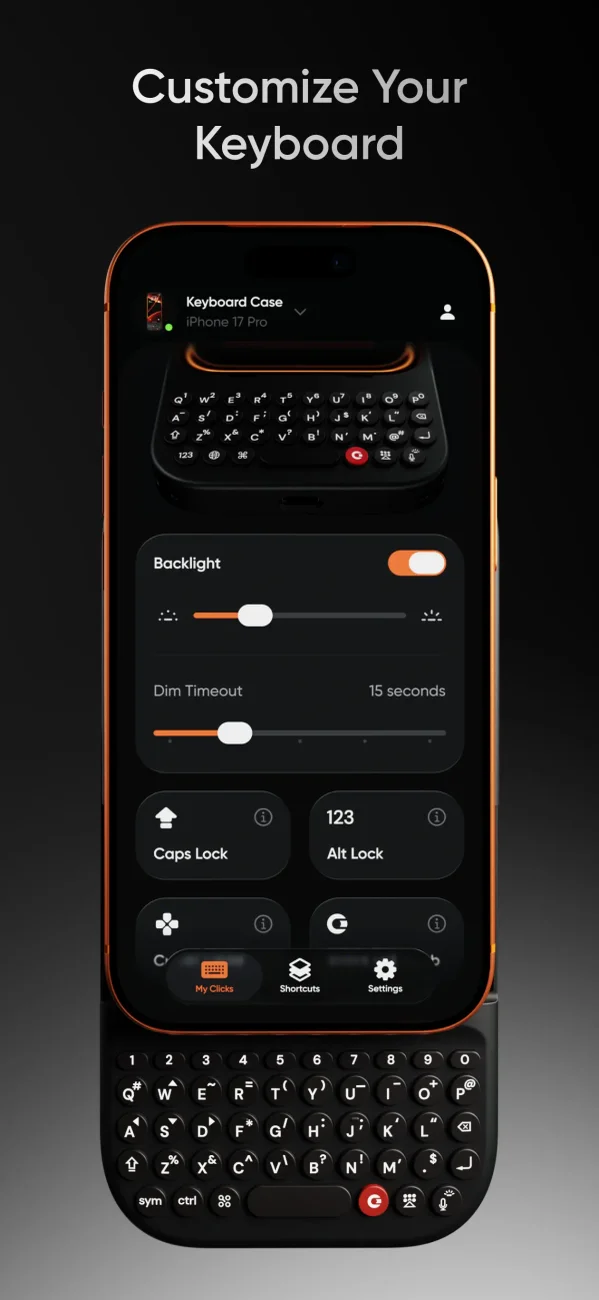
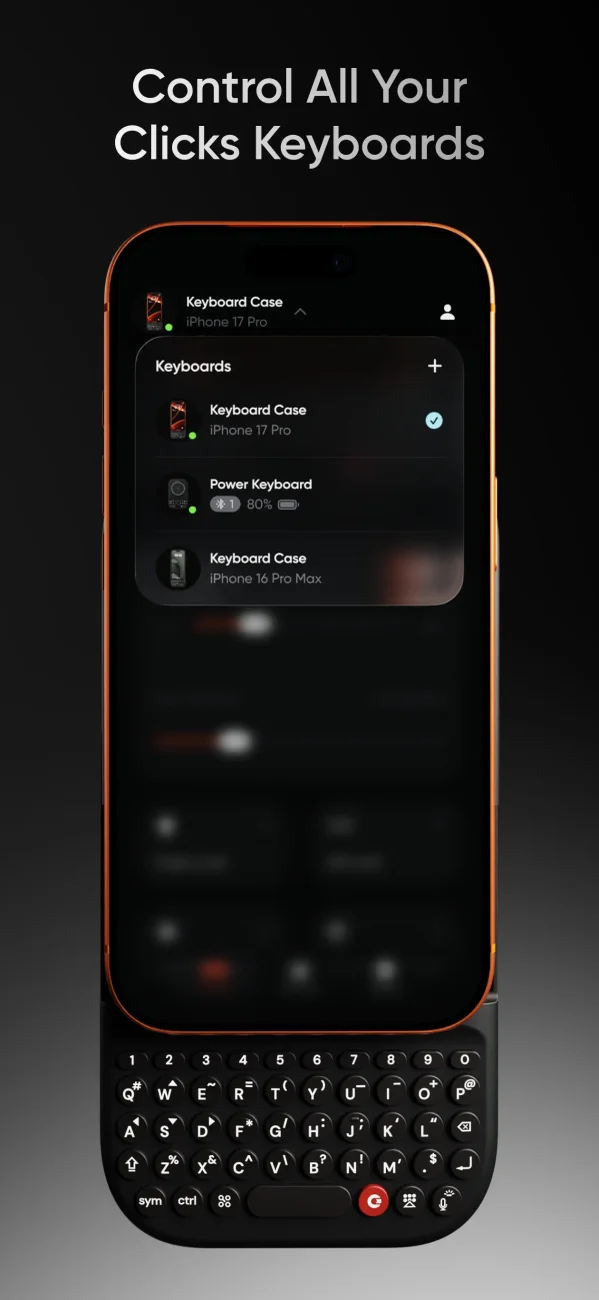
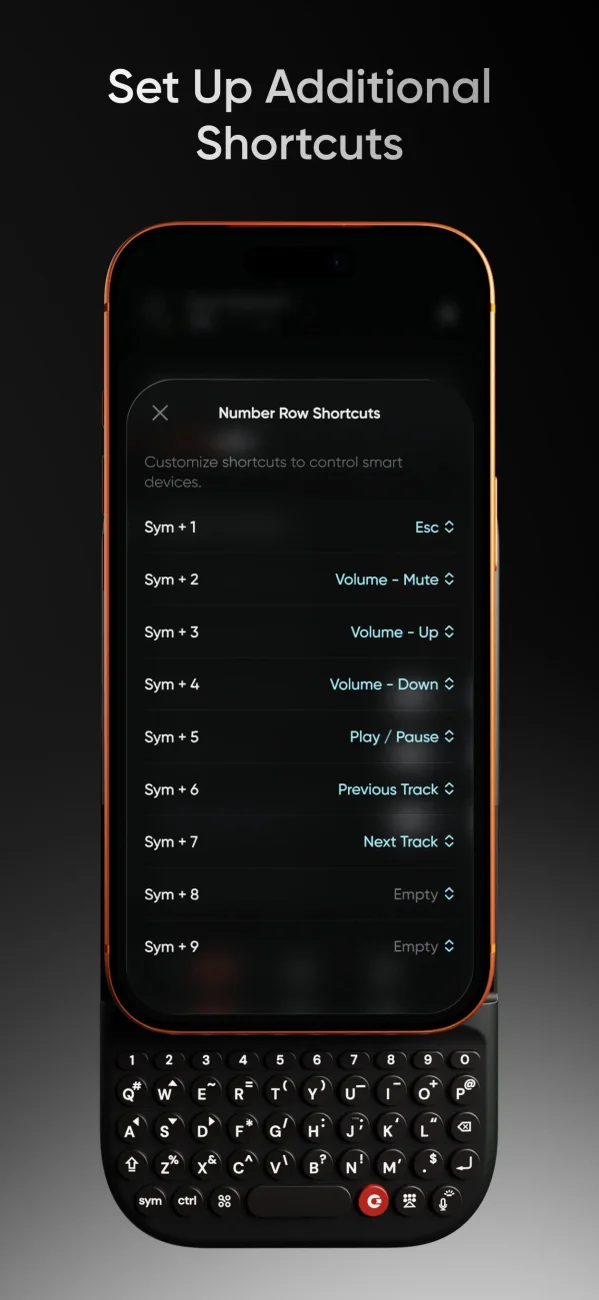

Giới thiệu
Nhà phát triển chưa cung cấp nội dung này bằng ngôn ngữ của bạn.
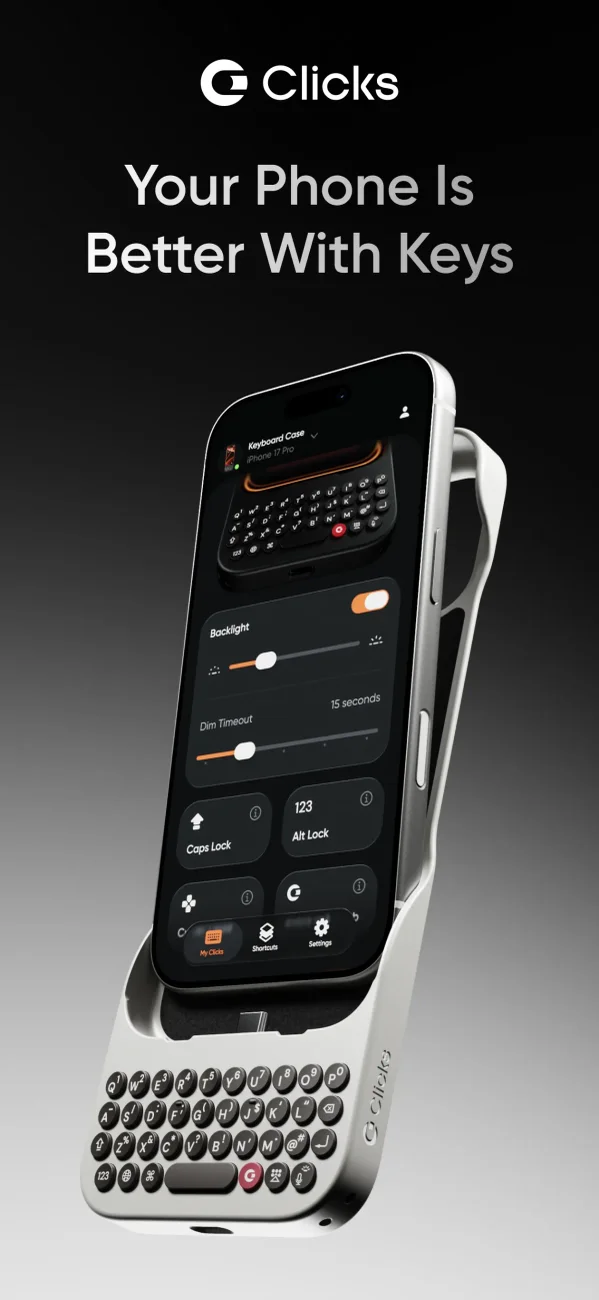
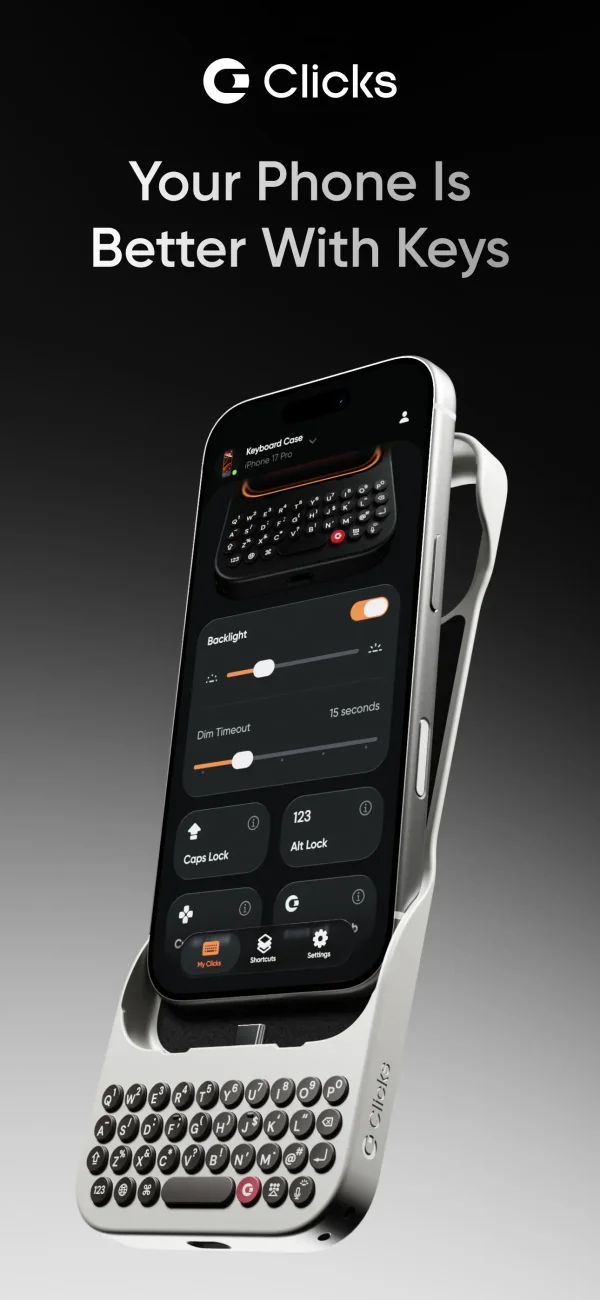
The Clicks app unlocks new features for your keyboard.
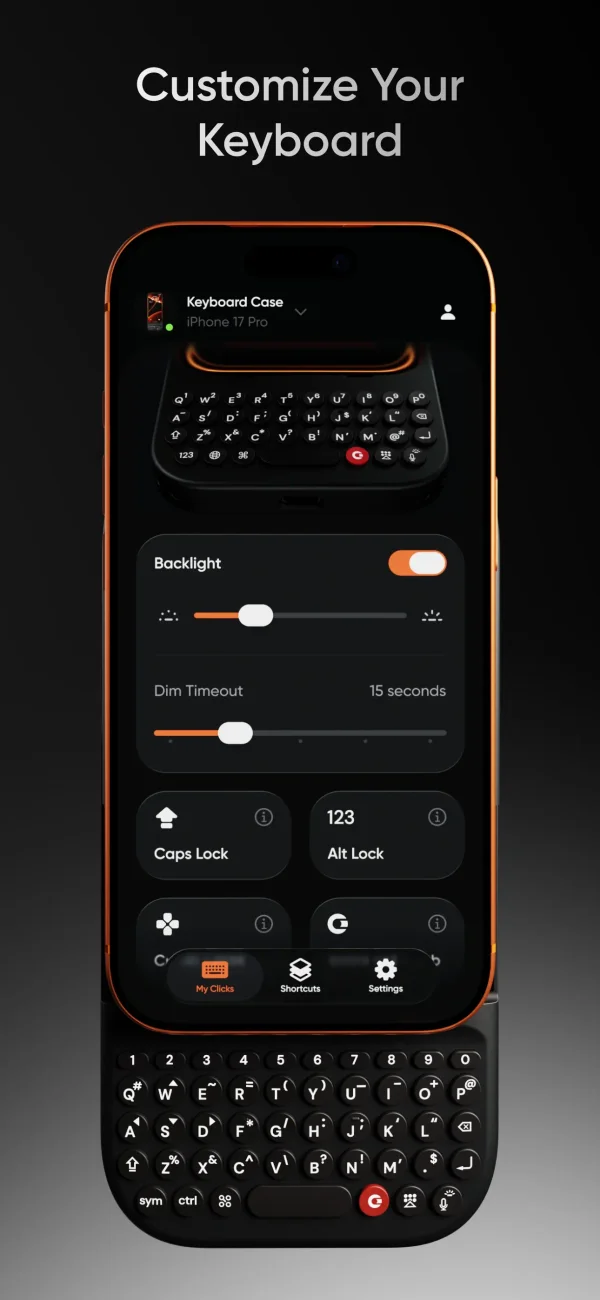
Toggle your keyboard backlight between 'automatic' and off. Use this feature to check the status of your backlight and reset it to automatic mode if it's been accidentally disabled through the keyboard shortcut.
Caps lock - Control the behaviour of the shift key. When turned on, pressing the shift key once makes the next charater a capital letter. Double clicking the shift key enables shift lock. When disabled, you must press and hold shift to get a captial letter.
Alt lock - Control the behaviour of the '123' key. When turned on, pressing the '123' key once makes the next typed character a number of symbol. Double clicking the shift key enables number lock - (great for typing phone numbers of long number strings!). When disabled, you must press and hold '123' to get numbers and symbols.
Soft return - Choose between using the return to add a carriage return (soft return) or send a message (hard return).
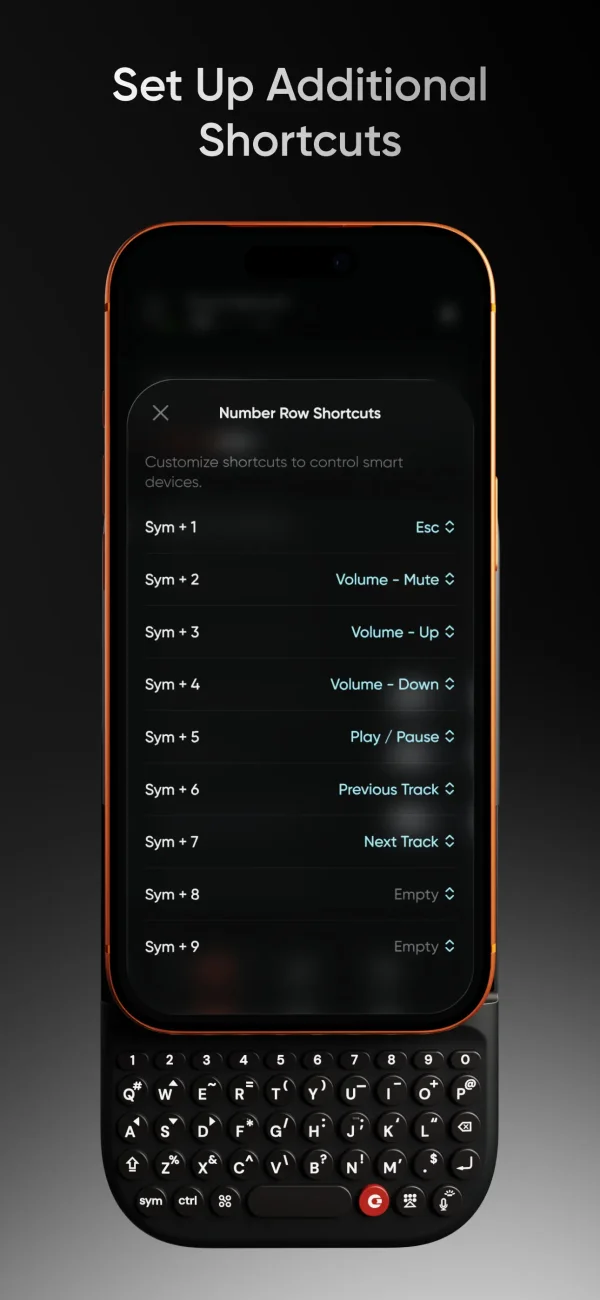
Clicks key customization - Decide whether you want the Clicks key to function as Tab or Control
Cursor mode - Enable cursor mode to use WASD and IJKL as directional cursor keys
Currency symbol - Customize your currency symbol
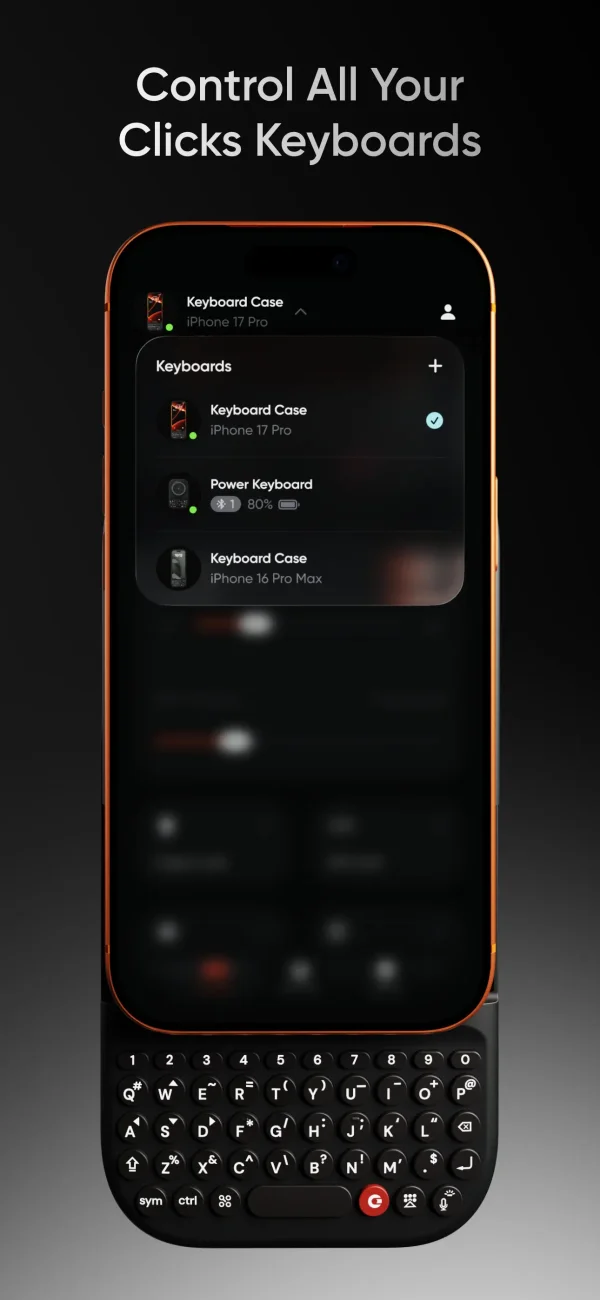
Create or log in to your Clicks Keyboard account to get updated about the latest features coming to your Clicks Keyboard
Update your keyboard firmware over the air to optimize the typing experience.
Learn and explore your Clicks keyboard with access to tips and how-to's.
* Certain features and functionality are dependant on your Clicks model.
Có gì mới
Phiên bản 3.0.2 · 15/09/2026
- Fix UI refresh / config data synchronization issue
- Fix firmware version display issue
Quyền riêng tư của ứng dụng
Những gì Clicks Technology Ltd khai báo trên App Store về cách ứng dụng này xử lý dữ liệu.
-
Dữ liệu không được thu thập
Nhà phát triển không thu thập bất kỳ dữ liệu nào từ ứng dụng này.
Phương thức đảm bảo quyền riêng tư có thể khác nhau, chẳng hạn như tuỳ theo các tính năng bạn sử dụng hoặc độ tuổi của bạn.
Thông tin
- Người bán
- Clicks Technology Ltd
- Danh mục
- Tiện Ích
- Phiên bản
- 3.0.2
- Cập nhật
- 15/09/2026
- Phát hành
- 29/04/2024
- Kích thước
- 99,9 MB
- Yêu cầu
- iOS 17.6 trở lên
- Độ tuổi
- 4+
- Giá
- Miễn phí
- Ngôn ngữ
- Tiếng Anh, Tiếng Nhật
- Bản quyền
- © 2024 Clicks Technology Ltd.