
- Altersfreigabe4+
- KategorieEntwickler-Tools
- EntwicklerMichael Frey
- SprachenEnglisch
- Größe47,8 MB
Verlinkt auf die offizielle App Store-Seite
Download.org hostet keine Datei von CodeMan - VSCode. Die Schaltfläche öffnet die App-Seite bei App Store, wo Michael Frey die App veröffentlicht. Eintrag zuletzt geprüft am 21.11.2026.
Screenshots

Info
Der Entwickler hat diesen Text nicht in Ihrer Sprache bereitgestellt.
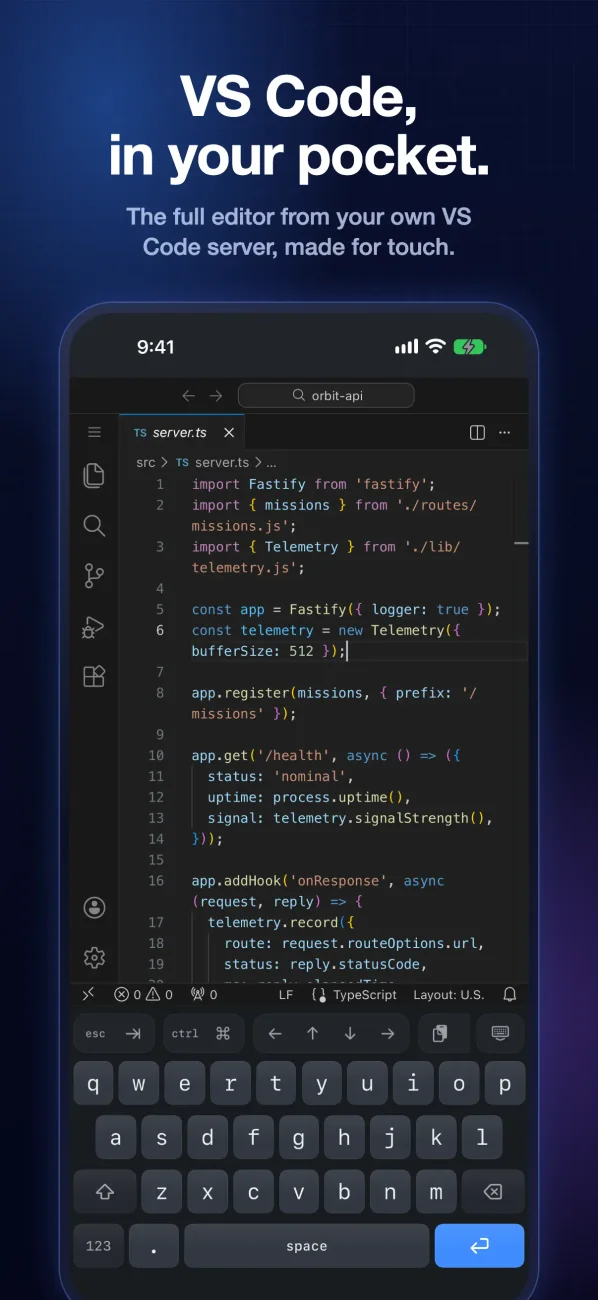
VS Code, in your pocket.
CodeMan brings your VS Code server to iPhone and iPad, with a native shell built for touch, a keyboard made for code, and folders from the Files app or straight from your servers over SSH.
YOUR VS CODE, FULL SCREEN
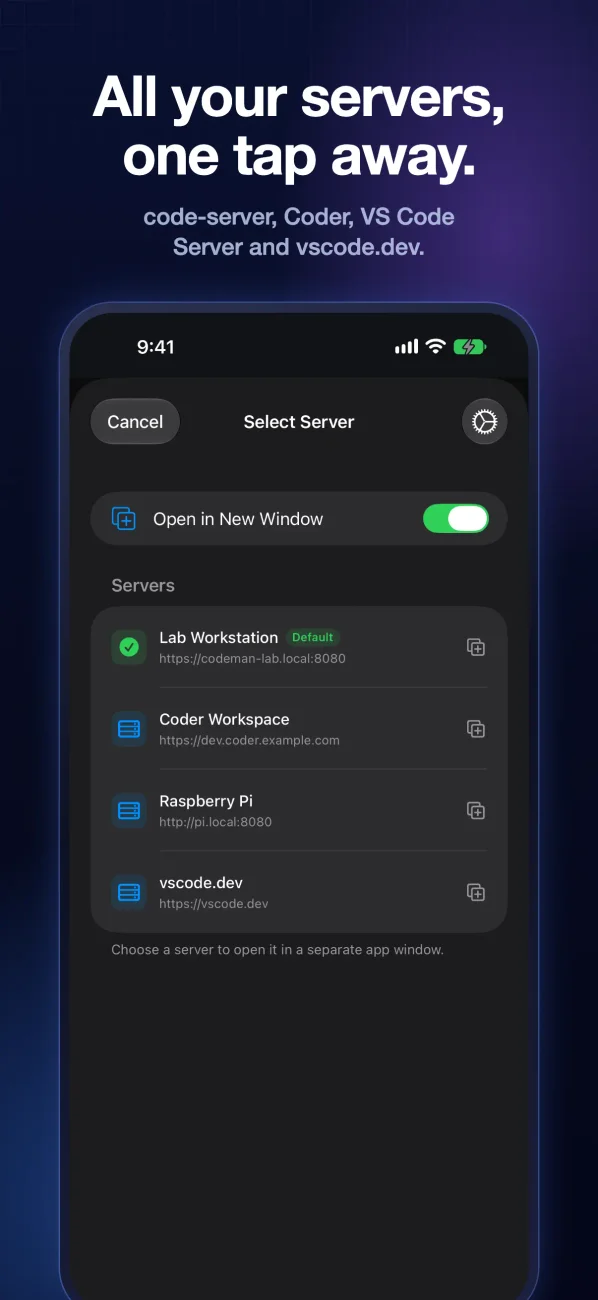
- Works with code-server, Coder, VS Code Server and vscode.dev
- Chromeless, so the editor gets the whole screen
- Extensions, terminal, Git and settings come from your server
- Self-signed certificates for servers on your network
A KEYBOARD MADE FOR CODE
- Brackets, operators and symbols on their own layer
- Arrow keys, Esc, Tab, Control and Command always one tap away
- Copy, paste, undo and redo in the toolbar
- Full shortcut support with a hardware keyboard
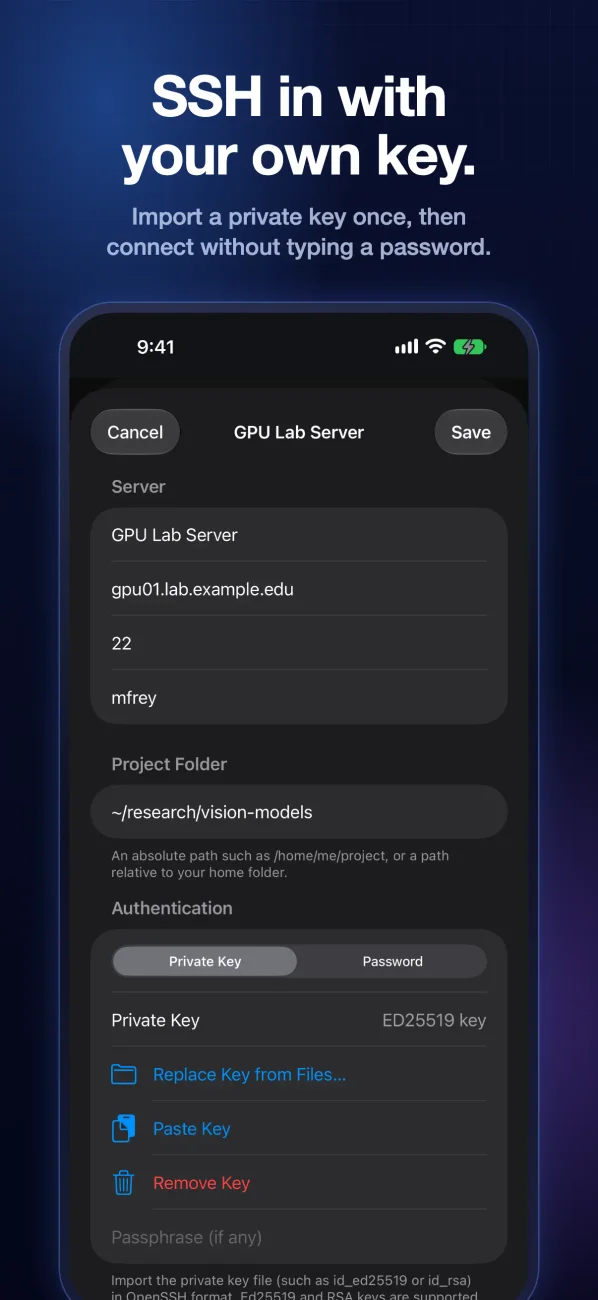
SSH WITH YOUR OWN KEY
- Import a private key from the Files app or paste it
- Save a host with its username, key and project folder
- Open folders on your lab or cloud server over SFTP, with no password to type
- Ed25519 and RSA keys; host keys are checked on every connection
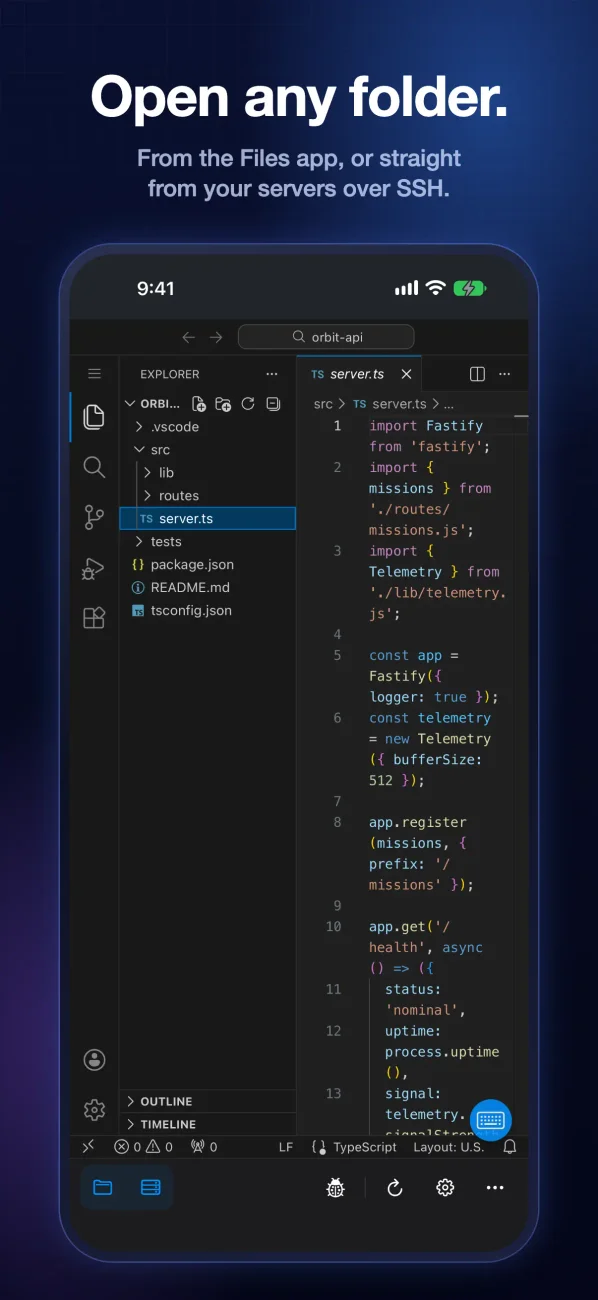
OPEN ANY FOLDER FROM FILES
- Edit folders from your device, iCloud Drive or other Files providers in your VS Code workspace
- Only the files you open are read, so big projects stay fast
MADE FOR EVERY SCREEN
- iPhone: a full-width editor with the code keyboard
- iPhone Duo: tabs that survive folding, the iPad-size keyboard when open, and laptop mode with the editor above the fold
- iPad: tabs, multiple windows, Split View and Stage Manager
- Apple Vision Pro: your editor in a window beside your work
PRIVATE BY DESIGN
- No tracking, analytics or accounts
- Connections go straight from your device to your servers
- Keys and passwords stay in your device's Keychain
- Optional iCloud sync for settings (never for keys or passwords)
REQUIREMENTS
- A VS Code server (code-server, Coder or VS Code Server), or vscode.dev
- Folders from Files and SSH use the free CodeMan iPad Files extension on your server
- SSH needs an OpenSSH-format private key (Ed25519 or RSA) and isn't available on Apple Vision Pro
Neue Funktionen
Version 1.8 · 19.11.2026
SSH with your own key
Save a server with your username and private key, imported from the Files app, then open its folders in VS Code. No password to type each time. Manage hosts in Settings > SSH Hosts and open them from the editor's More menu with Open SSH Project.
Faster folders from Files
Folders open right away. CodeMan reads only the files you open, so big projects and cloud folders load quickly. Update the CodeMan iPad Files extension on your server to version 0.2.0.
iPhone Duo
Tabs keep your work when you fold and unfold. When open, the code keyboard goes full size. In laptop mode the editor sits above the fold and the keyboard below it.
App-Datenschutz
Was Michael Frey im App Store zum Umgang dieser App mit Daten angibt.
-
Keine Daten erfasst
Der Entwickler erfasst keine Daten von dieser App.
Die Datenschutzpraktiken können variieren, zum Beispiel je nach den von Ihnen verwendeten Funktionen oder Ihrem Alter.
Informationen
- Anbieter
- Michael Frey
- Kategorie
- Entwickler-Tools
- Version
- 1.8
- Aktualisiert
- 19.11.2026
- Veröffentlicht
- 05.03.2026
- Größe
- 47,8 MB
- Erfordert
- iOS 18.6 oder neuer
- Altersfreigabe
- 4+
- Preis
- 5,99 €
- Sprachen
- Englisch
- Copyright
- © Michael Frey 2026
Das könnte Ihnen auch gefallen
-
 Visual Code Editor - vCodeRun Node.js,Python,JS,C & more
-
 Code AppDesktop-class code editing
-
 WhisperCodeEntwickler-Tools
-
 Termix Pro: SSH & SFTP ClientEntwickler-Tools
-
 Visual Claude: Vibe CodeEntwickler-Tools
-
 Locker SSHPures SSH-Terminal-Erlebnis
-
 Prompt 3Entwickler-Tools
-
 SSH Client - Secure ShellFishEntwickler-Tools
-
 DetailsProEntwickler-Tools
-
 Moshi: herdr/tmux via SSH/MOSHAgent-Terminal für Codex CLI