
- Altersfreigabe4+
- KategorieWirtschaft
- EntwicklerBose Professional
- Größe37,2 MB
Verlinkt auf die offizielle App Store-Seite
Download.org hostet keine Datei von ControlSpace Remote Client. Die Schaltfläche öffnet die App-Seite bei App Store, wo Bose Professional die App veröffentlicht. Eintrag zuletzt geprüft am 17.11.2026.
Screenshots
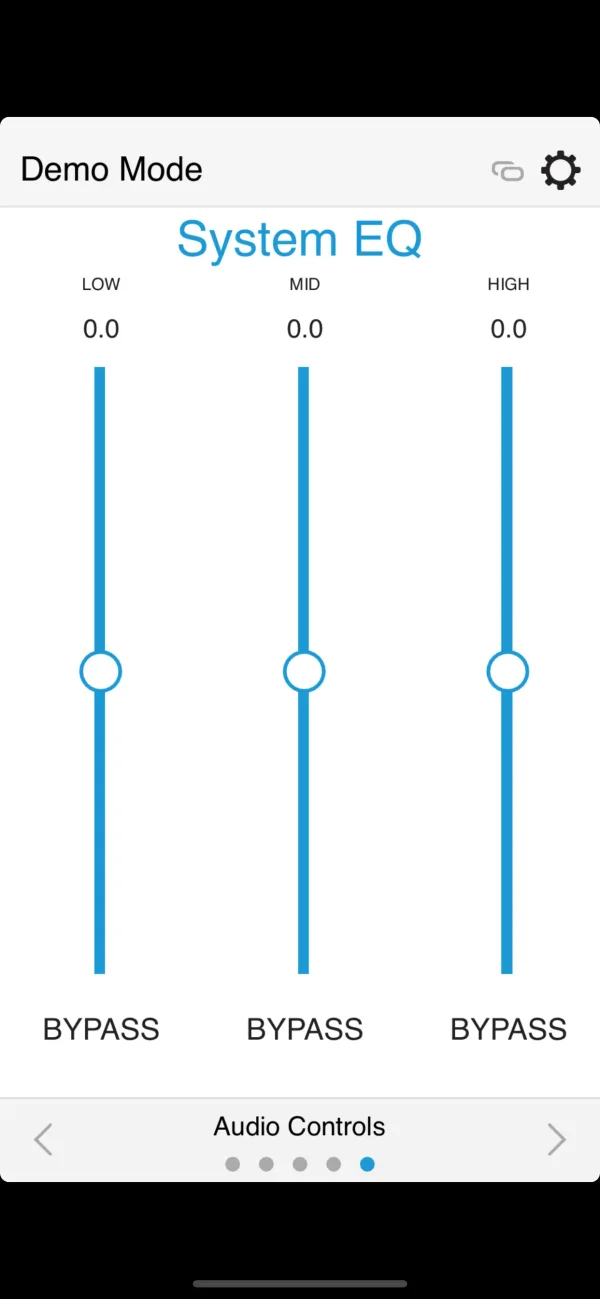
Info
Der Entwickler hat diesen Text nicht in Ihrer Sprache bereitgestellt.
PLEASE NOTE: This application ONLY works with Bose Professional Networked Systems.
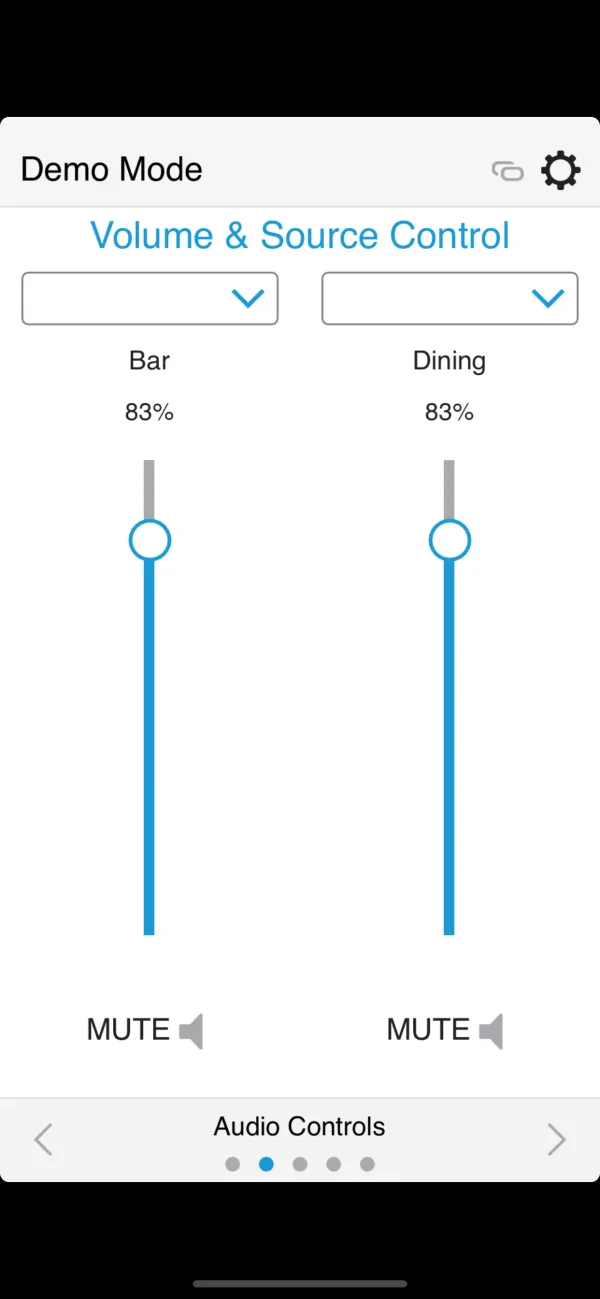
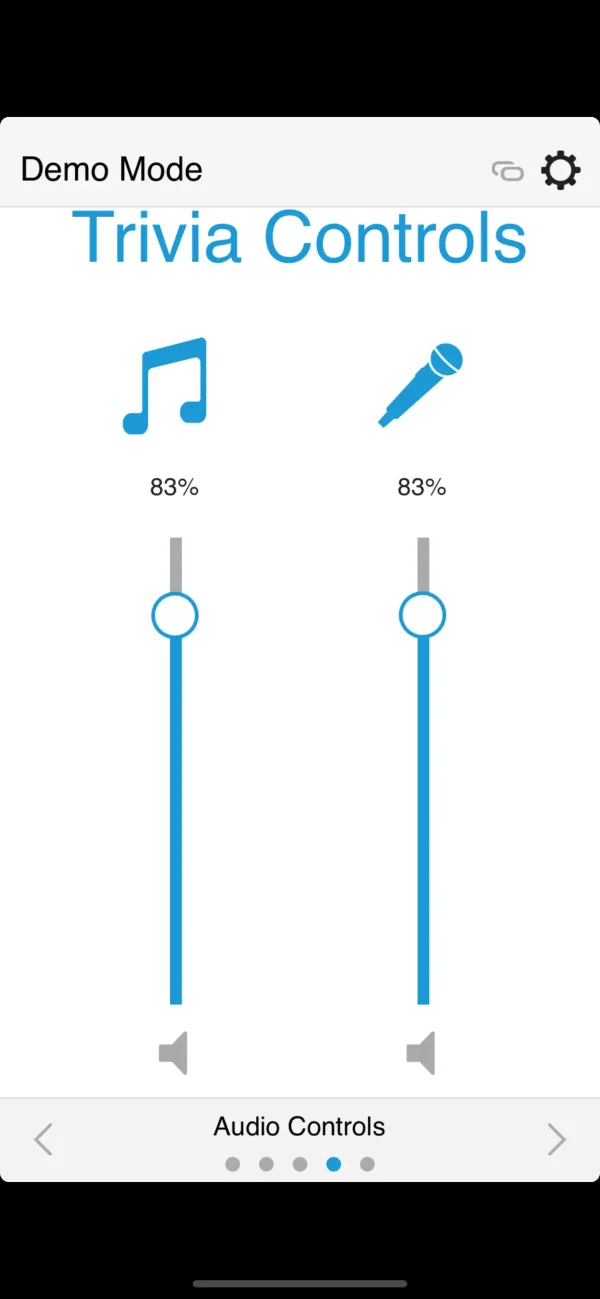
Designed for end-user control of audio systems using Bose® Professional networked products, the ControlSpace® Remote app provides intuitive and personalized wireless control for increased convenience and utilization of installed sound systems.
The app provides the ability for custom controls, backgrounds, and images and support for the following system functions:
• Volume/mute, Source selection, tone control
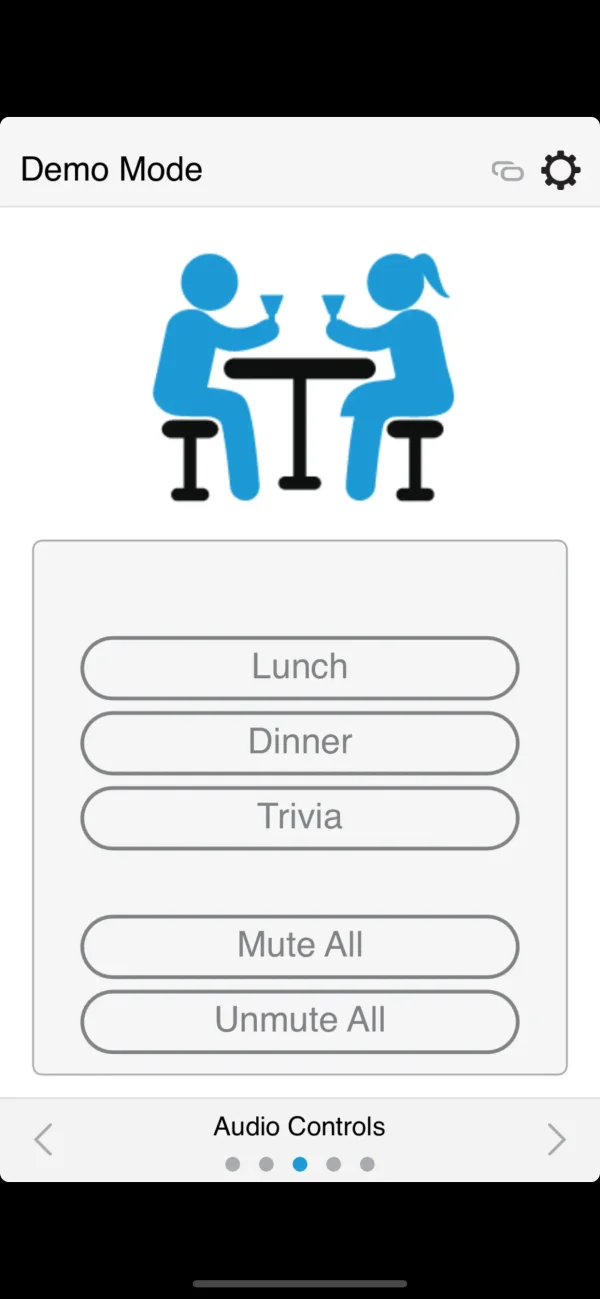
• Parameter set control
• VoIP and PSTN dialers
• Conference Room Router control
For advanced users, such as facility managers, collections of control panels can be displayed as logical groupings which mimic specific zone arrangements in a facility.
ControlSpace Remote app must be configured by a certified Bose Professional system installer using ControlSpace Remote Builder, a PC software application (available on pro.Bose.com) where installers design, test and deploy control panels to mobile devices.
Neue Funktionen
Version 3.1.18 · 22.07.2025
New Features 3.1
1. Added controls for PowerShareX PSX1204D / PSX2404D / PSX4804D
a. Output Level / Mute
b. Grouped Output Level / Mute
c. ParameterSet and ParameterSet List support
Note: An ESP or EX processor or PC hosting the PowerShareX Proxy is required for ControlSpace Remote to control PSX devices. For more information on the PSXProxy please refer to the ControlSpace Designer Help file in CSD 5.15 or later.
2. Health & Status Monitoring for MSA12X and PowerShareX
a. Device Status
I. Displays number of MSA12X and PowerShareX devices connected and if any faults are present.
b. Device Details
I. Displays device specific information including: network info, standby status, auto-standby status, backup strategy, active source, output signal presence, clipping, limiting, temperature, warning, and fault info.
Fixes
1. Connection indicator now changes colors depending on connection status:
a. Red: CSR cannot connect to any devices in its configuration.
b. Yellow: CSR is not connected to one or more devices in its configuration, or a device in its configuration does not have any controls in CSR.
c. Green: All devices in CSR's configuration are connected and communicating.
2. Fixed alignment of elements in "About ControlSpace Remote" window that were cut off on some screen resolutions.
3. Improved loading speed of designs with a large number of meters.
4. Fixed issue where the app can progressively slow down and become unresponsive when using multiple panels of meters in some designs with an EX-1280.
App-Datenschutz
Was Bose Professional im App Store zum Umgang dieser App mit Daten angibt.
-
Keine Daten erfasst
Der Entwickler erfasst keine Daten von dieser App.
Die Datenschutzpraktiken können variieren, zum Beispiel je nach den von Ihnen verwendeten Funktionen oder Ihrem Alter.
Informationen
- Anbieter
- Transom Post Opco LLC
- Kategorie
- Wirtschaft
- Version
- 3.1.18
- Aktualisiert
- 22.07.2025
- Veröffentlicht
- 03.02.2016
- Größe
- 37,2 MB
- Erfordert
- iOS 13.0.0 oder neuer
- Altersfreigabe
- 4+
- Preis
- Kostenlos
- Copyright
- © 2023 Bose Professional
Das könnte Ihnen auch gefallen
-
 MP ManageProduktivität
-
 Boss MusicWirtschaft
-
 Q-SYS UCI ViewerProduktivität
-
 MagicQ Remote ControlProduktivität
-
 Crestron Device AssistantProduktivität
-
 TouchMix-8/16 ControlProduktivität
-
 InfoComm 2026 | June 13-19Wirtschaft
-
 Extron ControlProduktivität
-
 Lutron ViveProduktivität
-
 TouchMix-30 ControlProduktivität