- Độ tuổi4+
- Danh mụcKinh Doanh
- Nhà phát triểnBose Professional
- Kích thước37,2 MB
Liên kết đến trang App Store chính thức
Download.org không lưu trữ tệp nào của ControlSpace Remote Client. Nút này mở trang ứng dụng trên App Store, nơi Bose Professional phát hành ứng dụng. Trang được kiểm tra lần cuối: 17/11/2026.
Ảnh chụp màn hình
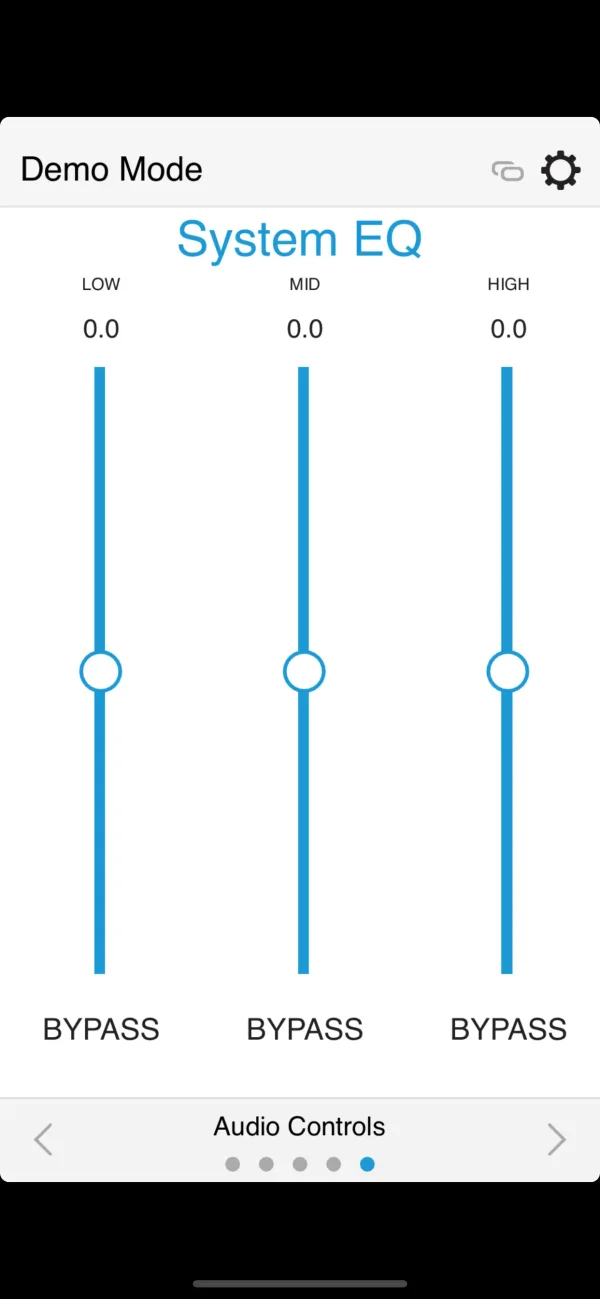
Giới thiệu
Nhà phát triển chưa cung cấp nội dung này bằng ngôn ngữ của bạn.
PLEASE NOTE: This application ONLY works with Bose Professional Networked Systems.
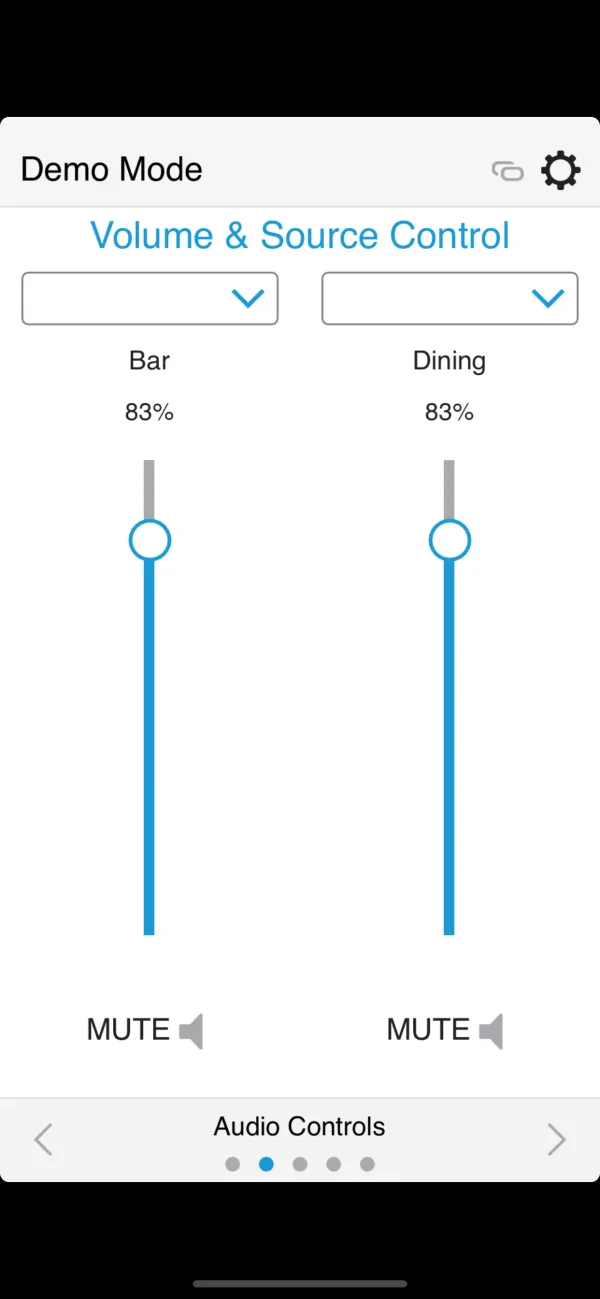
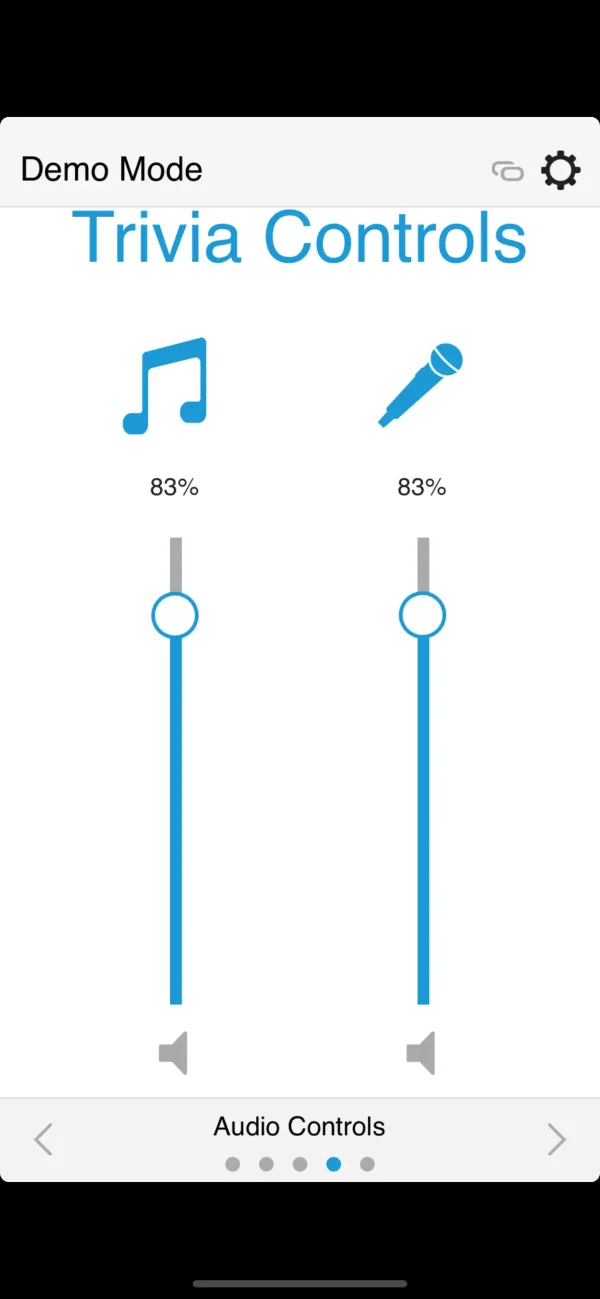
Designed for end-user control of audio systems using Bose® Professional networked products, the ControlSpace® Remote app provides intuitive and personalized wireless control for increased convenience and utilization of installed sound systems.
The app provides the ability for custom controls, backgrounds, and images and support for the following system functions:
• Volume/mute, Source selection, tone control
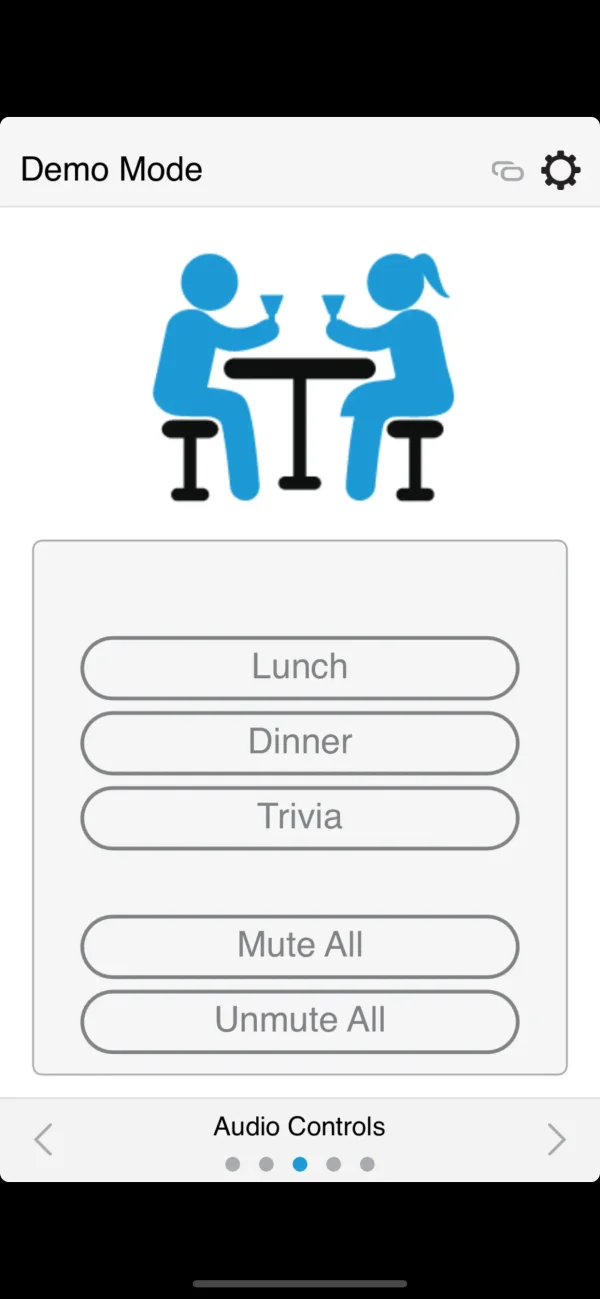
• Parameter set control
• VoIP and PSTN dialers
• Conference Room Router control
For advanced users, such as facility managers, collections of control panels can be displayed as logical groupings which mimic specific zone arrangements in a facility.
ControlSpace Remote app must be configured by a certified Bose Professional system installer using ControlSpace Remote Builder, a PC software application (available on pro.Bose.com) where installers design, test and deploy control panels to mobile devices.
Có gì mới
Phiên bản 3.1.18 · 22/07/2025
New Features 3.1
1. Added controls for PowerShareX PSX1204D / PSX2404D / PSX4804D
a. Output Level / Mute
b. Grouped Output Level / Mute
c. ParameterSet and ParameterSet List support
Note: An ESP or EX processor or PC hosting the PowerShareX Proxy is required for ControlSpace Remote to control PSX devices. For more information on the PSXProxy please refer to the ControlSpace Designer Help file in CSD 5.15 or later.
2. Health & Status Monitoring for MSA12X and PowerShareX
a. Device Status
I. Displays number of MSA12X and PowerShareX devices connected and if any faults are present.
b. Device Details
I. Displays device specific information including: network info, standby status, auto-standby status, backup strategy, active source, output signal presence, clipping, limiting, temperature, warning, and fault info.
Fixes
1. Connection indicator now changes colors depending on connection status:
a. Red: CSR cannot connect to any devices in its configuration.
b. Yellow: CSR is not connected to one or more devices in its configuration, or a device in its configuration does not have any controls in CSR.
c. Green: All devices in CSR's configuration are connected and communicating.
2. Fixed alignment of elements in "About ControlSpace Remote" window that were cut off on some screen resolutions.
3. Improved loading speed of designs with a large number of meters.
4. Fixed issue where the app can progressively slow down and become unresponsive when using multiple panels of meters in some designs with an EX-1280.
Quyền riêng tư của ứng dụng
Những gì Bose Professional khai báo trên App Store về cách ứng dụng này xử lý dữ liệu.
-
Dữ liệu không được thu thập
Nhà phát triển không thu thập bất kỳ dữ liệu nào từ ứng dụng này.
Phương thức đảm bảo quyền riêng tư có thể khác nhau, chẳng hạn như tuỳ theo các tính năng bạn sử dụng hoặc độ tuổi của bạn.
Thông tin
- Người bán
- Transom Post Opco LLC
- Danh mục
- Kinh Doanh
- Phiên bản
- 3.1.18
- Cập nhật
- 22/07/2025
- Phát hành
- 03/02/2016
- Kích thước
- 37,2 MB
- Yêu cầu
- iOS 13.0.0 trở lên
- Độ tuổi
- 4+
- Giá
- Miễn phí
- Bản quyền
- © 2023 Bose Professional