
- Clasificación por edad4+
- CategoríaEconomía y empresa
- DesarrolladorBose Professional
- Tamaño37,2 MB
Enlaza a la página oficial de App Store
Download.org no aloja ningún archivo de ControlSpace Remote Client. El botón abre la página de la aplicación en App Store, donde la publica Bose Professional. Ficha comprobada por última vez el 17/11/2026.
Capturas de pantalla
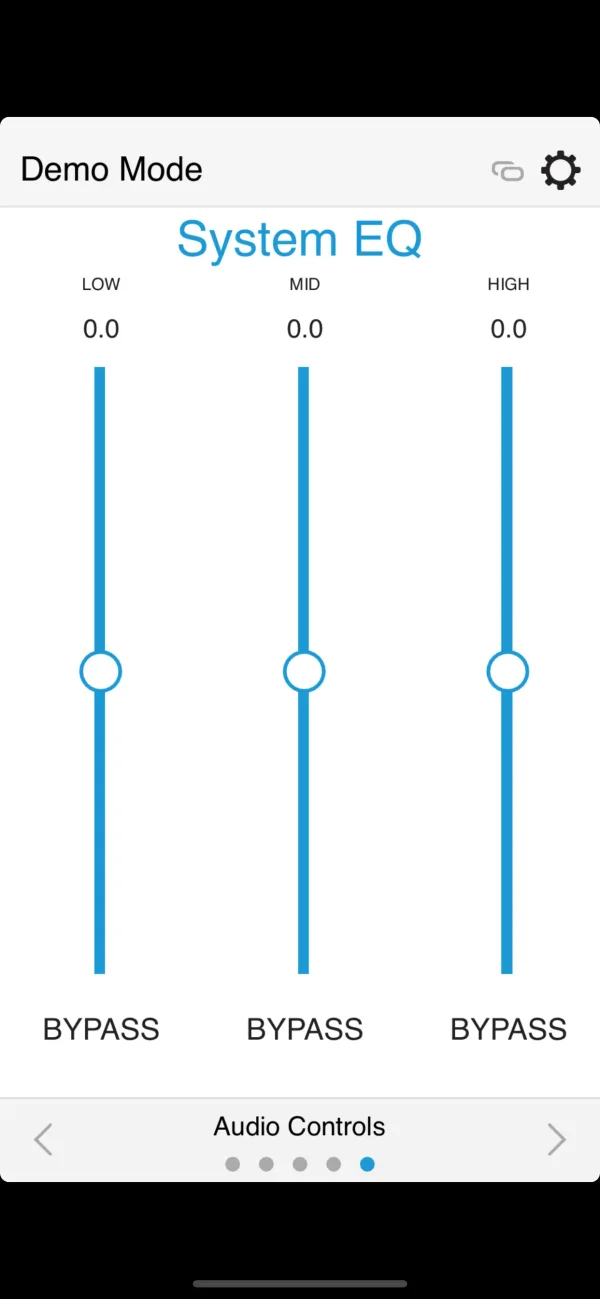
Acerca de
El desarrollador no ha proporcionado este texto en tu idioma.
PLEASE NOTE: This application ONLY works with Bose Professional Networked Systems.
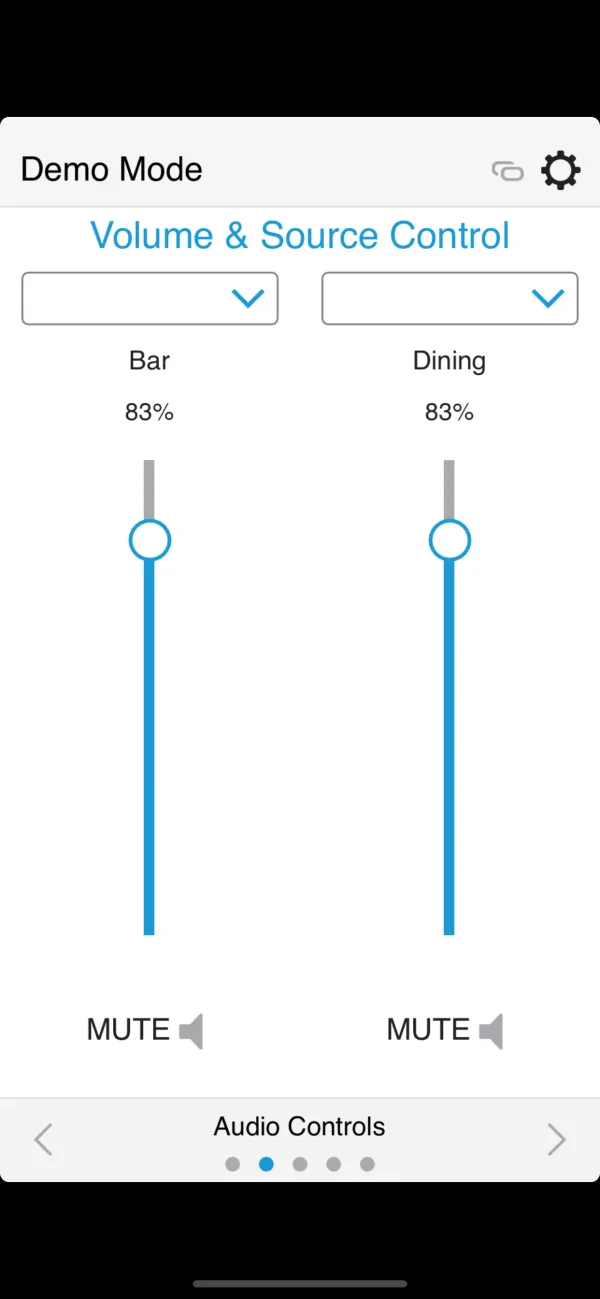
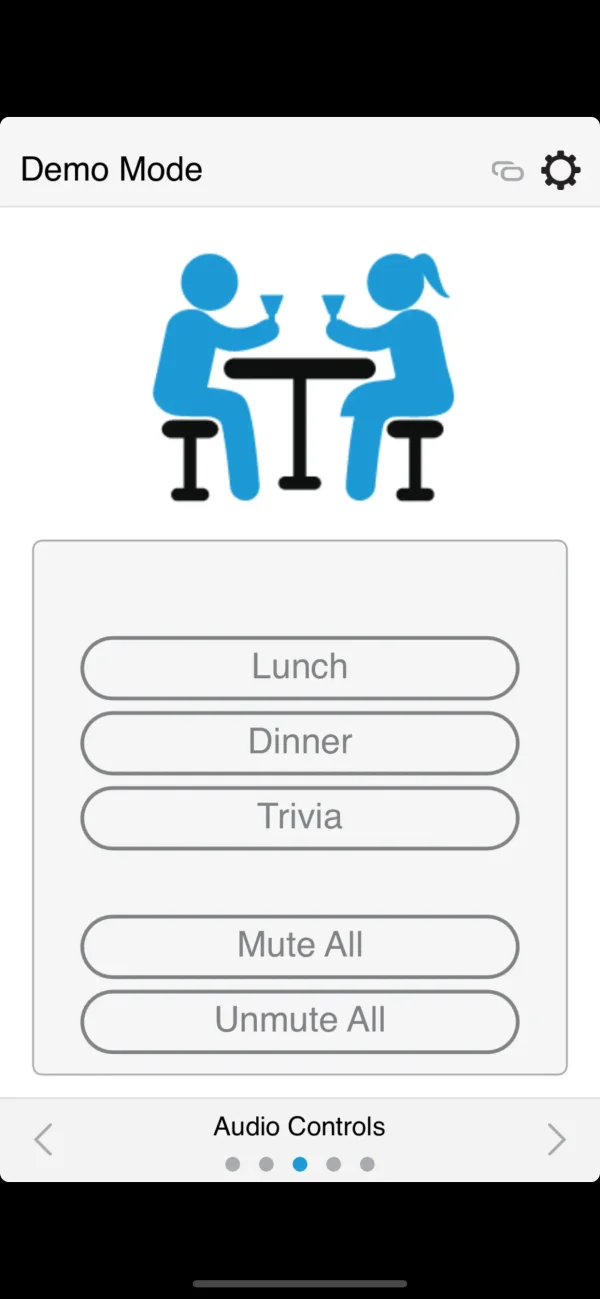
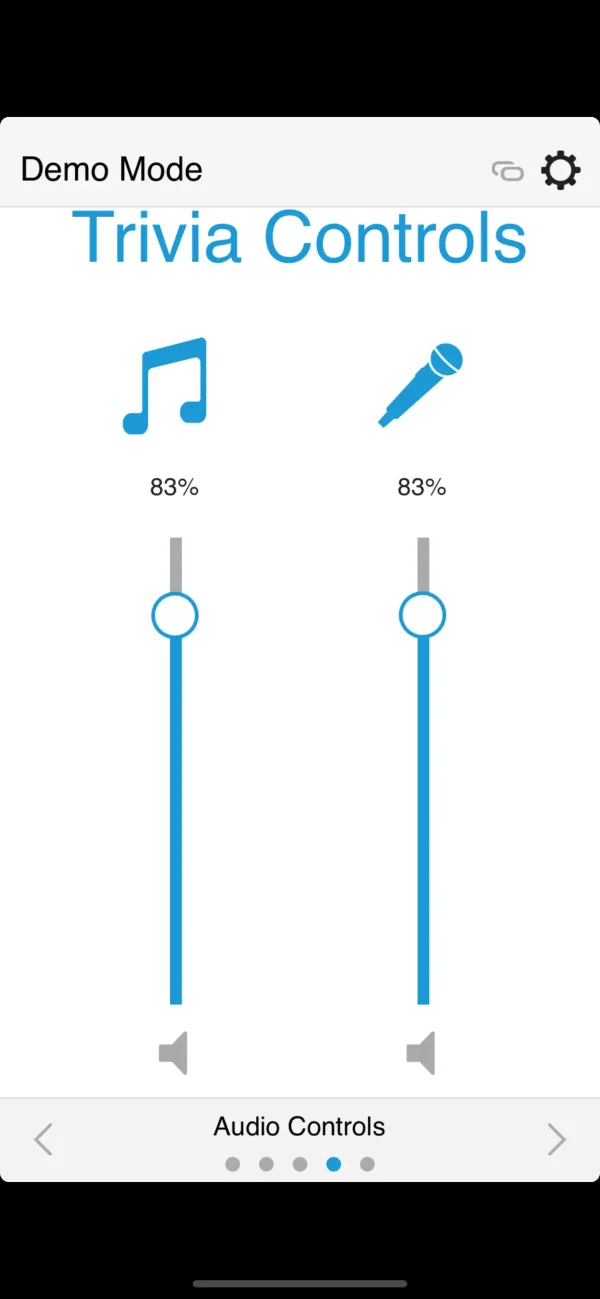
Designed for end-user control of audio systems using Bose® Professional networked products, the ControlSpace® Remote app provides intuitive and personalized wireless control for increased convenience and utilization of installed sound systems.
The app provides the ability for custom controls, backgrounds, and images and support for the following system functions:
• Volume/mute, Source selection, tone control
• Parameter set control
• VoIP and PSTN dialers
• Conference Room Router control
For advanced users, such as facility managers, collections of control panels can be displayed as logical groupings which mimic specific zone arrangements in a facility.
ControlSpace Remote app must be configured by a certified Bose Professional system installer using ControlSpace Remote Builder, a PC software application (available on pro.Bose.com) where installers design, test and deploy control panels to mobile devices.
Novedades
Versión 3.1.18 · 22/7/2025
New Features 3.1
1. Added controls for PowerShareX PSX1204D / PSX2404D / PSX4804D
a. Output Level / Mute
b. Grouped Output Level / Mute
c. ParameterSet and ParameterSet List support
Note: An ESP or EX processor or PC hosting the PowerShareX Proxy is required for ControlSpace Remote to control PSX devices. For more information on the PSXProxy please refer to the ControlSpace Designer Help file in CSD 5.15 or later.
2. Health & Status Monitoring for MSA12X and PowerShareX
a. Device Status
I. Displays number of MSA12X and PowerShareX devices connected and if any faults are present.
b. Device Details
I. Displays device specific information including: network info, standby status, auto-standby status, backup strategy, active source, output signal presence, clipping, limiting, temperature, warning, and fault info.
Fixes
1. Connection indicator now changes colors depending on connection status:
a. Red: CSR cannot connect to any devices in its configuration.
b. Yellow: CSR is not connected to one or more devices in its configuration, or a device in its configuration does not have any controls in CSR.
c. Green: All devices in CSR's configuration are connected and communicating.
2. Fixed alignment of elements in "About ControlSpace Remote" window that were cut off on some screen resolutions.
3. Improved loading speed of designs with a large number of meters.
4. Fixed issue where the app can progressively slow down and become unresponsive when using multiple panels of meters in some designs with an EX-1280.
Privacidad de la aplicación
Lo que Bose Professional declara en App Store sobre cómo esta aplicación gestiona los datos.
-
No se recopilan datos
El desarrollador no recopila ningún dato de esta aplicación.
Las prácticas de privacidad pueden variar, por ejemplo, según las funciones que uses o tu edad.
Información
- Vendedor
- Transom Post Opco LLC
- Categoría
- Economía y empresa
- Versión
- 3.1.18
- Actualizado
- 22/7/2025
- Publicado
- 3/2/2016
- Tamaño
- 37,2 MB
- Requiere
- iOS 13.0.0 o posterior
- Clasificación por edad
- 4+
- Precio
- Gratis
- Copyright
- © 2023 Bose Professional
Quizá también te guste
-
 MP ManageProductividad
-
 Boss MusicEconomía y empresa
-
 Q-SYS UCI ViewerProductividad
-
 MagicQ Remote ControlProductividad
-
 Crestron Device AssistantProductividad
-
 TouchMix-8/16 ControlProductividad
-
 InfoComm 2026 | June 13-19Economía y empresa
-
 Extron ControlProductividad
-
 Lutron ViveProductividad
-
 TouchMix-30 ControlProductividad