CopyIt The Grid Drawing Method
An ancient tool made digital.
Entwickelt für iPhone, iPad, iPod touch
9,99 €
- Altersfreigabe4+
- KategorieProduktivität
- EntwicklerNigel Green
- SprachenEnglisch+ 8 weitere
- Größe31,5 MB
Verlinkt auf die offizielle App Store-Seite
Download.org hostet keine Datei von CopyIt The Grid Drawing Method. Die Schaltfläche öffnet die App-Seite bei App Store, wo Nigel Green die App veröffentlicht. Eintrag zuletzt geprüft am 20.11.2026.
Screenshots
Info
Der Entwickler hat diesen Text nicht in Ihrer Sprache bereitgestellt.
First released in 2010, CopyIt is the original and most feature‑rich grid drawing app. Trusted by artists, teachers, and students worldwide, CopyIt brings the centuries‑old grid drawing technique into the digital age, making it easier than ever to copy, enlarge, or reduce reference images with precision.
Why CopyIt?
The grid method, used by masters like Leonardo da Vinci, breaks images into manageable sections so you can focus on lines and shapes square by square. CopyIt eliminates the need to print and mark up photos, offering zoom, filters, and digital tools that enhance accuracy and detail. Whether you’re a beginner or experienced artist, CopyIt helps you achieve results with confidence.
Key Features
• Universal App: Works on iPhone, iPad, and Apple Silicon Macs
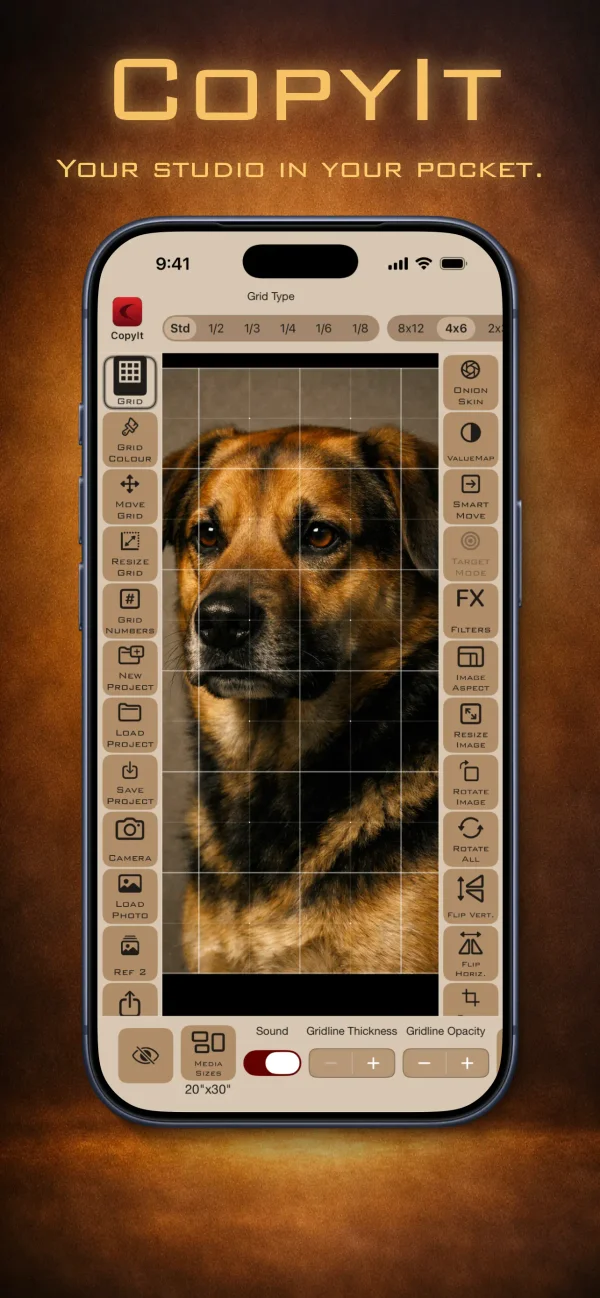
• Flexible Grids: 6 grid types, customisable rows/columns, adjustable colors, transparency, and guidelines
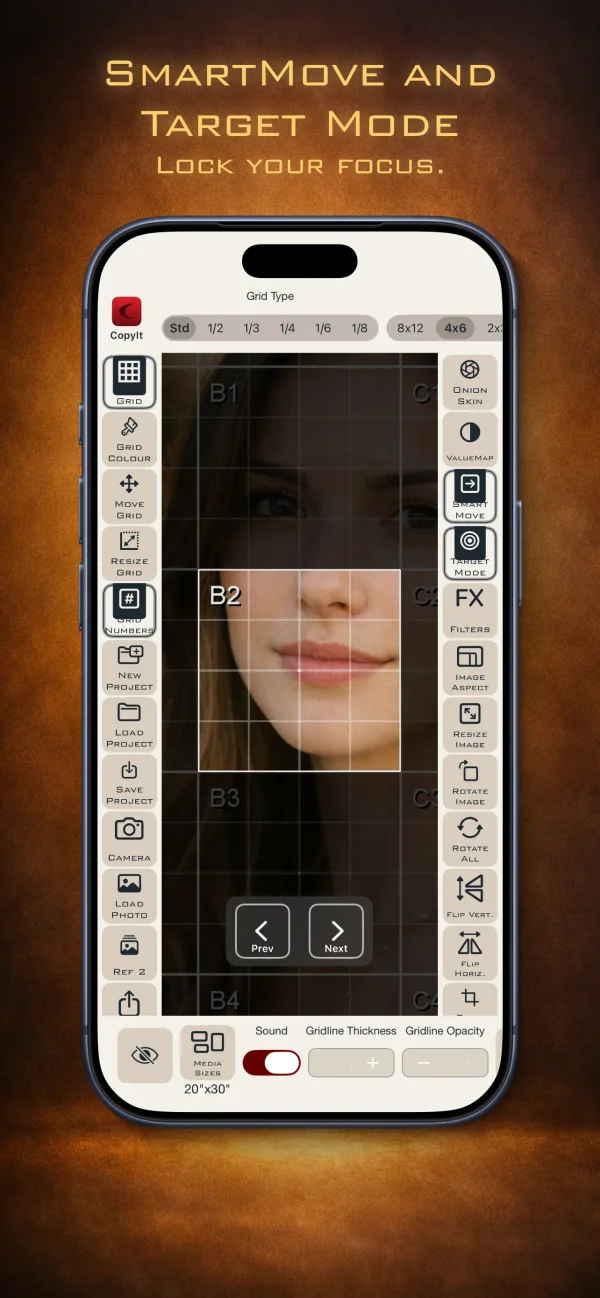
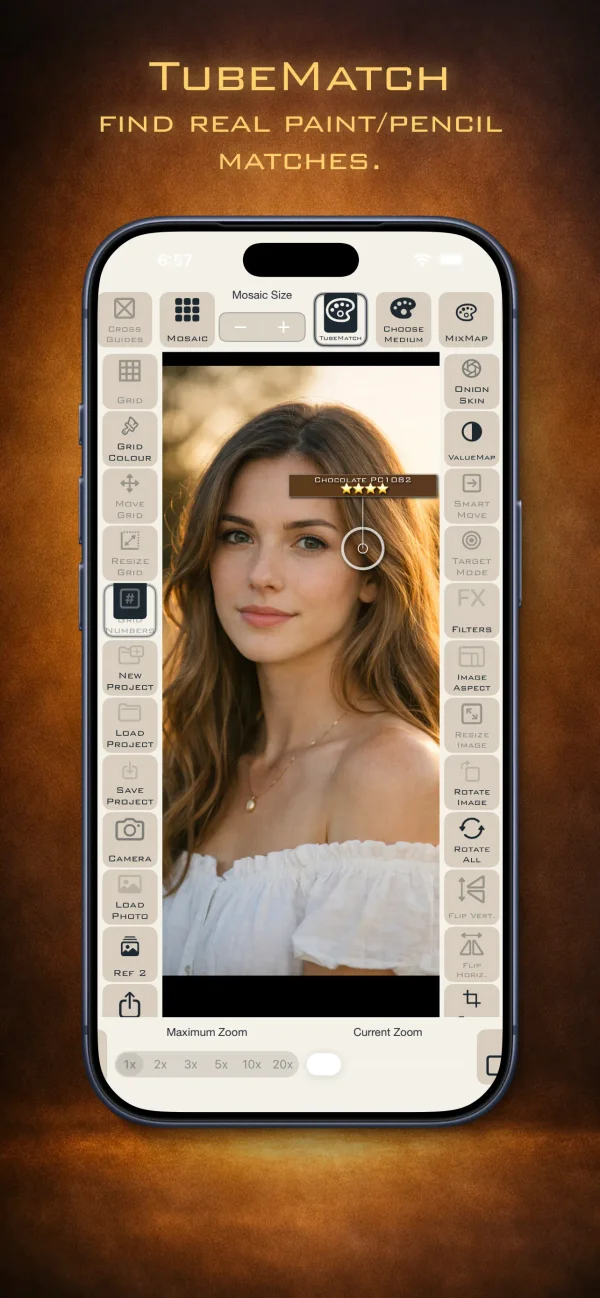
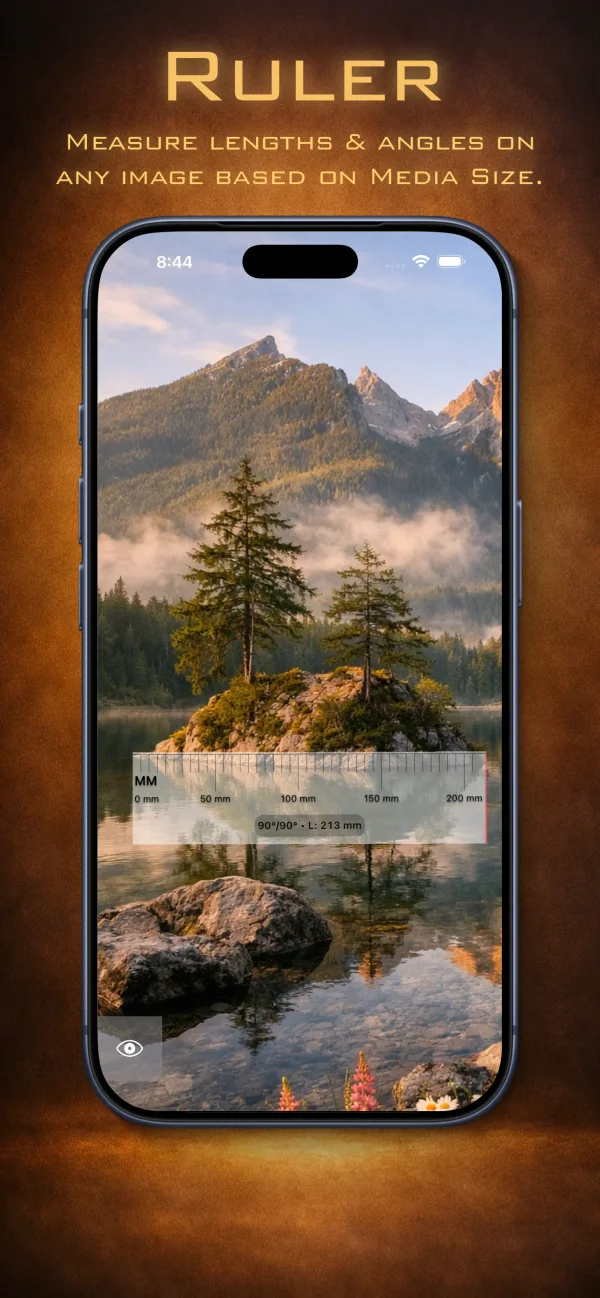
• Smart Tools: SmartMove zoom, Target mode, digital ruler, perspective lines, Crosshair, MixMap and TubeMatch™ for colour matching
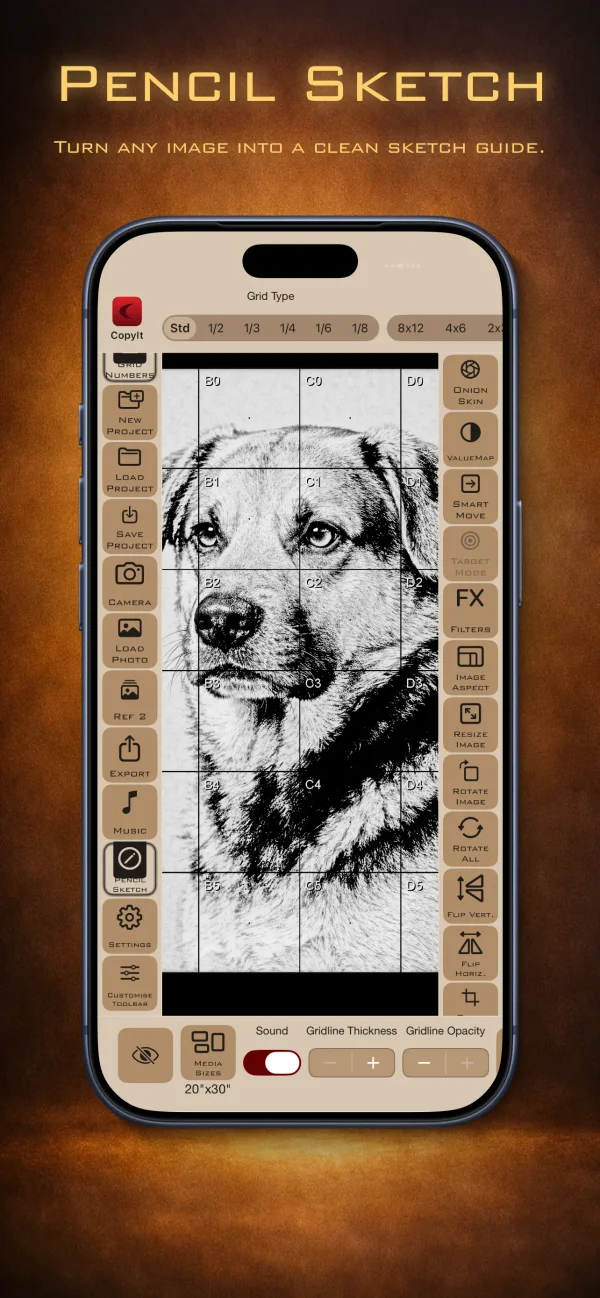
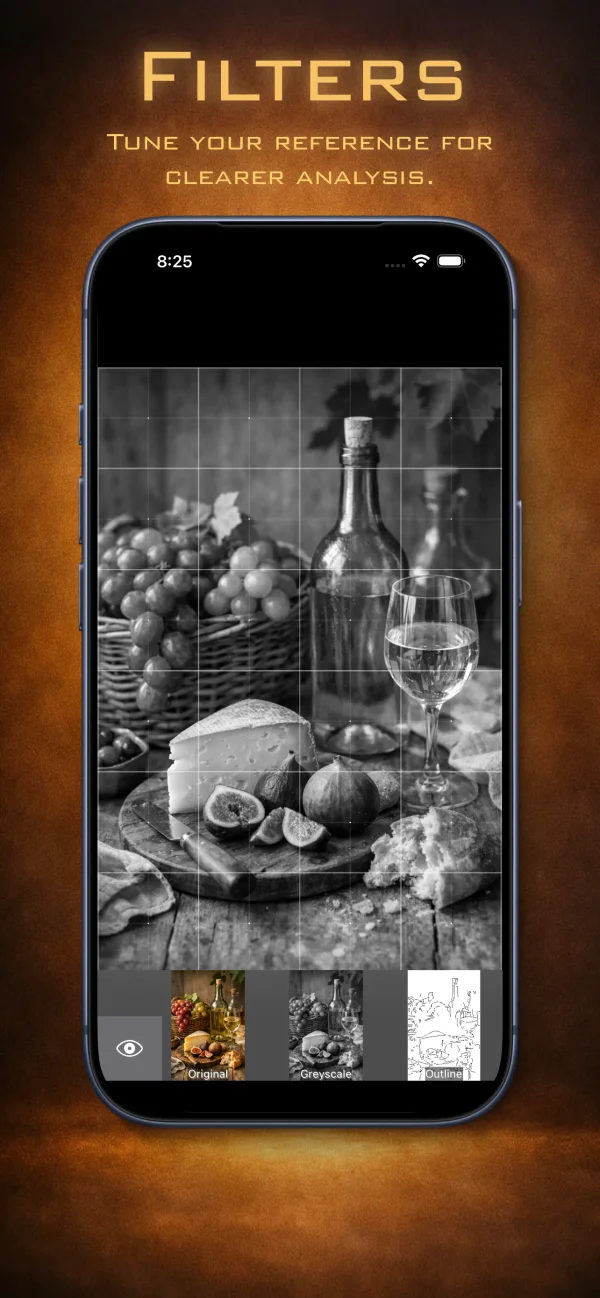
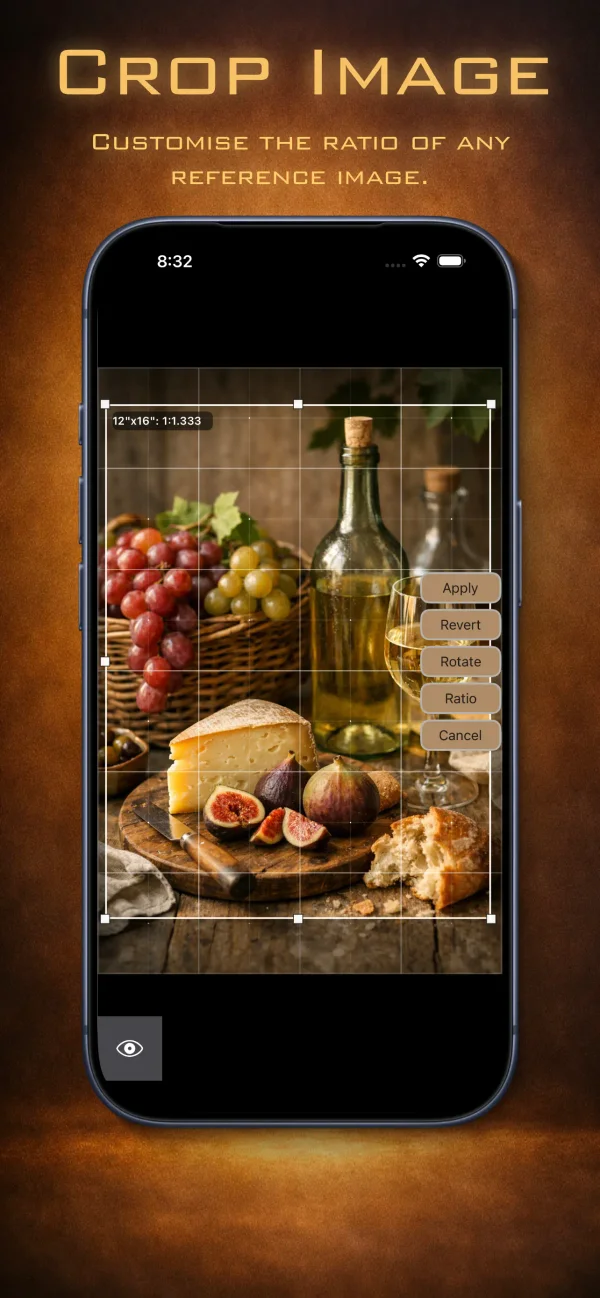
• Filters & Effects: Pencil Sketch, Onion Skin overlay, flips, rotations, and multiple image aspects
• Import & Export: Capture with front/back cameras, load projects or albums, save and share via AirDrop, email, or social platforms
• Customization: Portrait/landscape orientation, fullscreen mode, adjustable zoom (x1–x20), media sizes in imperial/metric
• Support: In‑app help and a new tutorial
Designed for Success
CopyIt transforms the traditional grid method into a modern workflow tool. By working square by square, you can scale images accurately, refine details, and build confidence in your drawing skills.
Connect with us:
• Facebook: facebook.com/CopyItTheGridDrawingMethod
Terms of Use:
https://www.apple.com/legal/internet-services/itunes/dev/stdeula/
Neue Funktionen
Version 8.3 · 28.04.2026
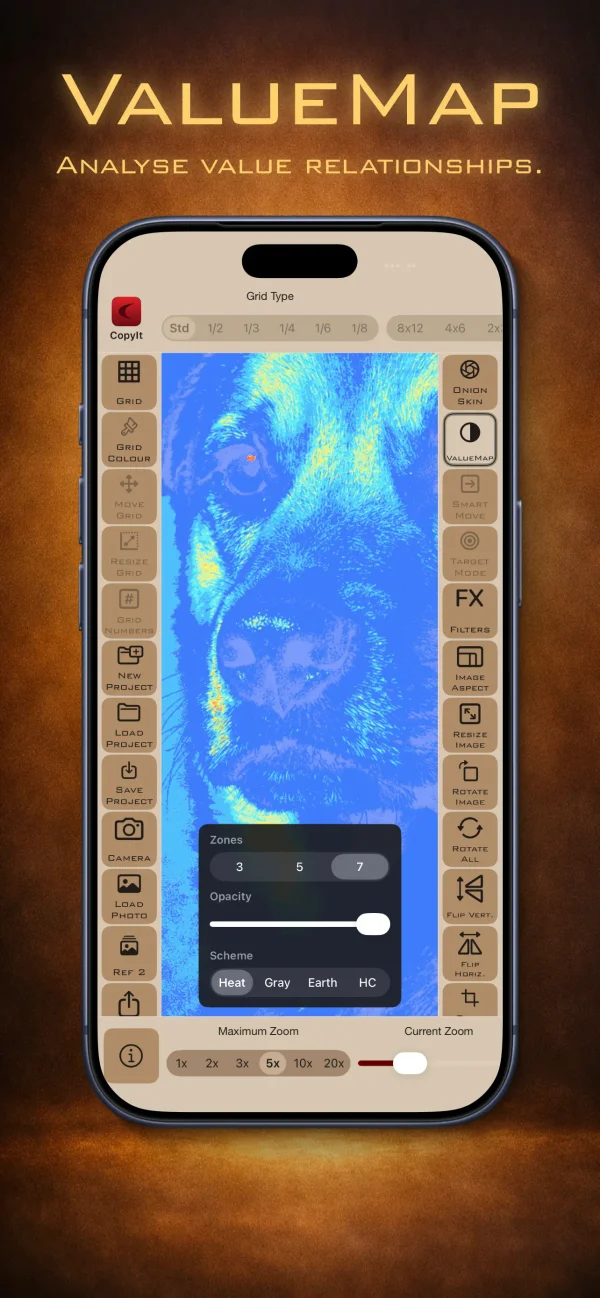
- A second reference layer with opacity control can now be used as an overlay to the original reference image. You can load a second image and/or add annotations (text, lines, rect, ellipses, freehand/Apple Pencil, colours). This allows for endless combinations. For example, you can load the same image again and using the opacity control combined with CopyIt features like Pencil Sketch, Mosaic, Filters, ValueMap etc., it provides another level of insight into studying your subject. You could also load in a photo of your work-in-progress as the second reference and fade between the two to check accuracy.
- Mosaic now works with Greyscale and Negative Greyscale Filters (turn on the filter first, then Mosaic) so you can use Tonal Strip for block value studies.
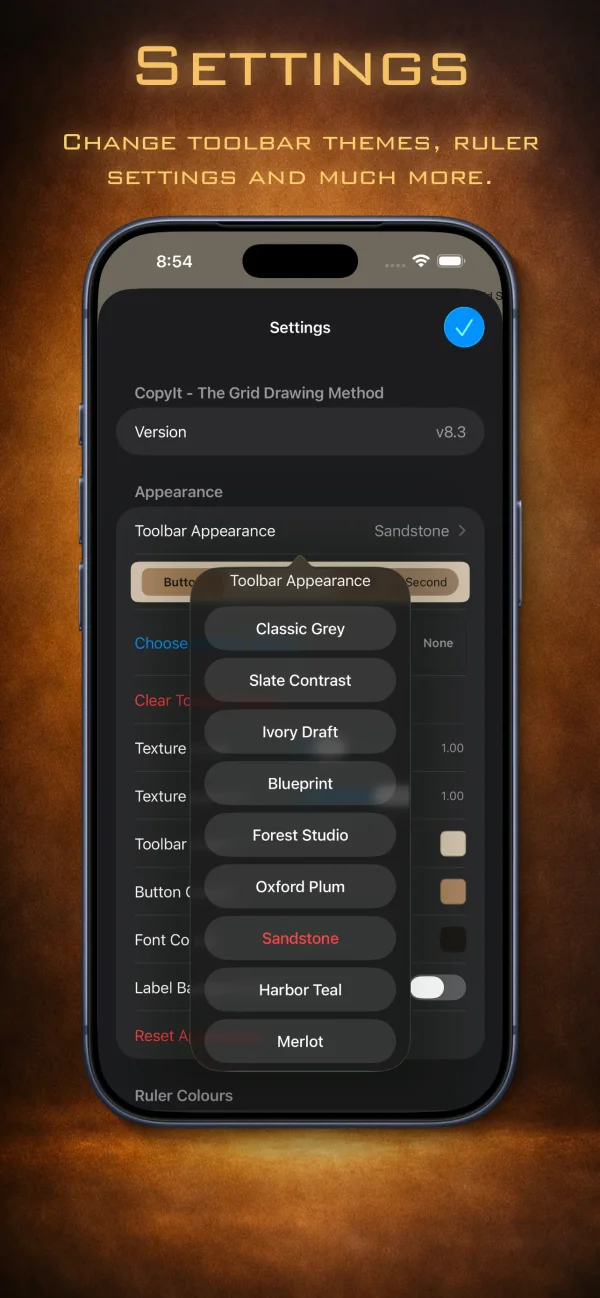
- Added preset toolbar colour schemes: Classic Grey, Slate Contrast, Ivory Draft, Blueprint, Forest Studio, Oxford Plum, Sandstone, Harbor Teal, Merlot, Mist and Custom.
- Grid Size presets are now always available and automatically best suit the current Media Size. Old presets become custom columns/rows.
- Create your own MixMap custom colours with your own label using RGB or HEX format.
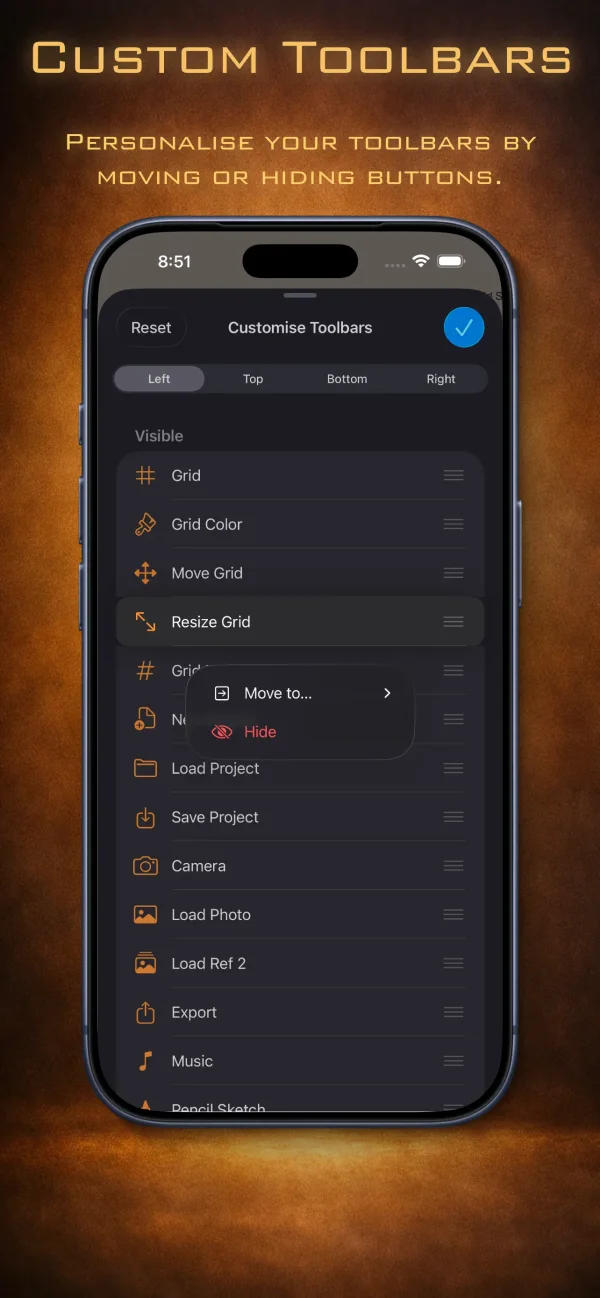
- SmartMove movement buttons have been added (Previous/Next) to quickly navigate the grid cells. The button panel can be dragged and repositioned when active.
- Free Art Teacher resources have been added to the CopyIt webpage (lesson plans and student handouts). Visit https://www.nigelgreensapps.com/copyit
- Improved visibility of some interface controls.
- General bug fixes.
App-Datenschutz
Was Nigel Green im App Store zum Umgang dieser App mit Daten angibt.
-
Keine Daten erfasst
Der Entwickler erfasst keine Daten von dieser App.
Die Datenschutzpraktiken können variieren, zum Beispiel je nach den von Ihnen verwendeten Funktionen oder Ihrem Alter.
Informationen
- Anbieter
- Nigel Green
- Kategorie
- Produktivität
- Version
- 8.3
- Aktualisiert
- 28.04.2026
- Veröffentlicht
- 17.06.2010
- Größe
- 31,5 MB
- Erfordert
- iOS 15.6 oder neuer
- Altersfreigabe
- 4+
- Preis
- 9,99 €
- Sprachen
- Englisch, Französisch, Deutsch, Italienisch, Japanisch, Russisch, Vereinf. Chinesisch, Spanisch, Tradit. Chinesisch
- Copyright
- © 2026 Nigel Greens Apps. All rights reserved.
Das könnte Ihnen auch gefallen
-
 Clean Text MobileText mit Profi-Tools
-
 Takt - ZeiterfassungArbeitszeit & Stundenzettel
-
 Briefe schreibenProduktivität
-
 iLinkboxProduktivität
-
 SoloWriteProduktivität
-
 Pumli: KI-AssistentDeine KI und dein Computer
-
 HabitX – Gewohnheiten & ZieleGewohnheiten, Ziele & Serien
-
 Lekh AI - Local AI StudioProduktivität
-
 Esse: AI Video SummarizerProduktivität
-
 Speech to Text - SonoProduktivität