CopyIt The Grid Drawing Method
An ancient tool made digital.
Dirancang untuk iPhone, iPad, iPod touch
Rp 199ribu
- Batasan usia4+
- KategoriProduktivitas
- PengembangNigel Green
- BahasaInggris+ 8 lainnya
- Ukuran31,5 MB
Tertaut ke halaman resmi App Store
Download.org tidak menyimpan file CopyIt The Grid Drawing Method apa pun. Tombol ini membuka halaman aplikasi di App Store, tempat Nigel Green menerbitkannya. Halaman terakhir diperiksa pada 20/11/2026.
Tangkapan layar
Tentang
Pengembang belum menyediakan teks ini dalam bahasa Anda.
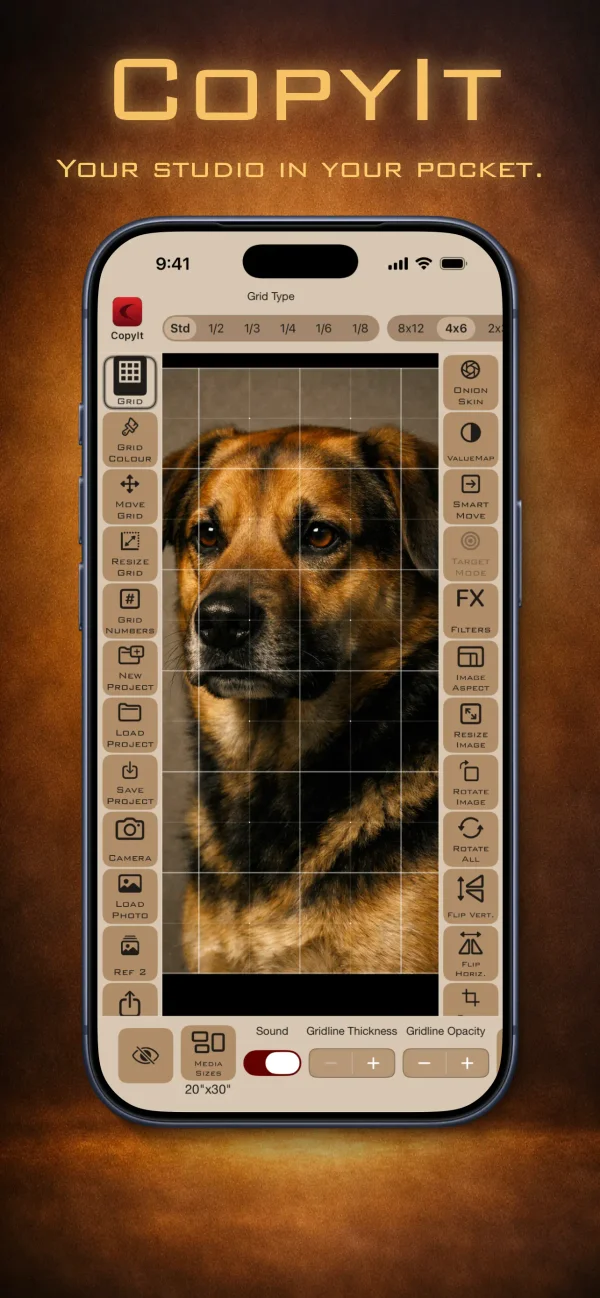
First released in 2010, CopyIt is the original and most feature‑rich grid drawing app. Trusted by artists, teachers, and students worldwide, CopyIt brings the centuries‑old grid drawing technique into the digital age, making it easier than ever to copy, enlarge, or reduce reference images with precision.
Why CopyIt?
The grid method, used by masters like Leonardo da Vinci, breaks images into manageable sections so you can focus on lines and shapes square by square. CopyIt eliminates the need to print and mark up photos, offering zoom, filters, and digital tools that enhance accuracy and detail. Whether you’re a beginner or experienced artist, CopyIt helps you achieve results with confidence.
Key Features
• Universal App: Works on iPhone, iPad, and Apple Silicon Macs
• Flexible Grids: 6 grid types, customisable rows/columns, adjustable colors, transparency, and guidelines
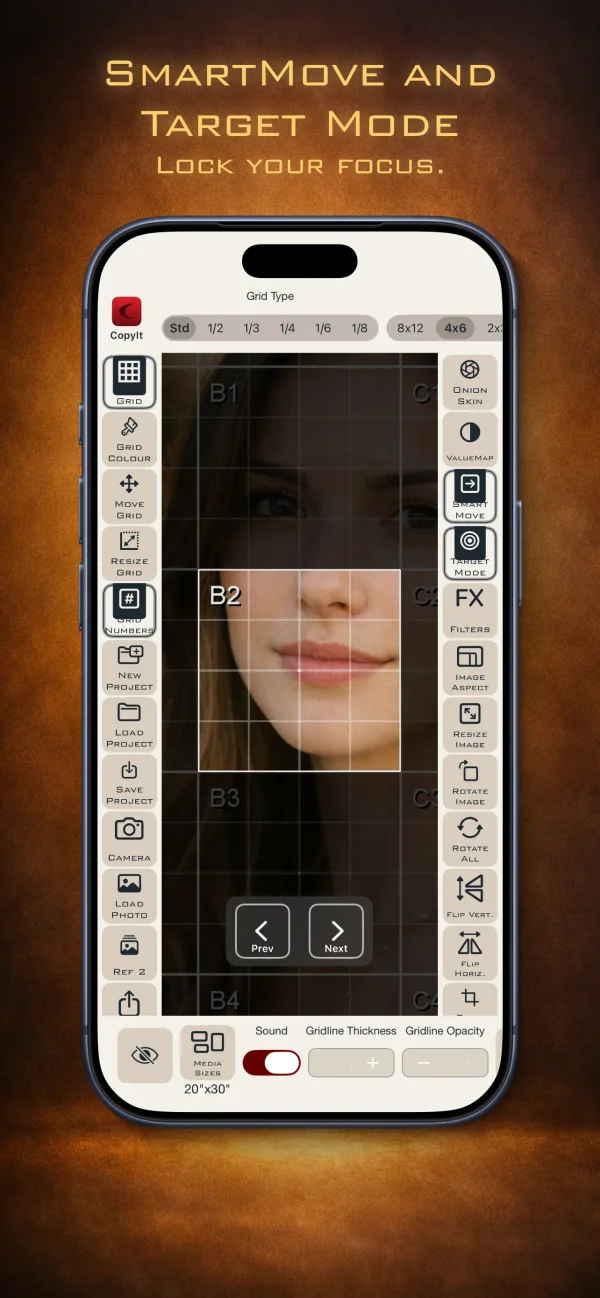
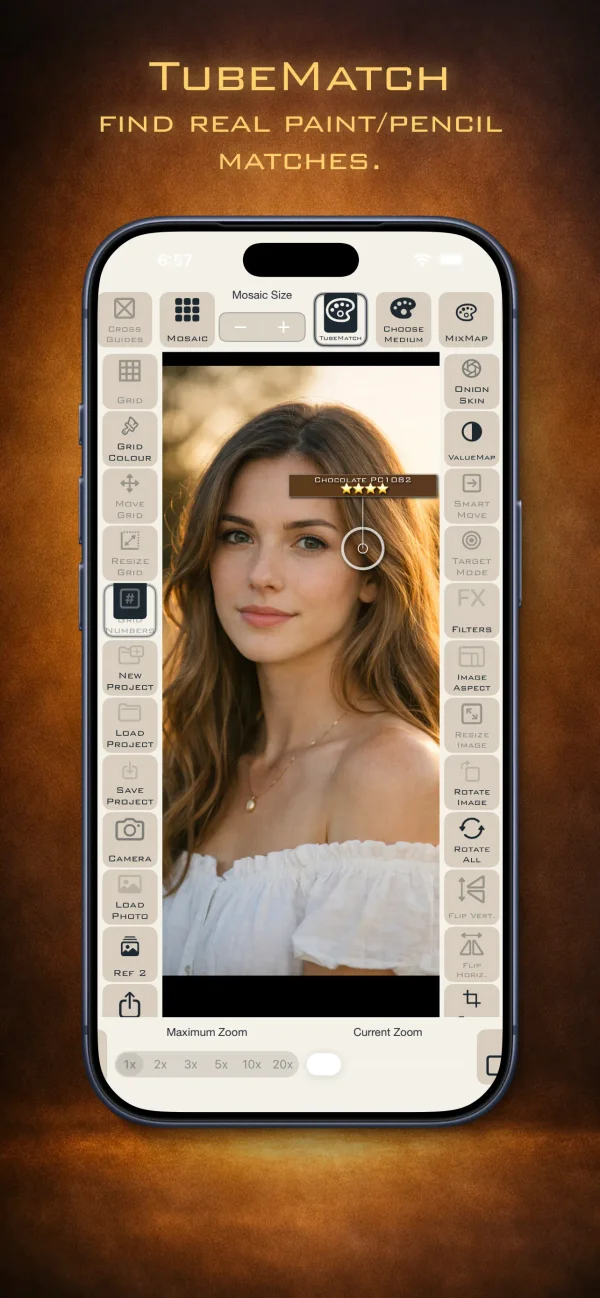
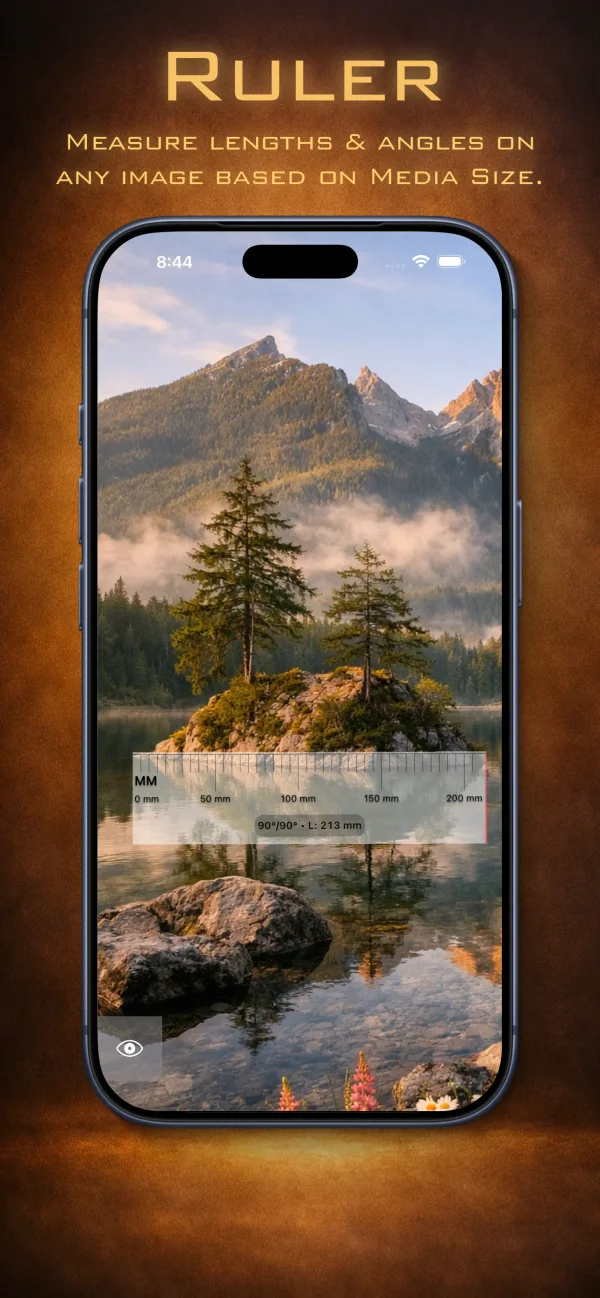
• Smart Tools: SmartMove zoom, Target mode, digital ruler, perspective lines, Crosshair, MixMap and TubeMatch™ for colour matching
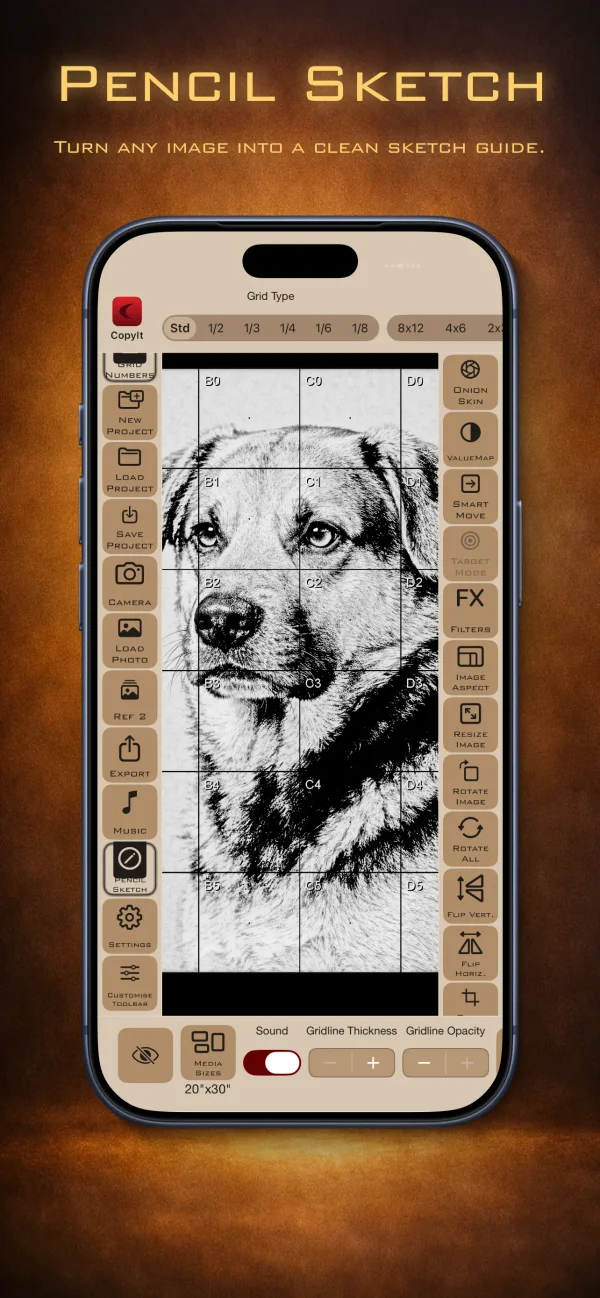
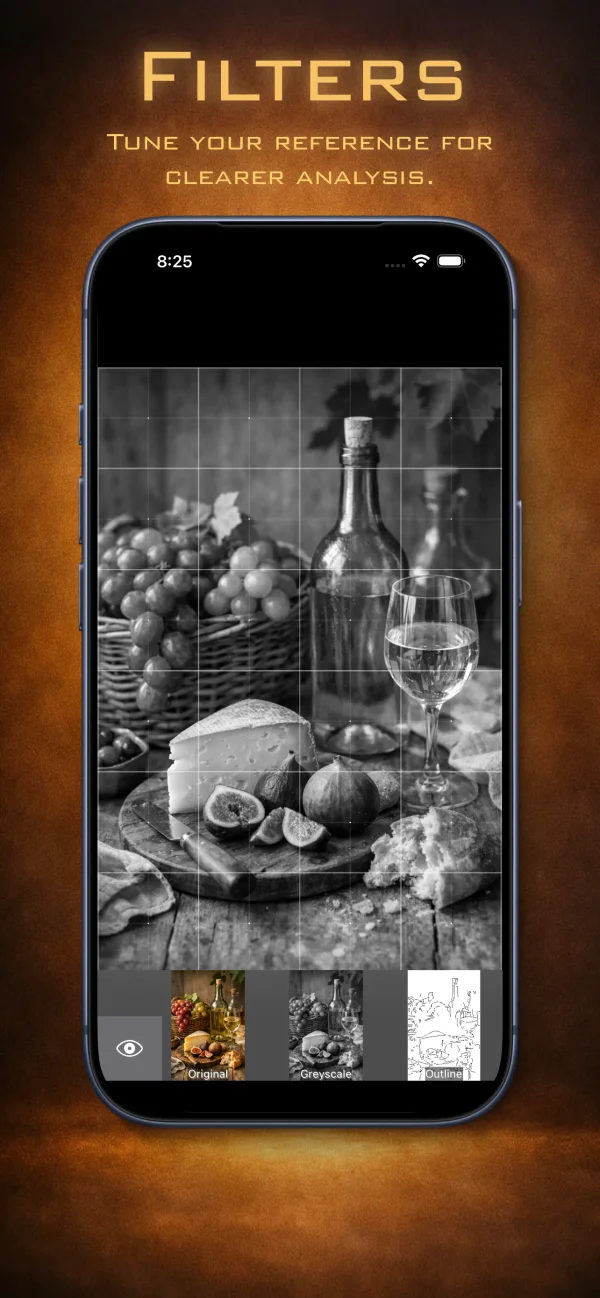
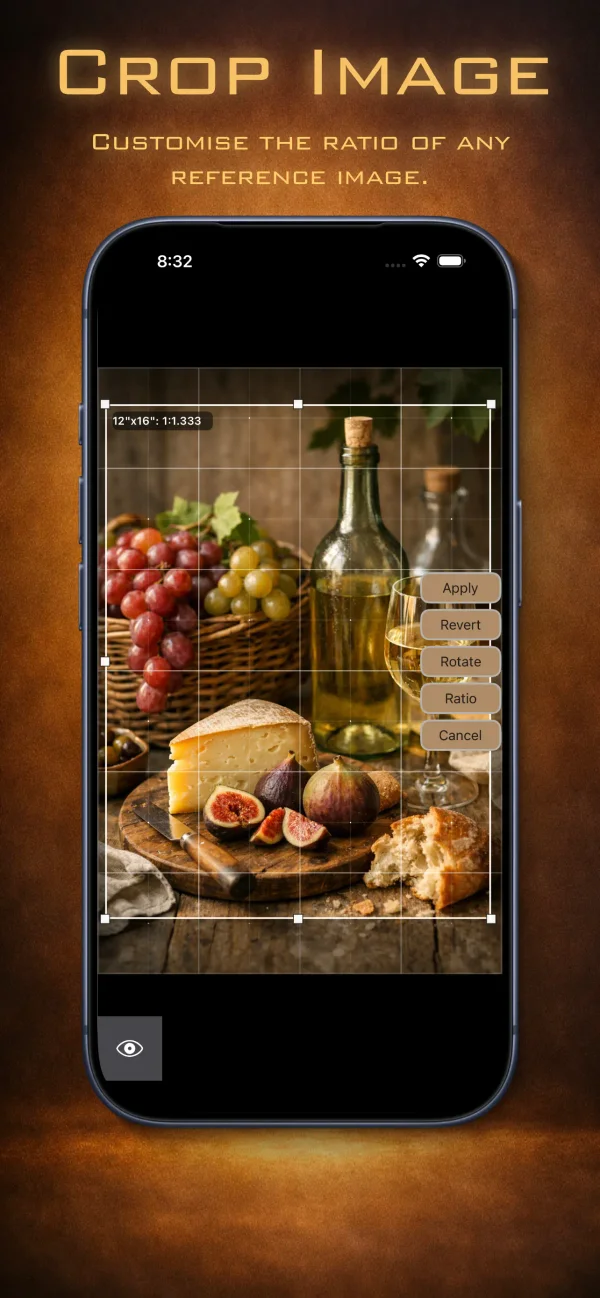
• Filters & Effects: Pencil Sketch, Onion Skin overlay, flips, rotations, and multiple image aspects
• Import & Export: Capture with front/back cameras, load projects or albums, save and share via AirDrop, email, or social platforms
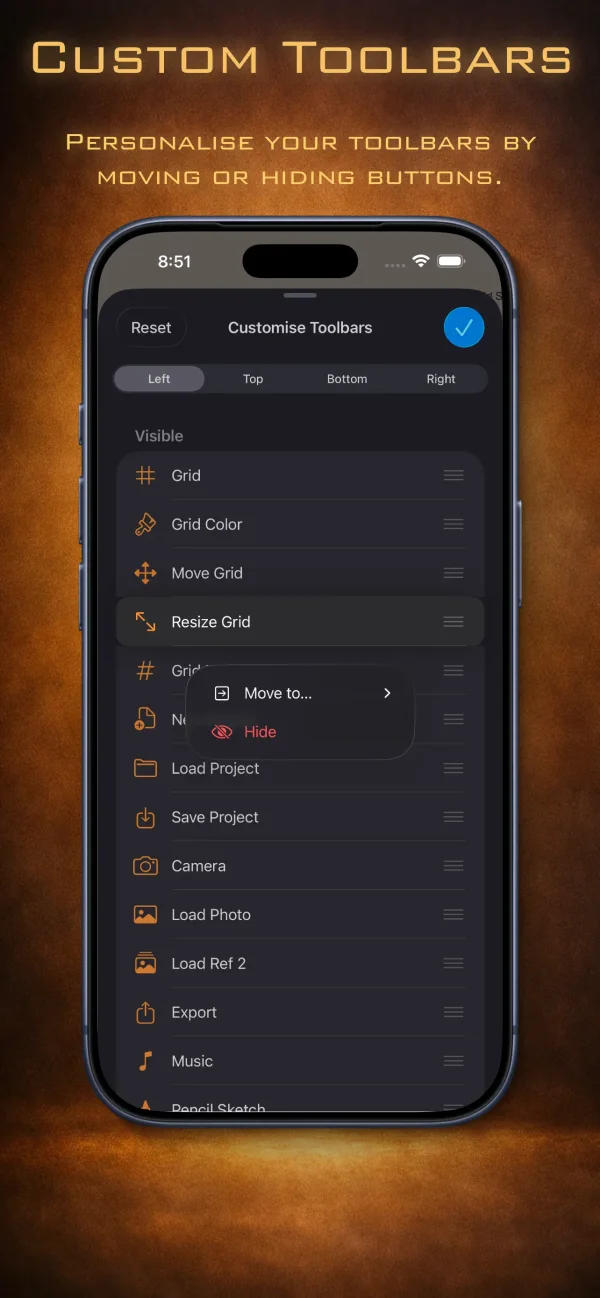
• Customization: Portrait/landscape orientation, fullscreen mode, adjustable zoom (x1–x20), media sizes in imperial/metric
• Support: In‑app help and a new tutorial
Designed for Success
CopyIt transforms the traditional grid method into a modern workflow tool. By working square by square, you can scale images accurately, refine details, and build confidence in your drawing skills.
Connect with us:
• Facebook: facebook.com/CopyItTheGridDrawingMethod
Terms of Use:
https://www.apple.com/legal/internet-services/itunes/dev/stdeula/
Yang baru
Versi 8.3 · 28/4/2026
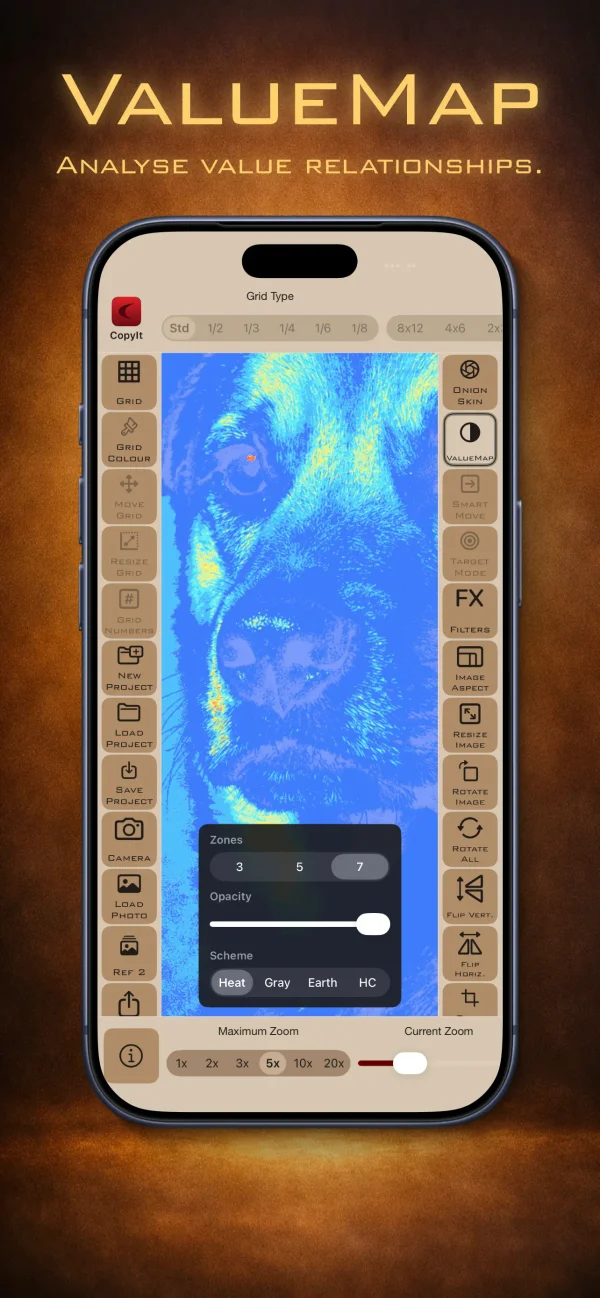
- A second reference layer with opacity control can now be used as an overlay to the original reference image. You can load a second image and/or add annotations (text, lines, rect, ellipses, freehand/Apple Pencil, colours). This allows for endless combinations. For example, you can load the same image again and using the opacity control combined with CopyIt features like Pencil Sketch, Mosaic, Filters, ValueMap etc., it provides another level of insight into studying your subject. You could also load in a photo of your work-in-progress as the second reference and fade between the two to check accuracy.
- Mosaic now works with Greyscale and Negative Greyscale Filters (turn on the filter first, then Mosaic) so you can use Tonal Strip for block value studies.
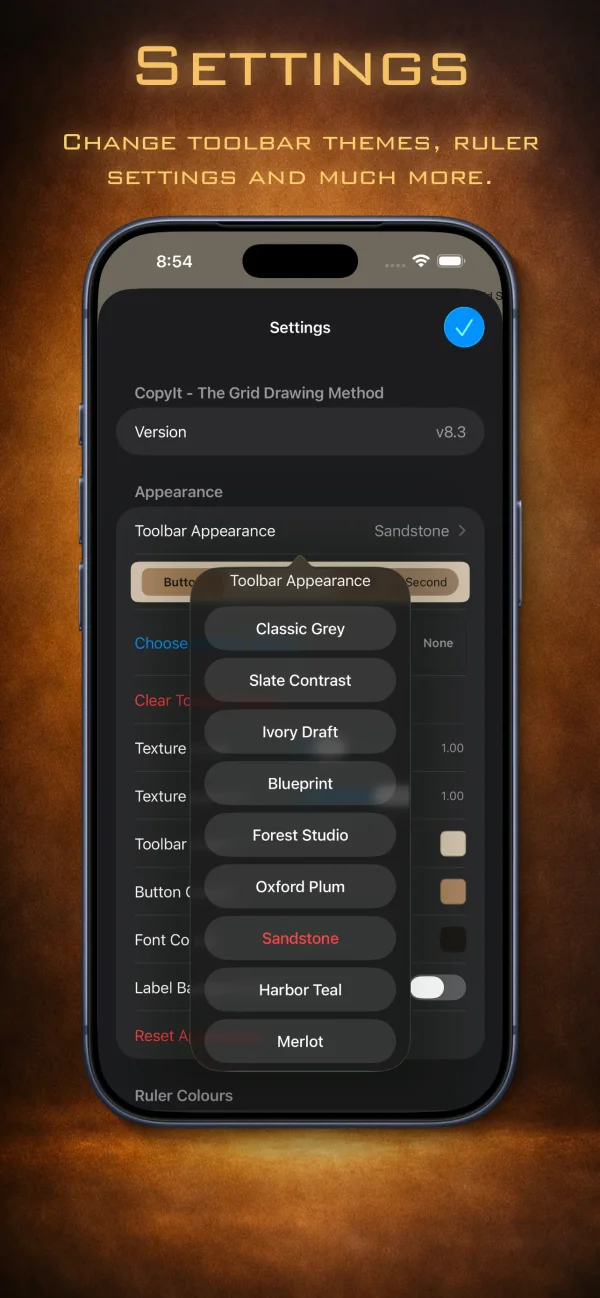
- Added preset toolbar colour schemes: Classic Grey, Slate Contrast, Ivory Draft, Blueprint, Forest Studio, Oxford Plum, Sandstone, Harbor Teal, Merlot, Mist and Custom.
- Grid Size presets are now always available and automatically best suit the current Media Size. Old presets become custom columns/rows.
- Create your own MixMap custom colours with your own label using RGB or HEX format.
- SmartMove movement buttons have been added (Previous/Next) to quickly navigate the grid cells. The button panel can be dragged and repositioned when active.
- Free Art Teacher resources have been added to the CopyIt webpage (lesson plans and student handouts). Visit https://www.nigelgreensapps.com/copyit
- Improved visibility of some interface controls.
- General bug fixes.
Privasi aplikasi
Yang dinyatakan Nigel Green di App Store tentang cara aplikasi ini menangani data.
-
Data tidak dikumpulkan
Pengembang tidak mengumpulkan data apa pun dari aplikasi ini.
Praktik privasi dapat bervariasi, misalnya berdasarkan fitur yang Anda gunakan atau usia Anda.
Informasi
- Penjual
- Nigel Green
- Kategori
- Produktivitas
- Versi
- 8.3
- Diperbarui
- 28/4/2026
- Dirilis
- 17/6/2010
- Ukuran
- 31,5 MB
- Memerlukan
- iOS 15.6 atau yang lebih baru
- Batasan usia
- 4+
- Harga
- Rp 199ribu
- Bahasa
- Inggris, Prancis, Jerman, Italia, Jepang, Rusia, Tionghoa Sederhana, Spanyol, Tionghoa Tradisional
- Hak cipta
- © 2026 Nigel Greens Apps. All rights reserved.
Mungkin Anda juga suka
-
 Clean TextProduktivitas
-
 Takt - Time TrackingProduktivitas
-
 Write a letterProduktivitas
-
 iLinkboxProduktivitas
-
 SoloWriteProduktivitas
-
 Pumli: Your Private AgentProduktivitas
-
 HabitX – Habit & Goal TrackerProduktivitas
-
 Lekh AI - Local AI StudioProduktivitas
-
 Esse: AI Video SummarizerProduktivitas
-
 Speech to Text - SonoProduktivitas