CopyIt The Grid Drawing Method
An ancient tool made digital.
iPhone, iPad, iPod touch向けに設計
¥1,500
- 対象年齢4+
- カテゴリ仕事効率化
- 開発元Nigel Green
- 言語英語ほか8言語
- サイズ31.5 MB
App Storeの公式ページにリンクしています
Download.orgはCopyIt The Grid Drawing Methodのファイルを一切ホストしていません。ボタンを押すと、Nigel Greenが公開しているApp Storeのアプリページが開きます。ページの最終確認:2026/11/20。
スクリーンショット
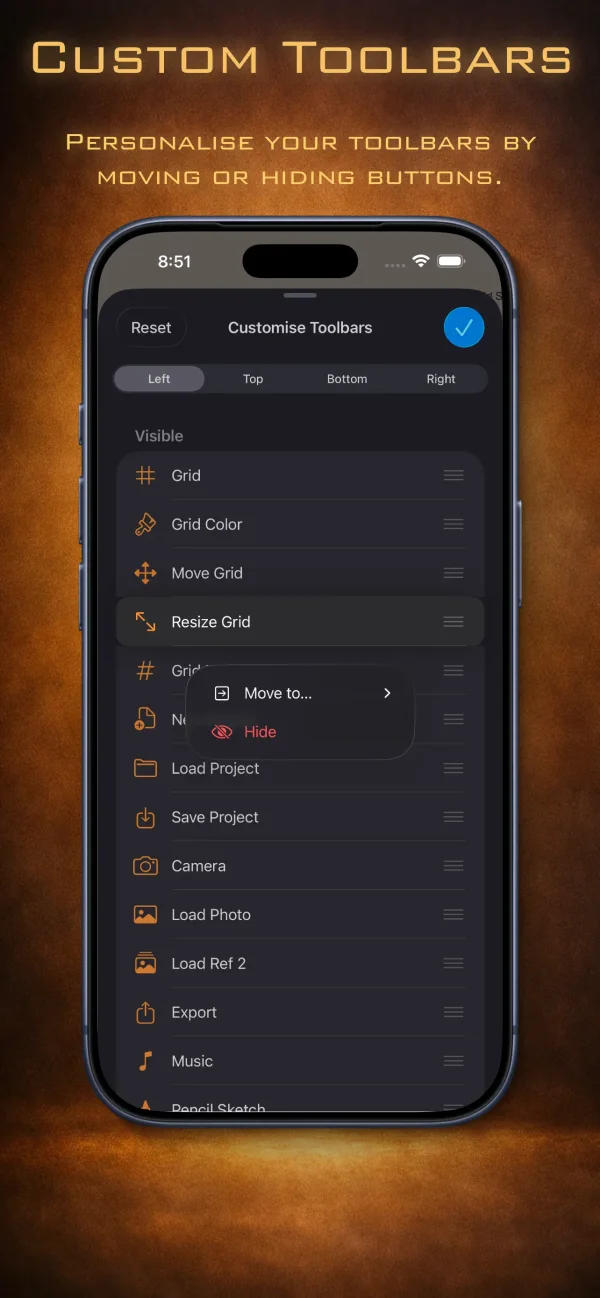
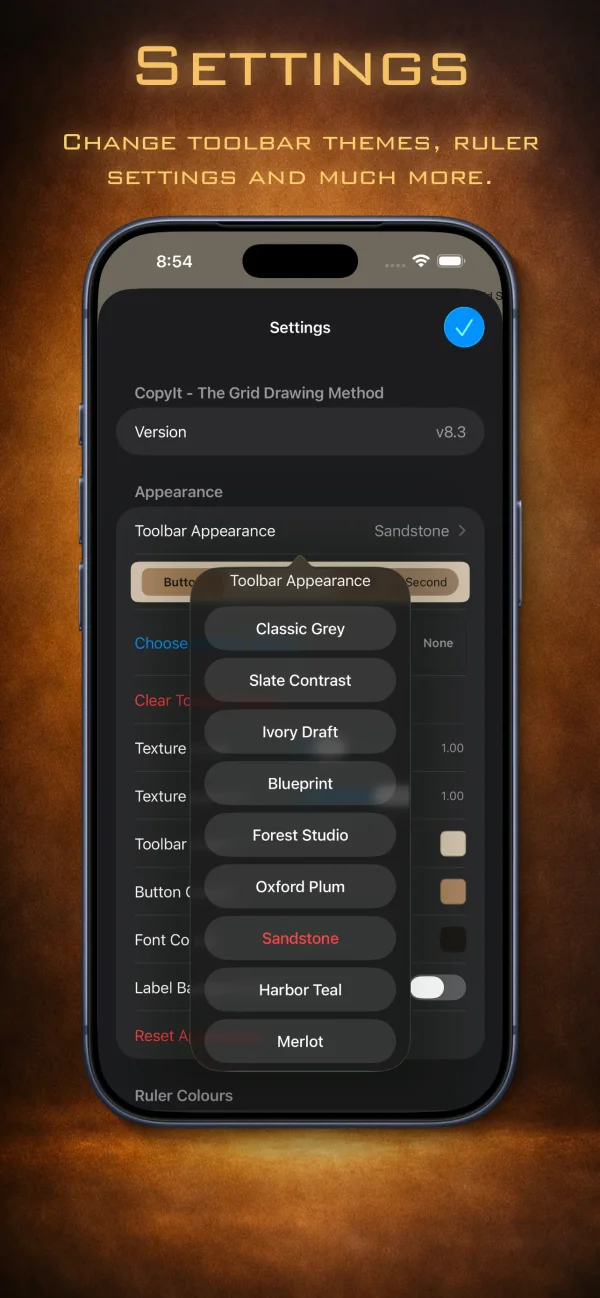
概要
開発元はこのテキストをお使いの言語で提供していません。
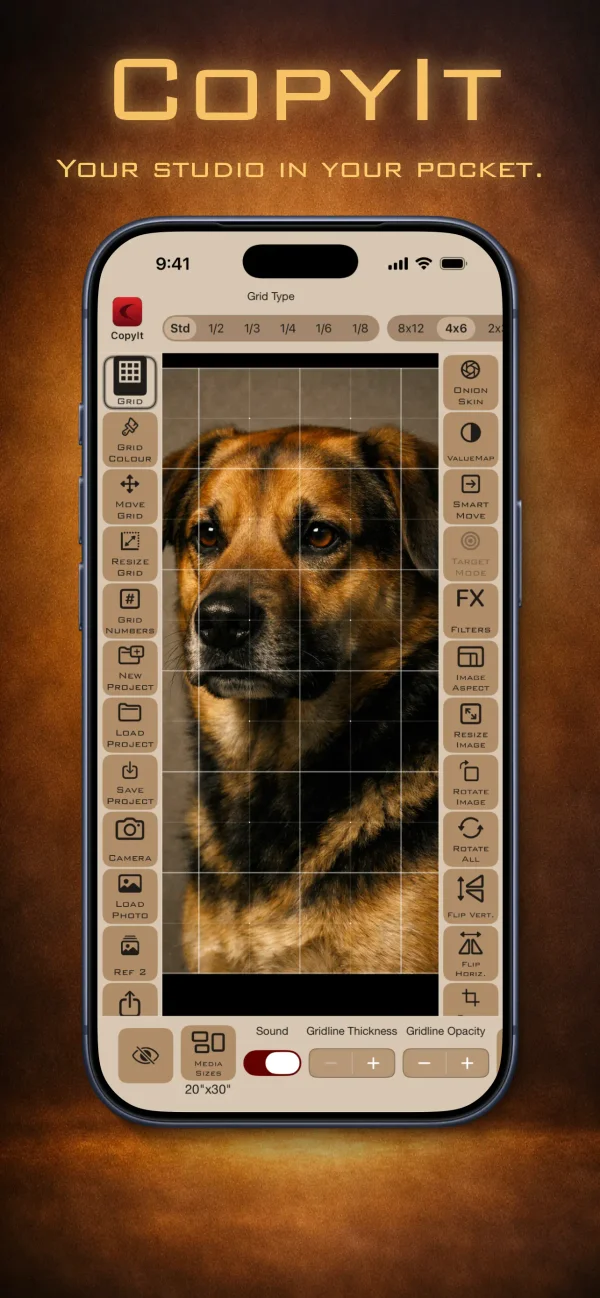
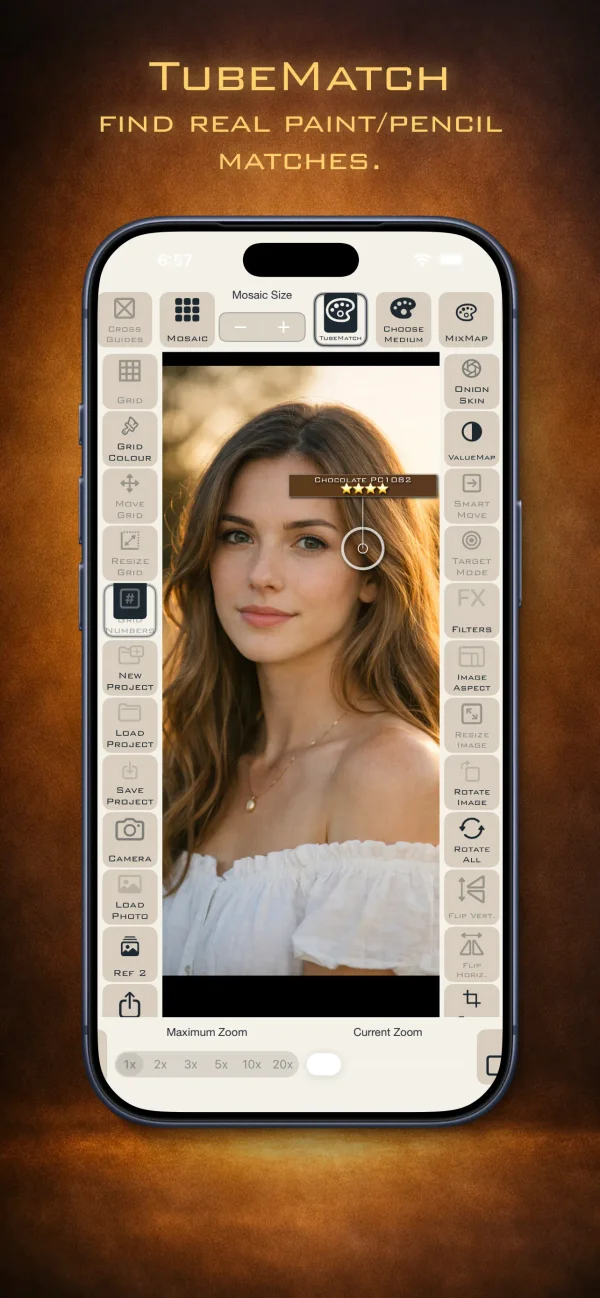
First released in 2010, CopyIt is the original and most feature‑rich grid drawing app. Trusted by artists, teachers, and students worldwide, CopyIt brings the centuries‑old grid drawing technique into the digital age, making it easier than ever to copy, enlarge, or reduce reference images with precision.
Why CopyIt?
The grid method, used by masters like Leonardo da Vinci, breaks images into manageable sections so you can focus on lines and shapes square by square. CopyIt eliminates the need to print and mark up photos, offering zoom, filters, and digital tools that enhance accuracy and detail. Whether you’re a beginner or experienced artist, CopyIt helps you achieve results with confidence.
Key Features
• Universal App: Works on iPhone, iPad, and Apple Silicon Macs
• Flexible Grids: 6 grid types, customisable rows/columns, adjustable colors, transparency, and guidelines
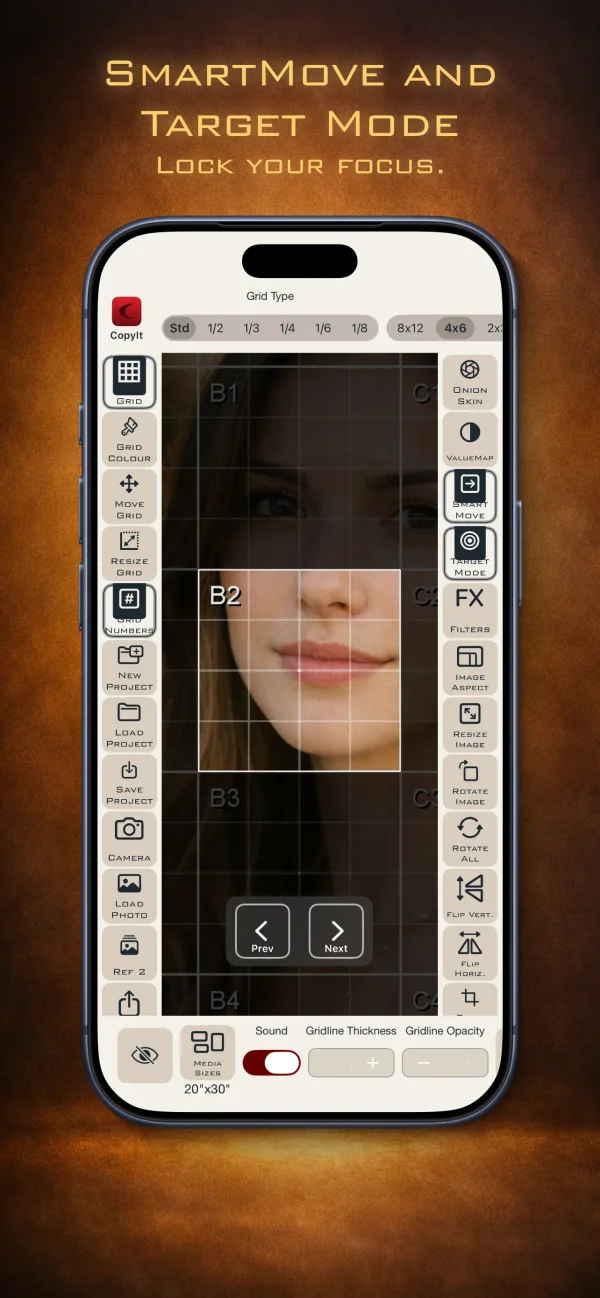
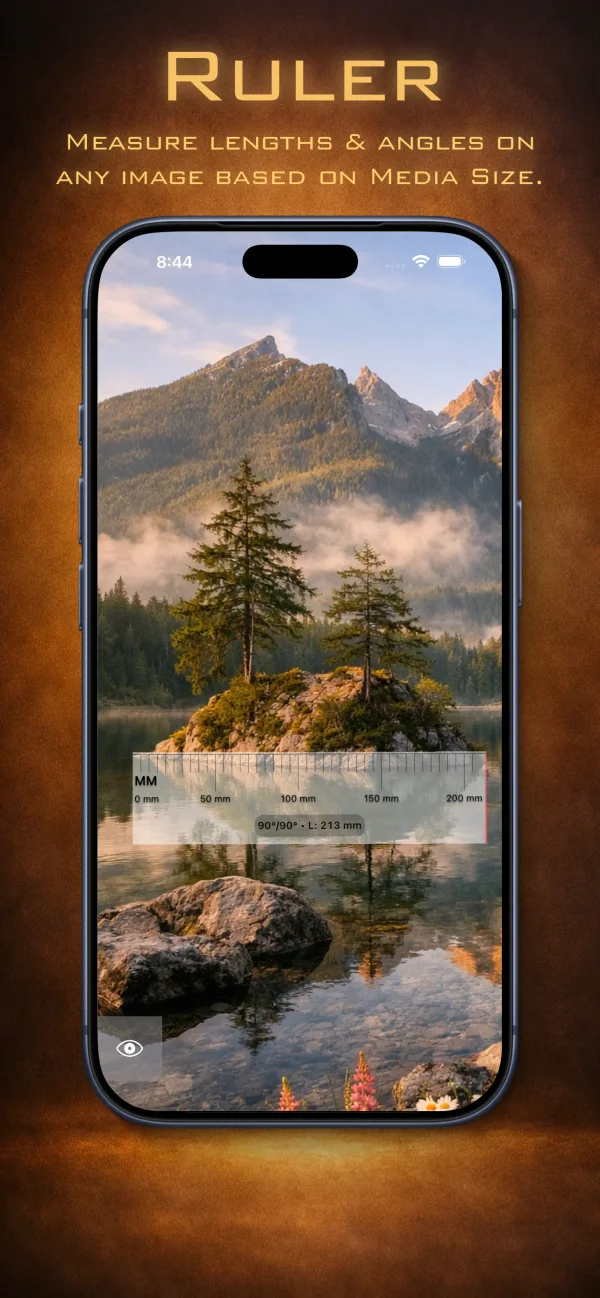
• Smart Tools: SmartMove zoom, Target mode, digital ruler, perspective lines, Crosshair, MixMap and TubeMatch™ for colour matching
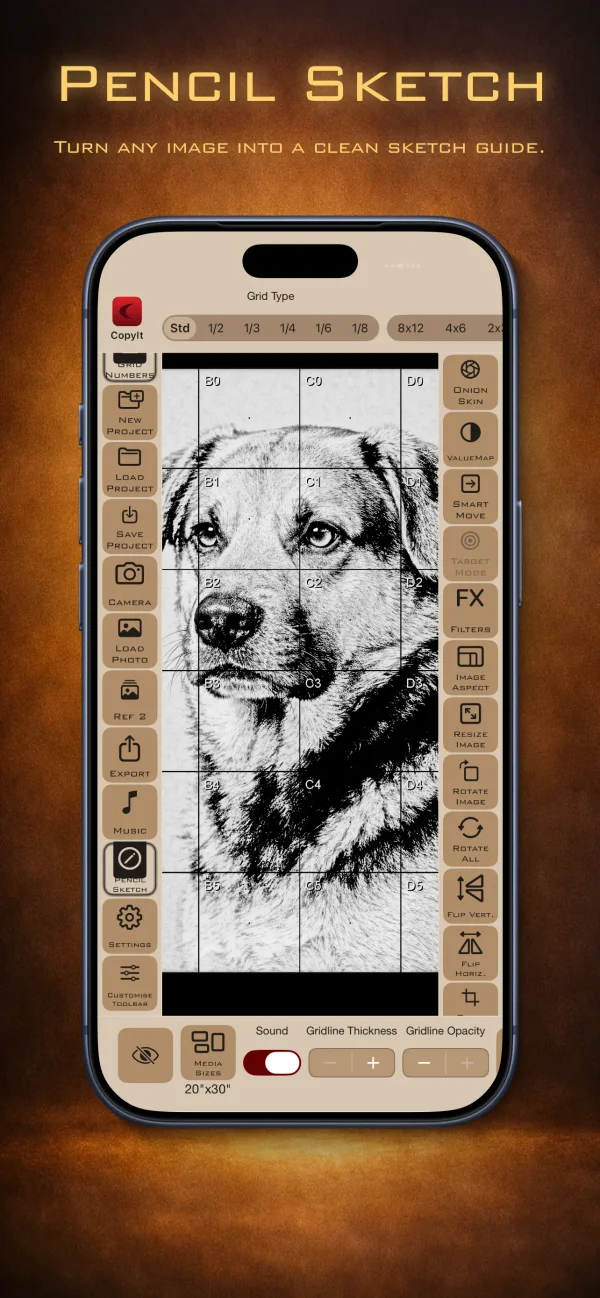
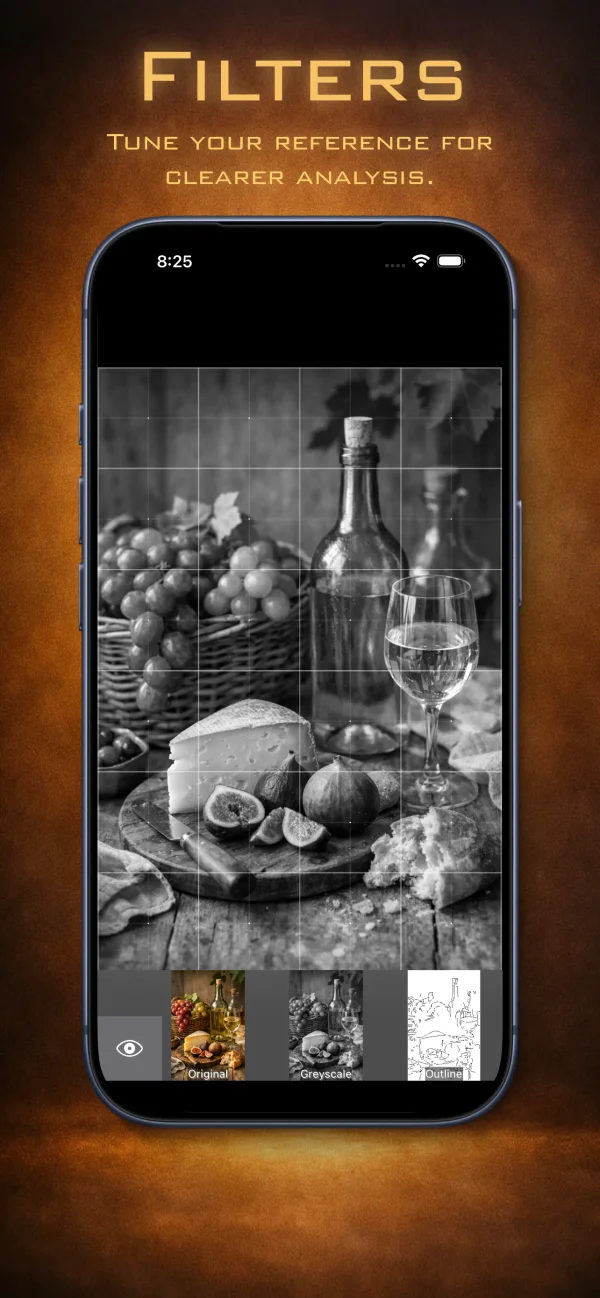
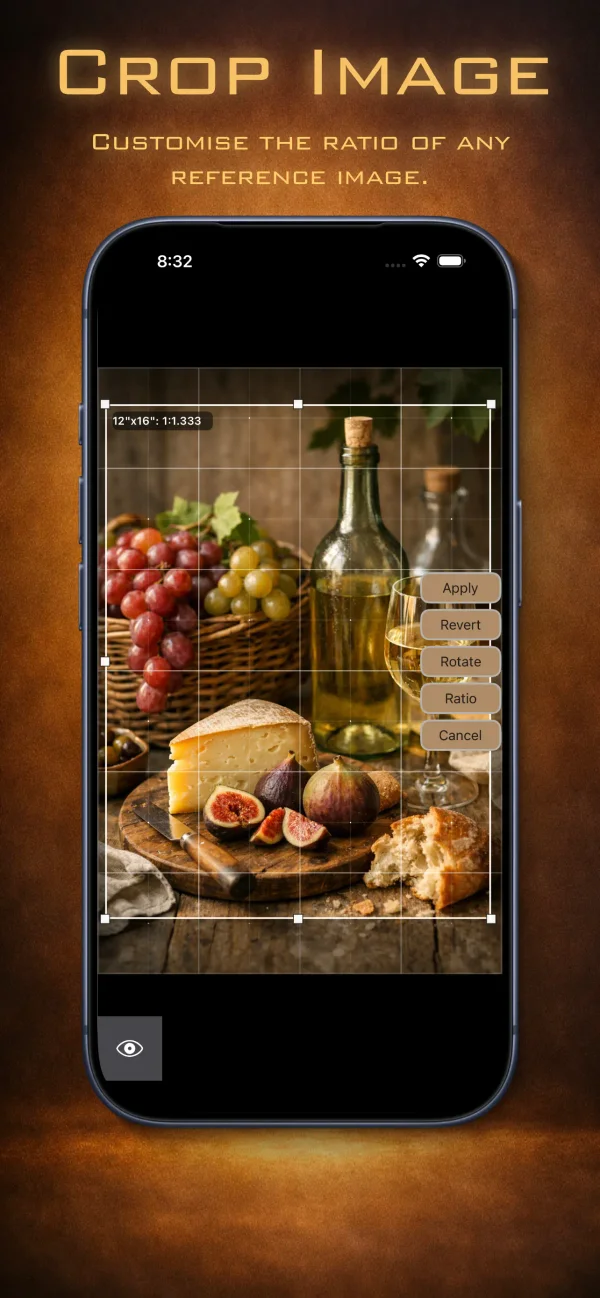
• Filters & Effects: Pencil Sketch, Onion Skin overlay, flips, rotations, and multiple image aspects
• Import & Export: Capture with front/back cameras, load projects or albums, save and share via AirDrop, email, or social platforms
• Customization: Portrait/landscape orientation, fullscreen mode, adjustable zoom (x1–x20), media sizes in imperial/metric
• Support: In‑app help and a new tutorial
Designed for Success
CopyIt transforms the traditional grid method into a modern workflow tool. By working square by square, you can scale images accurately, refine details, and build confidence in your drawing skills.
Connect with us:
• Facebook: facebook.com/CopyItTheGridDrawingMethod
Terms of Use:
https://www.apple.com/legal/internet-services/itunes/dev/stdeula/
新機能
バージョン 8.3 · 2026/4/28
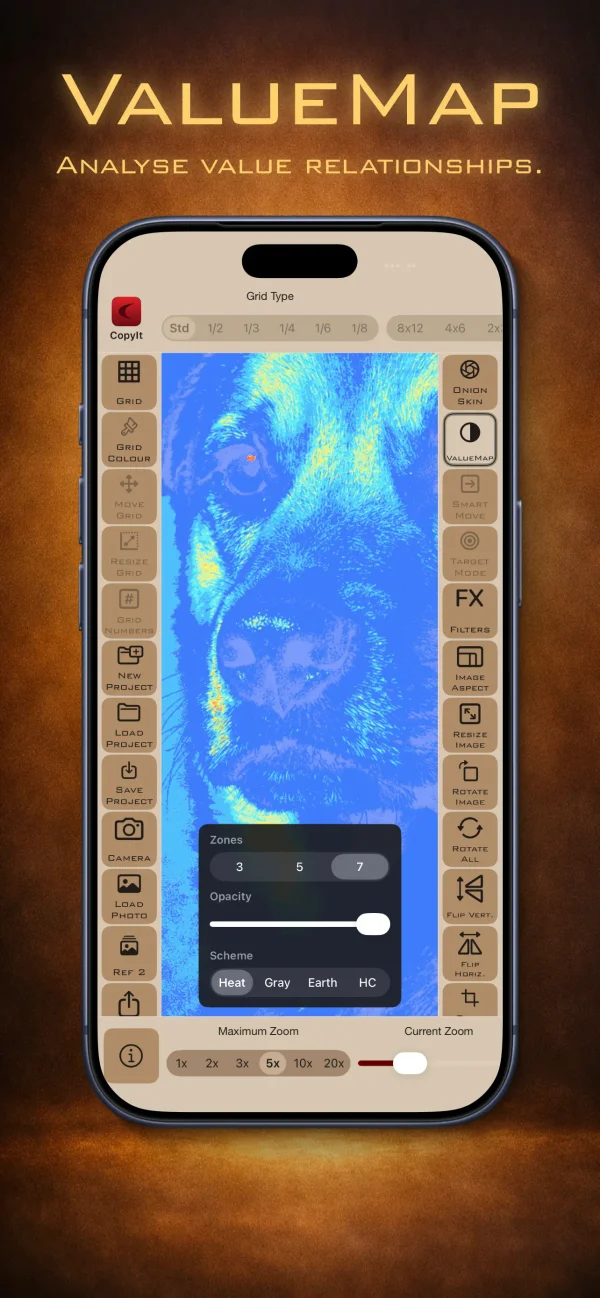
- A second reference layer with opacity control can now be used as an overlay to the original reference image. You can load a second image and/or add annotations (text, lines, rect, ellipses, freehand/Apple Pencil, colours). This allows for endless combinations. For example, you can load the same image again and using the opacity control combined with CopyIt features like Pencil Sketch, Mosaic, Filters, ValueMap etc., it provides another level of insight into studying your subject. You could also load in a photo of your work-in-progress as the second reference and fade between the two to check accuracy.
- Mosaic now works with Greyscale and Negative Greyscale Filters (turn on the filter first, then Mosaic) so you can use Tonal Strip for block value studies.
- Added preset toolbar colour schemes: Classic Grey, Slate Contrast, Ivory Draft, Blueprint, Forest Studio, Oxford Plum, Sandstone, Harbor Teal, Merlot, Mist and Custom.
- Grid Size presets are now always available and automatically best suit the current Media Size. Old presets become custom columns/rows.
- Create your own MixMap custom colours with your own label using RGB or HEX format.
- SmartMove movement buttons have been added (Previous/Next) to quickly navigate the grid cells. The button panel can be dragged and repositioned when active.
- Free Art Teacher resources have been added to the CopyIt webpage (lesson plans and student handouts). Visit https://www.nigelgreensapps.com/copyit
- Improved visibility of some interface controls.
- General bug fixes.
アプリのプライバシー
このアプリのデータの取り扱いについて、Nigel GreenがApp Storeで申告している内容です。
-
データの収集なし
開発元はこのアプリからデータを収集しません。
プライバシーの取り扱いは、ご利用の機能やお客様の年齢などに応じて異なる場合があります。
情報
- 販売元
- Nigel Green
- カテゴリ
- 仕事効率化
- バージョン
- 8.3
- 更新日
- 2026/4/28
- リリース
- 2010/6/17
- サイズ
- 31.5 MB
- 必要条件
- iOS 15.6以降
- 対象年齢
- 4+
- 価格
- ¥1,500
- 言語
- 英語, フランス語, ドイツ語, イタリア語, 日本語, ロシア語, 簡体字中国語, スペイン語, 繁体字中国語
- 著作権
- © 2026 Nigel Greens Apps. All rights reserved.