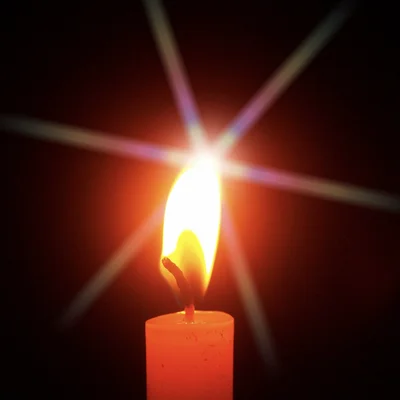
Cross Filter
Editing Cross-Filter effects
Entwickelt für iPhone, iPad, iPod touch
2,99 €
- Altersfreigabe4+
- KategorieFoto und Video
- EntwicklerMasanori Katsuta
- SprachenJapanisch+ 1 weitere
- Größe6,7 MB
Verlinkt auf die offizielle App Store-Seite
Download.org hostet keine Datei von Cross Filter. Die Schaltfläche öffnet die App-Seite bei App Store, wo Masanori Katsuta die App veröffentlicht. Eintrag zuletzt geprüft am 12.11.2026.
Screenshots



Info
Der Entwickler hat diesen Text nicht in Ihrer Sprache bereitgestellt.
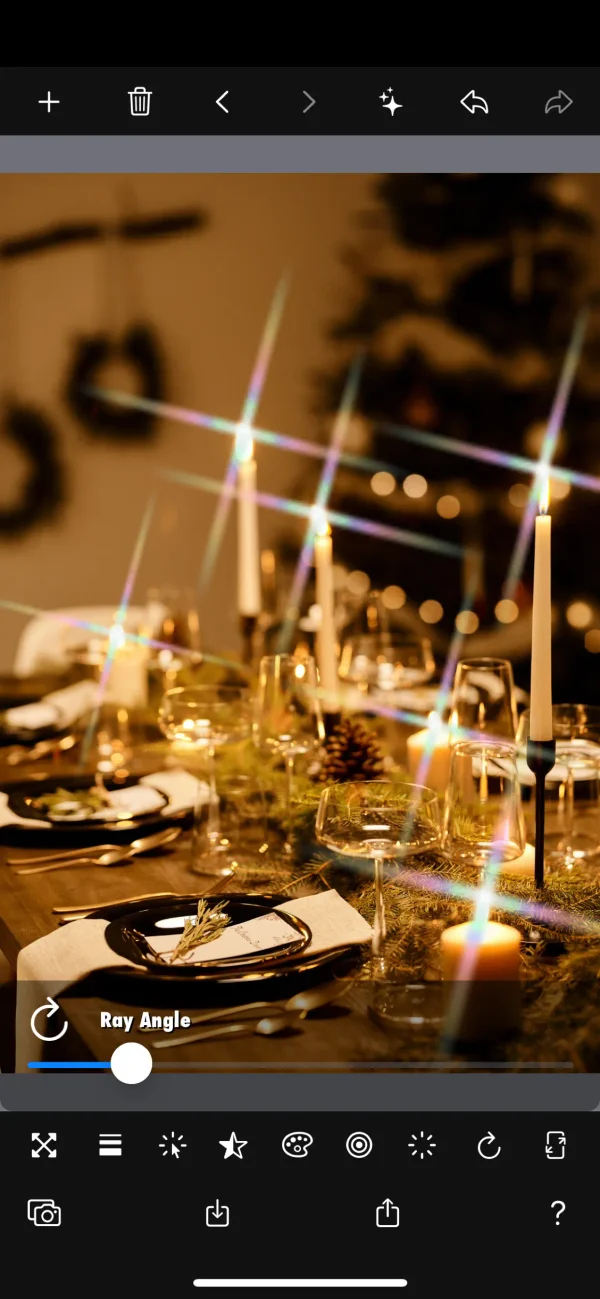
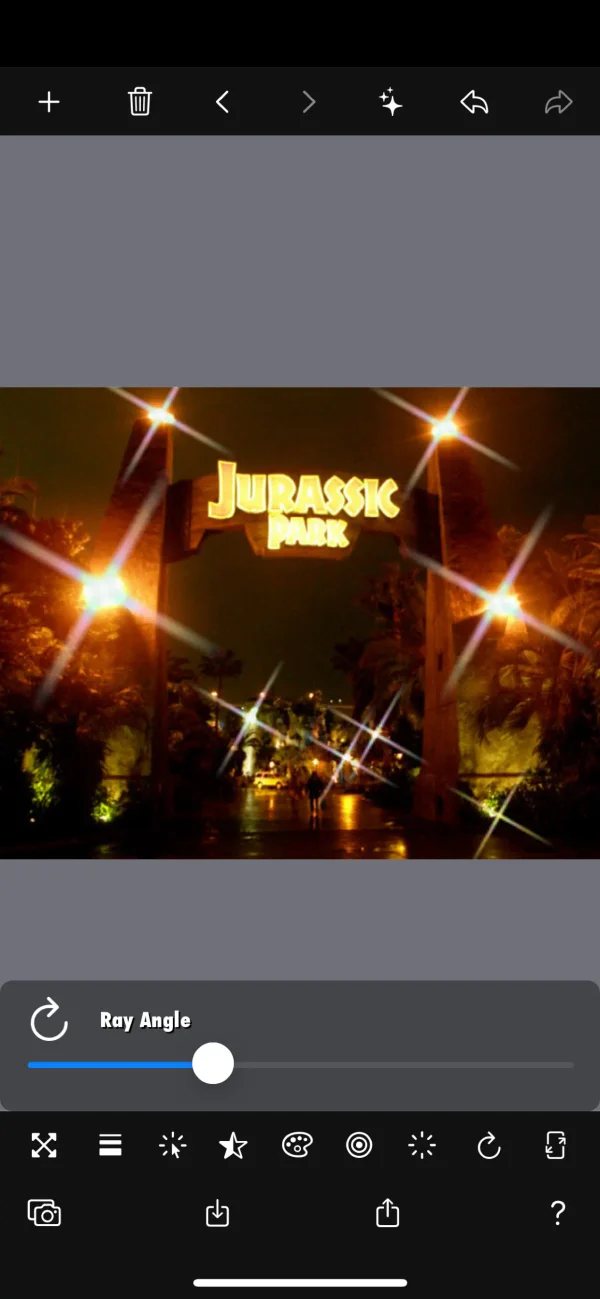
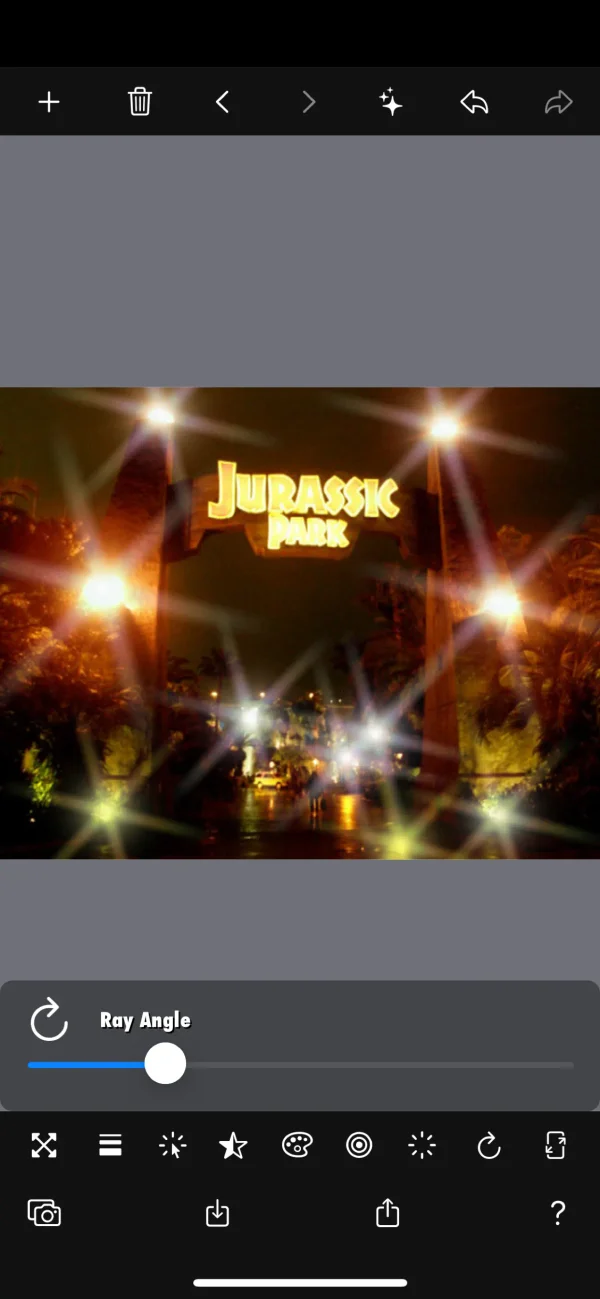
● You can add a beautiful "cross filter effect" to photos such as night views and illuminations.
● The beautiful rays emitted from light sources such as lighting give a stylish "glitter effect" to monotonous and dark photographs.
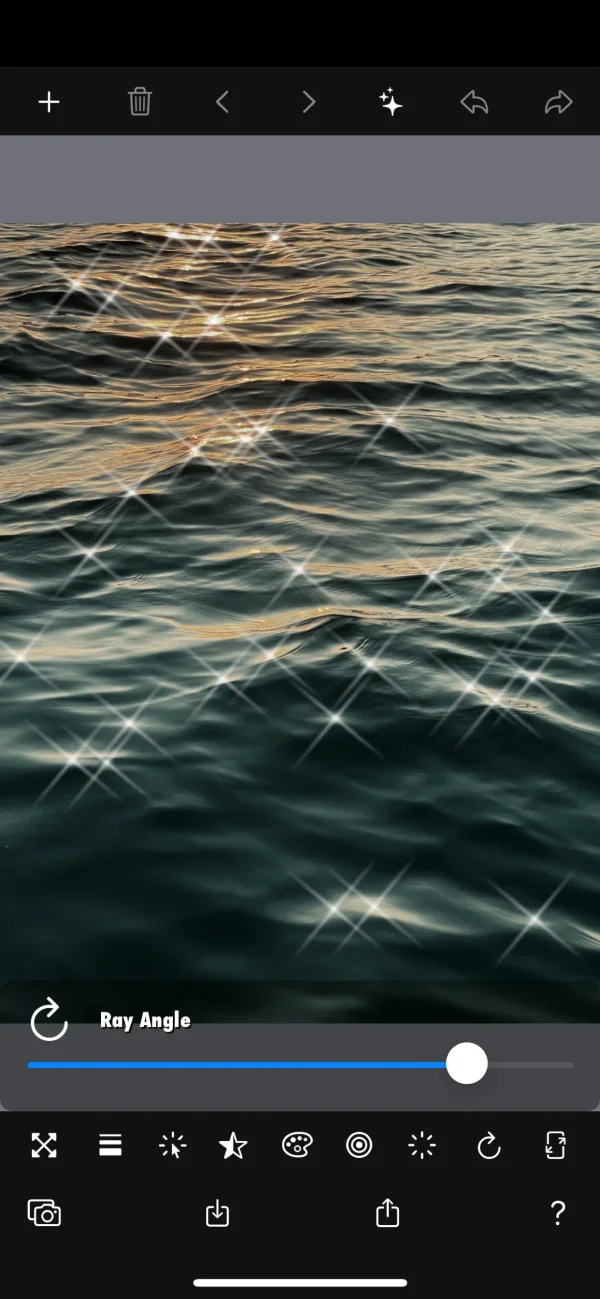
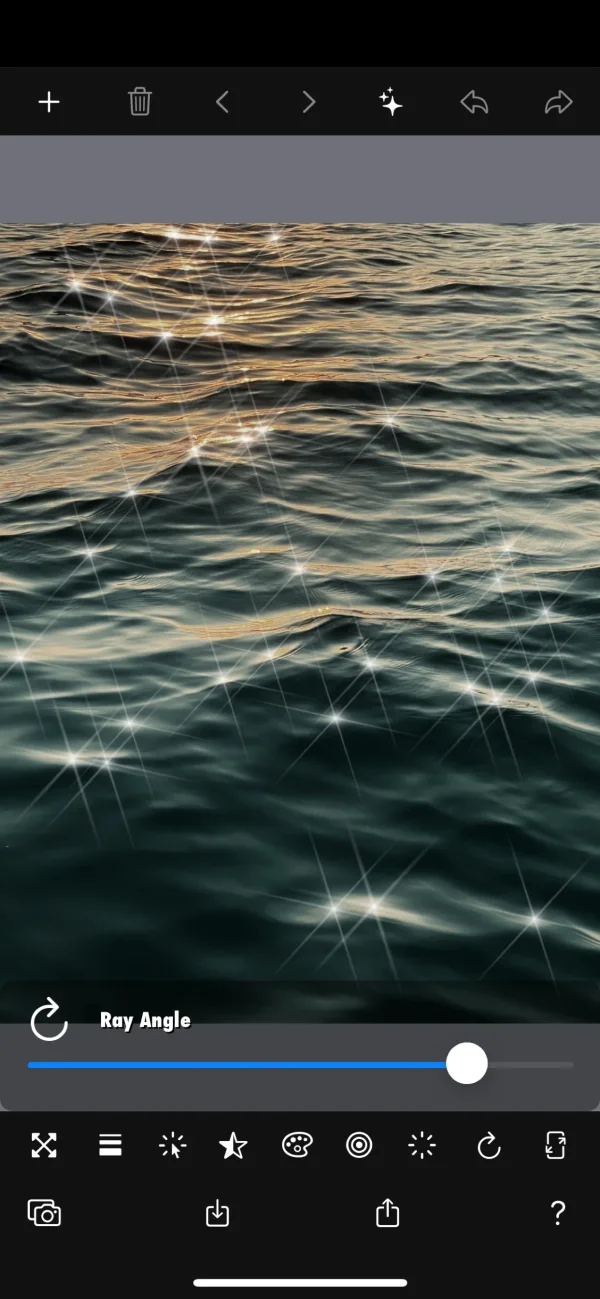
● It is also effective for light such as reflections on the water surface, sunbeams, and candle flames.
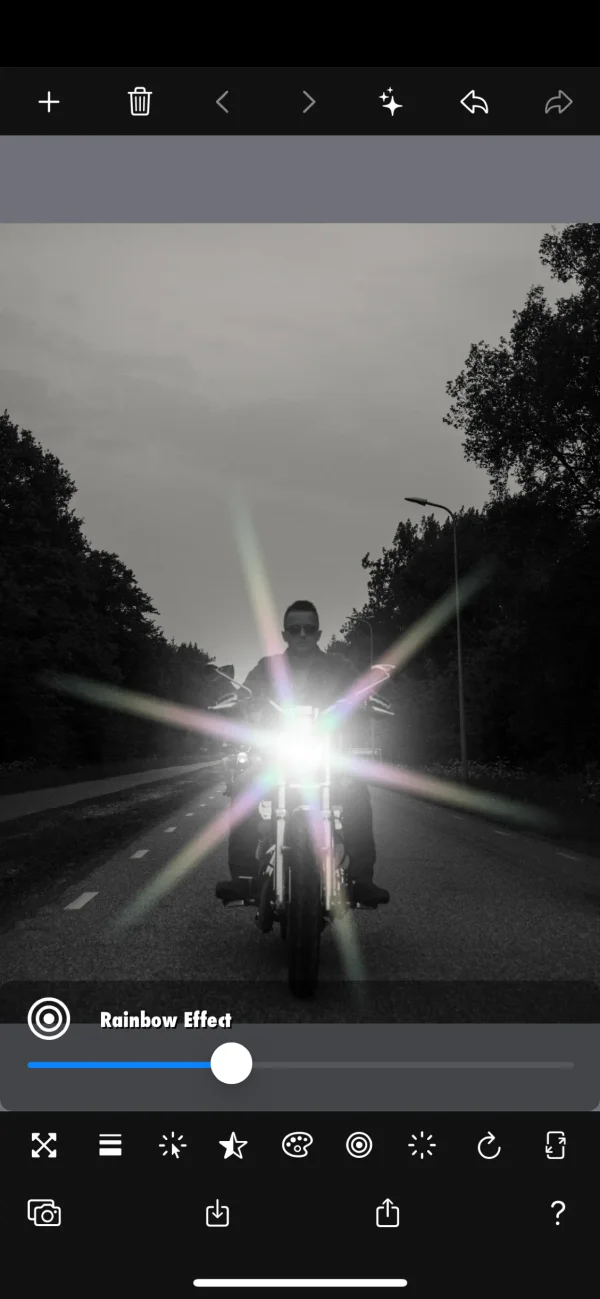
● You can apply a "rainbow effect" that makes lighting, illuminations, candles, etc. look beautiful.
[Disadvantages of conventional glitter apps]
- Since the glitter effect is automatic, you cannot edit it freely.
- Most of the photos have too many cross rays, which makes the photos unattractive.
- No detailed settings can be made for each light source.
[Advantages of this app]
- Cross filter effect can be applied only to llight sources that you want to add glitter effect.
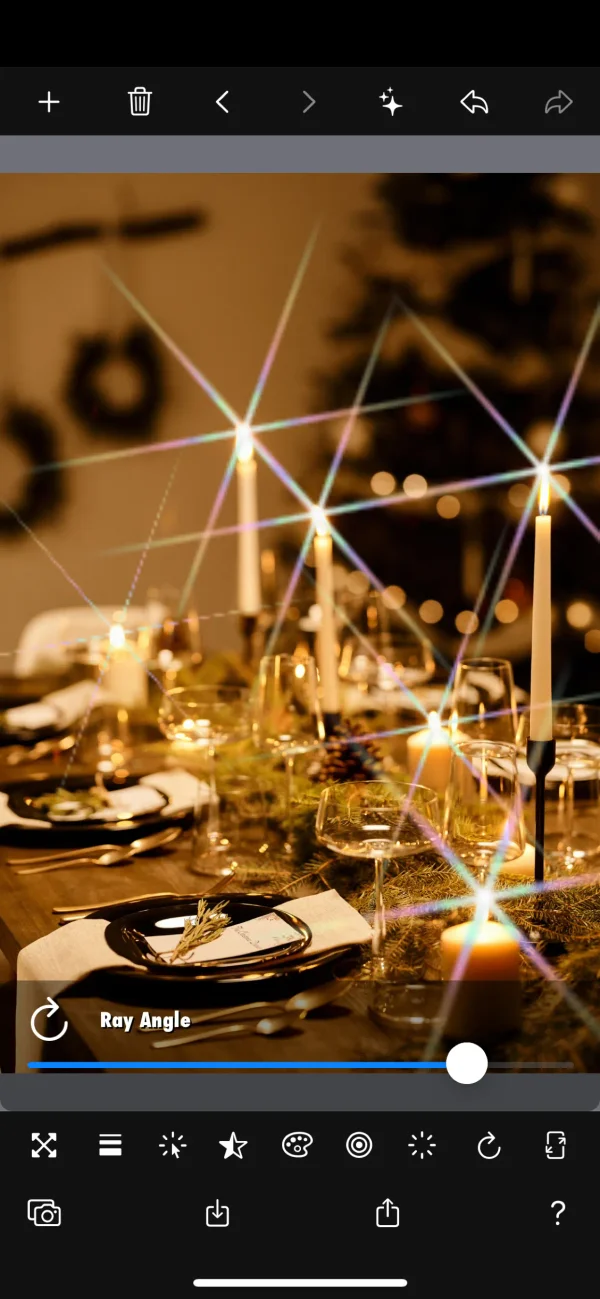
- You can set the length, width, color, transmission rate, number, angle, etc. of the light beam as you like.
- You can apply the beautiful "rainbow effect" unique to the cross filter effect.
- Easy operation by swiping or pinching allows quick editing without stress.
- Even with simple manual editing, the result is a pretty beautiful photo.
- It will not be an unattractive photo with too much glitter.
[Source]
- Camera shooting: Photo
- Camera roll: Photo
- Paste image: Copy and paste a web image
- File sharing: Can be sent from AirDrop, SNS, and other apps
[Cross filter effect]
* All rays can be edited at once.
- Ray length
- Ray width
- Light source radius
- Impermeability
- Light color
- Rainbow Effect
- Number of rays (4, 6, 8, 10, ...)
- Ray angle
- Save resolution: 20-100% of the original resolution
[Touch operation]
* All rays can be edited at once.
- Long press: Add new ray
- Swipe: Movement of light rays
- Pinch-in / pinch-out: Edit the same ratio of ray length, width, and radius
[Output]
- Save to camera roll: Photo
- Sharing videos and photos: AirDrop, LINE, Facebook, Dropbox, Instagram, ...
Neue Funktionen
Version 1.0.3 · 26.03.2024
・Added privacy manifests.
・Added app version number to help.
App-Datenschutz
Was Masanori Katsuta im App Store zum Umgang dieser App mit Daten angibt.
-
Keine Daten erfasst
Der Entwickler erfasst keine Daten von dieser App.
Die Datenschutzpraktiken können variieren, zum Beispiel je nach den von Ihnen verwendeten Funktionen oder Ihrem Alter.
Informationen
- Anbieter
- Masanori Katsuta
- Kategorie
- Foto und Video
- Version
- 1.0.3
- Aktualisiert
- 26.03.2024
- Veröffentlicht
- 01.06.2022
- Größe
- 6,7 MB
- Erfordert
- iOS 13.0 oder neuer
- Altersfreigabe
- 4+
- Preis
- 2,99 €
- Sprachen
- Japanisch, Englisch
- Copyright
- © KATS SOFT
Das könnte Ihnen auch gefallen
-
 PictOrb Movable Lens CameraFoto und Video
-
 CrossSnap: Vertical+HorizontalFoto und Video
-
 Own ViewFoto und Video
-
 KiraSpark GlitzerkameraFotoeffekte mit Sternlicht
-
 Bling Pro - Your sparkle camFoto und Video
-
 Starry sky CameraFoto und Video
-
 SnarkShotFoto und Video
-
 ARCameraRecorderFoto und Video
-
 GrainCam: Film Photo FiltersFilmkorn und Light Leaks
-
 ReTouchFlowFoto und Video