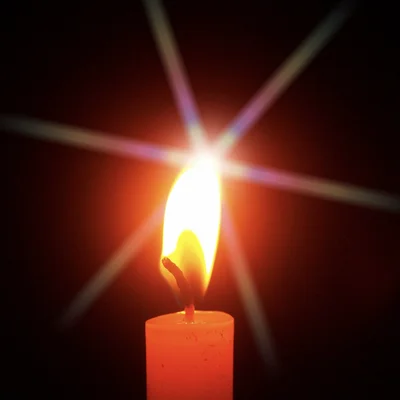
Cross Filter
Editing Cross-Filter effects
Được thiết kế cho iPhone, iPad, iPod touch
99.000đ
- Độ tuổi4+
- Danh mụcẢnh & Video
- Nhà phát triểnMasanori Katsuta
- Ngôn ngữTiếng Nhật+ 1 ngôn ngữ khác
- Kích thước6,7 MB
Liên kết đến trang App Store chính thức
Download.org không lưu trữ tệp nào của Cross Filter. Nút này mở trang ứng dụng trên App Store, nơi Masanori Katsuta phát hành ứng dụng. Trang được kiểm tra lần cuối: 12/11/2026.
Ảnh chụp màn hình



Giới thiệu
Nhà phát triển chưa cung cấp nội dung này bằng ngôn ngữ của bạn.
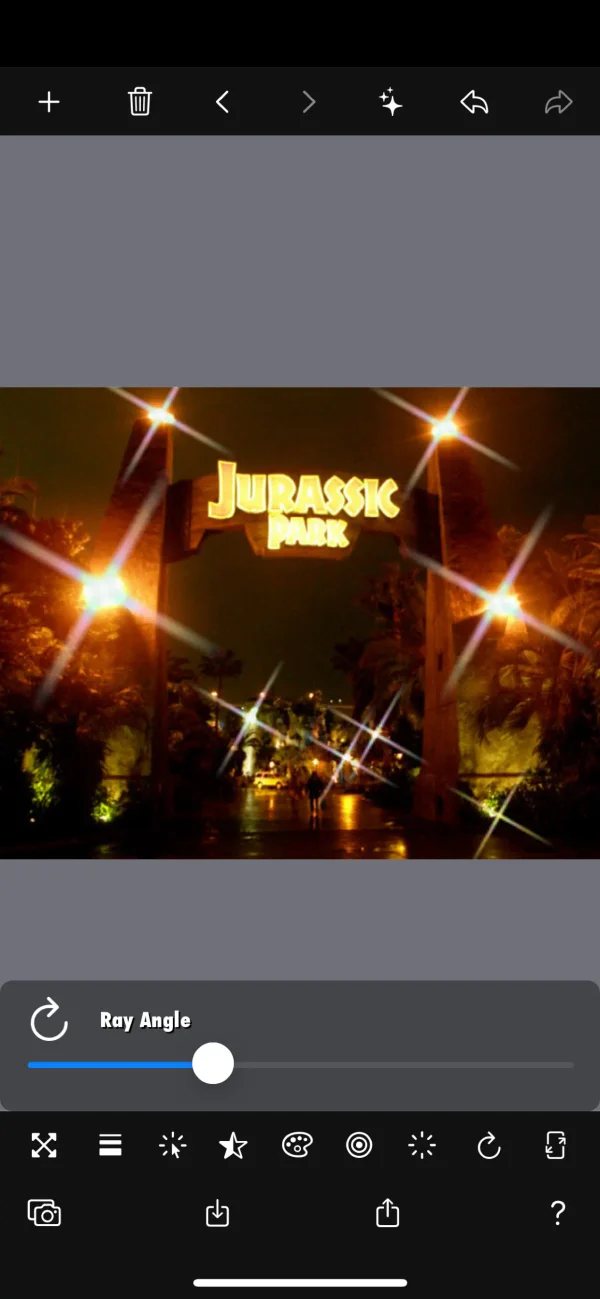
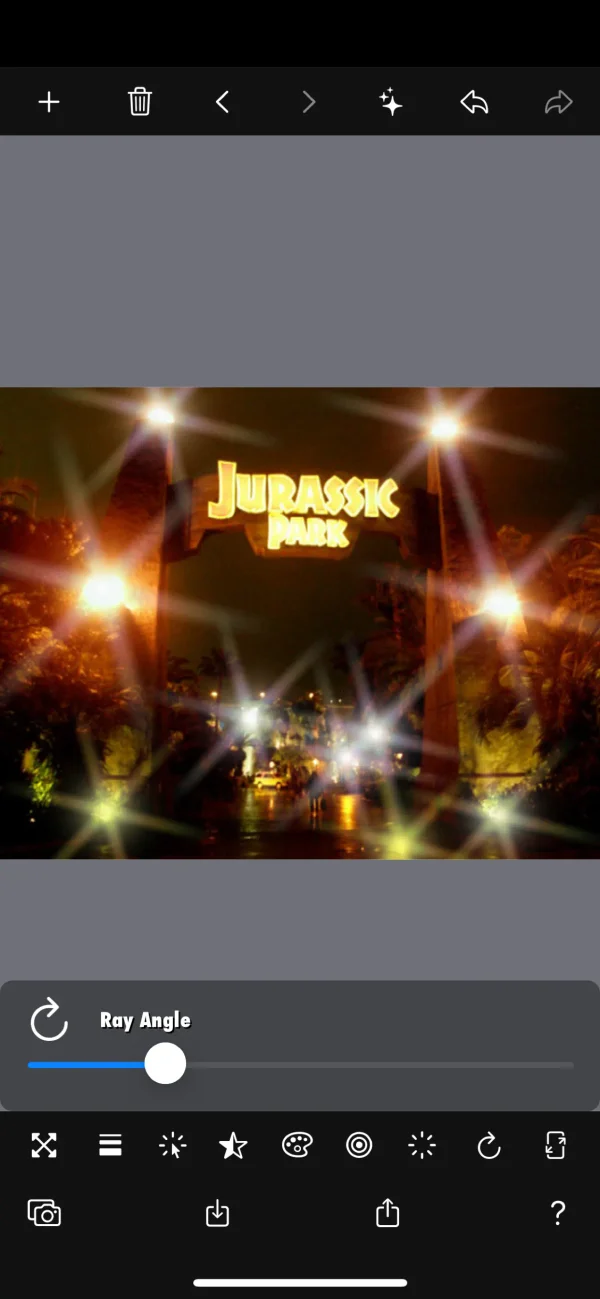
● You can add a beautiful "cross filter effect" to photos such as night views and illuminations.
● The beautiful rays emitted from light sources such as lighting give a stylish "glitter effect" to monotonous and dark photographs.
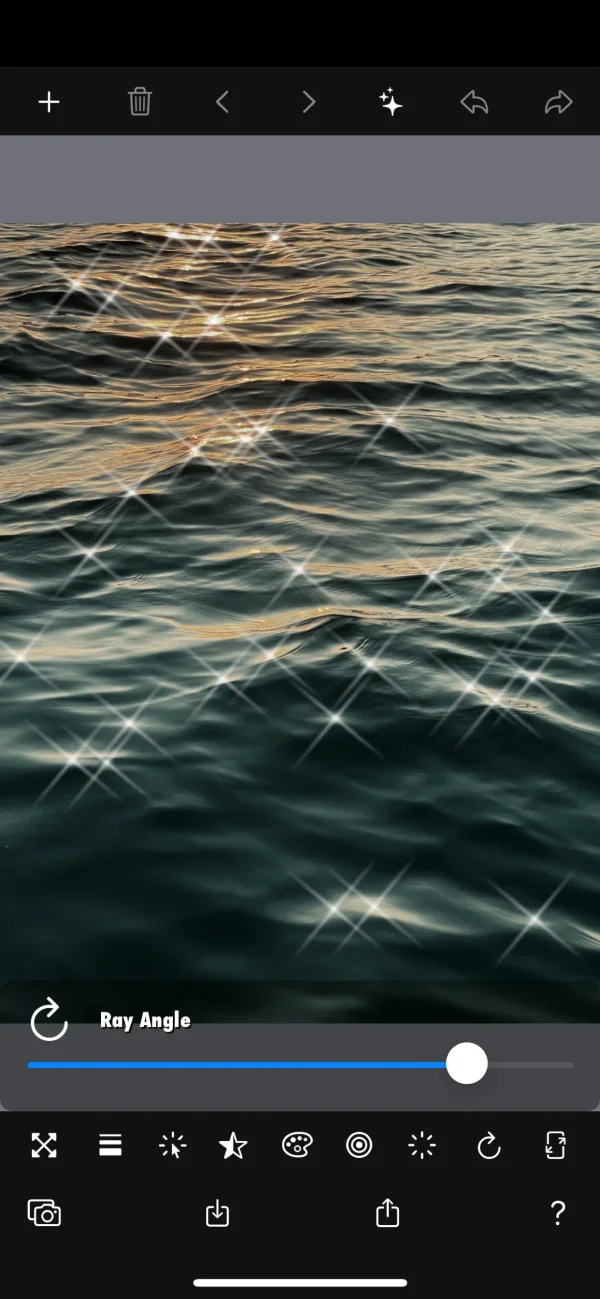
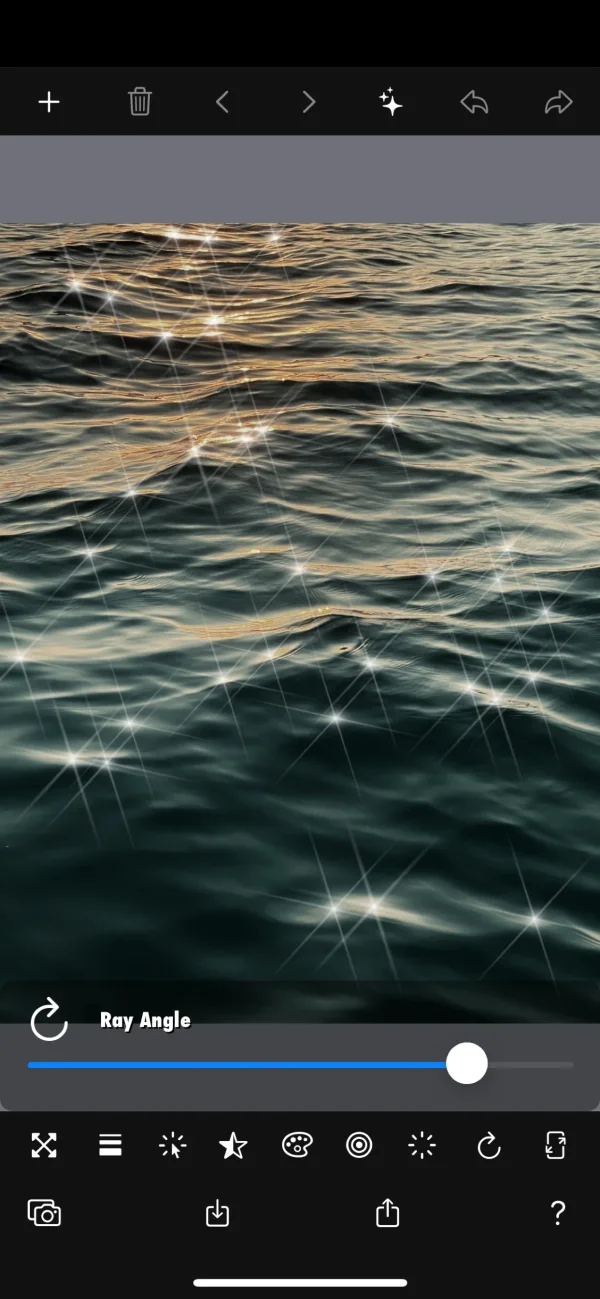
● It is also effective for light such as reflections on the water surface, sunbeams, and candle flames.
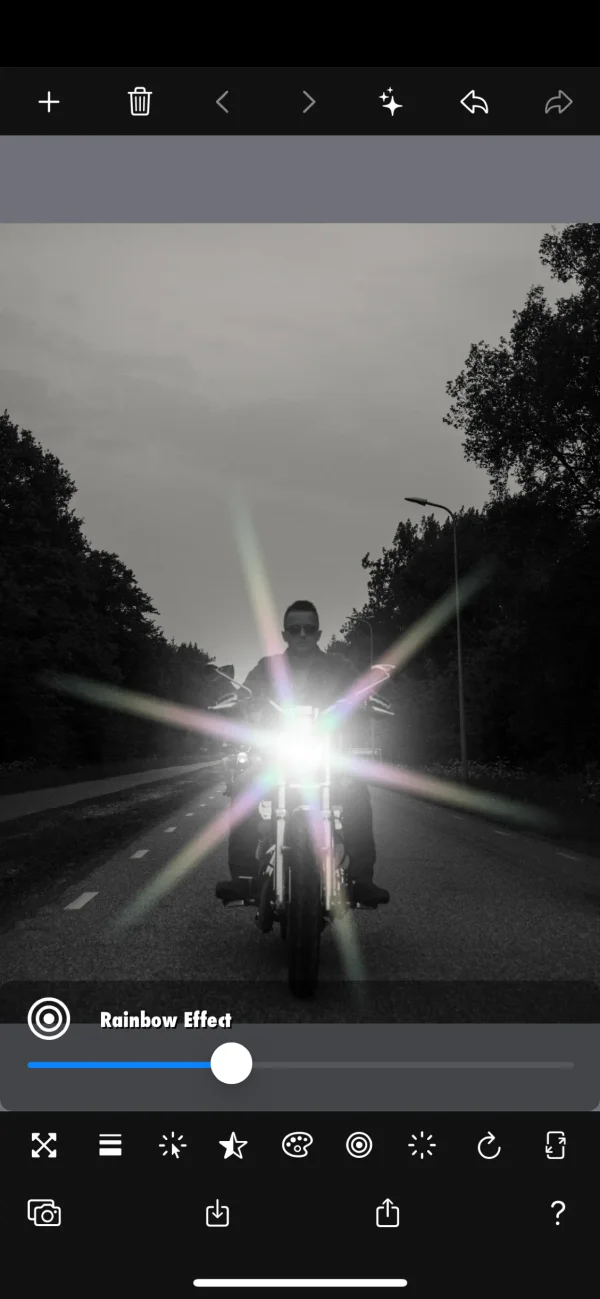
● You can apply a "rainbow effect" that makes lighting, illuminations, candles, etc. look beautiful.
[Disadvantages of conventional glitter apps]
- Since the glitter effect is automatic, you cannot edit it freely.
- Most of the photos have too many cross rays, which makes the photos unattractive.
- No detailed settings can be made for each light source.
[Advantages of this app]
- Cross filter effect can be applied only to llight sources that you want to add glitter effect.
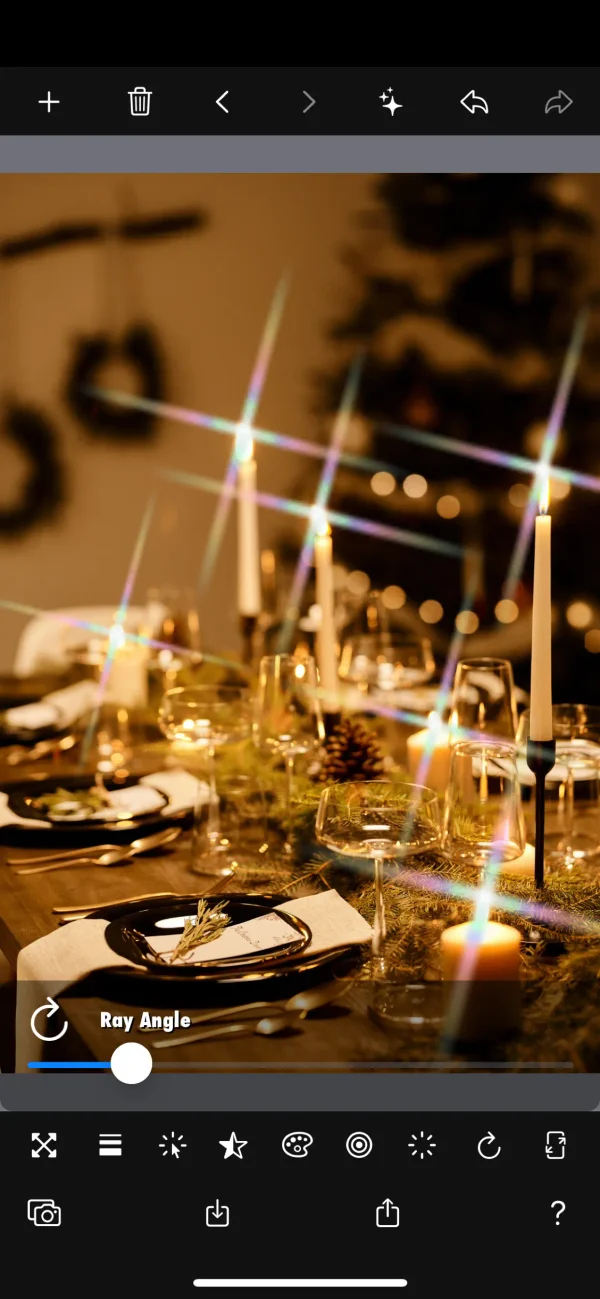
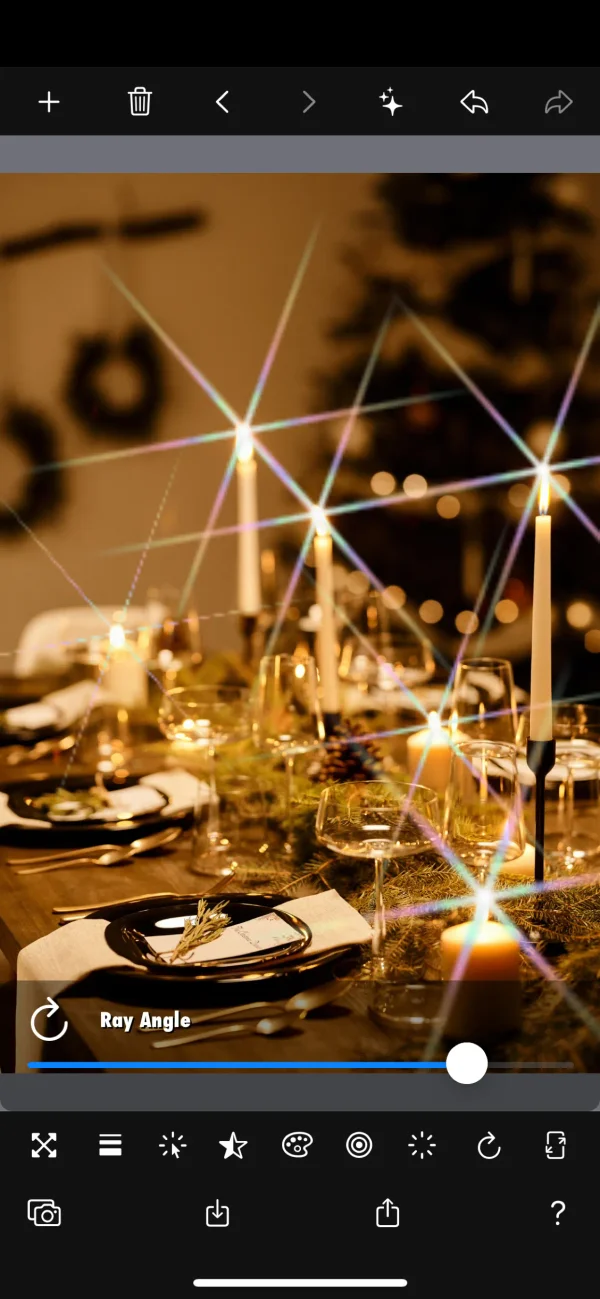
- You can set the length, width, color, transmission rate, number, angle, etc. of the light beam as you like.
- You can apply the beautiful "rainbow effect" unique to the cross filter effect.
- Easy operation by swiping or pinching allows quick editing without stress.
- Even with simple manual editing, the result is a pretty beautiful photo.
- It will not be an unattractive photo with too much glitter.
[Source]
- Camera shooting: Photo
- Camera roll: Photo
- Paste image: Copy and paste a web image
- File sharing: Can be sent from AirDrop, SNS, and other apps
[Cross filter effect]
* All rays can be edited at once.
- Ray length
- Ray width
- Light source radius
- Impermeability
- Light color
- Rainbow Effect
- Number of rays (4, 6, 8, 10, ...)
- Ray angle
- Save resolution: 20-100% of the original resolution
[Touch operation]
* All rays can be edited at once.
- Long press: Add new ray
- Swipe: Movement of light rays
- Pinch-in / pinch-out: Edit the same ratio of ray length, width, and radius
[Output]
- Save to camera roll: Photo
- Sharing videos and photos: AirDrop, LINE, Facebook, Dropbox, Instagram, ...
Có gì mới
Phiên bản 1.0.3 · 26/03/2024
・Added privacy manifests.
・Added app version number to help.
Quyền riêng tư của ứng dụng
Những gì Masanori Katsuta khai báo trên App Store về cách ứng dụng này xử lý dữ liệu.
-
Dữ liệu không được thu thập
Nhà phát triển không thu thập bất kỳ dữ liệu nào từ ứng dụng này.
Phương thức đảm bảo quyền riêng tư có thể khác nhau, chẳng hạn như tuỳ theo các tính năng bạn sử dụng hoặc độ tuổi của bạn.
Thông tin
- Người bán
- Masanori Katsuta
- Danh mục
- Ảnh & Video
- Phiên bản
- 1.0.3
- Cập nhật
- 26/03/2024
- Phát hành
- 01/06/2022
- Kích thước
- 6,7 MB
- Yêu cầu
- iOS 13.0 trở lên
- Độ tuổi
- 4+
- Giá
- 99.000đ
- Ngôn ngữ
- Tiếng Nhật, Tiếng Anh
- Bản quyền
- © KATS SOFT
Có thể bạn cũng thích
-
 PictOrb Movable Lens CameraẢnh & Video
-
 CrossSnap: Vertical+HorizontalẢnh & Video
-
 Own ViewẢnh & Video
-
 KiraSpark Máy Ảnh Lấp LánhHiệu ứng sáng cho ảnh
-
 Bling Pro - Your sparkle camẢnh & Video
-
 Starry sky CameraẢnh & Video
-
 SnarkShotẢnh & Video
-
 ARCameraRecorderẢnh & Video
-
 GrainCam: Film Photo FiltersHạt film và vệt sáng loang
-
 ReTouchFlowẢnh & Video