- Age rating4+
- CategoryPhoto & Video
- DeveloperMasanori Katsuta
- LanguagesJapanese+ 1 more
- Size6.7 MB
Links to the official App Store page
Download.org hosts no file of Cross Filter. The button opens its official App Store page, published by Masanori Katsuta. Listing last checked on Nov 12, 2026.
Screenshots



About
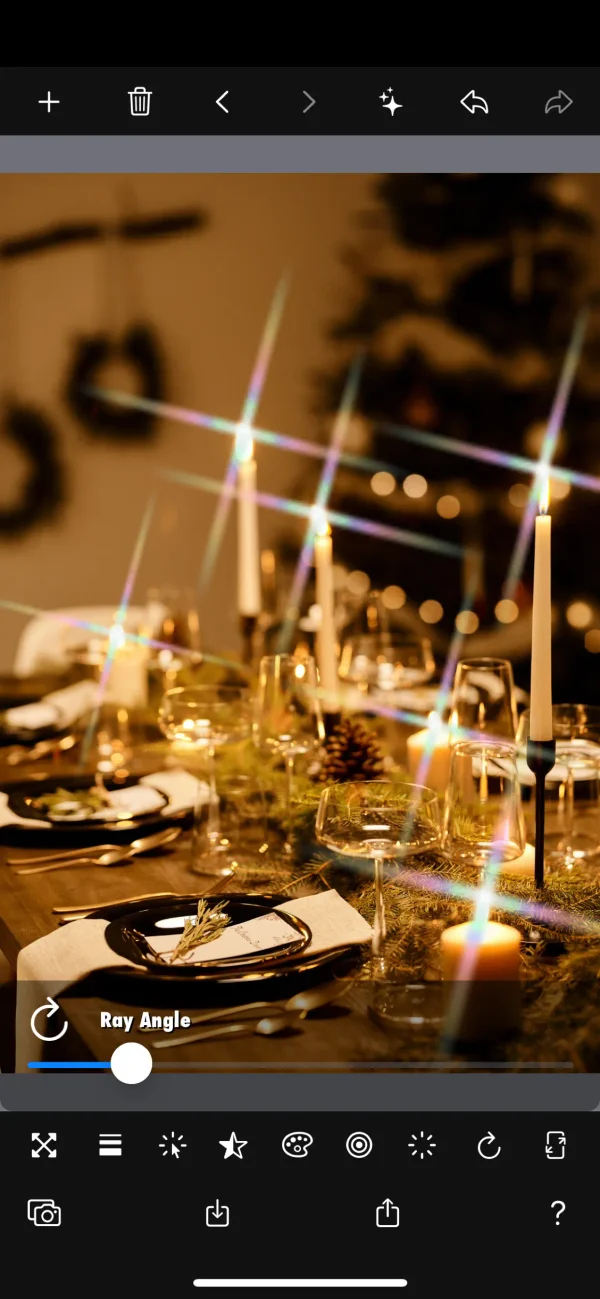
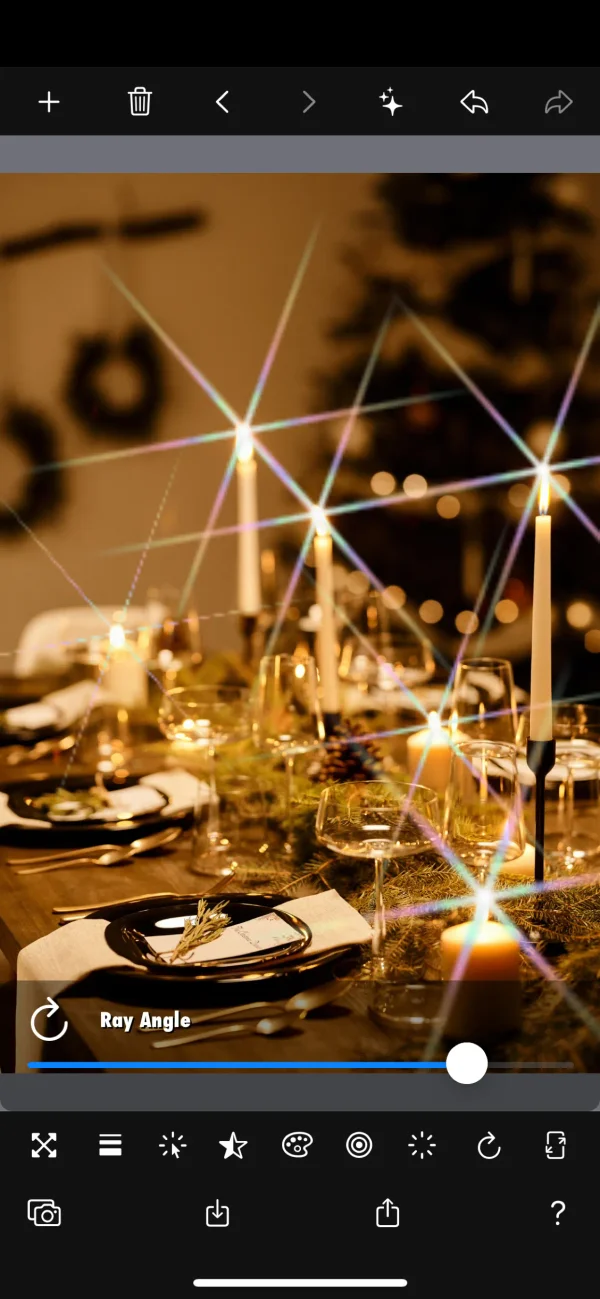
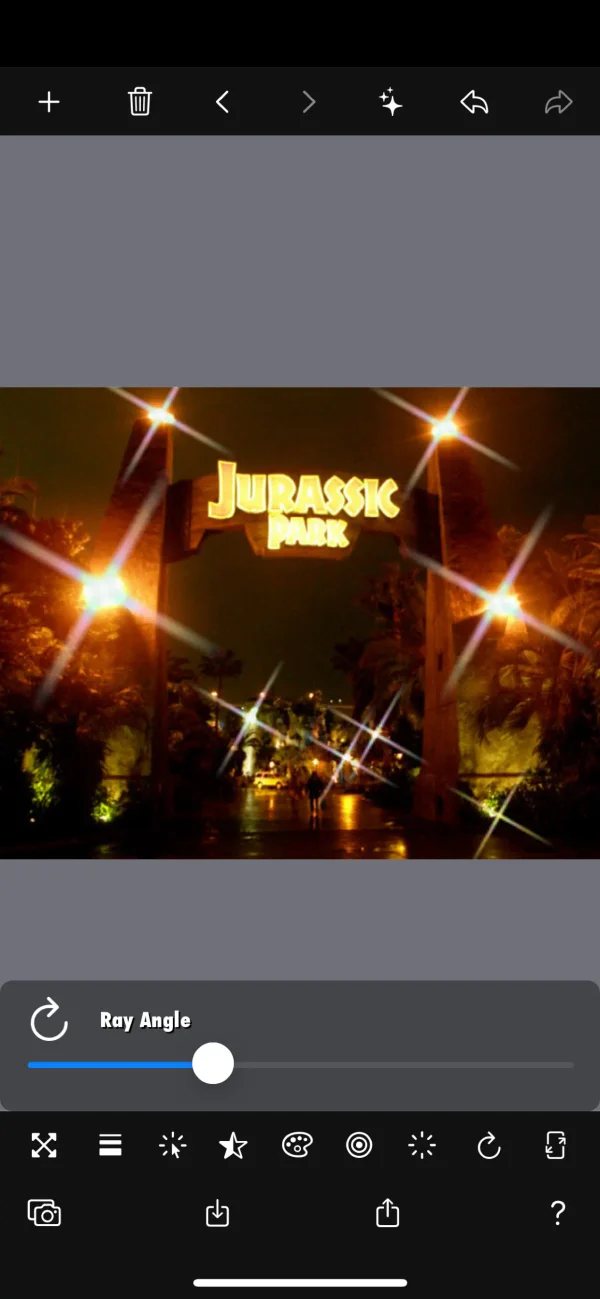
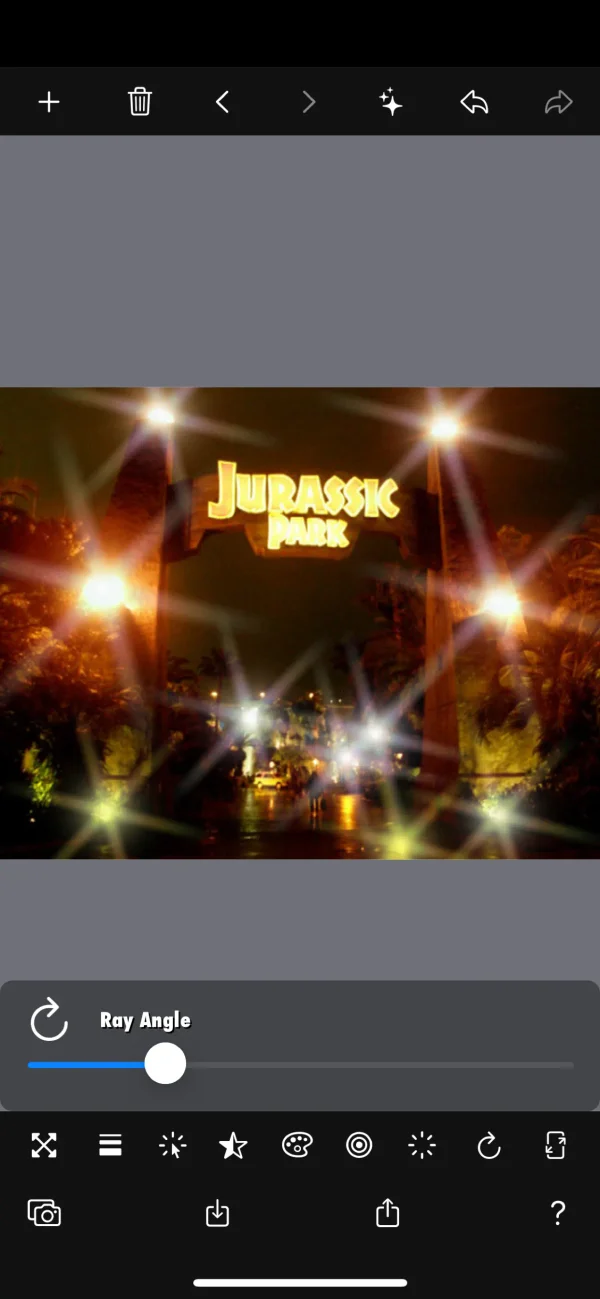
● You can add a beautiful "cross filter effect" to photos such as night views and illuminations.
● The beautiful rays emitted from light sources such as lighting give a stylish "glitter effect" to monotonous and dark photographs.
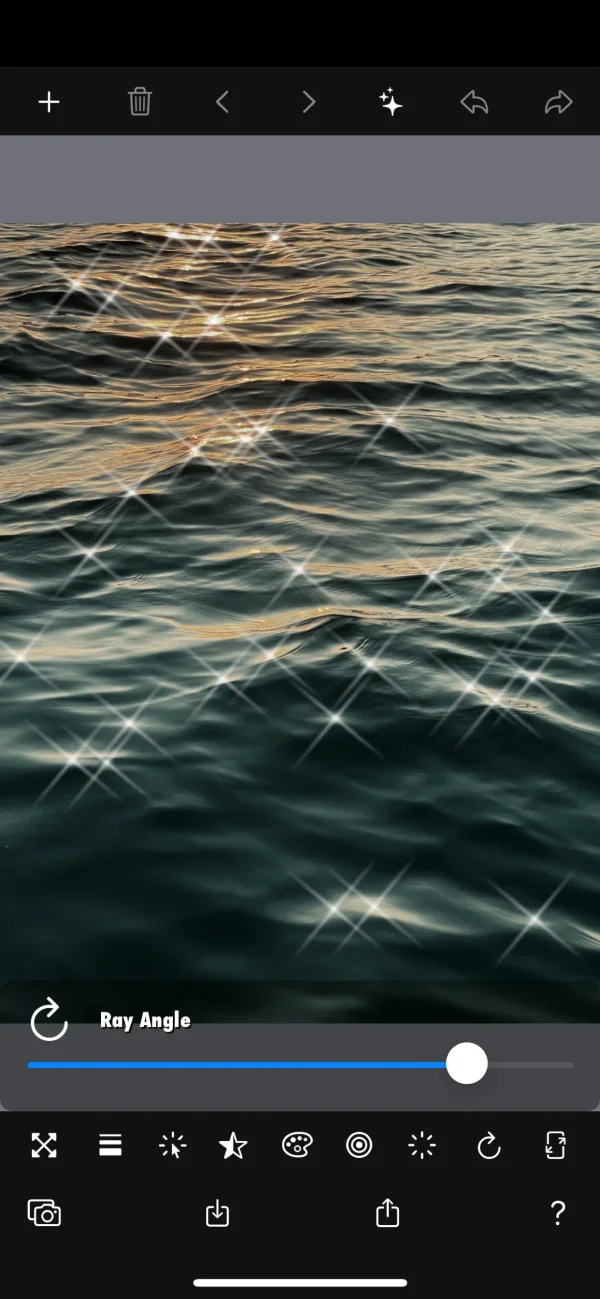
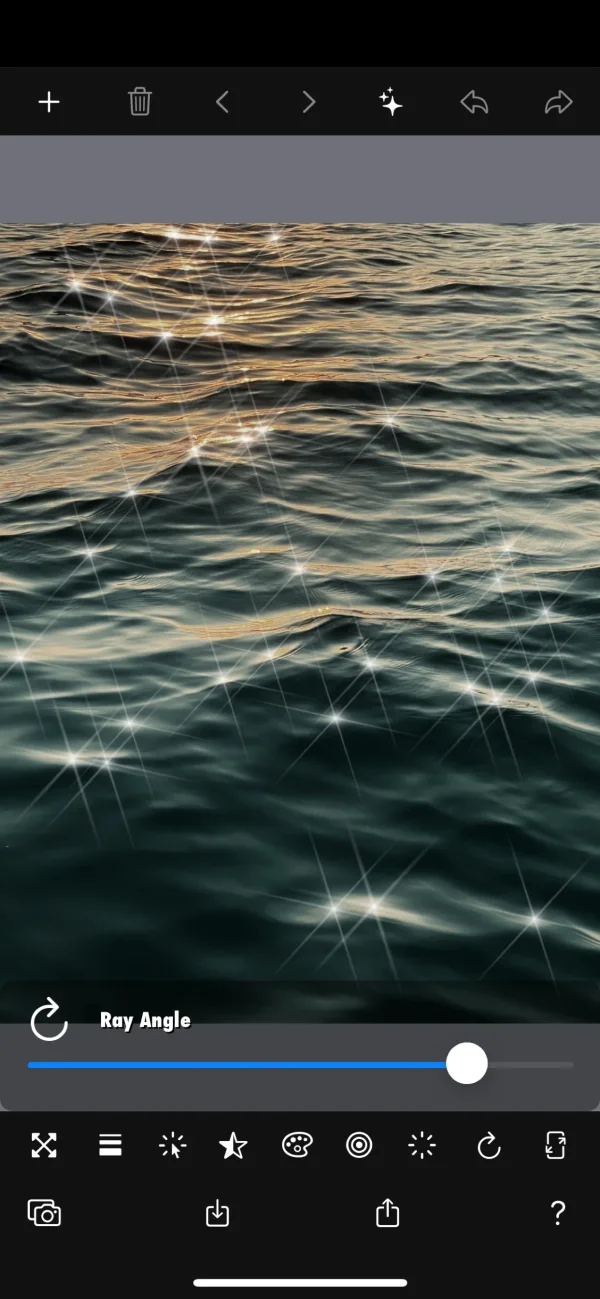
● It is also effective for light such as reflections on the water surface, sunbeams, and candle flames.
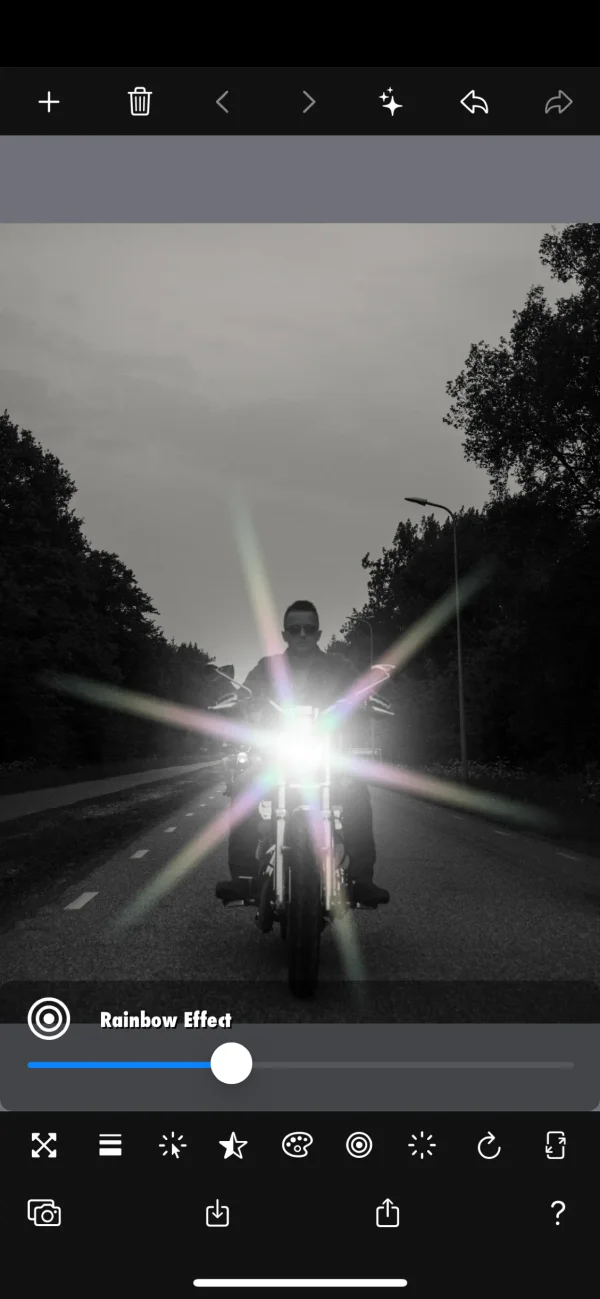
● You can apply a "rainbow effect" that makes lighting, illuminations, candles, etc. look beautiful.
[Disadvantages of conventional glitter apps]
- Since the glitter effect is automatic, you cannot edit it freely.
- Most of the photos have too many cross rays, which makes the photos unattractive.
- No detailed settings can be made for each light source.
[Advantages of this app]
- Cross filter effect can be applied only to llight sources that you want to add glitter effect.
- You can set the length, width, color, transmission rate, number, angle, etc. of the light beam as you like.
- You can apply the beautiful "rainbow effect" unique to the cross filter effect.
- Easy operation by swiping or pinching allows quick editing without stress.
- Even with simple manual editing, the result is a pretty beautiful photo.
- It will not be an unattractive photo with too much glitter.
[Source]
- Camera shooting: Photo
- Camera roll: Photo
- Paste image: Copy and paste a web image
- File sharing: Can be sent from AirDrop, SNS, and other apps
[Cross filter effect]
* All rays can be edited at once.
- Ray length
- Ray width
- Light source radius
- Impermeability
- Light color
- Rainbow Effect
- Number of rays (4, 6, 8, 10, ...)
- Ray angle
- Save resolution: 20-100% of the original resolution
[Touch operation]
* All rays can be edited at once.
- Long press: Add new ray
- Swipe: Movement of light rays
- Pinch-in / pinch-out: Edit the same ratio of ray length, width, and radius
[Output]
- Save to camera roll: Photo
- Sharing videos and photos: AirDrop, LINE, Facebook, Dropbox, Instagram, ...
What’s new
Version 1.0.3 · Mar 26, 2024
・Added privacy manifests.
・Added app version number to help.
App privacy
What Masanori Katsuta declares on the App Store about how this app handles data.
-
Data not collected
The developer does not collect any data from this app.
Privacy practices may vary, for example with the features you use or your age.
Information
- Seller
- Masanori Katsuta
- Category
- Photo & Video
- Version
- 1.0.3
- Updated
- Mar 26, 2024
- Released
- Jun 1, 2022
- Size
- 6.7 MB
- Requires
- iOS 13.0 or later
- Age rating
- 4+
- Languages
- Japanese, English
- Copyright
- © KATS SOFT
You might also like
-
 PictOrb Movable Lens CameraLive Effects for Photo & Video
-
 CrossSnap: Vertical+HorizontalPortrait & landscape, one take
-
 Own ViewCreate your own view
-
 KiraSpark: Sparkle CameraGlitter Photo Effects
-
 Bling Pro - Your sparkle camPhoto & Video Sparkle Effects
-
 Starry sky CameraAt the highest image quality
-
 SnarkShotAI Caricatures from Your Face
-
 ARCameraRecorderPhoto & Video
-
 GrainCam: Film Photo FiltersVintage Grain & Light Leak Cam
-
 ReTouchFlowPhoto & Video