
CUEit: Stopwatch Meets Timer
Countdowns for Your Routines
Entwickelt für iPhone
Kostenlos · In-App-Käufe
- Altersfreigabe4+
- KategorieProduktivität
- EntwicklerSeunghoon Baek
- SprachenEnglisch
- Größe3,8 MB
Verlinkt auf die offizielle App Store-Seite
Download.org hostet keine Datei von CUEit: Stopwatch Meets Timer. Die Schaltfläche öffnet die App-Seite bei App Store, wo Seunghoon Baek die App veröffentlicht. Eintrag zuletzt geprüft am 23.11.2026.
Screenshots

Info
Der Entwickler hat diesen Text nicht in Ihrer Sprache bereitgestellt.
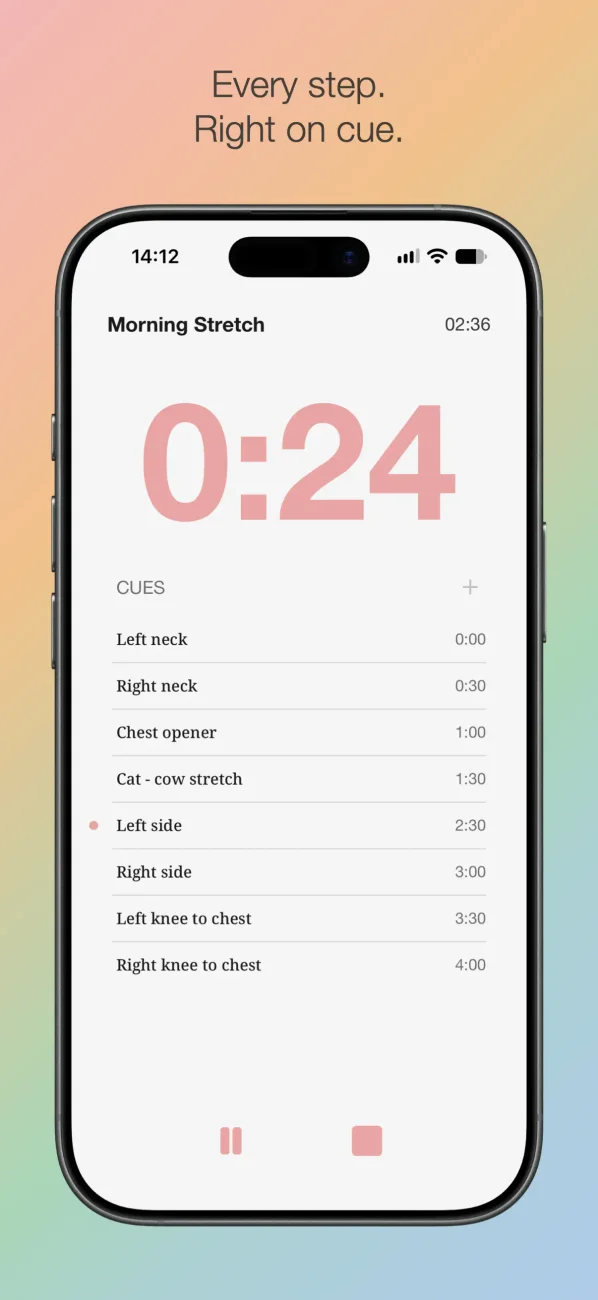
Set a cue to stir the sauce, switch exercises, or take a break. CUEit counts up and shows each cue at the time you choose, so you can follow a whole routine with one timer. Save it once and run it again whenever you need it.
Create and follow a routine
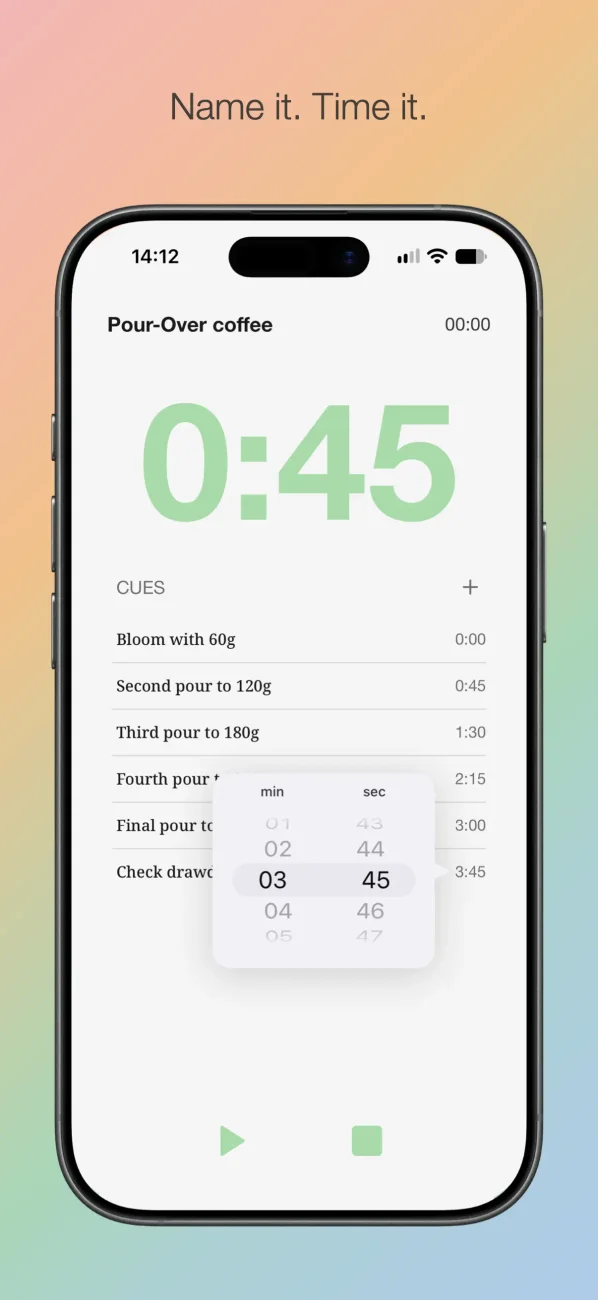
• Name each cue and choose when it appears.
• See your cues on a timeline, with a moving playhead and elapsed time.
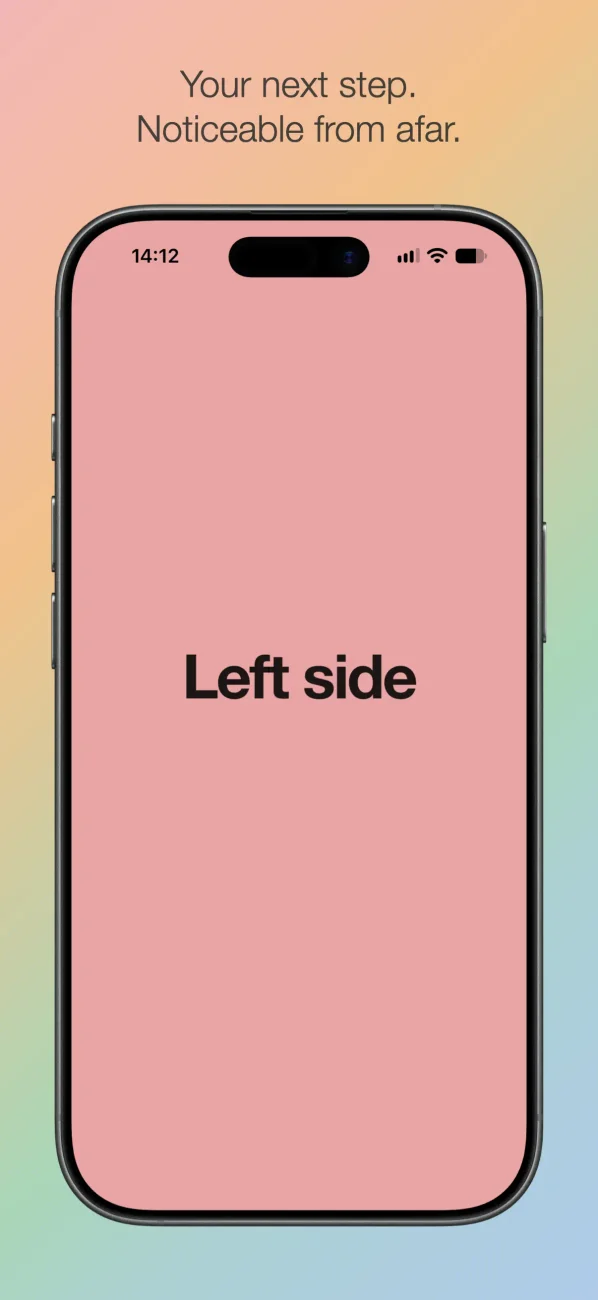
• Read each cue on a full-screen display. Pause when you need to, then pick up where you left off.
• See the cue sequence for each saved timer before you open it.
Make your cues sound right
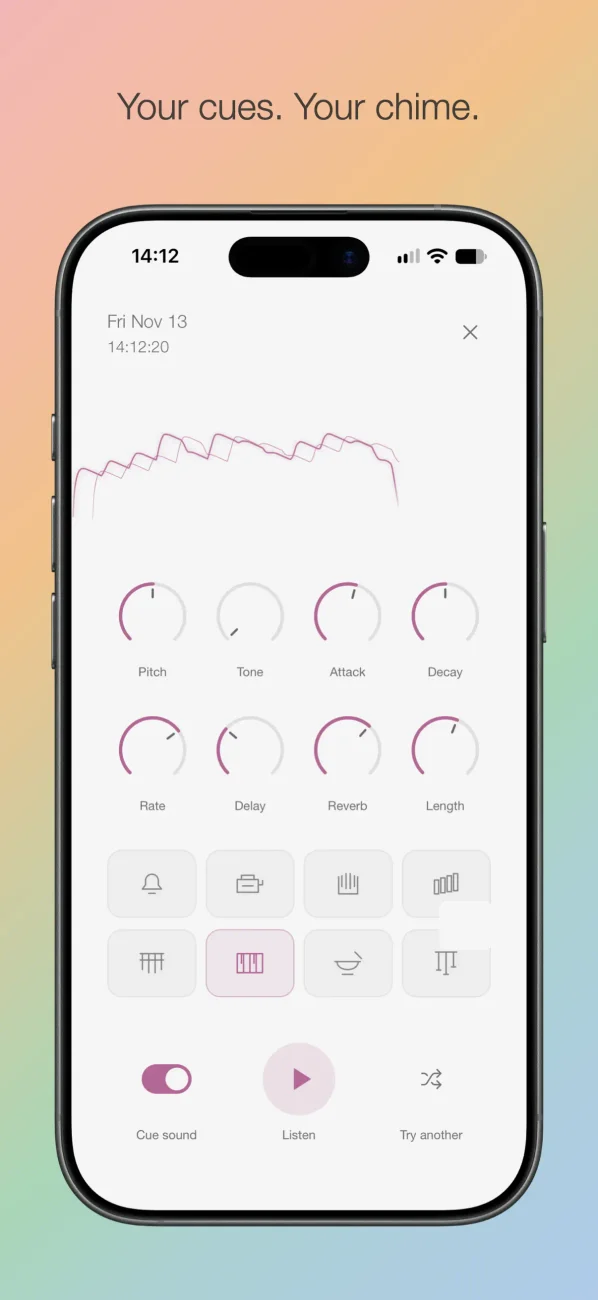
• Choose from eight chime presets, including Bell, Music Box, Soft Keys, and Singing Bowl.
• Adjust pitch, tone, timing, and more, and listen as you fine-tune your chime.
• Tap Try another to discover a new chime variation, or turn cue sounds off when you want a quiet timer.
Keep your timer in view
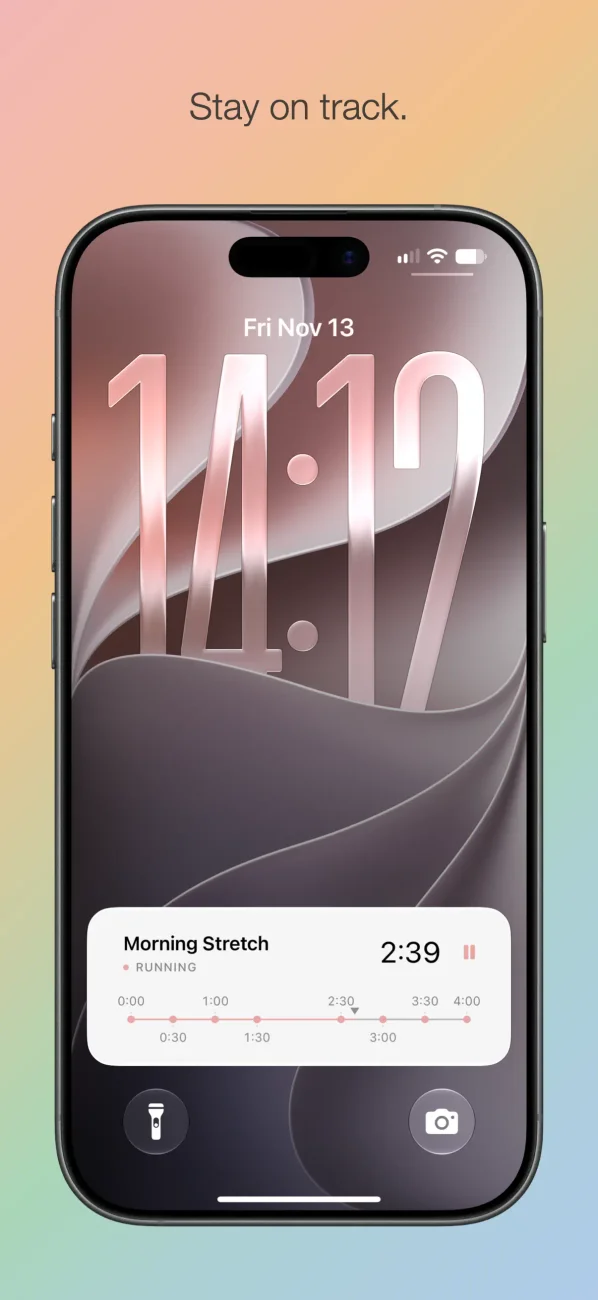
• Follow your timer on the Lock Screen and in the Dynamic Island with Live Activities on supported iPhones.
• Pause or resume from the Live Activity on supported iOS versions, or tap it to return to your timer.
Save more with CUEit Access
• Keep up to 30 saved timers for different activities and routines.
Your timers and cues stay on your device. No account, ads, or cloud sync. Create and run timers offline.
Terms of Use (EULA): https://www.apple.com/legal/internet-services/itunes/dev/stdeula/
Neue Funktionen
Version 1.0.2 · 19.11.2026
A fresh look for CUEit, with more ways to make it yours.
• Find and open your saved timers from a redesigned main screen.
• Customize your cue sound with redesigned chime controls.
• Follow, pause, and resume your timer with Live Activities on the Lock Screen and in the expanded Dynamic Island.
• Save up to 30 timers with CUEit Access, up from 12.
App-Datenschutz
Was Seunghoon Baek im App Store zum Umgang dieser App mit Daten angibt.
-
Keine Daten erfasst
Der Entwickler erfasst keine Daten von dieser App.
Die Datenschutzpraktiken können variieren, zum Beispiel je nach den von Ihnen verwendeten Funktionen oder Ihrem Alter.
Informationen
- Anbieter
- Seunghoon Baek
- Kategorie
- Produktivität
- Version
- 1.0.2
- Aktualisiert
- 19.11.2026
- Veröffentlicht
- 08.09.2026
- Größe
- 3,8 MB
- Erfordert
- iOS 17.0 oder neuer
- Altersfreigabe
- 4+
- Preis
- Kostenlos
- In-App-Käufe
- Ja
- Sprachen
- Englisch
- Copyright
- © 2026 Terryb Studio
Das könnte Ihnen auch gefallen
-
 Timepiece: Pomodoro Flip ClockProduktivität
-
 Horae — Daily Time TrackingProduktivität
-
 our.family: Family OrganizerProduktivität
-
 Samay: Time TranslatorProduktivität
-
 Hourish: Routine TimerProduktivität
-
 Scatterbrain: ADHD PriorityProduktivität
-
 Blick for Microsoft 365Produktivität
-
 Time Aware - Voice Time TrackProduktivität
-
 What-Else: AlltagsaufgabenIm Blick, was warten kann
-
 Summon: Meeting AlertsProduktivität