CUEit: Stopwatch Meets Timer
Countdowns for Your Routines
Conçue pour iPhone
Gratuit · Achats intégrés
- Classification d’âge4+
- CatégorieProductivité
- DéveloppeurSeunghoon Baek
- LanguesAnglais
- Taille3,8 Mo
Renvoie vers la page App Store officielle
Download.org n’héberge aucun fichier de CUEit: Stopwatch Meets Timer. Le bouton ouvre la page de l’application sur App Store, où Seunghoon Baek la publie. Fiche vérifiée pour la dernière fois le 23/11/2026.
Captures d’écran

À propos
Le développeur n’a pas fourni ce texte dans votre langue.
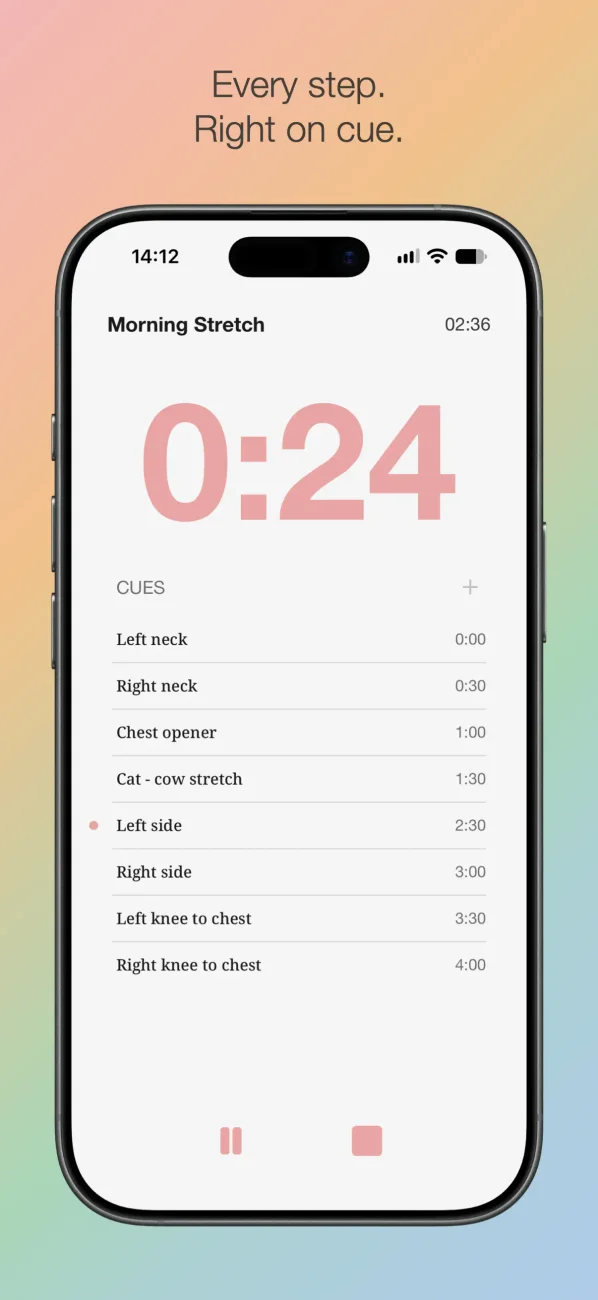
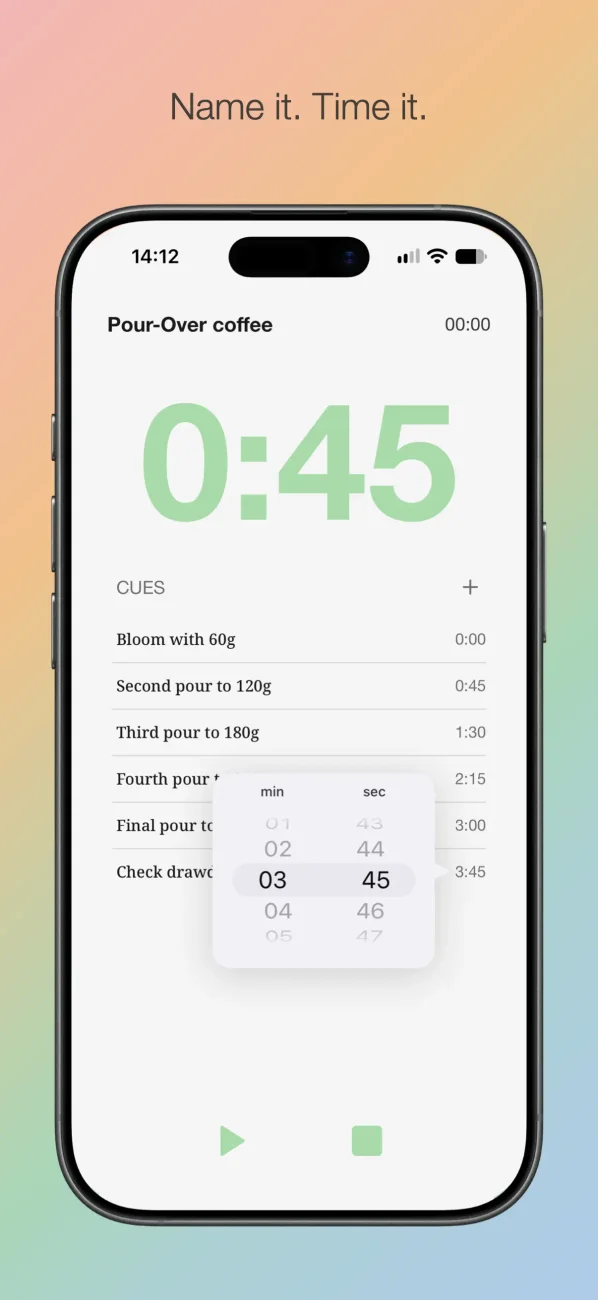
Set a cue to stir the sauce, switch exercises, or take a break. CUEit counts up and shows each cue at the time you choose, so you can follow a whole routine with one timer. Save it once and run it again whenever you need it.
Create and follow a routine
• Name each cue and choose when it appears.
• See your cues on a timeline, with a moving playhead and elapsed time.
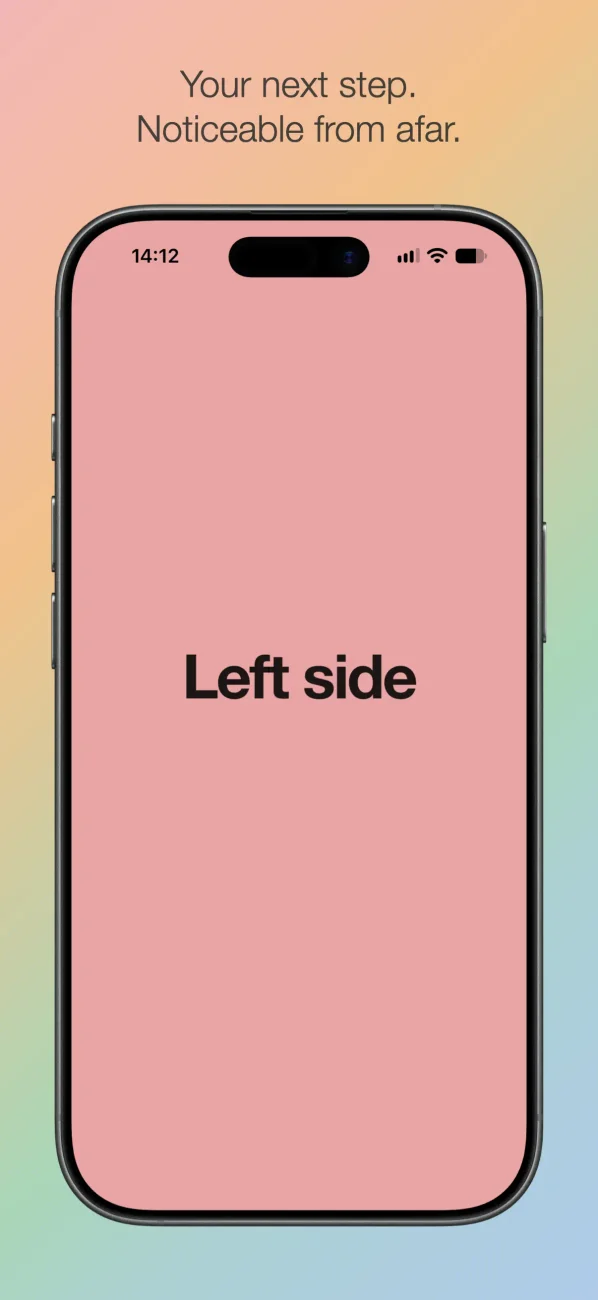
• Read each cue on a full-screen display. Pause when you need to, then pick up where you left off.
• See the cue sequence for each saved timer before you open it.
Make your cues sound right
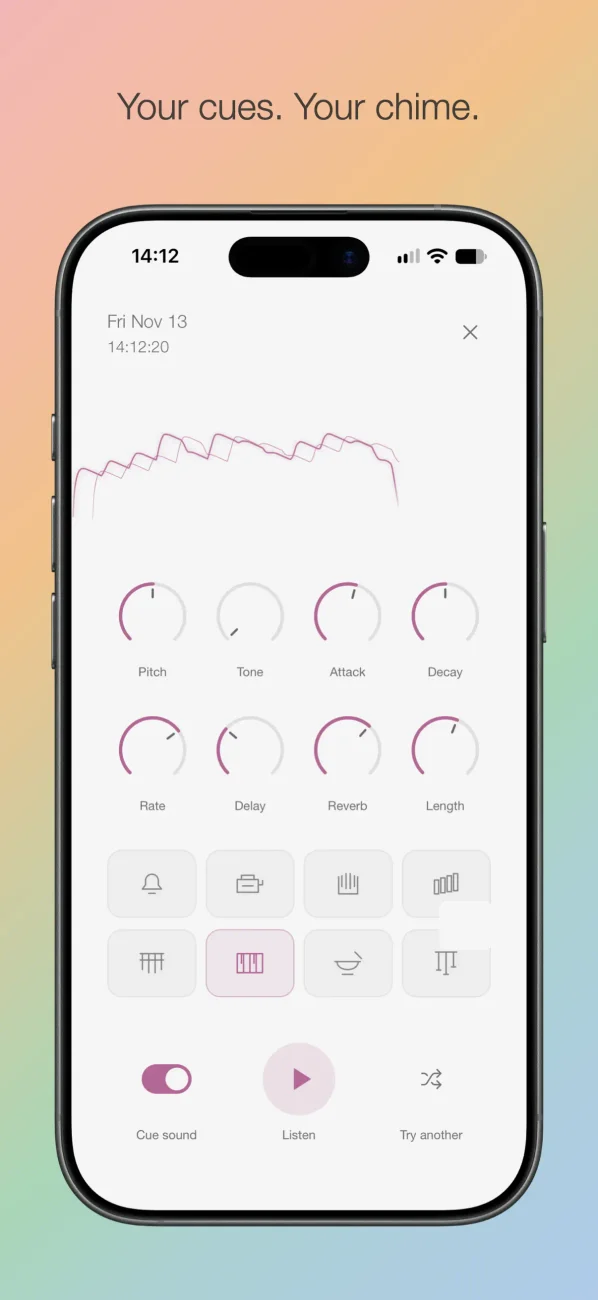
• Choose from eight chime presets, including Bell, Music Box, Soft Keys, and Singing Bowl.
• Adjust pitch, tone, timing, and more, and listen as you fine-tune your chime.
• Tap Try another to discover a new chime variation, or turn cue sounds off when you want a quiet timer.
Keep your timer in view
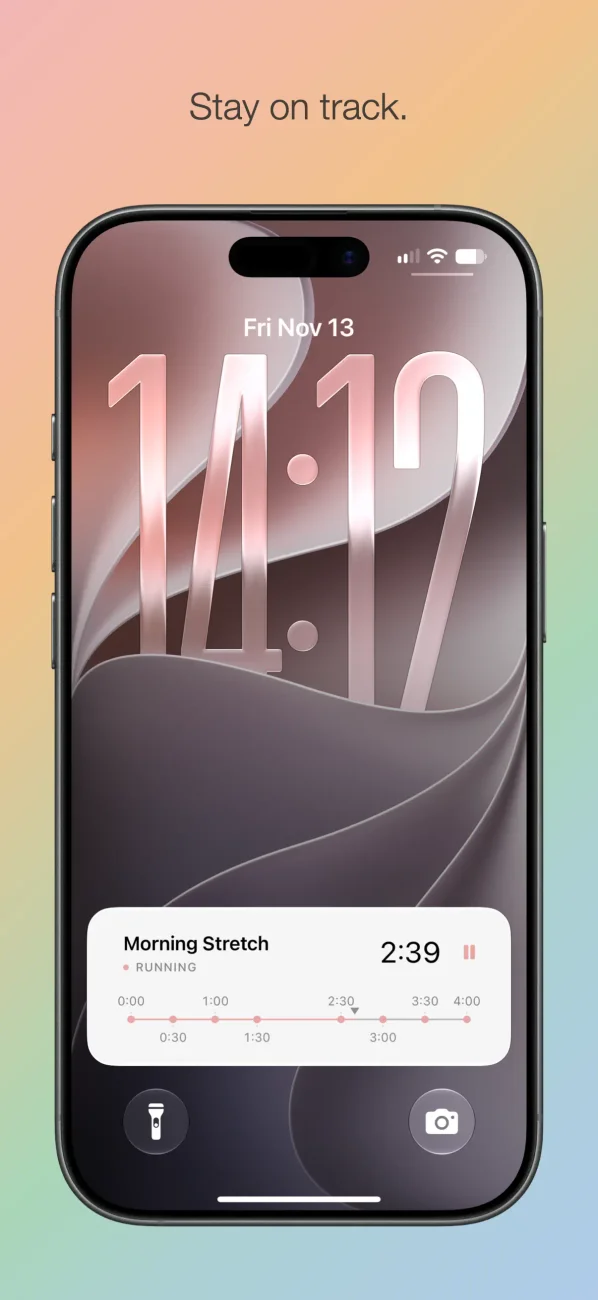
• Follow your timer on the Lock Screen and in the Dynamic Island with Live Activities on supported iPhones.
• Pause or resume from the Live Activity on supported iOS versions, or tap it to return to your timer.
Save more with CUEit Access
• Keep up to 30 saved timers for different activities and routines.
Your timers and cues stay on your device. No account, ads, or cloud sync. Create and run timers offline.
Terms of Use (EULA): https://www.apple.com/legal/internet-services/itunes/dev/stdeula/
Nouveautés
Version 1.0.2 · 19/11/2026
A fresh look for CUEit, with more ways to make it yours.
• Find and open your saved timers from a redesigned main screen.
• Customize your cue sound with redesigned chime controls.
• Follow, pause, and resume your timer with Live Activities on the Lock Screen and in the expanded Dynamic Island.
• Save up to 30 timers with CUEit Access, up from 12.
Confidentialité de l’application
Ce que Seunghoon Baek déclare sur l’App Store au sujet du traitement des données par cette application.
-
Données non collectées
Le développeur ne collecte aucune donnée à partir de cette application.
Les pratiques en matière de confidentialité peuvent varier, notamment en fonction des fonctionnalités que vous utilisez ou de votre âge.
Informations
- Vendeur
- Seunghoon Baek
- Catégorie
- Productivité
- Version
- 1.0.2
- Mis à jour
- 19/11/2026
- Publié
- 08/09/2026
- Taille
- 3,8 Mo
- Nécessite
- iOS 17.0 ou version ultérieure
- Classification d’âge
- 4+
- Prix
- Gratuit
- Achats intégrés
- Oui
- Langues
- Anglais
- Copyright
- © 2026 Terryb Studio
Vous aimerez peut-être aussi
-
 Timepiece: Pomodoro Flip ClockProductivité
-
 Horae — Daily Time TrackingProductivité
-
 our.family: Family OrganizerProductivité
-
 Samay: Time TranslatorProductivité
-
 Hourish: Routine TimerProductivité
-
 Scatterbrain: ADHD PriorityProductivité
-
 Blick for Microsoft 365Productivité
-
 Time Aware - Voice Time TrackProductivité
-
 What-Else: Life MaintenanceProductivité
-
 Summon: Meeting AlertsProductivité