
Deckora: AI Presentation Maker
AI Presentation Maker
Entwickelt für iPhone
Kostenlos · In-App-Käufe
- Altersfreigabe17+
- KategorieProduktivität
- EntwicklerMihnea Sandu
- SprachenEnglisch
- Größe26,8 MB
Verlinkt auf die offizielle App Store-Seite
Download.org hostet keine Datei von Deckora: AI Presentation Maker. Die Schaltfläche öffnet die App-Seite bei App Store, wo Mihnea Sandu die App veröffentlicht. Eintrag zuletzt geprüft am 12.11.2026.
Screenshots
Info
Der Entwickler hat diesen Text nicht in Ihrer Sprache bereitgestellt.
Create Presentations with AI
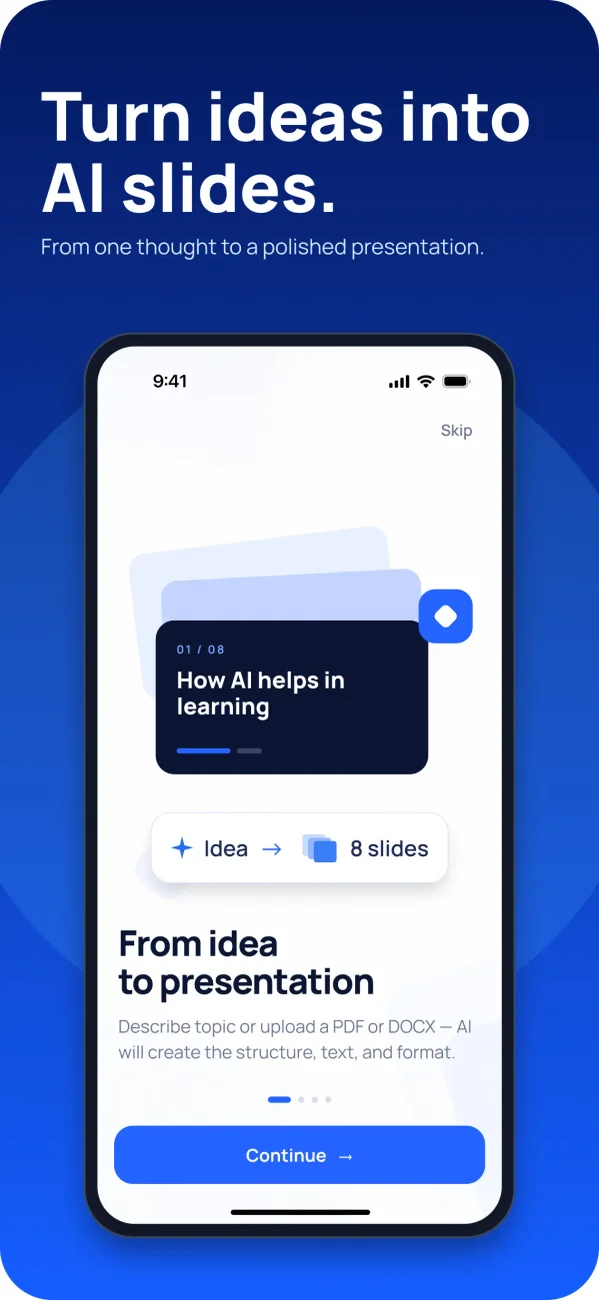
Turn ideas, topics, and documents into ready-to-use presentations. Describe what your presentation should be about or upload a PDF or DOCX — AI will help create the structure, text, and design in one workflow.
From Idea to Presentation
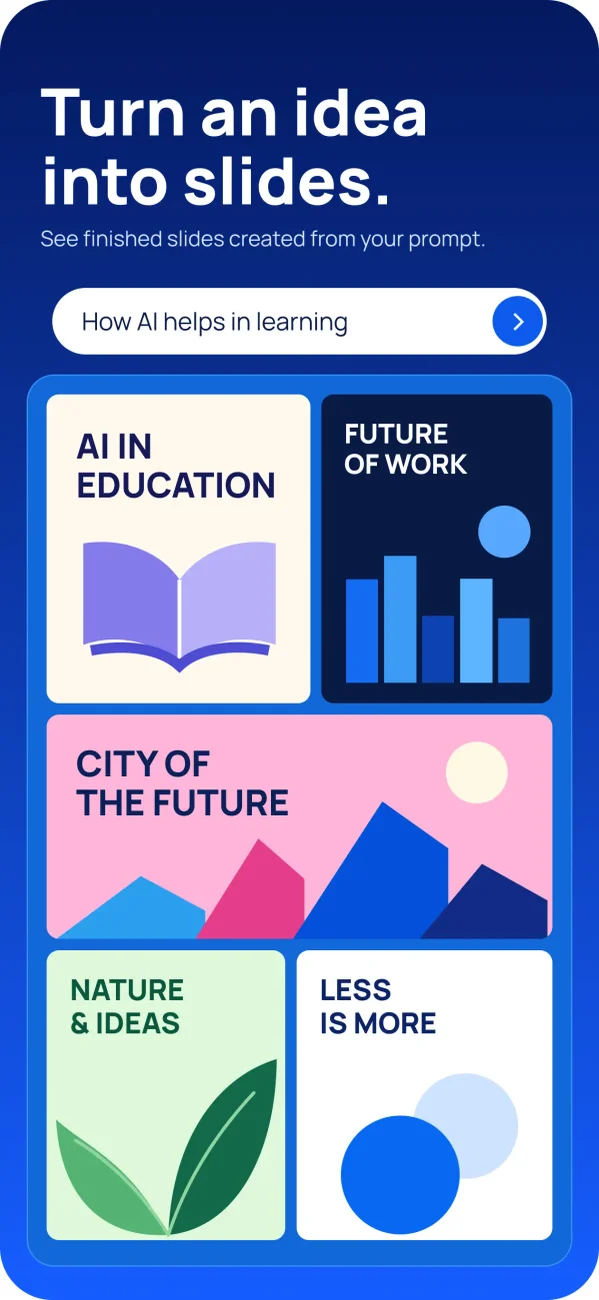
Describe your topic and add your main requirements. AI will create a presentation outline, suggest content, and organize information across your slides.
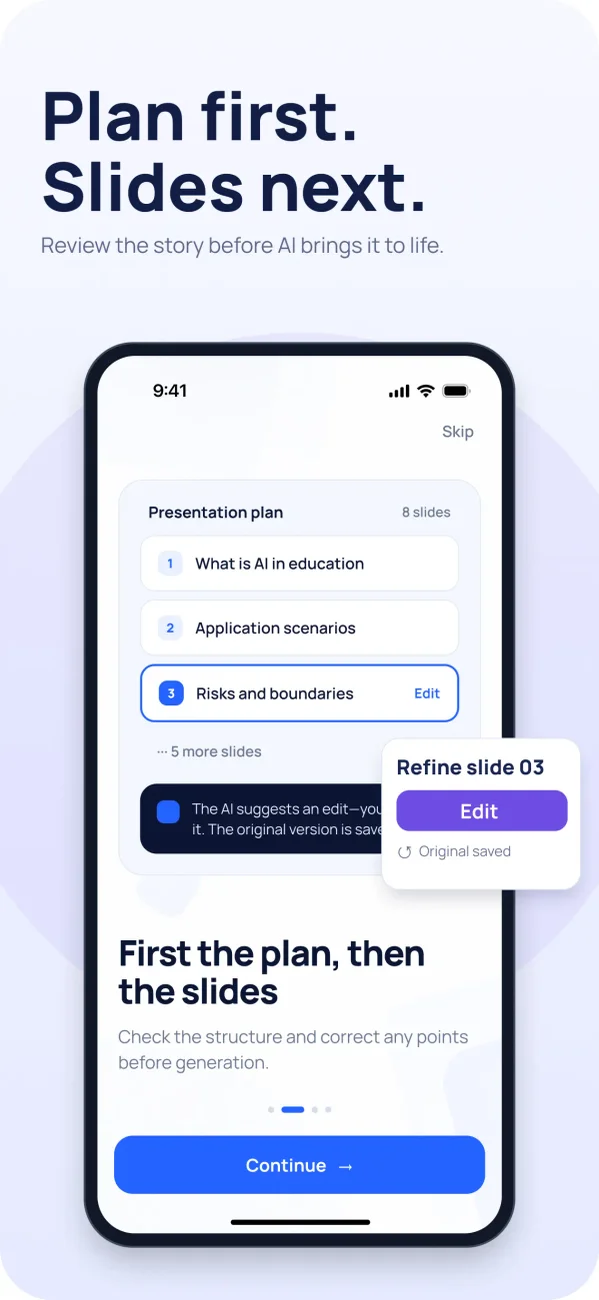
Plan First, Then Create
Review the structure before generating your presentation. Check the outline, edit individual points, and make sure the content fits your needs.
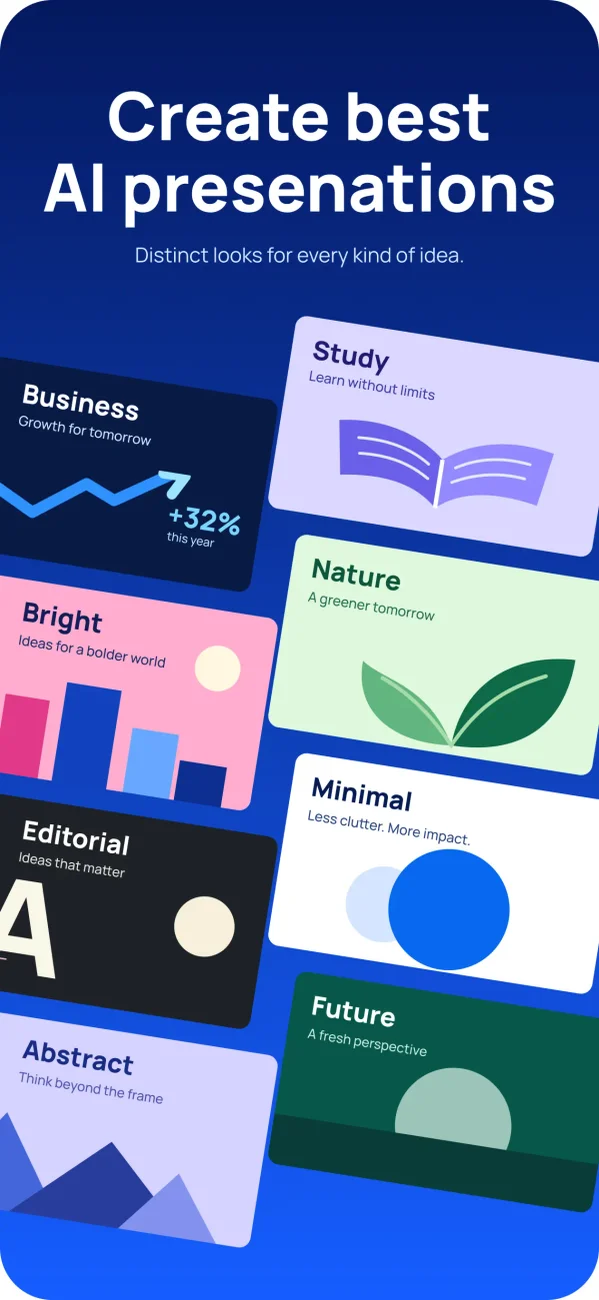
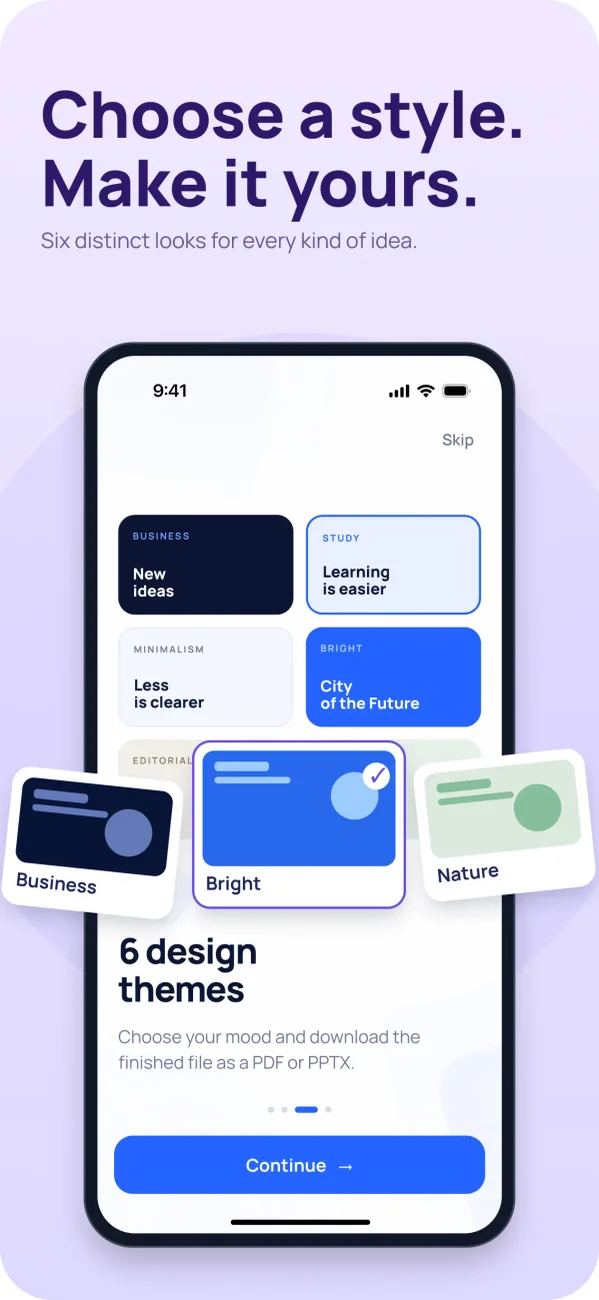
Create Presentations in Different Styles
Choose the right look from several ready-made themes. Experiment with different visual styles and create presentations for different purposes.
Work with Documents
Upload a PDF or DOCX and use its content as the foundation for your presentation. AI will help turn your existing materials into structured slides.
Get Your Finished File
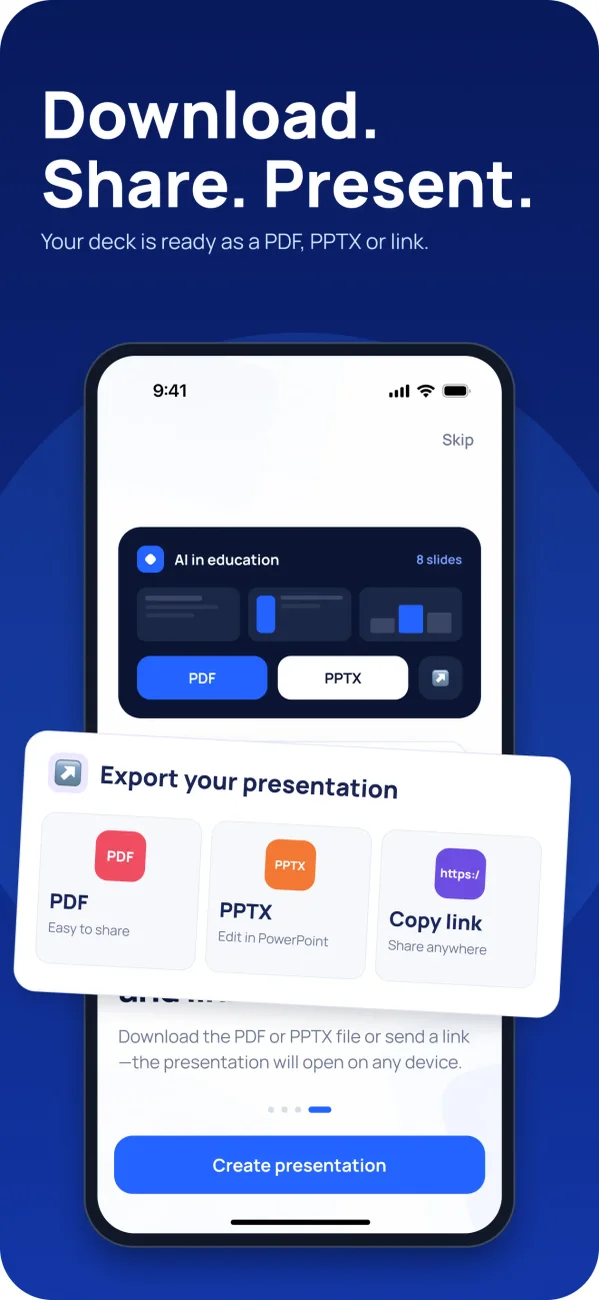
Download your presentation as a PDF or PPTX. Save the finished file to your device and continue working with it wherever you need.
Share Your Presentation
Create a link to your finished presentation and send it to others. Open and share your presentation on any device.
Presentations Without the Extra Work
From the first idea to the finished file, everything you need to create a presentation is in one place.
Idea. Plan. Slides. Finished Presentation.
Subscription Information
Subscription Payment: Subscription payments will be charged to your iTunes account upon confirmation of purchase and at the beginning of each subsequent renewal period. The subscription automatically renews unless canceled.
Subscription Cancellation: You can cancel your subscription in your iTunes settings at least 24 hours before the end of the current subscription period. Cancellation will take effect on the day after the last day of the current subscription period, and you will be downgraded to the free version of the service.
Privacy Policy: https://docs.google.com/document/d/1cJcuuoinmF7Km7DyMP-PP2bJvSmu_Nnrr5jvy73cFwg/edit?usp=sharing
Terms and Conditions: https://docs.google.com/document/d/1V9Tkjqm6cgzu6kWm2Rf1zqP1wjfJQGGkMSpy16iariI/edit?tab=t.0
Neue Funktionen
Version 1.2 · 13.10.2026
- fixed bugs
- improved performance
App-Datenschutz
Was Mihnea Sandu im App Store zum Umgang dieser App mit Daten angibt.
-
Daten, die zum Tracking Ihrer Person verwendet werden
Können verwendet werden, um Sie über Apps und Websites anderer Unternehmen hinweg zu verfolgen.
- Kennungen
- Nutzungsdaten
- Diagnose
-
Nicht mit Ihnen verknüpfte Daten
Können erfasst werden, sind aber nicht mit Ihrer Identität verknüpft.
- Kennungen
- Nutzungsdaten
- Diagnose
Die Datenschutzpraktiken können variieren, zum Beispiel je nach den von Ihnen verwendeten Funktionen oder Ihrem Alter.
Informationen
- Anbieter
- Mihnea Sandu
- Kategorie
- Produktivität
- Version
- 1.2
- Aktualisiert
- 13.10.2026
- Veröffentlicht
- 06.10.2026
- Größe
- 26,8 MB
- Erfordert
- iOS 18.0 oder neuer
- Altersfreigabe
- 17+
- Preis
- Kostenlos
- In-App-Käufe
- Ja
- Sprachen
- Englisch
- Copyright
- © own
Das könnte Ihnen auch gefallen
-
 Clwude - Intelligent AgentProduktivität
-
 Site MintProduktivität
-
 Audivexa HubEdit Videos & Podcasts
-
 SiteNestProduktivität
-
 Nore: AI ChatProduktivität
-
 Zetrix AIProduktivität
-
 Vecbase: KI-Agenten-TeamDein KI-Team für echte Arbeit
-
 HTML-Folien mit KIKI-Folien mit HTML erstellen
-
 Qorvian: Smart AssistantProduktivität