- 対象年齢17+
- カテゴリ仕事効率化
- 開発元Mihnea Sandu
- 言語英語
- サイズ26.8 MB
App Storeの公式ページにリンクしています
Download.orgはDeckora: AI Presentation Makerのファイルを一切ホストしていません。ボタンを押すと、Mihnea Sanduが公開しているApp Storeのアプリページが開きます。ページの最終確認:2026/11/12。
スクリーンショット
概要
開発元はこのテキストをお使いの言語で提供していません。
Create Presentations with AI
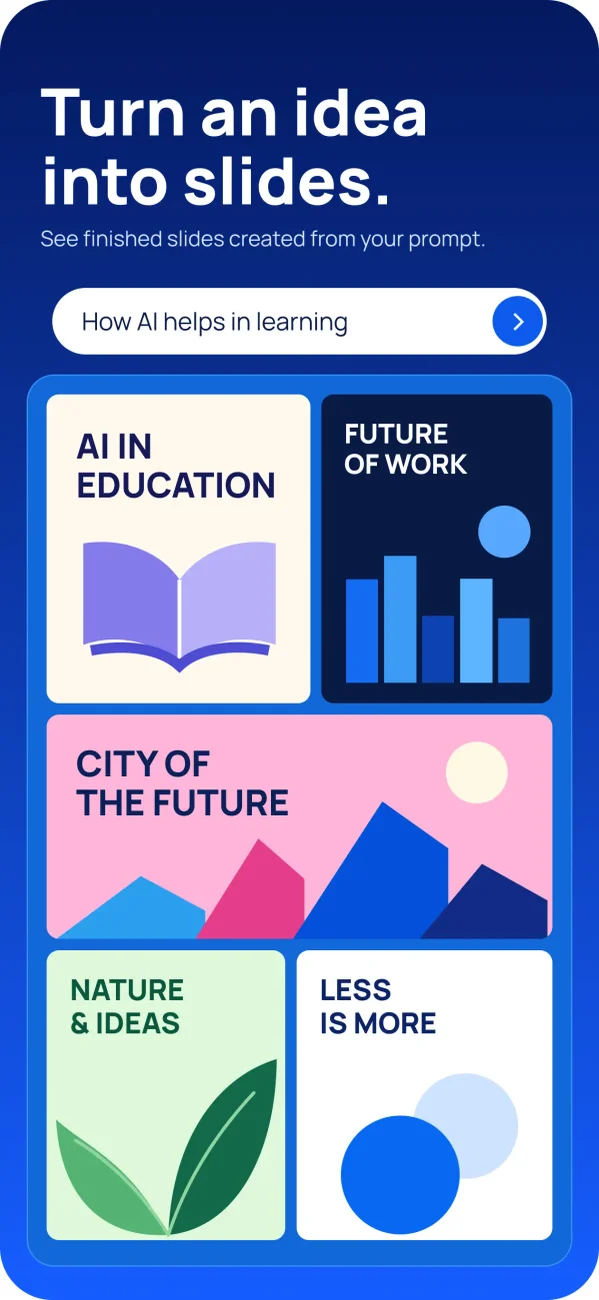
Turn ideas, topics, and documents into ready-to-use presentations. Describe what your presentation should be about or upload a PDF or DOCX — AI will help create the structure, text, and design in one workflow.
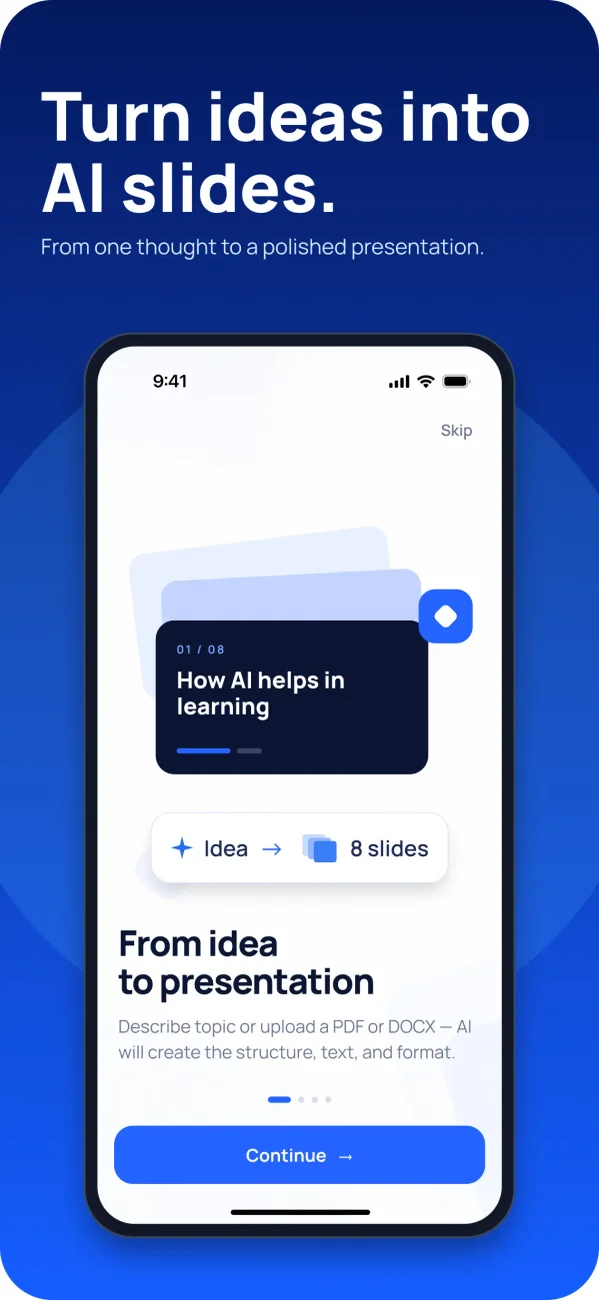
From Idea to Presentation
Describe your topic and add your main requirements. AI will create a presentation outline, suggest content, and organize information across your slides.
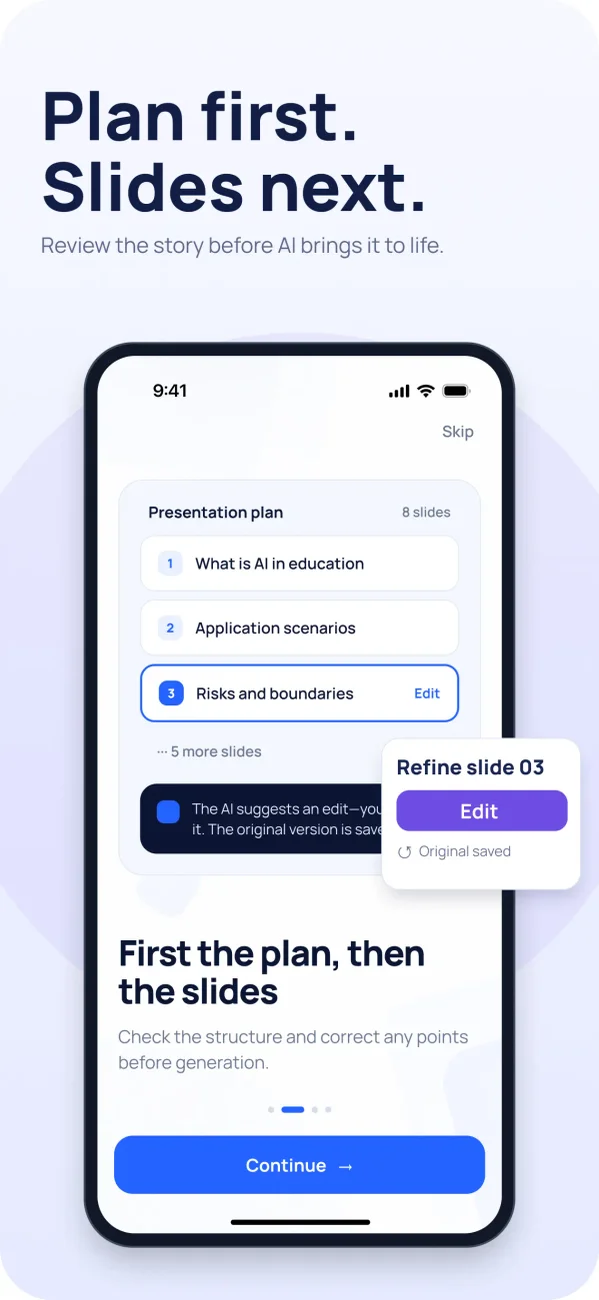
Plan First, Then Create
Review the structure before generating your presentation. Check the outline, edit individual points, and make sure the content fits your needs.
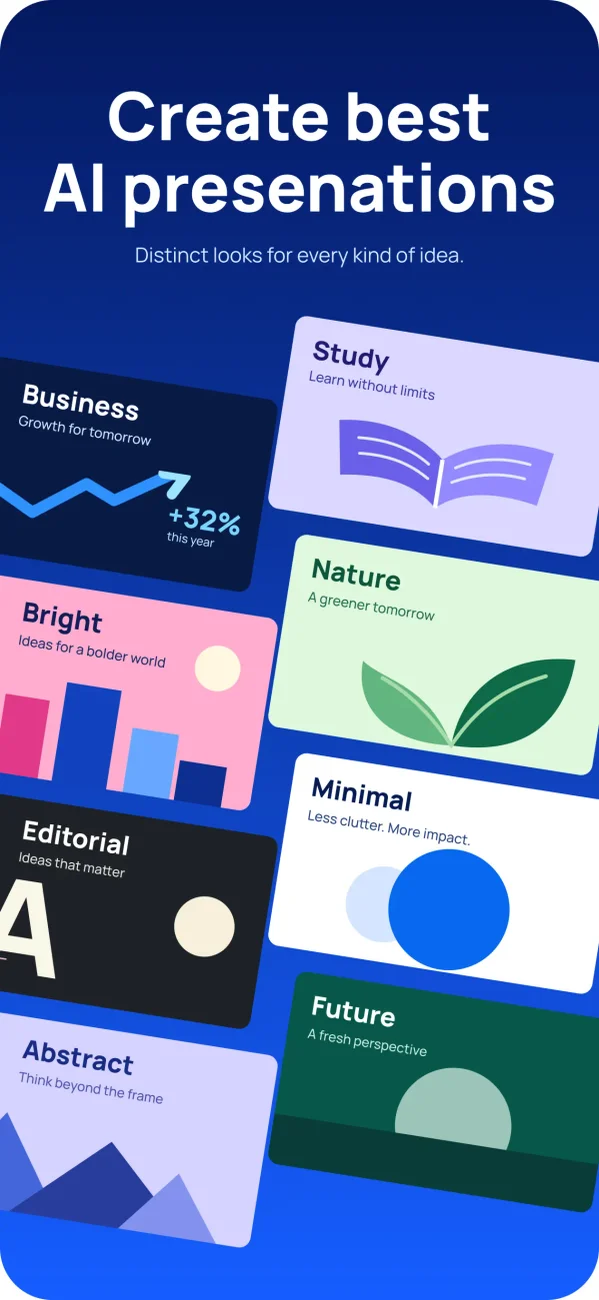
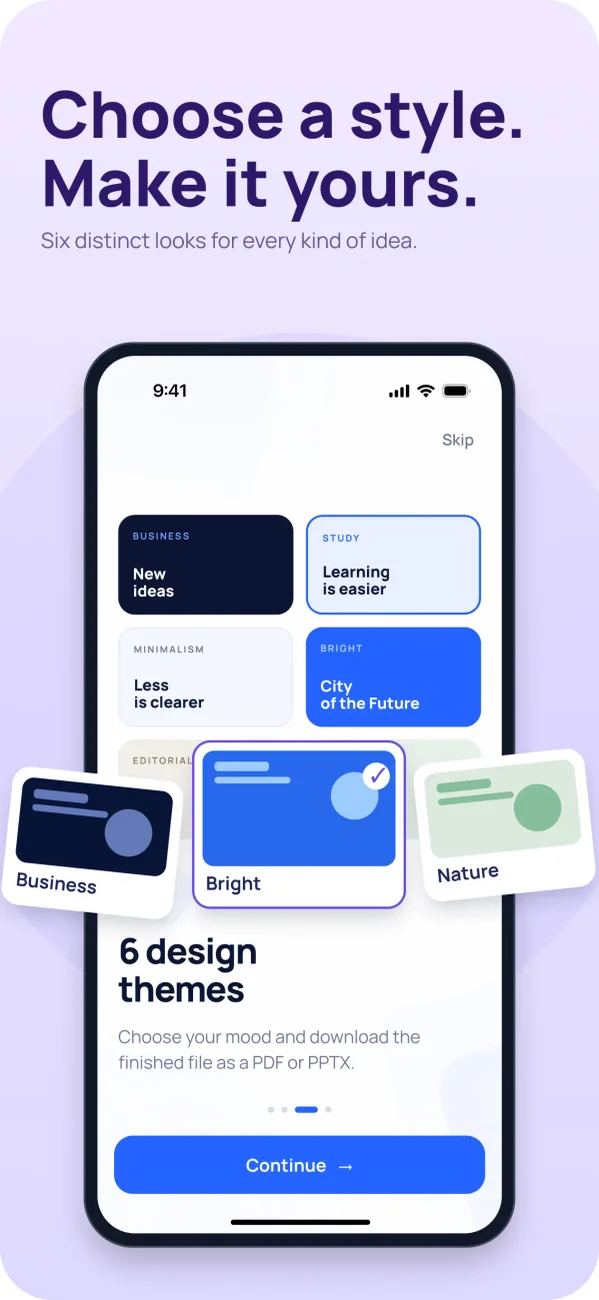
Create Presentations in Different Styles
Choose the right look from several ready-made themes. Experiment with different visual styles and create presentations for different purposes.
Work with Documents
Upload a PDF or DOCX and use its content as the foundation for your presentation. AI will help turn your existing materials into structured slides.
Get Your Finished File
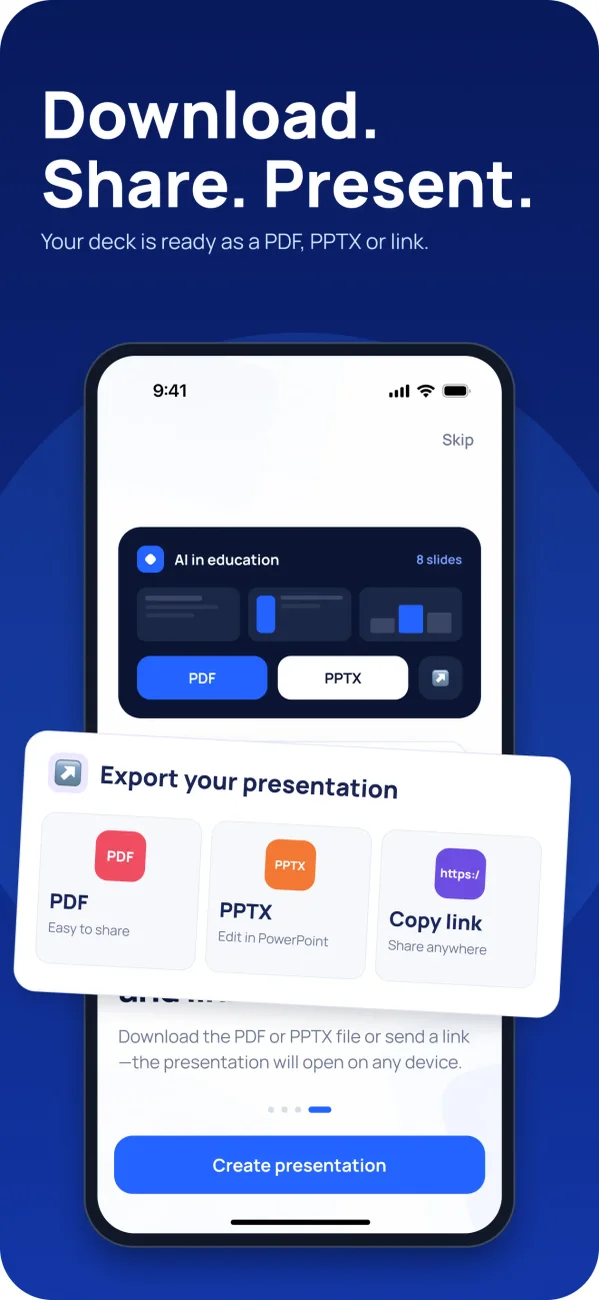
Download your presentation as a PDF or PPTX. Save the finished file to your device and continue working with it wherever you need.
Share Your Presentation
Create a link to your finished presentation and send it to others. Open and share your presentation on any device.
Presentations Without the Extra Work
From the first idea to the finished file, everything you need to create a presentation is in one place.
Idea. Plan. Slides. Finished Presentation.
Subscription Information
Subscription Payment: Subscription payments will be charged to your iTunes account upon confirmation of purchase and at the beginning of each subsequent renewal period. The subscription automatically renews unless canceled.
Subscription Cancellation: You can cancel your subscription in your iTunes settings at least 24 hours before the end of the current subscription period. Cancellation will take effect on the day after the last day of the current subscription period, and you will be downgraded to the free version of the service.
Privacy Policy: https://docs.google.com/document/d/1cJcuuoinmF7Km7DyMP-PP2bJvSmu_Nnrr5jvy73cFwg/edit?usp=sharing
Terms and Conditions: https://docs.google.com/document/d/1V9Tkjqm6cgzu6kWm2Rf1zqP1wjfJQGGkMSpy16iariI/edit?tab=t.0
新機能
バージョン 1.2 · 2026/10/13
- fixed bugs
- improved performance
アプリのプライバシー
このアプリのデータの取り扱いについて、Mihnea SanduがApp Storeで申告している内容です。
-
ユーザーのトラッキングに使用されるデータ
他社のアプリやウェブサイトを横断してユーザーをトラッキングする目的で使用される場合があります。
- ID
- 使用状況データ
- 診断
-
ユーザーに関連付けられないデータ
収集される場合がありますが、ユーザーの識別情報には関連付けられません。
- ID
- 使用状況データ
- 診断
プライバシーの取り扱いは、ご利用の機能やお客様の年齢などに応じて異なる場合があります。
情報
- 販売元
- Mihnea Sandu
- カテゴリ
- 仕事効率化
- バージョン
- 1.2
- 更新日
- 2026/10/13
- リリース
- 2026/10/6
- サイズ
- 26.8 MB
- 必要条件
- iOS 18.0以降
- 対象年齢
- 17+
- 価格
- 無料
- アプリ内課金
- あり
- 言語
- 英語
- 著作権
- © own