
DoGod
Timeboxing for your best life
Entwickelt für iPhone, iPad
Kostenlos · In-App-Käufe
- Altersfreigabe4+
- KategorieProduktivität
- EntwicklerRLFXO
- SprachenEnglisch+ 1 weitere
- Größe4,9 MB
Verlinkt auf die offizielle App Store-Seite
Download.org hostet keine Datei von DoGod. Die Schaltfläche öffnet die App-Seite bei App Store, wo RLFXO die App veröffentlicht. Eintrag zuletzt geprüft am 16.11.2026.
Screenshots
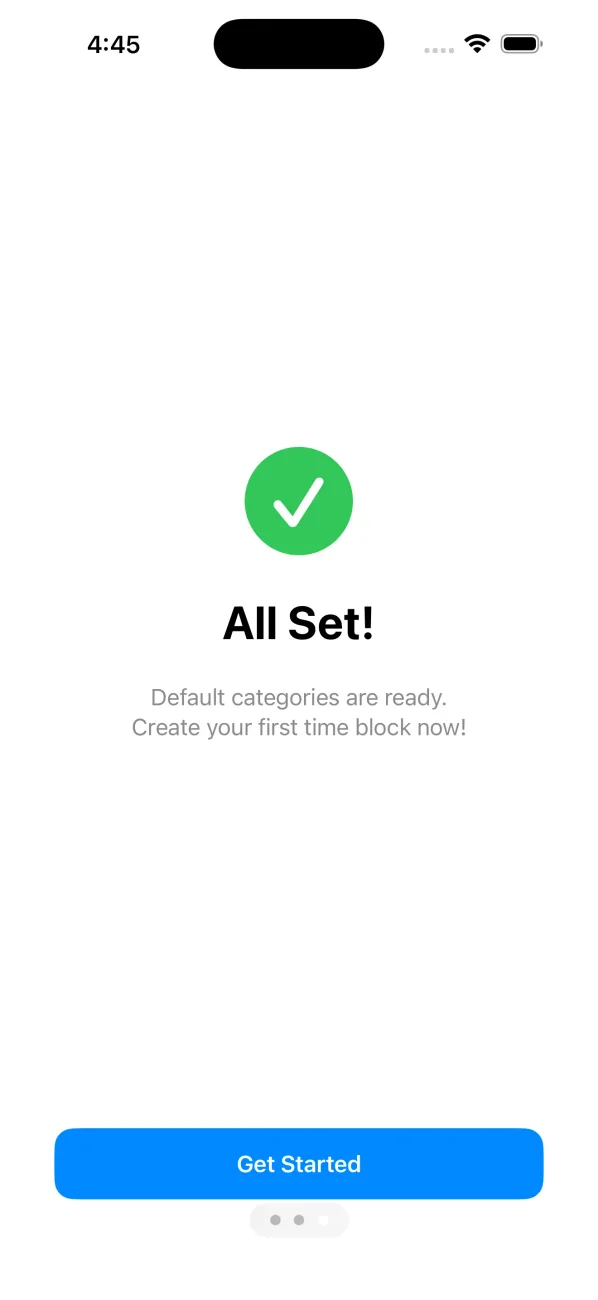
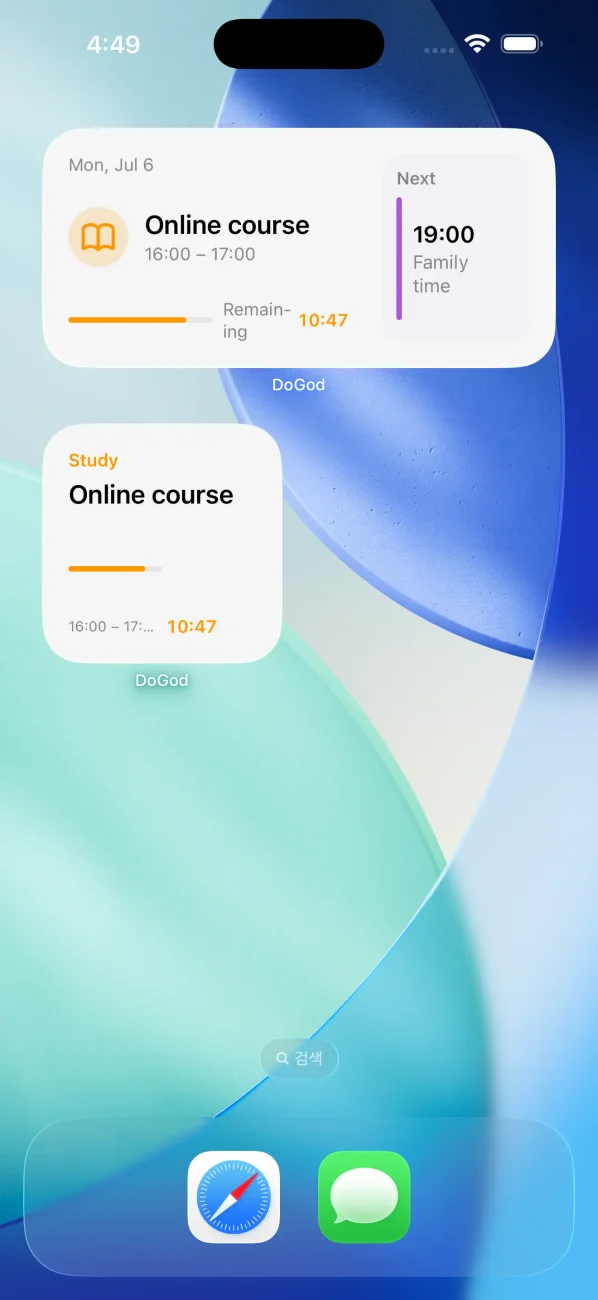
Info
Der Entwickler hat diesen Text nicht in Ihrer Sprache bereitgestellt.
DoGod is a time-blocking planner that helps you fully focus on today.
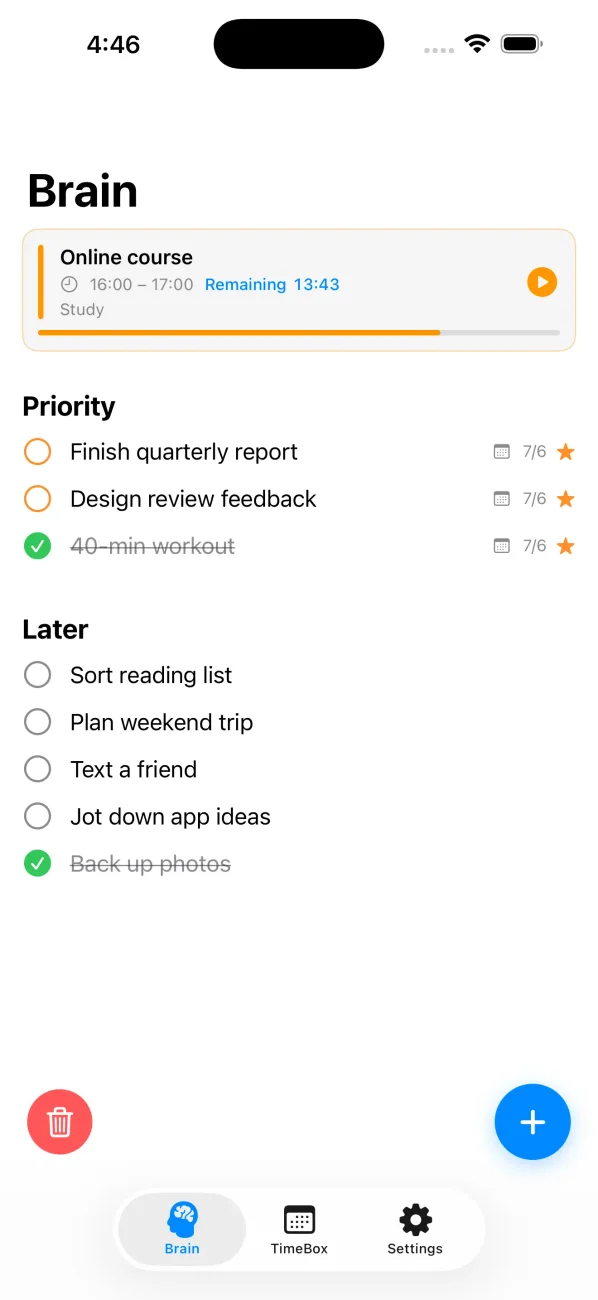
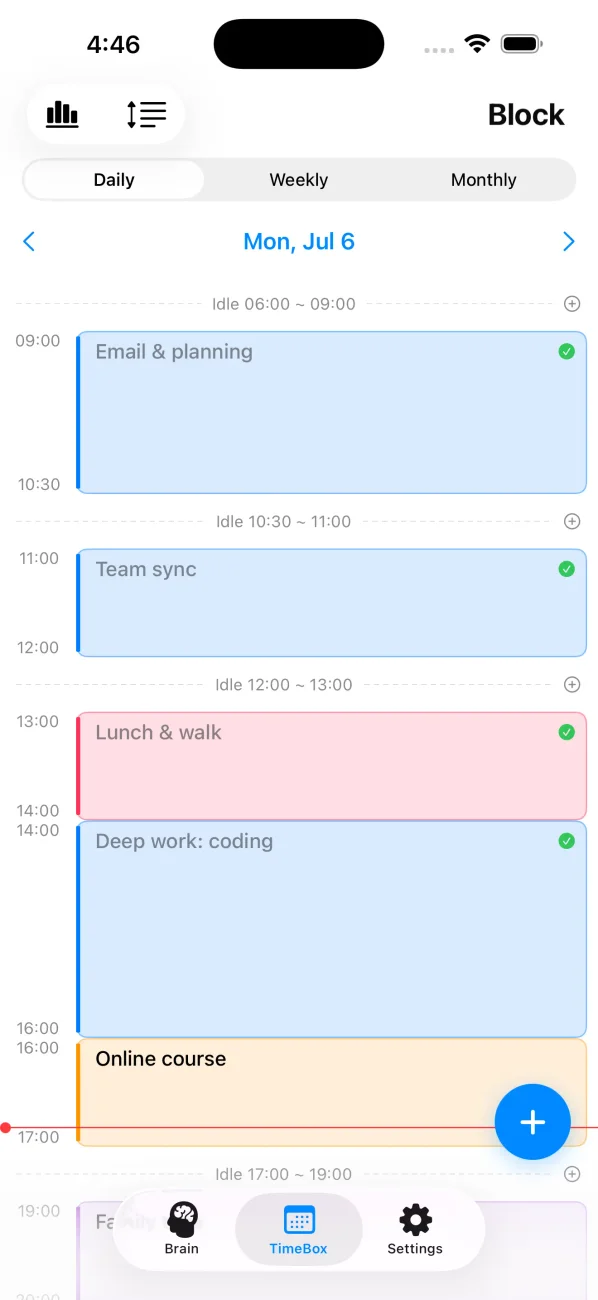
Clear your cluttered mind (Brain), and design your day in your own time blocks (TimeBox).
Stop carrying your to-do list around in your head. Dump everything on your mind, set your priorities, and slot them into time blocks. That's it. The perfect day you're after starts with a lighter mind.
■ Brain — Clear your mind
· Pick only what truly matters as a "Task"
· Dump everything else into "Later"
■ TimeBox — Design your day in blocks
· Split time your way, starting from 5-minute blocks
· Link tasks to blocks and get straight to work
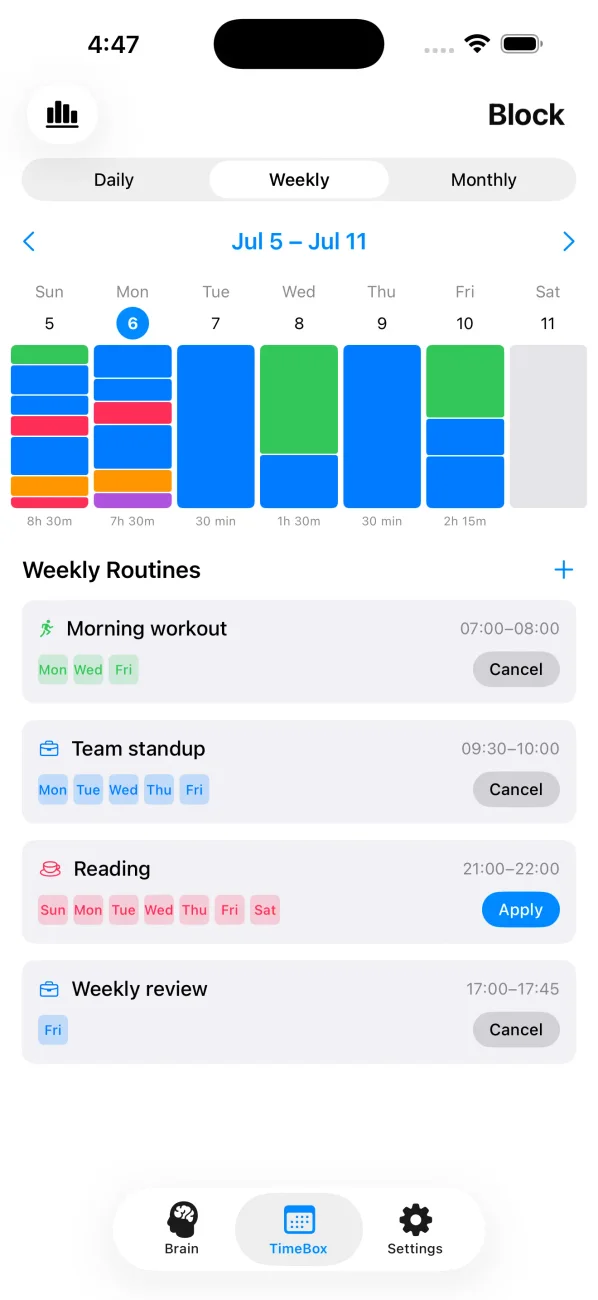
· Set recurring schedules as weekly routines, in seconds
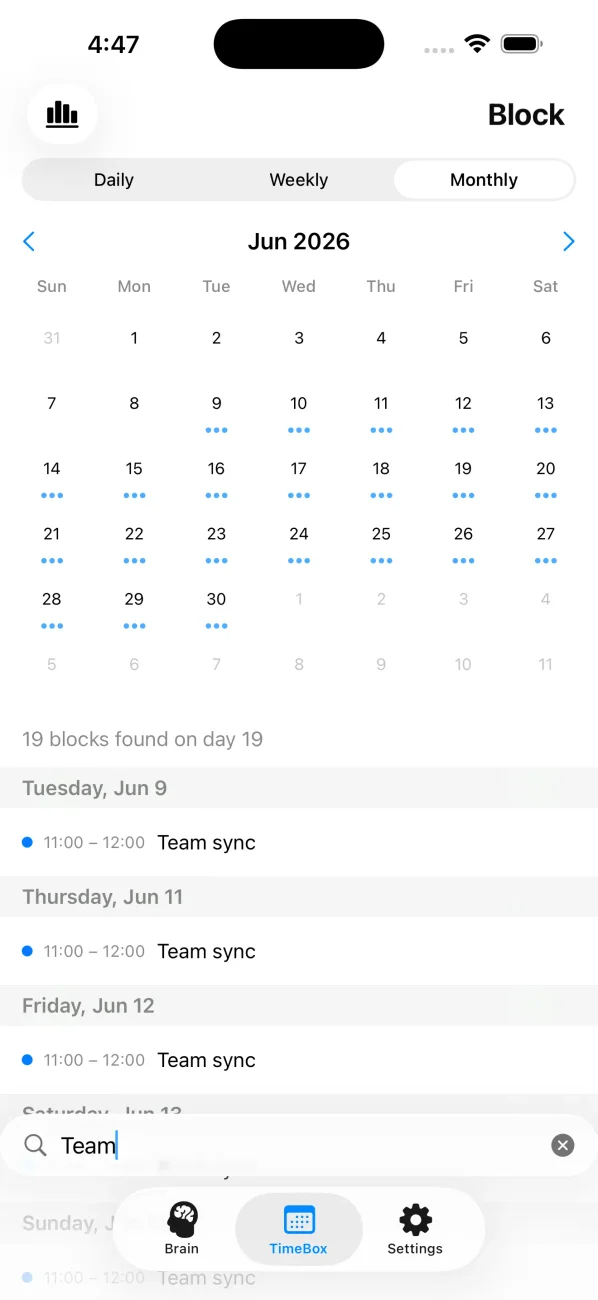
· See your whole day, week, or month at a glance
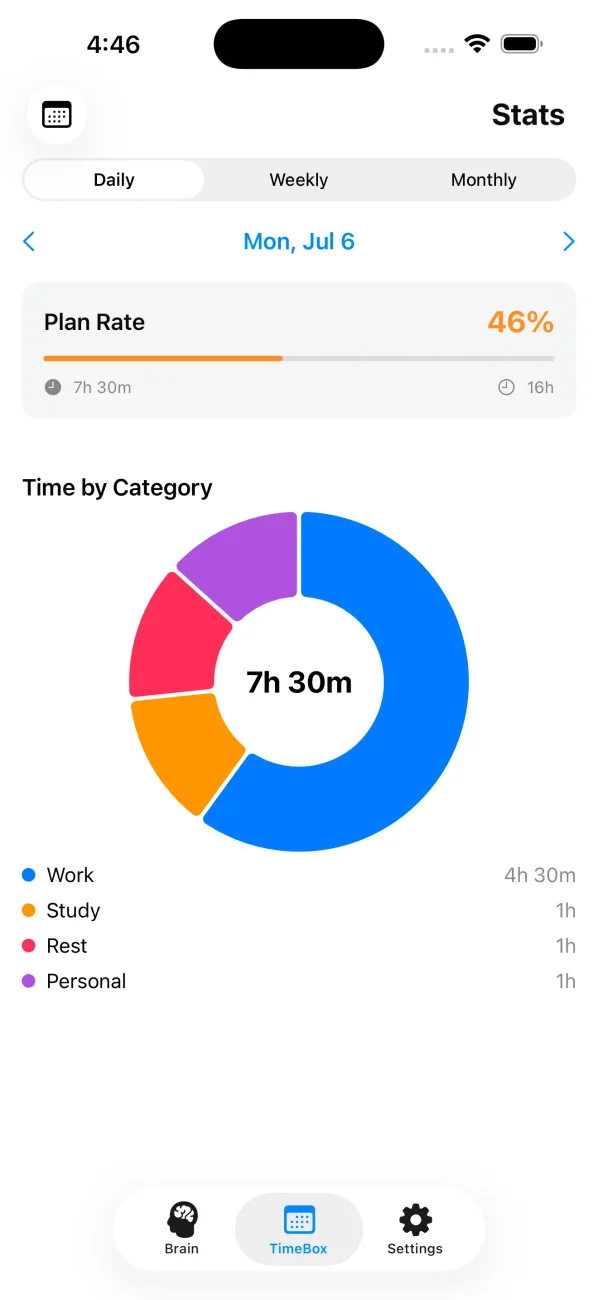
■ Stats — Look back
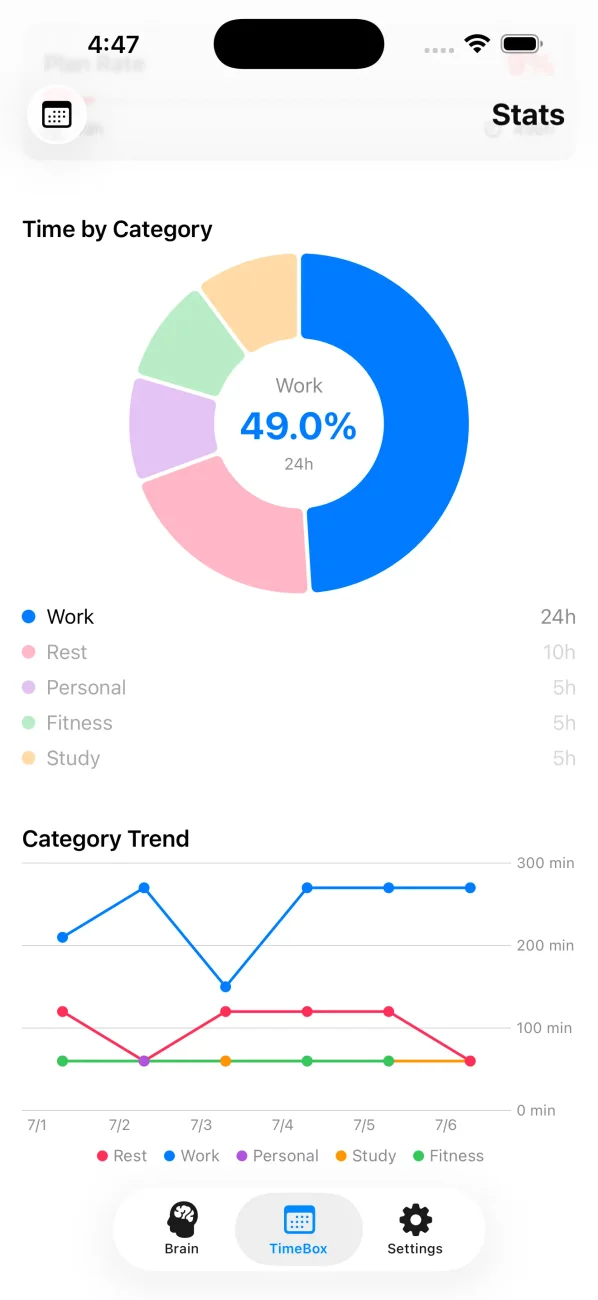
· See where your time actually went, in a donut chart
· Discover your patterns with plan rate and trends
■ Free to start
· Full access to Brain & TimeBox
· Daily / Weekly / Monthly views
· Basic stats that show off your productive day
■ DoGod Plus (One-time purchase. No subscription, ever.)
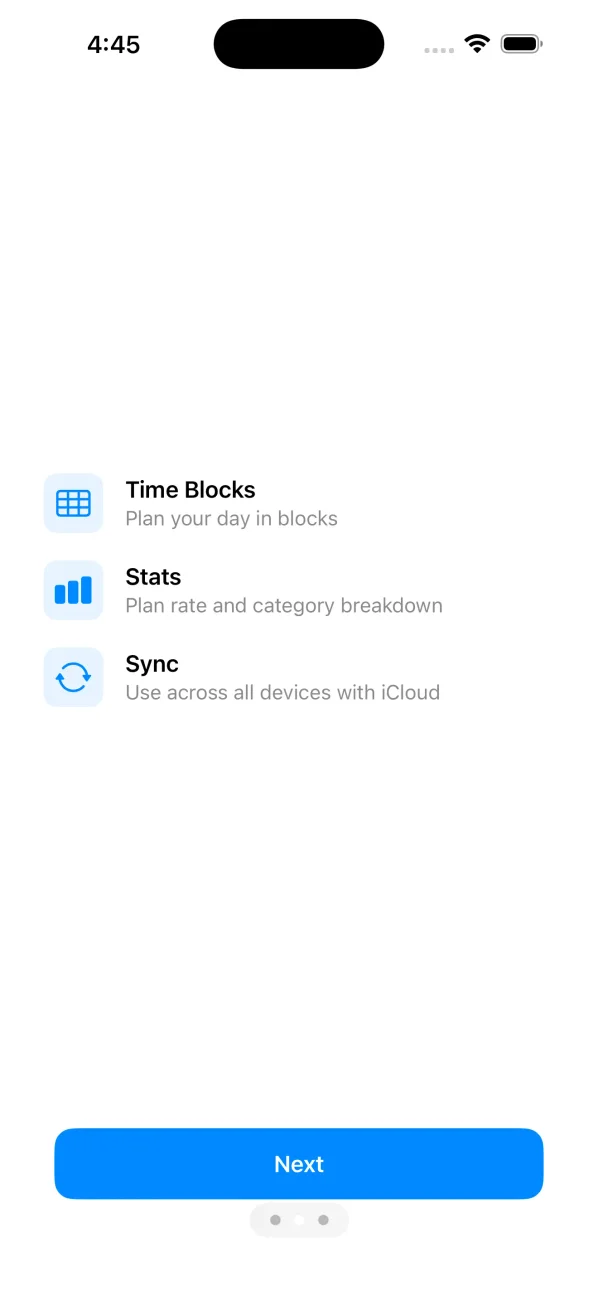
· iCloud sync: seamless across iPhone and iPad
· Home & Lock Screen widgets: check what's next in a glance, without opening the app
· Advanced stats: a deeper look at your focus patterns
Built with privacy in mind.
No ads. No tracking. No external servers.
Your data stays safely in your own iCloud — nowhere else.
Do your god-tier day.
Start designing your best day, today.
Ready to build your own god-tier life with DoGod?
· Blog: https://blog.naver.com/rlfxo_promo
Neue Funktionen
Version 1.1 · 26.08.2026
What's New
• Apple Calendar: your calendar events now appear on the day timeline. Tap an event to turn it into a time box. (Viewing is free; turning an event into a time box is a DoGod Plus feature.)
• Due dates for key tasks: choose today, 3 days, 1 week, or 1 month. A task turns red once its due date passes, and stays unmarked if you don't set one.
• Add a new category right from the screen where you create a time box.
Bug Fixes
• Fixed duplicate Korean/English default categories being created during iCloud sync.
• Fixed tapping an empty-time row so the new time box starts at that time.
App-Datenschutz
Was RLFXO im App Store zum Umgang dieser App mit Daten angibt.
-
Keine Daten erfasst
Der Entwickler erfasst keine Daten von dieser App.
Die Datenschutzpraktiken können variieren, zum Beispiel je nach den von Ihnen verwendeten Funktionen oder Ihrem Alter.
Informationen
- Anbieter
- RLFXO
- Kategorie
- Produktivität
- Version
- 1.1
- Aktualisiert
- 26.08.2026
- Veröffentlicht
- 29.07.2026
- Größe
- 4,9 MB
- Erfordert
- iOS 17.0 oder neuer
- Altersfreigabe
- 4+
- Preis
- Kostenlos
- In-App-Käufe
- Ja
- Sprachen
- Englisch, Koreanisch
- Copyright
- © 2026 RLFXO
Das könnte Ihnen auch gefallen
-
 나를(naleul)Produktivität
-
 TimeBox – TagesplanerZeitblöcke, Fokus, Routinen
-
 Abang-Ideas and BrainstormingProduktivität
-
 링크풀 - 체계적인 링크 관리의 시작Produktivität
-
 Selah: Sermon & Church NotesProduktivität
-
 pensiv: Writing app for novelsProduktivität
-
 HAVIT - 콘텐츠 아카이빙 앱, 해빗Produktivität
-
 Scritch – Handwriting NotesProduktivität
-
 To do Block: Simple To do ListProduktivität
-
 리뷰플로우 - AI 체험단·협찬 일정 관리 앱Produktivität