
- Age rating4+
- CategoryProductivity
- DeveloperRLFXO
- LanguagesEnglish+ 1 more
- Size4.9 MB
Links to the official App Store page
Download.org hosts no file of DoGod. The button opens its official App Store page, published by RLFXO. Listing last checked on Nov 16, 2026.
Screenshots
About
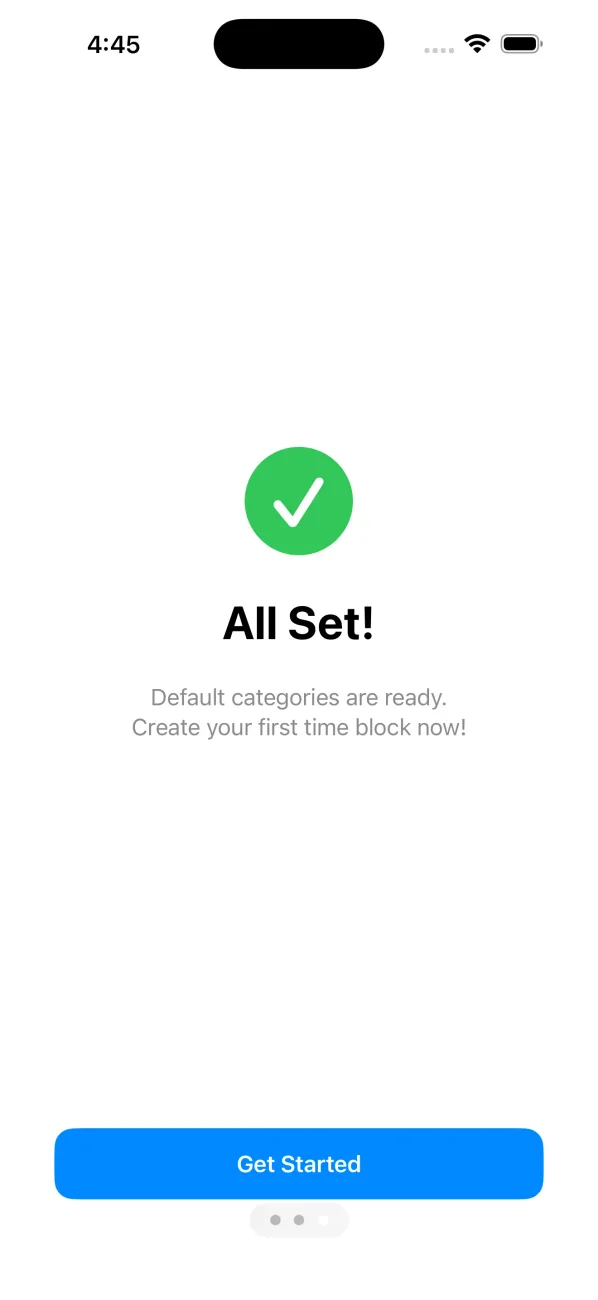
DoGod is a time-blocking planner that helps you fully focus on today.
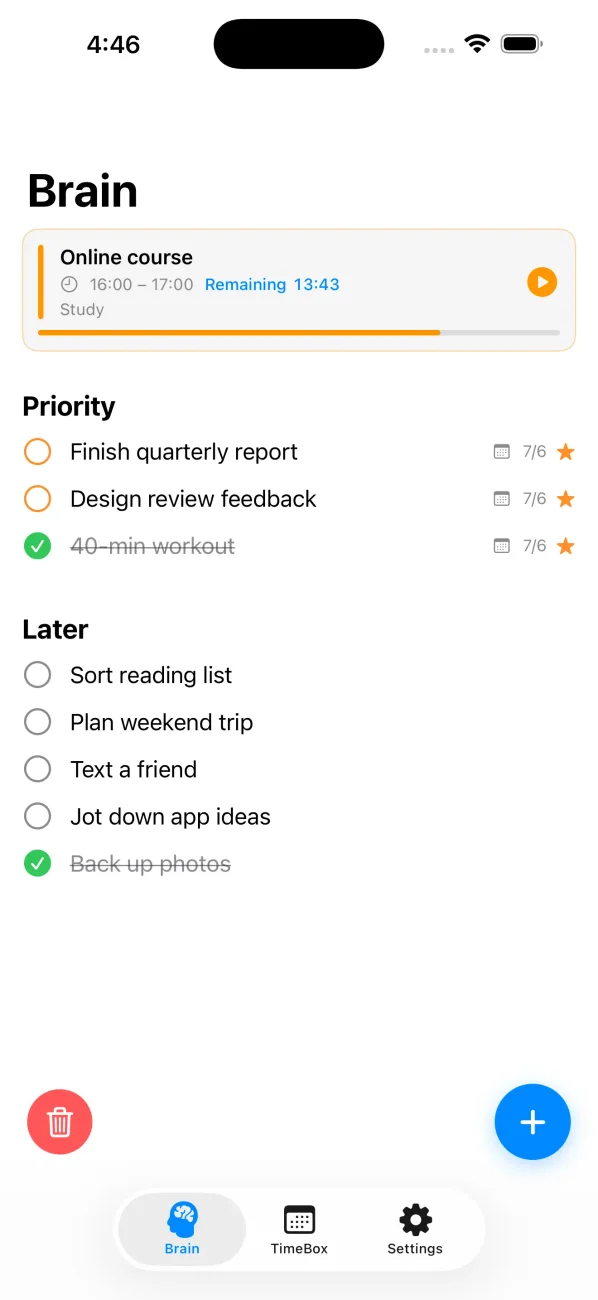
Clear your cluttered mind (Brain), and design your day in your own time blocks (TimeBox).
Stop carrying your to-do list around in your head. Dump everything on your mind, set your priorities, and slot them into time blocks. That's it. The perfect day you're after starts with a lighter mind.
■ Brain — Clear your mind
· Pick only what truly matters as a "Task"
· Dump everything else into "Later"
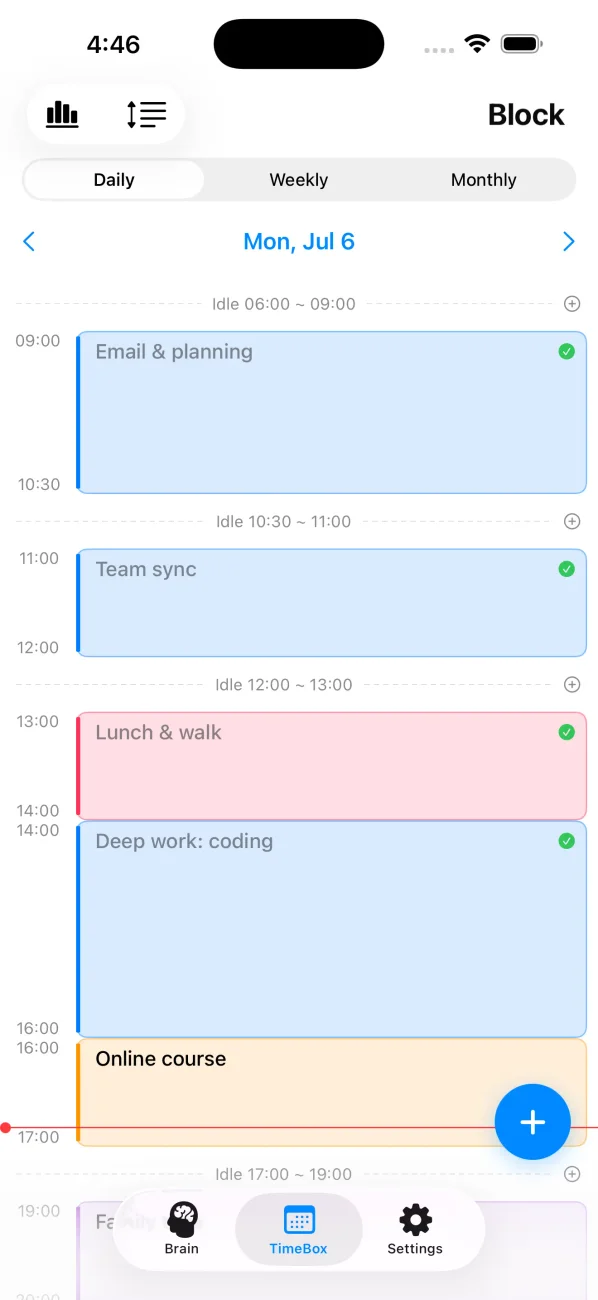
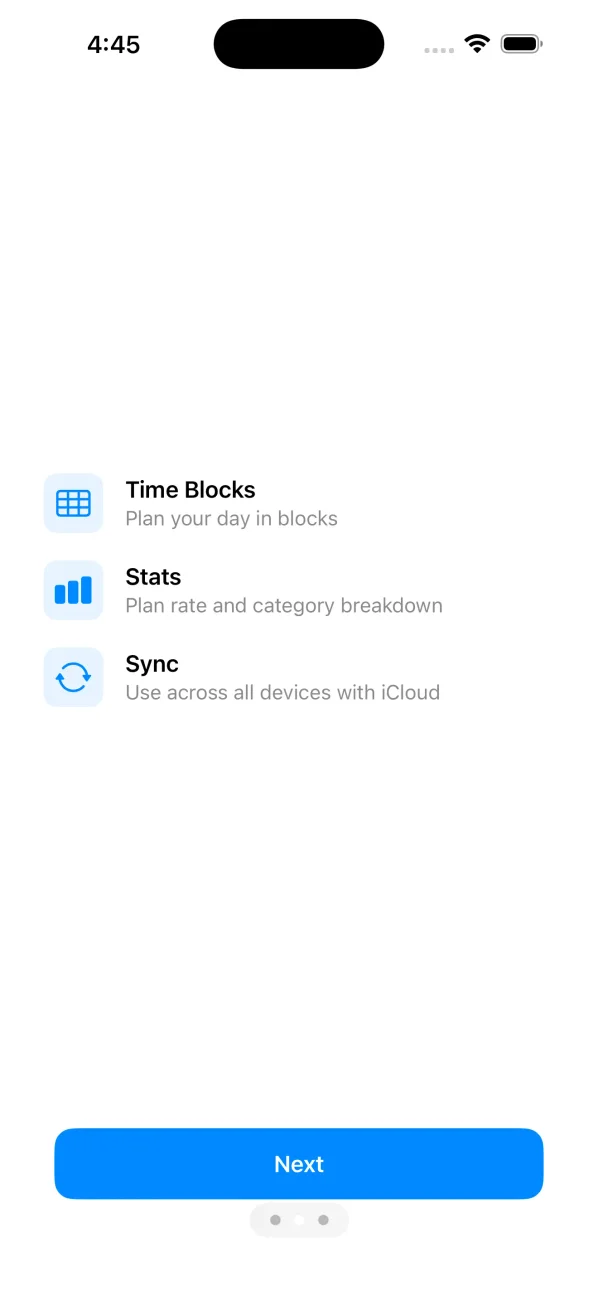
■ TimeBox — Design your day in blocks
· Split time your way, starting from 5-minute blocks
· Link tasks to blocks and get straight to work
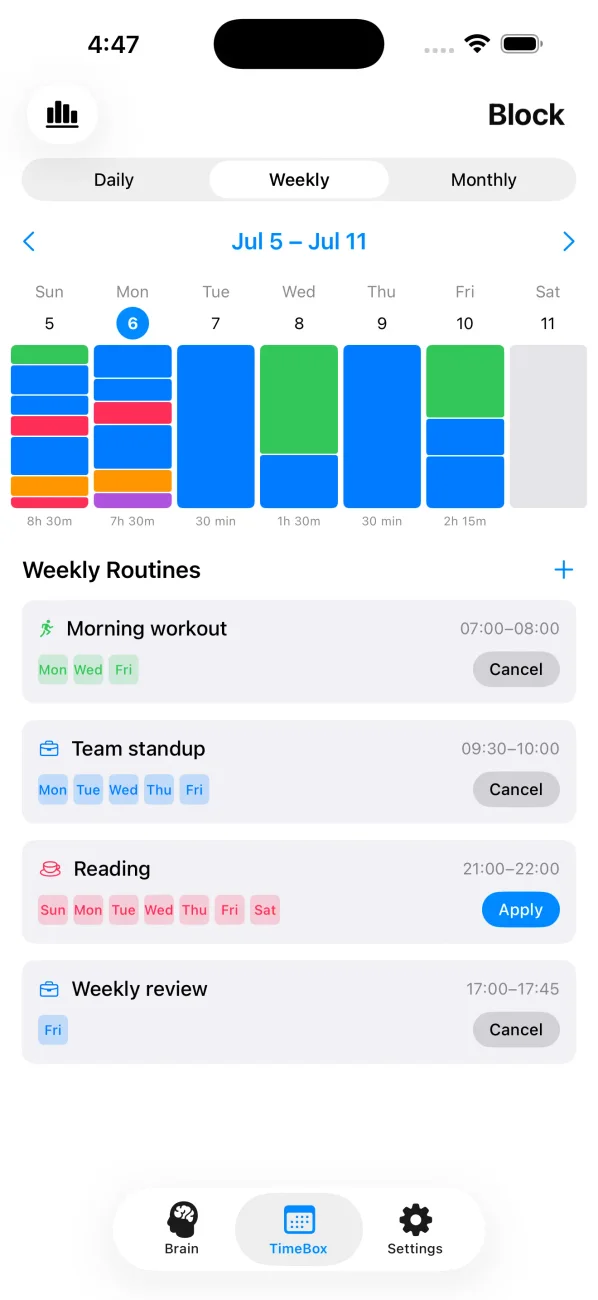
· Set recurring schedules as weekly routines, in seconds
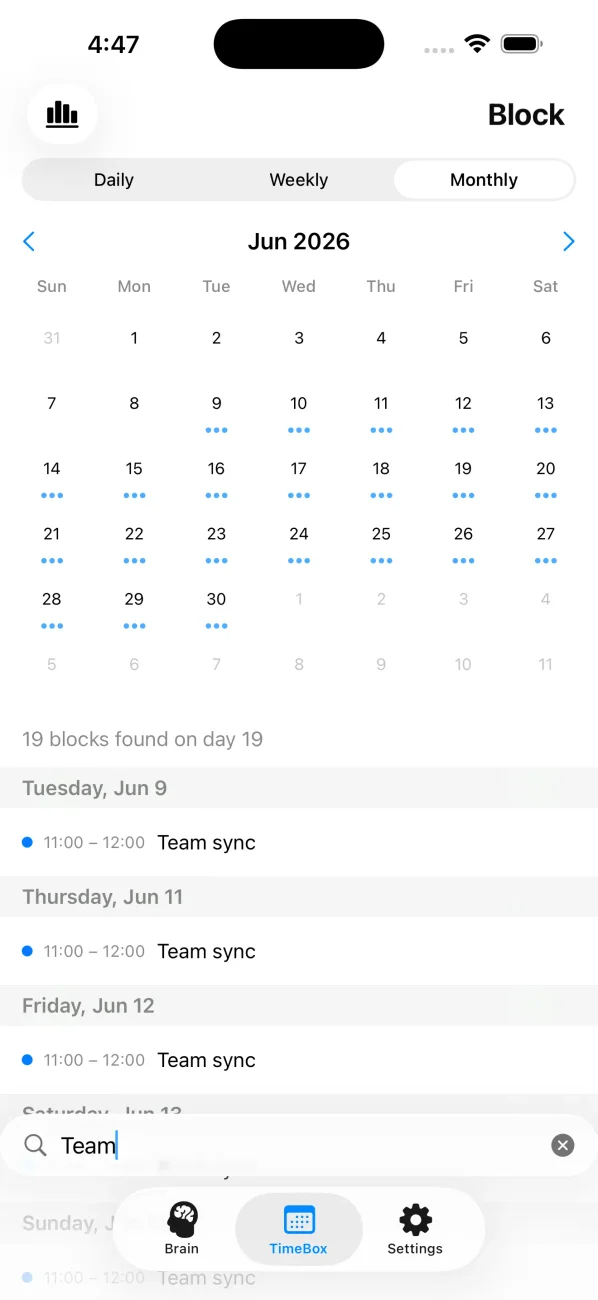
· See your whole day, week, or month at a glance
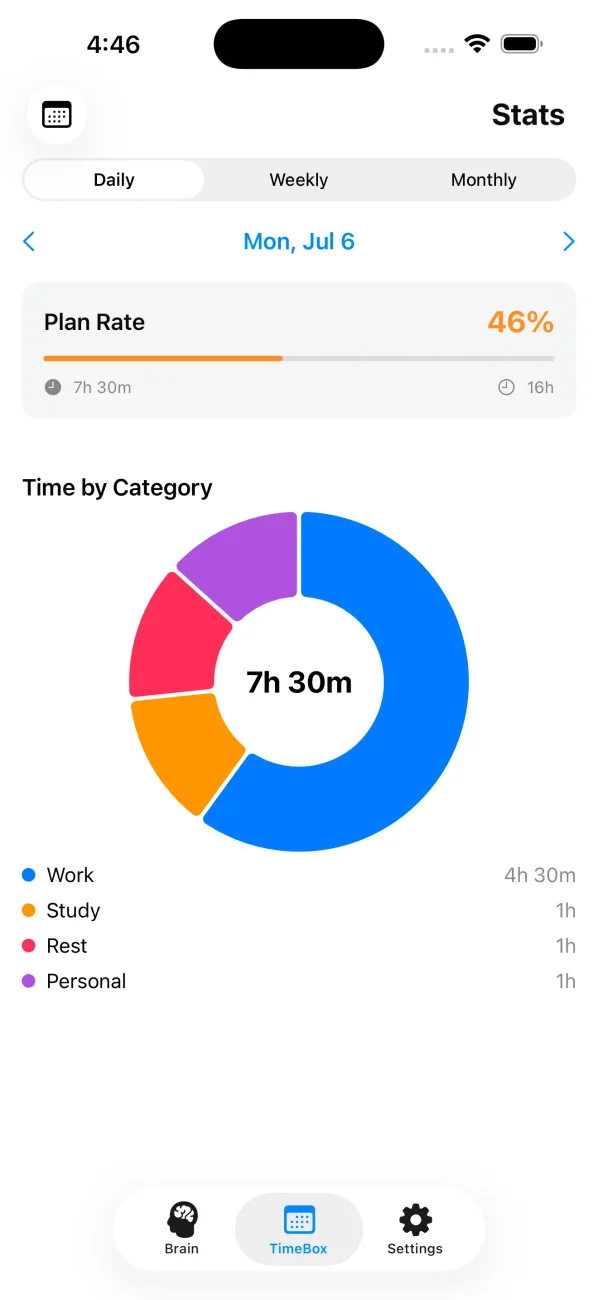
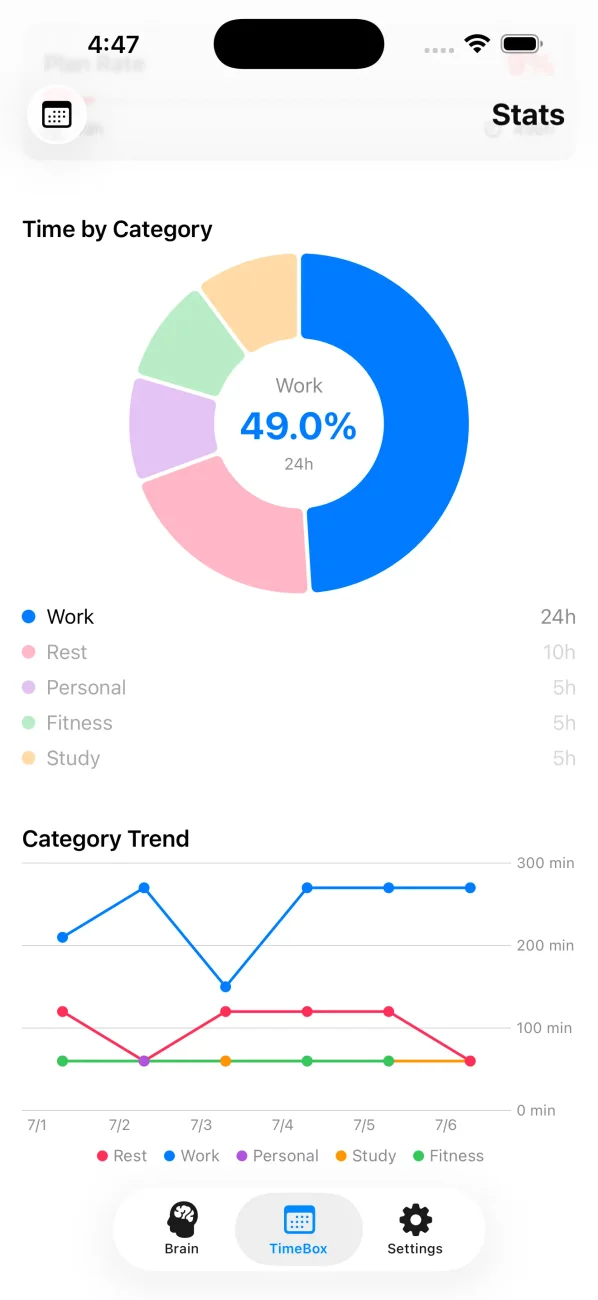
■ Stats — Look back
· See where your time actually went, in a donut chart
· Discover your patterns with plan rate and trends
■ Free to start
· Full access to Brain & TimeBox
· Daily / Weekly / Monthly views
· Basic stats that show off your productive day
■ DoGod Plus (One-time purchase. No subscription, ever.)
· iCloud sync: seamless across iPhone and iPad
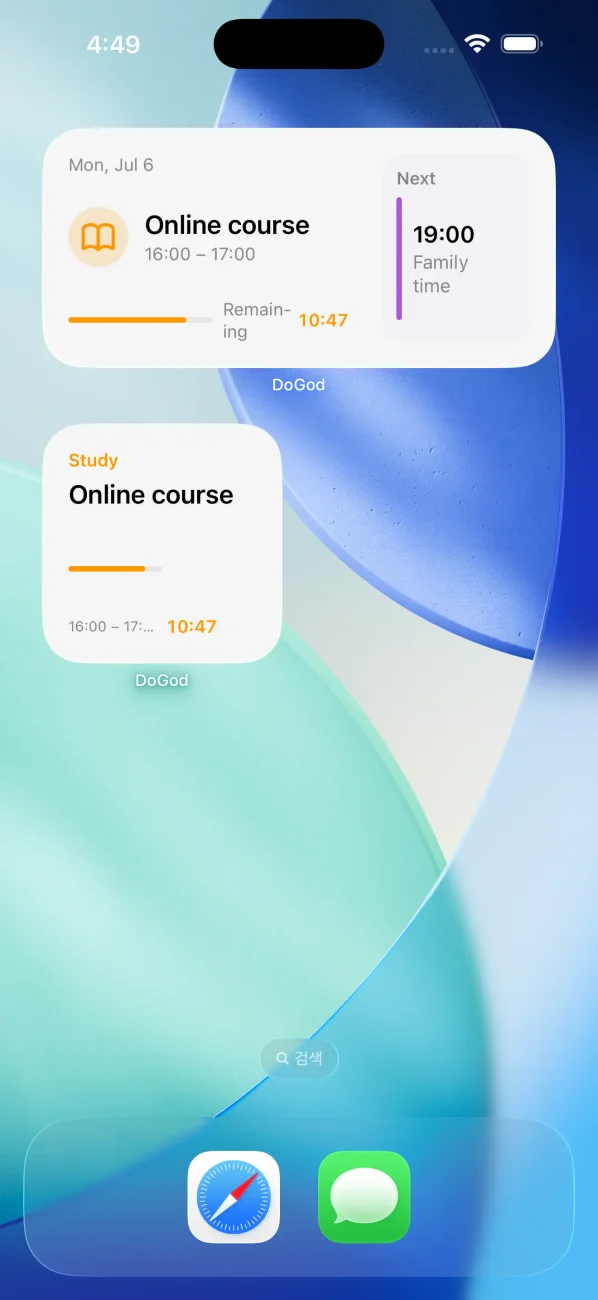
· Home & Lock Screen widgets: check what's next in a glance, without opening the app
· Advanced stats: a deeper look at your focus patterns
Built with privacy in mind.
No ads. No tracking. No external servers.
Your data stays safely in your own iCloud — nowhere else.
Do your god-tier day.
Start designing your best day, today.
Ready to build your own god-tier life with DoGod?
· Blog: https://blog.naver.com/rlfxo_promo
What’s new
Version 1.1 · Aug 26, 2026
What's New
• Apple Calendar: your calendar events now appear on the day timeline. Tap an event to turn it into a time box. (Viewing is free; turning an event into a time box is a DoGod Plus feature.)
• Due dates for key tasks: choose today, 3 days, 1 week, or 1 month. A task turns red once its due date passes, and stays unmarked if you don't set one.
• Add a new category right from the screen where you create a time box.
Bug Fixes
• Fixed duplicate Korean/English default categories being created during iCloud sync.
• Fixed tapping an empty-time row so the new time box starts at that time.
App privacy
What RLFXO declares on the App Store about how this app handles data.
-
Data not collected
The developer does not collect any data from this app.
Privacy practices may vary, for example with the features you use or your age.
Information
- Seller
- RLFXO
- Category
- Productivity
- Version
- 1.1
- Updated
- Aug 26, 2026
- Released
- Jul 29, 2026
- Size
- 4.9 MB
- Requires
- iOS 17.0 or later
- Age rating
- 4+
- In-app purchases
- Yes
- Languages
- English, Korean
- Copyright
- © 2026 RLFXO
You might also like
-
 나를(naleul)Productivity
-
 TimeBox – Plan,Do,See & HabitTime management with TimeBlock
-
 Abang-Ideas and BrainstormingBe Creative with Random Words
-
 링크풀 - 체계적인 링크 관리의 시작체계적인 링크 관리의 시작, 링크풀
-
 Selah: Sermon & Church NotesBible, devotions & widget
-
 pensiv: Writing app for novelsWrite novels and screenplays.
-
 HAVIT - 콘텐츠 아카이빙 앱, 해빗Productivity
-
 Scritch – Handwriting NotesFeels like paper. Messy's fine
-
 To do Block: Simple To do ListTask Management and Calendar
-
 리뷰플로우 - AI 체험단·협찬 일정 관리 앱Productivity