
DoGod
Timeboxing for your best life
Diseñada para iPhone, iPad
Gratis · Compras en la aplicación
- Clasificación por edad4+
- CategoríaProductividad
- DesarrolladorRLFXO
- IdiomasInglés+ 1 más
- Tamaño4,9 MB
Enlaza a la página oficial de App Store
Download.org no aloja ningún archivo de DoGod. El botón abre la página de la aplicación en App Store, donde la publica RLFXO. Ficha comprobada por última vez el 16/11/2026.
Capturas de pantalla
Acerca de
El desarrollador no ha proporcionado este texto en tu idioma.
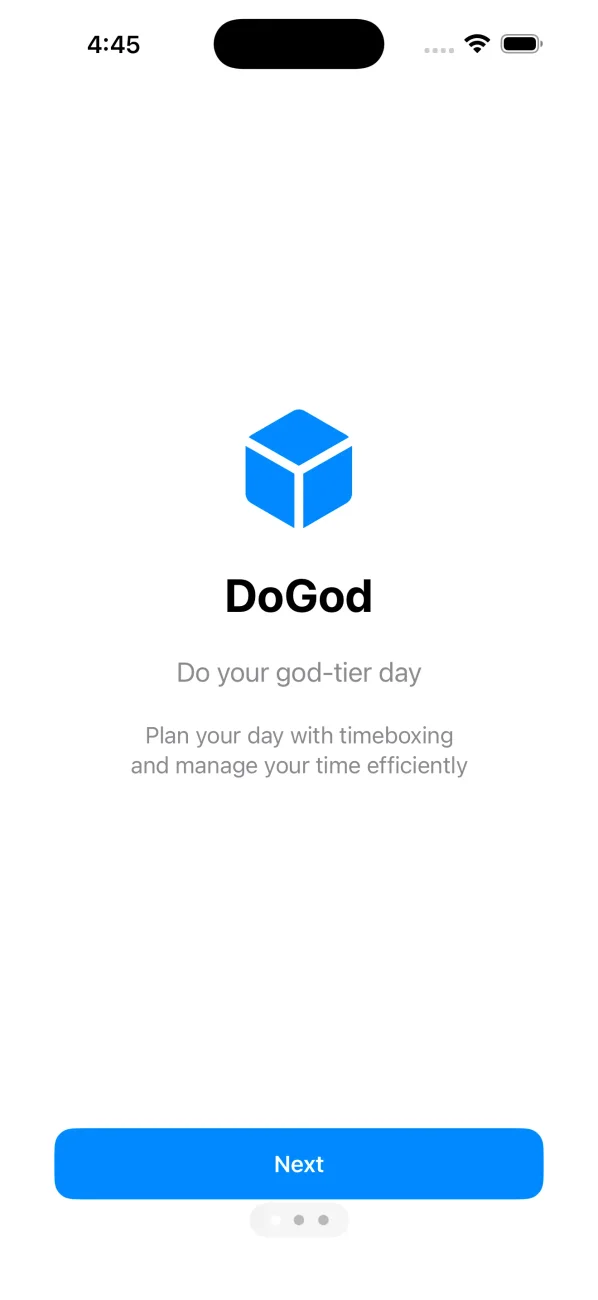
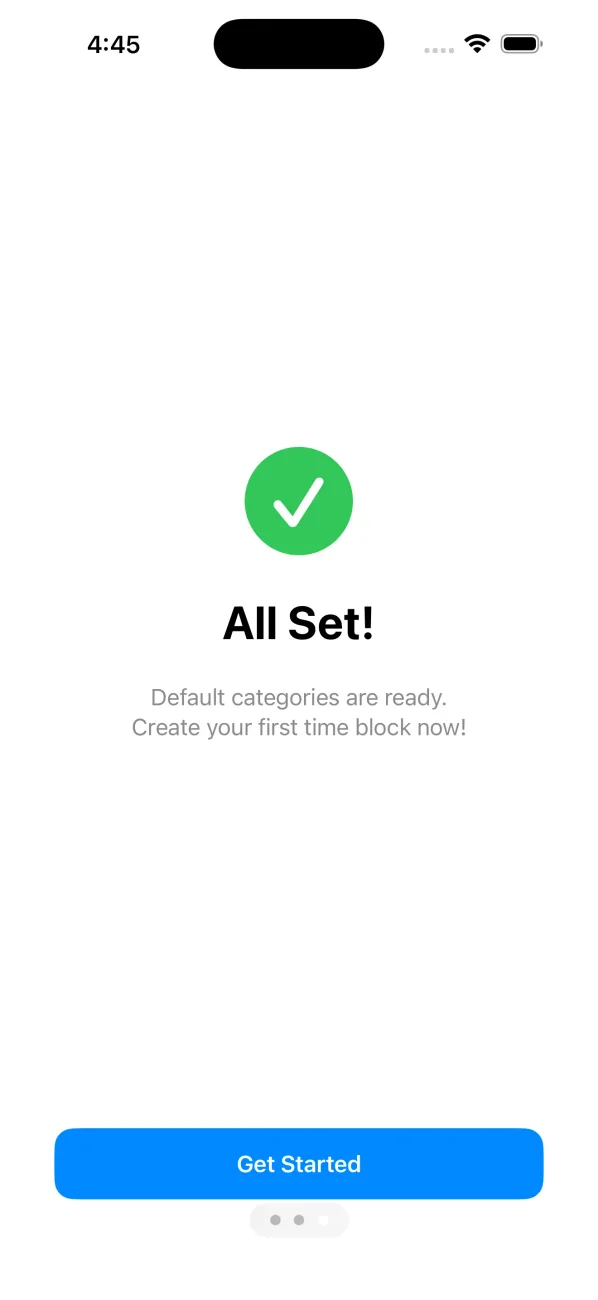
DoGod is a time-blocking planner that helps you fully focus on today.
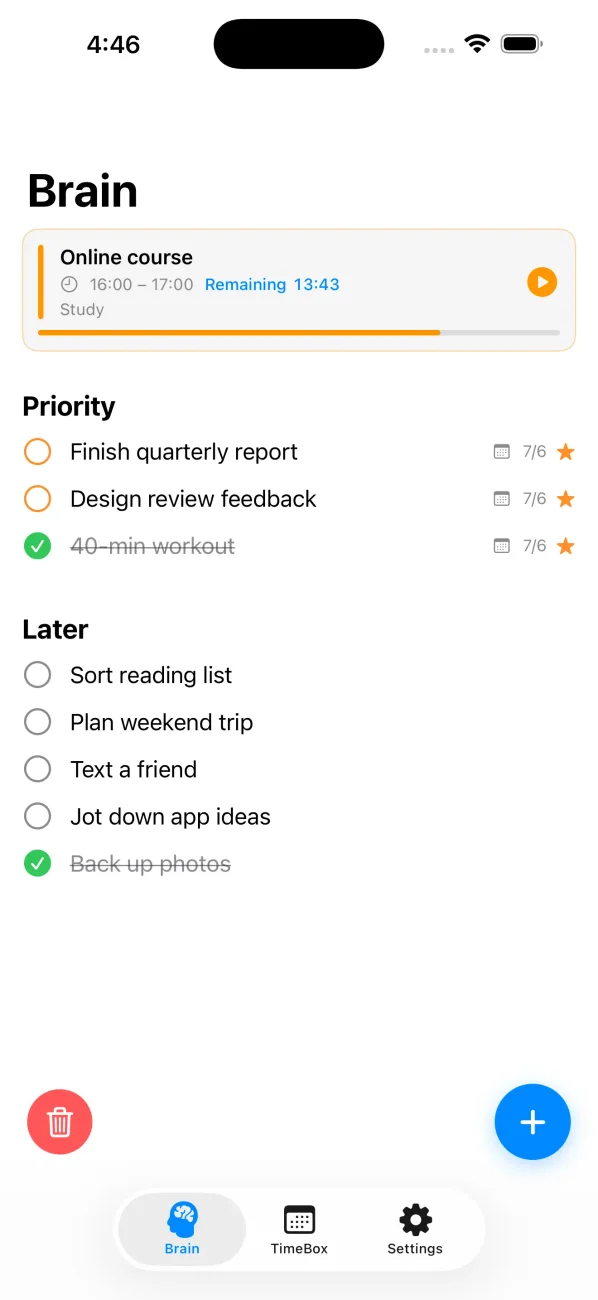
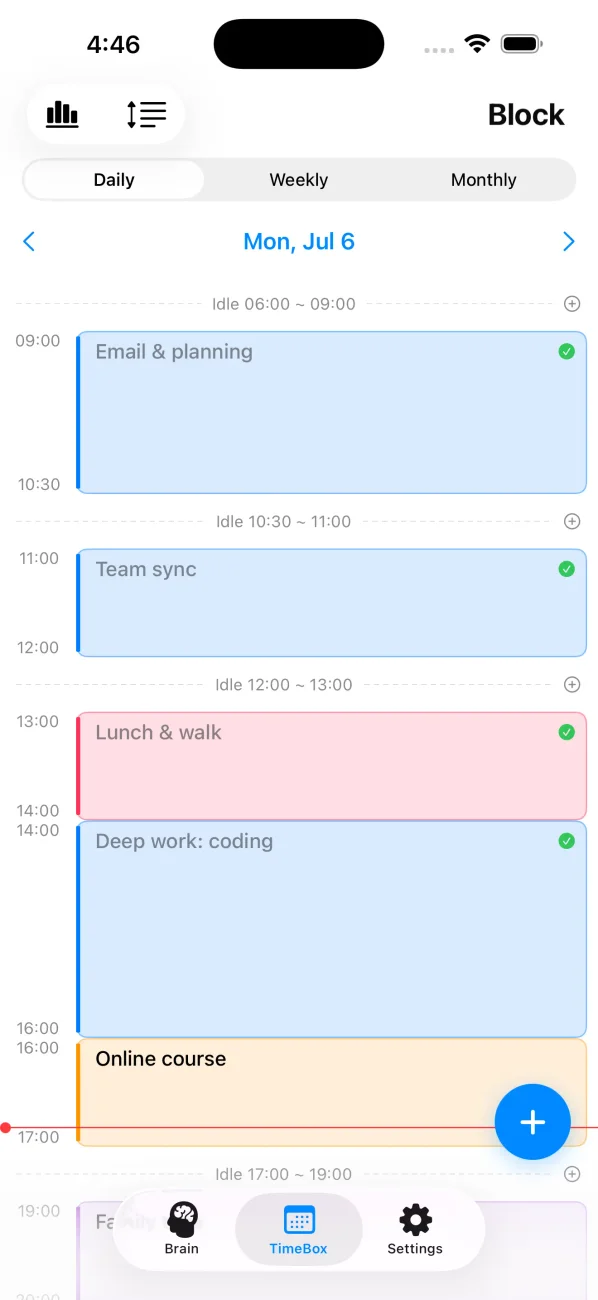
Clear your cluttered mind (Brain), and design your day in your own time blocks (TimeBox).
Stop carrying your to-do list around in your head. Dump everything on your mind, set your priorities, and slot them into time blocks. That's it. The perfect day you're after starts with a lighter mind.
■ Brain — Clear your mind
· Pick only what truly matters as a "Task"
· Dump everything else into "Later"
■ TimeBox — Design your day in blocks
· Split time your way, starting from 5-minute blocks
· Link tasks to blocks and get straight to work
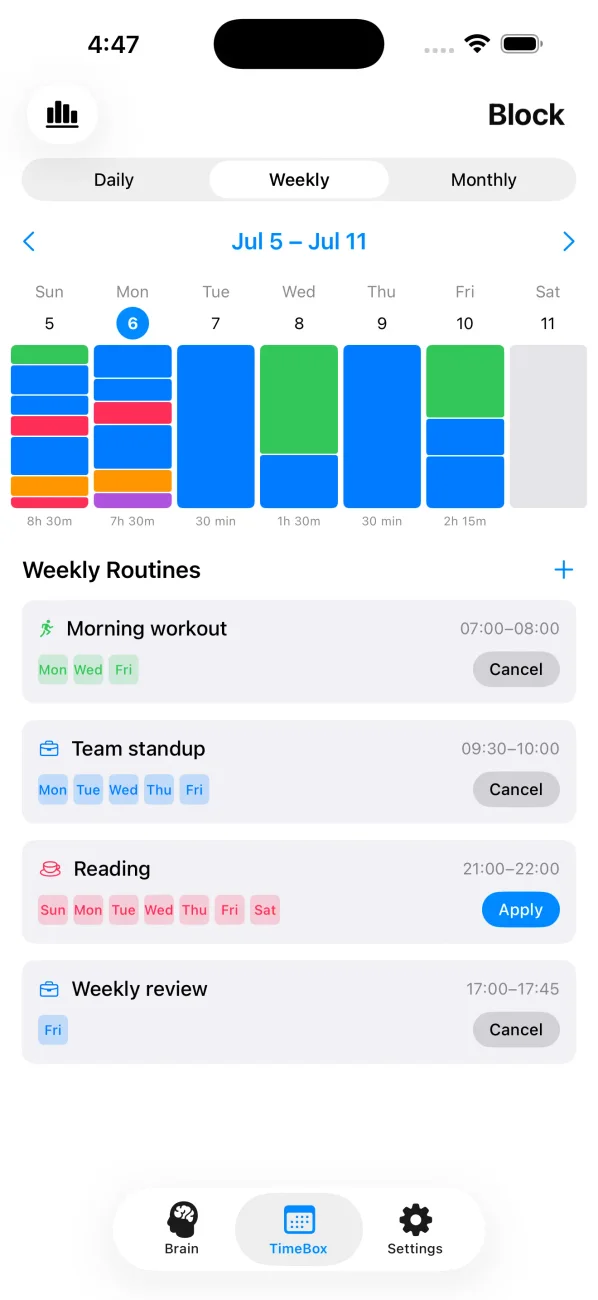
· Set recurring schedules as weekly routines, in seconds
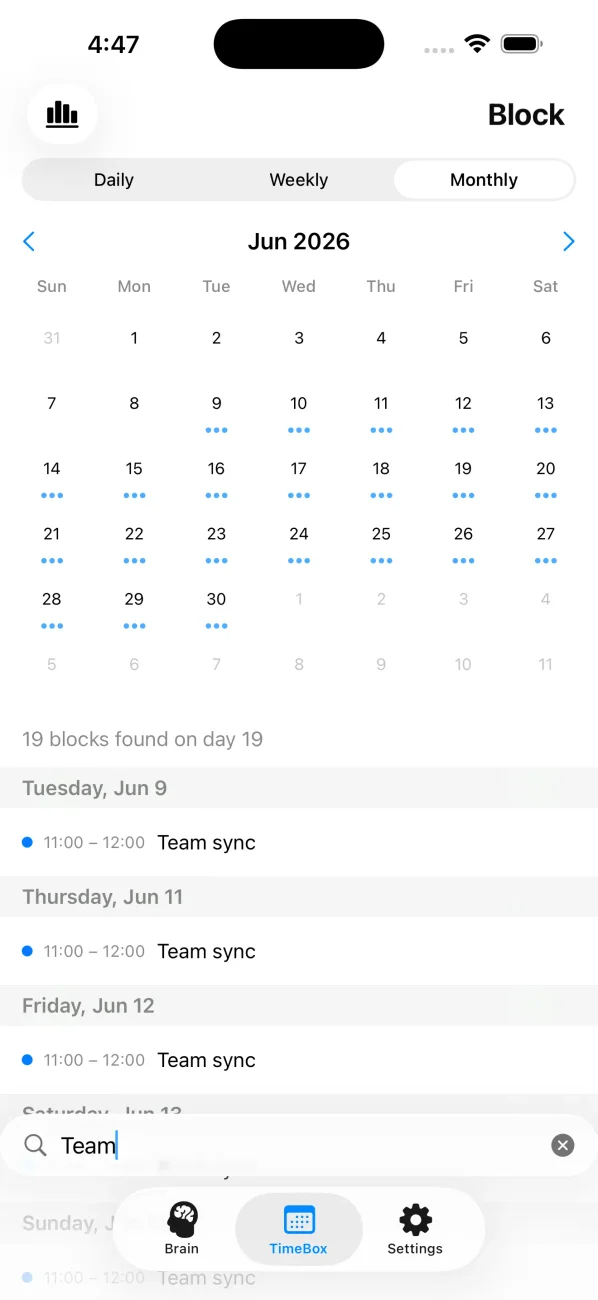
· See your whole day, week, or month at a glance
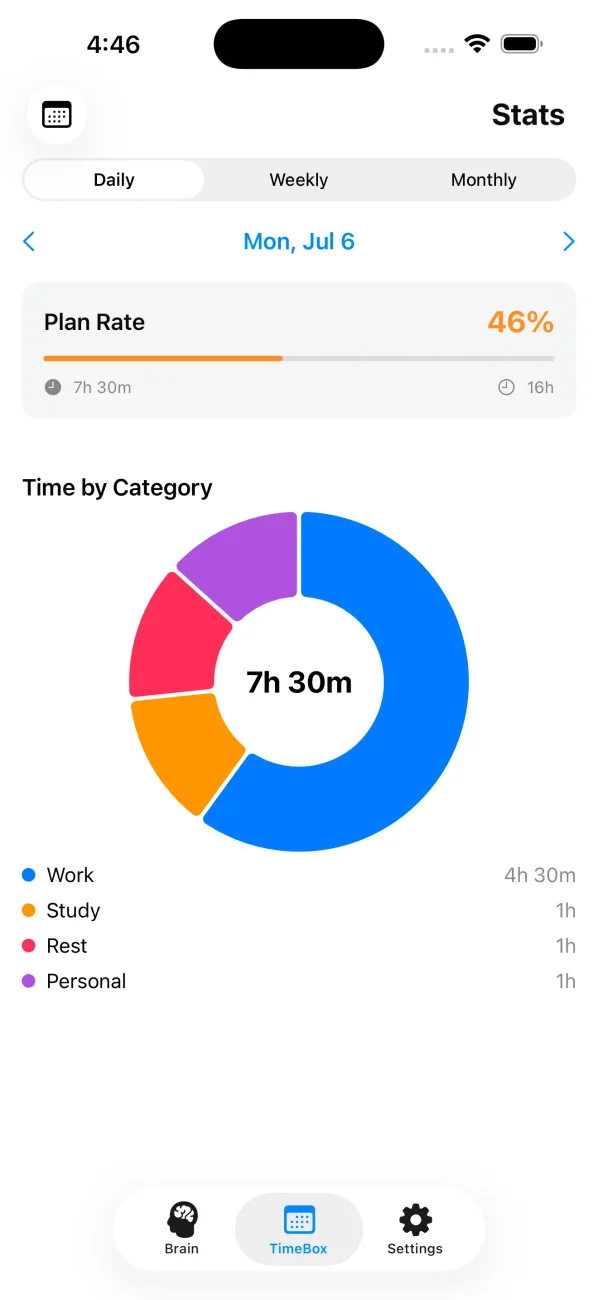
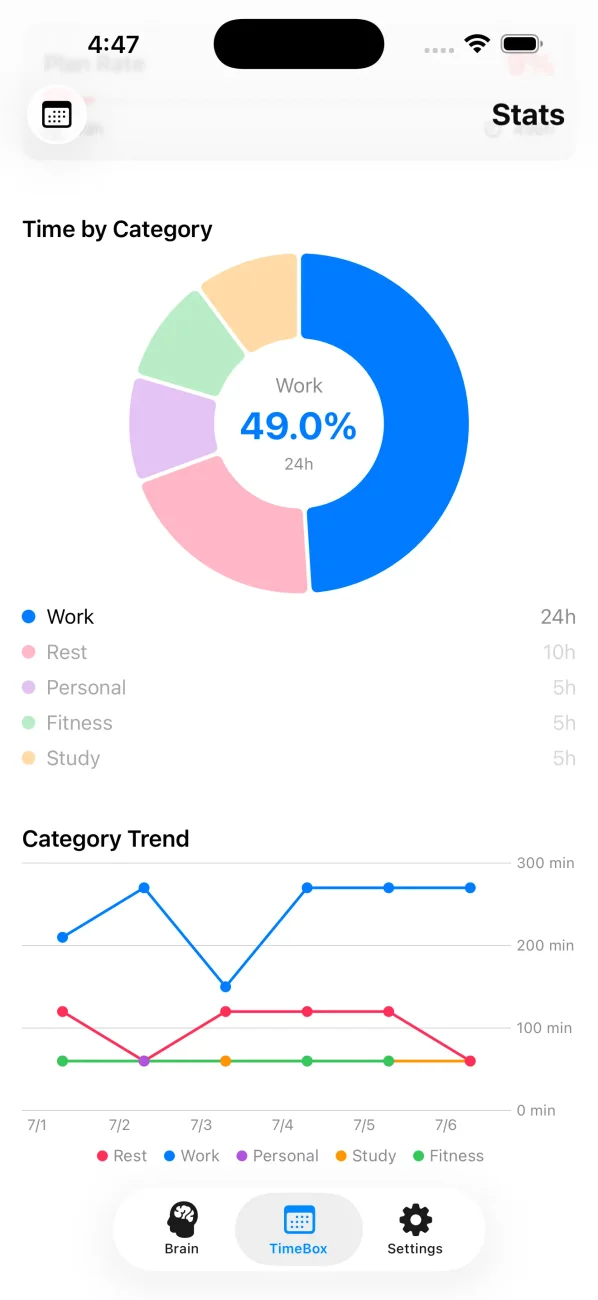
■ Stats — Look back
· See where your time actually went, in a donut chart
· Discover your patterns with plan rate and trends
■ Free to start
· Full access to Brain & TimeBox
· Daily / Weekly / Monthly views
· Basic stats that show off your productive day
■ DoGod Plus (One-time purchase. No subscription, ever.)
· iCloud sync: seamless across iPhone and iPad
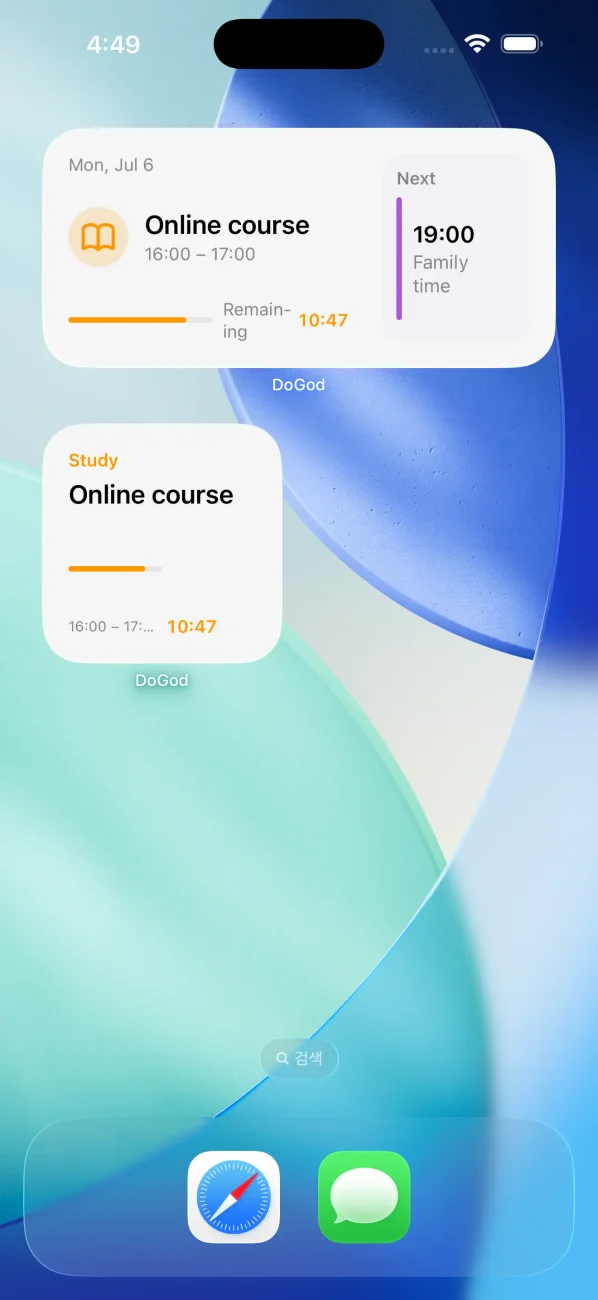
· Home & Lock Screen widgets: check what's next in a glance, without opening the app
· Advanced stats: a deeper look at your focus patterns
Built with privacy in mind.
No ads. No tracking. No external servers.
Your data stays safely in your own iCloud — nowhere else.
Do your god-tier day.
Start designing your best day, today.
Ready to build your own god-tier life with DoGod?
· Blog: https://blog.naver.com/rlfxo_promo
Novedades
Versión 1.1 · 26/8/2026
What's New
• Apple Calendar: your calendar events now appear on the day timeline. Tap an event to turn it into a time box. (Viewing is free; turning an event into a time box is a DoGod Plus feature.)
• Due dates for key tasks: choose today, 3 days, 1 week, or 1 month. A task turns red once its due date passes, and stays unmarked if you don't set one.
• Add a new category right from the screen where you create a time box.
Bug Fixes
• Fixed duplicate Korean/English default categories being created during iCloud sync.
• Fixed tapping an empty-time row so the new time box starts at that time.
Privacidad de la aplicación
Lo que RLFXO declara en App Store sobre cómo esta aplicación gestiona los datos.
-
No se recopilan datos
El desarrollador no recopila ningún dato de esta aplicación.
Las prácticas de privacidad pueden variar, por ejemplo, según las funciones que uses o tu edad.
Información
- Vendedor
- RLFXO
- Categoría
- Productividad
- Versión
- 1.1
- Actualizado
- 26/8/2026
- Publicado
- 29/7/2026
- Tamaño
- 4,9 MB
- Requiere
- iOS 17.0 o posterior
- Clasificación por edad
- 4+
- Precio
- Gratis
- Compras en la aplicación
- Sí
- Idiomas
- Inglés, Coreano
- Copyright
- © 2026 RLFXO
Quizá también te guste
-
 나를(naleul)Productividad
-
 TimeBox – Planificador diarioBloques, hábitos y enfoque
-
 Abang-Ideas and BrainstormingProductividad
-
 링크풀 - 체계적인 링크 관리의 시작Productividad
-
 Selah: Notas de CultoSermón · Biblia · Widget
-
 pensiv: Writing app for novelsProductividad
-
 HAVIT - 콘텐츠 아카이빙 앱, 해빗Productividad
-
 Scritch – Handwriting NotesProductividad
-
 To do Block: Lista de tareasCalendario & Manejo de tareas
-
 리뷰플로우 - AI 체험단·협찬 일정 관리 앱Productividad